Communication Best in category 2 results Unified Communications AI Tool

Popular AI tools in the Unified Communications field of Communication include klink.cloud、Inboxly, etc., helping you quickly improve efficiency.

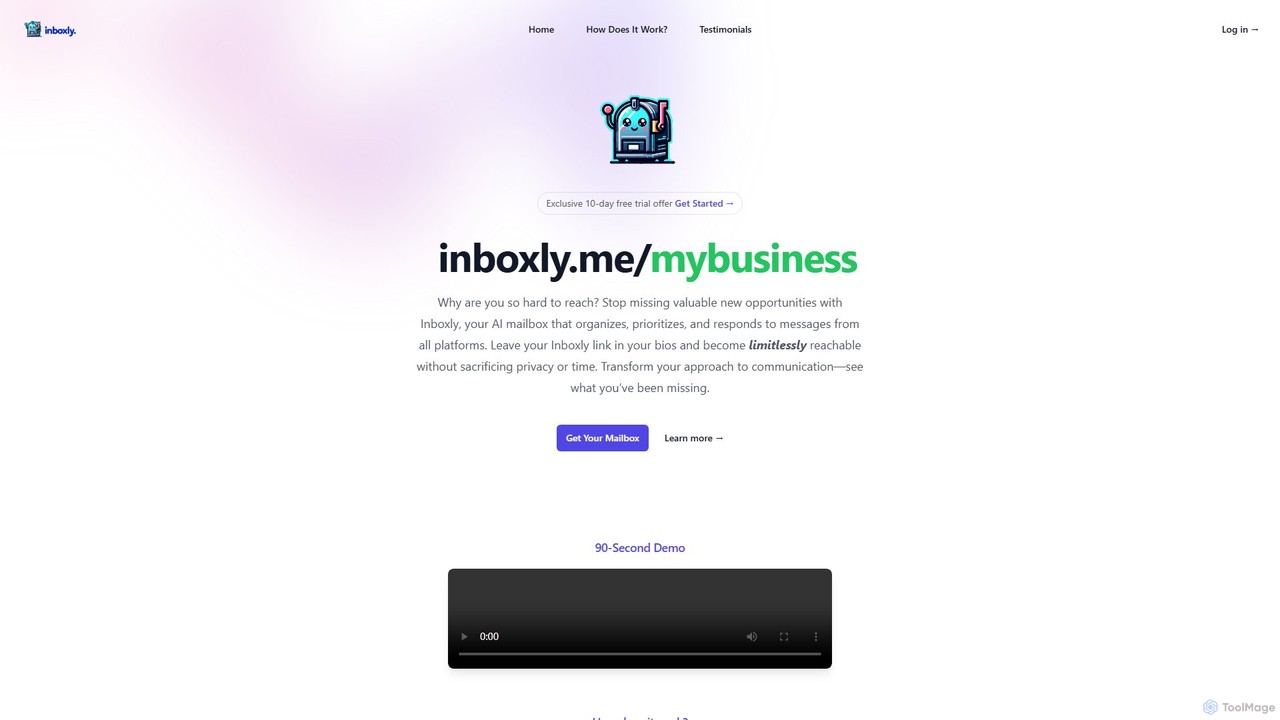
klink.cloud

klink.cloud

klink.cloud is an AI-powered unified customer experience (CX) platform that centralizes all customer conversations from channels like voice, …

176.8K
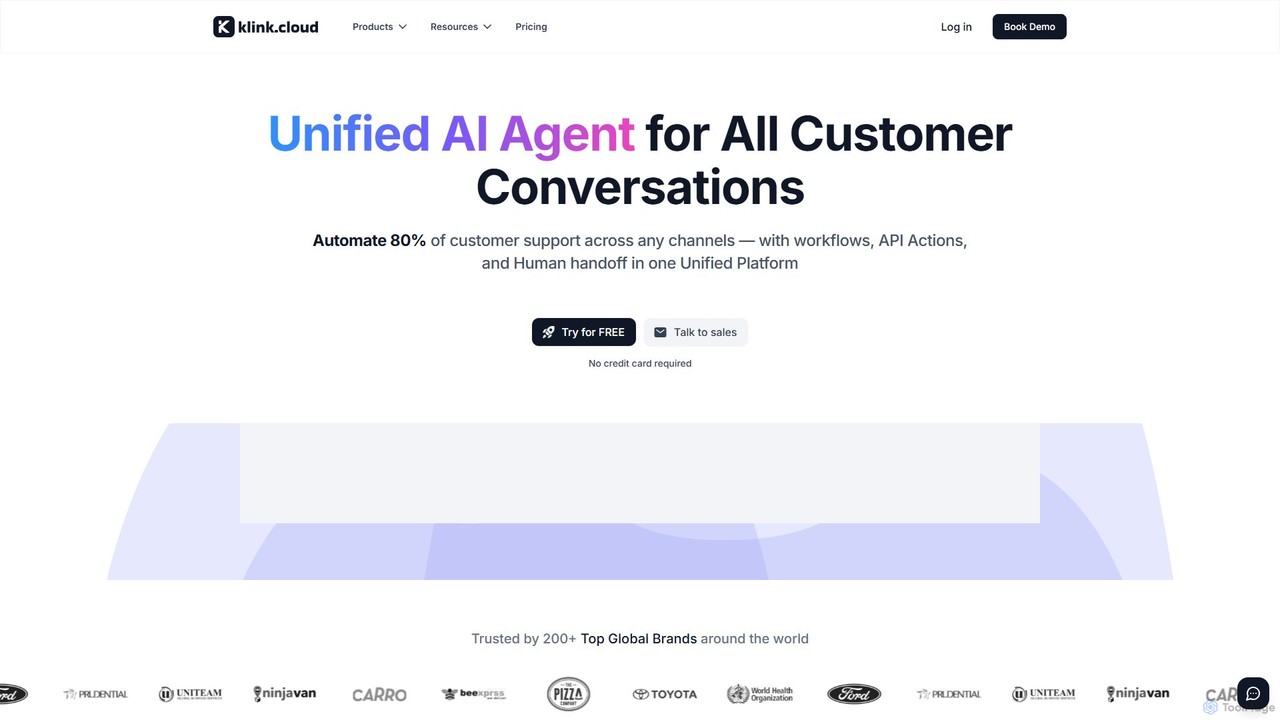
Inboxly

Inboxly

Inboxly is an AI-powered mailbox that unifies messages from all your platforms into a single, smart inbox. It …

4.1K

About Unified Communications

Unified Communications (UC) tools are platforms that integrate various real-time and non-real-time communication services into a single, consistent interface. These systems consolidate voice, video conferencing, instant messaging, email, and presence information, allowing users to switch between different communication methods seamlessly within one application. The primary value of UC is breaking down communication silos, enhancing collaboration, and simplifying workflows across an organization. By providing a centralized hub for all interactions, these tools improve productivity and support modern hybrid work environments.

Core Features

  • Multi-Channel Integration: Combines voice (VoIP), video, messaging, and email into one platform.
  • Presence Information: Displays the real-time availability and status of colleagues (e.g., available, busy, away).
  • Single User Interface: Provides a consistent experience across all devices, including desktops, tablets, and smartphones.
  • Collaboration Tools: Includes features like screen sharing, file sharing, and virtual whiteboards for interactive teamwork.
  • Cross-Device Synchronization: Ensures messages and call history are synced and accessible on any device.

Use Cases

Unified Communications platforms are essential for organizations with distributed or hybrid teams, such as tech companies, consulting firms, and global corporations. They are heavily used in customer support centers to streamline agent-customer interactions and in sales departments to accelerate communication with prospects. Project managers also rely on these tools to coordinate tasks and maintain constant contact with team members, regardless of their physical location.

How to Choose

When selecting a Unified Communications tool, first evaluate its integration capabilities with your existing software stack (e.g., CRM, project management tools). Consider the platform's scalability to ensure it can support your company's growth. Security and compliance with industry standards like GDPR or HIPAA are critical, especially for handling sensitive data. Finally, assess the user interface's intuitiveness and the quality of its mobile application to ensure high adoption rates among employees.

Unified CommunicationsUse Cases

1

Enhancing Hybrid Team Collaboration

A project manager leading a globally distributed team uses a Unified Communications platform to streamline daily operations. They start the day by checking team members' presence status to find the best time for a quick sync-up. Instead of sending multiple emails, they create a dedicated project channel for instant messaging and file sharing. When a complex issue arises, the manager instantly escalates the chat to a multi-party video call with screen sharing, allowing the team to solve the problem collaboratively in real-time. This integrated approach reduces communication delays and ensures everyone stays aligned, regardless of their time zone.

2

Streamlining Customer Support Escalations

A customer support agent is assisting a customer via live chat with a technical software issue. When the problem proves too complex to solve through text, the agent uses the Unified Communications platform to seamlessly transition the chat into a voice call without requiring the customer to dial a new number. To get a clearer picture, the agent then initiates a screen-sharing session, allowing them to see the customer's screen and guide them through the solution step-by-step. This ability to switch communication modes within a single interaction resolves issues faster, reduces customer frustration, and improves first-contact resolution rates.

3

Accelerating the Sales Cycle

A sales representative is on a video call with a high-value prospect who asks a detailed technical question. Instead of scheduling a follow-up call, the representative checks the presence status of a sales engineer on their UC platform. Seeing they are available, the rep adds them to the ongoing video call instantly. The engineer answers the question, and the rep shares a relevant case study using the platform's file-sharing feature. This real-time collaboration impresses the prospect, removes a potential roadblock, and significantly shortens the sales cycle by providing immediate, expert answers.

4

Facilitating Corporate-Wide Announcements

An HR department needs to communicate a major policy update to all employees across different offices and remote locations. Using their Unified Communications platform, they schedule a company-wide video town hall meeting. Before the meeting, they share a summary document and an agenda in a dedicated announcements channel. During the live event, employees can ask questions via integrated chat. After the meeting, a recording is automatically generated and posted in the same channel for those who couldn't attend. This multi-faceted approach ensures the message is delivered consistently, accessibly, and allows for interactive feedback, all within one system.

5

Remote IT Troubleshooting and Support

An employee working from home encounters a critical software error. They contact the IT helpdesk through the company's UC platform. The IT support specialist initiates a chat to understand the issue, then quickly starts a video call to see the error message. To resolve the problem efficiently, the specialist requests remote control of the employee's screen through the same platform. They navigate the system, fix the configuration error, and verify the solution with the employee, all within a single, secure session. This integrated workflow eliminates the need for separate remote desktop software and provides a faster, more seamless support experience.

6

Coordinating Emergency Response Actions

In a crisis management scenario, such as a supply chain disruption, a response team leader uses a UC platform to instantly create a dedicated communication channel. They add key personnel from logistics, operations, and communications. The leader initiates a persistent video conference bridge that team members can join or leave as needed. Real-time updates are shared via instant messaging, while critical documents are pinned in the channel for easy access. This centralized command center ensures rapid information dissemination, coordinated decision-making, and a clear audit trail of all communications during the critical event.

Unified CommunicationsFrequently Asked Questions