ToolMage
Sign in

Best 2 Inbox Management AI tools for Productivity

Popular Inbox Management AI tools in Productivity include Inboxly and MailWizard, helping you work more efficiently.

MailWizard
Freemium

MailWizard

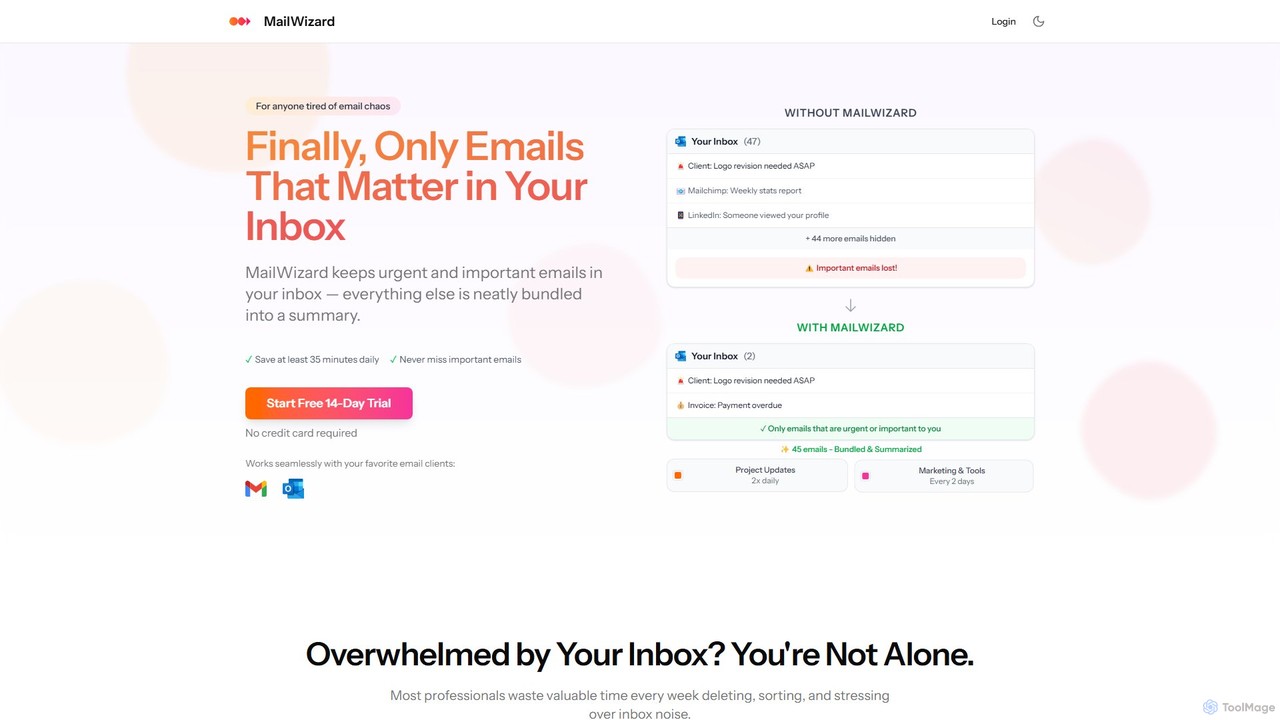
MailWizard is an AI-powered email assistant that transforms your inbox experience. It intelligently filters out noise, bundles non-urgent emails into smart summaries, and ensures you only see what truly matters. Save time, reduce stress, and reclaim your focus with automated workflows and AI-generated digests, including audio versions for on-the-go updates.

Workflow Management
Visits 7.6KFavorites 135Likes 120
Inboxly
Paid

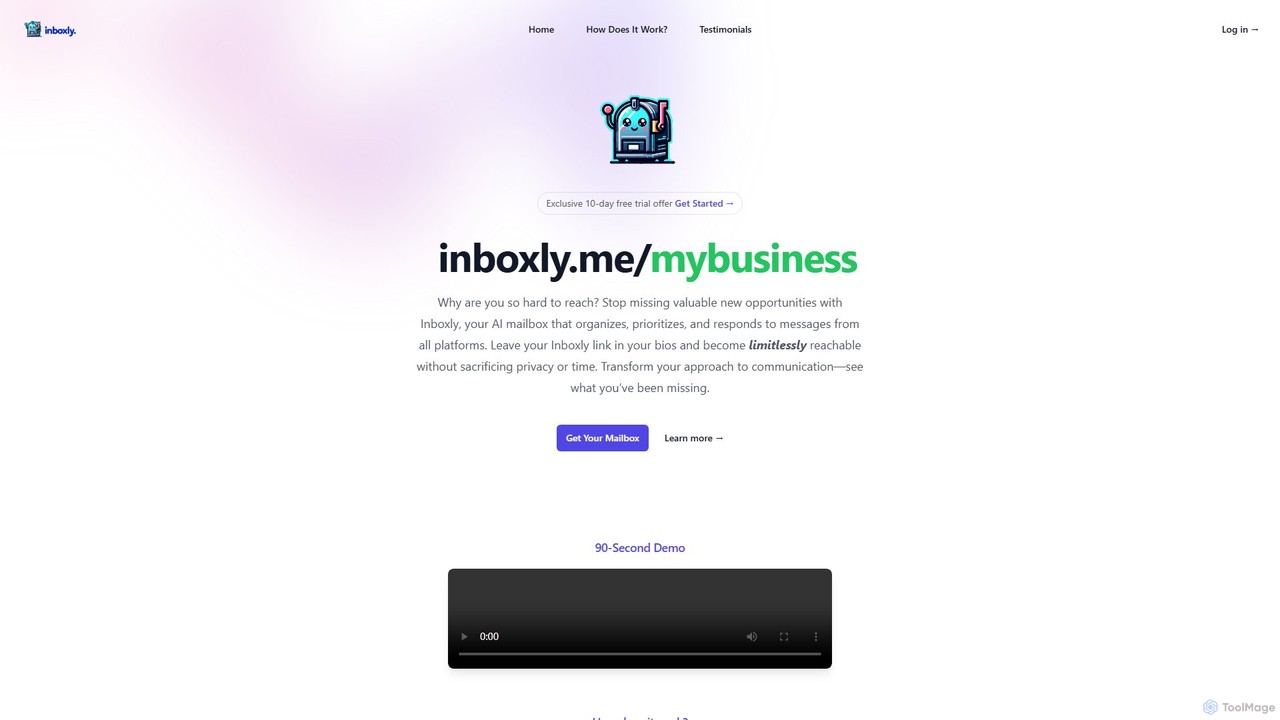
Inboxly

Inboxly is an AI-powered mailbox that unifies messages from all your platforms into a single, smart inbox. It uses an AI assistant to organize, prioritize, and automate responses, helping you manage communications efficiently and never miss a valuable opportunity. Share a single public link to stay reachable without sacrificing privacy.

Unified Communications
Visits 7.8KFavorites 153Likes 145

About Inbox Management

Inbox Management tools are AI-powered solutions designed to streamline and optimize the handling of emails and messages. These tools leverage artificial intelligence to analyze, prioritize, summarize, and automate responses, transforming overwhelming inboxes into organized, actionable workspaces. By reducing manual effort and cognitive load, AI inbox management significantly enhances personal and team productivity within the broader context of productivity tools.

Core Features

  • AI-powered Prioritization: Automatically identifies and highlights urgent or important messages based on content and sender.
  • Email Summarization: Condenses lengthy email threads or individual messages into concise key points for quick understanding.
  • Automated Response Generation: Drafts intelligent replies or suggests quick responses based on message context and user preferences.
  • Smart Categorization & Tagging: Organizes incoming communications into relevant folders, labels, or categories without manual intervention.
  • Spam & Junk Filtering: Employs advanced AI algorithms to detect and filter out unwanted or malicious messages more effectively than traditional methods.

Applicable Scenarios

Professionals facing high volumes of daily communications, such as customer support agents, sales representatives, and project managers, greatly benefit from these tools. They are also invaluable for individuals seeking to reclaim time and focus from constant inbox distractions, enabling more efficient workflow management and decision-making.

How to Choose

When selecting an AI inbox management tool, consider its integration capabilities with your existing email platforms, the accuracy and customization options of its AI algorithms, and its data security and privacy policies. Evaluate the range of automation features, the clarity of its summarization, and its ability to learn from your interactions to ensure it meets your specific workflow needs and enhances, rather than complicates, your communication processes.

Inbox Management use cases

1

Automating Customer Support Email Triage

Customer service teams use AI inbox management to automatically categorize incoming support tickets, prioritize urgent issues, and suggest relevant knowledge base articles or draft initial responses. This significantly reduces response times, ensures critical customer queries are addressed promptly, and improves overall customer satisfaction by streamlining the initial contact phase.

2

Prioritizing Sales Leads Communications

Sales professionals leverage these tools to identify and prioritize emails from high-value leads or potential clients. The AI can highlight key phrases indicating buying intent, summarize long communication histories, and even suggest follow-up actions. This ensures no critical opportunity is missed, allowing sales teams to focus their efforts on the most promising prospects and accelerate the sales cycle.

3

Summarizing Project Update Threads

Project managers and team leads utilize AI to condense lengthy project update emails or internal communication threads into concise summaries. This allows them to quickly grasp the status, identify blockers, and make informed decisions without sifting through hundreds of messages. It significantly saves time and improves decision-making efficiency, especially in fast-paced project environments.

4

Managing Personal Inbox Overload

Individuals overwhelmed by a constant stream of emails use AI inbox management to filter out noise, prioritize personal and professional communications, and automate routine tasks like archiving newsletters or scheduling reminders. This helps them maintain focus, reduce stress, and ensure important personal messages or appointments are not overlooked, leading to better personal productivity and work-life balance.

5

Filtering and Responding to Job Applications

HR professionals employ these tools to efficiently process large volumes of job applications. The AI can automatically filter out unqualified candidates based on predefined criteria, summarize resumes, and even draft personalized rejection or interview invitation emails. This streamlines the recruitment process, saving significant time and resources while ensuring a consistent and timely candidate experience.

6

Streamlining Internal Team Communications

Team leaders and managers use AI inbox management to ensure critical internal announcements or task assignments are seen and acted upon. The tools can prioritize messages from specific departments, summarize discussion threads, and flag action items. This fosters clearer and more efficient team collaboration, reduces information overload, and helps maintain alignment on project goals and deadlines across the organization.

Inbox Management FAQ

What are AI Inbox Management tools?

AI Inbox Management tools are software solutions that use artificial intelligence to help users efficiently handle their email and message communications. They go beyond basic filters by understanding context, prioritizing messages, summarizing content, and automating various tasks to reduce manual effort and improve communication workflow. These tools are a subset of productivity software, specifically designed to combat digital overload.

How do AI Inbox Management tools improve productivity?

These tools boost productivity by automating repetitive tasks like sorting, categorizing, and drafting replies, reducing the time spent on manual inbox organization. They prioritize important messages, ensuring users focus on high-value tasks, and summarize lengthy communications, saving time on reading. This allows users to manage their inbox more effectively and dedicate more time to core responsibilities, leading to overall enhanced productivity.

What features should I look for in an Inbox Management tool?

When choosing an AI inbox management tool, look for robust AI-powered prioritization, accurate email summarization, and intelligent automated response generation. Essential features also include seamless integration with your existing email client, strong data security and privacy protocols, and customization options to adapt to your specific workflow and communication style. Consider scalability for team use and user-friendly interfaces.

Is AI Inbox Management secure for sensitive information?

The security of sensitive information is a critical concern for AI inbox management tools. Reputable providers implement advanced encryption, strict data privacy policies, and compliance with regulations like GDPR or HIPAA. Users should always review a tool's security measures, data handling practices, and terms of service to ensure their sensitive information is adequately protected and that the tool aligns with their organizational security requirements.

How does AI Inbox Management differ from traditional email filters?

AI Inbox Management differs significantly from traditional email filters by using advanced machine learning to understand context and intent, rather than just keywords or sender rules. Traditional filters are rule-based and static, while AI tools learn from user interactions, adapt to evolving communication patterns, and can perform complex tasks like summarization and intelligent drafting, offering a more dynamic and personalized approach to inbox organization and productivity.