Userflow
Userflow is an AI-powered, no-code platform for building in-app user onboarding, product tours, and surveys. It helps SaaS …
Userflow is an AI-powered, no-code platform for building in-app user onboarding, product tours, and surveys. It helps SaaS companies increase product adoption, engage users with new features, and reduce customer churn through interactive guidance.
Frigade
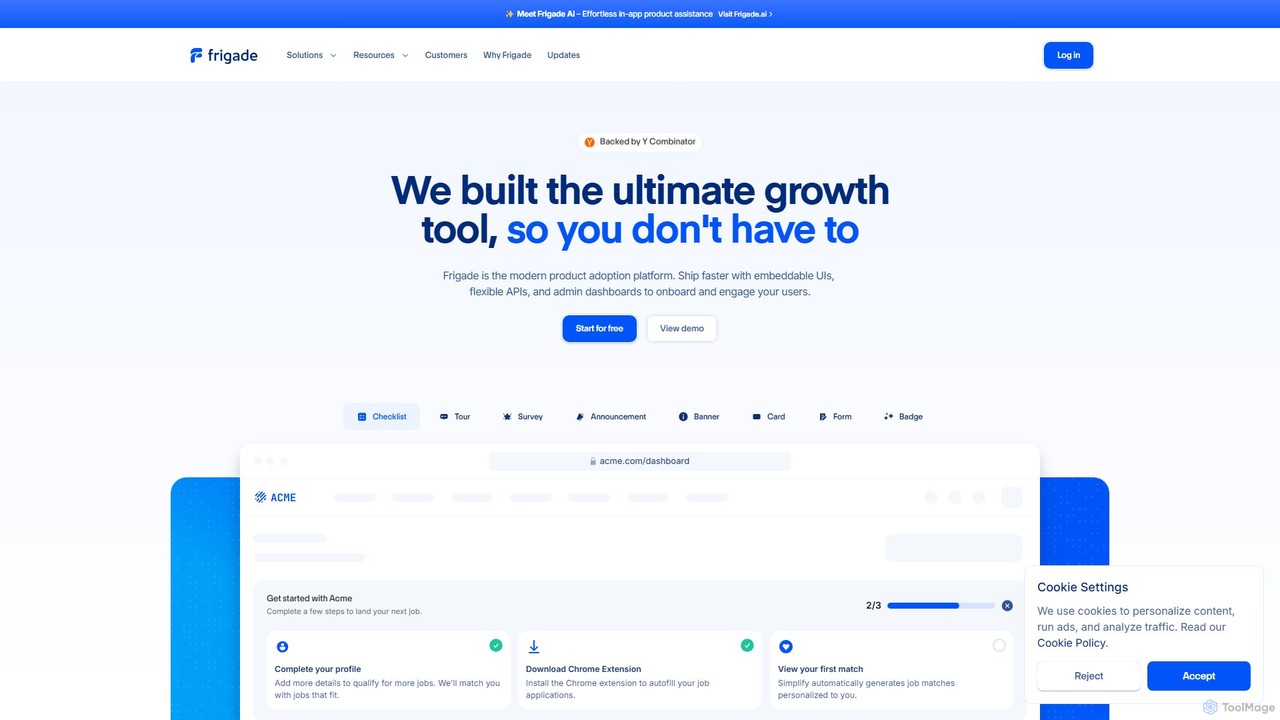
Frigade is a modern product adoption platform designed for product-led growth. It empowers SaaS companies to build better …
Frigade is a modern product adoption platform designed for product-led growth. It empowers SaaS companies to build better user onboarding, drive feature adoption, and increase engagement with embeddable UI components, flexible APIs, and a new AI-powered agent. Ship high-quality in-app experiences like tours, checklists, and surveys without extensive engineering effort.
HelpHub
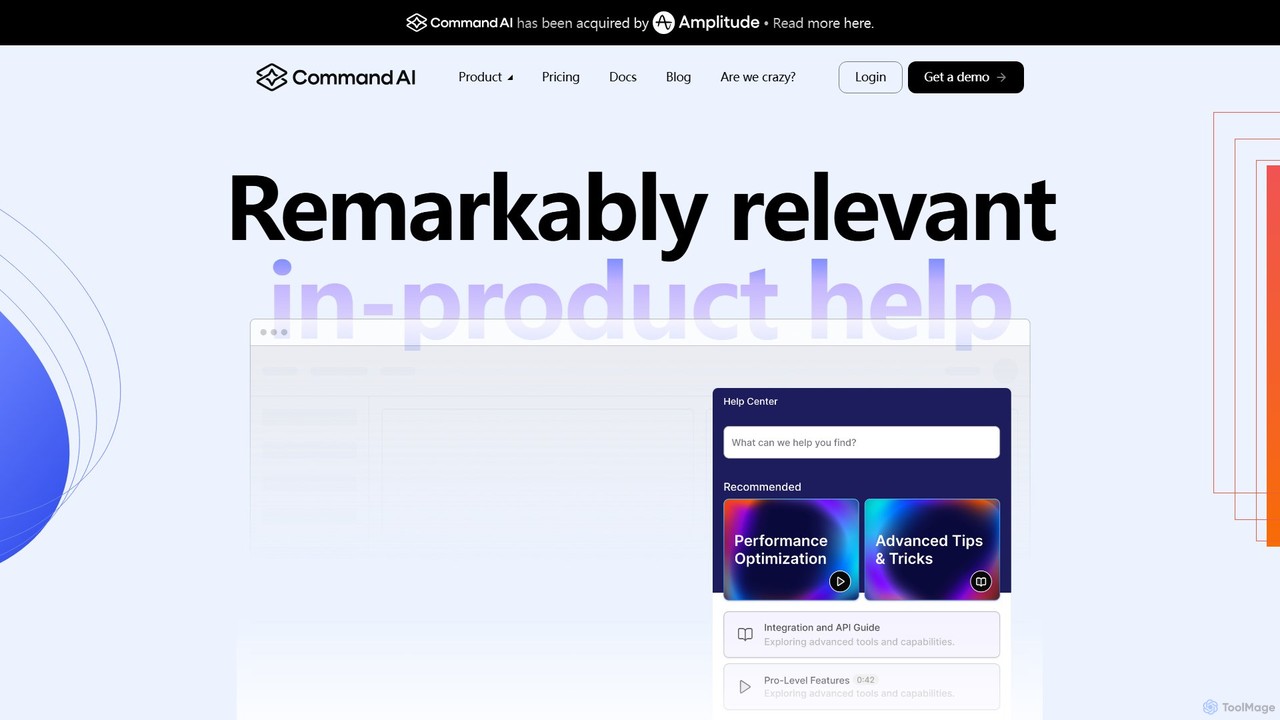
HelpHub by Command AI is an intelligent user assistance platform that provides personalized, in-product help. It uses AI-powered …
HelpHub by Command AI is an intelligent user assistance platform that provides personalized, in-product help. It uses AI-powered semantic search, a copilot-style support agent, and proactive nudges to guide users, answer questions, and reduce support tickets. By syncing with existing content and analyzing user behavior, HelpHub delivers remarkably relevant assistance, improving user satisfaction and self-sufficiency.
Cedar
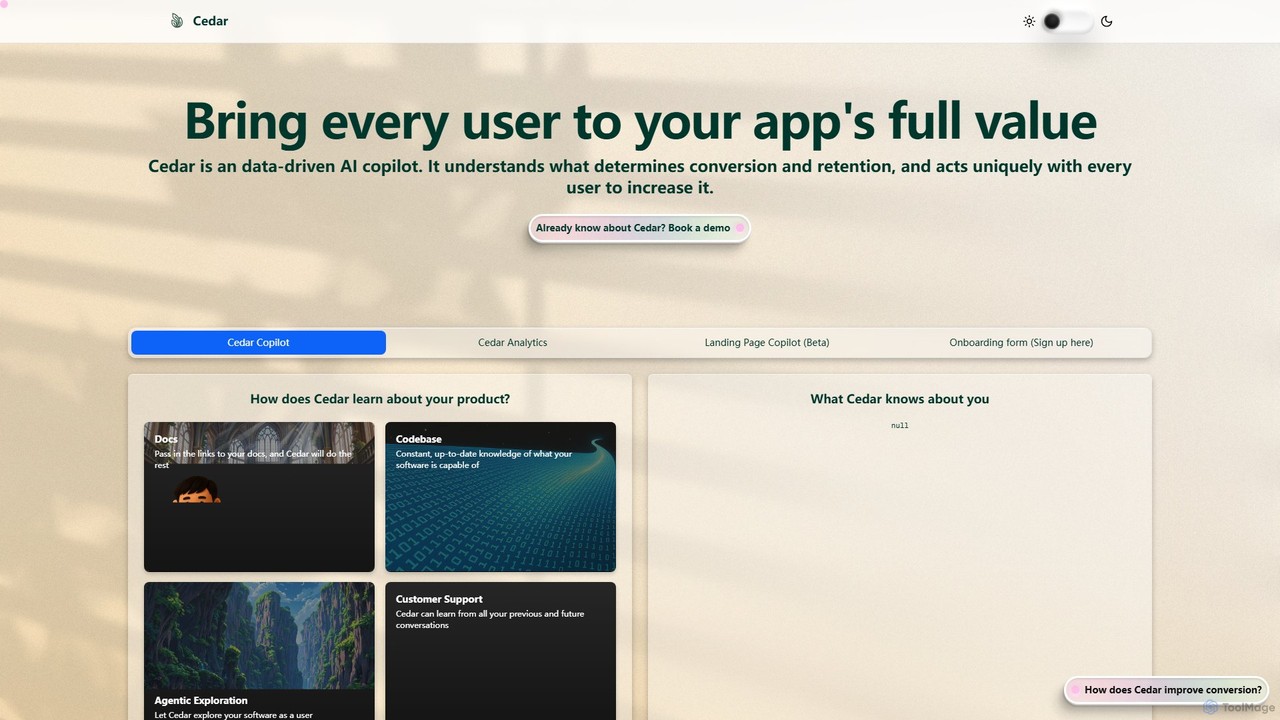
Cedar is a data-driven AI copilot designed to enhance user engagement and boost conversion rates for applications. It …
Cedar is a data-driven AI copilot designed to enhance user engagement and boost conversion rates for applications. It understands user behavior to provide personalized guidance, transforming the user journey from onboarding to full feature adoption, ultimately increasing retention.
Fullview
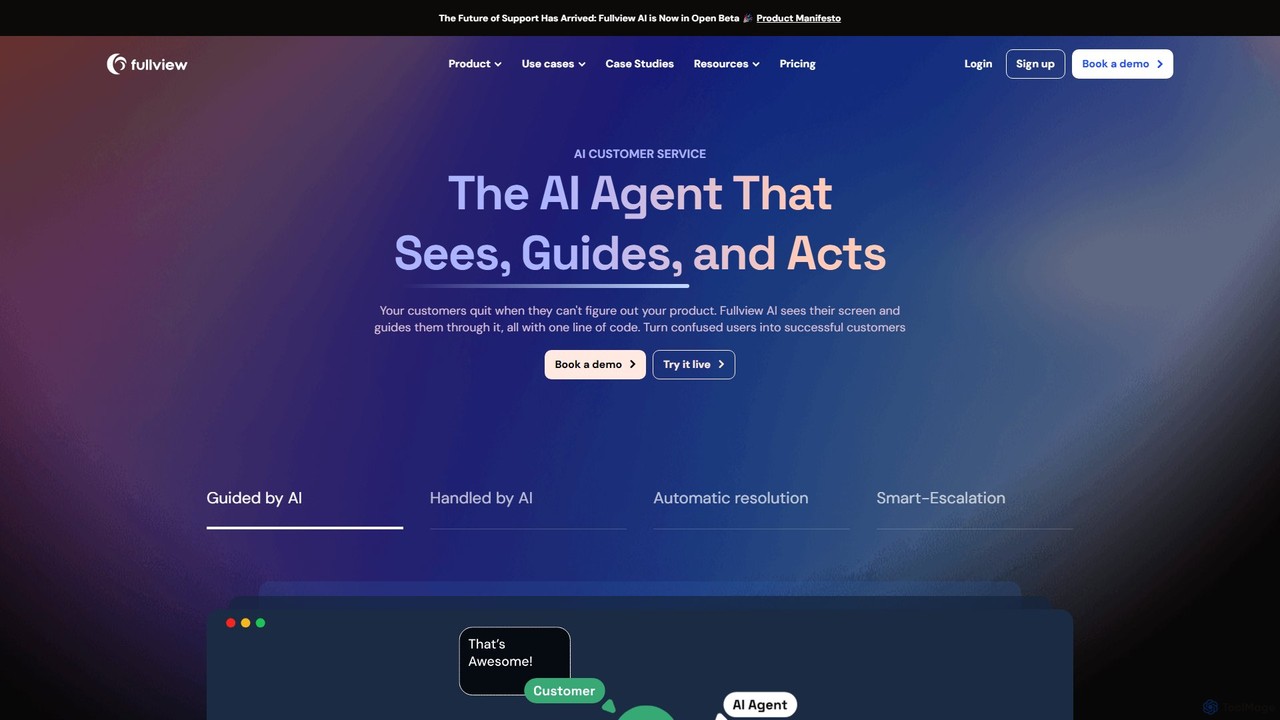
Fullview is an advanced AI customer service agent that goes beyond traditional chatbots. It visually analyzes your product's …
Fullview is an advanced AI customer service agent that goes beyond traditional chatbots. It visually analyzes your product's UI to see what your users see, providing on-screen guidance, step-by-step walkthroughs, and even performing actions autonomously to resolve issues. It's designed to automate support, streamline user onboarding, and enhance overall customer experience with just one line of code.
About User Onboarding
AI User Onboarding tools are a class of software designed to automate and personalize the process of guiding new users through a product or application. These tools leverage AI to analyze user behavior, delivering contextual guidance like interactive tours, tooltips, and checklists right when they are needed. The primary goal is to accelerate user activation, improve feature adoption, and ultimately reduce churn. As a key part of the Productivity suite, they empower product teams to create seamless first-time experiences without extensive engineering effort.
Core Features
- Interactive Product Tours: Create step-by-step walkthroughs that guide users through key features and workflows in real-time.
- Contextual In-App Messaging: Trigger tooltips, modals, and hotspots based on user actions, segments, or milestones.
- Onboarding Checklists: Provide users with a clear set of tasks to complete, encouraging them to reach key activation points.
- User Behavior Analytics: Track and analyze how users interact with the onboarding flow to identify friction points and areas for improvement.
- No-Code Editor: Build, customize, and deploy onboarding experiences without writing any code, enabling non-technical teams to manage the process.
Use Cases
These tools are essential for SaaS companies, mobile app developers, and enterprise software providers. Product managers use them to increase feature adoption, UX designers to test and refine user flows, and customer success teams to proactively educate users, reducing the burden on support channels.
How to Choose
When selecting an AI User Onboarding tool, consider its integration capabilities with your platform (e.g., SDK, JS snippet). Evaluate the level of customization and branding available to ensure a consistent user experience. Strong analytics and A/B testing features are crucial for optimization, and a user-friendly no-code editor will empower your entire team to contribute.
User OnboardingUse Cases
Guiding New SaaS Users to Activation
A product manager for a project management SaaS platform aims to reduce the high drop-off rate within the first 24 hours of sign-up. Using an AI onboarding tool, they design an interactive product tour that triggers automatically for new users. The tour highlights core features like creating a task, assigning it to a team member, and setting a deadline. The AI personalizes the path based on the user's sign-up role (e.g., 'Manager' vs. 'Team Member'), ensuring they see the most relevant features first. This leads to a 30% increase in users completing their first project within a day.
Announcing New Features to Existing Users
A mobile app development team has just released a major new feature for their photo editing app. To ensure existing users discover and adopt it, they use an onboarding tool to create a non-intrusive in-app notification. When a user opens the app for the first time after the update, a modal window appears briefly explaining the new feature and offering a short, optional tour. This targeted approach increases the adoption rate of the new feature by 50% compared to previous releases that only used release notes in the app store.
Reducing Support Tickets for Complex Software
A company providing enterprise-level analytics software notices a high volume of support tickets related to a specific, complex reporting feature. The customer success team uses an onboarding tool to build a contextual help system. They place small, clickable hotspots on confusing UI elements. When clicked, these hotspots trigger tooltips with short explanations and links to detailed documentation. This proactive, in-context support reduces support tickets related to that feature by 40%, freeing up the support team to handle more critical issues.
Creating Role-Based Onboarding Checklists
An HR software platform serves various user roles, including HR managers, finance administrators, and regular employees. To streamline training, the product team creates separate onboarding checklists for each role. For an HR manager, the checklist includes 'Set up a new department' and 'Create an approval workflow'. For an employee, it includes 'Complete your profile' and 'Submit a leave request'. This tailored approach ensures users quickly learn the functions most relevant to their jobs, improving their efficiency and satisfaction with the platform from day one.
Improving Free Trial to Paid Conversion Rates
A marketing team for a graphic design tool wants to increase the conversion rate from free trials to paid subscriptions. They use an onboarding tool to analyze user behavior during the trial period and identify that users who use the 'AI Background Remover' feature are 70% more likely to convert. They then modify the onboarding flow to actively guide all new trial users to this specific feature within their first session. This simple change, driven by behavioral analytics, results in a 15% uplift in the overall trial-to-paid conversion rate.
A/B Testing Onboarding Flows for Optimization
A UX design team is unsure whether a video tutorial or an interactive checklist is more effective for onboarding new users to their video editing software. Using an AI onboarding tool's A/B testing feature, they deploy both versions simultaneously to different segments of new users. The tool automatically tracks completion rates, time-to-value, and feature adoption for each flow. After two weeks, the data clearly shows that the interactive checklist leads to a 25% higher project completion rate. The team confidently implements the checklist for all new users, knowing it's the more effective approach.