
HelpHub Overview
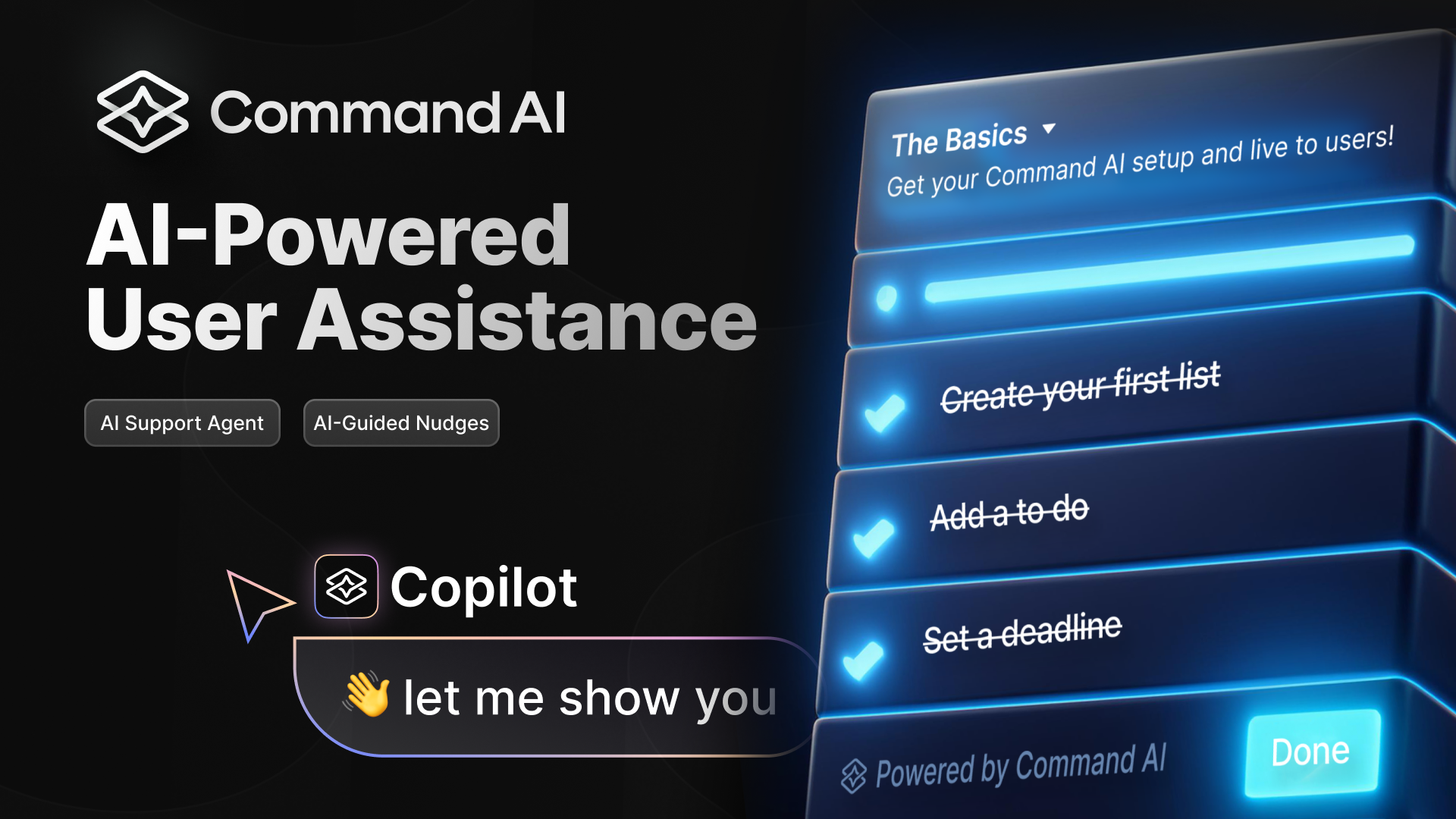
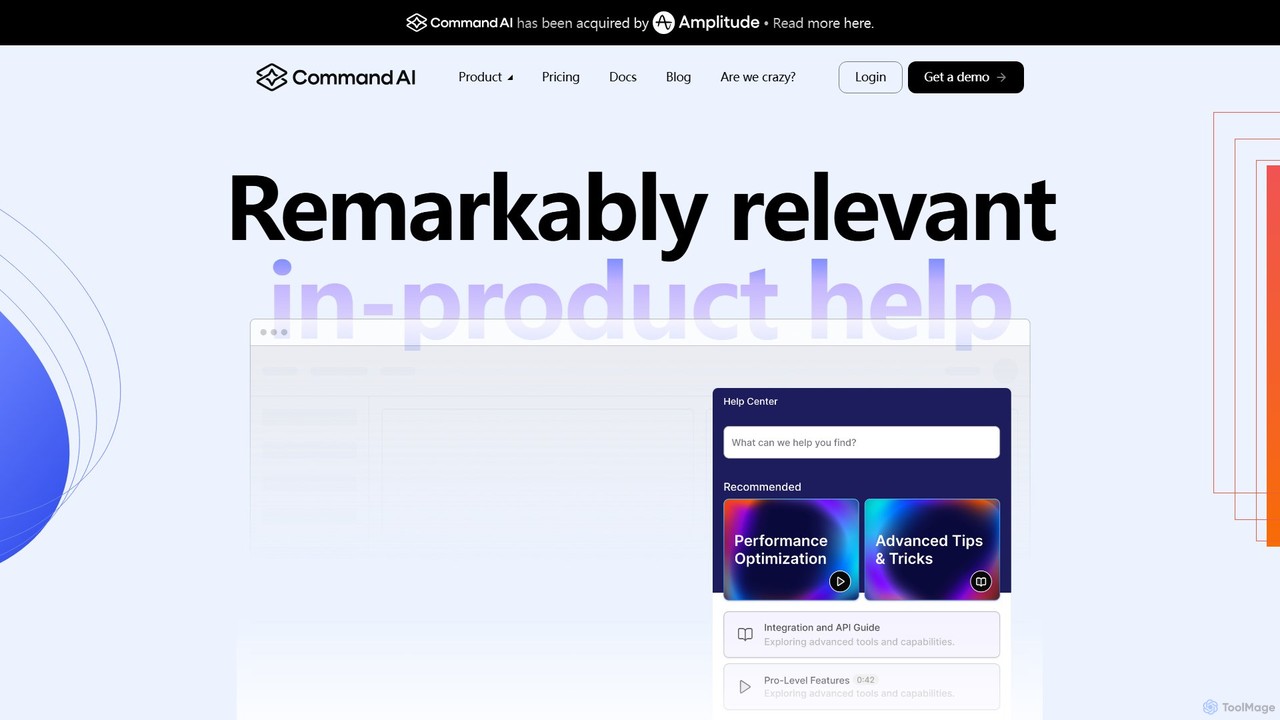
HelpHub, developed by Command AI, is a sophisticated AI-powered user assistance platform designed to be embedded directly within your product. It revolutionizes the traditional help center by providing users with instant, context-aware, and personalized support. The core mission of HelpHub is to eliminate user friction, reduce the burden on support teams, and enhance user engagement and retention. It achieves this by transforming your existing knowledge base, documentation, and even public websites into an interactive and intelligent resource that understands user intent, not just keywords.
The platform is built around a powerful AI core that includes a Copilot-style support agent, proactive AI-guided nudges, and an advanced semantic search engine. This allows users to receive highly relevant answers, get guidance on complex workflows, and discover features they might otherwise miss. By deeply integrating with your product and user data, HelpHub ensures that the right information is delivered to the right user at the right time, creating a seamless and supportive user experience that feels like a natural extension of your application.
How to use HelpHub
Integrating and utilizing HelpHub is a streamlined process designed for efficiency:
- Integration and Content Syncing: Begin by connecting HelpHub to your product. It offers seamless integrations that allow you to sync all your existing help content. This includes documentation from sources like Zendesk or Intercom, public websites, and even video libraries. HelpHub can automatically process and index this content, including creating searchable transcripts for videos.
- Configuration and Personalization: Customize the help experience for your users. Use 'Page Targeting' to display content relevant to the user's current location in your app. Leverage 'Audience Targeting' to tailor information based on user attributes like account tier, feature access, or past behavior. You can also pin important articles or guides as 'Featured Content' to increase their visibility.
- Deploy the AI Support Agent: Activate the AI Copilot to handle user queries. You can configure its personality, set up workflows for complex questions, and define rules for when to hand off a conversation to a human agent (via chat, ticket, or email).
- Launch Proactive Nudges: Create and deploy AI-guided nudges to proactively assist users. These can be used for onboarding new users, announcing new features, or offering help when the system detects a user might be struggling.
- Analyze and Optimize: Use the built-in analytics dashboard to gain valuable insights. Track 'Trending Searches' to understand common user questions, identify 'Failed Searches' to spot gaps in your documentation, and measure ticket deflection to quantify ROI. You can even drill down into a specific user's activity to understand their journey and pain points.
Core Features of HelpHub
- Semantic Search: An advanced search engine that understands concepts and context, not just keywords. It tolerates typos and recognizes synonyms to deliver the most relevant results.
- AI Support Agent (Copilot): A next-generation chatbot that provides personalized, multi-turn conversational support. It maintains message history, gathers user feedback, and can execute complex workflows.
- AI-Guided Nudges: Proactive and personalized prompts that guide users through your product, helping with onboarding, feature discovery, and self-service support.
- Personalization Engine: Delivers content tailored to the user's context, including their current page, account tier, feature access, and behavioral history.
- Searchable Video Transcripts: Automatically transcribes your video content, allowing users to search within videos and jump directly to the relevant timestamp.
- Comprehensive Analytics: A powerful dashboard that reveals unmet user needs, common points of confusion, and content gaps through data on trending, failed, and successful searches.
- Seamless Human Handoff: Intelligently routes complex queries or frustrated users to human support agents via chat, ticket, or email integrations.
- Multi-language Support: Offers multi-language capabilities on higher-tier plans to support a global user base.
Use Cases for HelpHub
HelpHub is versatile and can be applied to various scenarios to improve the user experience:
- User Onboarding: Guide new users with a curated set of resources and proactive nudges, helping them reach their 'aha' moment faster.
- Support Ticket Deflection: Provide instant, accurate answers to common questions 24/7, significantly reducing the volume of incoming support tickets.
- Feature Adoption: Use featured content and targeted nudges to introduce users to new or underutilized features, increasing engagement and product value.
- In-Product Training: Offer contextual tutorials and guides directly within the application, allowing users to learn by doing.
- Identifying Documentation Gaps: Analyze failed search queries to pinpoint areas where your help content is lacking and needs improvement.
Advantages of HelpHub
Implementing HelpHub provides significant competitive advantages:
- Drastically Reduced Support Costs: By automating responses and empowering users to self-serve, HelpHub directly translates into efficiency savings and a lower cost per support interaction.
- Enhanced User Satisfaction & Retention: A frictionless, supportive experience makes users happier and more likely to continue using your product.
- Actionable User Insights: The analytics provide a direct window into the user's mind, offering invaluable data for product and content strategy.
- Seamless & Non-Intrusive: Unlike other tools that can create messaging collisions, HelpHub integrates smoothly and feels like a native part of your product.
- Fast Implementation: Customers praise the ease of integration and the world-class support from the Command AI team, allowing for quick deployment and value realization.
Pricing and Plans
HelpHub offers a tiered pricing structure designed to scale with your company's needs. Pricing details are available upon booking a demo.
- Starter Plan: Ideal for smaller teams. Includes 1 content source, 200 source docs, 3 workflows, and 'Powered By' branding.
- Growth Plan: Designed for fast-growing companies. Expands to 2 sources, 500 docs, 10 workflows, and adds key features like multi-language support, hallucination auditing (X-ray), and seamless human handoff.
- Enterprise Plan: The complete platform for large organizations. Offers unlimited sources, content, workflows, and seats, along with advanced security features like SSO and custom DPA.
All plans include core features like text responses, message history, user feedback, and access to no-code integrations.
Traffic
Latest traffic
Status
Monthly traffic trend
- 2026-1: 26.3K
- 2026-2: 21.4K
- 2026-3: 20.8K
- 2026-4: 16.3K
- 2026-5: 20.0K
Geography
Top 5 countries / regions
- 🇺🇸United States46.1%
- 🇮🇳India17.5%
- 🇻🇳Vietnam15.1%
- 🇬🇧United Kingdom11.1%
- 🇧🇷Brazil10.3%
Top keywords
| Keyword | Cost per click |
|---|---|
| ai commands | $0.00 |
| comand ai | $0.00 |
| command ai | $0.35 |
| command bar | $6.60 |
| command code api | $0.00 |
HelpHub Videos on YouTube

Nebeska Crochet with Love

Creator Help Hub
HelpHub Alternatives
getemma
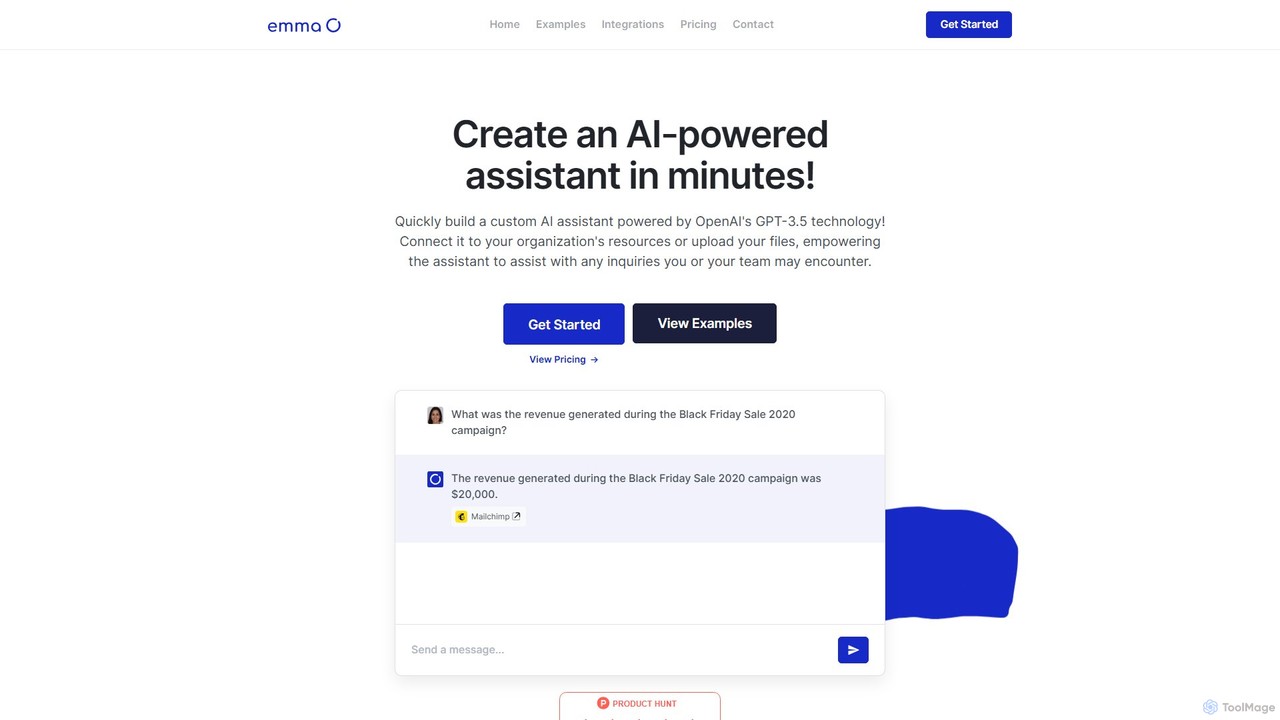
getemma is an AI platform that enables you to build a custom AI assistant powered by GPT-4 technology in minutes. Connect it to your business data, files, and integrations like Slack, Shopify, and Gmail to automate information retrieval, answer complex queries, and supercharge team productivity across departments such as sales, HR, and customer support.
Knowledge Management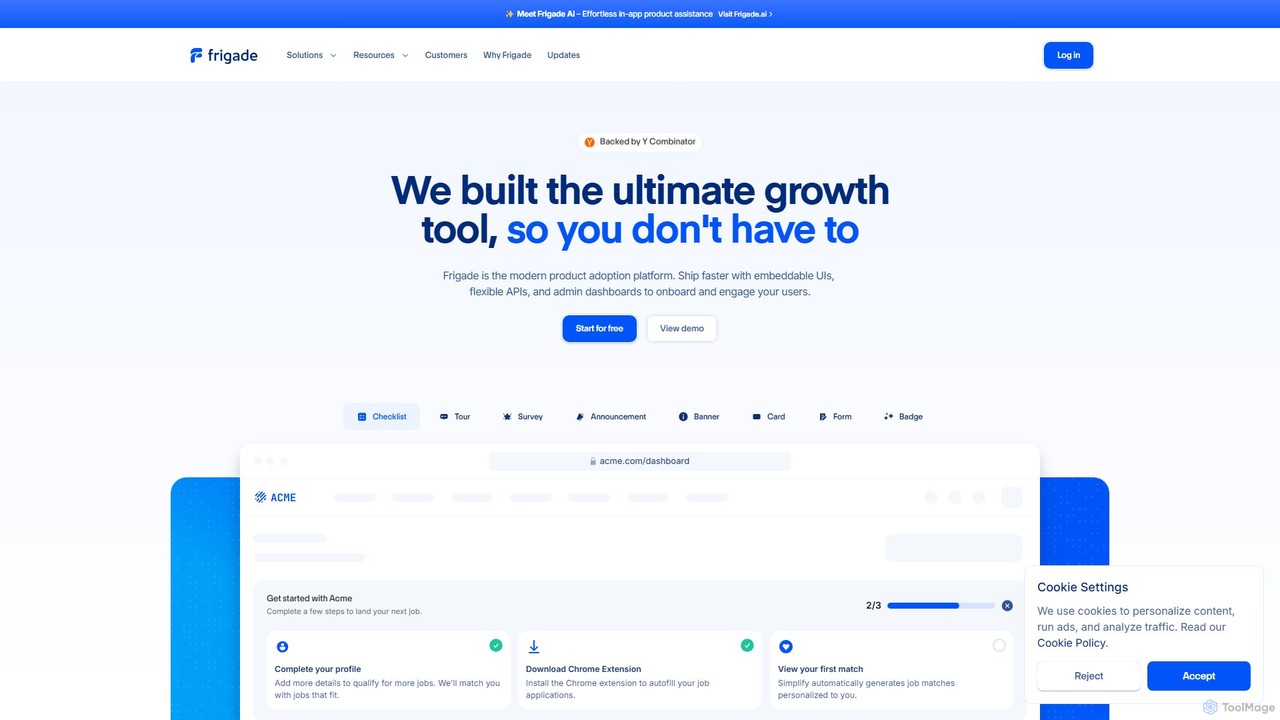
Frigade
Frigade is a modern product adoption platform designed for product-led growth. It empowers SaaS companies to build better user onboarding, drive feature adoption, and increase engagement with embeddable UI components, flexible APIs, and a new AI-powered agent. Ship high-quality in-app experiences like tours, checklists, and surveys without extensive engineering effort.
Api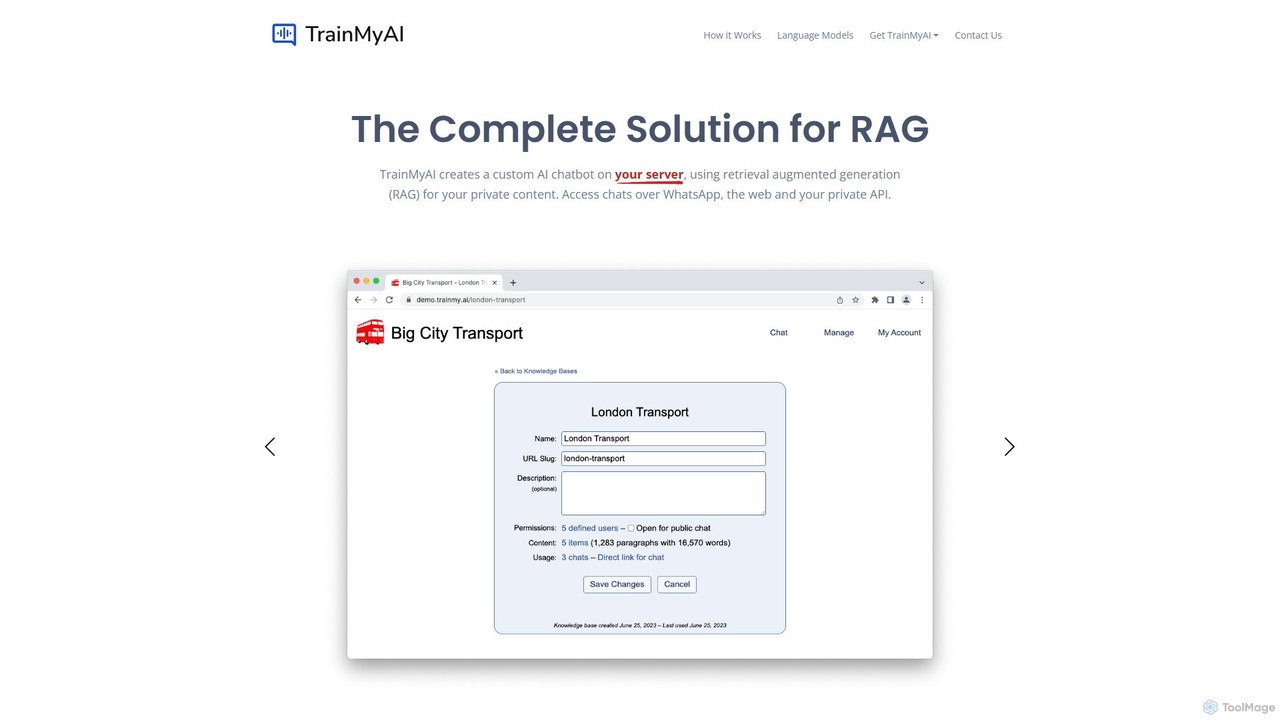
TrainMyAI
TrainMyAI is a complete, self-hosted solution for building Retrieval-Augmented Generation (RAG) AI chatbots. It allows you to create accurate, secure chatbots based on your own private data, preventing hallucinations and ensuring full control over your information. It's designed for enterprises needing customizable, trustworthy AI assistants for customer support, internal knowledge management, and more.
Help Desk
kloud.chat
kloud.chat is a no-code AI platform that enables users to build custom chatbots trained on their own data. Upload documents, add website links, or connect to knowledge bases to create intelligent assistants for customer support, internal information retrieval, and user engagement without any programming skills.
Help Desk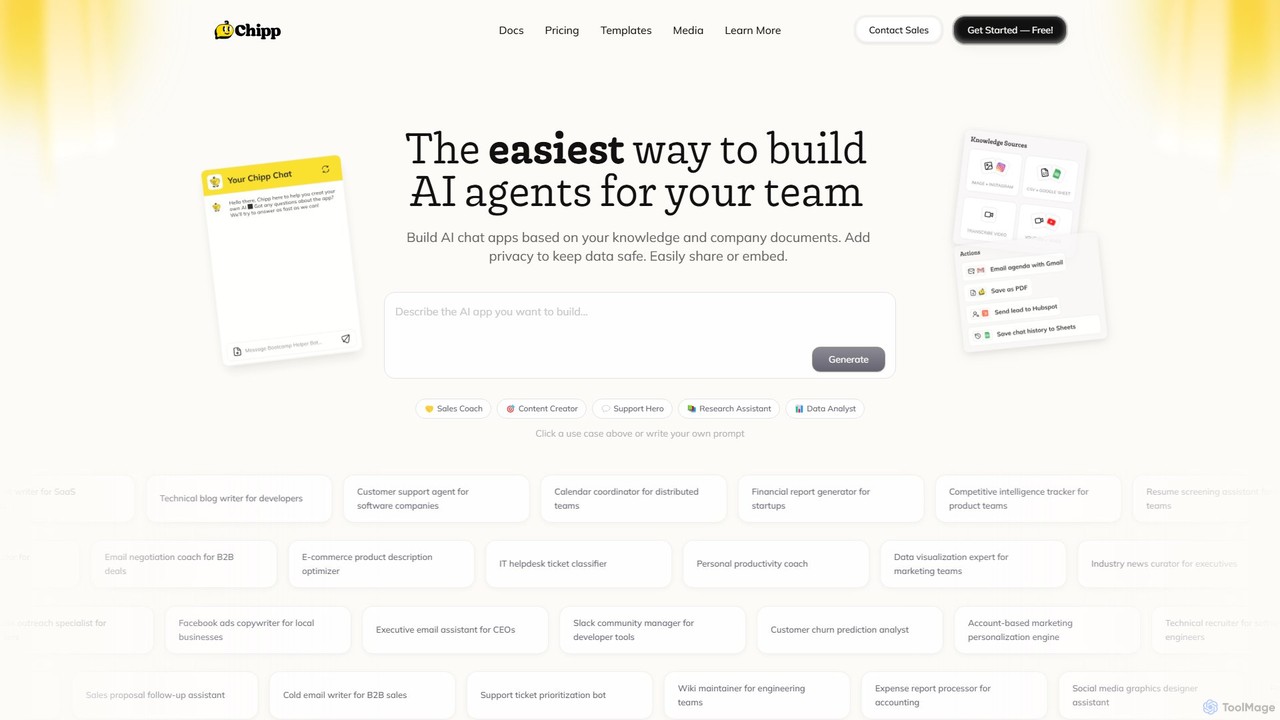
Chipp
Chipp is a no-code platform that empowers teams and individuals to build, share, and monetize custom AI agents. Based on your own knowledge bases and company documents, you can create specialized chatbots for sales, customer support, data analysis, and more, with a strong focus on privacy and ease of use.
Help DeskHelpHub Categories
HelpHub Embed Widget
Copy this embed code to place the badge on your blog, article, or product site and send readers directly to this ToolMage detail page.

Related AI tools
Stonly
Stonly is an AI-powered knowledge platform designed for customer service. It helps businesses create interactive guides, knowledge bases, and AI-driven answers to enhance customer self-service, reduce support tickets, and accelerate agent training. By delivering personalized and contextual knowledge, Stonly improves resolution times and overall customer satisfaction.
Customer Onboarding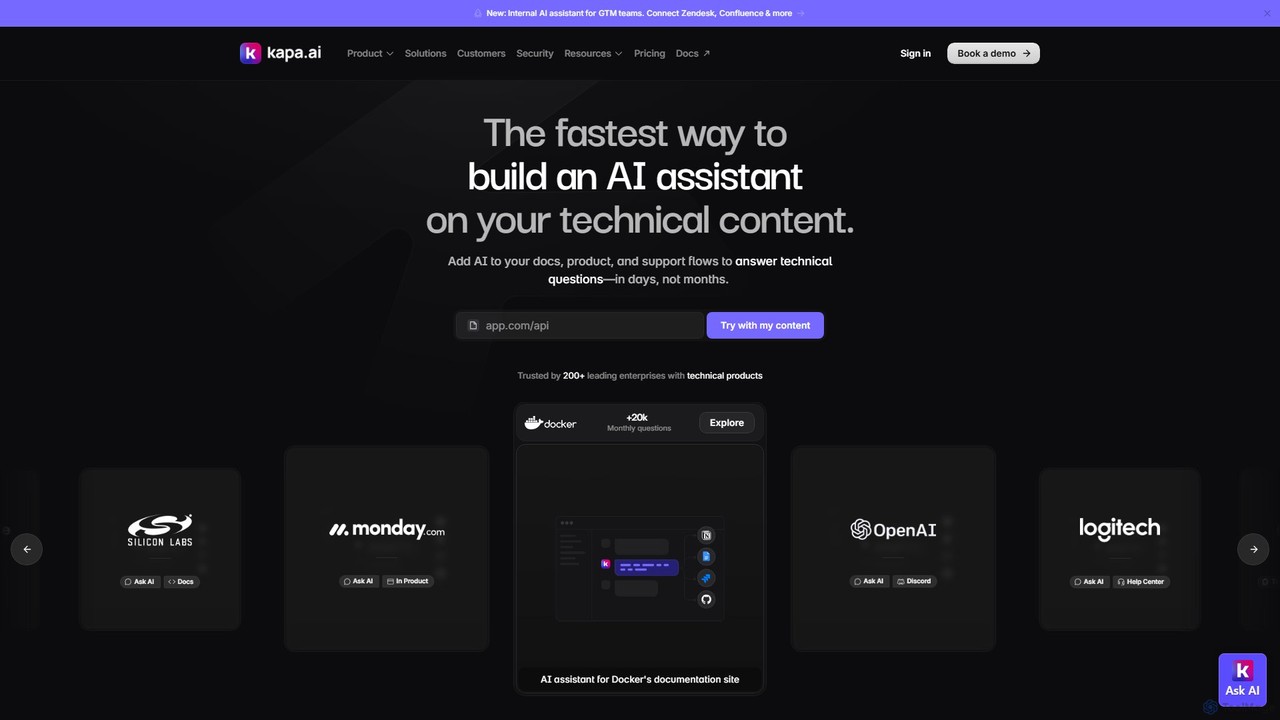
kapa.ai
kapa.ai is an AI platform that transforms technical documentation and knowledge bases into a highly accurate, enterprise-grade AI assistant. It uses advanced RAG technology to provide instant, reliable answers to complex technical questions, helping companies reduce support tickets, improve user onboarding, and gain insights into documentation gaps.
Chatbot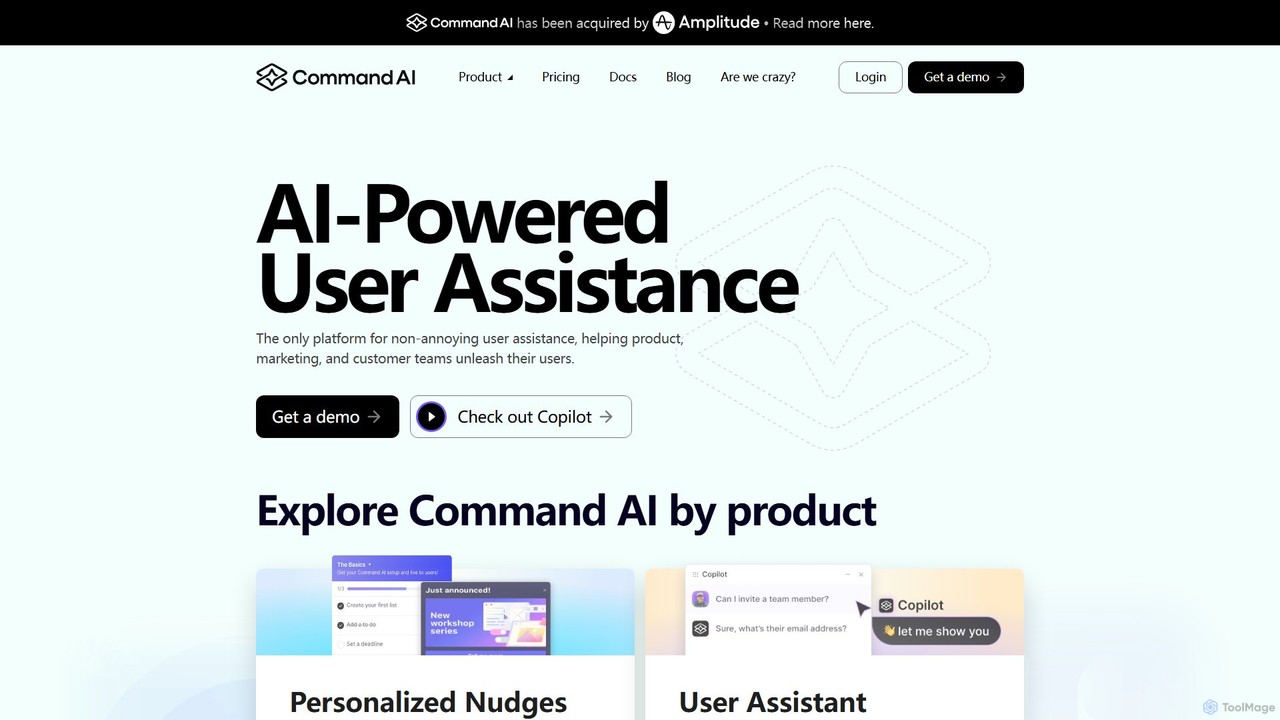
Command AI
Command AI is an AI-powered user assistance platform that helps businesses improve user onboarding, support, and retention. It provides a suite of non-intrusive tools, including an AI Copilot, personalized nudges, product tours, and a smart in-app help center, to guide users proactively and enhance their product experience.
Chatbot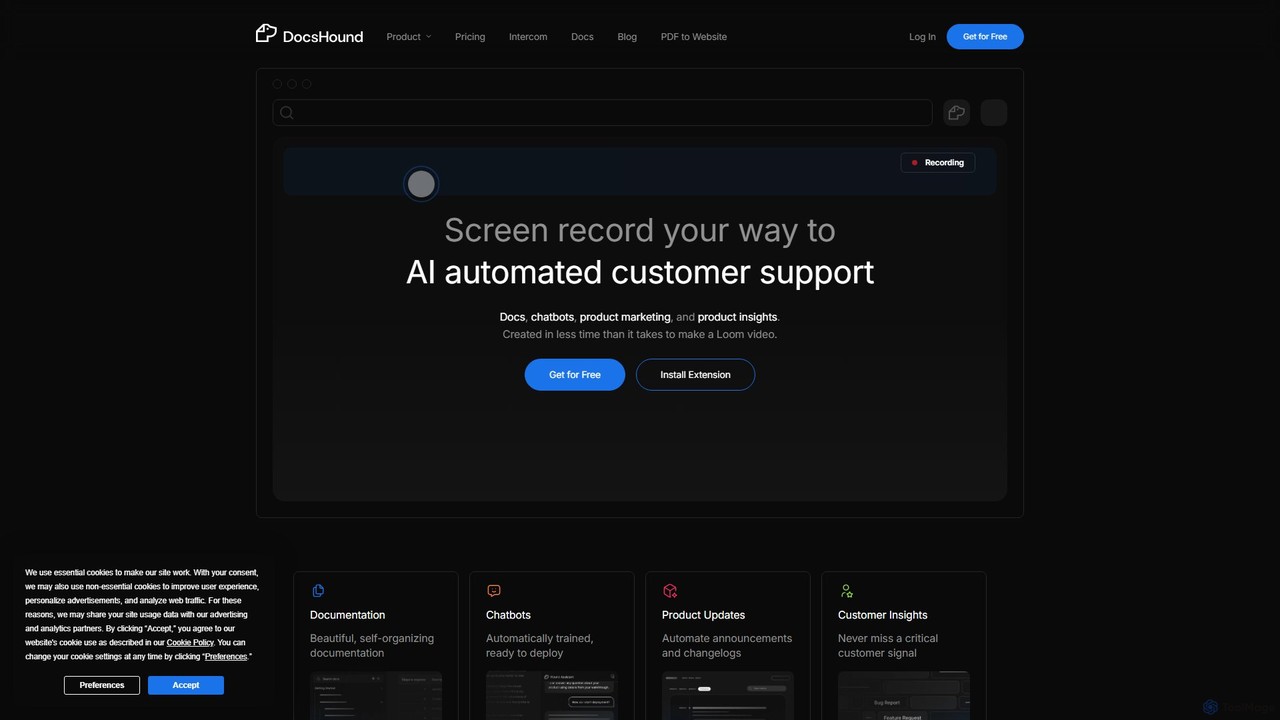
DocsHound
DocsHound is an AI-powered platform that transforms screen recordings of product demos into comprehensive documentation, intelligent chatbots, and actionable product insights. It automates the entire knowledge base creation process, allowing teams to generate beautiful, self-organizing docs and support assets in minutes, keeping pace with rapid product development.
Chatbots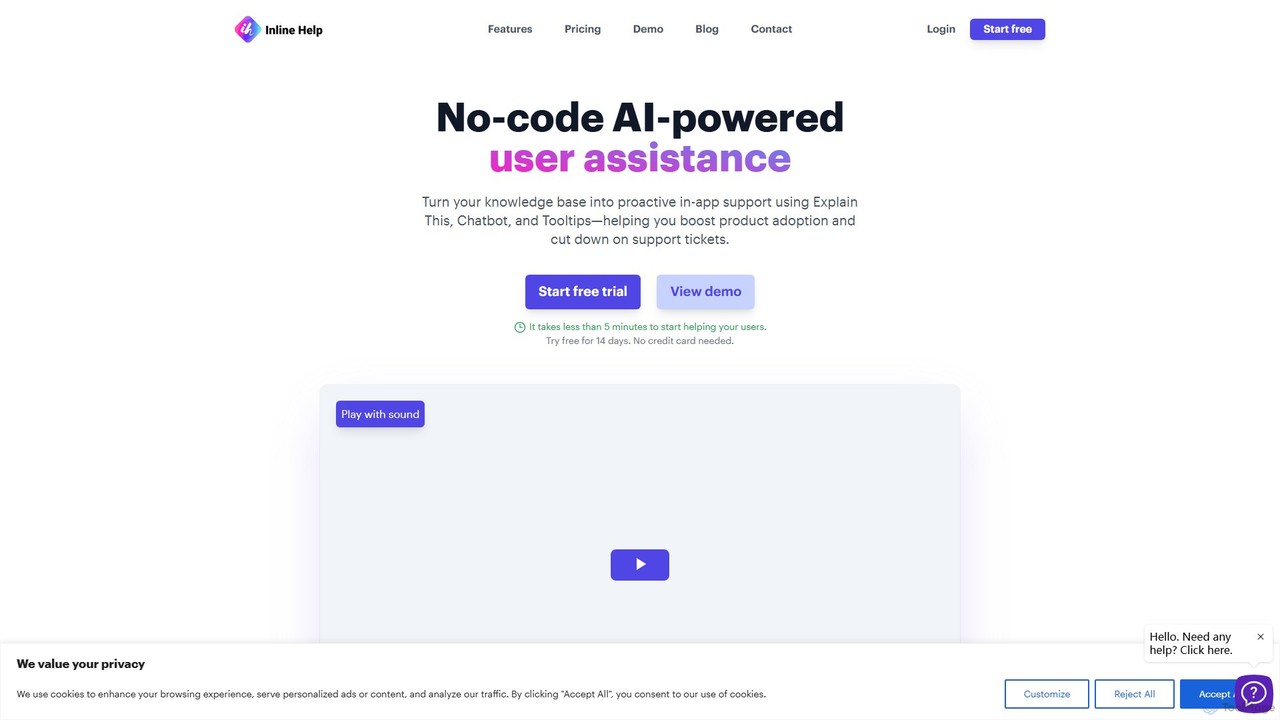
Inline Help
Inline Help is a no-code, AI-powered user assistance platform that transforms your knowledge base into proactive in-app support. It uses an AI chatbot, contextual tooltips, and an 'Explain This' feature to answer customer questions instantly, aiming to boost product adoption and significantly reduce support tickets.
Chatbot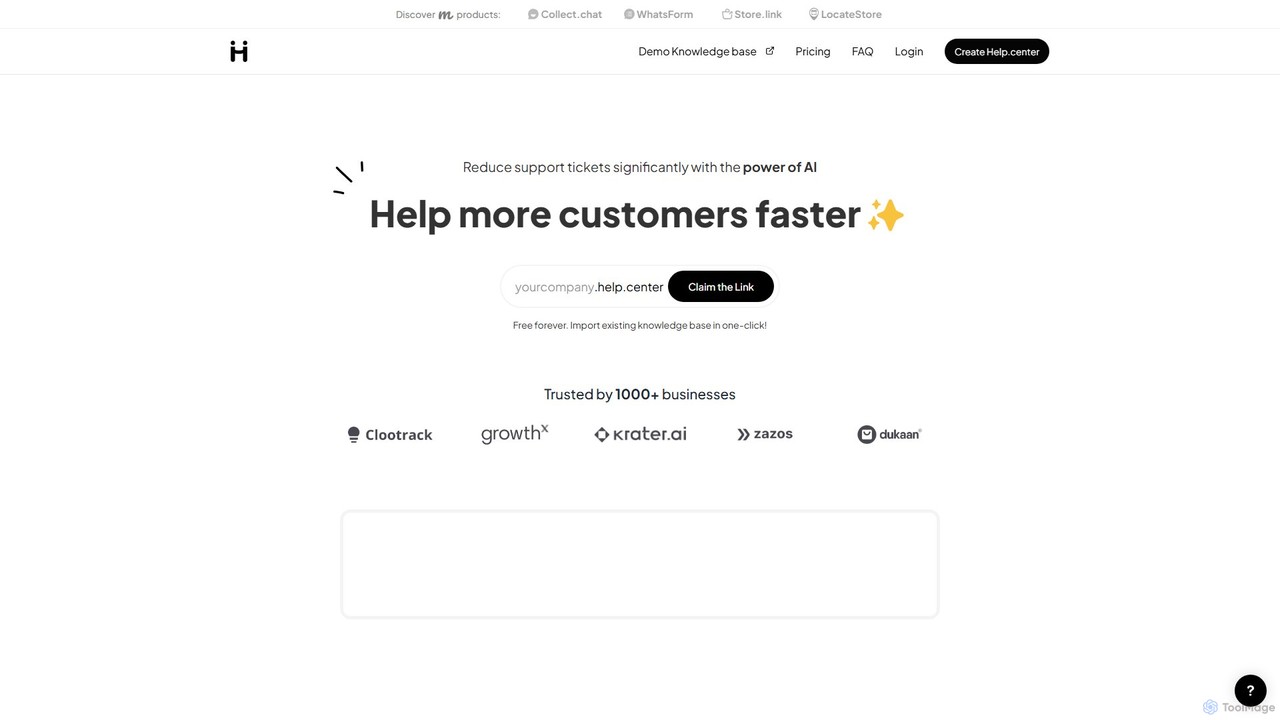
Help.center
Help.center is an AI-powered platform that enables businesses to create a self-service knowledge base and chatbot. It significantly reduces customer support tickets by providing instant, 24/7 answers to user queries. The system automatically learns from your help articles, FAQs, and external websites, ensuring accurate and up-to-date information. It offers a free-forever plan, making it accessible for businesses of all sizes.
Customer Service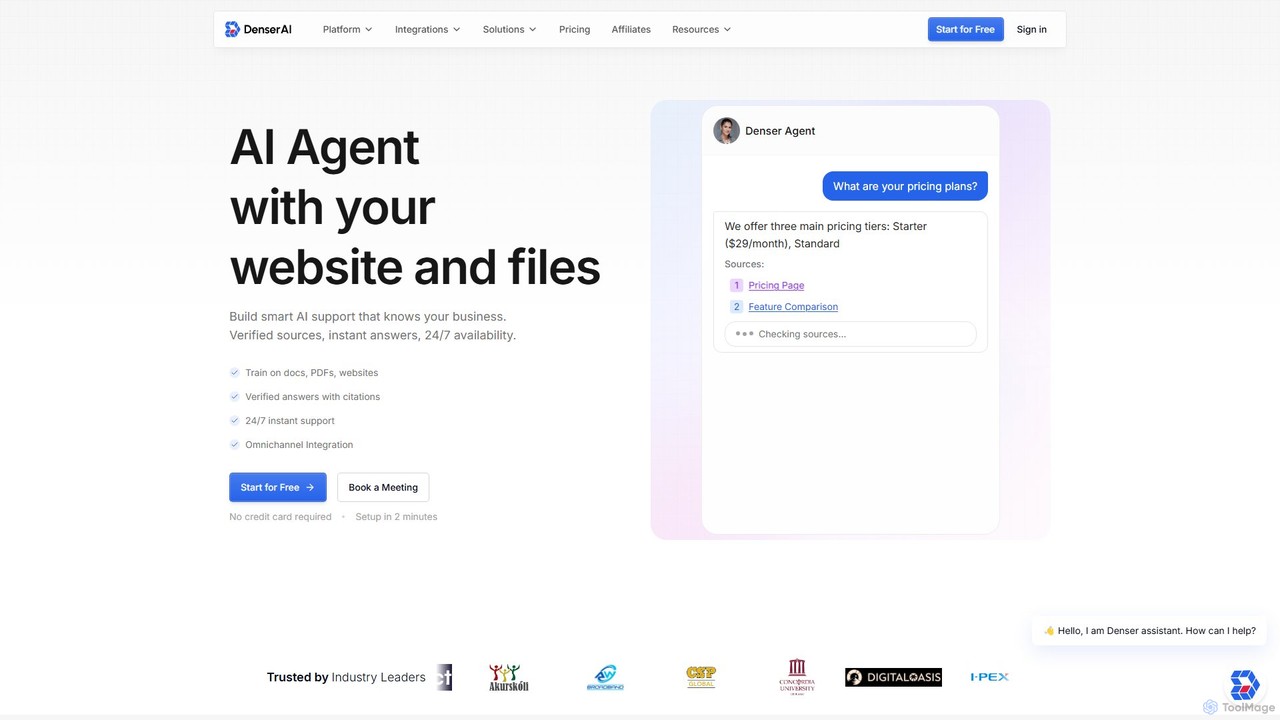
Denser
Denser is a no-code AI platform for building enterprise-grade AI agents and chatbots. Train AI on your website content, documents, and files to provide instant, verified answers for customer support, lead generation, and internal automation, complete with source citations.
Chatbot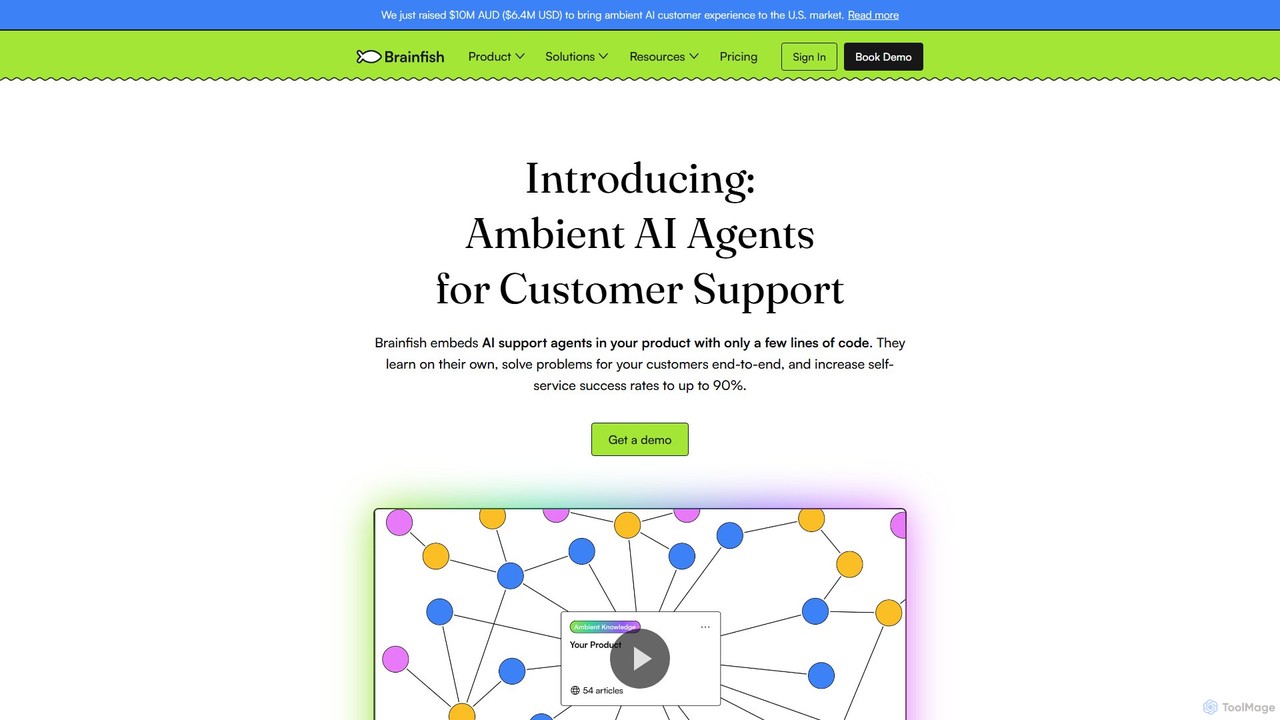
Brainfish
Brainfish is an ambient AI agent for customer support that embeds directly into your product. It autonomously learns from user behavior, automatically generates and updates help documentation, and proactively solves customer issues to increase self-service success rates up to 90%.
Customer Experience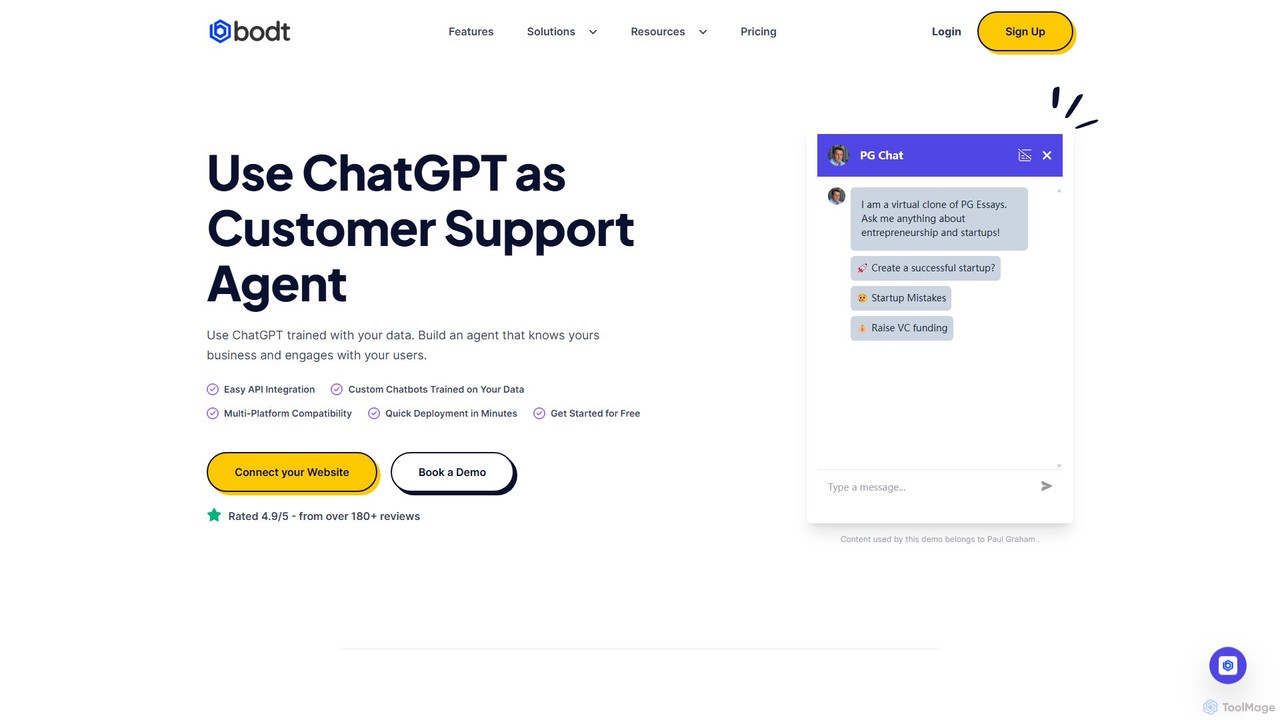
Bodt.io
Bodt.io is a no-code AI platform that allows you to build custom chatbots trained on your own data. Easily create a ChatGPT-like agent for your website to handle customer support, generate leads, and enhance user engagement 24/7. It supports over 100 languages and integrates with popular tools.
Chatbot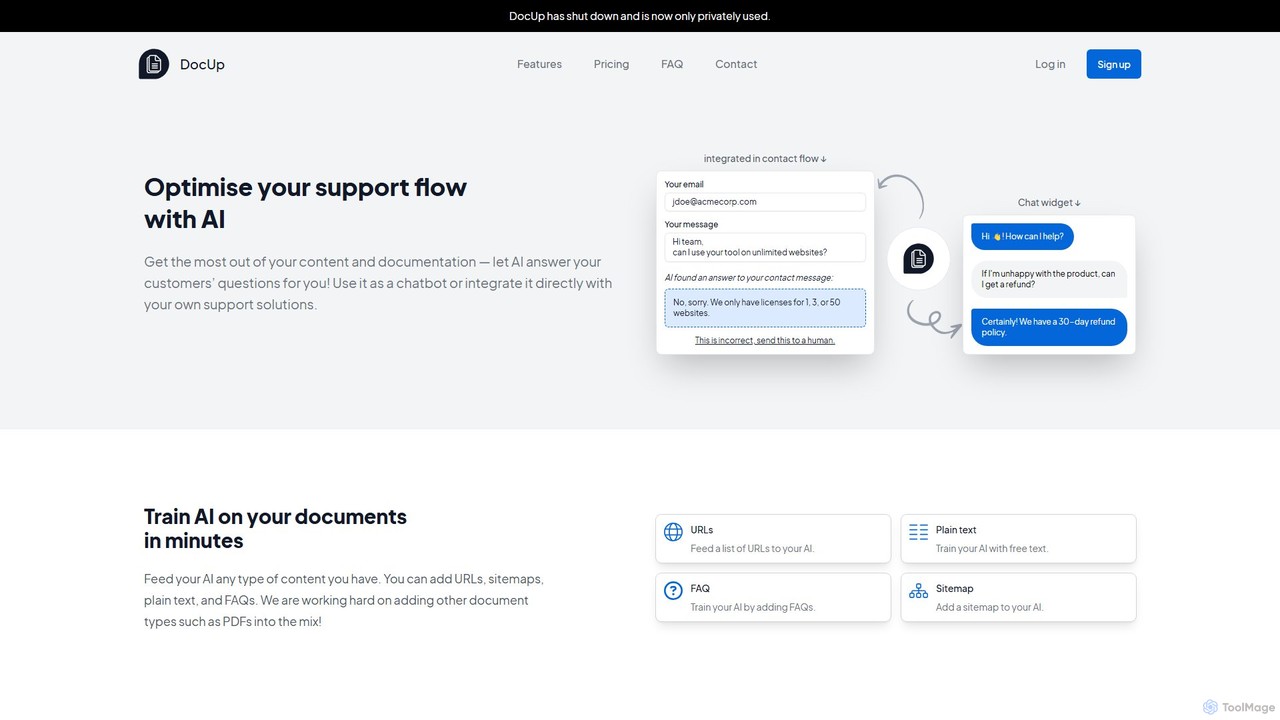
DocUp
DocUp is an AI-powered platform that transforms your documentation into an intelligent chatbot and Q&A system. Instantly answer customer questions, reduce support tickets, and improve user self-service by deploying an AI assistant trained on your knowledge base, FAQs, and manuals. Offers both a customizable widget and a flexible API for seamless integration.
Chatbot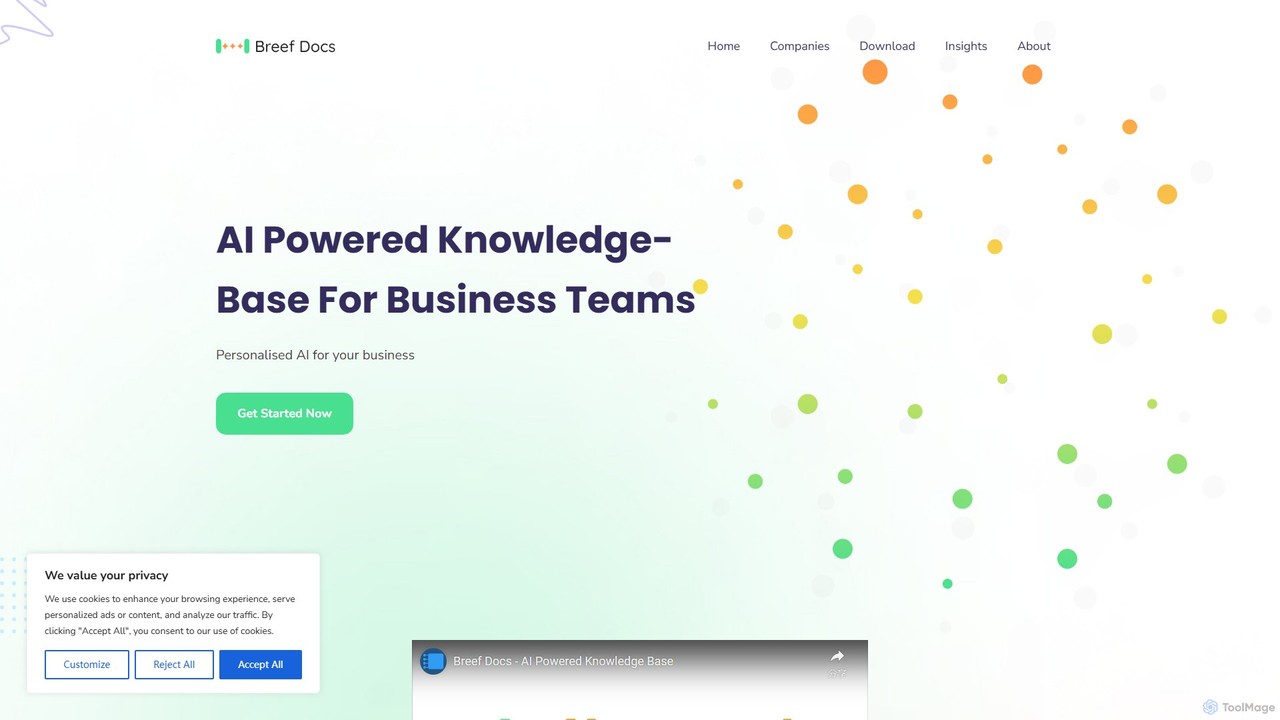
breefdocs
Breefdocs is an AI-powered knowledge base platform designed for teams and companies. It centralizes all your internal documentation, enabling team members to get instant, accurate answers to their questions through natural language search. This boosts productivity by eliminating information silos and reducing repetitive inquiries.
Collaboration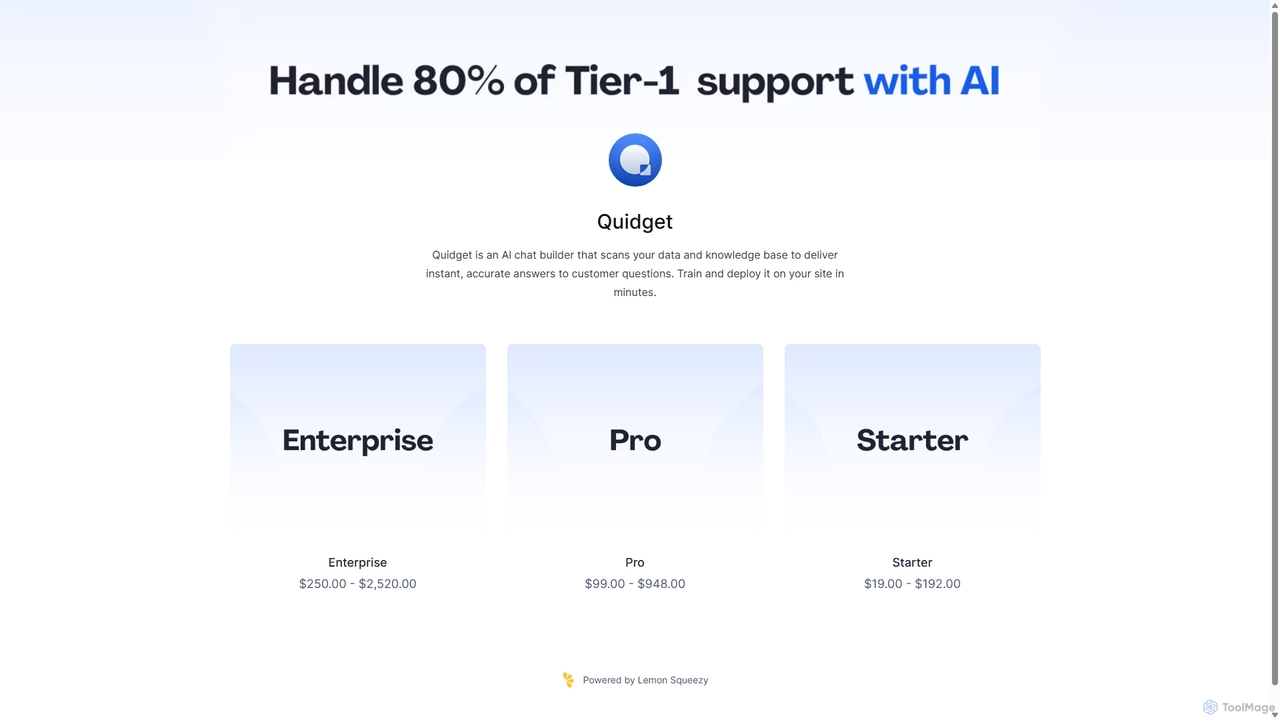

DeskDingo
DeskDingo is an AI-first customer service platform designed to automate support, streamline workflows, and deliver exceptional customer experiences. It unifies all communication channels into a single inbox and leverages powerful AI to resolve queries 3x faster, reduce support costs, and scale effortlessly.
Crm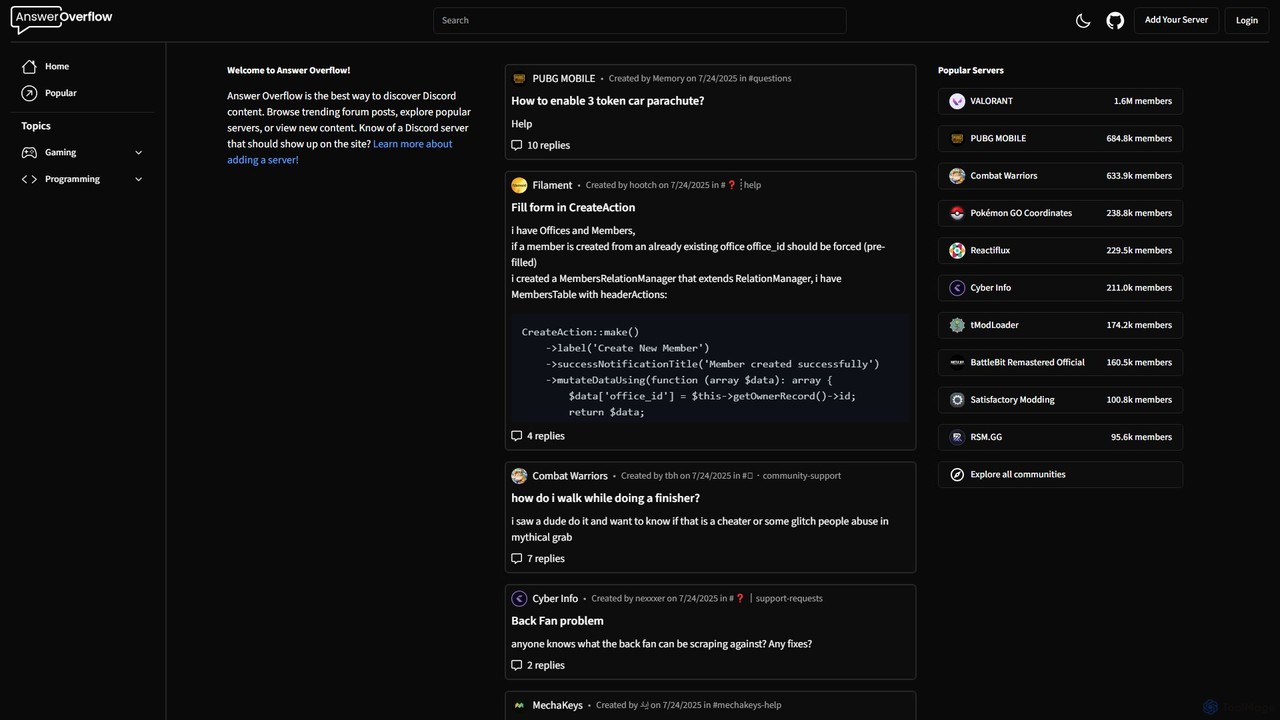
Answer Overflow
Answer Overflow transforms your Discord community into a searchable knowledge base. It indexes conversations, making them discoverable on Google to drive organic growth. It also provides AI-powered answers to recurring questions and offers valuable insights into your community's needs, automating support and enhancing user engagement.
Knowledge Base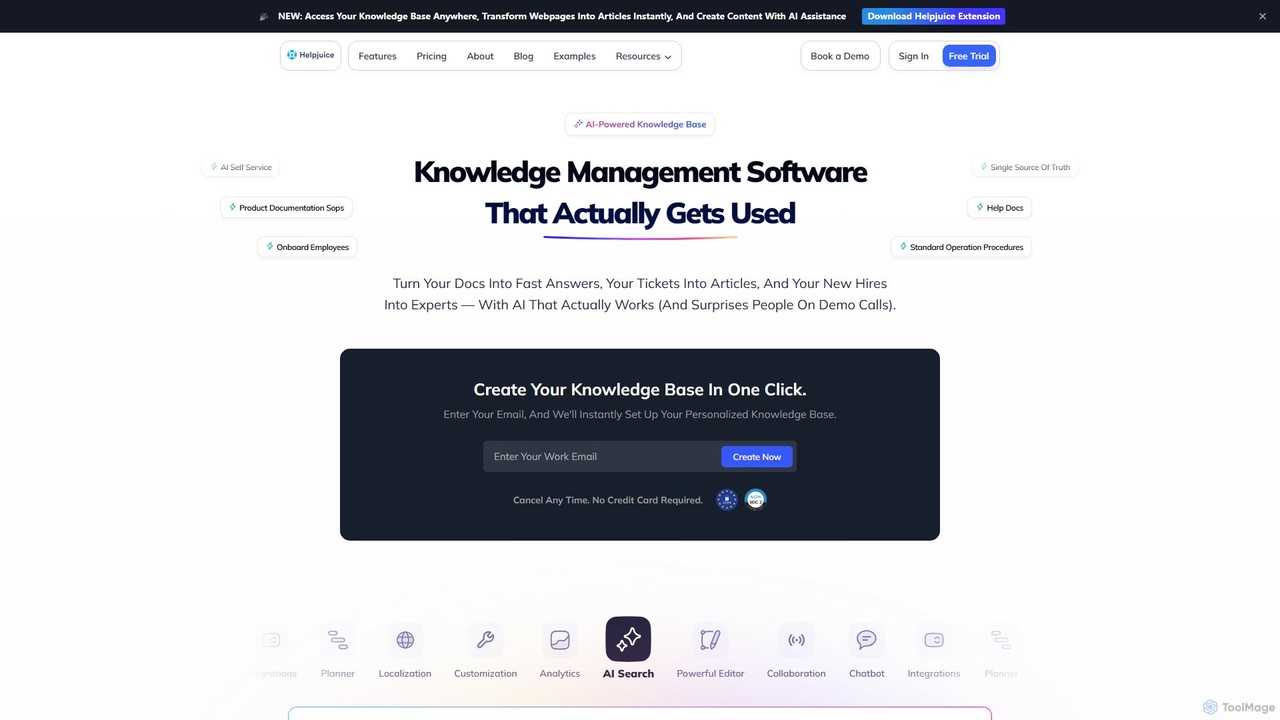
Helpjuice
Helpjuice is an AI-powered knowledge base software designed to streamline customer support and internal documentation. It helps teams create a centralized, searchable source of truth, reducing repetitive questions, speeding up employee onboarding, and enabling 24/7 customer self-service with a powerful AI search and chatbot.
Knowledge Base
HelpHub Comments (0)
Sign in to comment.
Sign inNo comments yet.