

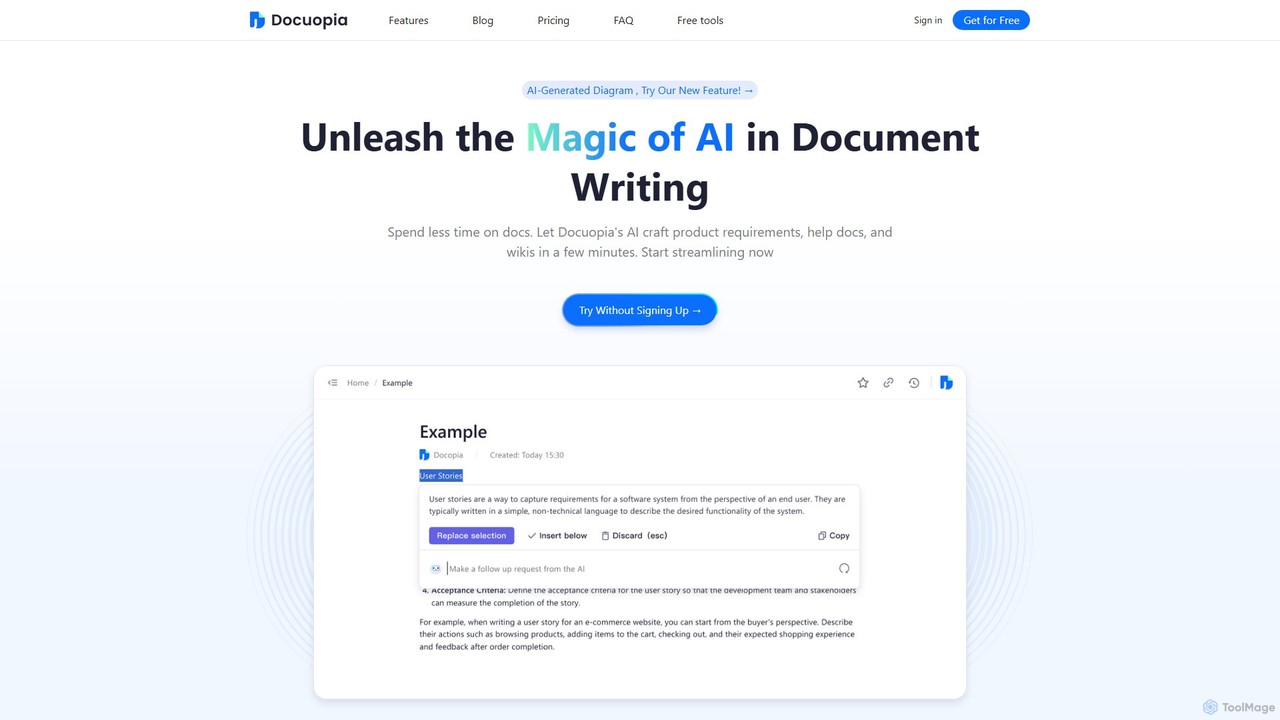
Docuopia Overview
Docuopia is a revolutionary AI-powered document assistant built to transform how teams approach documentation. It addresses the common pain point of spending excessive time on writing, editing, and formatting, allowing teams to focus on strategic work. The platform is specifically tailored for creating complex documents such as Product Requirements Documents (PRDs), comprehensive help docs, internal wikis, and marketing materials. At its core, Docuopia uses advanced AI to generate solid first drafts from simple user inputs, like a problem description or a feature idea. This initial draft provides a structured foundation that can be easily customized and built upon.
The platform goes beyond simple generation, offering intelligent tools to enhance and refine content. Users can select text and ask the AI to expand on ideas, restructure paragraphs for better flow, or suggest improvements for clarity and impact. This collaborative process between the user and the AI ensures a high-quality, foolproof outcome. A standout feature is the AI Diagram Generator, which can convert simple text prompts into professional-looking flowcharts, sequence diagrams, Gantt charts, and more, making data visualization effortless and integrated directly into the documentation workflow.
How to use Docuopia
1. Start a New Document: Begin by choosing the type of document you want to create, such as a PRD, marketing plan, or a blank page.
2. Provide Initial Input: For AI-assisted drafting, simply describe your problem, feature, or core idea. For example, to create a PRD, you would input the problem you're solving and the proposed feature. Docuopia's AI will then generate a comprehensive, well-structured first draft.
3. Refine with AI: Highlight any section of the generated text. A context menu will appear with AI-powered options. You can ask the AI to expand the section, shorten it, change the tone, or offer expert suggestions for improvement. The PRD Review tool can also analyze your document to uncover potential gaps or weaknesses.
4. Generate Diagrams: To create a diagram, use the AI Diagram Generator. Type a text prompt describing the process or structure you want to visualize (e.g., "Create a flowchart for a user login process"). The AI will instantly generate a professional diagram that you can insert into your document.
5. Collaborate in Real-Time: Invite team members to your document. You can edit simultaneously, leave comments, and track changes through a detailed version history, eliminating the need for email back-and-forths and preventing version control issues.
6. Utilize Productivity Tools: Explore the suite of free AI generators for specific tasks like creating user stories, generating bullet points from text, or creating SMART goals to further enhance your productivity.
Core Features of Docuopia
- AI Document Generation: Instantly drafts PRDs, help docs, wikis, marketing plans, and more from basic text inputs.
- AI Diagram Generator: Transforms text prompts into professional diagrams, including flowcharts, sequence diagrams, Gantt charts, and pie charts.
- Intelligent Content Editing: AI-powered suggestions to expand, restructure, refine, and improve the quality of your writing.
- PRD Review Tool: An AI-guided tool to analyze and identify potential improvements in your Product Requirements Documents.
- Real-Time Collaboration: Enables multiple users to edit documents simultaneously, with clear version history and sharing controls.
- Hierarchical Document Management: Flexible, structured control for managing complex SaaS documentation and internal wikis.
- Enhanced Editor: Supports Markdown and provides numerous keyboard shortcuts for efficient formatting and content insertion without leaving the keyboard.
- Suite of Free AI Generators: Includes tools for generating user stories, task lists, bullet points, product ideas, and more.
Use Cases for Docuopia
Product Management: Quickly create detailed and comprehensive PRDs, user stories, and project reports, streamlining the product development lifecycle.
Marketing Teams: Craft personalized marketing strategies, generate compelling email campaigns, and produce high-conversion operational copywriting tailored to the brand's voice.
Technical Writing & Support: Develop clear and structured help documents, user manuals, and internal knowledge bases (wikis) to support customers and internal teams.
Project Planning: Visualize project timelines and workflows by generating Gantt charts and flowcharts directly from project descriptions.
General Productivity: Break down large projects into actionable task lists, convert blocks of text into concise bullet points, and set SMART goals for personal and professional development.
Advantages of Docuopia
Massive Time Savings: Automates the most tedious aspects of document creation, freeing up valuable time for strategic thinking and innovation.
Improved Document Quality: Leverages AI to ensure documents are comprehensive, well-structured, and clear, reducing errors and misunderstandings.
Seamless Workflow Integration: Combines writing, diagramming, and collaboration into a single, unified platform.
Enhanced Collaboration: Fosters a more dynamic and efficient team environment with real-time editing and transparent version control.
Data-Driven Visualization: Makes it easy for anyone to create professional diagrams to communicate complex ideas effectively.
Cost-Effective: Offers a generous free plan for individuals and small teams, with an affordable paid plan for larger needs.
Pricing and Plans
Docuopia offers a freemium model with two main plans:
Startup Plan (Free): Ideal for individuals or those testing the platform. Includes 1 user, 2GB of storage, 5MB attachment size limit, and 150 AI credits per user.
Standard Plan: Priced at $8 per person/month (with a 20% discount for annual billing). Designed for teams and businesses. Includes unlimited users, 1TB of storage, unlimited attachment size, 500 AI credits per user per month, 20-day page history, and priority support.
Traffic
Latest traffic
Status
Monthly traffic trend
- 2025-9: 3.4K
- 2026-1: 4.1K
- 2026-2: 2.1K
- 2026-3: 2.9K
- 2026-4: 1.9K
- 2026-5: 1.7K
Geography
Top 5 countries / regions
- 🇮🇳India61.9%
- 🇺🇸United States38.1%
Top keywords
| Keyword | Cost per click |
|---|---|
| ai diagram generator | $2.24 |
| ai report generator | $3.16 |
| prd generator | $0.55 |
| report generator ai | $0.61 |
| report maker ai | $0.52 |
Docuopia Alternatives
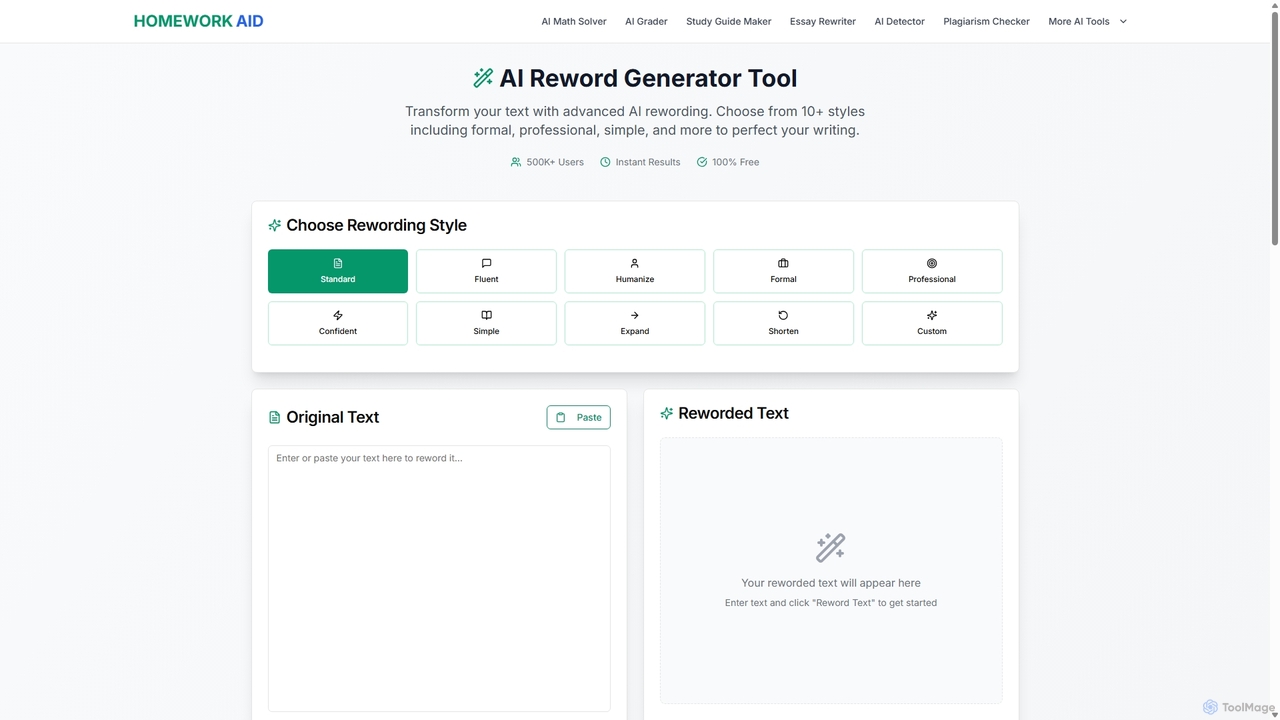
Reword Generator
Reword Generator is a free, AI-powered tool designed to transform your writing. It offers over 10 distinct styles—from formal to casual—to help you rephrase sentences, improve clarity, and enhance your tone. Ideal for students, writers, and professionals, it provides instant, high-quality results without any registration or limits, ensuring your original meaning is always preserved.
Paraphraser
autowrite
autowrite is an AI-powered content creation assistant designed to help marketers, writers, and businesses generate high-quality, original content in seconds. From blog posts and ad copy to emails and social media updates, autowrite streamlines your writing workflow, overcomes writer's block, and scales your content strategy effortlessly.
Content Generation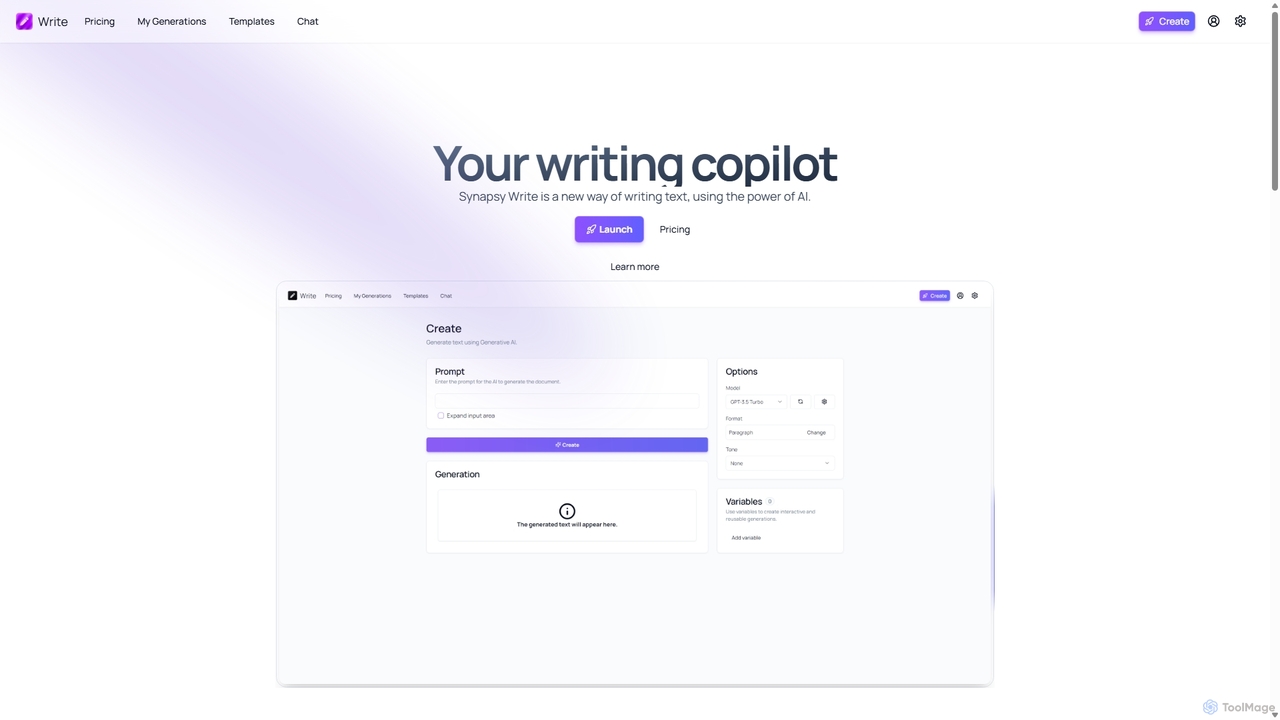
Synapsy Write
Synapsy Write is an open-source AI writing copilot designed to enhance productivity and creativity. It supports multiple advanced AI models like GPT-4o and Claude 3.5, offering versatile text generation, an integrated editor, advanced controls with variables, and specialized tools for creating essays, tables, and in-depth text analysis.
Academic Writing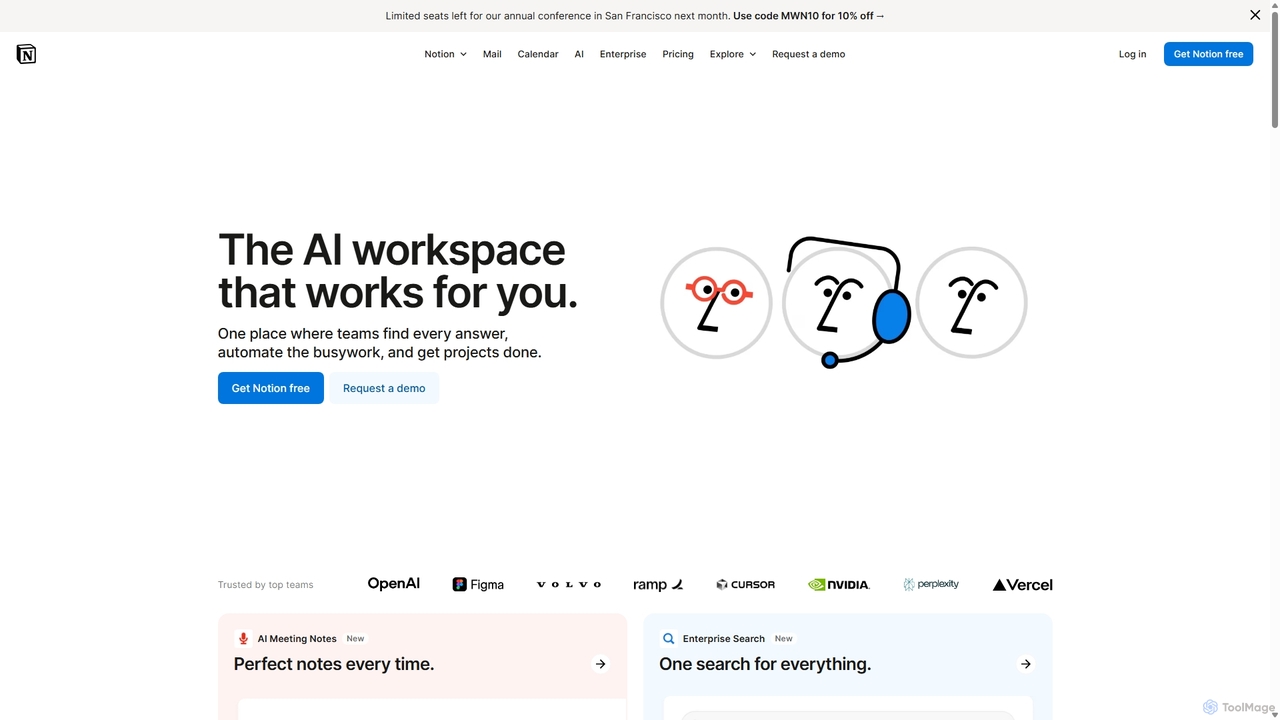
Notion
Notion is an all-in-one AI workspace that combines notes, docs, project management, and wikis into a single, highly customizable platform. It empowers teams and individuals to organize information, manage projects, and collaborate more effectively, all within a flexible, block-based editor enhanced with powerful AI capabilities.
Knowledge Management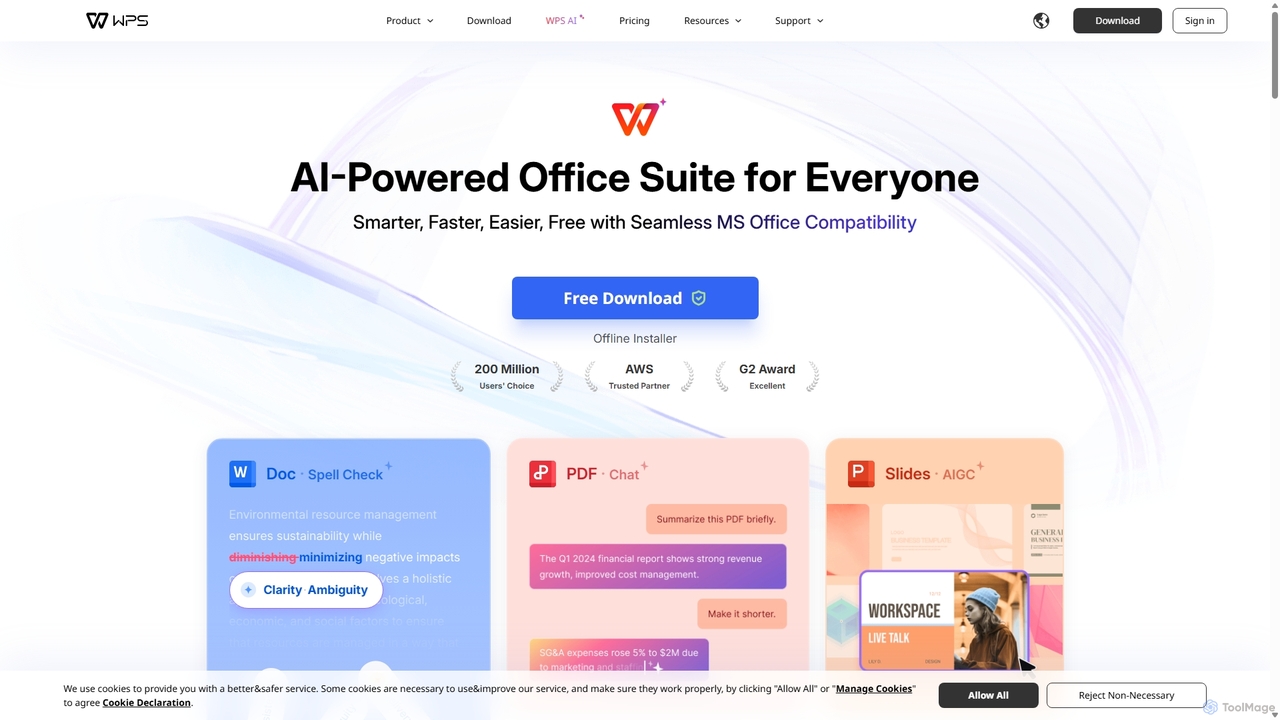
WPS Office
WPS Office is an AI-powered, all-in-one office suite offering a free and lightweight alternative to Microsoft Office. It integrates Writer, Spreadsheet, Presentation, and PDF tools with advanced AI features like content generation, spell checking, PDF summarization, and one-click presentation creation. With seamless MS Office compatibility and cross-platform support, it boosts productivity for individuals and teams.
Presentation GeneratorDocuopia Categories
Docuopia Embed Widget
Copy this embed code to place the badge on your blog, article, or product site and send readers directly to this ToolMage detail page.

Related AI tools
Notion
Notion is an all-in-one AI workspace that combines notes, docs, project management, and wikis into a single, highly customizable platform. It empowers teams and individuals to organize information, manage projects, and collaborate more effectively, all within a flexible, block-based editor enhanced with powerful AI capabilities.
Knowledge ManagementWPS Office
WPS Office is an AI-powered, all-in-one office suite offering a free and lightweight alternative to Microsoft Office. It integrates Writer, Spreadsheet, Presentation, and PDF tools with advanced AI features like content generation, spell checking, PDF summarization, and one-click presentation creation. With seamless MS Office compatibility and cross-platform support, it boosts productivity for individuals and teams.
Presentation Generator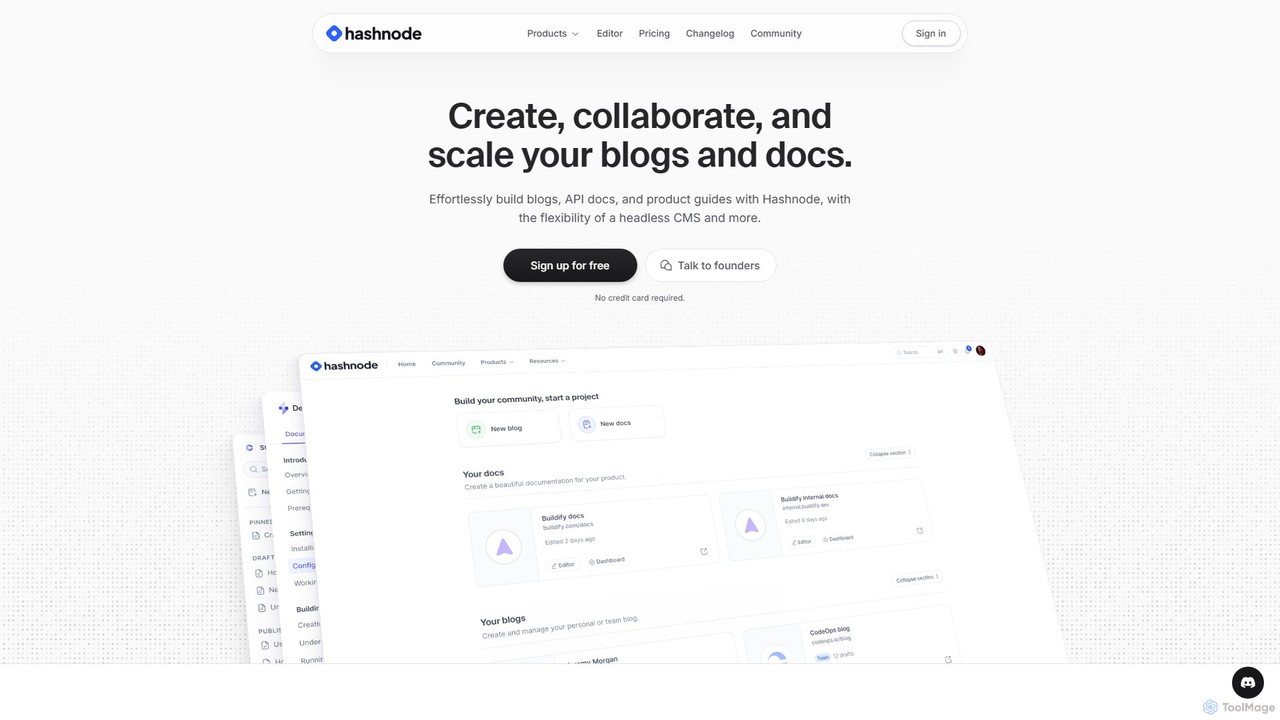
Hashnode
Hashnode is an AI-powered blogging and documentation platform designed for developers, tech teams, and enterprises. It offers a headless CMS, a collaborative MDX editor, and integrated AI tools to streamline the creation of blogs, API docs, and product guides. Users can customize everything, use custom domains, and leverage AI for writing, search, and productivity, all on a single, cost-effective platform.
Documentation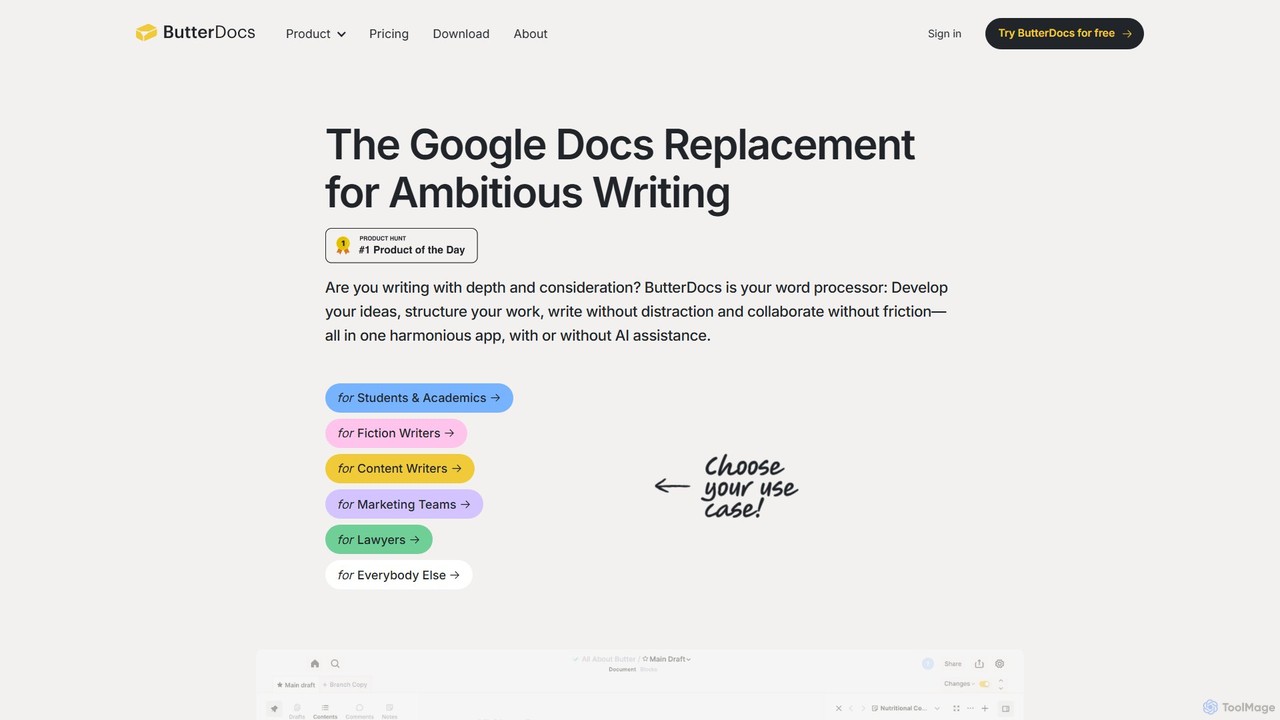
ButterDocs
ButterDocs is a professional writing and collaboration platform designed as a superior alternative to Google Docs for ambitious writers. It integrates research, outlining, drafting, and optional AI assistance into a unified, non-linear workspace. Features like branching for edits, version snapshots, and a focus-enhancing interface help individuals and teams manage complex writing projects from concept to final draft without the chaos.
Documentediting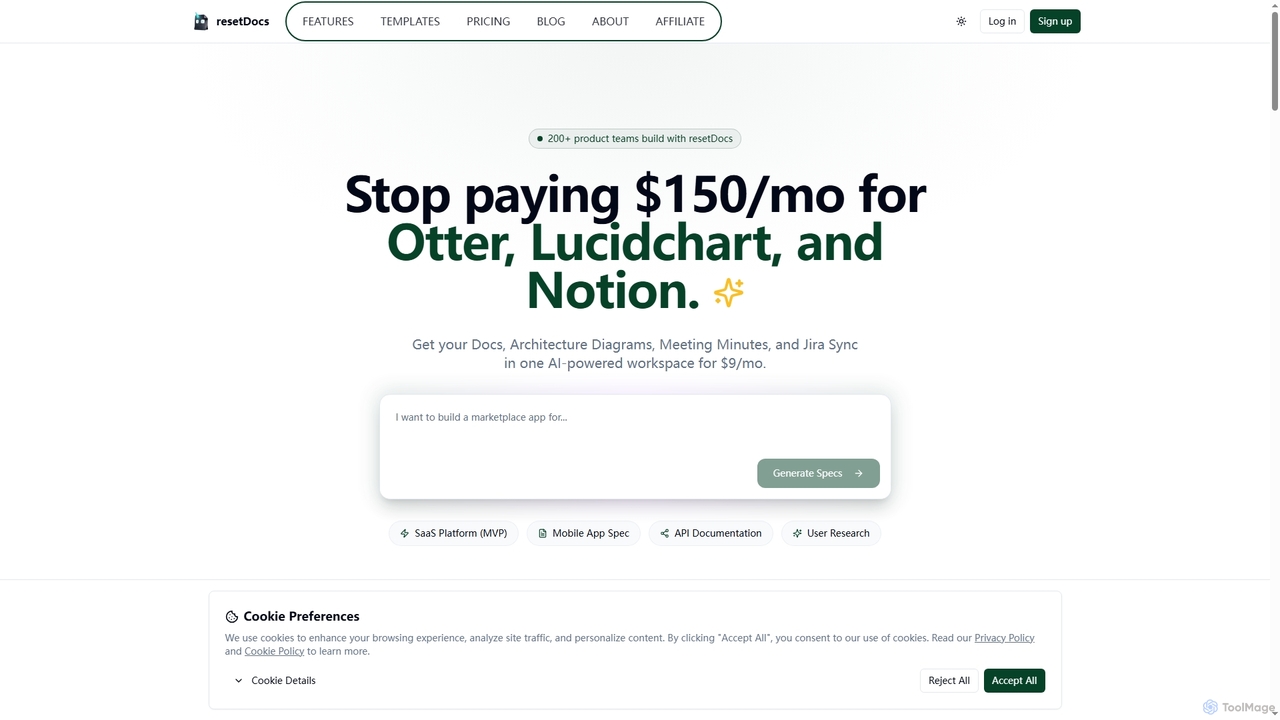
Resetdocs
Resetdocs is an AI-powered project management and documentation workspace for small teams. It combines document creation, architecture diagrams, meeting minutes, and Jira/Slack integration into one platform. Instantly generate PRDs and tech specs from notes or voice, and automate task creation to streamline your workflow from idea to execution.
Documentation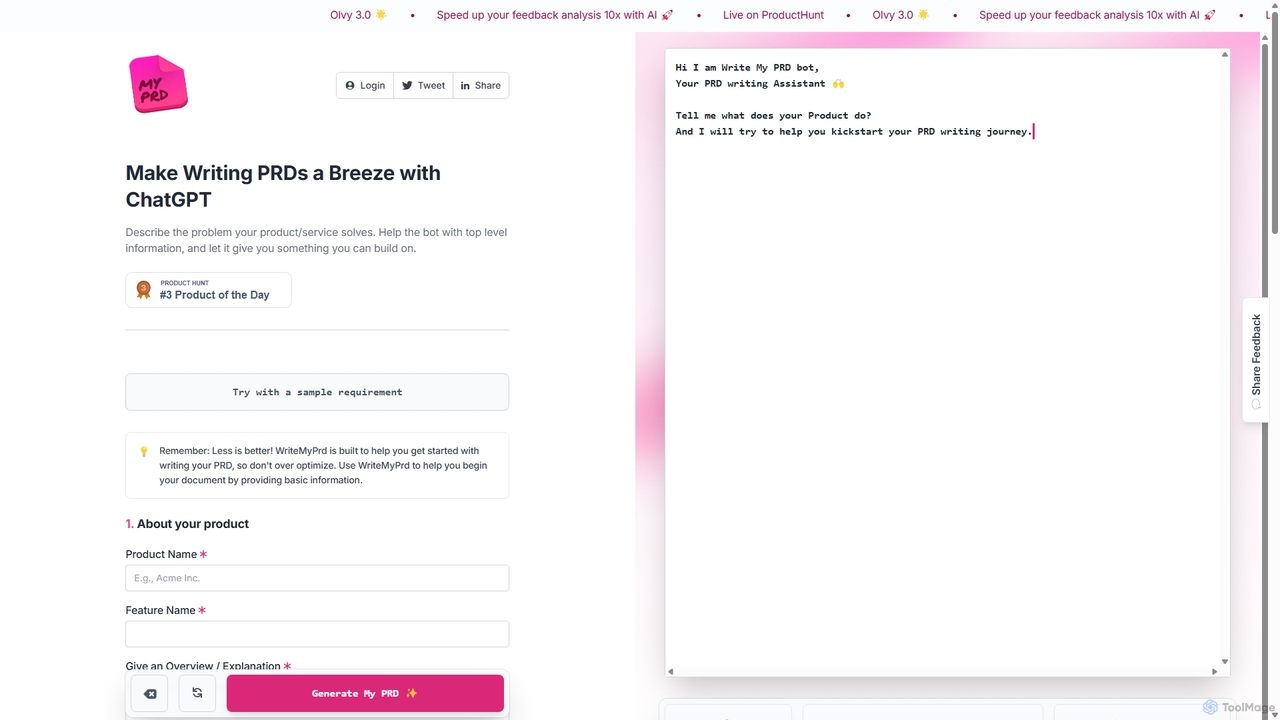
WriteMyPrd
WriteMyPrd is an AI-powered assistant that leverages ChatGPT to streamline the creation of Product Requirements Documents (PRDs). By providing basic information about your product, features, and user feedback, it generates a structured PRD draft. This tool is ideal for product managers, founders, and developers looking to quickly kickstart their documentation process, saving time and ensuring all key components are included from the outset.
Requirements Management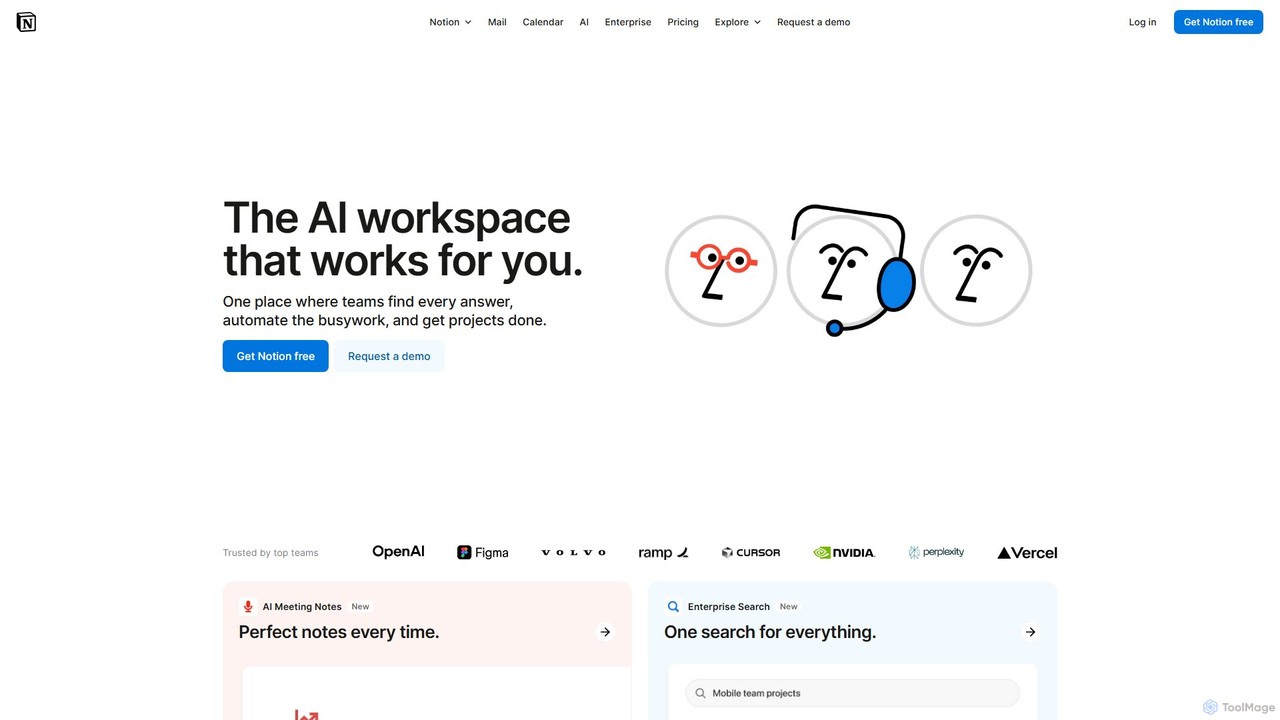
Notion
Notion is the all-in-one AI workspace that combines notes, documents, project management, and wikis. It provides a flexible, customizable platform where individuals and teams can organize work, collaborate in real-time, and build custom workflows. With integrated AI features, Notion helps automate tasks, summarize content, and generate ideas, consolidating multiple tools into a single, powerful space for enhanced productivity.
Knowledge Management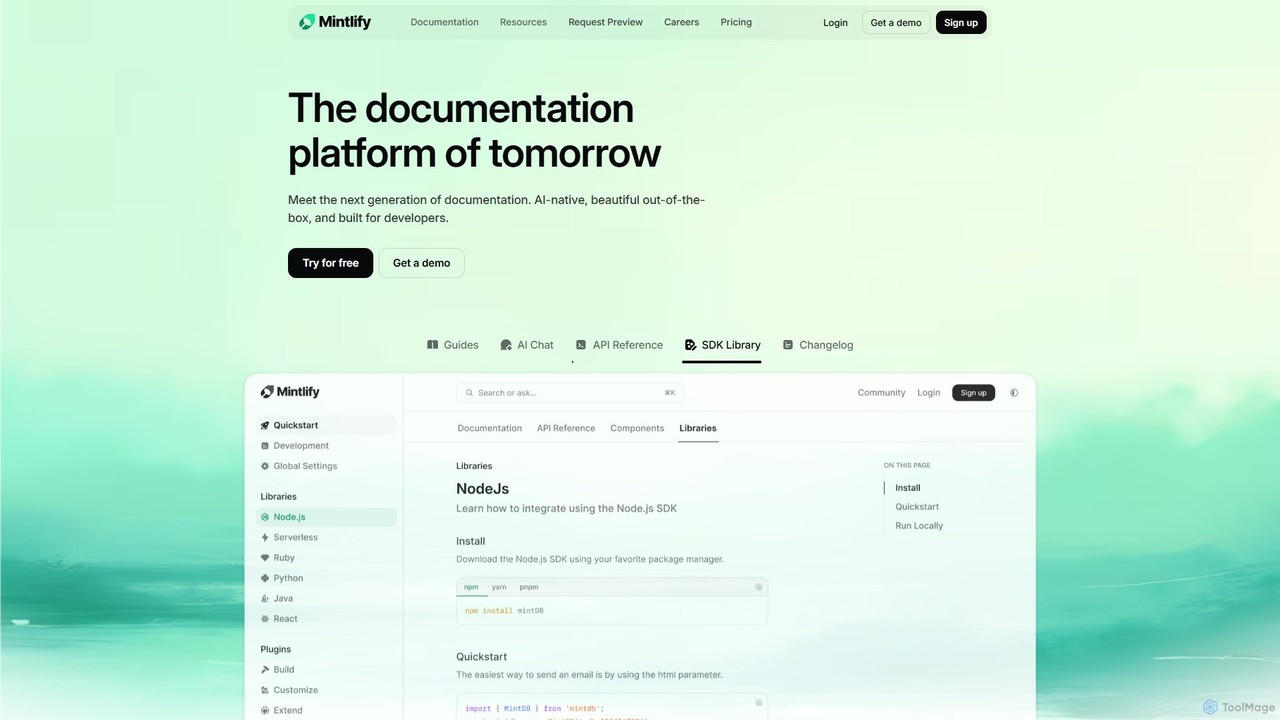
Mintlify
Mintlify is an AI-powered documentation platform designed for modern teams. It helps create beautiful, interactive, and conversion-focused documentation with features like an AI assistant, real-time writing suggestions, and seamless Git integration. Built for collaboration and scalability, it enables companies to provide a world-class developer experience and turn their docs into a growth engine.
Knowledge Base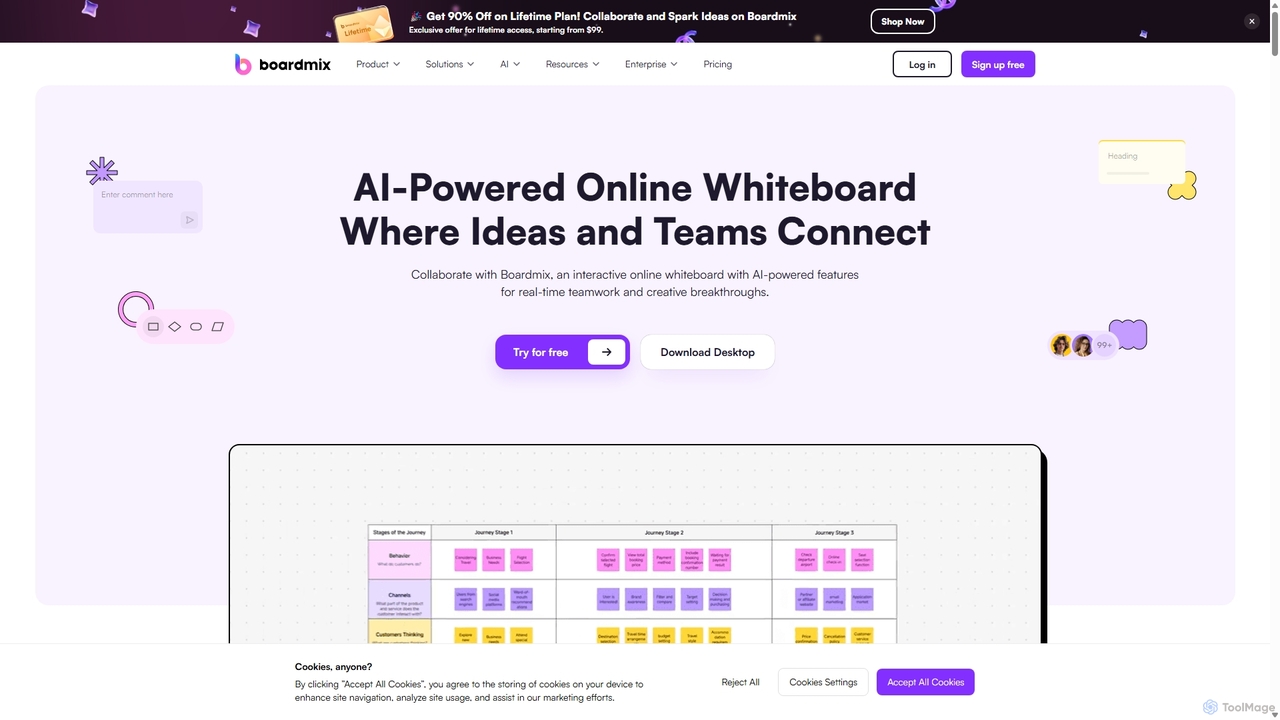
Boardmix
Boardmix is an AI-powered online collaborative whiteboard designed to connect ideas and teams. It integrates tools for mind mapping, diagramming, brainstorming, and project management into a single infinite canvas, facilitating real-time teamwork and creative breakthroughs for various professional teams.
Project Management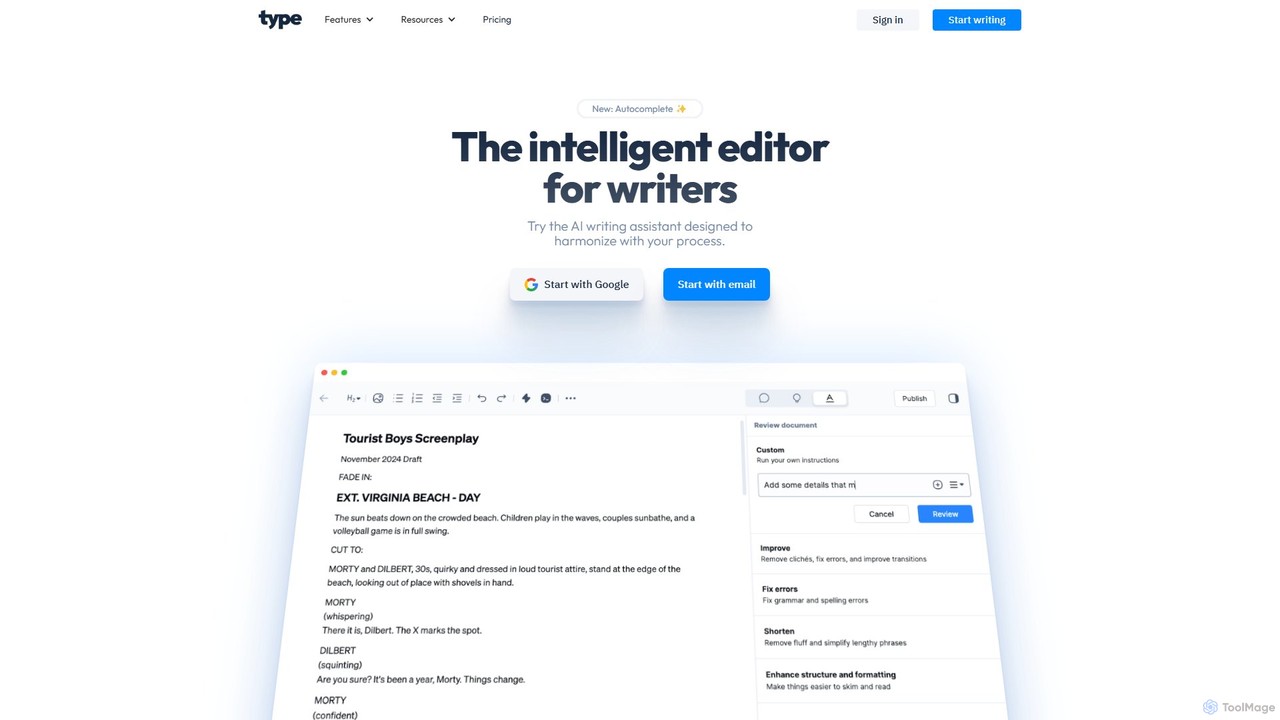
Type.ai
Type.ai is an all-in-one AI writing assistant powered by GPT-4o and Claude 3.7. It's designed to help marketers, writers, and professionals brainstorm, draft, edit, and format documents more efficiently. From generating ideas on a blank page to final proofreading, Type.ai streamlines the entire writing workflow, serving as a powerful alternative to tools like Grammarly.
Communication
Trinka
Trinka is an AI-powered writing assistant and grammar checker specifically designed for academic and technical writing. It goes beyond basic grammar correction to improve style, tone, and clarity. Key features include a LaTeX checker, plagiarism detection, and publication readiness checks, making it an essential tool for researchers, students, and professionals.
Academic Research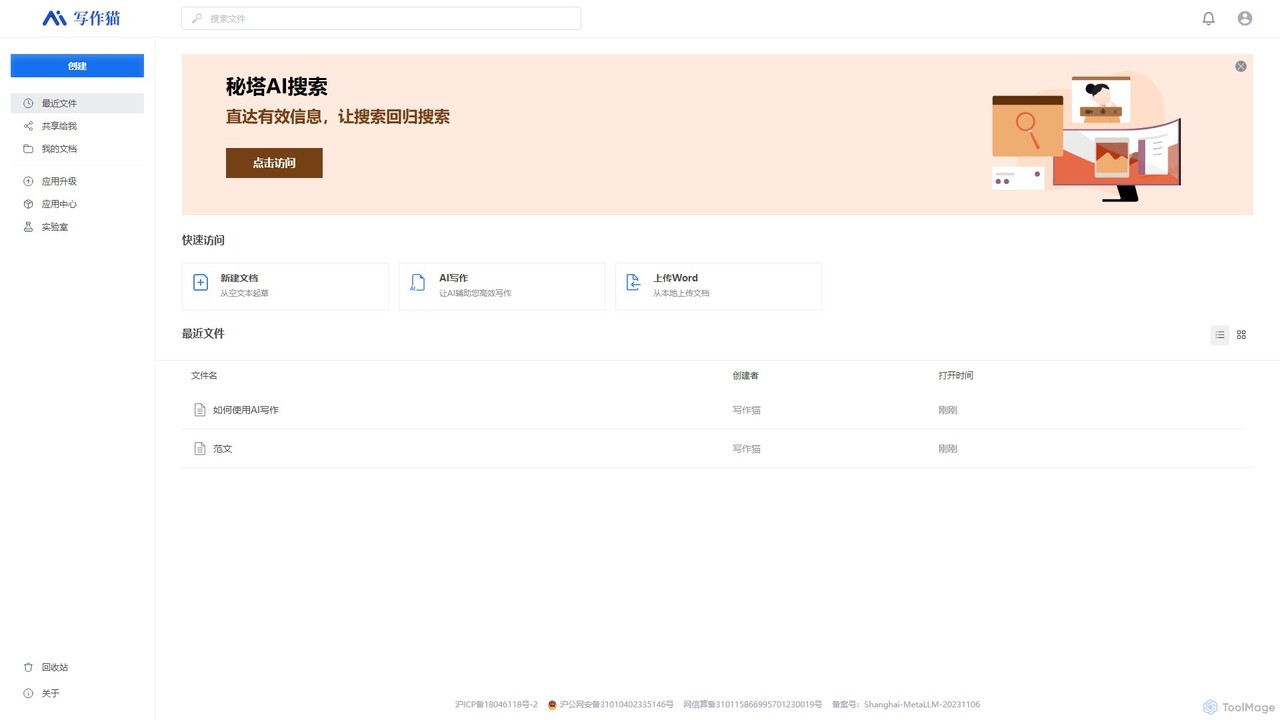
XiezuoCat
XiezuoCat (Mita Writing Cat) is an all-in-one AI writing assistant that combines a powerful document editor with an integrated AI search engine. It streamlines the entire content creation process, from research and outlining to drafting, editing, and proofreading, making it ideal for students, researchers, and content creators.
Research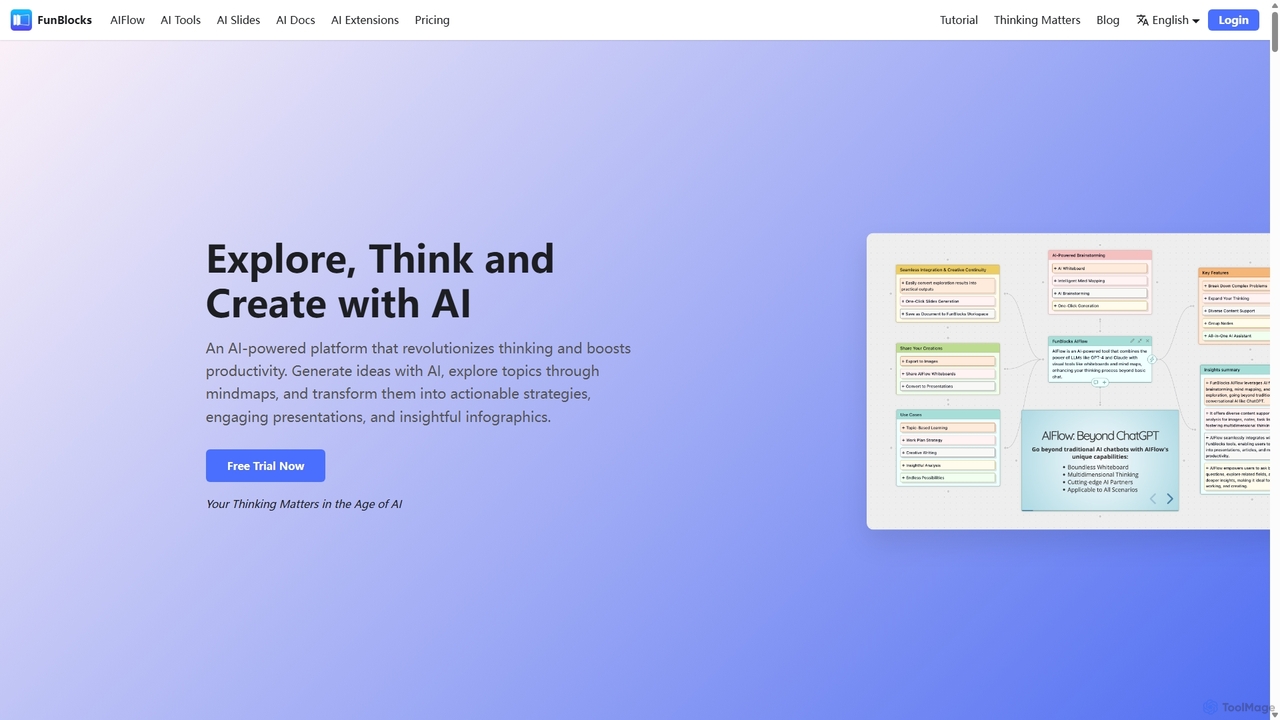
FunBlocks
FunBlocks is an all-in-one AI workspace designed to revolutionize thinking and boost productivity. It seamlessly integrates AI-powered tools for mind mapping (AIFlow), document creation (AI Docs), slide generation (AI Slides), and web research (Browser Extension). From brainstorming complex ideas visually to producing polished documents and presentations with a single click, FunBlocks supports the entire knowledge workflow, enhancing creativity and critical thinking for students, professionals, and teams.
Presentations
Quaily
Quaily is a modern, AI-powered newsletter service for creators. It enables users to build membership communities, publish content across multiple channels like email, Discord, and X, and monetize their work through paid subscriptions. It features flexible editor support (including Obsidian), AI co-creation, custom branding, and diverse payment options.
Membership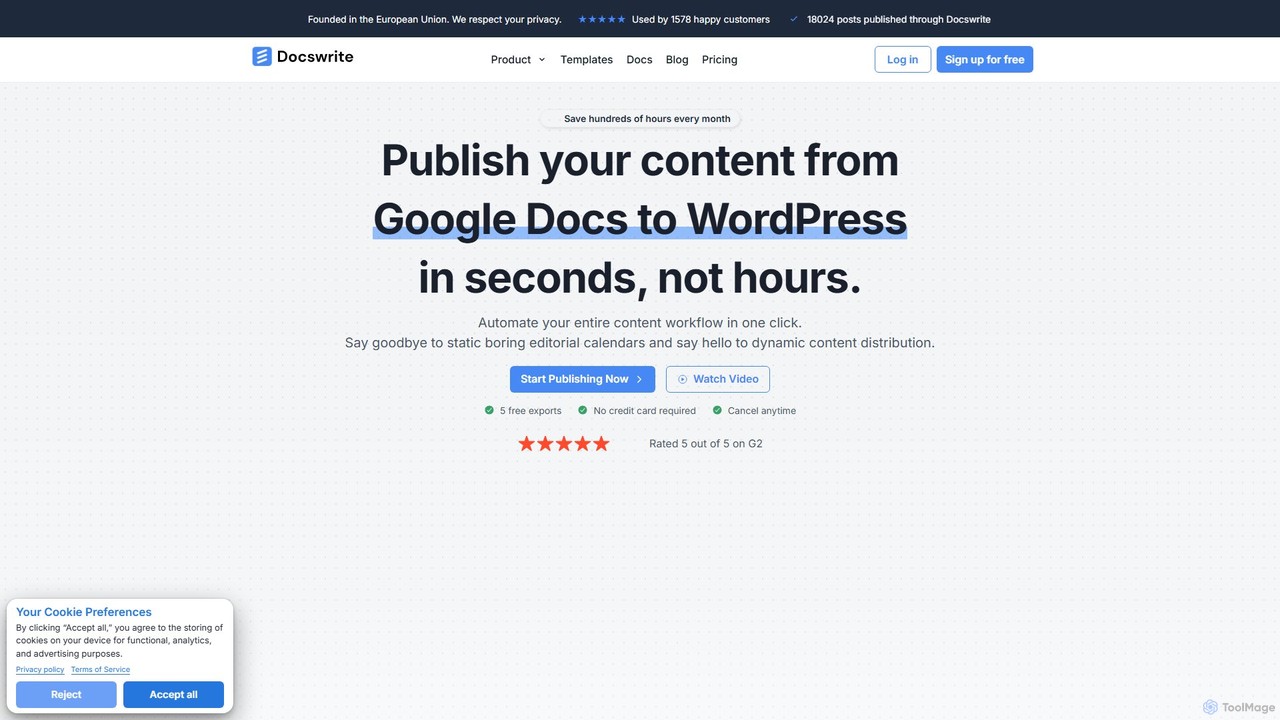
docswrite
docswrite is an AI-powered writing assistant designed to streamline the creation of high-quality documents. It helps users generate articles, reports, marketing copy, and more with advanced AI. Features include content generation, intelligent editing, and a vast library of templates to boost productivity and enhance writing quality.
Document Management
Docuopia Comments (0)
Sign in to comment.
Sign inNo comments yet.