ToolMage
Sign in

Best 2 Documentation AI tools for Product Management

Popular Documentation AI tools in Product Management include Korey and Docuopia, helping you work more efficiently.

Korey
Freemium

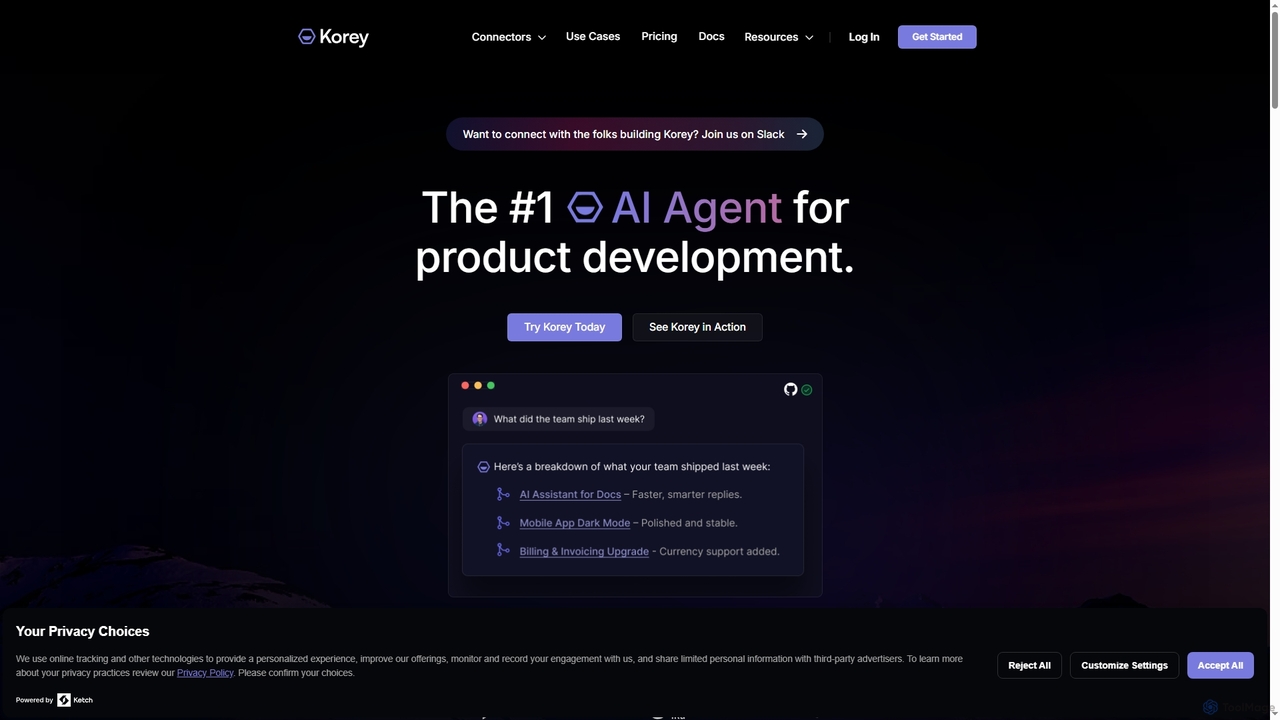
Korey

Korey is an AI agent designed to streamline product development workflows, helping teams manage projects, track status, and accelerate progress. It automates tasks like spec creation, task breakdown, and status updates, integrating with tools like Shortcut and GitHub to provide context-aware assistance for engineering teams.

Project Management
Visits 7.9KFavorites 90Likes 102
Docuopia
Freemium

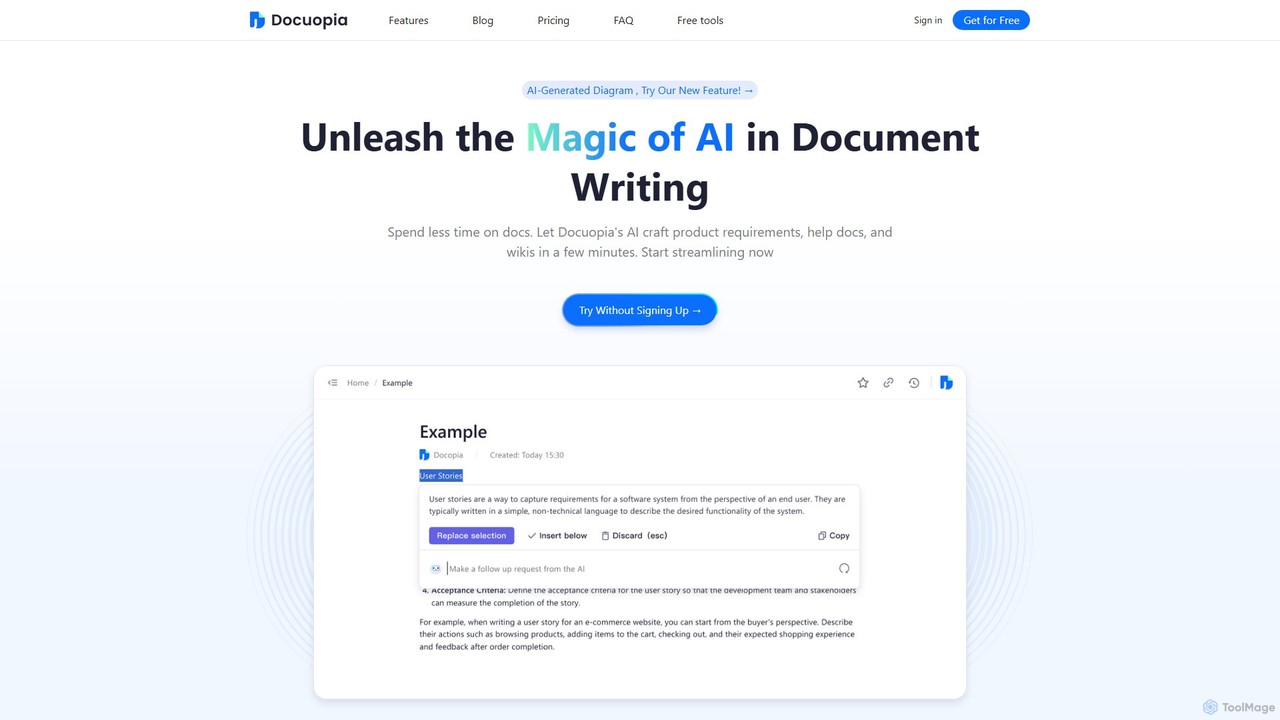
Docuopia

Docuopia is an AI-powered document collaboration platform designed to streamline the creation of technical and business documents. It helps teams generate product requirements documents (PRDs), help articles, wikis, and professional diagrams in minutes. By leveraging AI for drafting, refining, and visualizing content, Docuopia significantly reduces documentation time, enhances content quality, and fosters real-time collaboration.

Diagramming
Visits 6.5KFavorites 137Likes 129

About Documentation

AI Documentation tools are a class of software that uses artificial intelligence to automate the creation, management, and discovery of technical and user documents. These tools leverage Natural Language Generation (NLG) to convert code, data, or brief inputs into coherent guides, and employ semantic search to provide precise answers from extensive knowledge bases. As a key part of the product management lifecycle, they accelerate the creation of user manuals, API references, and internal wikis, ensuring content remains accurate and synchronized with product updates. This reduces manual effort for technical writers and developers, improving both internal knowledge sharing and external user support.

Core Features

  • Automated Content Generation: Automatically creates documentation from source code, API specifications, or structured data, reducing manual writing time.
  • Semantic Search & Q&A: Enables users to ask natural language questions and receive precise answers directly from the documentation, instead of manually searching.
  • Content Synchronization: Keeps documentation automatically in sync with changes in the source code or product features, preventing outdated information.
  • Version Control & History: Manages different versions of documents, allowing teams to track changes and revert to previous states seamlessly.
  • Multi-Format Publishing: Generates and publishes content in various formats like web portals, PDFs, or integrated help widgets from a single source.

Use Cases

These tools are essential for software companies, SaaS providers, and enterprises with complex products. Technical writers, developers, product managers, and support teams use them to maintain accurate API documentation, build comprehensive user help centers, and manage internal standard operating procedures (SOPs). They are particularly valuable in agile development environments where products evolve rapidly.

How to Choose

When selecting an AI Documentation tool, consider its integration capabilities with your existing codebase (e.g., GitHub, GitLab) and other tools (e.g., Jira, Slack). Evaluate the quality and customizability of its content generation. Assess the power of its search functionality and its support for version control. Finally, consider the ease of use for both content creators and end-users, as well as the pricing model's scalability.

Documentation use cases

1

Automating API Documentation for Developers

A software development team is building a new REST API for their SaaS product. Instead of manually writing and updating documentation, they integrate an AI Documentation tool with their GitHub repository. The tool automatically scans the codebase, analyzes endpoints, parameters, and response schemas, and generates an interactive, three-panel API reference portal. When a developer pushes new code, the documentation is instantly updated, ensuring external developers always have access to the most current and accurate information. This reduces documentation time by over 80% and eliminates human error.

2

Creating an Intelligent Internal Knowledge Base

A customer support team struggles to find answers quickly across hundreds of scattered documents in Google Drive and Confluence. They implement an AI Documentation tool to centralize all their knowledge. The tool ingests all existing documents, and its semantic search engine allows support agents to ask questions like 'What is our refund policy for annual subscriptions?' and get an immediate, precise answer with a link to the source document. This reduces the average time to resolve a customer query by 40% and improves the onboarding process for new agents.

3

Generating User Manuals from Product Specifications

A product manager finalizes the feature specifications for a new software release in a structured format (like a Jira epic). Instead of a technical writer starting from scratch, they feed these specifications into an AI Documentation tool. The AI analyzes the feature descriptions, user stories, and acceptance criteria to generate a first draft of the user manual. It structures the content into logical chapters, writes clear step-by-step instructions, and even suggests where screenshots should be placed. The technical writer then only needs to review, refine, and add visuals, cutting the initial drafting time by half.

4

Maintaining Compliance and SOP Documentation

A compliance officer in a financial institution needs to manage hundreds of Standard Operating Procedures (SOPs). They use an AI Documentation platform to store and version all SOPs. The AI helps by identifying duplicate or conflicting statements across different documents. When a regulation changes, the officer updates the master policy, and the AI suggests all related SOPs that need to be revised. The platform's Q&A feature also allows employees to quickly ask compliance-related questions and get verified answers, ensuring consistent adherence to policies.

5

Translating Help Center Articles for Global Users

A SaaS company is expanding into European and Asian markets. Their localization manager uses an AI Documentation tool to translate their entire English help center. Instead of a raw machine translation, the AI is trained on the company's existing terminology and style guide, producing high-quality drafts. The tool provides a side-by-side interface for human translators to review and edit the AI-generated content. This hybrid approach accelerates the translation workflow by 60%, allowing the company to provide localized support to new markets much faster and at a lower cost.

6

Improving Onboarding with Interactive Product Walkthroughs

A product team wants to improve user activation rates for their complex analytics software. They use an AI documentation tool that can generate interactive product walkthroughs. By connecting the tool to their application, it analyzes UI elements and user flows. The product manager then uses a simple editor to link steps together, with the AI generating the descriptive text for each step. The final output is an in-app guided tour that helps new users understand key features and complete their first task successfully, leading to a 25% increase in user retention during the first week.

Documentation FAQ

What are AI Documentation tools?

AI Documentation tools are software applications that use artificial intelligence, particularly Natural Language Processing (NLP) and Generation (NLG), to automate and enhance the process of creating and maintaining documents. Unlike simple text editors, they can automatically generate content from code, provide intelligent search capabilities that understand user intent, and keep documents synchronized with product updates. They are primarily used for technical documentation, user guides, and internal knowledge bases within the product management and software development lifecycle.

How to choose the right AI Documentation tool?

Choosing the right tool depends on your specific needs. Consider the following factors:

  • Source of Content: Do you need to generate docs from code (like JavaDoc, OpenAPI), from product specs, or from existing unstructured documents? Choose a tool that specializes in your primary source.
  • Integration: Ensure the tool integrates seamlessly with your existing workflow, such as code repositories (GitHub, GitLab), project management tools (Jira), and communication platforms (Slack).
  • Search Capability: If your goal is a knowledge base, evaluate the power and accuracy of its semantic search and Q&A features.
  • Customization and Output: Check if you can customize the look and feel of the output (e.g., your own branding on a help portal) and if it supports the formats you need (web, PDF, in-app).
What's the difference between AI Documentation tools and traditional wikis like Confluence?

The key difference is automation and intelligence. Traditional wikis like Confluence are excellent for manual, collaborative content creation, acting like a structured text editor. AI Documentation tools go a step further by actively participating in the creation and maintenance process. They can automatically generate content from other sources (like code), keep it updated, and provide a much more powerful, intent-based search experience for end-users. While you can use a wiki to store documentation, an AI tool helps create and manage it with significantly less manual effort.

Who benefits most from using AI Documentation tools?

Several roles within an organization benefit significantly. Developers save time by automating the generation of API and code documentation. Technical Writers can transition from manual writing to a more editorial role, focusing on clarity and structure rather than initial drafting. Product Managers can ensure that documentation is always aligned with the latest product features. Finally, Customer Support Agents and End-Users benefit from faster, more accurate answers through intelligent search, which improves customer satisfaction and reduces support tickets.

Can AI Documentation tools completely replace technical writers?

No, they are designed to augment, not replace, technical writers. While AI is excellent at generating structured content from data or code and handling repetitive tasks, it often lacks the nuanced understanding of audience, context, and narrative flow that a human writer provides. The most effective workflow involves AI generating the first draft and handling routine updates, while technical writers focus on higher-value tasks like editing for clarity, creating tutorials, developing a content strategy, and ensuring the documentation truly meets user needs.