
EbSynth Overview
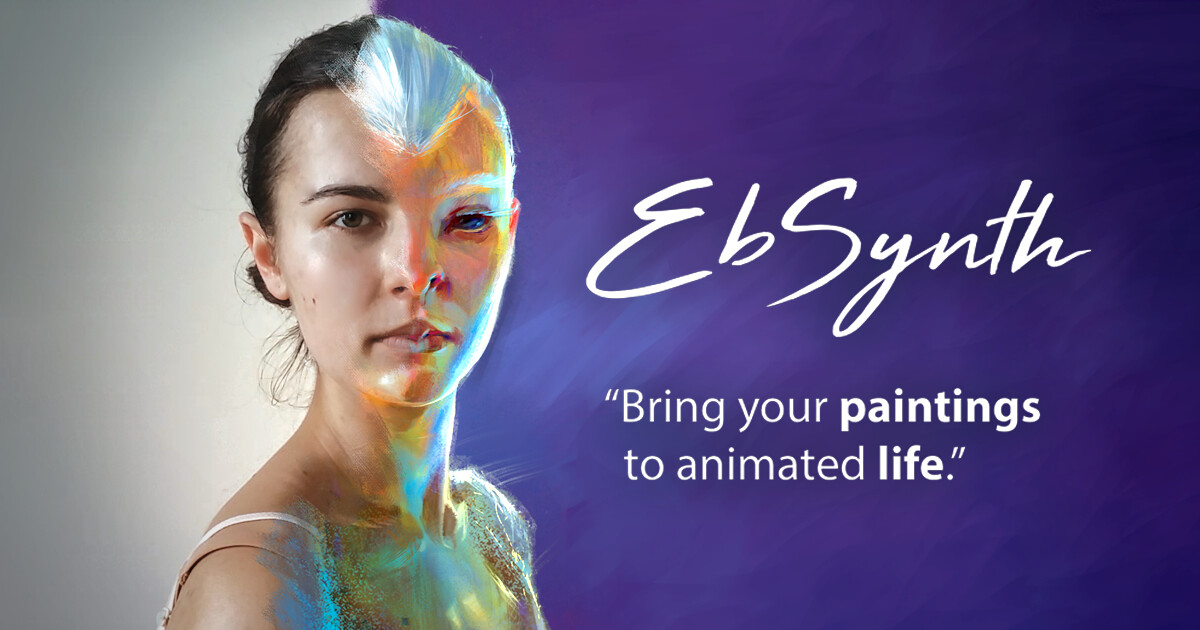
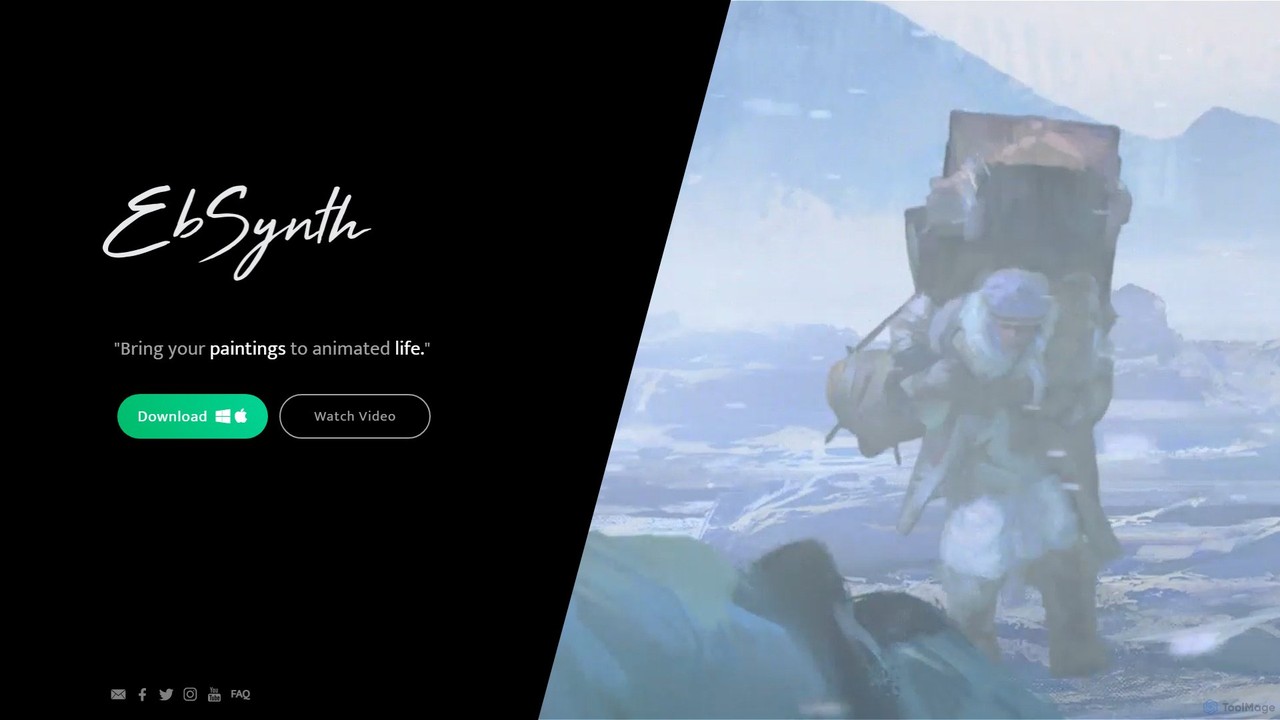
EbSynth is a revolutionary software that bridges the gap between static painting and dynamic video. It operates on a simple yet powerful principle: you paint a single frame, and EbSynth's AI propagates that style across your entire video sequence, preserving the original motion. This tool is designed for artists, animators, filmmakers, and content creators who want to achieve a unique, hand-painted aesthetic without the tedious process of frame-by-frame painting. It's a desktop application available for both Windows and macOS, offering a powerful, offline-first workflow that integrates seamlessly with existing creative software.
How to use EbSynth
The workflow for EbSynth is straightforward and designed to fit into a standard digital art or video production pipeline. Here is a typical step-by-step guide:
- Prepare Your Source Video: Start with a source video clip. For EbSynth to process it, you must first export the video as a sequence of images (e.g., PNG or JPG frames) using a video editor like Adobe Premiere Pro, DaVinci Resolve, or FFmpeg.
- Select and Paint Keyframes: Choose one or more representative frames from your image sequence to serve as your keyframes. Open these keyframes in your preferred painting software (like Photoshop, Krita, or Procreate) and paint over them in your desired style. The more detailed your painted keyframe, the better the final result.
- Run EbSynth: Launch the EbSynth application. You will need to provide three inputs: the path to your original video frames, the path to your painted keyframe(s), and a destination folder for the output.
- Configure and Synthesize: EbSynth offers advanced settings to fine-tune the output, such as adjusting the weight of the source video versus the keyframe style. Once configured, start the synthesis process. EbSynth will analyze the motion in the source video and apply the texture and style from your painted keyframe to every frame, generating a new stylized image sequence.
- Compile the Final Video: After EbSynth finishes, you will have a new sequence of stylized frames in your output folder. Import this image sequence back into your video editor to compile it into a final video file, add audio, and perform any final color grading or edits.
Core Features of EbSynth
- Keyframe-Based Style Transfer: The core technology allows the artistic style of one or more hand-painted frames to be transferred onto a live-action video sequence.
- Motion and Structure Preservation: The AI intelligently tracks the motion and underlying structure of the source video, ensuring that the final animation is fluid and consistent.
- Multiple Keyframe Blending: For longer or more complex shots with significant changes in lighting or subject position, you can use multiple painted keyframes. EbSynth will intelligently blend between them to maintain stylistic consistency.
- Alpha Channel Support: EbSynth can process videos with transparency (alpha channel), making it an invaluable tool for VFX artists and animators who need to composite stylized characters or effects into different backgrounds.
- High-Resolution Processing: The tool can handle high-resolution source footage and keyframes, allowing for the creation of professional-quality 4K (or higher) animated content.
- Offline Desktop Application: As a standalone app for Windows and macOS, all processing is done locally on your machine. This ensures data privacy and means you are not dependent on an internet connection or cloud processing queues.
Use Cases for EbSynth
EbSynth's versatility opens up a wide range of creative possibilities:
- Living Paintings: Artists can take their digital or traditional paintings and bring them to life, making characters speak, blink, and move.
- Stylized Music Videos: Musicians and filmmakers can produce visually striking music videos with a consistent, artistic look that would be prohibitively expensive or time-consuming with traditional methods.
- Indie Animation and Short Films: Independent creators can produce animated films with a unique, hand-crafted feel by shooting live-action references and stylizing them with EbSynth.
- Efficient Rotoscoping and VFX: In visual effects, EbSynth can be used as a rapid alternative to manual rotoscoping, where an object or character needs to be painted or stylized over many frames.
- Game Cinematics: Game developers can stylize in-game footage to create unique and artistic cutscenes or promotional trailers.
Advantages of EbSynth
The primary advantage of EbSynth is its ability to democratize high-quality video stylization. It empowers individual artists and small teams to achieve results that were once only possible for large animation studios. Key benefits include massive time savings compared to manual frame-by-frame work, complete artistic control over the final look (as the artist paints the keyframe), and seamless integration into existing workflows. Its availability as a free tool makes it incredibly accessible to everyone, from students and hobbyists to professional artists.
Pricing and Plans
EbSynth is currently available completely free of charge. Users can download the application for Windows and macOS directly from the official website without any subscription or payment required. This makes it an exceptionally valuable tool for anyone looking to experiment with or utilize video style transfer in their projects. Users should always refer to the official website for the latest information on licensing and terms of use, especially concerning commercial projects.
Traffic
Latest traffic
Status
Monthly traffic trend
- 2025-9: 103.4K
- 2026-1: 60.7K
- 2026-2: 50.2K
- 2026-3: 33.3K
- 2026-4: 36.8K
- 2026-5: 47.1K
Geography
Top 5 countries / regions
- 🇺🇸United States59.0%
- 🇧🇷Brazil12.7%
- 🇮🇳India11.6%
- 🇫🇷France9.1%
- 🇲🇽Mexico7.6%
Traffic sources
| Source type | Percentage |
|---|---|
Direct | 87.3% |
Referral | 11.6% |
Email | 1.1% |
Top keywords
| Keyword | Cost per click |
|---|---|
| ebsinth | $0.00 |
| eb synth | $2.54 |
| ebsynth | $2.08 |
| ebsynth download | $0.00 |
| ebsynth prompts | $0.00 |
EbSynth Alternatives
zazow
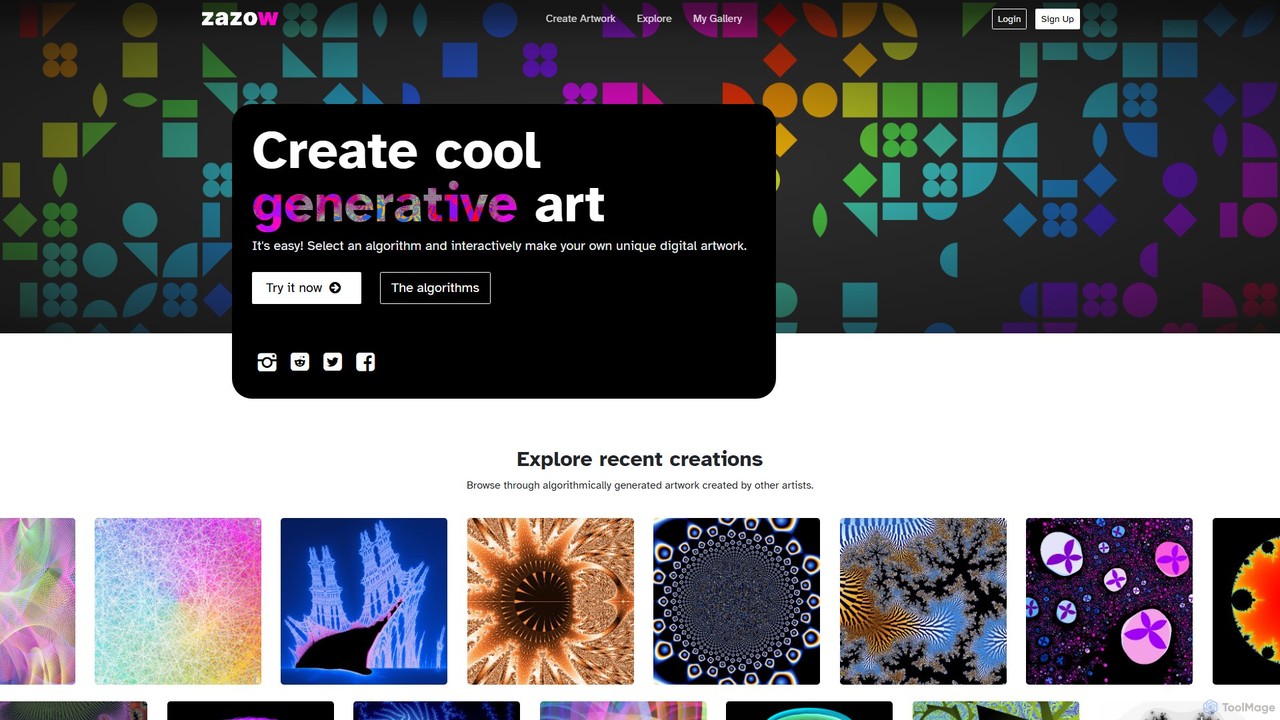
Zazow is a web-based platform for creating algorithmic generative art. It offers a suite of interactive tools that allow users to generate unique digital artwork by manipulating parameters of various algorithms like Mandelbrot fractals, Plasma, Spiro, and Bauhaus shapes. It's designed for both artists and enthusiasts to easily explore, create, save, and share complex visual patterns.
Generative Art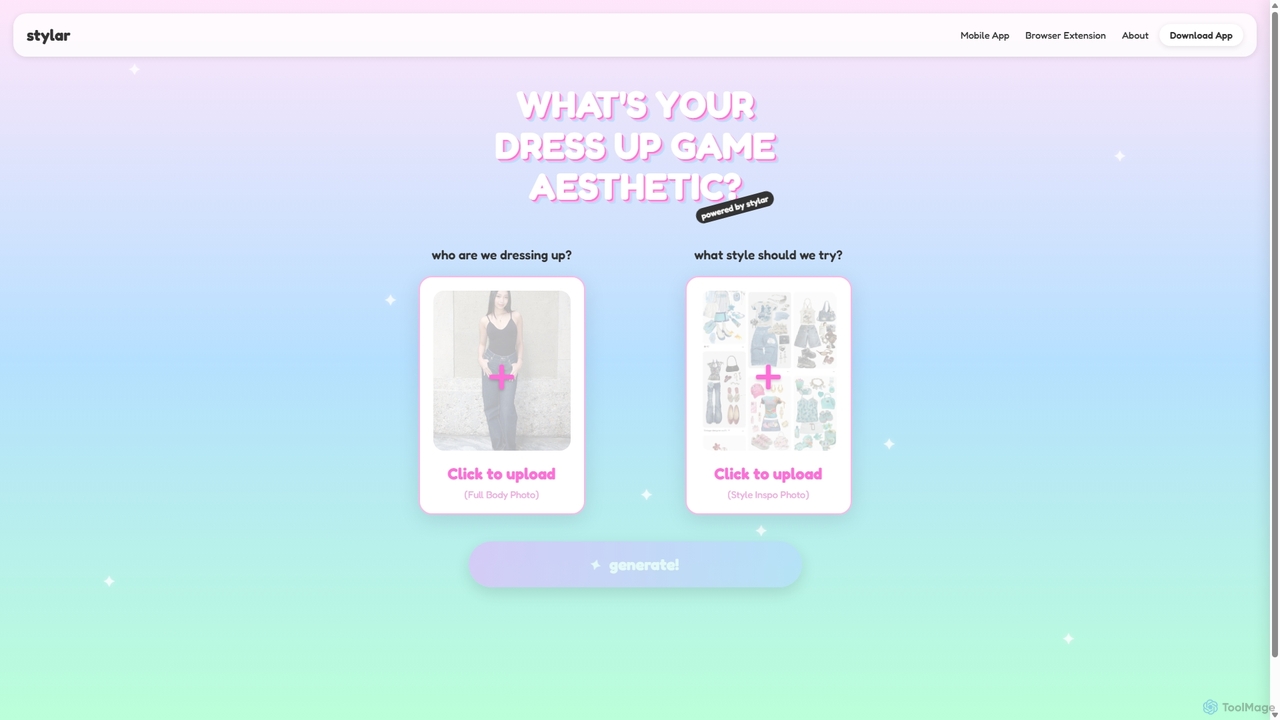
Stylar
Stylar is an all-in-one AI creative suite for artists and designers, offering precise control over image generation. It combines text-to-image, image-to-image, and composition tools with a user-friendly layer-based interface. Ideal for fashion design, character creation, and concept art, Stylar empowers users to bring their exact creative vision to life with unparalleled control and flexibility across web, mobile, and browser extension platforms.
Generative Art
imagetopromptai
imagetopromptai is an AI-powered tool that transforms any image into a detailed text prompt. Simply upload a picture, and the AI will analyze its content, style, and composition to generate a descriptive prompt suitable for AI art generators like Stable Diffusion and Midjourney. It's perfect for artists and creators looking to replicate styles or learn advanced prompting techniques.
Generative Art
Viggle
Viggle is a revolutionary AI video generation tool that animates static character images with realistic, controllable motion from source videos. Powered by the JST-1 video-3D foundation model, it offers precise control over character movements, making it ideal for filmmakers, content creators, and meme enthusiasts. Create high-quality animations, viral memes, and immersive visual effects with ease, breaking free from the technical and financial barriers of traditional animation and motion capture.
Generative Art
Studio Artist
Studio Artist is a powerful AI-driven creative suite for artists, photographers, and animators. It transforms photos and videos into unique art, animations, and vector graphics using automatic, assisted, and manual tools. Featuring thousands of presets, it excels at AI painting, automatic rotoscoping, and generative art, acting as a collaborative partner in the creative process.
Vector GraphicsEbSynth Categories
EbSynth Embed Widget
Copy this embed code to place the badge on your blog, article, or product site and send readers directly to this ToolMage detail page.

Related AI tools
Studio Artist
Studio Artist is a powerful AI-driven creative suite for artists, photographers, and animators. It transforms photos and videos into unique art, animations, and vector graphics using automatic, assisted, and manual tools. Featuring thousands of presets, it excels at AI painting, automatic rotoscoping, and generative art, acting as a collaborative partner in the creative process.
Vector Graphics
Deep Dream Generator
Deep Dream Generator (DDG) is a versatile AI-powered platform for creating stunning images, videos, and animations. It offers multiple AI models for various styles, from photorealism to abstract art, along with advanced editing tools like an AI upscaler and inpainting. It's designed for both professional artists and hobbyists, fostering a vibrant community for sharing and inspiration.
Generative Art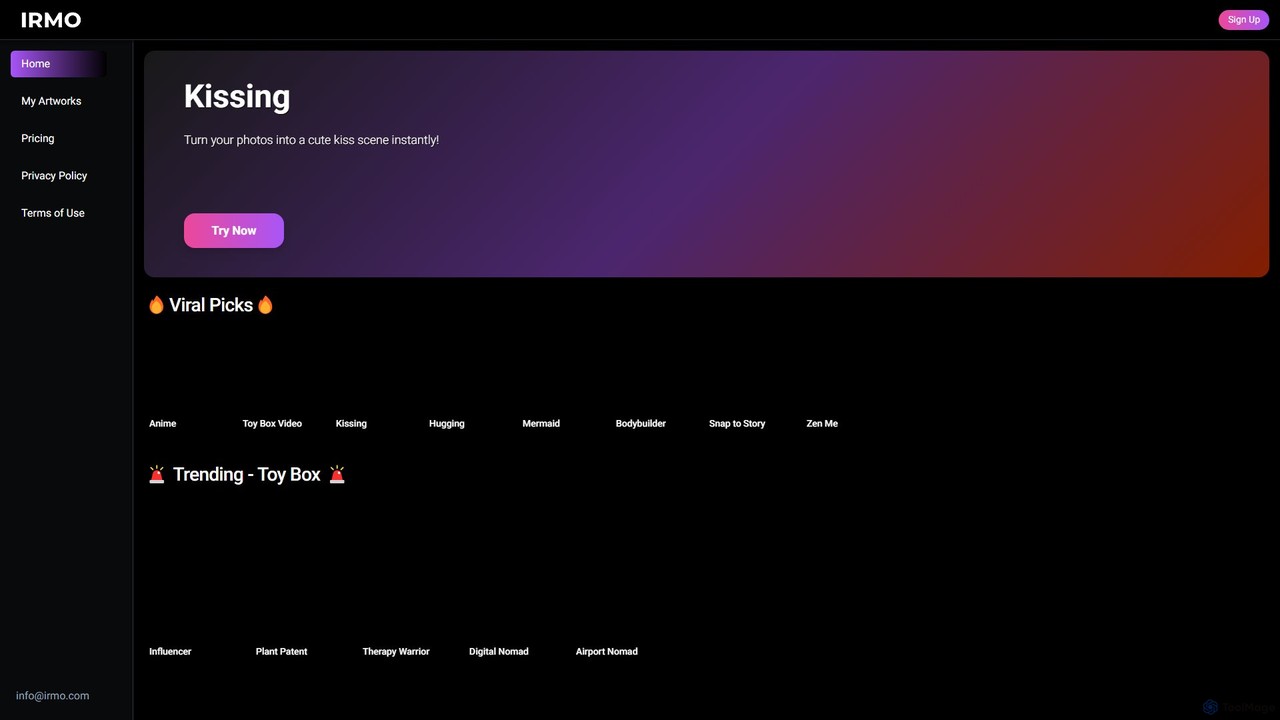
Irmo
Irmo is an AI-powered platform that transforms your static images into dynamic, eye-catching videos. It also functions as a versatile AI art generator, creating unique visuals from text prompts or other images using a vast library of artistic styles.
Generative Art
dejavideos
dejavideos is an AI-powered creative video generator that empowers users to transform their videos. Key features include one-click character replacement with anime figures, video-to-animation style transfer, intelligent object and text removal, and video quality enhancement to high-definition resolutions. It's designed for creators, artists, and marketers seeking powerful yet easy-to-use tools to produce stunning visual content.
Memes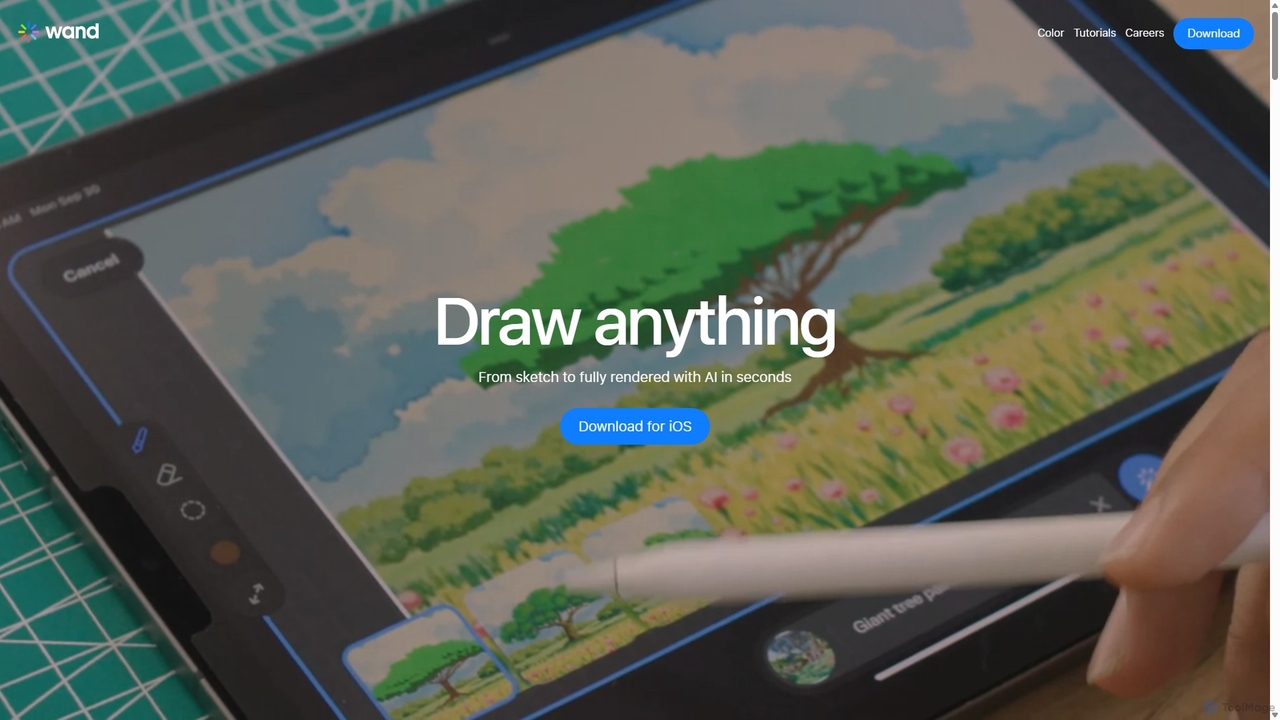
Wand
Wand is a revolutionary AI-powered art studio for iPhone and iPad. It seamlessly blends your drawing skills with powerful AI features like a custom brush engine, preloaded style libraries, and instant coloring. Designed for artists, designers, and students, Wand accelerates the creative process, allowing you to explore new techniques, refine details with precision, and produce professional-quality artwork faster than ever before.
Image Generation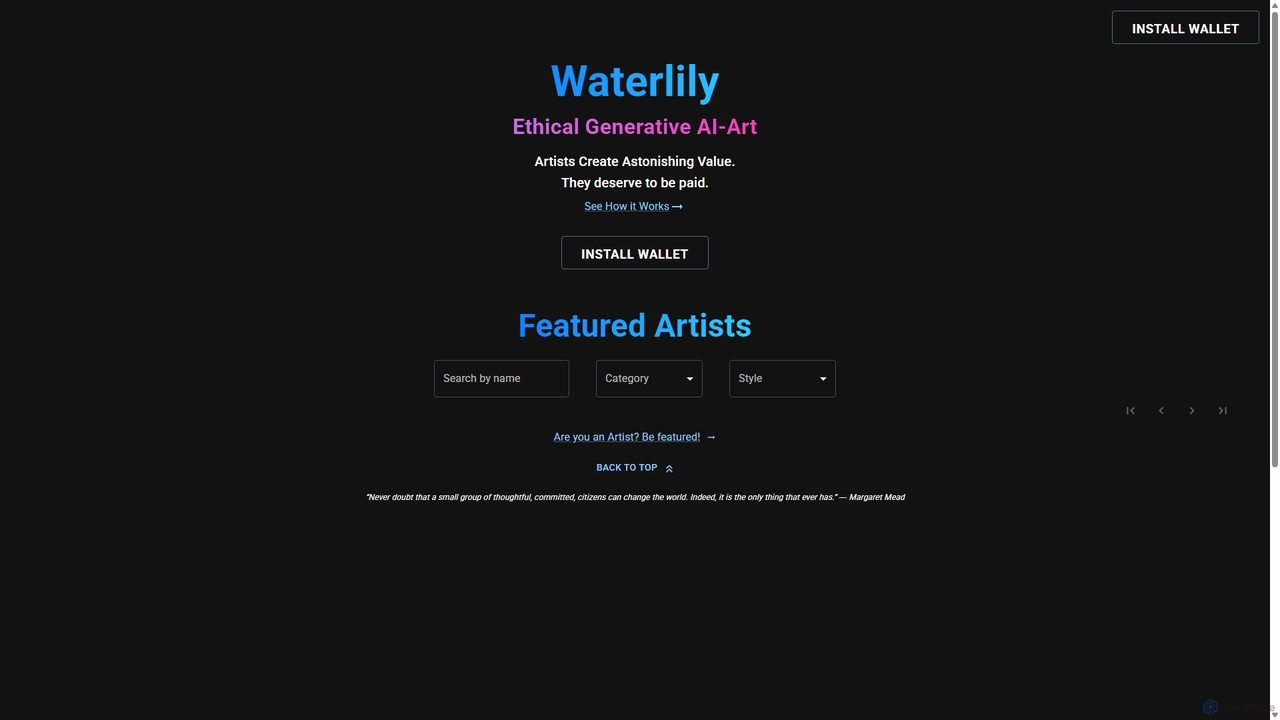
Waterlily
Waterlily is an ethical generative AI art platform that empowers artists by creating AI models based on their unique styles. It ensures artists are fairly compensated for every artwork generated, using Web3 technology for transparent royalty distribution.
Art Generationzazow
Zazow is a web-based platform for creating algorithmic generative art. It offers a suite of interactive tools that allow users to generate unique digital artwork by manipulating parameters of various algorithms like Mandelbrot fractals, Plasma, Spiro, and Bauhaus shapes. It's designed for both artists and enthusiasts to easily explore, create, save, and share complex visual patterns.
Generative ArtStylar
Stylar is an all-in-one AI creative suite for artists and designers, offering precise control over image generation. It combines text-to-image, image-to-image, and composition tools with a user-friendly layer-based interface. Ideal for fashion design, character creation, and concept art, Stylar empowers users to bring their exact creative vision to life with unparalleled control and flexibility across web, mobile, and browser extension platforms.
Generative Artimagetopromptai
imagetopromptai is an AI-powered tool that transforms any image into a detailed text prompt. Simply upload a picture, and the AI will analyze its content, style, and composition to generate a descriptive prompt suitable for AI art generators like Stable Diffusion and Midjourney. It's perfect for artists and creators looking to replicate styles or learn advanced prompting techniques.
Generative Art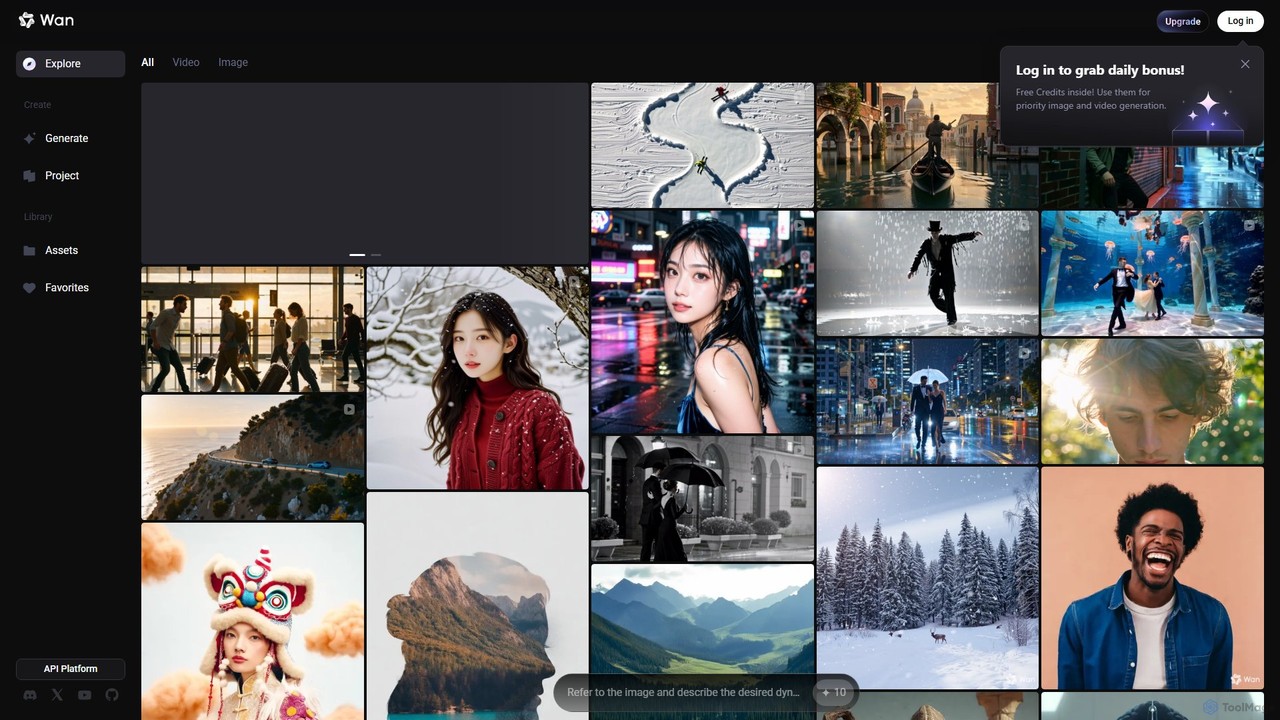
Wan AI
Wan AI is a leading AI video generation platform powered by the Wan 2.2 model. It transforms text prompts and static images into high-quality, dynamic video clips. Ideal for creators, marketers, and developers, it offers an intuitive interface, a project library, and a powerful API for seamless integration.
Generative Art
Kling AI
Kling AI is a next-generation AI creative productivity platform, specializing in high-quality video and image generation. It empowers creators and developers with advanced tools like text-to-video, image-to-video, fine-grained motion control, and a robust API, transforming creative ideas into stunning visual realities.
Api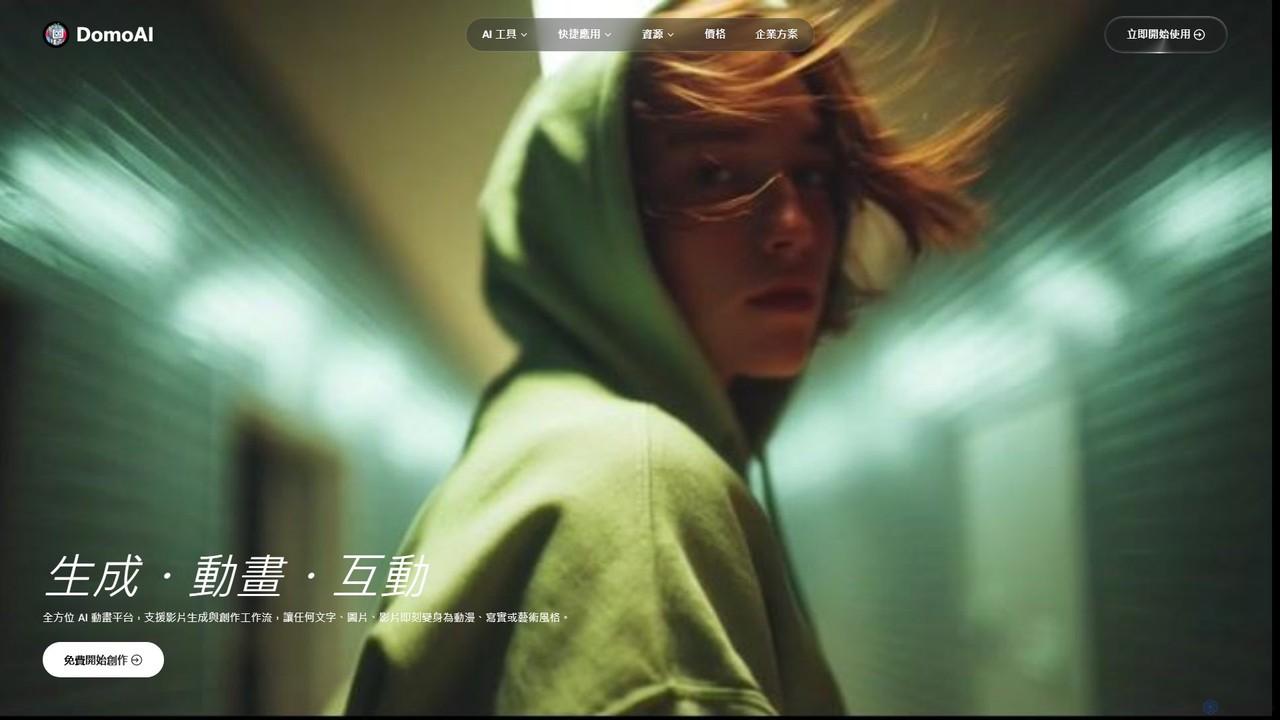
DomoAI
DomoAI is an all-in-one AI creative studio for video and image generation. It transforms text, images, and videos into dynamic animations in various styles like anime and realistic. Key features include video-to-video, image-to-video, character animation, and smart editing tools.
Art Generation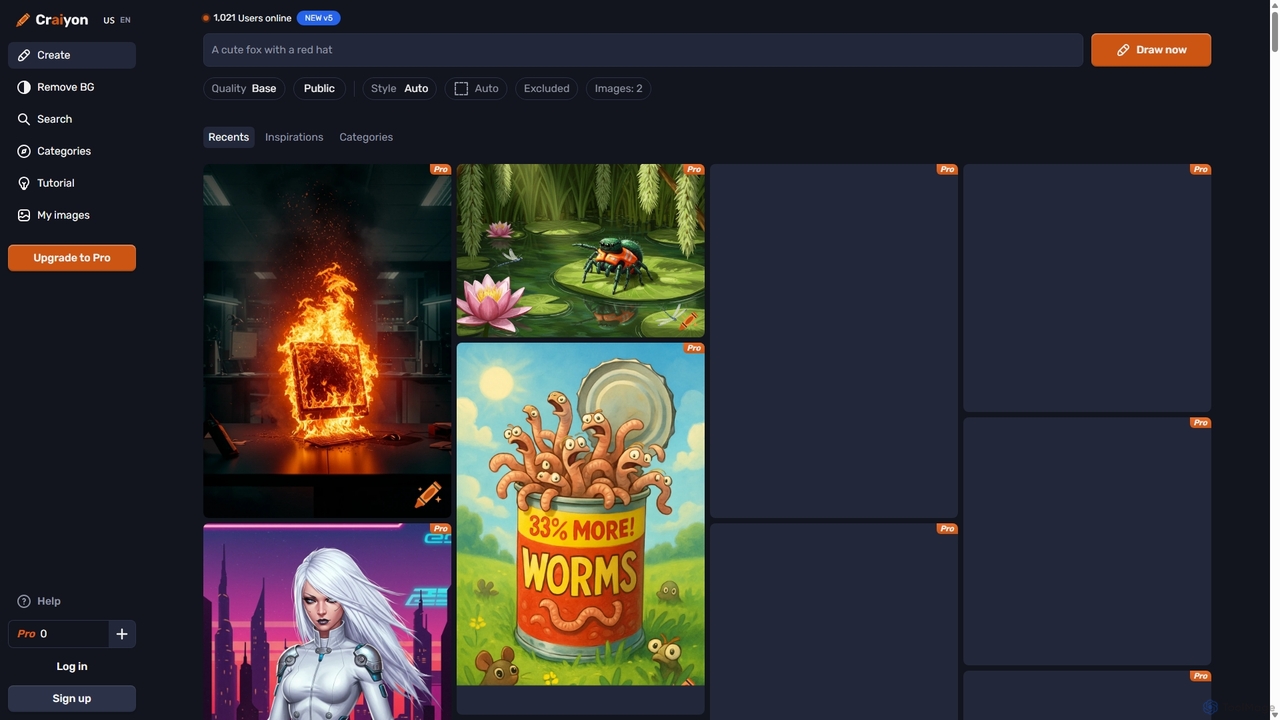
Craiyon
Craiyon is a free and powerful AI art generator that transforms text descriptions into unique images. Formerly known as DALL·E mini, it allows users to create anything from photorealistic images to abstract art simply by typing a prompt. It offers both free and paid plans to cater to everyone from beginners to professionals.
Generative Art
Nim
Nim is an all-in-one AI video production platform that consolidates the best AI models and editing tools. It enables users to create full-length videos from text or images with features like text-to-video, lip-sync, upscaling, and a comprehensive clip editor, catering to over 1.5 million creators.
Generative Art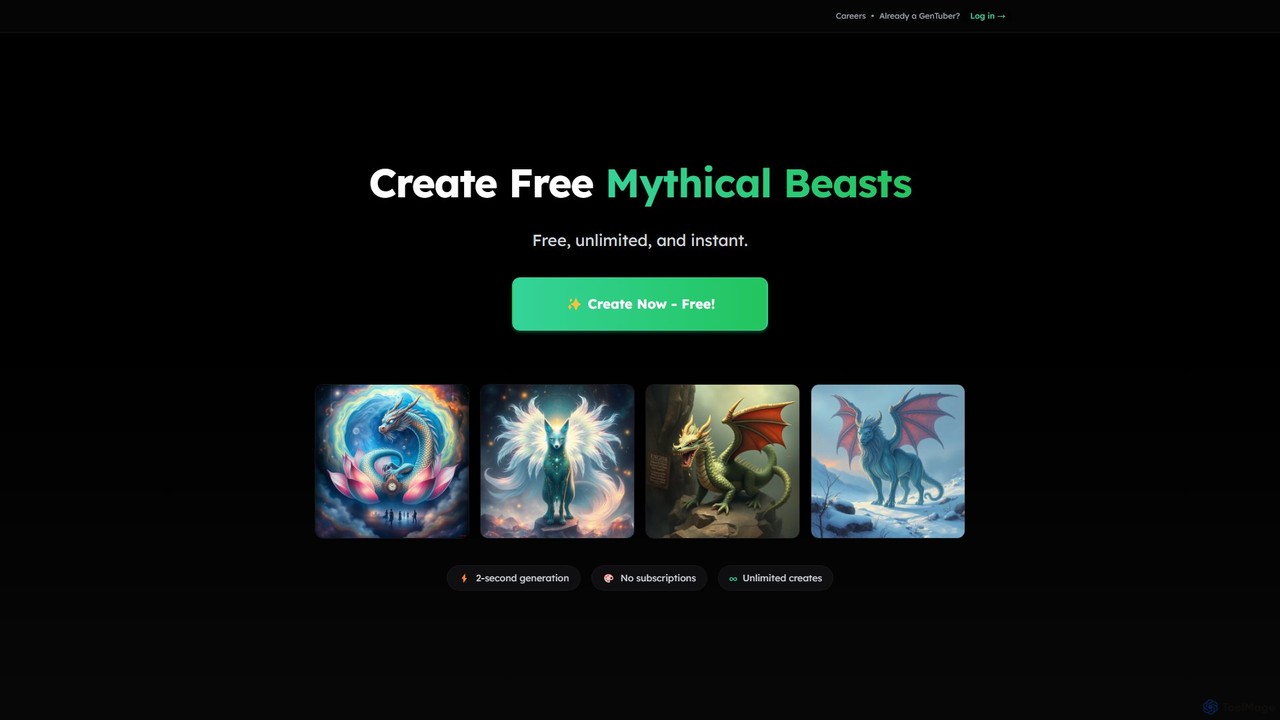
GenTube
GenTube is a revolutionary AI art generator that creates stunning visuals from text prompts in just 2 seconds. It's completely free, offers unlimited creations, and requires no subscriptions or sign-ups. Perfect for artists, creators, and hobbyists to instantly bring their imagination to life.
Generative Art
EbSynth Comments (0)
Sign in to comment.
Sign inNo comments yet.