3D Best in category 4 results Motion Capture AI Tool

Popular AI tools in the Motion Capture field of 3D include Rokoko、QuickMagic、Move AI、Plask, etc., helping you quickly improve efficiency.

Plask

Plask

Plask is an AI-powered motion capture and 3D animation tool that transforms any video into professional-grade animations. Simply …

44.4K
Move AI

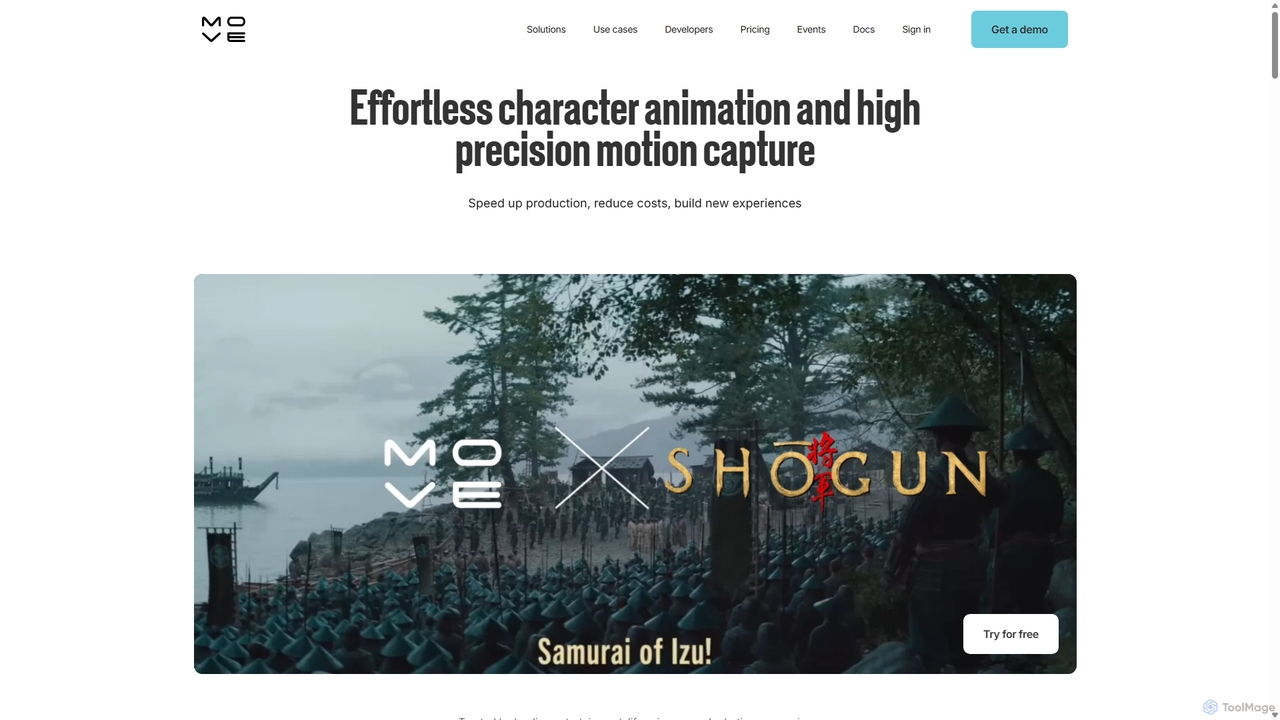
Move AI

Move AI is an advanced markerless motion capture platform that uses AI to transform video from any camera, …

111.3K
Rokoko

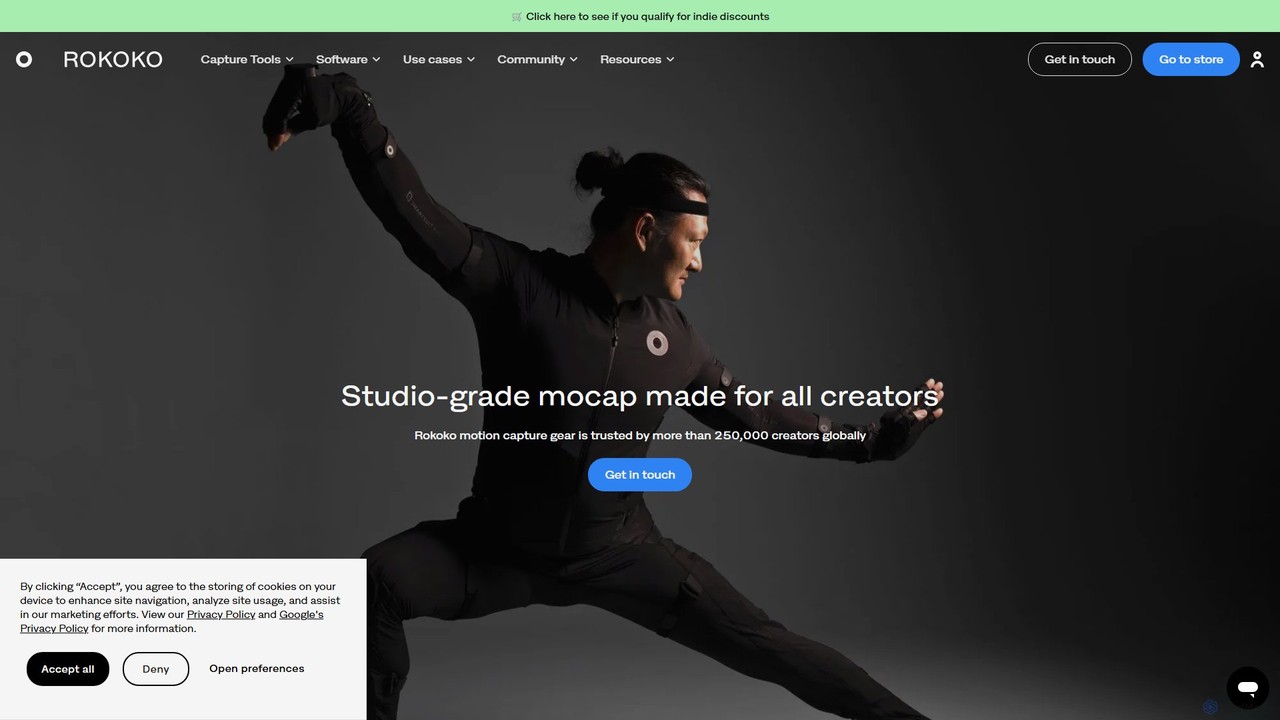
Rokoko

Rokoko offers a complete ecosystem of motion capture tools, including hardware suits and AI-powered software, designed to make …

270.3K
QuickMagic

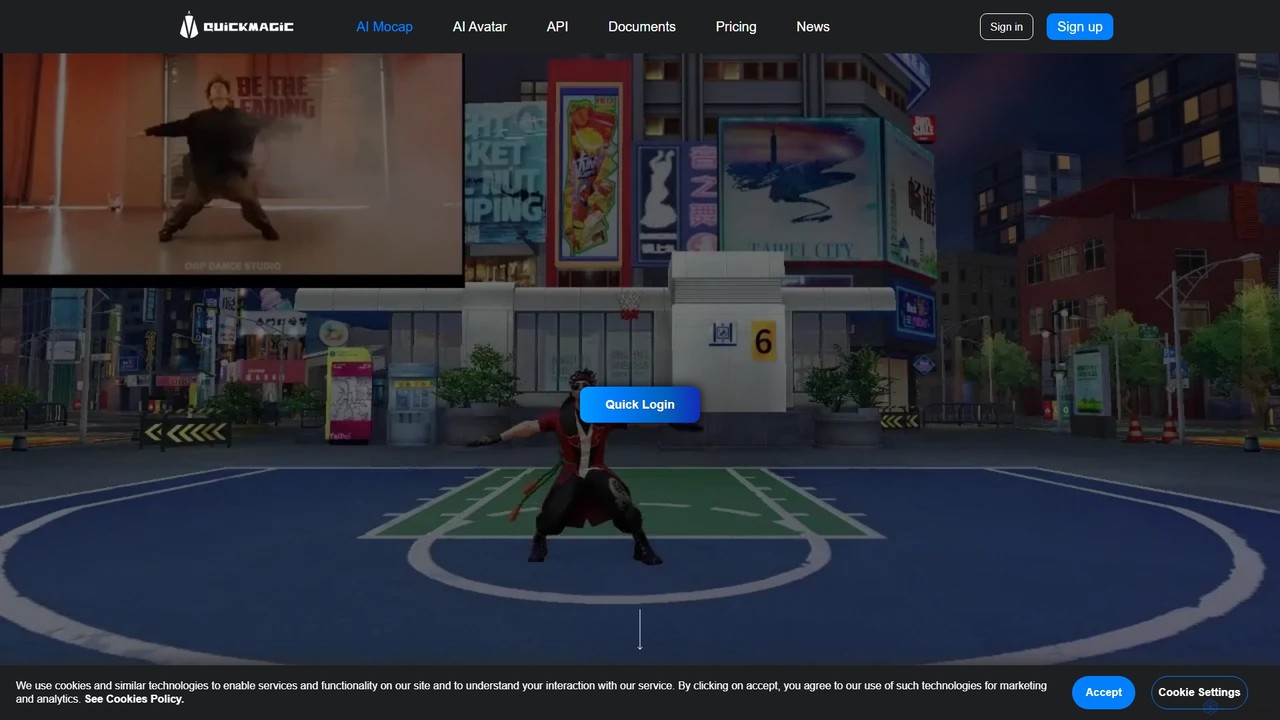
QuickMagic

QuickMagic is an AI-powered motion capture tool that converts single-camera videos into high-quality 3D animations. It's designed for …

152.2K

About Motion Capture

AI Motion Capture tools are a specialized category of 3D software that automatically extracts movement data from standard video footage. Using computer vision and deep learning models, these tools analyze a video of a person to generate a digital skeleton (rig) that precisely mimics the real-world motion. This technology significantly accelerates the animation pipeline for games, films, and virtual reality by removing the need for traditional marker-based suits and dedicated studios. It offers a flexible and accessible method for creating realistic character animations directly from a simple video recording.

Core Features

  • Markerless Tracking: Captures human motion from 2D video without requiring physical sensors, suits, or markers.
  • Video to 3D Animation: Directly converts video files into standard 3D animation formats like FBX, BVH, or GLB.
  • Multi-Person Detection: Identifies and tracks the movements of multiple individuals within a single video frame.
  • Detailed Capture: Includes advanced tracking for hands, fingers, and facial expressions for more nuanced performances.
  • Real-time Feedback: Provides an immediate preview of the captured animation, allowing for quick adjustments and retakes.

Use Cases

These tools are widely used by indie game developers, animators, and VFX artists for rapid character animation prototyping and production. They are also valuable in sports science for biomechanical analysis, in robotics for programming human-like movements, and for content creators like VTubers who need to control digital avatars in real time.

How to Choose

When selecting an AI Motion Capture tool, consider the required accuracy and level of detail (e.g., finger tracking). Evaluate its compatibility with your existing 3D software by checking supported export formats. Assess the processing model—whether it's cloud-based, which requires an internet connection, or local software, which depends on your computer's hardware. Finally, consider the pricing structure, such as subscription versus pay-per-use.

Motion CaptureUse Cases

1

Creating Character Animations for Indie Games

An indie game developer needs to animate a character for their new project but lacks the budget for a traditional motion capture studio. They record a video of an actor performing various actions like walking, running, and jumping using a smartphone. They then upload this footage to an AI motion capture tool, which automatically generates a 3D animation skeleton in FBX format. This file is imported directly into a game engine like Unity or Unreal, significantly reducing animation time and costs compared to manual keyframing.

2

Real-time Avatar Control for VTubing

A content creator, or VTuber, wants their digital avatar to mirror their movements during a live stream. They use an AI motion capture application that accesses their webcam. The software tracks their body, hand, and facial movements in real-time and applies this data directly to their 3D avatar model. This allows for expressive and dynamic performances without needing expensive hardware or physical motion capture suits, making live virtual performances more accessible to a wider audience of creators.

3

Biomechanical Analysis for Sports Training

A sports coach wants to analyze a golfer's swing to identify areas for improvement. They record the athlete with a standard camera from the side. The video is processed by an AI motion capture tool, which extracts precise data on joint angles, body rotation, and movement velocity throughout the swing. The coach uses this quantitative feedback to provide targeted instructions to the athlete, helping them refine their technique for better performance and injury prevention, all without needing a specialized biomechanics lab.

4

Pre-visualization for Film and Animation

A director is planning a complex action sequence for a film. To visualize the scene before committing to expensive production, the animation team uses AI motion capture. They film stunt performers acting out the sequence in an open space. The resulting 3D animation data is applied to rough character models in a 3D environment. This allows the director to experiment with camera angles, timing, and character placement quickly and cost-effectively, creating a detailed 'previz' (pre-visualization) that guides the final shoot.

5

Creating Educational Content for Physical Therapy

A physical therapist creates instructional videos for patients to perform exercises correctly at home. To enhance the content, they use AI motion capture on videos of themselves demonstrating the exercises. The tool generates a 3D skeleton overlay on the video, highlighting correct posture and joint angles. This visual aid helps patients better understand the movements, reducing the risk of performing exercises incorrectly and improving rehabilitation outcomes. It provides a clear, data-driven visual guide without complex equipment.

6

Developing Interactive Educational Simulations

An educational software company is building a virtual reality (VR) training module for surgeons. To create realistic interactions, they need to capture the precise hand movements of an experienced surgeon performing a procedure. Using an AI motion capture tool with advanced hand-tracking capabilities, they record the surgeon's hands from multiple camera angles. The captured data is then used to animate the virtual hands in the VR simulation, allowing trainees to observe and replicate the expert's technique in a safe, controlled environment.

Motion CaptureFrequently Asked Questions