

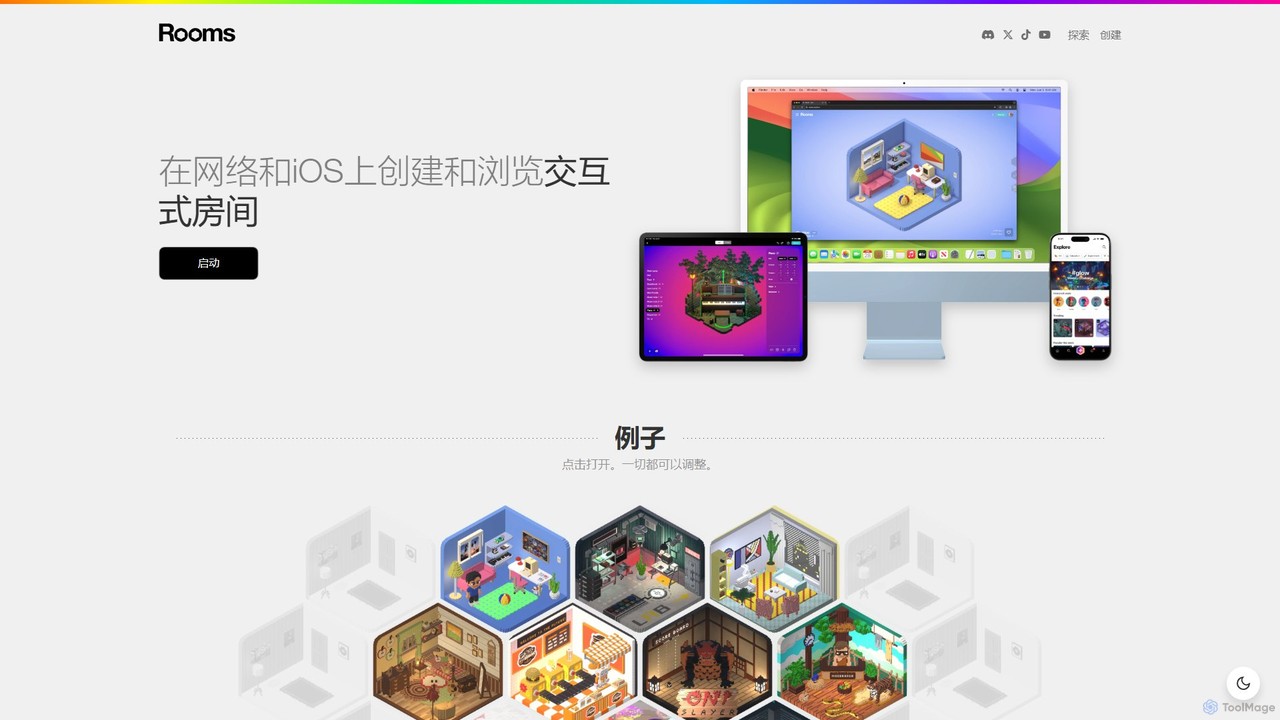
Rooms Overview
Rooms is an innovative and user-friendly platform that empowers anyone to create, share, and explore interactive 3D spaces directly in a web browser or on iOS. It positions itself as a simple yet powerful tool for building mini-games, virtual galleries, social hangouts, and other digital experiences, often referred to as 'rooms'. The core philosophy of Rooms is to democratize 3D creation, removing the steep learning curves associated with traditional 3D modeling and game development software. By providing an intuitive, tweakable environment, it opens up a world of creative possibilities for artists, designers, educators, and hobbyists alike.
The platform cleverly integrates AI-powered features to streamline the creative process. This allows users to generate assets or define complex behaviors using simple commands, making the transition from idea to interactive reality faster than ever. Whether you're looking to build a quiet virtual diorama or a chaotic physics-based puzzle, Rooms provides the foundational blocks and the flexibility to bring your vision to life.
How to use Rooms
Using Rooms is designed to be a straightforward and enjoyable process. Here’s a typical workflow:
- Start a Project: Begin by creating a new room from scratch or by 'remixing' an existing room made by another user, which serves as a great learning tool and template.
- Design Your Space: Use the intuitive editor to modify the room's structure. You can change the size, shape, colors, and textures of the walls, floor, and ceiling. You can also set a background or 'skybox' to create a specific atmosphere.
- Add Objects: Populate your room with items from the extensive built-in library of 3D models, lights, and special effects. This is where AI can assist, allowing you to potentially generate custom textures or even simple models from text descriptions.
- Make It Interactive: This is the core of the Rooms experience. Select any object and attach behaviors using a simple, no-code logic system. You can make objects react to clicks, collisions, or other triggers. For example, you can set a rule like 'When a user clicks this button, play a sound and make that door open'.
- Tweak and Test: Fine-tune the physics of your room. Adjust gravity, object bounciness, and friction to get the exact feel you want. You can instantly playtest your room at any time to see how your changes work.
- Publish and Share: Once you're happy with your creation, publish it to the Rooms platform. You'll receive a unique URL that you can share with anyone, allowing them to experience your room directly in their browser or the iOS app.
Core Features of Rooms
- Intuitive No-Code Editor: A user-friendly, drag-and-drop interface that makes 3D scene construction accessible to beginners.
- Interactive Logic System: Easily add behaviors and game mechanics to objects without writing a single line of code.
- AI-Assisted Creation: Leverage AI tools to generate assets like textures or assist in the creative process, simplifying complex tasks.
- Physics Engine: A built-in physics simulator that allows for the creation of dynamic and playful experiences with adjustable properties like gravity and bounciness.
- Cross-Platform Availability: Build on the web and explore creations on both web browsers and a dedicated iOS application.
- Community and Sharing: A public gallery of user-created rooms that you can explore, get inspired by, and even 'remix' to use as a starting point for your own projects.
- Rich Asset Library: A large collection of pre-made 3D models, sounds, and effects to quickly populate your scenes.
Use Cases for Rooms
The versatility of Rooms makes it suitable for a wide range of applications:
- Digital Artists and Designers: Creating immersive 3D portfolios, virtual art galleries, or conceptual installations.
- Indie Game Developers: Rapidly prototyping simple game mechanics, puzzle concepts, and level designs.
- Educators and Students: Building interactive educational models, historical dioramas, or science simulations.
- Social Media Creators: Designing unique virtual hangouts or interactive challenges to engage with their audience.
- Brands and Marketers: Developing simple, branded micro-experiences, virtual showrooms, or interactive advertisements.
Advantages of Rooms
- Accessibility: The no-code approach significantly lowers the barrier to entry for 3D and game creation.
- Speed and Efficiency: Go from concept to a shareable, interactive experience in a fraction of the time it would take with traditional tools.
- Instant Gratification: The ability to instantly test and share creations via a simple link makes the creative process rewarding and fun.
- Creative Community: The platform fosters a collaborative and inspiring environment where users can learn from each other's work.
- No Installation Required (Web): Users can start creating and exploring immediately on the web without needing to download or install heavy software.
Pricing and Plans
Rooms operates on a freemium model, making it accessible for everyone to start creating. While specific details should be checked on the official website, the pricing structure is typically as follows:
- Free Plan: Allows users to create a limited number of public rooms, access the basic asset library, and explore all community creations. This is ideal for hobbyists and those new to the platform.
- Pro Plan (Hypothetical): A paid subscription that would likely offer features such as creating more or unlimited rooms, private rooms, access to a premium asset library, advanced customization options, and potentially the ability to remove Rooms branding.
Traffic
Latest traffic
Status
Monthly traffic trend
- 2025-9: 192.5K
- 2026-1: 248.7K
- 2026-2: 175.9K
- 2026-3: 194.4K
- 2026-4: 207.5K
- 2026-5: 167.6K
Geography
Top 5 countries / regions
- 🇺🇸United States64.0%
- 🇷🇺Russia12.2%
- 🇵🇭Philippines9.4%
- 🇻🇳Vietnam7.2%
- 🇦🇺Australia7.2%
Traffic sources
| Source type | Percentage |
|---|---|
Direct | 90.7% |
Referral | 8.8% |
Email | 0.6% |
Top keywords
| Keyword | Cost per click |
|---|---|
| room | $0.92 |
| rooms | $0.94 |
| rooms create | $0.00 |
| rooms game | $0.42 |
| rooms xyz | $0.00 |
Rooms Videos on YouTube




JVZoo WSO Launch Review

Rooms Alternatives
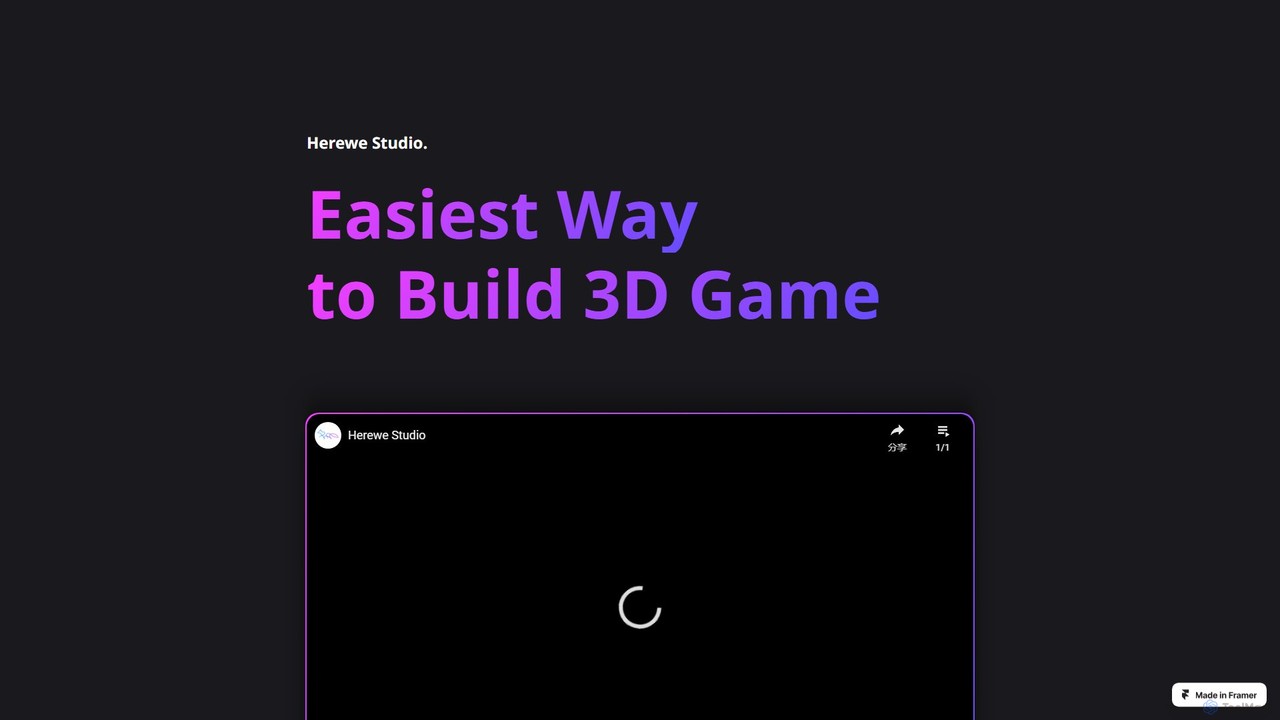
Herewe
Herewe is a web-based, AI-powered platform for easily creating 3D games and metaverse experiences. With its intuitive 3D studio, Text-to-3D generator, and a rich ecosystem of assets and third-party extensions, users can build and share immersive virtual worlds without needing advanced coding or design skills. It's an all-in-one solution for game developers, creators, and communities.
3D Modeling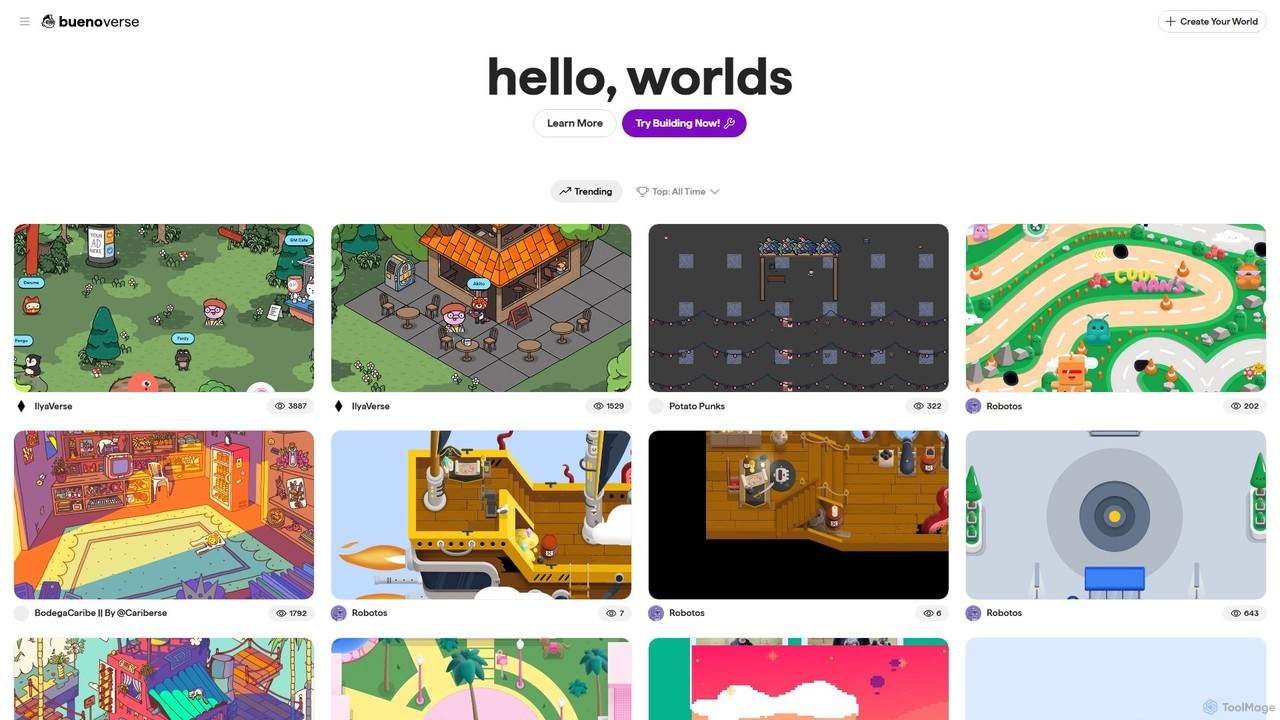
worlds
worlds by Bueno is a no-code platform for creating interactive 2D virtual worlds and games. Designed for creators, NFT communities, and brands, it allows you to build immersive social spaces with custom assets, multiplayer chat, and Web3 integrations without writing a single line of code. Easily design, publish, and share your unique universe to engage your audience.
Virtual Worlds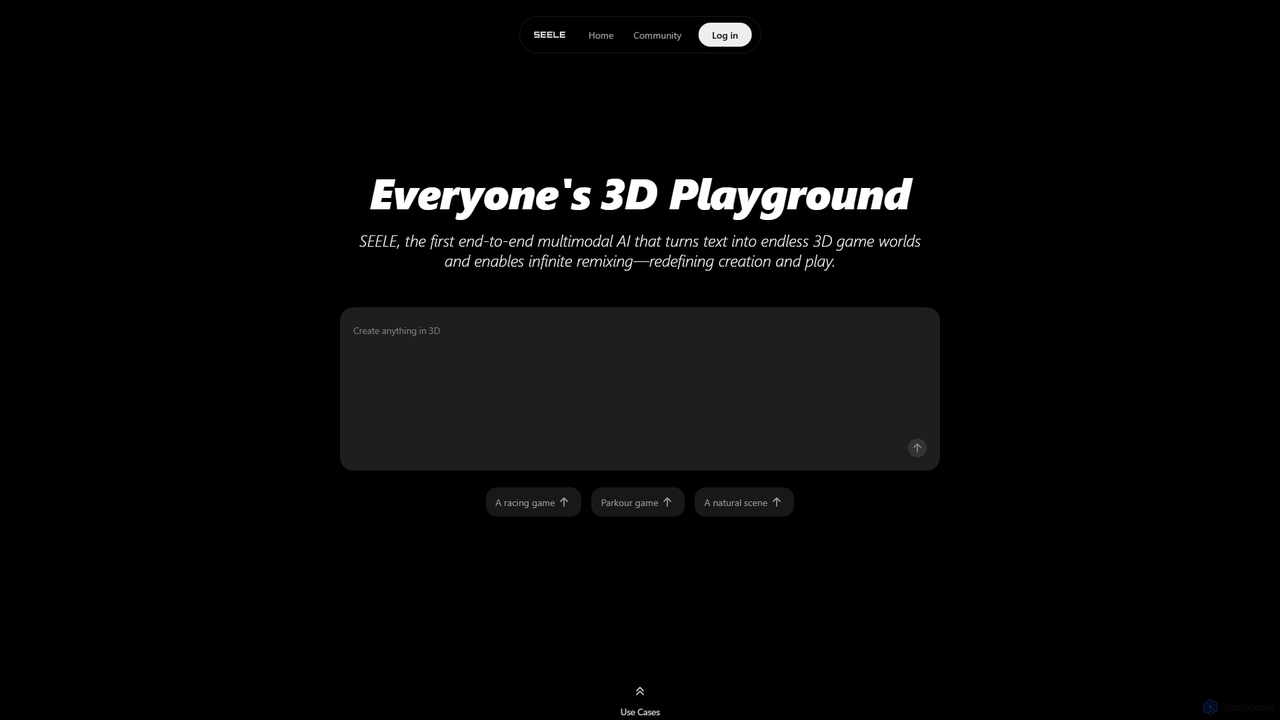
Seeles
Seeles is a pioneering end-to-end multimodal AI platform that transforms simple text prompts into fully playable 3D game worlds. It empowers creators of all levels to generate and infinitely remix interactive environments, characters, and game mechanics without coding. From racing games to mystery adventures, Seeles redefines creation and play by making game development accessible to everyone.
3D Modeling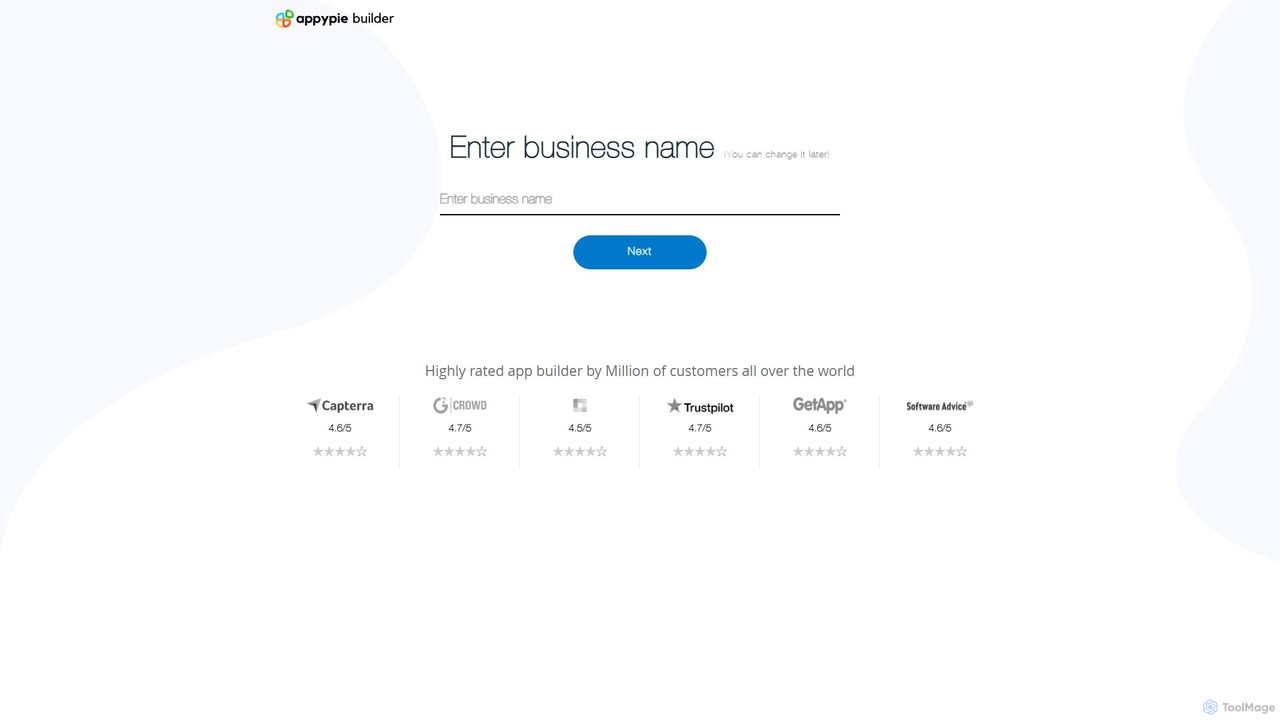
snappy
snappy by Appy Pie is an AI-powered no-code platform that enables users to create custom mobile apps for iOS and Android without any programming knowledge. Simply describe your app idea, and the AI will generate a functional prototype. It's designed for entrepreneurs, small businesses, and creators to quickly and affordably bring their app concepts to life through an intuitive drag-and-drop interface.
App Builder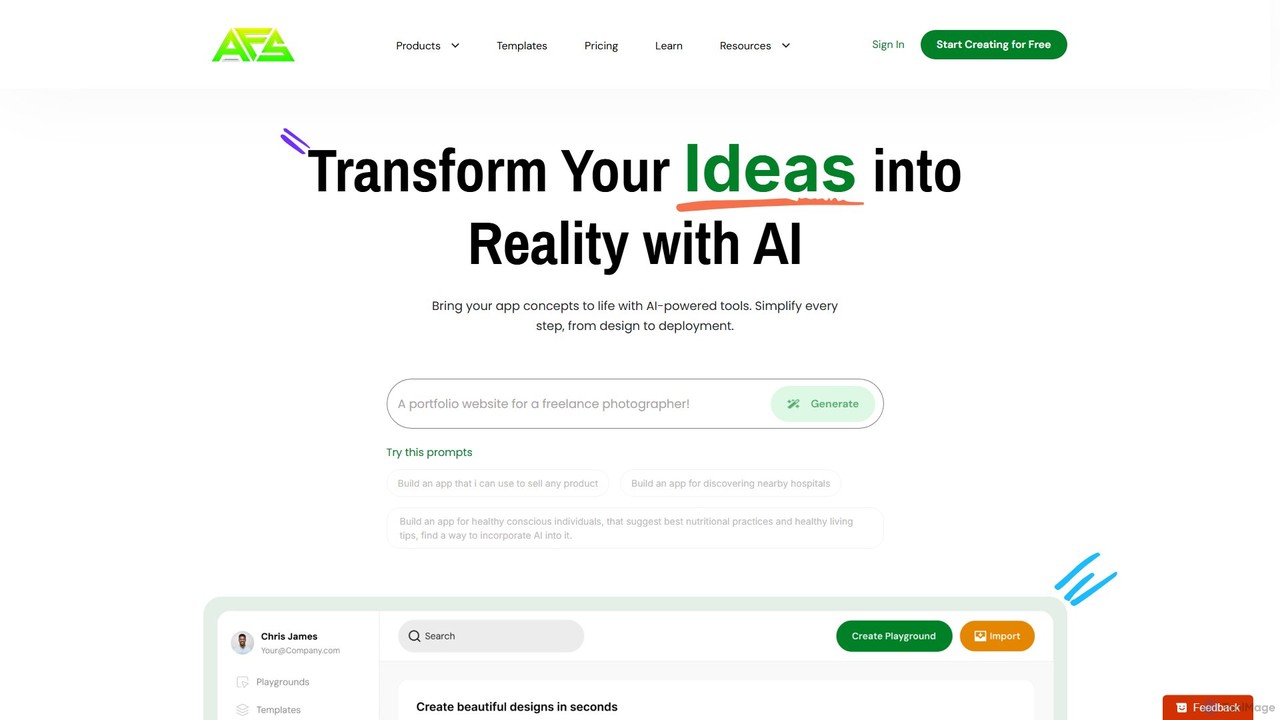
AppForceStudio
AppForceStudio is a next-generation, AI-powered platform that transforms your app ideas into reality. It simplifies the entire app creation process, from design and storyboarding to code generation and deployment. Ideal for solo founders, small businesses, and development teams, it enables users to build professional, market-ready iOS and Android apps with or without coding experience.
Ui UxRooms Categories
Rooms Embed Widget
Copy this embed code to place the badge on your blog, article, or product site and send readers directly to this ToolMage detail page.

Related AI tools
Herewe
Herewe is a web-based, AI-powered platform for easily creating 3D games and metaverse experiences. With its intuitive 3D studio, Text-to-3D generator, and a rich ecosystem of assets and third-party extensions, users can build and share immersive virtual worlds without needing advanced coding or design skills. It's an all-in-one solution for game developers, creators, and communities.
3D Modelingworlds
worlds by Bueno is a no-code platform for creating interactive 2D virtual worlds and games. Designed for creators, NFT communities, and brands, it allows you to build immersive social spaces with custom assets, multiplayer chat, and Web3 integrations without writing a single line of code. Easily design, publish, and share your unique universe to engage your audience.
Virtual WorldsSeeles
Seeles is a pioneering end-to-end multimodal AI platform that transforms simple text prompts into fully playable 3D game worlds. It empowers creators of all levels to generate and infinitely remix interactive environments, characters, and game mechanics without coding. From racing games to mystery adventures, Seeles redefines creation and play by making game development accessible to everyone.
3D Modelingsnappy
snappy by Appy Pie is an AI-powered no-code platform that enables users to create custom mobile apps for iOS and Android without any programming knowledge. Simply describe your app idea, and the AI will generate a functional prototype. It's designed for entrepreneurs, small businesses, and creators to quickly and affordably bring their app concepts to life through an intuitive drag-and-drop interface.
App BuilderAppForceStudio
AppForceStudio is a next-generation, AI-powered platform that transforms your app ideas into reality. It simplifies the entire app creation process, from design and storyboarding to code generation and deployment. Ideal for solo founders, small businesses, and development teams, it enables users to build professional, market-ready iOS and Android apps with or without coding experience.
Ui Ux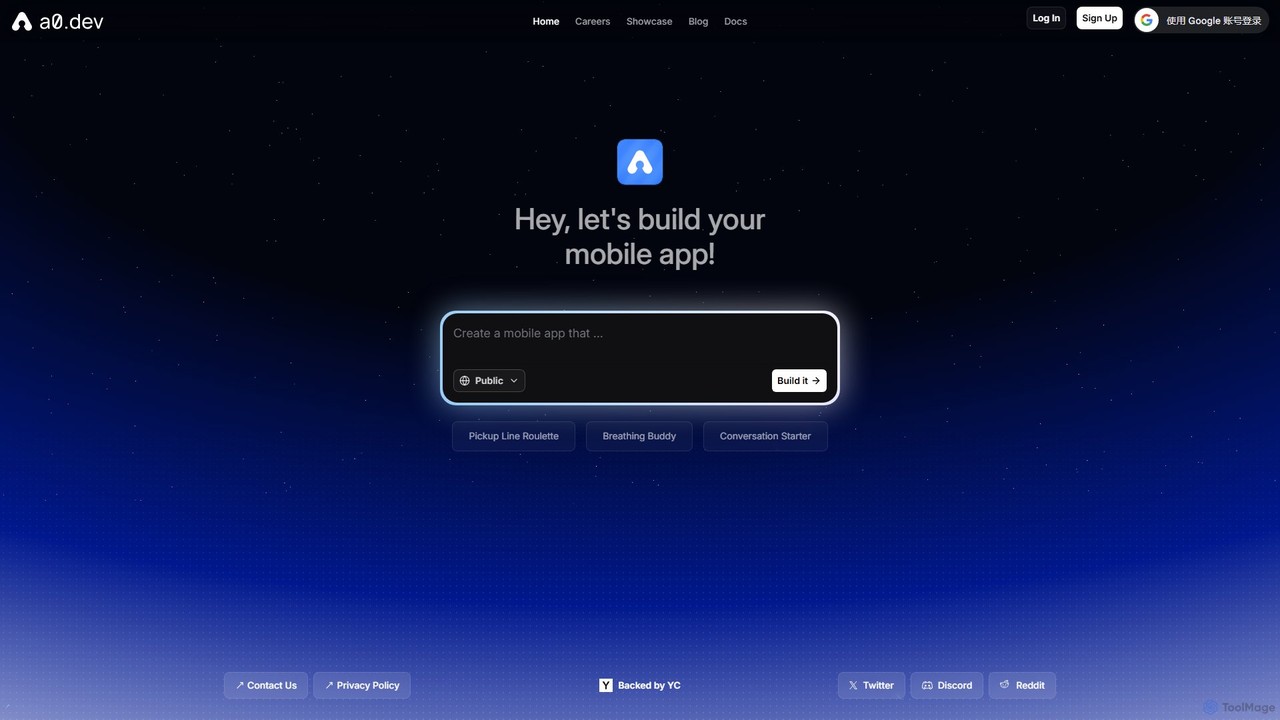
a0.dev
a0.dev is a revolutionary AI-powered platform that enables anyone to build native mobile apps for iOS and Android using simple text prompts. Describe your app idea in natural language, and the AI will generate, iterate, and help you publish it directly to the app stores, no coding required.
Text To App
Monster Mash
Monster Mash is a free, web-based tool that transforms 2D sketches into fully animated 3D models. Simply draw a character, inflate it into a 3D mesh, and create animations using intuitive controls. It's perfect for artists, designers, and hobbyists looking for a quick and easy way to bring their creations to life without complex 3D software.
3D Modeling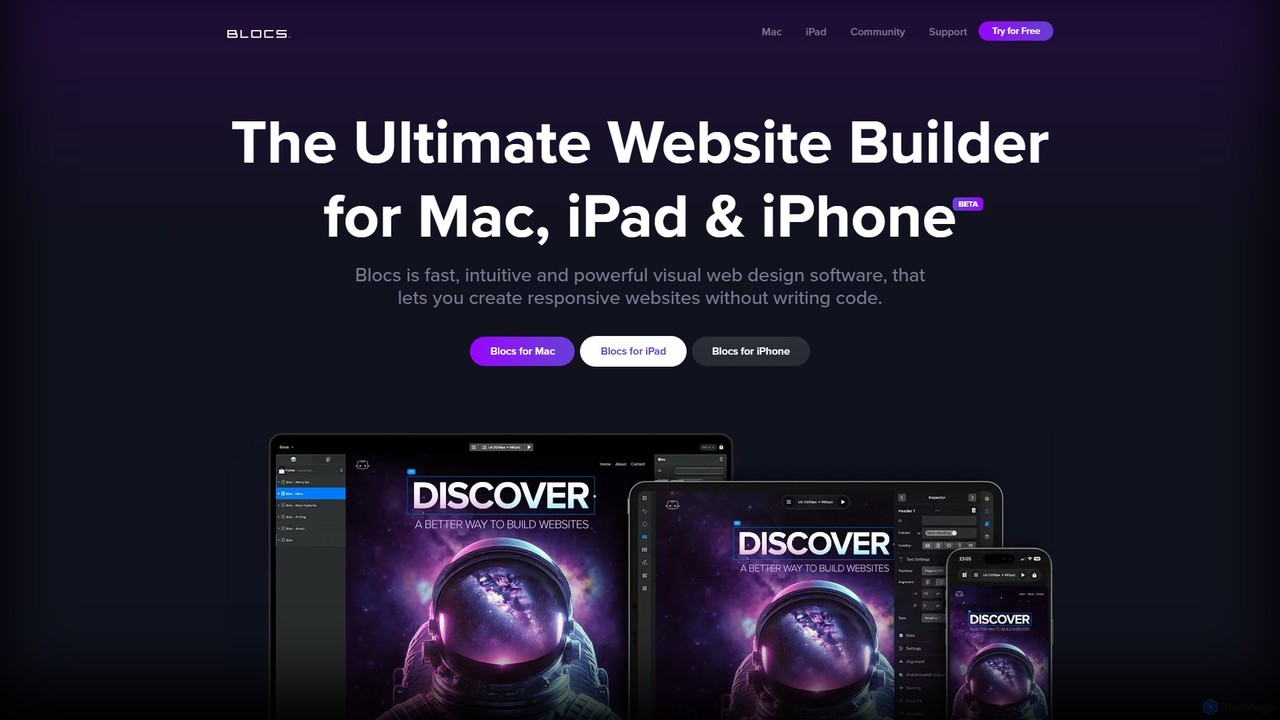
Blocs
Blocs is a fast, intuitive, and powerful visual web design application for Mac, iPad, and iPhone. It enables designers, developers, and entrepreneurs to create professional, responsive websites and WordPress themes without writing a single line of code, using a clean, visual interface and a one-time purchase model.
Web Design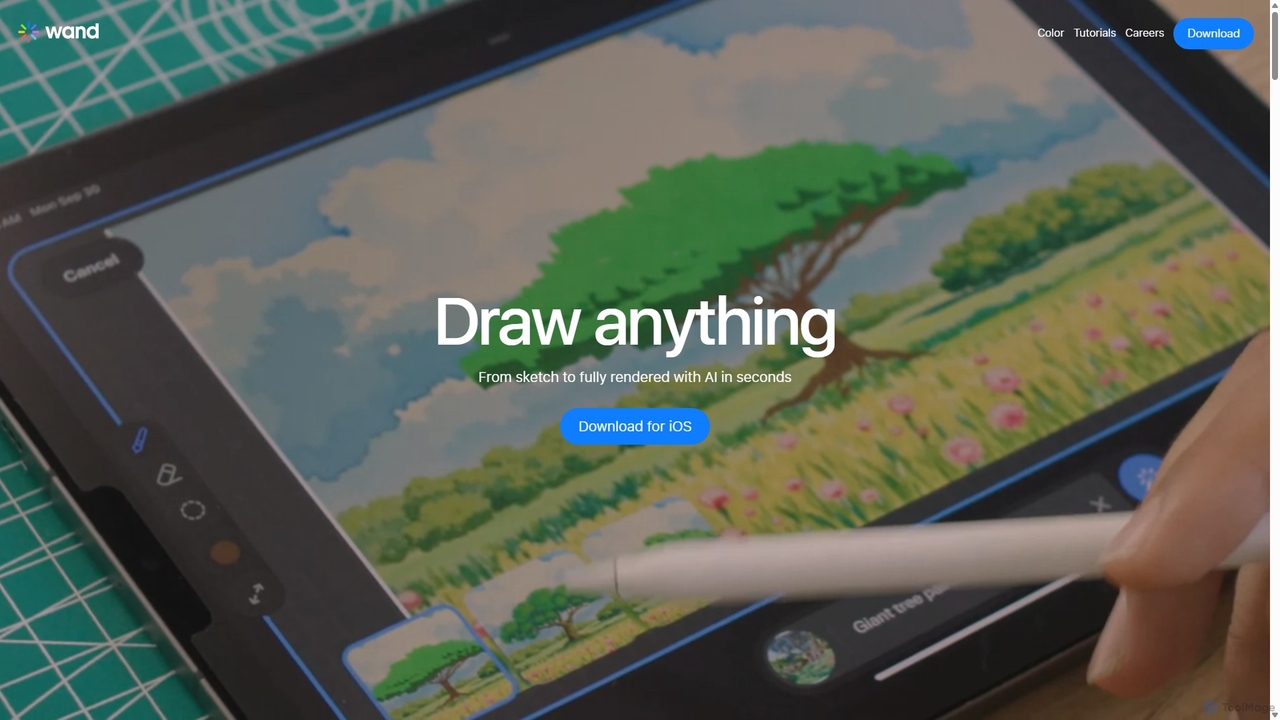
Wand
Wand is a revolutionary AI-powered art studio for iPhone and iPad. It seamlessly blends your drawing skills with powerful AI features like a custom brush engine, preloaded style libraries, and instant coloring. Designed for artists, designers, and students, Wand accelerates the creative process, allowing you to explore new techniques, refine details with precision, and produce professional-quality artwork faster than ever before.
Image Generation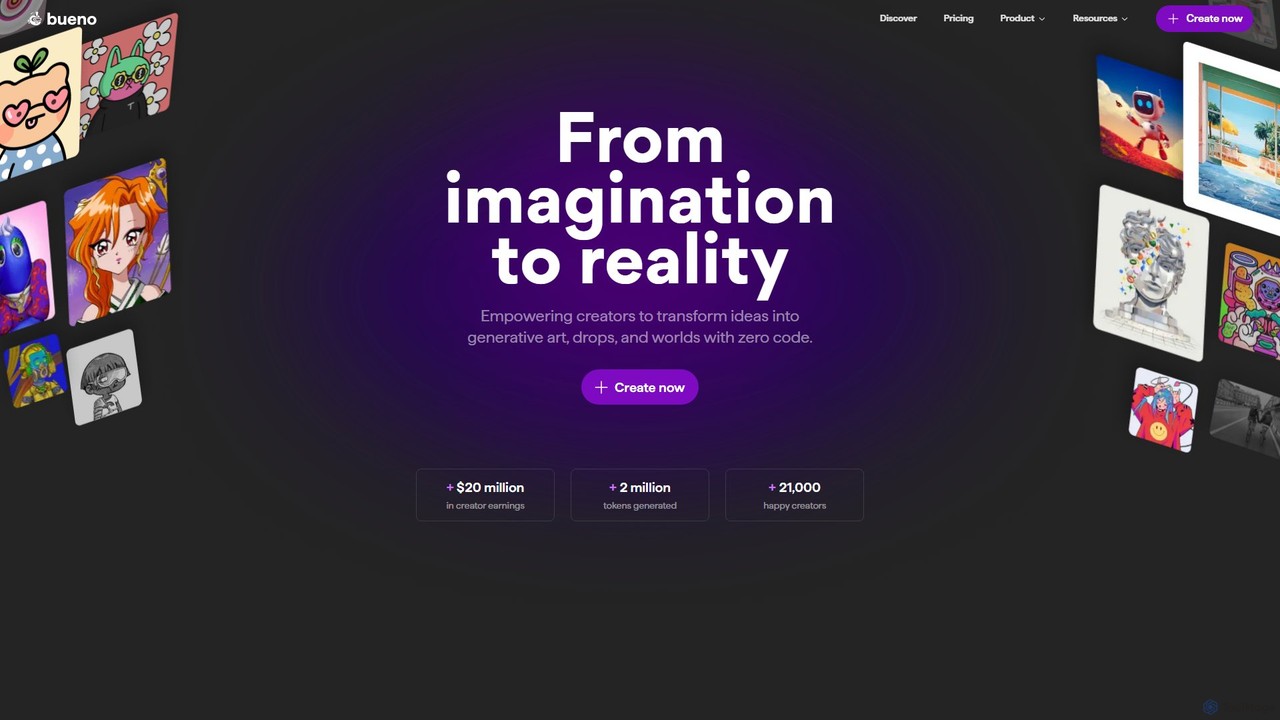
Bueno
Bueno is a comprehensive no-code toolkit for NFT creators. It empowers artists and builders to generate art collections, deploy custom smart contracts, and create interactive worlds without writing any code. The platform supports multiple blockchains and offers a full suite of tools for the entire NFT project lifecycle.
Digital Art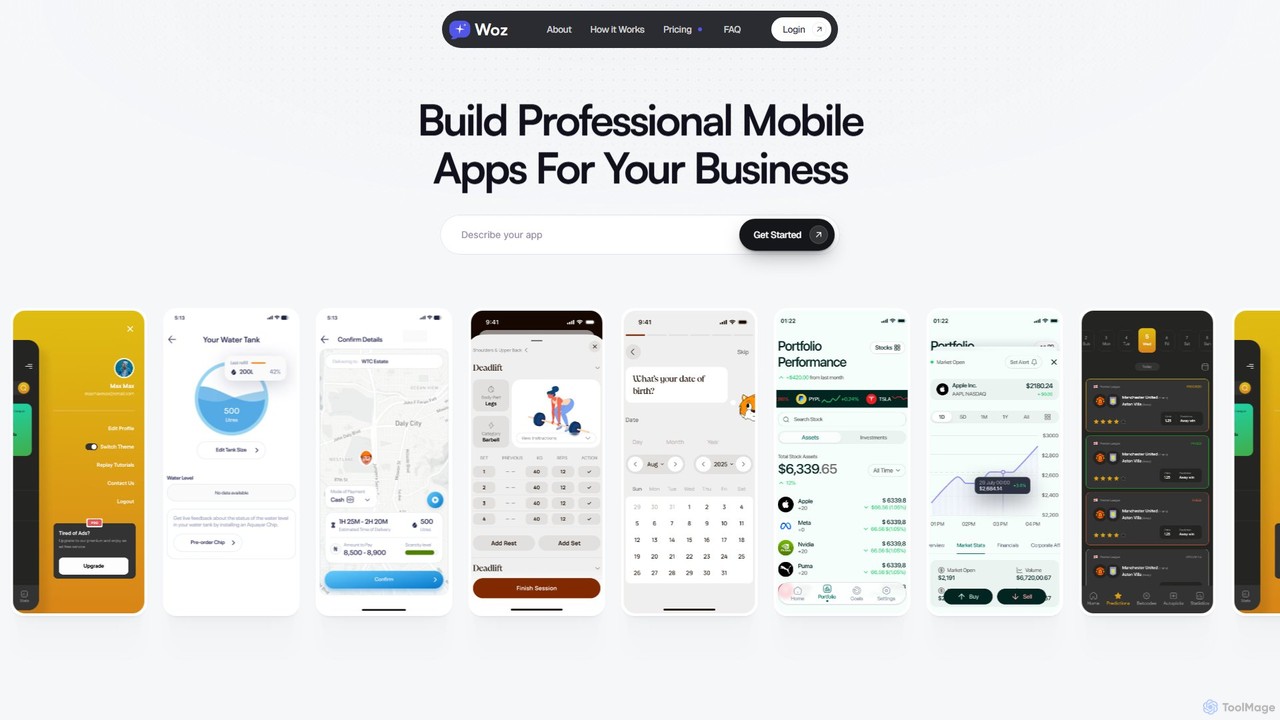
Woz
Woz is an AI-powered platform that enables entrepreneurs and businesses to build, launch, and maintain professional mobile apps without any coding. Describe your app in plain English, and Woz acts as your AI technical cofounder, handling everything from development to App Store submission and ongoing maintenance.
App Builder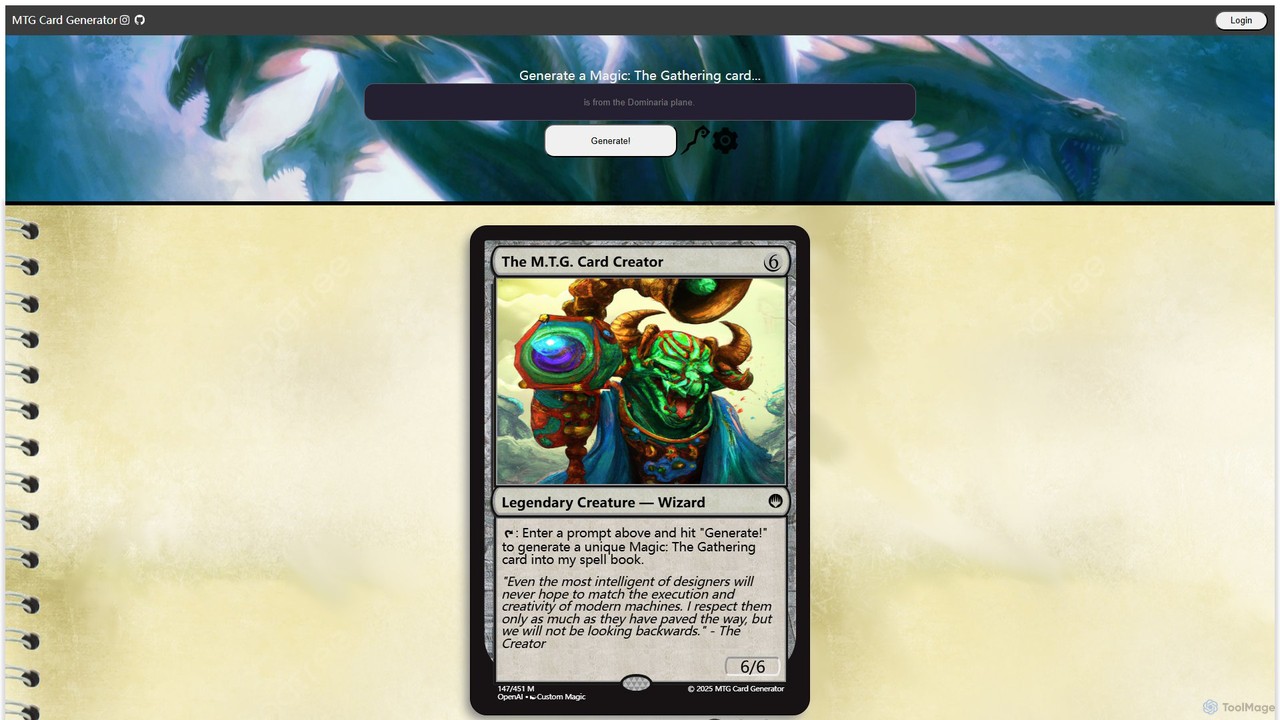
MTG Card Generator
An AI-powered tool that generates unique, custom Magic: The Gathering cards from simple text prompts. Leveraging OpenAI technology, it creates complete cards with names, mana costs, types, abilities, flavor text, and AI-generated artwork, perfect for players, designers, and fans.
Image Generation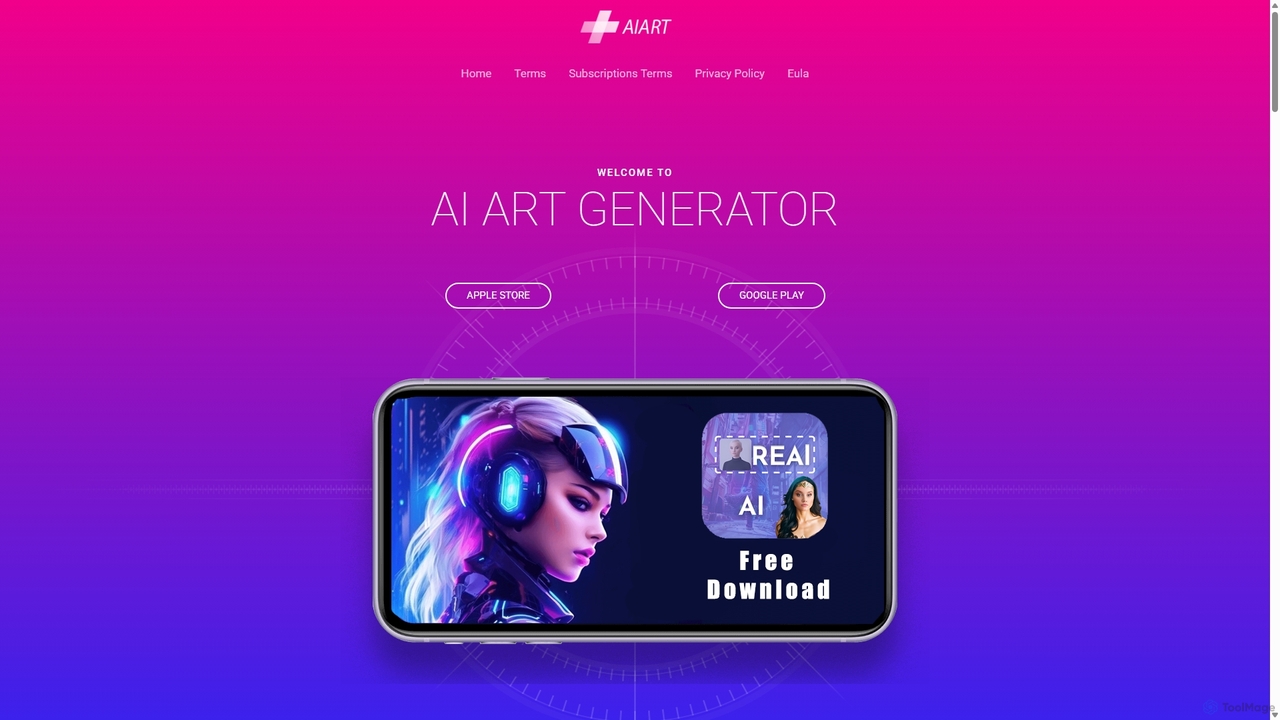
AI Art Generator
AI Art Generator is a powerful mobile application for iOS and Android that transforms your text prompts into stunning, high-quality images. Leveraging advanced artificial intelligence, it allows users to create unique digital art, photos, and illustrations effortlessly. Ideal for artists, designers, content creators, and hobbyists looking to unleash their creativity on the go.
Digital Art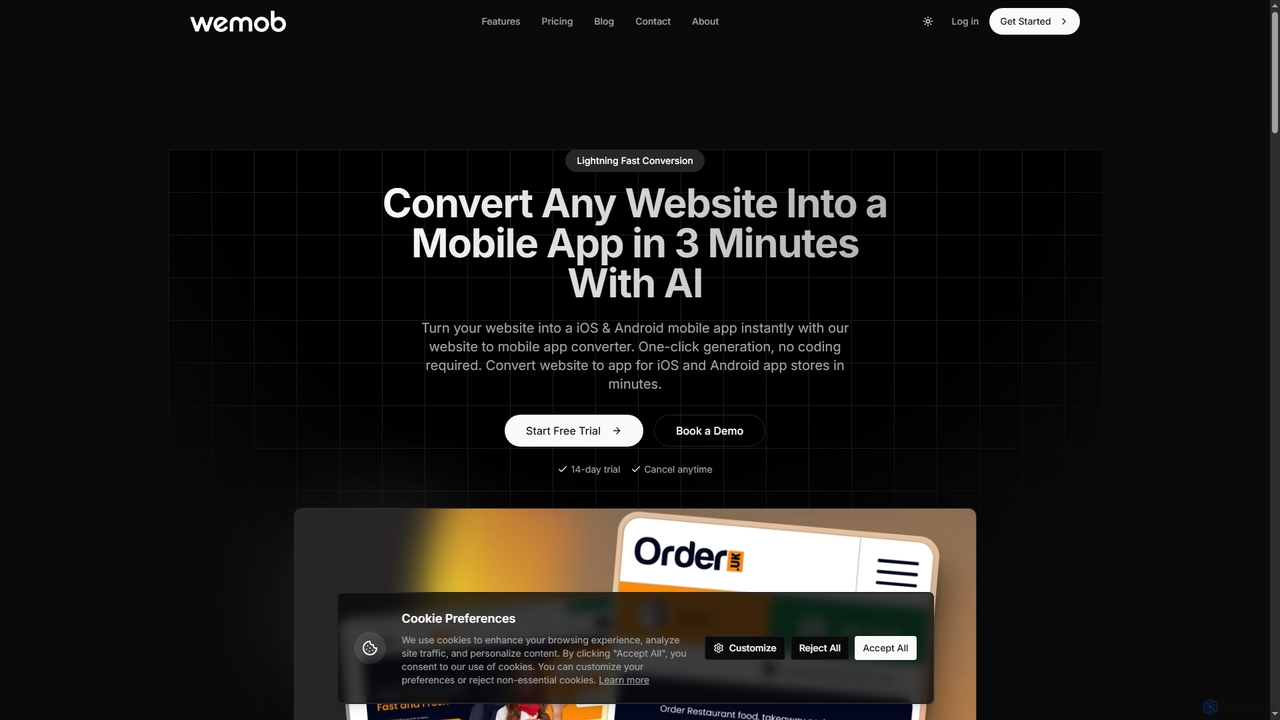
Wemob
Wemob is an AI-powered platform that converts any website into a native iOS and Android mobile app in just 3 minutes, no coding required. It features push notifications, custom branding, real-time updates, and automated app store deployment.
Mobile Development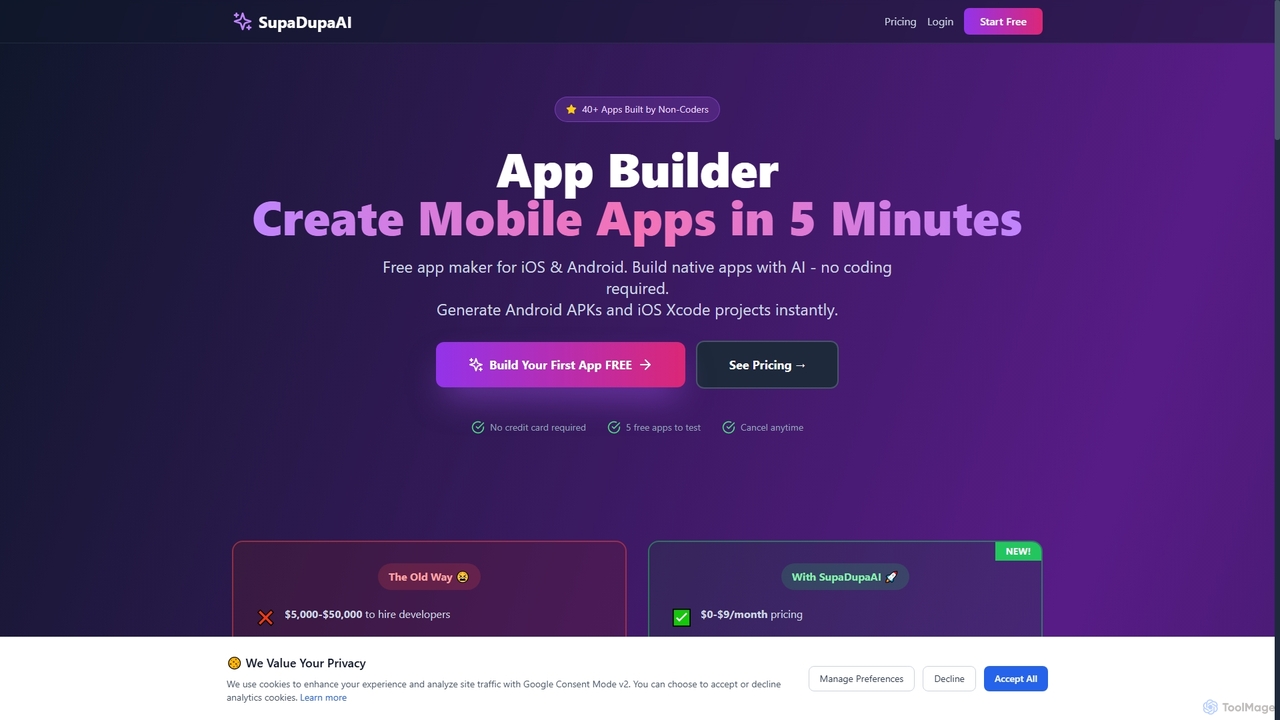
SupaDupaAI
SupaDupaAI is an AI-powered no-code app builder that allows users to create native iOS and Android mobile applications in just 5 minutes using plain English descriptions. It eliminates the need for coding, enabling entrepreneurs, small businesses, and individuals to rapidly prototype, build, and launch professional-grade apps.
No Code Development
Rooms Comments (0)
Sign in to comment.
Sign inNo comments yet.