Game Development Best in category 2 results No Code AI Tool

Popular AI tools in the No Code field of Game Development include Rooms、worlds, etc., helping you quickly improve efficiency.

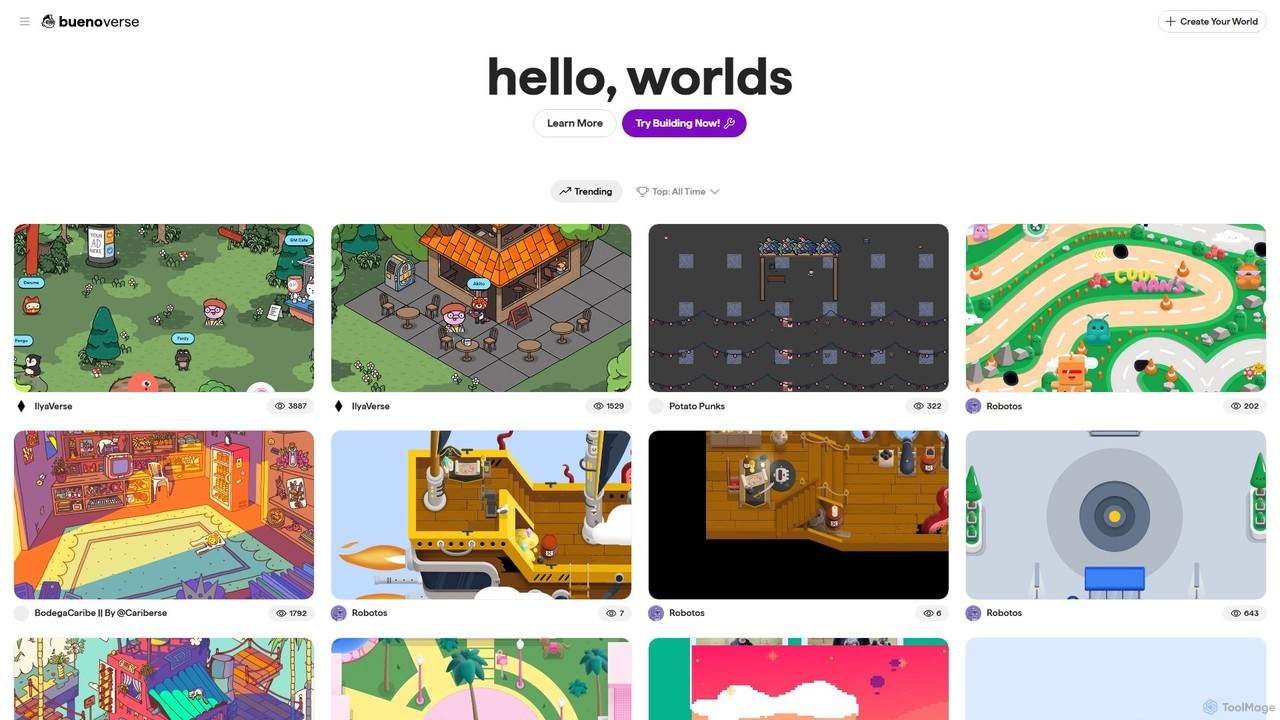
worlds

worlds

worlds by Bueno is a no-code platform for creating interactive 2D virtual worlds and games. Designed for creators, …

3.7K
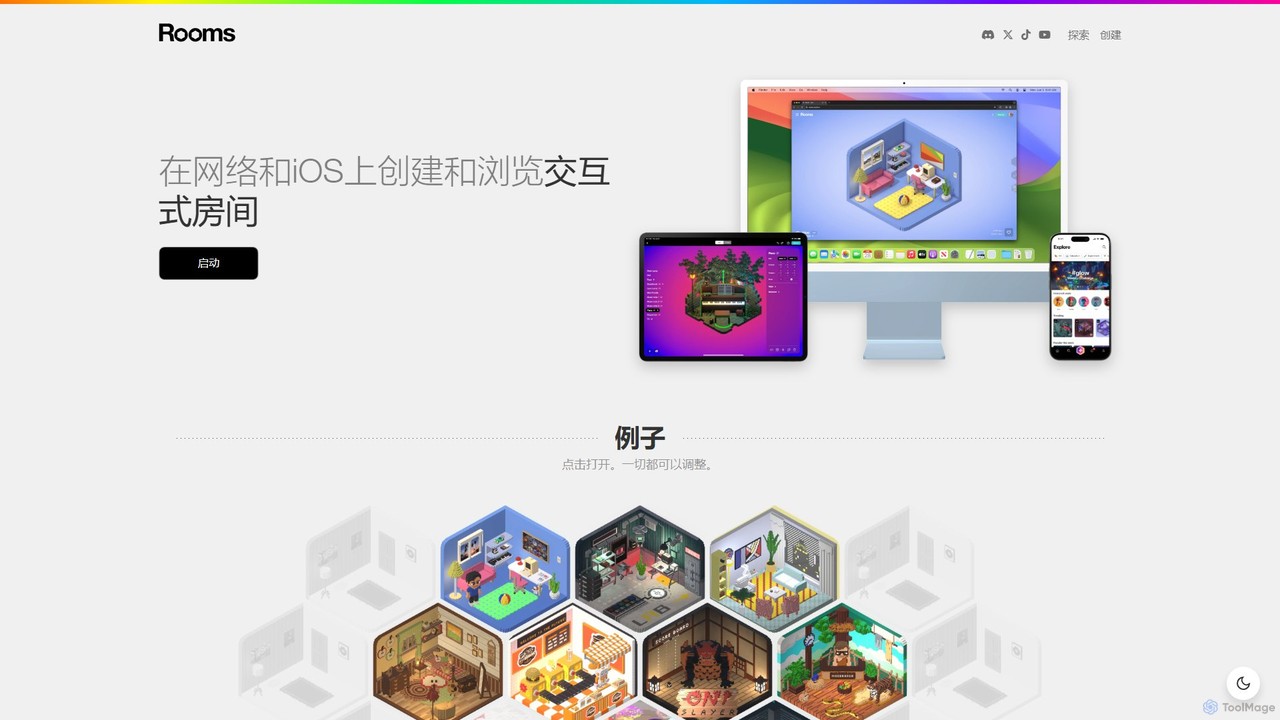
Rooms

Rooms

Rooms is a creative platform for building and exploring interactive 3D web-based rooms. With an intuitive editor, users …

211.3K

About No Code

No Code game development tools are platforms that enable the creation of complete, interactive games without writing a single line of code. They rely on visual interfaces, such as drag-and-drop editors and event-based logic systems, to construct everything from character movement to game rules. This approach empowers artists, designers, and aspiring creators to build and publish games, dramatically lowering the technical barrier to entry. These tools are especially effective for rapid prototyping, educational projects, and developing 2D or hyper-casual games.

Core Features

  • Visual Logic System: Create complex game mechanics and character behaviors using event sheets, flowcharts, or rule-based menus instead of scripting.
  • Drag-and-Drop Scene Editor: Build game levels and user interfaces by visually placing and manipulating assets like characters, objects, and text.
  • Integrated Asset Management: Import, organize, and modify sprites, sounds, and other game assets directly within the platform.
  • One-Click Export: Publish finished games to multiple platforms, including web (HTML5), mobile (iOS/Android), and desktop (Windows/macOS), with minimal configuration.

Use Cases

These tools are ideal for solo indie developers, game designers, artists, and educators who want to create games without programming knowledge. They are frequently used for participating in game jams where speed is critical, prototyping game concepts to test mechanics, and developing commercial 2D platformers, puzzle games, and visual novels.

How to Choose

When selecting a No Code game development tool, consider the game dimension (2D or 3D support), the depth of the visual logic system, the quality of documentation and community support, available export platforms, and the pricing model. Also, evaluate the performance limitations to ensure it can handle the intended scope of your project.

No CodeUse Cases

1

Rapid Prototyping of a New Game Mechanic

A game designer has an innovative idea for a puzzle-platformer mechanic but lacks coding skills to build a testable version. Using a No Code tool, they can visually script the character's unique abilities and design a small level in just a few hours. This allows the designer to create a playable prototype to test the feel of the mechanic, identify potential design flaws, and effectively pitch the core concept to programmers and artists for full-scale development, saving weeks of initial engineering time.

2

Creating an Educational Game for a Classroom

An educator wants to create an interactive history quiz game to engage their students, but has no budget for a development team. Using a No Code platform, they can design the game's interface, write questions and answers, and set up the scoring logic using simple rule-based events. They can easily add images and sound effects from a built-in asset library. The final game can be exported as a web link and shared with students to play on school computers or tablets, transforming a static lesson into an engaging, interactive experience.

3

Developing a First Commercial Indie Game

An artist with a compelling story and unique art style wants to create their first commercial indie game but has never coded. A No Code game engine allows them to be the sole creator. They can import their own character sprites and backgrounds, build levels with a tile-based editor, and create dialogue systems and quest logic using a visual event sheet. After months of work, they can use the one-click export feature to publish their 2D narrative adventure game on platforms like Steam and Itch.io, turning their artistic vision into a marketable product without hiring a programmer.

4

Building a Hyper-Casual Mobile Game

A solo entrepreneur aims to enter the hyper-casual mobile game market, which values speed and simple, addictive gameplay. Using a No Code tool optimized for mobile, they can quickly iterate on different game ideas. They use the drag-and-drop interface to create the core loop, implement simple tap controls, and integrate ad network SDKs for monetization through visual plugins. This allows them to develop and launch a complete game on the App Store and Google Play within weeks, focusing entirely on game design and market trends rather than technical implementation.

5

Participating in a 48-Hour Game Jam

A team of an artist and a designer decides to join a game jam, a competition to create a game from scratch in a very short time. With the clock ticking, writing code is not feasible. They choose a No Code tool to rapidly build their game. The artist creates assets while the designer uses the visual logic editor to implement gameplay features based on the jam's theme. This parallel workflow allows them to have a playable and polished game by the deadline, something that would be impossible for a non-programming team using a traditional game engine.

6

Creating an Interactive Story or Visual Novel

A writer wants to turn their branching-path narrative into an interactive visual novel. The core of this project is text, character portraits, and choices, not complex mechanics. A No Code tool is a perfect fit. They can set up scenes, display text boxes, show and hide character art, and create buttons for player choices that lead to different story branches, all through a simple event-based interface. This empowers the writer to focus entirely on storytelling and visual presentation, producing a complete interactive experience without needing any programming expertise.

No CodeFrequently Asked Questions