

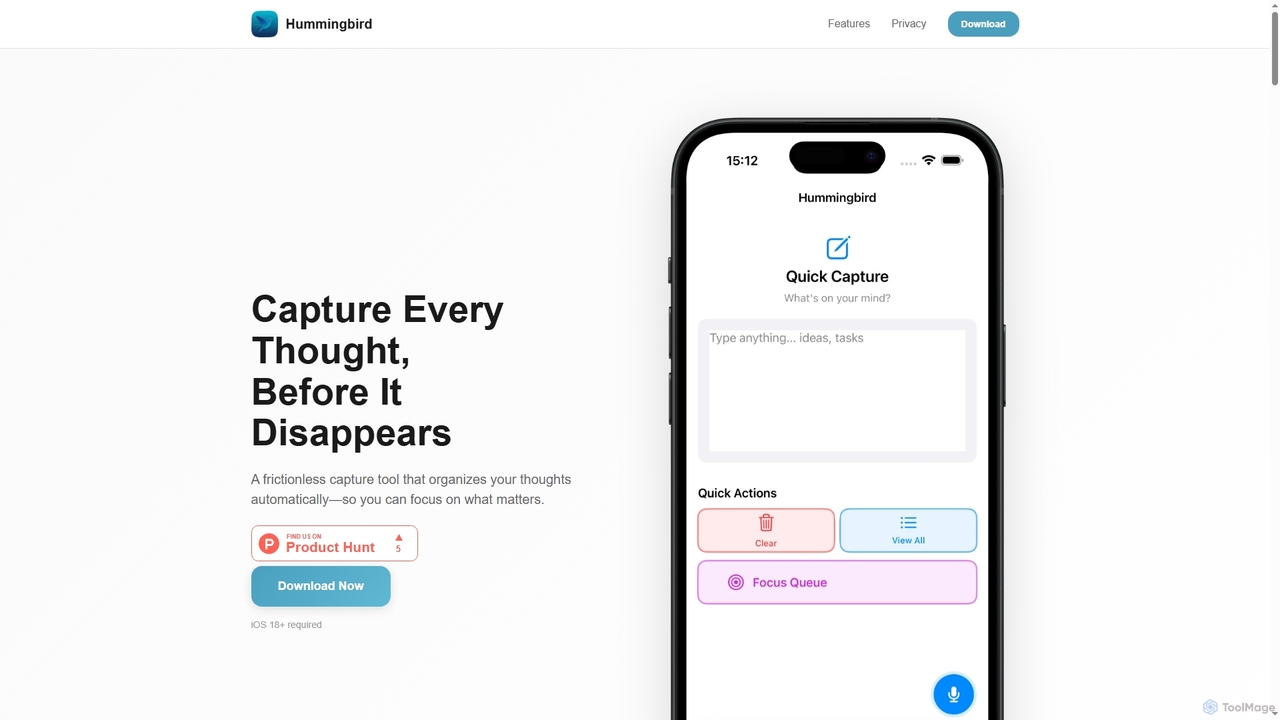
Hummingbird Overview
Hummingbird is an innovative iOS application engineered to eliminate the friction of capturing fleeting thoughts and organizing them efficiently. It addresses common challenges like ideas vanishing before they can be noted down, the confusion of managing multiple note-taking apps, and the mental overhead involved in deciding where to store information. By offering a seamless, instant capture mechanism combined with intelligent, on-device AI organization, Hummingbird empowers users to focus solely on their ideas, knowing they will be automatically sorted and accessible when needed.
How to use Hummingbird
To use Hummingbird, simply open the app on your iOS 18+ device. The app instantly presents a blank canvas, ready for you to type or speak your thoughts. There's no need to select folders or categories beforehand. Once captured, Hummingbird's on-device machine learning automatically processes and categorizes your entry into To-Dos, Ideas, or Reminders in the background. You can then utilize the Focus Queue for smart prioritization, set natural language reminders, add rich notes, and organize with custom tags. All data remains on your device, ensuring complete privacy.
Core Features of Hummingbird
- Instant Text & Voice Capture: Quickly record thoughts without friction.
- Automatic AI Categorization: On-device machine learning sorts entries into To-Dos, Ideas, and Reminders.
- Privacy First Design: No cloud sync, no data collection, no tracking; AI runs entirely on-device using Core ML.
- Focus Queue: Smart prioritization to surface relevant tasks at the right time.
- Smart Reminders & Recurring Tasks: Natural language parsing understands phrases like "tomorrow at 3pm" or "every Monday."
- Rich Notes & Tags: Add formatted notes and custom tags for enhanced organization.
- Search Functionality: Easily find any entry across all your captured thoughts.
- Data Export & Backup: Export your data anytime in standard formats.
- Dark Mode Support: For comfortable viewing in various lighting conditions.
Use Cases for Hummingbird
Hummingbird is ideal for anyone who frequently generates ideas, needs to manage tasks, or wants to remember important information without the hassle of traditional note-taking systems. It's perfect for students capturing lecture notes, professionals jotting down meeting insights, creatives brainstorming new concepts, or individuals simply needing a reliable way to remember daily errands and personal thoughts. Its privacy-first approach makes it suitable for sensitive information, while its instant capture and AI organization streamline productivity for busy individuals.
Advantages of Hummingbird
The primary advantage of Hummingbird is its frictionless capture and intelligent, automatic organization, which significantly reduces mental overhead. Its privacy-first architecture ensures that all personal thoughts and data remain securely on the user's device, offering peace of mind. The on-device AI categorization is fast and efficient, eliminating the need for manual sorting. Furthermore, features like the Focus Queue and natural language reminders enhance productivity by presenting tasks contextually and simplifying scheduling, making it a powerful tool for personal and professional organization.
Hummingbird FAQ
Hummingbird Alternatives
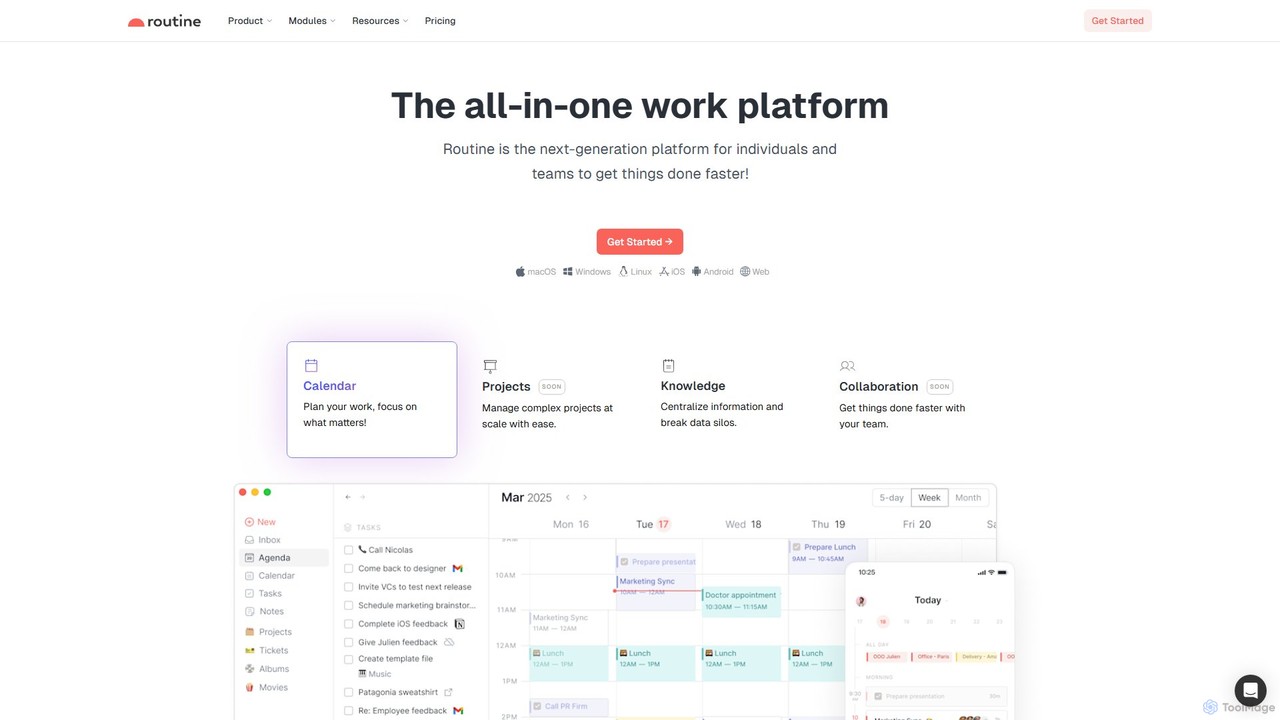
Routine
Routine is an all-in-one work platform designed for individuals and teams to enhance productivity. It unifies tasks, calendar, notes, and contacts into a single, streamlined workspace. Featuring natural language input, time blocking, and extensive integrations, Routine helps you organize work, focus on priorities, and get things done faster across all your devices.
All In One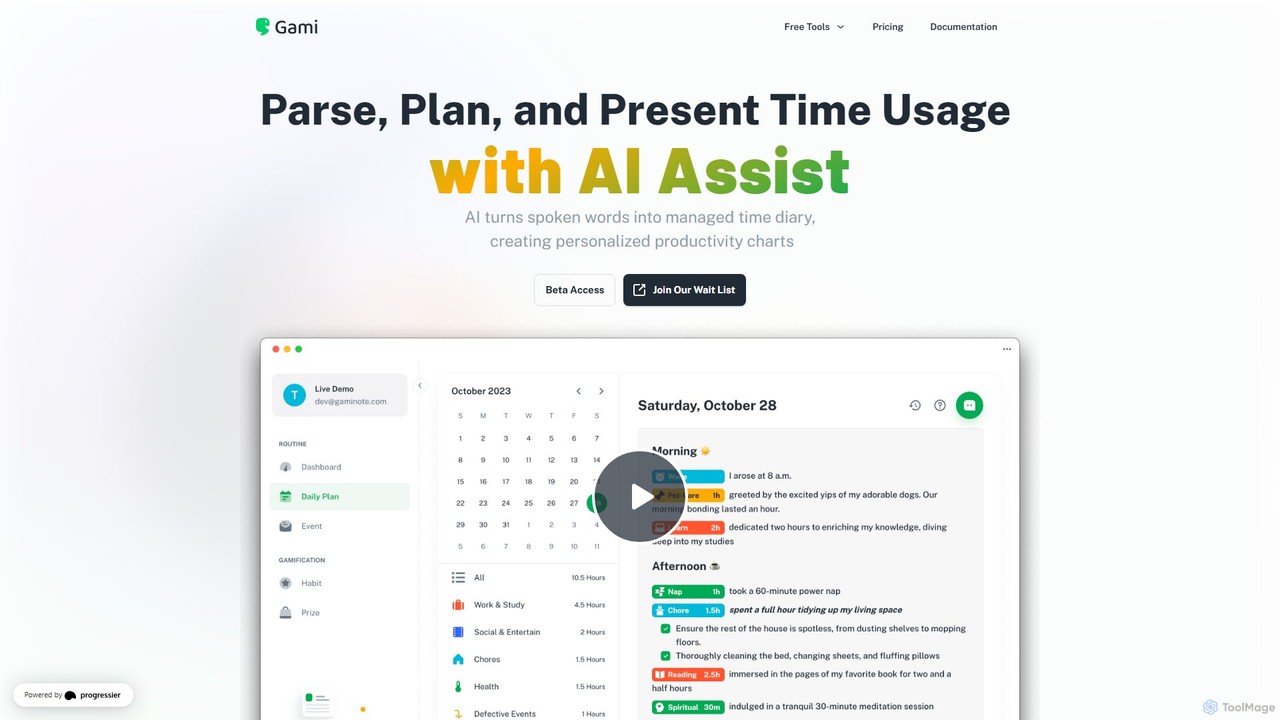
Gaminote
Gaminote is a diary-driven AI time management tool that transforms your spoken or written narratives into structured time logs and visual productivity charts. Simply describe your day, and its AI automatically parses activities, tracks durations, and generates insightful dashboards for effortless time analysis across all your devices.
Note Taking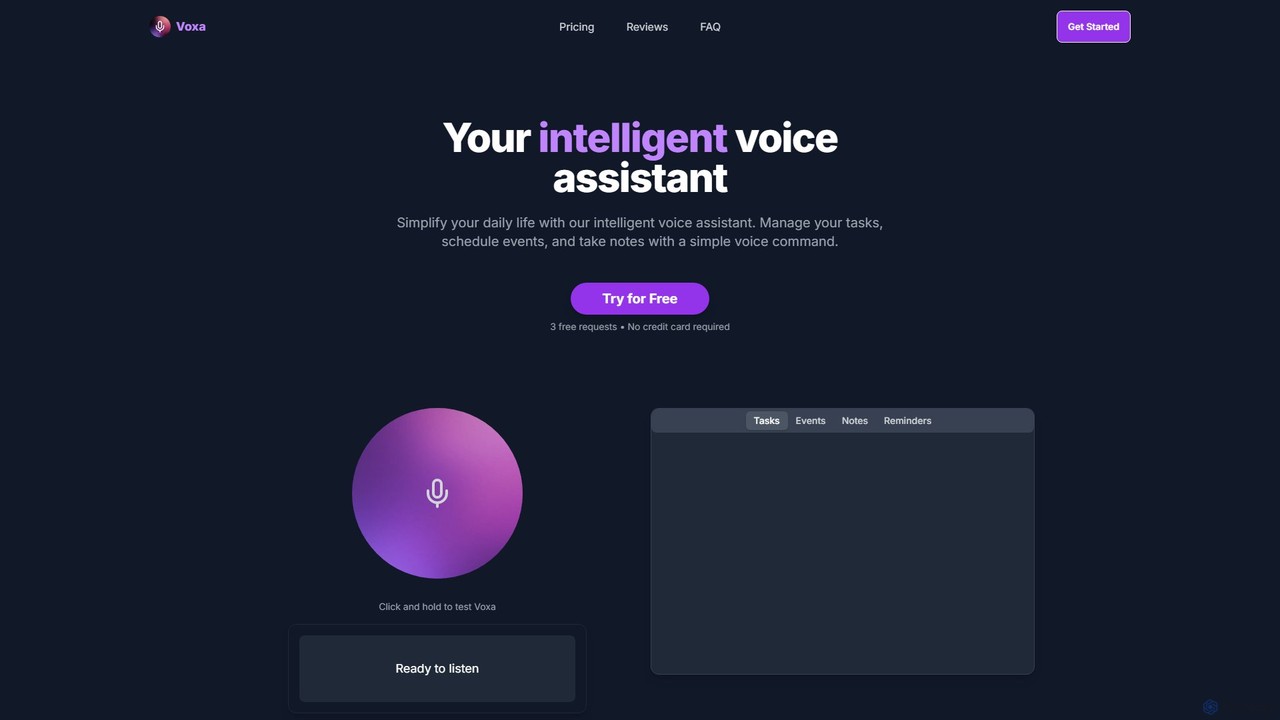
Voxa
Voxa is an intelligent AI voice assistant designed to boost productivity. It allows you to manage tasks, schedule events, and take notes using simple voice commands. With seamless integration with Google Tasks and Google Calendar, Voxa streamlines your workflow, reduces app switching, and helps you stay organized effortlessly.
Calendar Assistant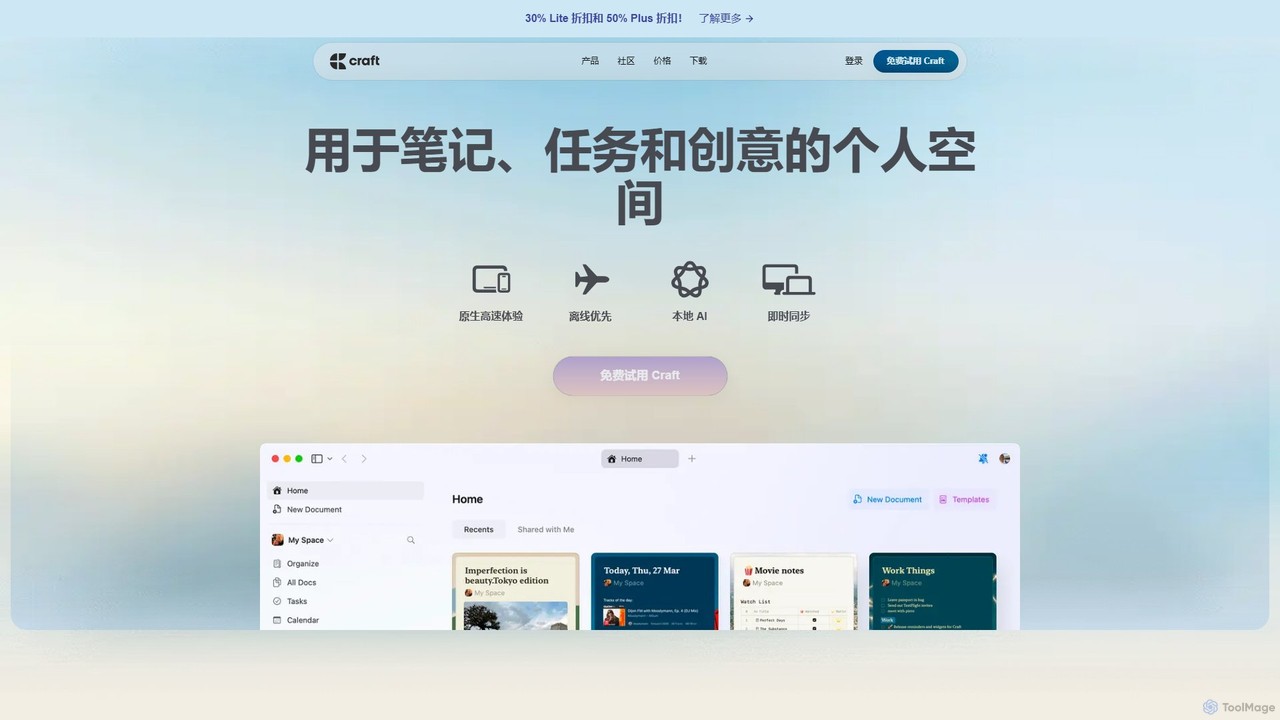
Craft
Craft is a beautifully designed, native document editor for notes, tasks, and ideas. It combines powerful features like a local AI assistant, task management, and flexible organization with a joyful, fast, and offline-first user experience, making it the perfect tool for writers, thinkers, and teams to capture and structure their thoughts.
Knowledge Management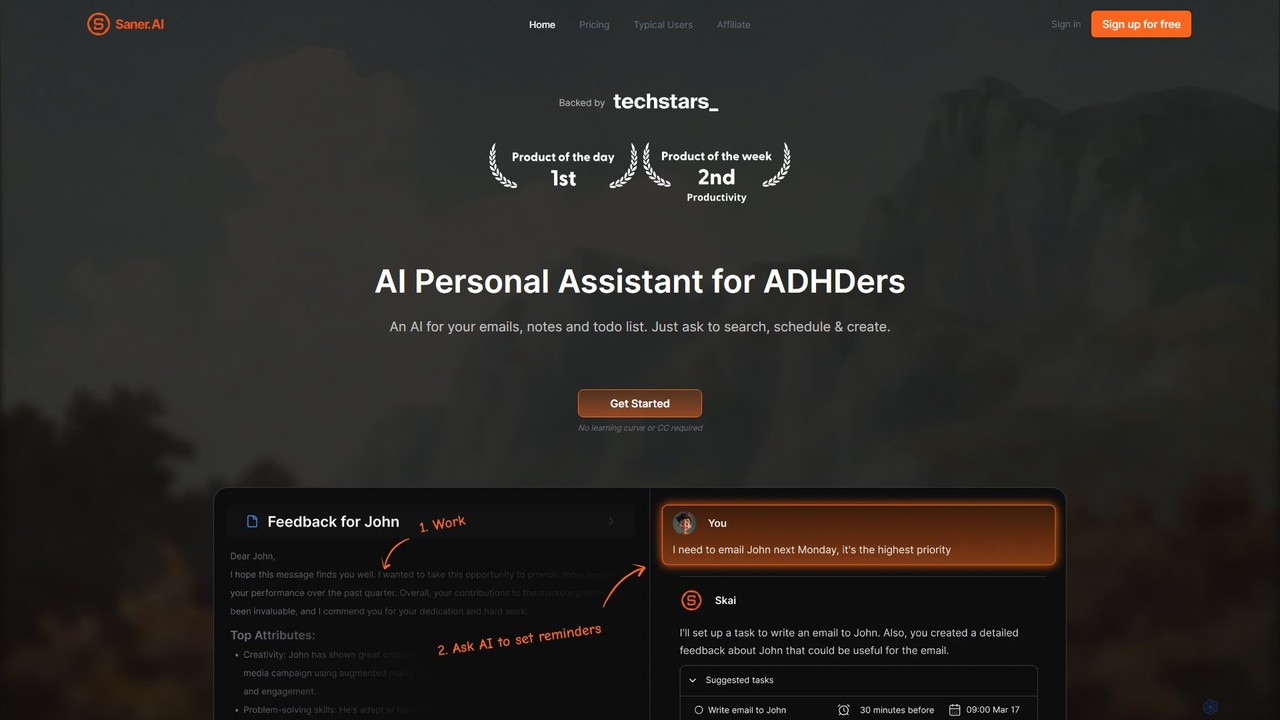
Saner.AI
Saner.AI is an AI personal assistant designed to help users, especially those with ADHD, manage notes, emails, and to-do lists. It acts as a unified workspace to capture, organize, and synthesize information, reducing cognitive load and context switching. With its AI assistant, Skai, it automates task planning, prioritization, and knowledge connection, creating a calmer, more productive workflow.
Second BrainHummingbird Categories
Hummingbird Jobs
Hummingbird Embed Widget
Copy this embed code to place the badge on your blog, article, or product site and send readers directly to this ToolMage detail page.

Related AI tools
Routine
Routine is an all-in-one work platform designed for individuals and teams to enhance productivity. It unifies tasks, calendar, notes, and contacts into a single, streamlined workspace. Featuring natural language input, time blocking, and extensive integrations, Routine helps you organize work, focus on priorities, and get things done faster across all your devices.
All In OneGaminote
Gaminote is a diary-driven AI time management tool that transforms your spoken or written narratives into structured time logs and visual productivity charts. Simply describe your day, and its AI automatically parses activities, tracks durations, and generates insightful dashboards for effortless time analysis across all your devices.
Note TakingVoxa
Voxa is an intelligent AI voice assistant designed to boost productivity. It allows you to manage tasks, schedule events, and take notes using simple voice commands. With seamless integration with Google Tasks and Google Calendar, Voxa streamlines your workflow, reduces app switching, and helps you stay organized effortlessly.
Calendar Assistant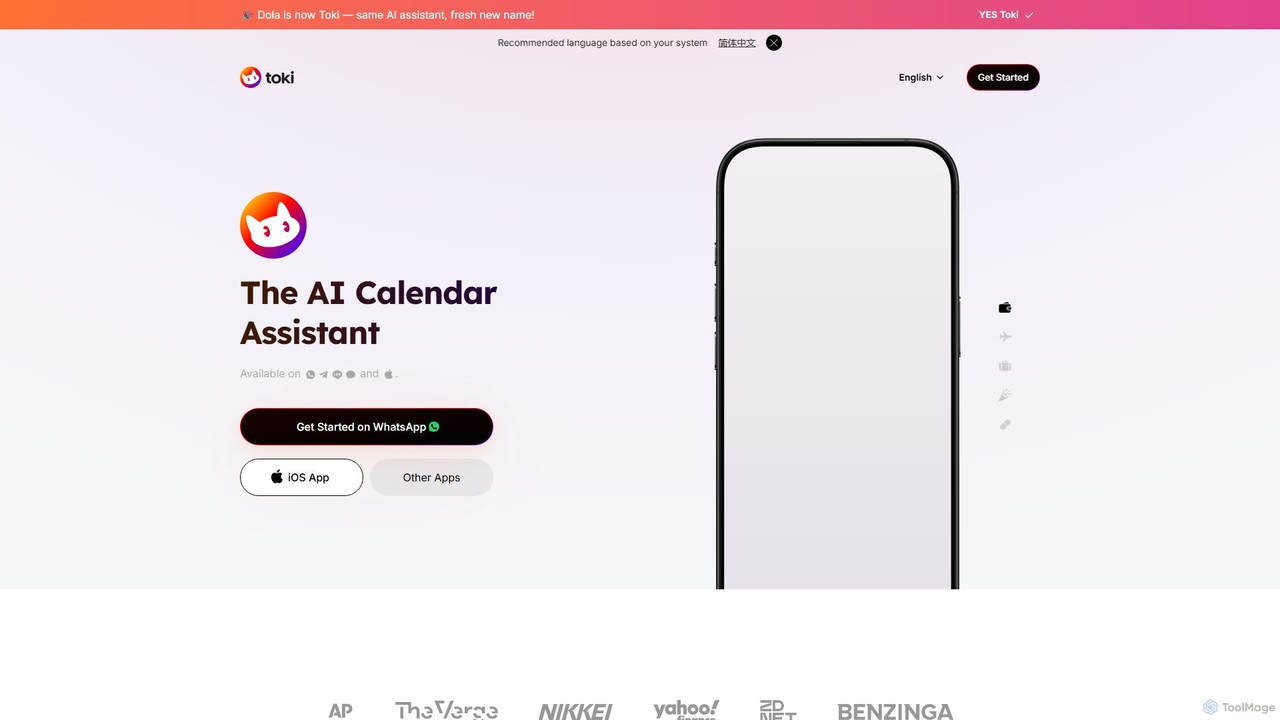
heydola
Heydola, now known as Toki AI, is an intelligent calendar assistant that simplifies your scheduling. It allows you to manage your calendar using natural language via messaging apps like WhatsApp or its dedicated iOS app. Simply text, speak, or send an image to create events, set smart reminders, and sync all your calendars in one place, making time management effortless and intuitive.
Calendar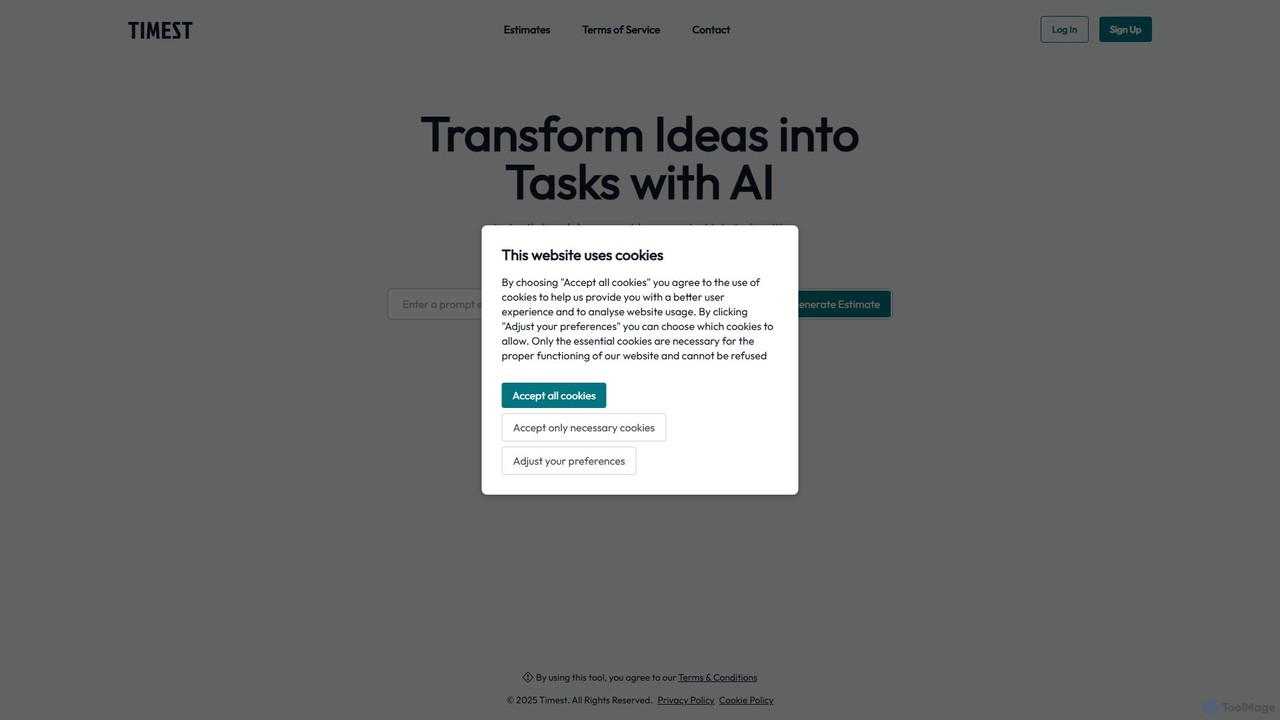
Timest
Timest is an AI-powered productivity tool that transforms your unstructured ideas, notes, and brainstorming sessions into organized, actionable tasks. It helps bridge the gap between ideation and execution, allowing users to quickly convert thoughts into a structured to-do list or project plan, enhancing efficiency and clarity.
Idea Management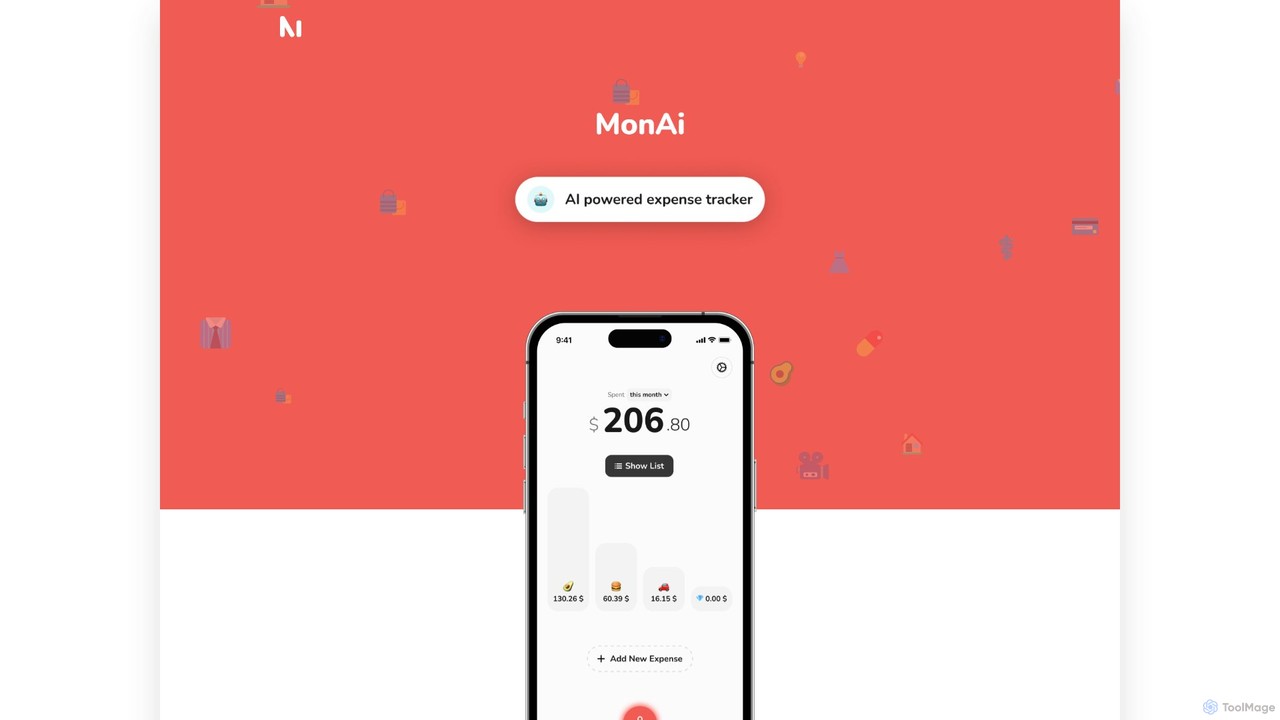
MonAi
MonAi is an AI-powered expense tracker for iOS that simplifies logging expenses. Just speak or type your spending in natural language, and the AI automatically extracts the amount, description, and category. It's private, requires no login, and securely stores all data in your personal iCloud, allowing for easy sharing and collaboration.
Expense TrackingCraft
Craft is a beautifully designed, native document editor for notes, tasks, and ideas. It combines powerful features like a local AI assistant, task management, and flexible organization with a joyful, fast, and offline-first user experience, making it the perfect tool for writers, thinkers, and teams to capture and structure their thoughts.
Knowledge ManagementSaner.AI
Saner.AI is an AI personal assistant designed to help users, especially those with ADHD, manage notes, emails, and to-do lists. It acts as a unified workspace to capture, organize, and synthesize information, reducing cognitive load and context switching. With its AI assistant, Skai, it automates task planning, prioritization, and knowledge connection, creating a calmer, more productive workflow.
Second Brain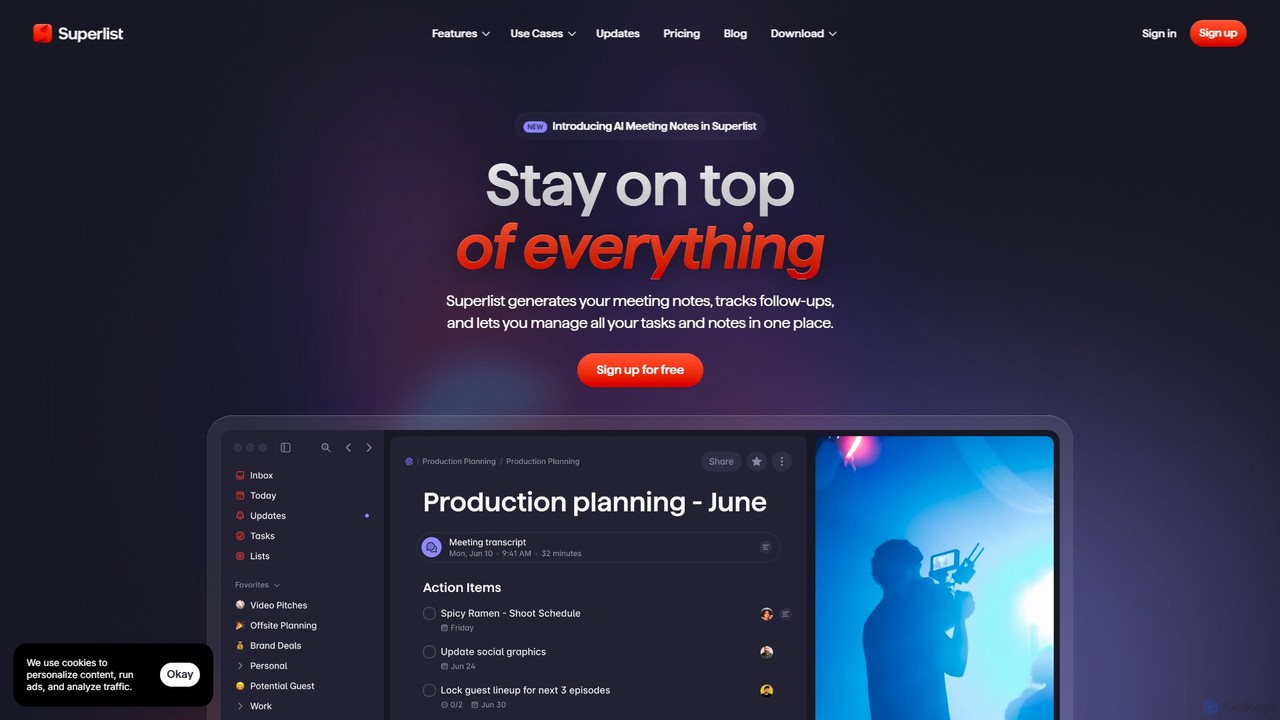
Superlist
Superlist is an AI-powered productivity tool that unifies tasks, notes, and meeting summaries in a single platform. Designed for both individuals and teams, it uses AI to automatically generate meeting notes, track action items, and convert voice memos into tasks, streamlining workflows and enhancing collaboration.
Meeting Assistant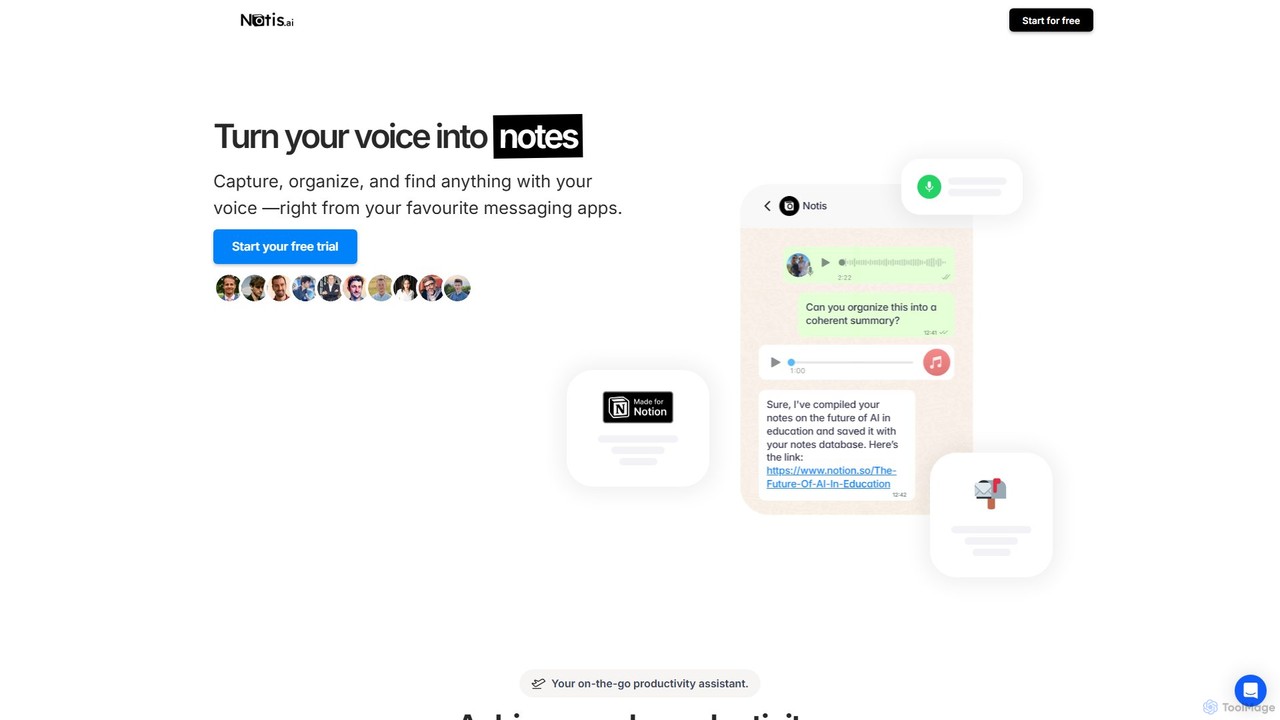
Notis
Notis is an AI-powered productivity assistant that turns your voice, text, and images into structured entries in Notion. Operating directly from messaging apps like WhatsApp and Telegram, it helps you capture ideas, manage tasks, draft content, and organize your life without ever opening the Notion app.
Content Creation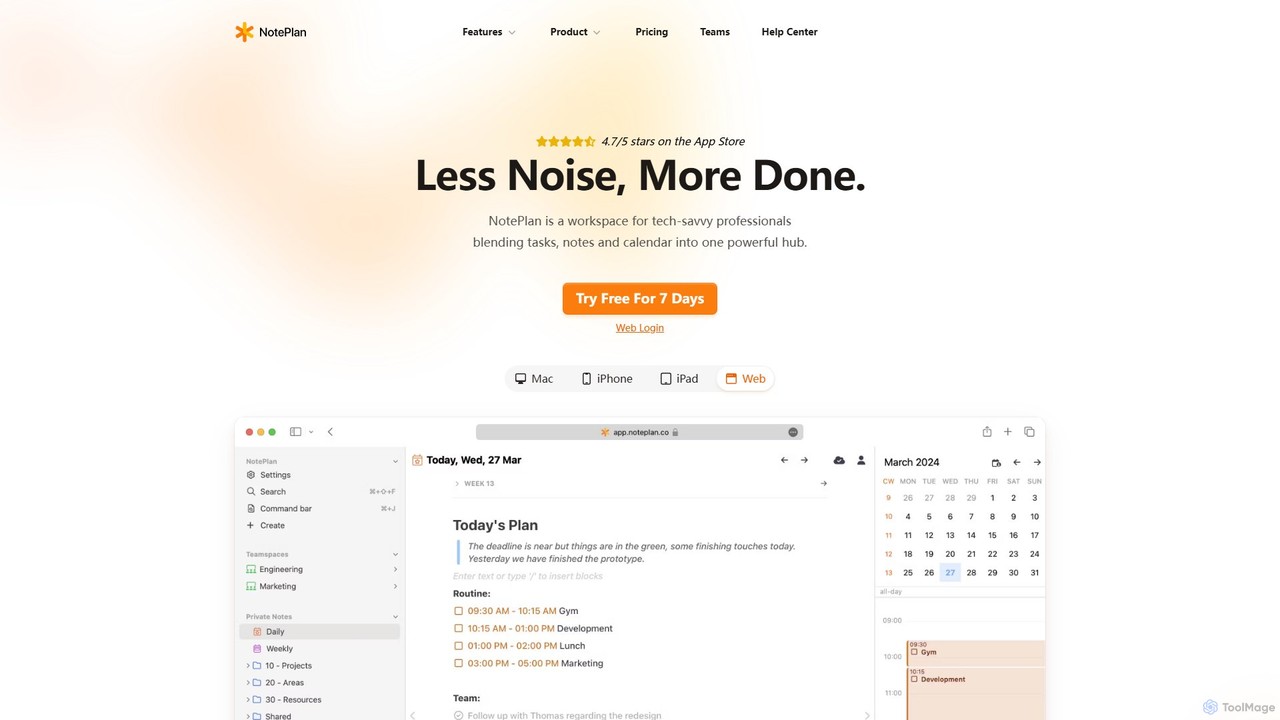
NotePlan
NotePlan is an all-in-one productivity workspace for professionals, blending tasks, notes, and calendar into a single, powerful hub. It supports Markdown, personal knowledge management (PKM) with bi-directional links, and features integrated AI for summarizing, rewriting, and transcribing. Available on Mac, iOS, and Web, it keeps you organized and focused.
Calendar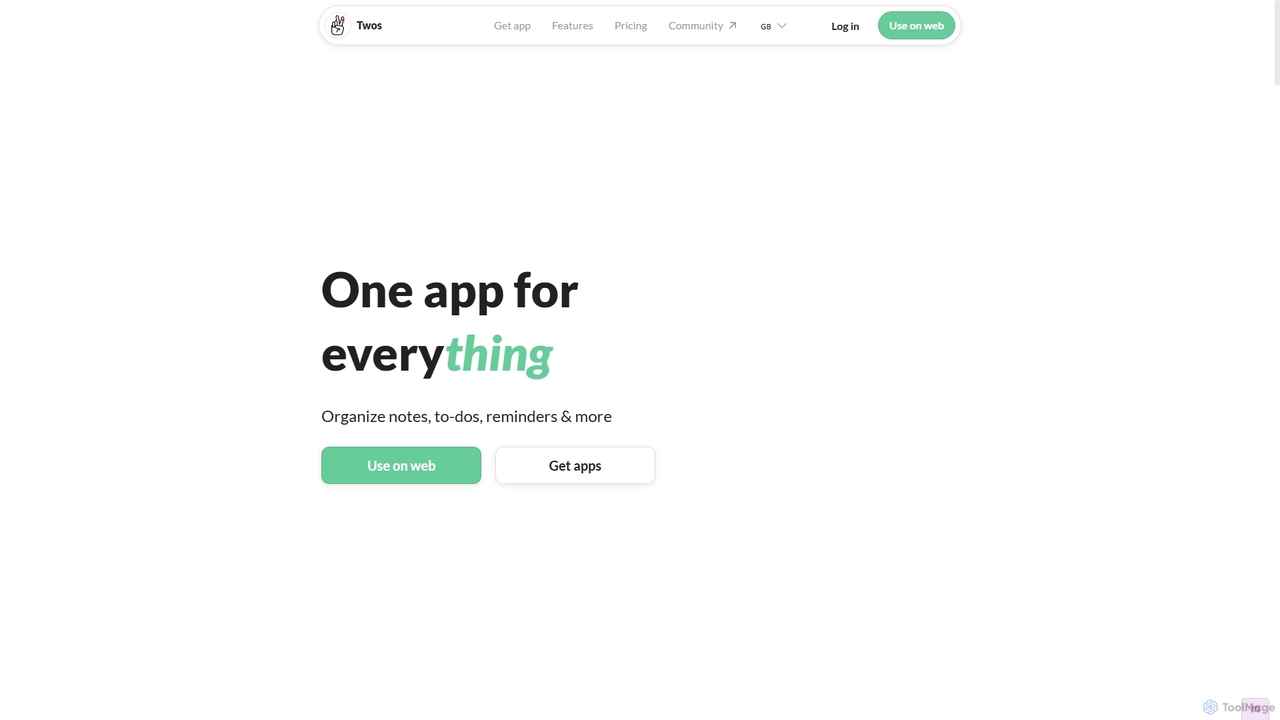
Twos
Twos is an all-in-one productivity app powered by AI that helps you organize notes, to-dos, reminders, lists, and calendar events in one simple place. Capture thoughts quickly as "things" and let the AI assistant, PALs, provide smart suggestions to help you stay organized and productive across all your devices.
Note Taking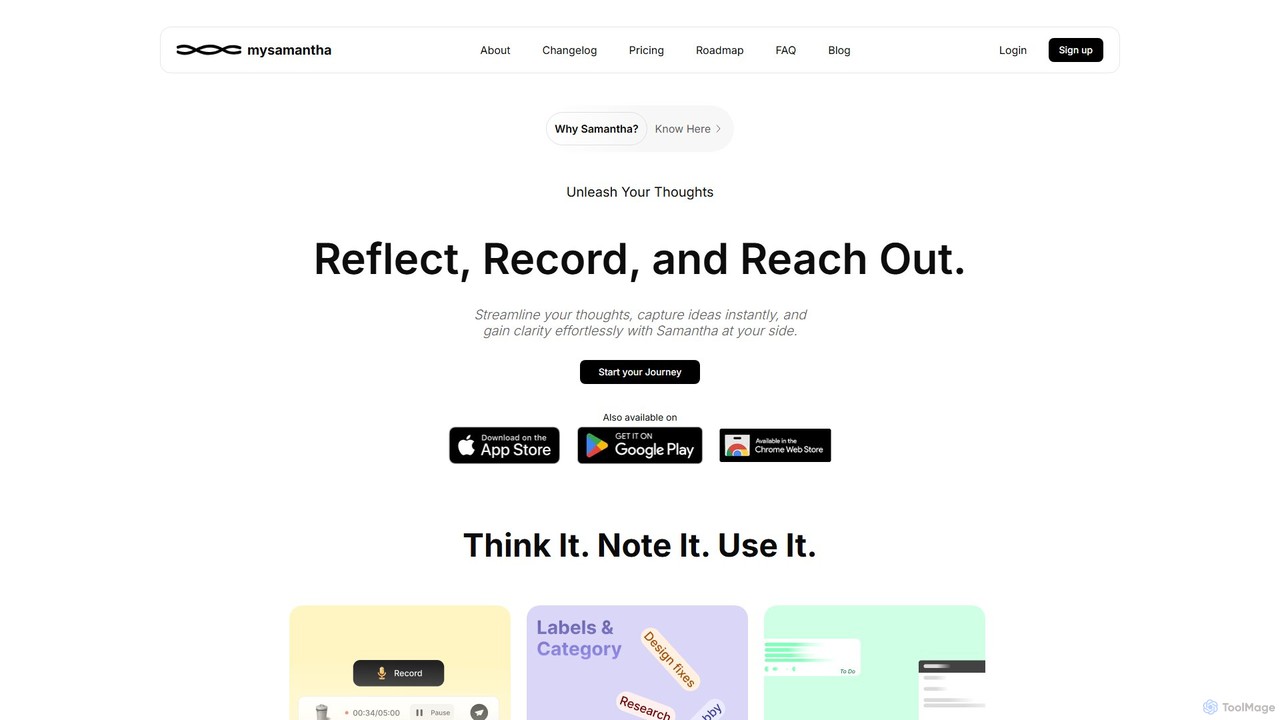
mysamantha
mysamantha is an AI-powered personal assistant designed to enhance productivity and mental well-being. It helps you capture thoughts via voice or text, organizes notes, manages tasks, and offers an empathetic journaling experience. With adaptive AI personas, it provides personalized support, acting as a coach, listener, or advisor to help you gain clarity, stay organized, and navigate life's challenges.
Mental Health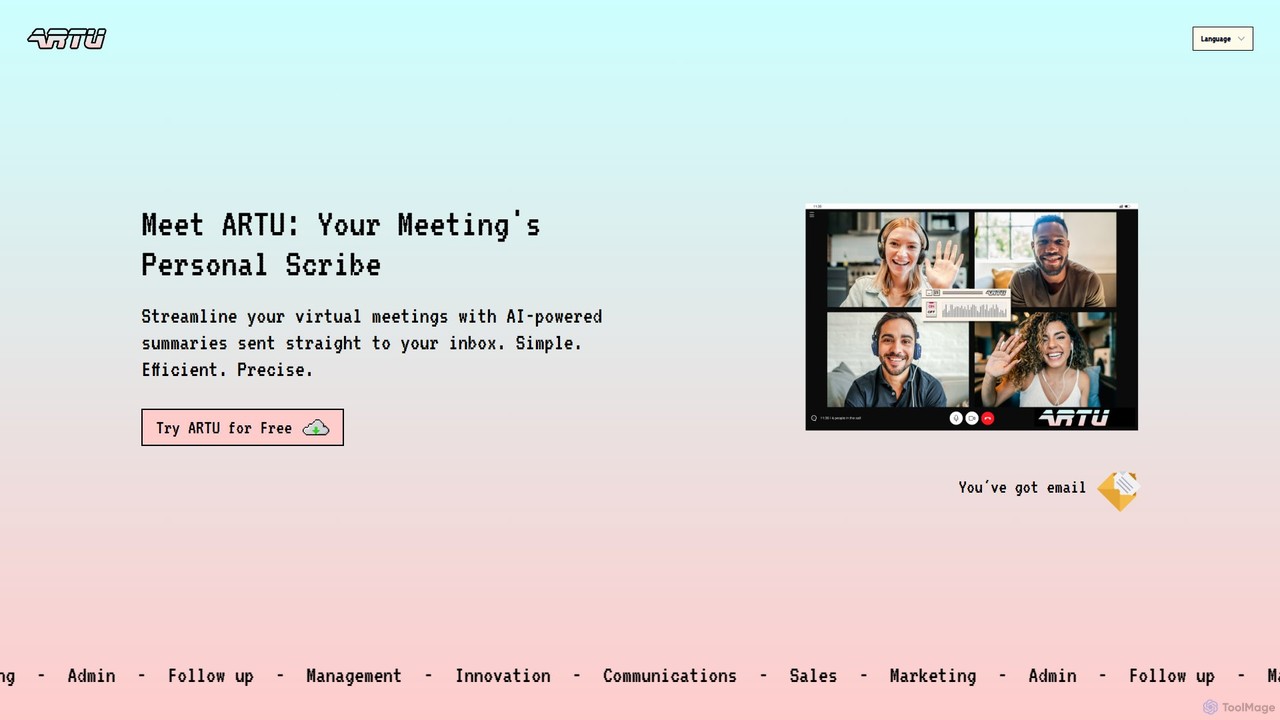
ARTU
ARTU is a dual-purpose AI copilot designed to streamline both your meetings and personal idea management. It automatically transcribes and summarizes virtual meetings, sending detailed minutes to your inbox. Simultaneously, it acts as a personal assistant, capturing ideas from emails, WhatsApp, and Telegram, then organizing them into your preferred workspace like Notion. This integrated system helps you conquer creative chaos and boost productivity.
Meeting Assistant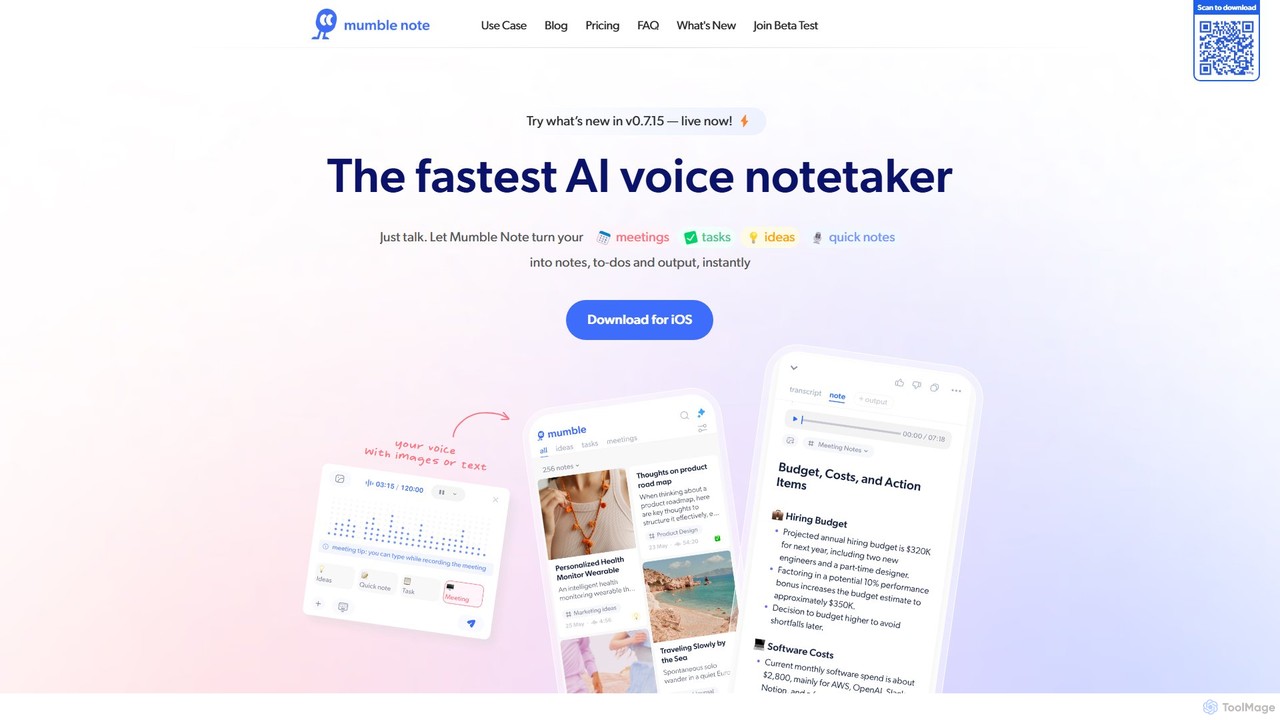
Mumble Note
Mumble Note is an AI-powered voice notetaker for iOS that instantly transcribes, summarizes, and organizes your meetings, ideas, and tasks. Just talk, and let the AI turn your scattered speech into structured, actionable notes, complete with to-dos and insights.
Transcription
Hummingbird Comments (0)
Sign in to comment.
Sign inNo comments yet.