
Voxa Overview
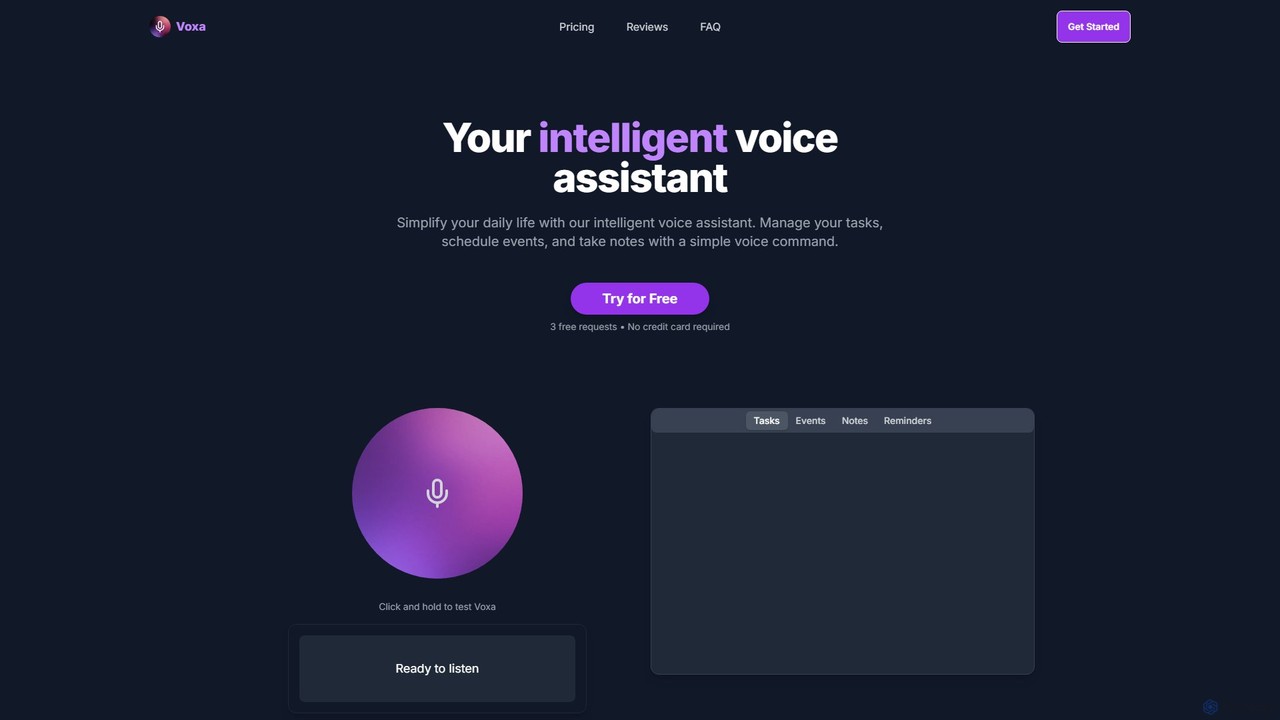
Voxa is a sophisticated AI-powered voice assistant created to simplify your daily life and enhance your productivity. In a world where we constantly juggle multiple applications, Voxa offers a unified, voice-first solution to manage your essential activities. It's designed for busy professionals, students, and anyone looking to reclaim their time from tedious manual data entry. By converting your spoken words into structured tasks, events, and notes, Voxa minimizes screen time and eliminates the constant distraction of switching between different productivity tools.
The core principle of Voxa is efficiency. It leverages advanced natural language processing (NLP) to understand your commands in a conversational manner. You don't need to learn rigid syntax; simply speak your intentions, and Voxa handles the rest. Its deep integration with the Google ecosystem ensures that your tasks and schedule are always synchronized and accessible across all your devices, creating a truly seamless workflow.
How to use Voxa
Getting started with Voxa is straightforward and intuitive. Follow these simple steps to integrate it into your daily routine:
- Sign Up for a Free Trial: Visit the Voxa website and sign up for a free trial, which gives you 3 requests without needing a credit card.
- Grant Permissions: To unlock its full potential, grant Voxa permission to connect with your Google Tasks and Google Calendar. This is a secure, one-time setup process.
- Start Commanding: Use the simple 'click and hold' interface on the website to activate the listener.
- Speak Naturally: Give your commands in plain English. For example:
- "Add a task: 'Prepare the quarterly report by Friday'."
- "Schedule a meeting with the marketing team for next Tuesday at 10 AM."
- "Take a note: The client's feedback is to focus on user experience."
- "Remind me to call David tomorrow afternoon."
- Verify Synchronization: Check your Google Calendar or Google Tasks to see your new entries appear automatically.
- Access Anywhere: Since your data is synced, you can manage your tasks and events from your phone, tablet, or laptop seamlessly.
Core Features of Voxa
- Voice Task Management: Effortlessly add, modify, or delete tasks by speaking. Voxa accurately interprets your commands and syncs them instantly with Google Tasks, keeping your to-do list always up-to-date.
- Intelligent Event Scheduling: Plan your events without ever opening your calendar. Voxa understands complex requests, finds available slots, and schedules meetings, appointments, and reminders directly in your Google Calendar.
- Flexible Note-Taking: Capture ideas, meeting minutes, or quick thoughts on the fly. Voxa's high-accuracy transcription turns your spoken words into organized, digital notes, making it a perfect tool for brainstorming or documenting discussions.
- Advanced Natural Language Processing (NLP): Voxa is built on a powerful NLP engine that understands context and conversational language, making interaction feel natural and intuitive.
- Seamless Google Ecosystem Integration: The deep, native-level integration with Google Tasks and Calendar is a cornerstone of Voxa, ensuring reliability and a unified workflow.
- Multi-Device Synchronization: Start a task on your phone while walking and see it on your laptop when you get to your desk. Your productivity hub is always in sync, wherever you are.
Use Cases for Voxa
Voxa is a versatile tool that adapts to various needs:
- Busy Professionals: Can manage a packed schedule, dictate follow-up actions during calls, and set reminders without shifting focus from their primary work.
- Students: Can quickly add assignment deadlines, schedule study sessions, and dictate lecture notes to stay on top of their academic responsibilities.
- Individuals with ADHD: As highlighted by users, Voxa offers a more natural and immediate way to capture thoughts and tasks, reducing the executive dysfunction associated with manual organization.
- Content Creators & Writers: Can use it to brainstorm ideas and capture creative sparks instantly, ensuring no good idea is ever lost.
- Personal Productivity Enthusiasts: Can manage household chores, appointments, and social events with simple voice commands, freeing up mental space.
Advantages of Voxa
Voxa stands out from other productivity tools with its unique advantages:
- Efficiency and Time-Saving: Speaking is significantly faster than typing. Voxa saves users hours each week.
- Reduced Cognitive Load: By centralizing task, event, and note management into one voice-driven interface, it reduces the mental fatigue of app-switching.
- Hands-Free Operation: Manage your schedule while driving, cooking, or walking, making you productive even when your hands are busy.
- Intuitive and Accessible: The simple interface and natural language commands make it extremely easy to use for everyone, regardless of technical skill.
- Cost-Effective Model: A single, affordable one-time payment provides lifetime access, offering superior value compared to subscription-based services.
Pricing and Plans
Voxa offers a simple and transparent pricing structure:
- Free Trial: Get started with 3 free requests to test the full functionality. No credit card is required.
- Voxa Access: For a $9 one-time payment, you get lifetime access to all features, including:
- Unlimited voice commands
- Full integration with Google Tasks and Calendar
- Advanced voice recognition
- Multi-device synchronization
- 24/7 Priority support
There is also a 3-day refund policy if you are not satisfied with your purchase.
Traffic
Latest traffic
Status
Monthly traffic trend
- 2025-7: 1.5K
- 2025-8: 1.1K
- 2025-9: 2.0K
- 2026-3: 0
- 2026-4: 0
- 2026-5: 424
Geography
Top 5 countries / regions
- 🇮🇩Indonesia100.0%
Top keywords
| Keyword | Cost per click |
|---|---|
| voxa | $0.73 |
Voxa Alternatives
Routine
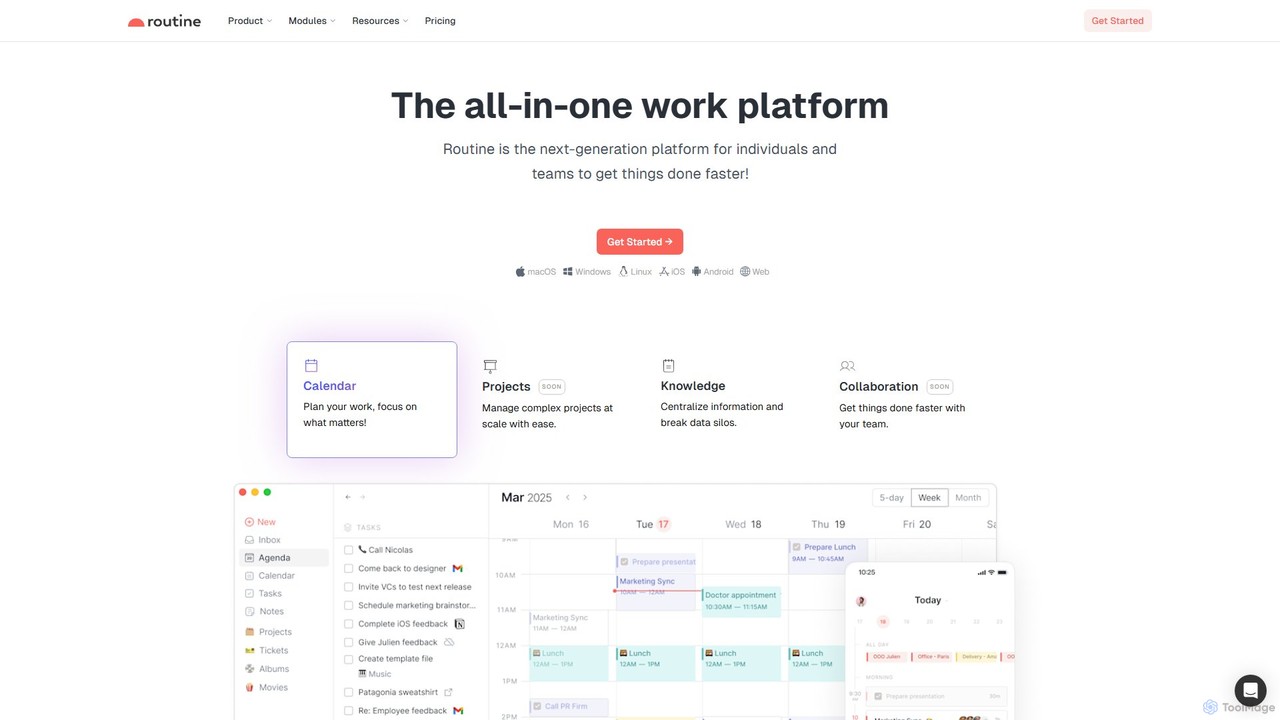
Routine is an all-in-one work platform designed for individuals and teams to enhance productivity. It unifies tasks, calendar, notes, and contacts into a single, streamlined workspace. Featuring natural language input, time blocking, and extensive integrations, Routine helps you organize work, focus on priorities, and get things done faster across all your devices.
All In One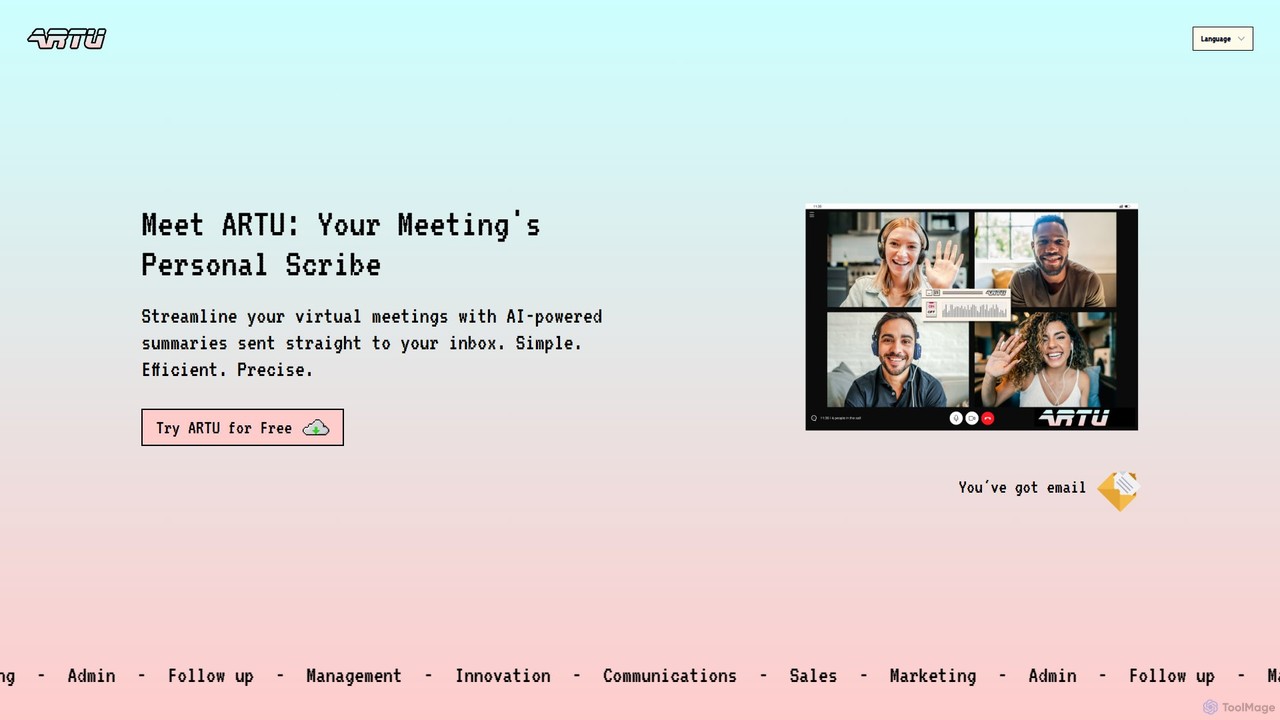
ARTU
ARTU is a dual-purpose AI copilot designed to streamline both your meetings and personal idea management. It automatically transcribes and summarizes virtual meetings, sending detailed minutes to your inbox. Simultaneously, it acts as a personal assistant, capturing ideas from emails, WhatsApp, and Telegram, then organizing them into your preferred workspace like Notion. This integrated system helps you conquer creative chaos and boost productivity.
Meeting Assistant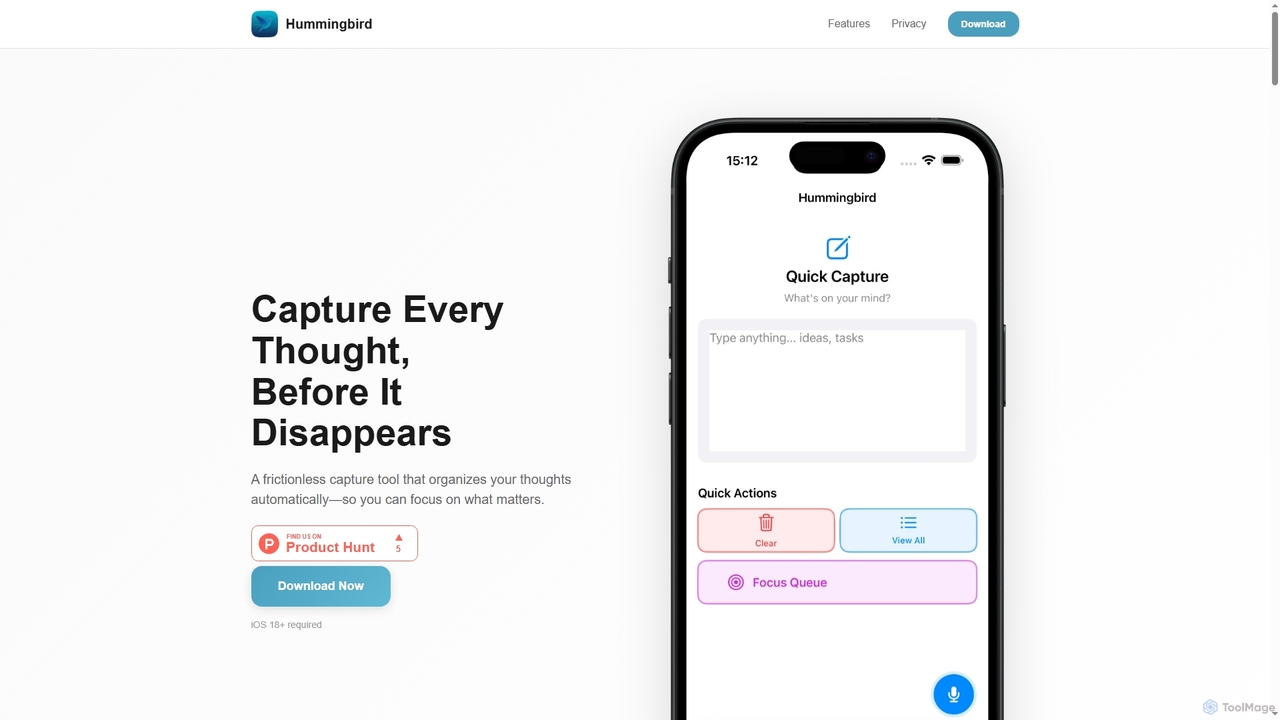
Hummingbird
Hummingbird is a privacy-first iOS app designed for instant thought capture and AI-powered organization. It allows users to quickly record ideas, to-dos, and reminders via text or voice, automatically categorizing them on-device without cloud sync or data tracking. Focus on your thoughts, not on organizing them.
Ios Utility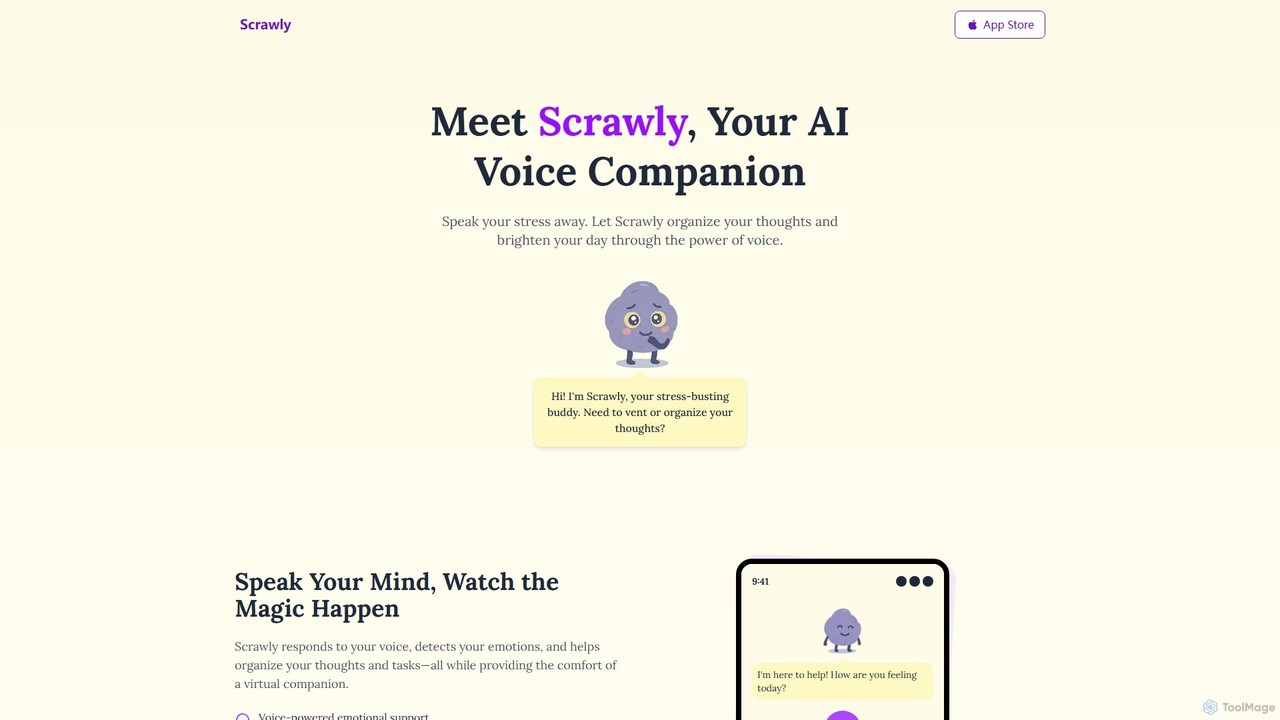
Scrawly
Scrawly is an AI voice companion designed to help you manage stress and organize your thoughts. By analyzing your voice, it detects your emotional state, offers calming exercises, and transforms your spoken words into structured notes and tasks, all while providing a friendly, evolving virtual companion.
Mental Wellness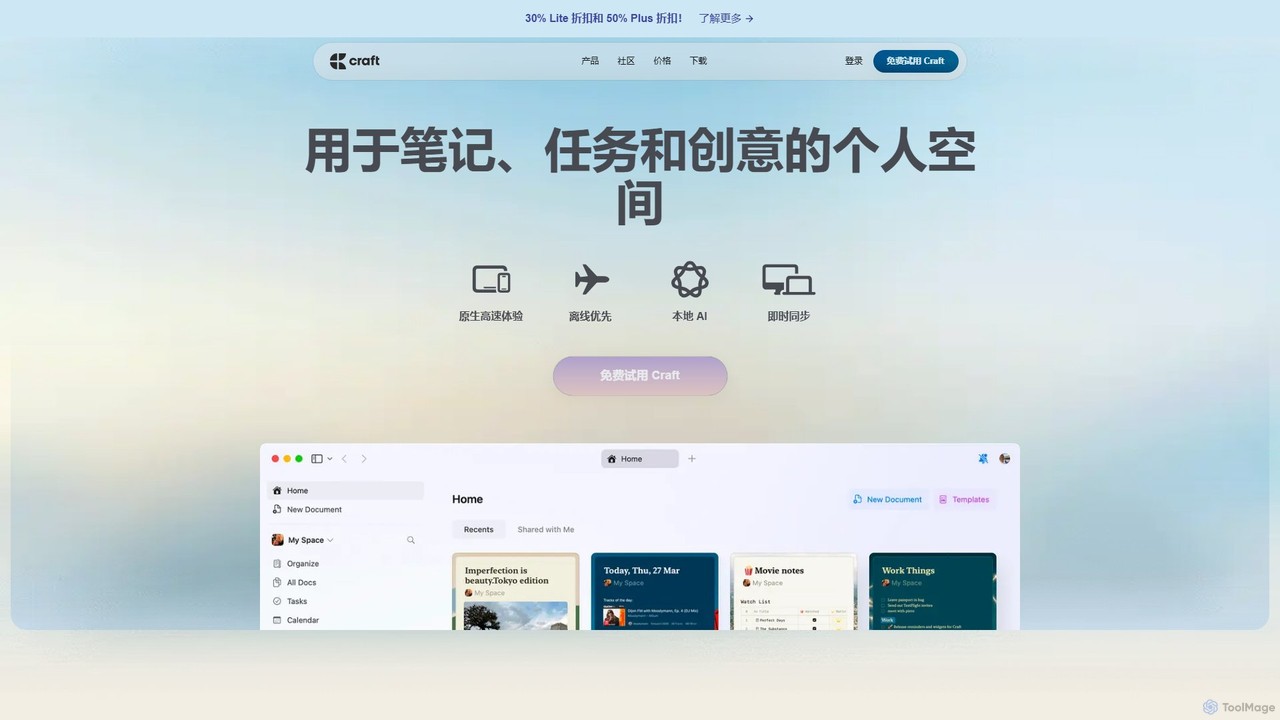
Craft
Craft is a beautifully designed, native document editor for notes, tasks, and ideas. It combines powerful features like a local AI assistant, task management, and flexible organization with a joyful, fast, and offline-first user experience, making it the perfect tool for writers, thinkers, and teams to capture and structure their thoughts.
Knowledge ManagementVoxa Categories
Voxa Embed Widget
Copy this embed code to place the badge on your blog, article, or product site and send readers directly to this ToolMage detail page.

Related AI tools
MyTask AI
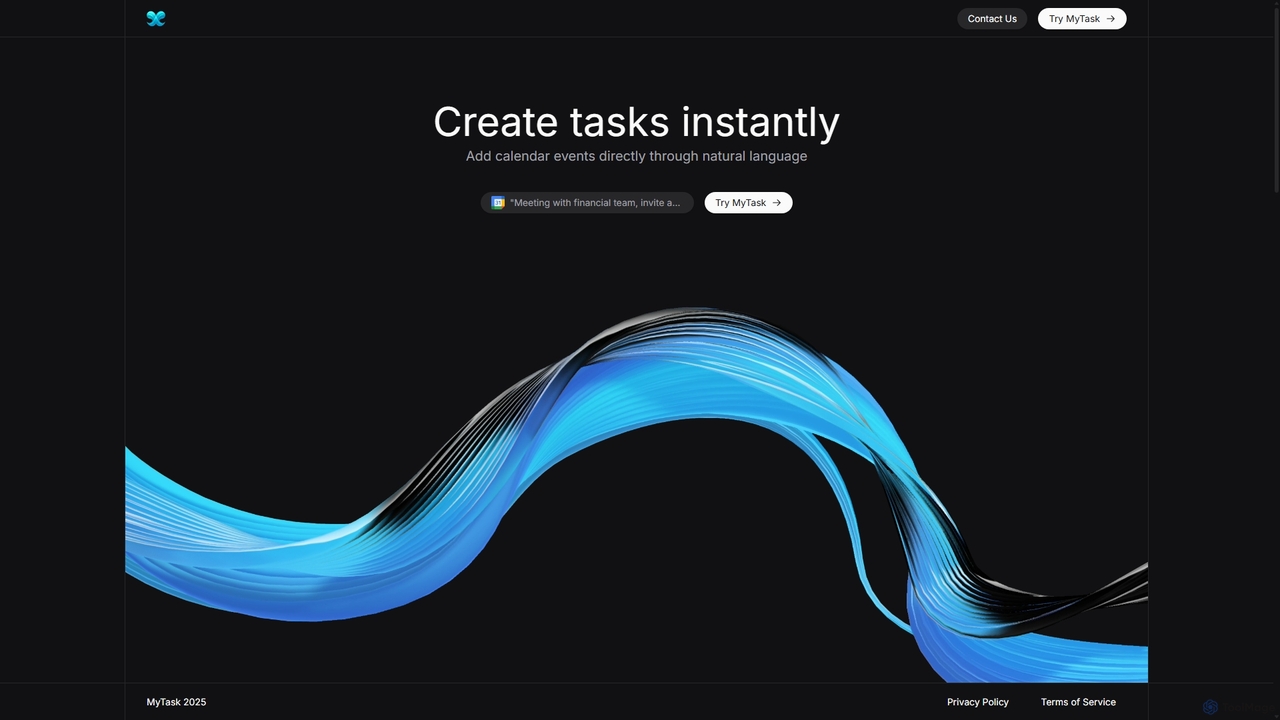
MyTask AI is a productivity tool that uses AI to instantly create, edit, and delete Google Calendar events through natural language commands. Streamline your scheduling and save time without ever leaving your current browser tab.
SchedulingRoutine
Routine is an all-in-one work platform designed for individuals and teams to enhance productivity. It unifies tasks, calendar, notes, and contacts into a single, streamlined workspace. Featuring natural language input, time blocking, and extensive integrations, Routine helps you organize work, focus on priorities, and get things done faster across all your devices.
All In OneARTU
ARTU is a dual-purpose AI copilot designed to streamline both your meetings and personal idea management. It automatically transcribes and summarizes virtual meetings, sending detailed minutes to your inbox. Simultaneously, it acts as a personal assistant, capturing ideas from emails, WhatsApp, and Telegram, then organizing them into your preferred workspace like Notion. This integrated system helps you conquer creative chaos and boost productivity.
Meeting AssistantHummingbird
Hummingbird is a privacy-first iOS app designed for instant thought capture and AI-powered organization. It allows users to quickly record ideas, to-dos, and reminders via text or voice, automatically categorizing them on-device without cloud sync or data tracking. Focus on your thoughts, not on organizing them.
Ios UtilityScrawly
Scrawly is an AI voice companion designed to help you manage stress and organize your thoughts. By analyzing your voice, it detects your emotional state, offers calming exercises, and transforms your spoken words into structured notes and tasks, all while providing a friendly, evolving virtual companion.
Mental Wellness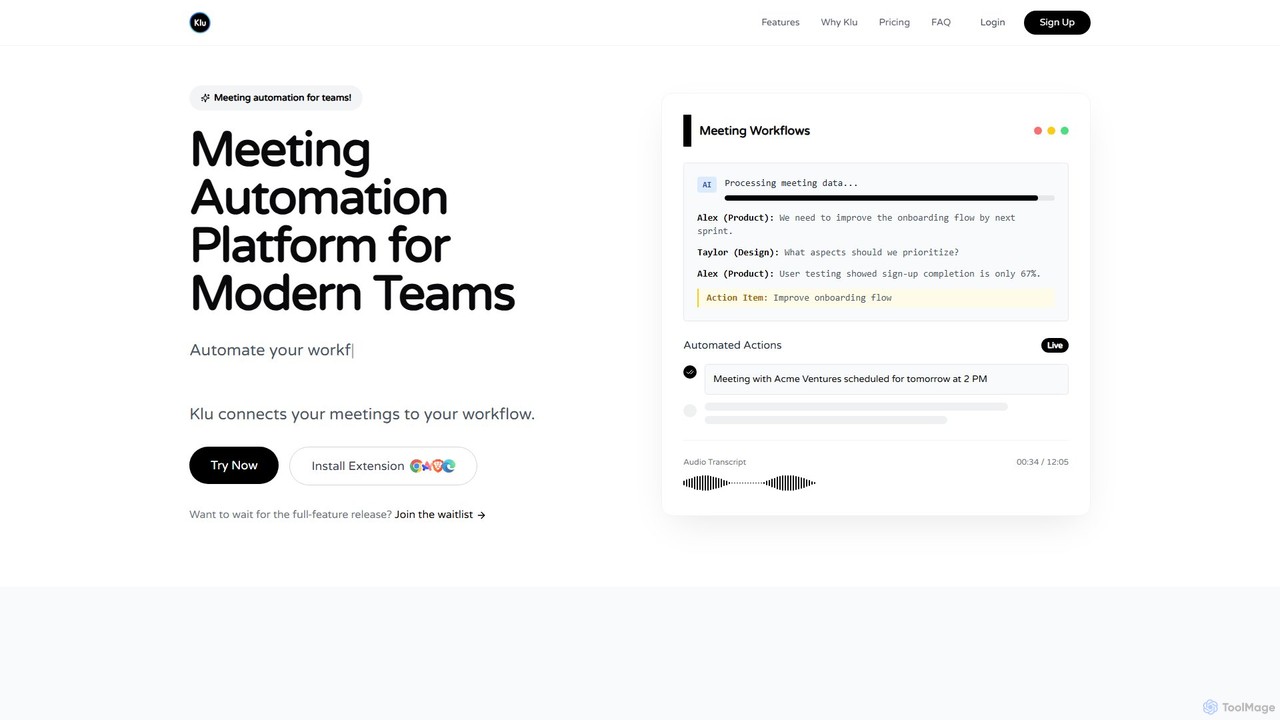
Klu
Klu is an AI-powered meeting automation platform designed for modern teams. It records, transcribes, and summarizes your meetings, automatically extracting action items and key insights. By integrating with your existing workflow tools like Notion, Slack, and Asana, Klu automates post-meeting tasks, saving time and boosting productivity.
Workflow
Todo.is
Todo.is is an AI-powered productivity command center designed for streamlined task and project management. It combines a minimalist, text-based interface with a unique AI Export feature, allowing users to instantly transform their to-do lists into structured reports, summaries, and actionable plans. Ideal for individuals and teams seeking efficiency and clarity in their workflow.
Project Management
Jyek
Jyek is an AI agent platform that understands objectives, creates execution plans, uses tools, and delivers verifiable results for complex, multi-step tasks.
Automation
Focus Fox
Focus Fox is an AI-powered assistant designed to streamline your productivity by simplifying calendar and event management. Using natural language, you can instantly create events, organize your schedule, and manage tasks, allowing you to focus on what truly matters. It integrates with your existing calendars to provide a seamless experience.
Ai Assistant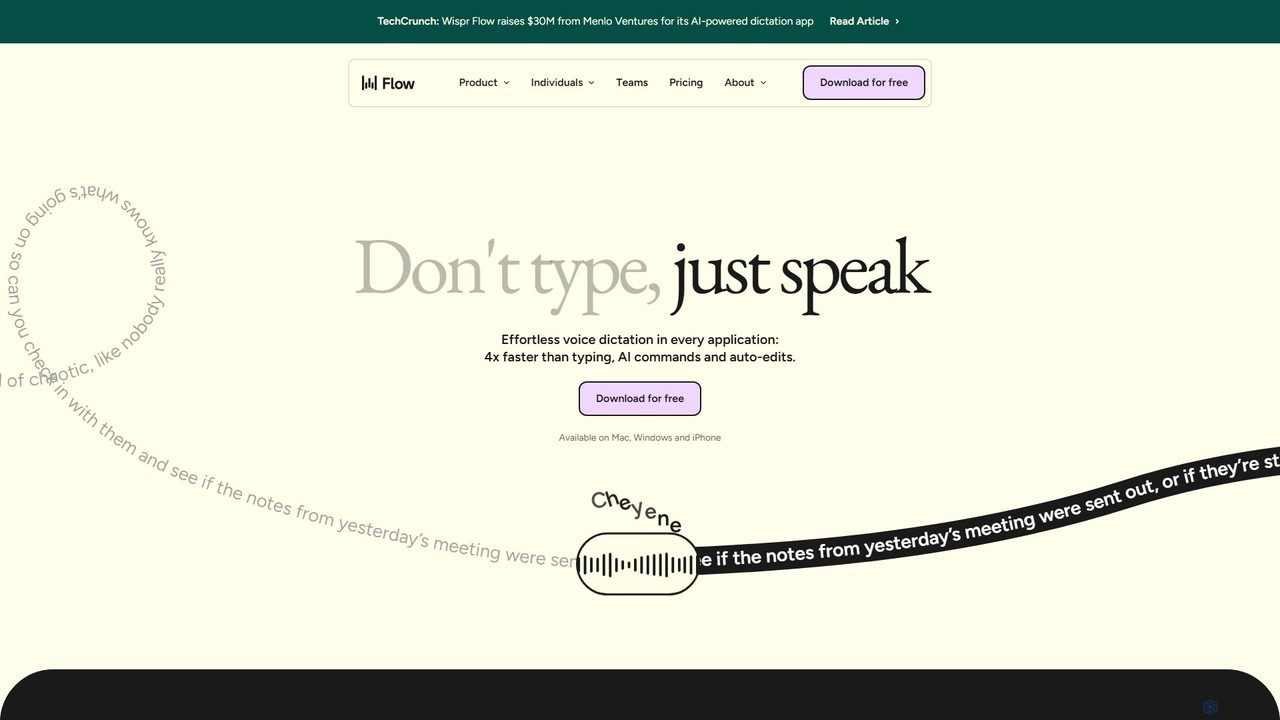
wisprflow
wisprflow is an AI-powered voice dictation application that transcribes speech into text 4x faster than typing. It works across Mac, Windows, and iPhone, featuring AI auto-edits, a personal dictionary, and support for over 100 languages. It's designed to boost productivity and provide accessibility for all users.
Assistive Technology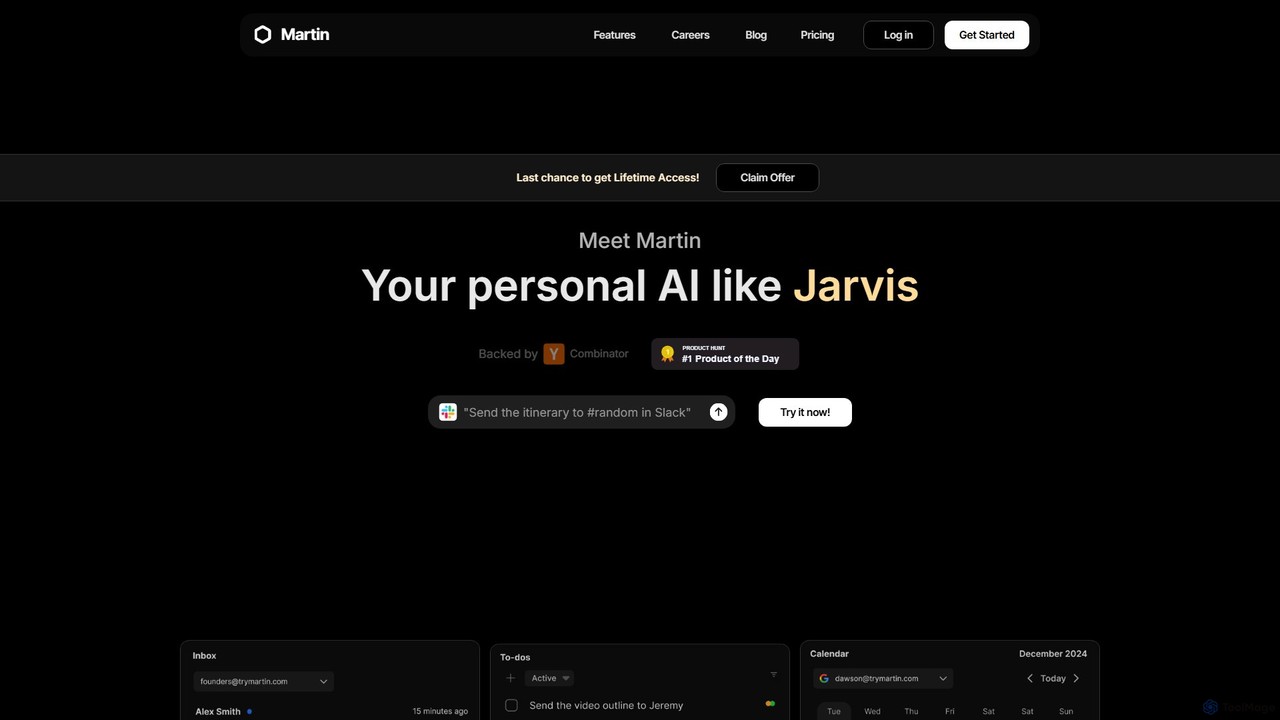
Martin
Martin is a personal AI assistant, like Jarvis, designed to streamline your life by managing tasks, communications, and schedules. Interact with Martin via text, call, email, or Slack to set reminders, send messages, manage your calendar, and automate daily workflows. It integrates seamlessly with your existing apps to boost your productivity.
Email AssistantCraft
Craft is a beautifully designed, native document editor for notes, tasks, and ideas. It combines powerful features like a local AI assistant, task management, and flexible organization with a joyful, fast, and offline-first user experience, making it the perfect tool for writers, thinkers, and teams to capture and structure their thoughts.
Knowledge Management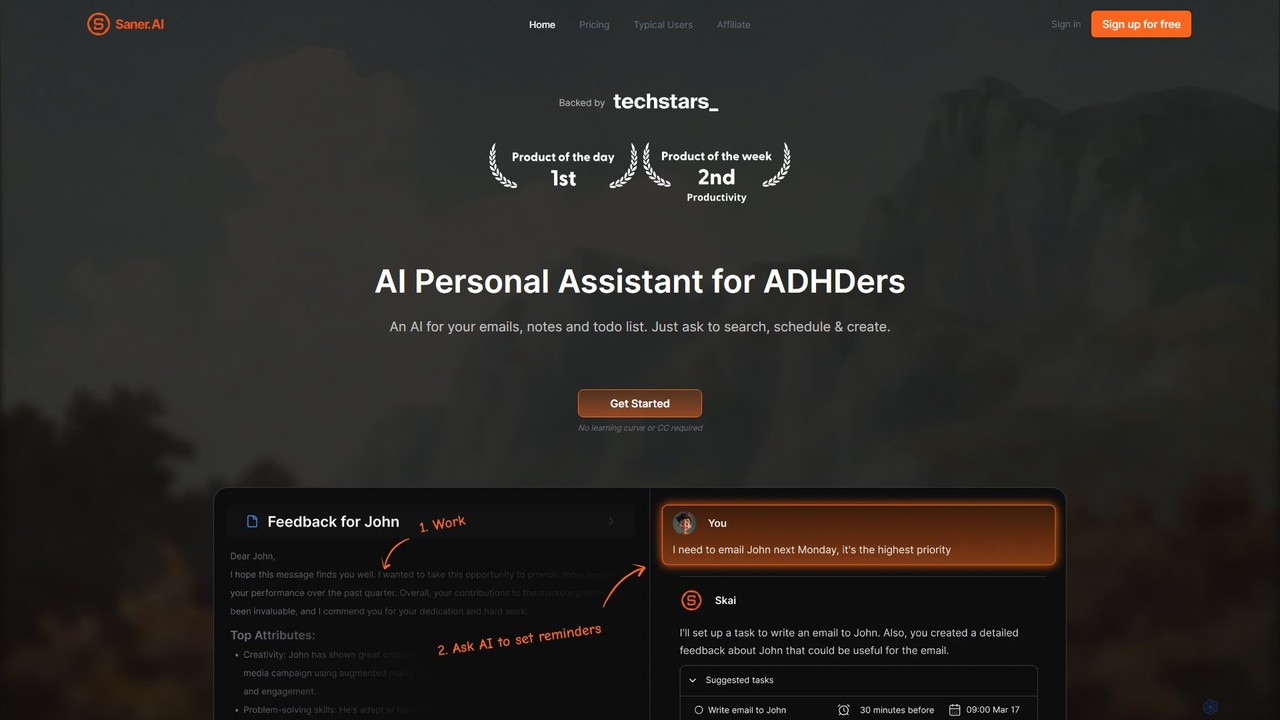
Saner.AI
Saner.AI is an AI personal assistant designed to help users, especially those with ADHD, manage notes, emails, and to-do lists. It acts as a unified workspace to capture, organize, and synthesize information, reducing cognitive load and context switching. With its AI assistant, Skai, it automates task planning, prioritization, and knowledge connection, creating a calmer, more productive workflow.
Second Brain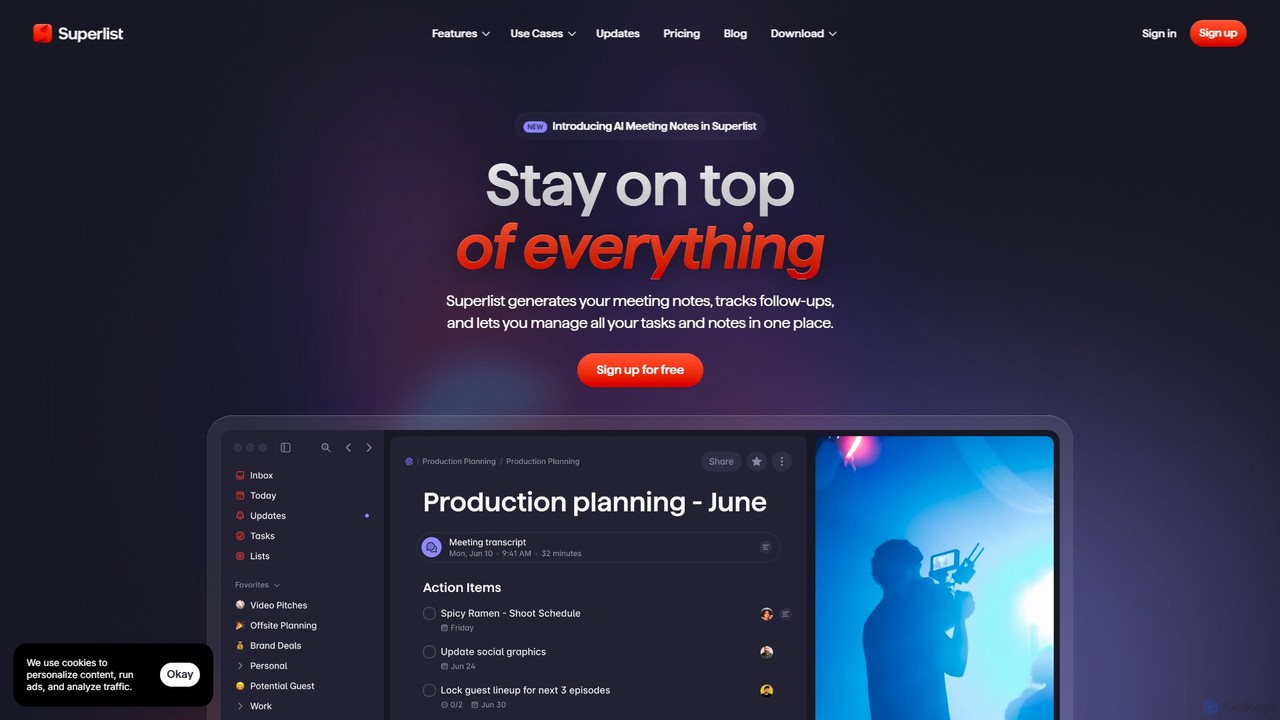
Superlist
Superlist is an AI-powered productivity tool that unifies tasks, notes, and meeting summaries in a single platform. Designed for both individuals and teams, it uses AI to automatically generate meeting notes, track action items, and convert voice memos into tasks, streamlining workflows and enhancing collaboration.
Meeting Assistant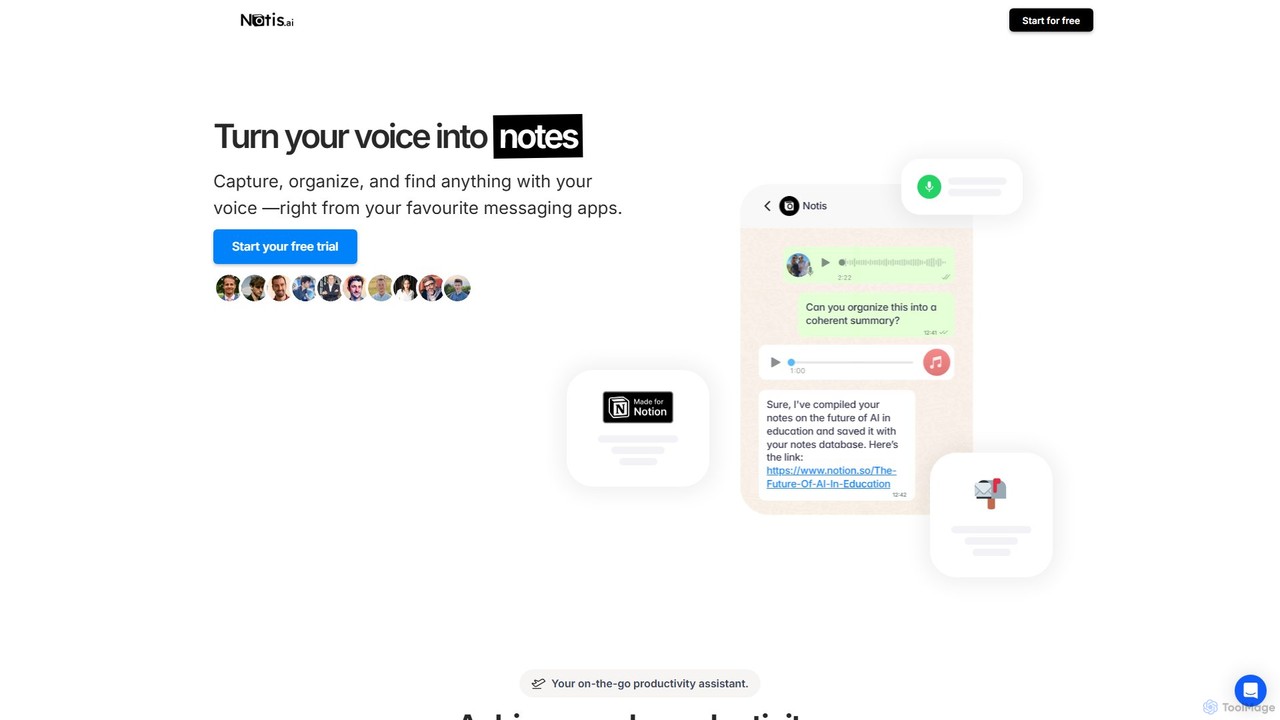
Notis
Notis is an AI-powered productivity assistant that turns your voice, text, and images into structured entries in Notion. Operating directly from messaging apps like WhatsApp and Telegram, it helps you capture ideas, manage tasks, draft content, and organize your life without ever opening the Notion app.
Content Creation
Voxa Comments (0)
Sign in to comment.
Sign inNo comments yet.