

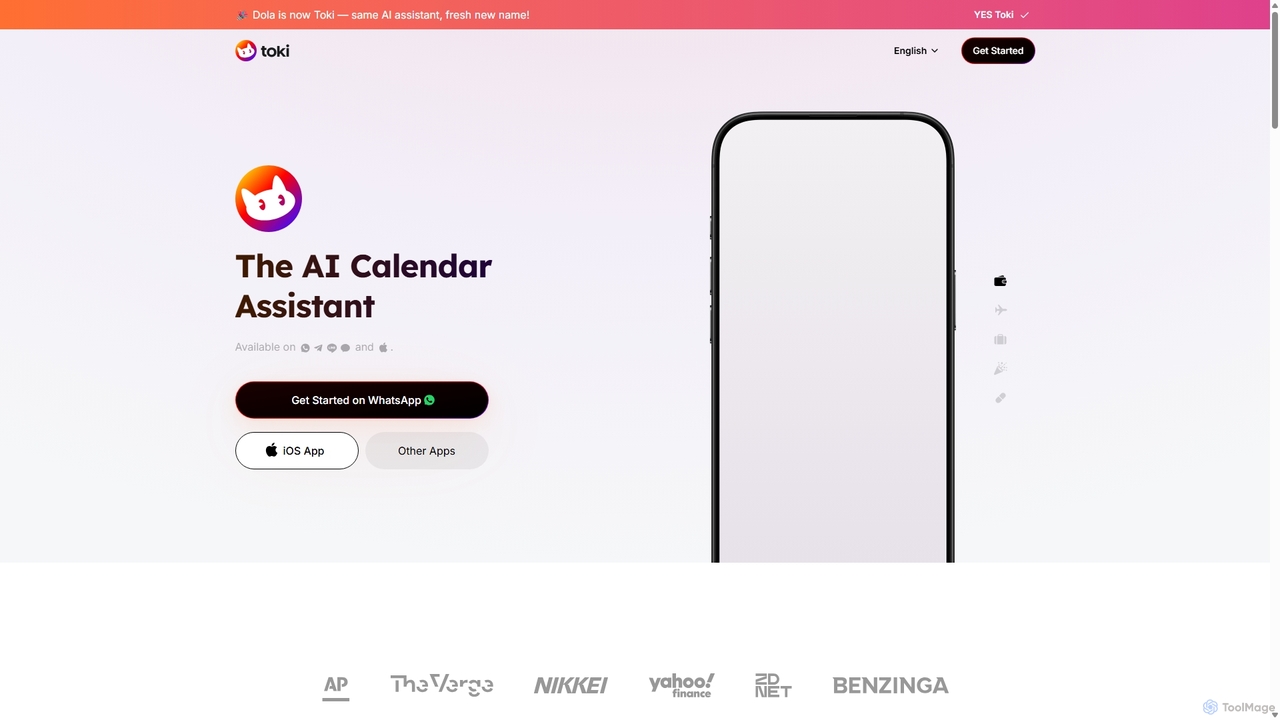
Toki Overview
Toki, the evolution of Heydola, is a cutting-edge AI Calendar Assistant designed to streamline your life by making scheduling effortless and intuitive. Trusted by over 3 million users worldwide, Toki acts as your personal assistant, integrating seamlessly into your daily workflow. It eliminates the tedious process of manually managing calendars by allowing you to schedule events, set reminders, and organize your day using simple, natural language commands through your most-used communication channels.
The core philosophy behind Toki is to meet you where you are. Instead of forcing you to adapt to a new application, Toki works within the platforms you already use, such as WhatsApp, Telegram, iMessage, and its native iOS application. This accessibility means you can manage your time on the go, without ever needing to open a traditional calendar app. Whether you're confirming a meeting from a text message or scheduling a follow-up during a conversation, Toki is just a message away.
How to use Toki
Getting started with Toki is incredibly simple and designed for immediate productivity:
- Connect Your Calendar: First, sync Toki with your existing calendars, such as Google Calendar or Outlook. This allows the AI to have a complete view of your schedule and manage it effectively.
- Choose Your Platform: Add Toki as a contact on your preferred messaging app (like WhatsApp or Telegram) or download the dedicated iOS app.
- Communicate Naturally: Start chatting with Toki as you would with a human assistant. You can use various input methods:
- Text: Send a message like, "Schedule a team meeting for tomorrow at 10 AM with John."
- Voice: Record a voice note saying, "Remind me to call the doctor next Monday afternoon."
- Image: Take a picture of a conference poster or a screenshot of an event invitation and send it to Toki. The AI will extract the relevant details and create a calendar event for you.
- Manage and Modify: Easily update, reschedule, or cancel events by sending follow-up messages. For example, "Move my 10 AM meeting to 11 AM" or "Cancel my lunch appointment today."
Core Features of Toki
- Natural Language Processing (NLP): Toki's advanced AI understands complex, conversational requests, including recurring events, specific locations, and participant details.
- Multi-Modal Input: Go beyond text. Use voice notes or send images (posters, screenshots, invitations) to have events automatically created.
- Centralized Calendar Hub: Syncs and manages all your calendars (Google, Outlook, etc.) in one unified place, preventing double-bookings and providing a clear overview of your day.
- Cross-Platform Accessibility: Available on major messaging platforms including WhatsApp, Telegram, and iMessage, as well as a dedicated iOS app.
- Proactive Call Alerts: For your most critical appointments, Toki can optionally call you to ensure you never miss anything important.
- Intelligent Contextual Understanding: The AI can infer details from context. For instance, telling it about an event during a specific holiday or a known public event (like a solar eclipse) will result in an accurately scheduled entry.
Use Cases for Toki
Toki is versatile and valuable for a wide range of users:
- Busy Professionals & Entrepreneurs: Quickly schedule client meetings, set follow-up reminders, and manage a dynamic schedule without leaving their chat applications.
- Students: Keep track of class schedules, assignment deadlines, and study group sessions by simply speaking or texting commands.
- Sales & Marketing Teams: Schedule demos, follow-ups, and campaign deadlines on the fly, ensuring no lead or task is forgotten.
- Personal Organization: Manage family appointments, social events, and personal reminders (like birthdays or bill payments) effortlessly.
Advantages of Toki
Toki stands out from traditional calendar tools with several key benefits:
- Unmatched Convenience: Manage your schedule from the apps you use most, saving time and reducing friction.
- Enhanced Productivity: Offload the mental burden of scheduling, allowing you to focus on more important tasks.
- Intuitive and User-Friendly: No learning curve. If you can send a message, you can use Toki.
- High Accuracy: Users and reviewers praise Toki for its impressive ability to accurately interpret and log events from conversational language.
- Seamless Integration: Fits perfectly into your existing digital life without requiring you to change your habits.
Pricing and Plans
Toki operates on a freemium model. The core functionalities, including creating events via text and syncing calendars, are available for free, making it accessible to everyone. While there is no official information on paid tiers on the website, user testimonials suggest an openness to paying for the service, indicating that premium plans with advanced features may be introduced in the future. For now, users can enjoy the powerful core features at no cost.
Traffic
Latest traffic
Status
Monthly traffic trend
- 2025-9: 5.1K
- 2026-1: 422
- 2026-2: 574
- 2026-3: 653
- 2026-4: 2.8K
- 2026-5: 3.4K
Toki Alternatives
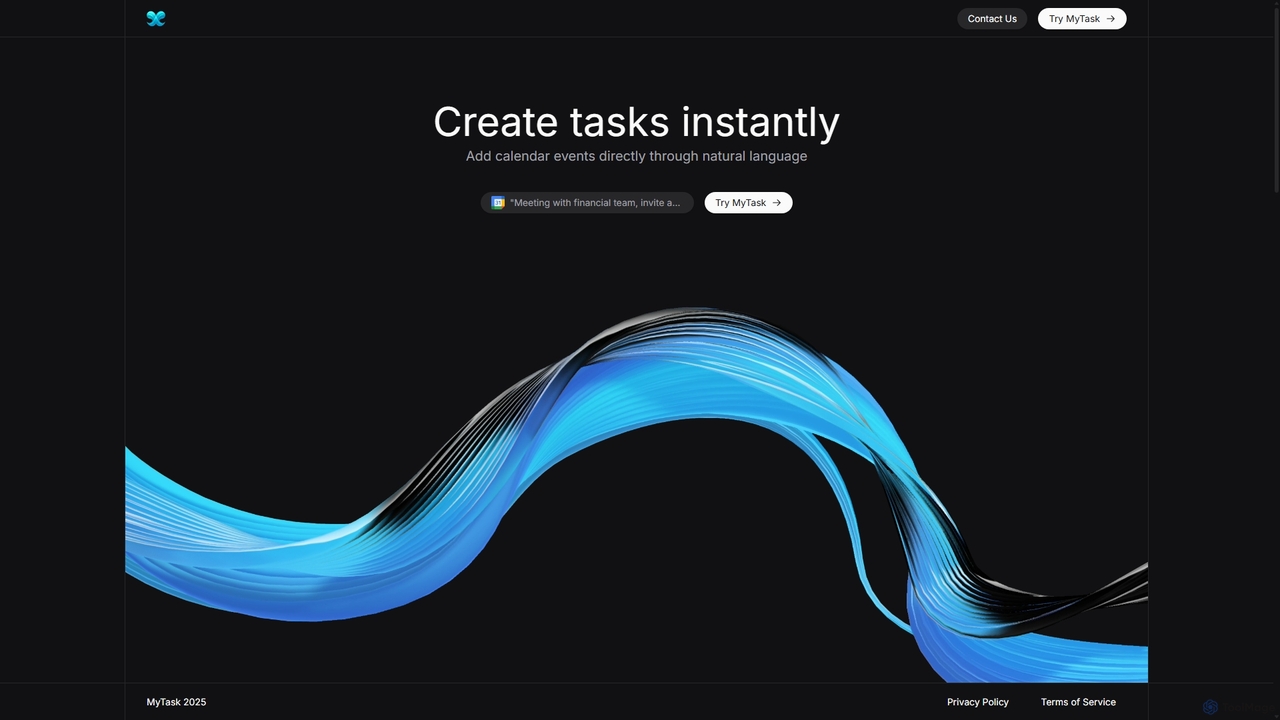
MyTask AI
MyTask AI is a productivity tool that uses AI to instantly create, edit, and delete Google Calendar events through natural language commands. Streamline your scheduling and save time without ever leaving your current browser tab.
Scheduling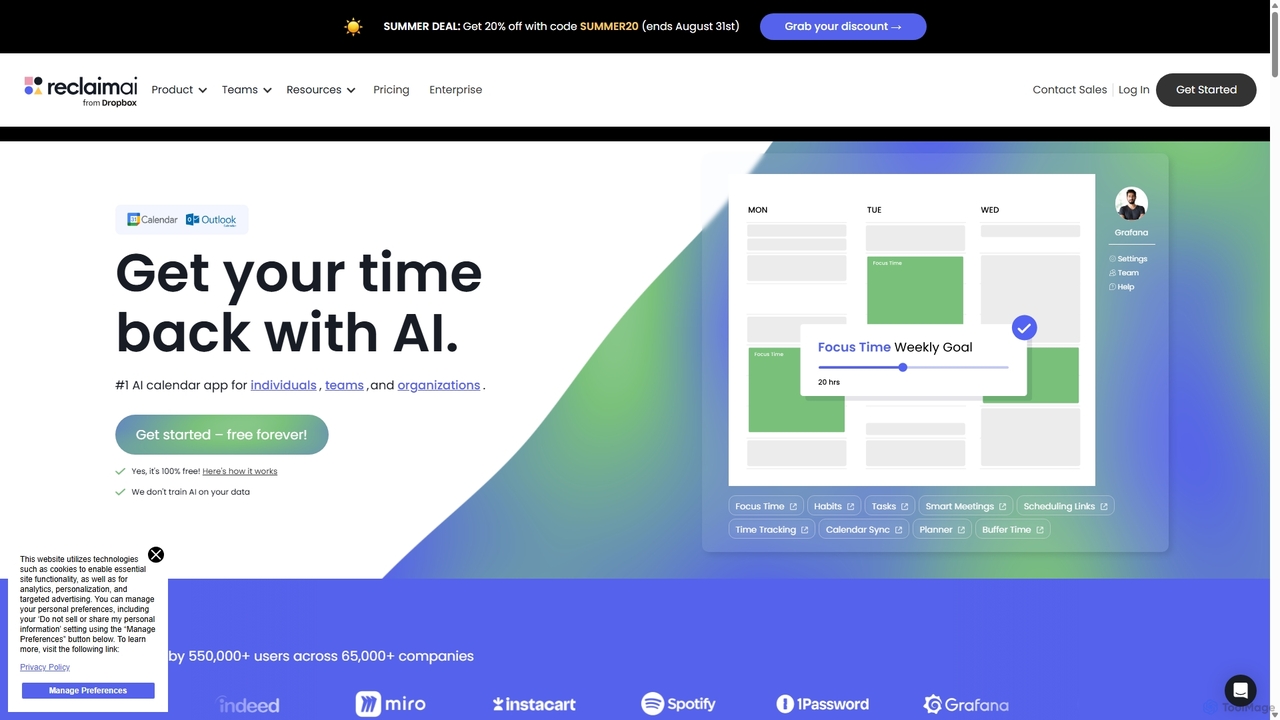
Reclaim.ai
Reclaim.ai is an intelligent AI calendar assistant that automates your schedule for optimal productivity and work-life balance. It intelligently blocks time for tasks, habits, and focus work, finds the best times for meetings, and syncs all your calendars. By defending your time and creating a flexible plan, Reclaim helps you focus on what matters most.
Calendar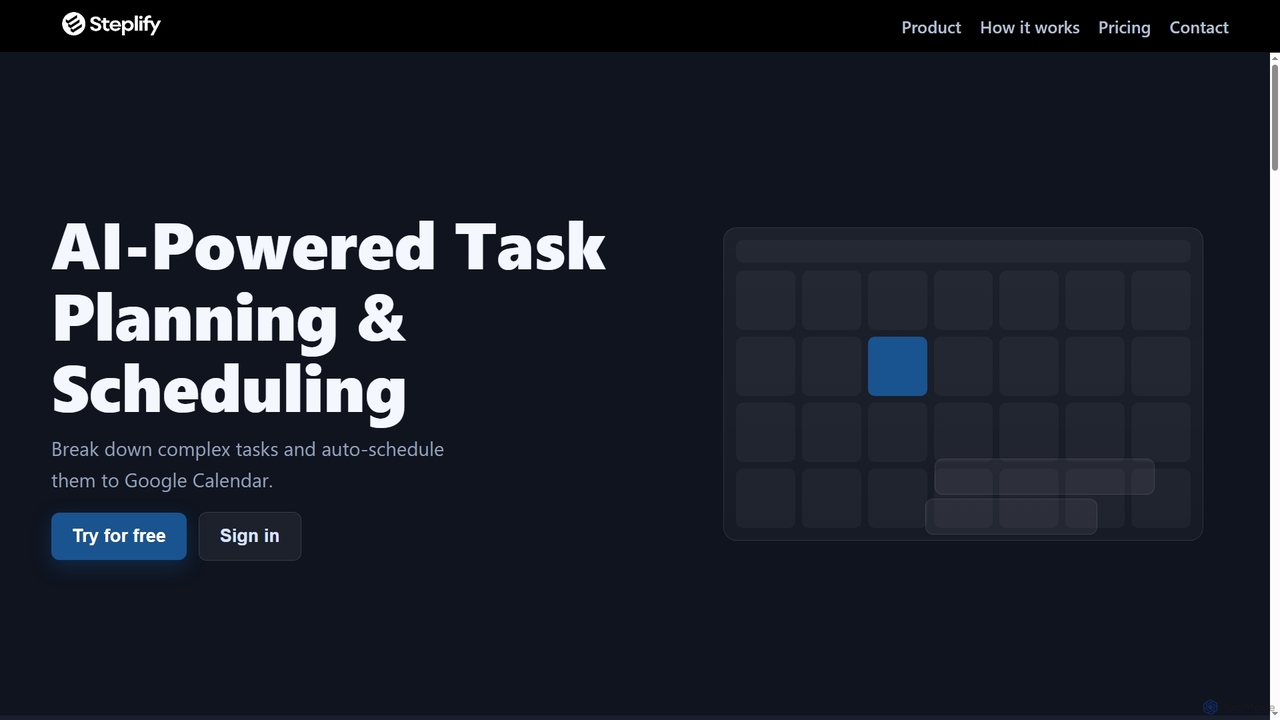
Steplify
Steplify is an AI-powered personal calendar that transforms complex tasks and projects into manageable, scheduled steps. It uses smart time estimation based on your habits and automatically syncs with Google Calendar, helping users overcome procrastination and achieve their goals with an organized, personalized plan.
Project Management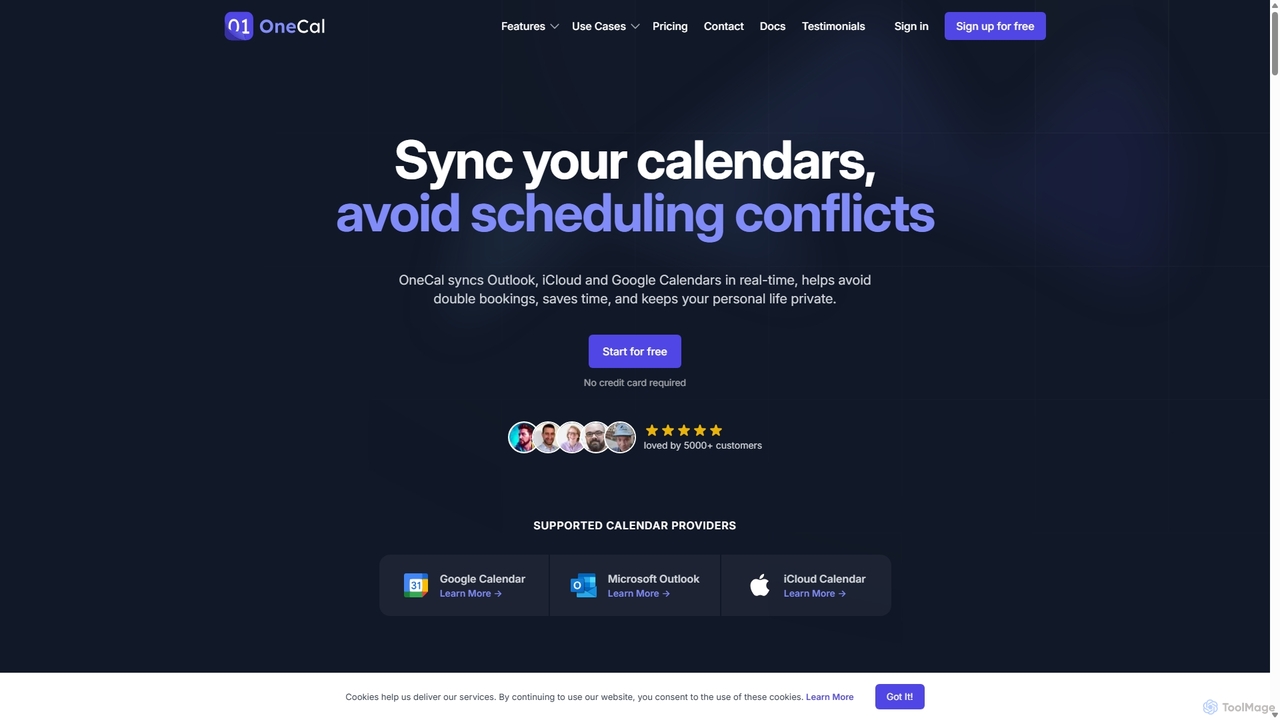
OneCal
OneCal is a powerful calendar automation tool that syncs Outlook, Google, and iCloud calendars in real-time. It helps professionals and teams avoid double bookings, save time on scheduling, and maintain privacy by consolidating all events into a unified view and providing customizable scheduling links.
Time Management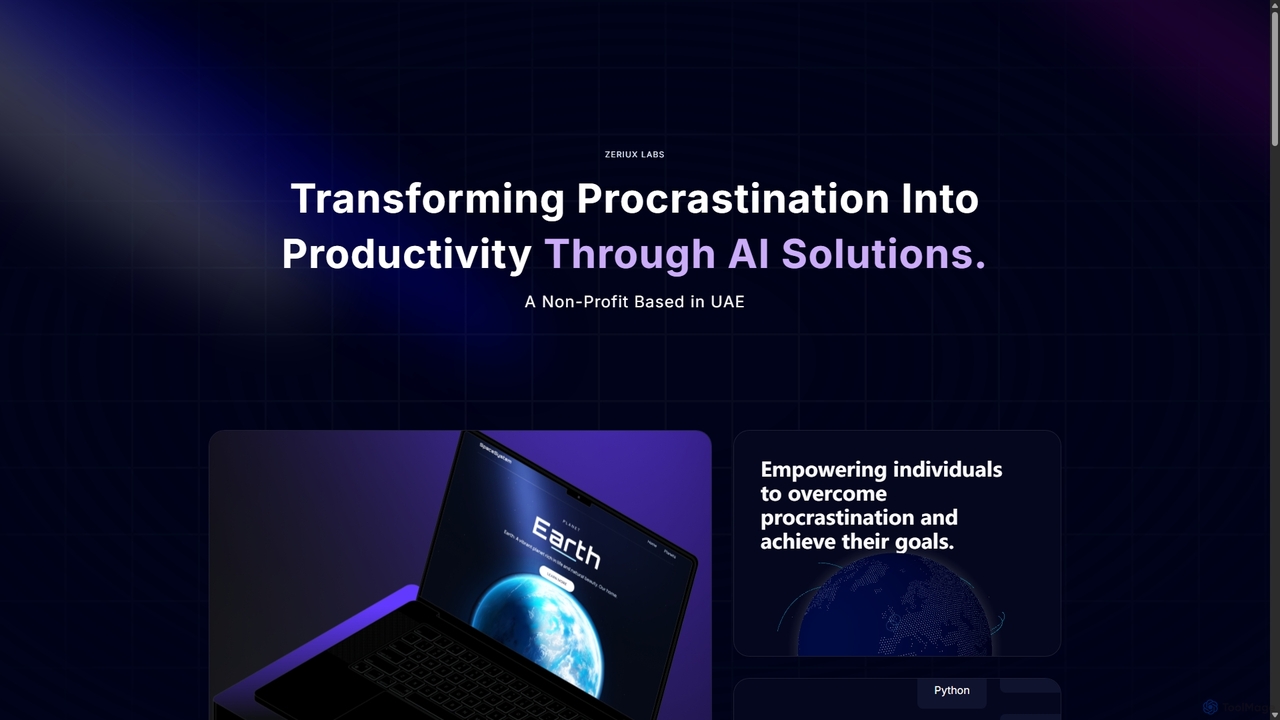
Zeriux Labs
Zeriux Labs is a non-profit organization developing a suite of AI-powered productivity tools designed to combat procrastination. Their solutions, including ProAct+, ProSync+, and Focus Forge, help users manage tasks, optimize schedules, and maintain focus. By leveraging AI, Zeriux Labs aims to make productivity accessible to everyone, transforming daunting goals into achievable daily actions.
Habit FormationToki Categories
Toki Jobs
Toki Embed Widget
Copy this embed code to place the badge on your blog, article, or product site and send readers directly to this ToolMage detail page.

Related AI tools
Reclaim.ai
Reclaim.ai is an intelligent AI calendar assistant that automates your schedule for optimal productivity and work-life balance. It intelligently blocks time for tasks, habits, and focus work, finds the best times for meetings, and syncs all your calendars. By defending your time and creating a flexible plan, Reclaim helps you focus on what matters most.
CalendarSteplify
Steplify is an AI-powered personal calendar that transforms complex tasks and projects into manageable, scheduled steps. It uses smart time estimation based on your habits and automatically syncs with Google Calendar, helping users overcome procrastination and achieve their goals with an organized, personalized plan.
Project ManagementMyTask AI
MyTask AI is a productivity tool that uses AI to instantly create, edit, and delete Google Calendar events through natural language commands. Streamline your scheduling and save time without ever leaving your current browser tab.
Scheduling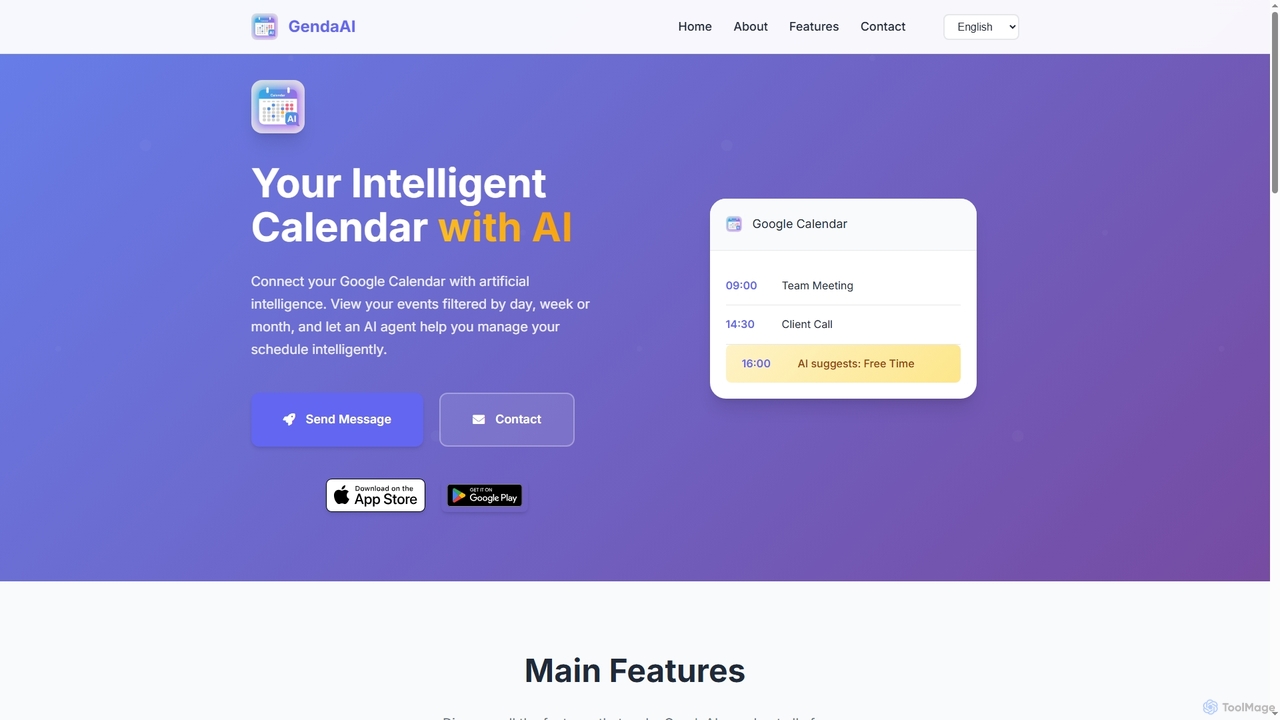
GendaAI
GendaAI is an intelligent calendar assistant designed to streamline your schedule management. It securely connects with your Google Calendar, allowing you to view, create, and modify events using natural language commands. This smart tool enhances productivity by offering personalized recommendations and efficient time organization.
Scheduling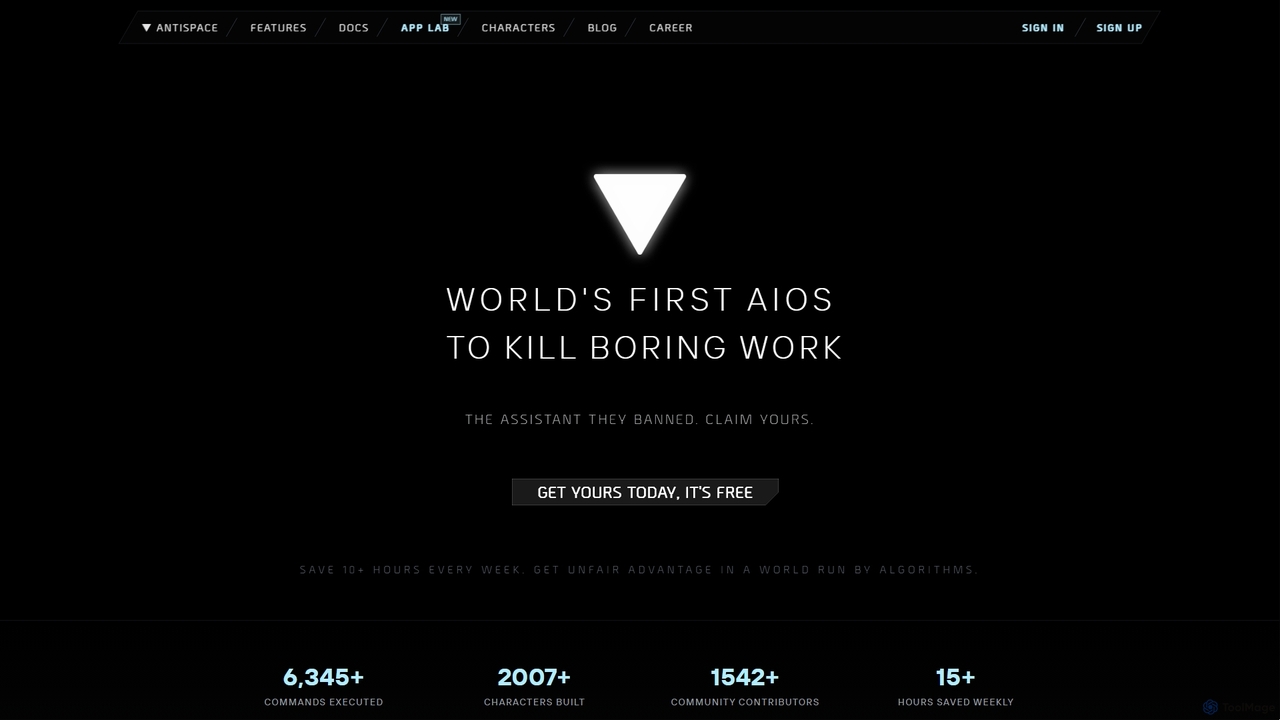
Antispace
Antispace is the world's first AI Operating System (AIOS) designed to eliminate boring work. It provides users with customizable AI sidekicks, each with a unique personality, to proactively manage emails, calendars, notes, and tasks. By predicting and executing the best actions, Antispace saves users over 10 hours per week and reduces decision fatigue.
SchedulingOneCal
OneCal is a powerful calendar automation tool that syncs Outlook, Google, and iCloud calendars in real-time. It helps professionals and teams avoid double bookings, save time on scheduling, and maintain privacy by consolidating all events into a unified view and providing customizable scheduling links.
Time Management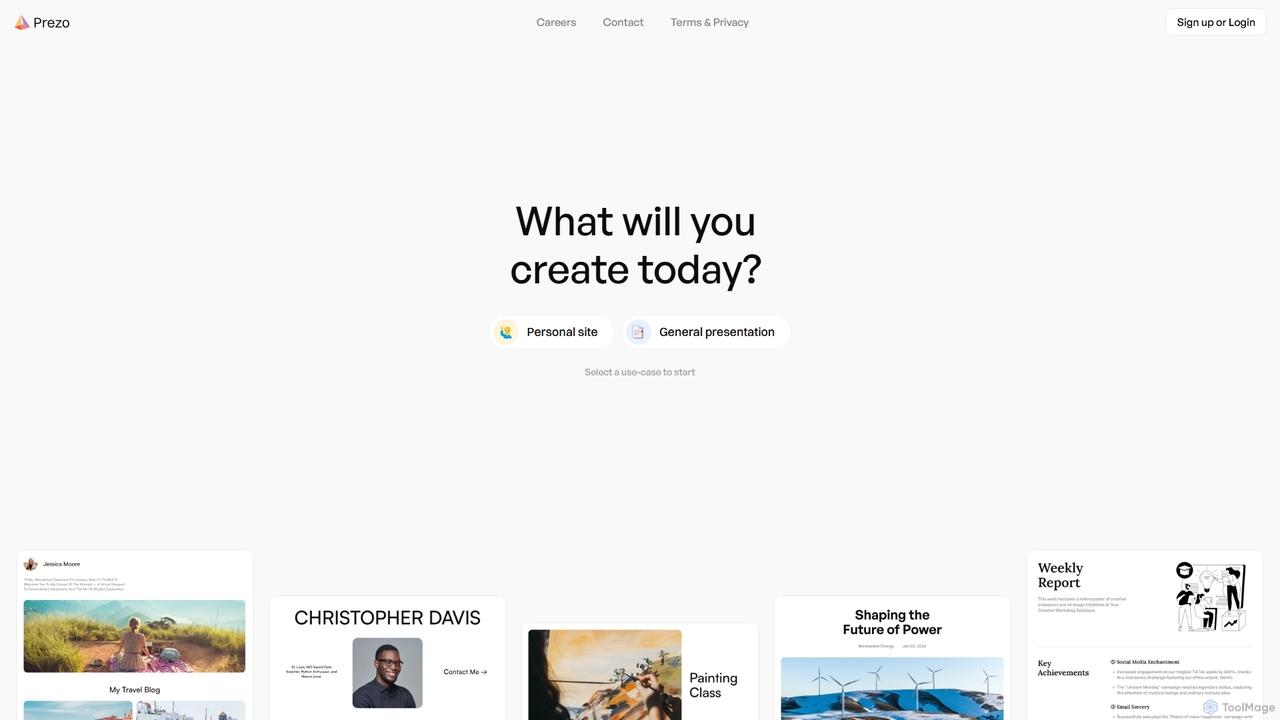
Prezo
Prezo is an AI-powered platform that enables users to effortlessly create professional presentations, documents, and websites. By simply providing a text prompt or an idea, Prezo's AI generates a complete, well-structured, and visually appealing draft in seconds. It's designed to streamline content creation for professionals, educators, and individuals, eliminating the need for design skills and saving valuable time.
Website Builder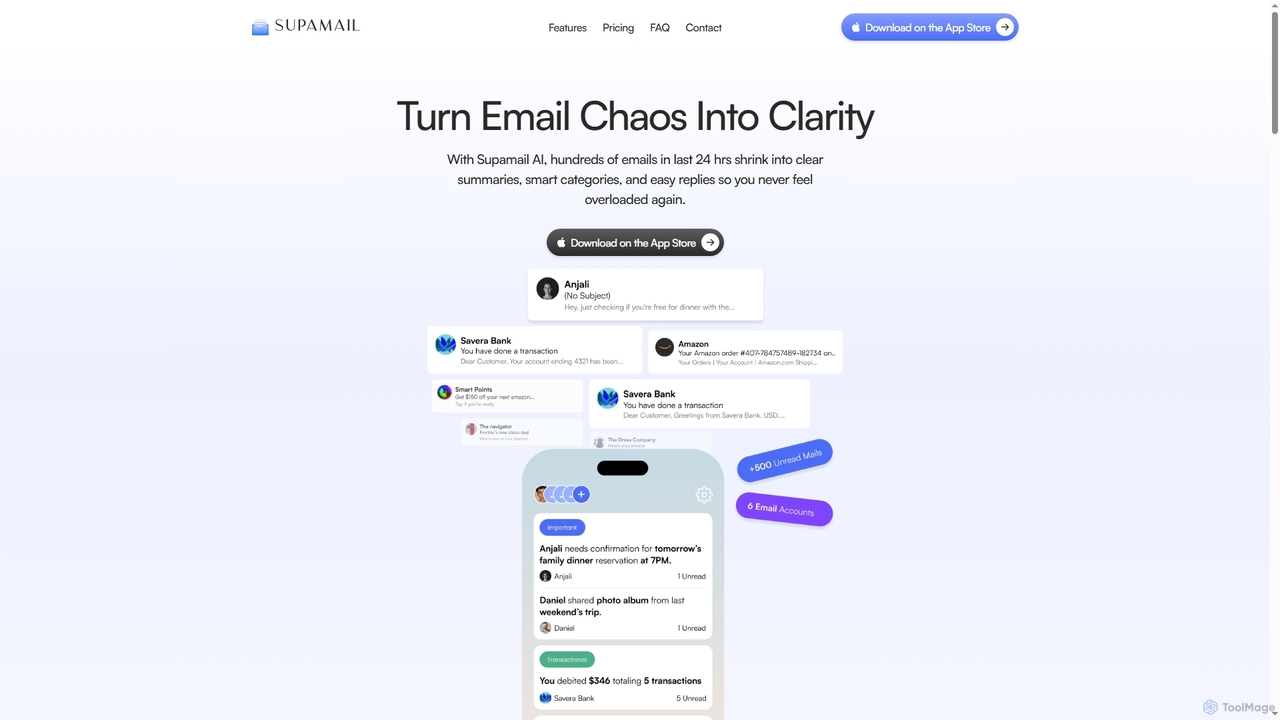
Supamail
Supamail is an AI-powered email assistant for Gmail designed to declutter your inbox. It groups emails, creates one-line summaries, automatically categorizes messages into Important, Transactional, or Promotional, and enables one-click replies, helping you save time and focus on what truly matters.
Summarizer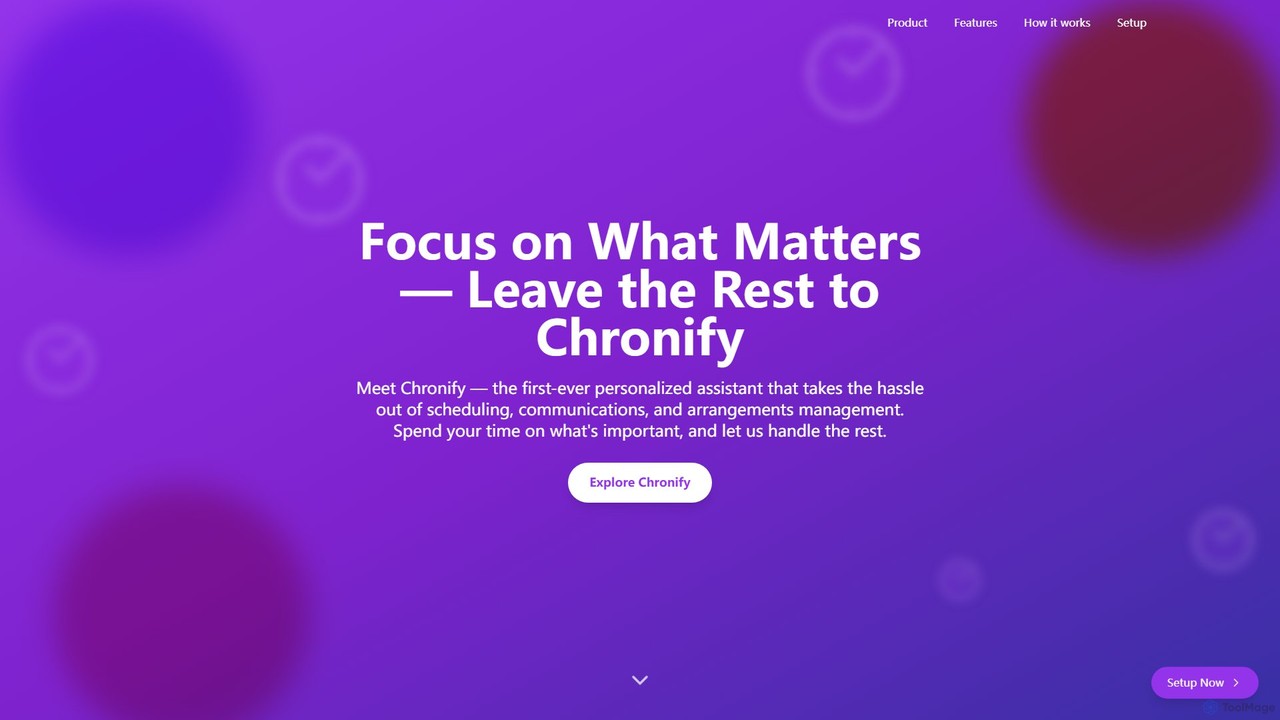
Chronify
Chronify is an AI-powered scheduling assistant that automates time management. It integrates with your calendar to handle meeting scheduling, task organization, and proactive adjustments, learning your preferences to optimize your day and free you up to focus on what matters.
Calendar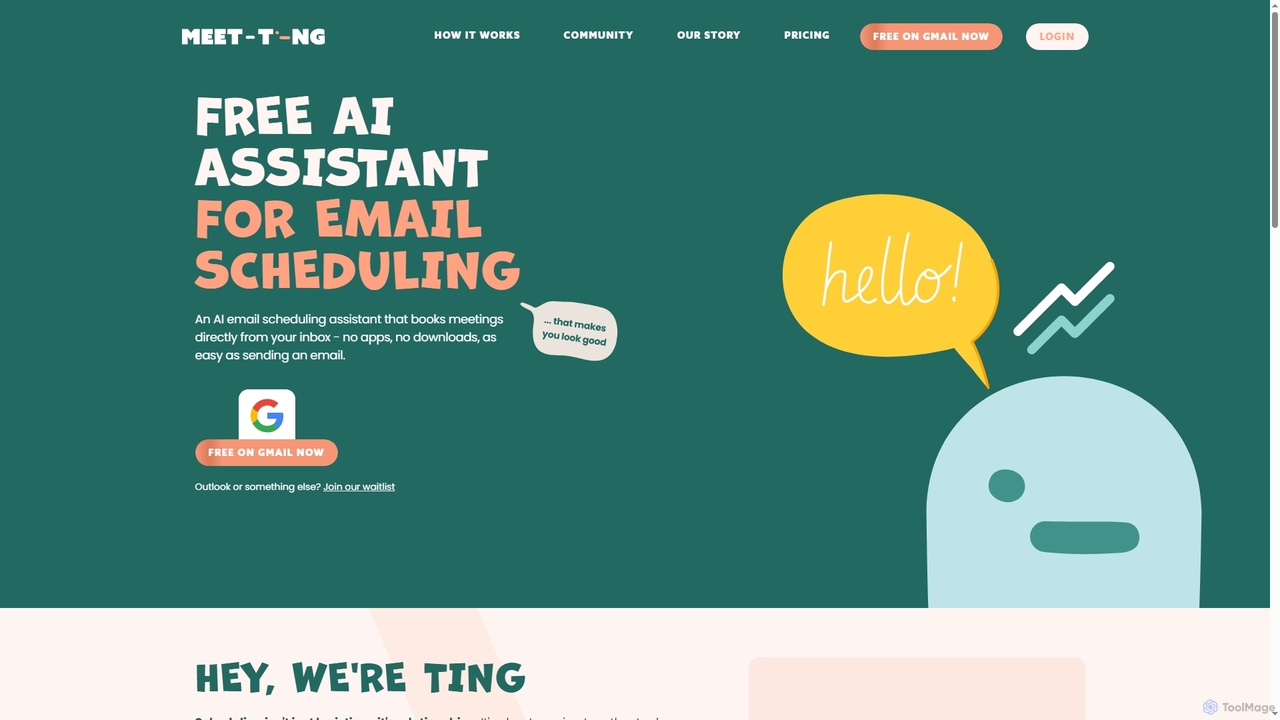
MeetTing
MeetTing is a free AI email scheduling assistant that streamlines meeting coordination directly from your inbox. It eliminates the need for back-and-forth emails, allowing you to book meetings as easily as sending an email, without any apps or downloads. Currently available for Gmail users, it quietly works in the background to ensure your meetings happen smoothly.
Automation
Jarvis
Jarvis is an intelligent AI assistant designed to automate tasks, manage schedules, and streamline communication for busy professionals and teams. It acts as a central command hub, integrating with your existing tools to boost productivity and reclaim your time.
Workflow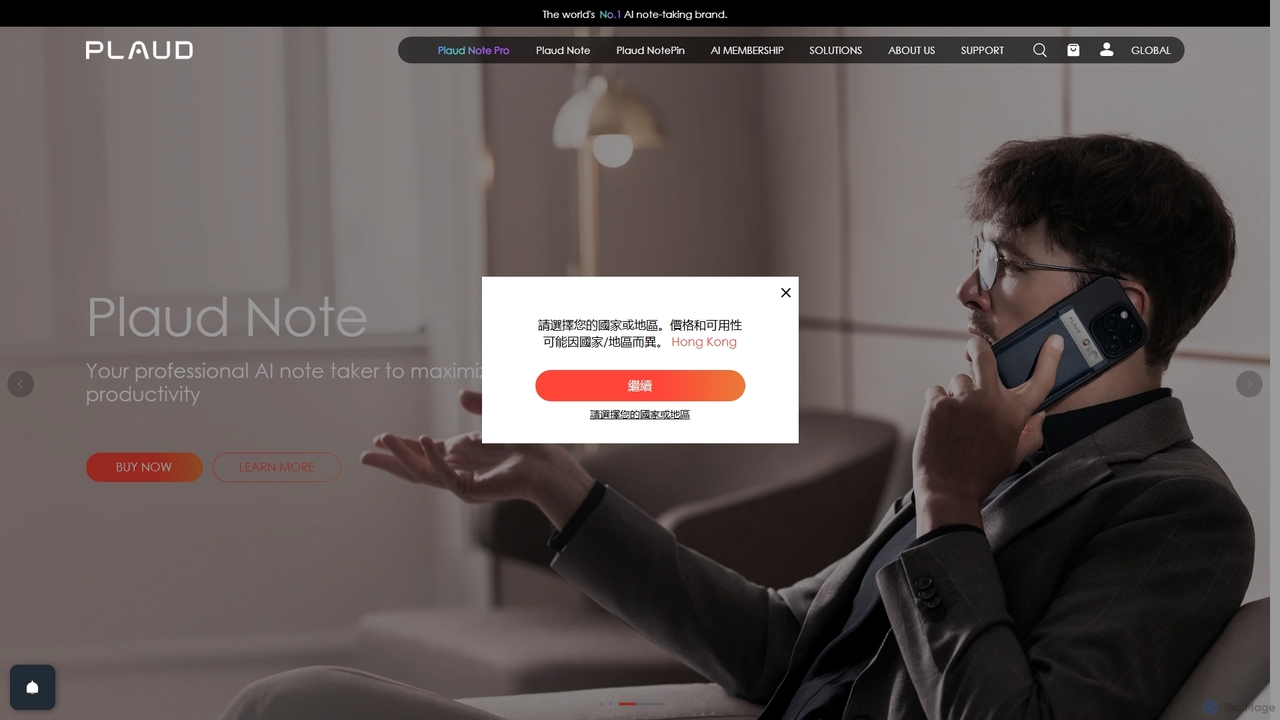
Plaud
Plaud is an innovative AI note-taking solution combining a sleek hardware voice recorder with a powerful AI app. It captures conversations, transcribes them with high accuracy, and generates structured summaries, mind maps, and action items. Designed for professionals, students, and creators, Plaud streamlines the documentation of meetings, lectures, and interviews, saving hours of manual work and ensuring no critical detail is missed.
Transcription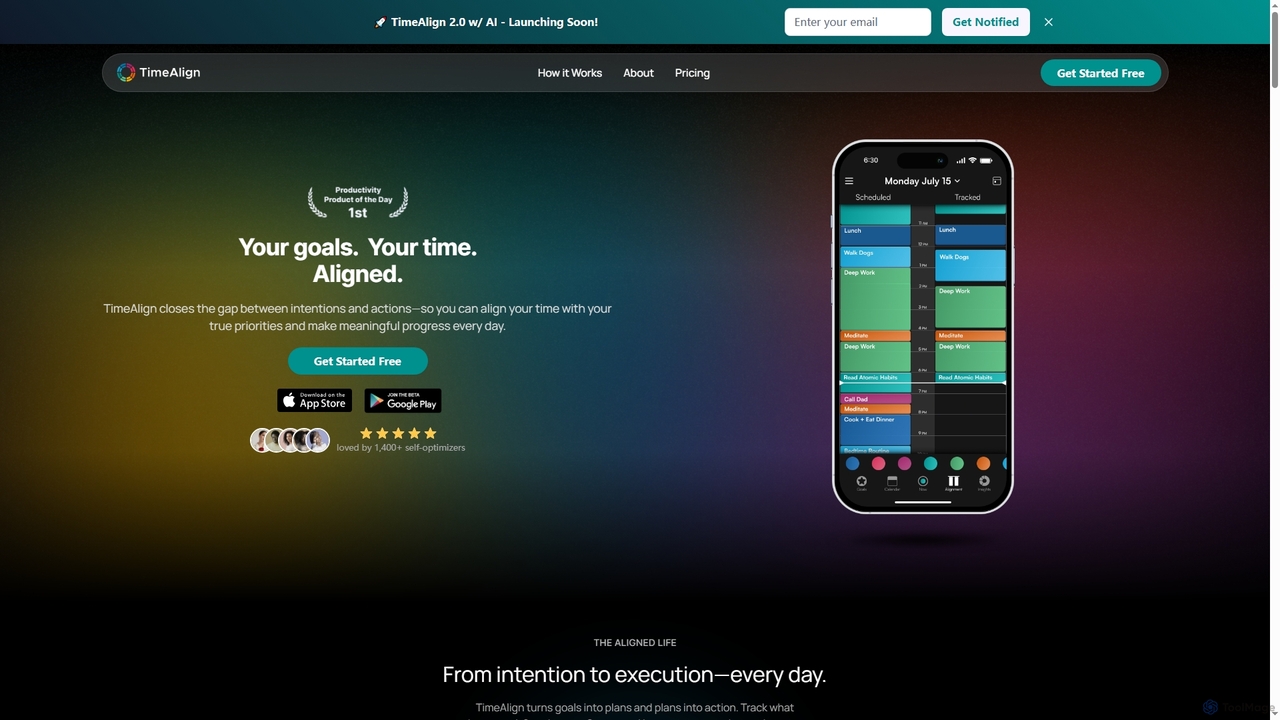
TimeAlign
TimeAlign is an AI-powered time optimization app designed to help you align your actions with your goals. Through intelligent goal setting, time-blocking, and activity tracking, TimeAlign provides an "Alignment Score" and actionable insights to help you master your schedule, improve productivity, and achieve a balanced life.
Personal Development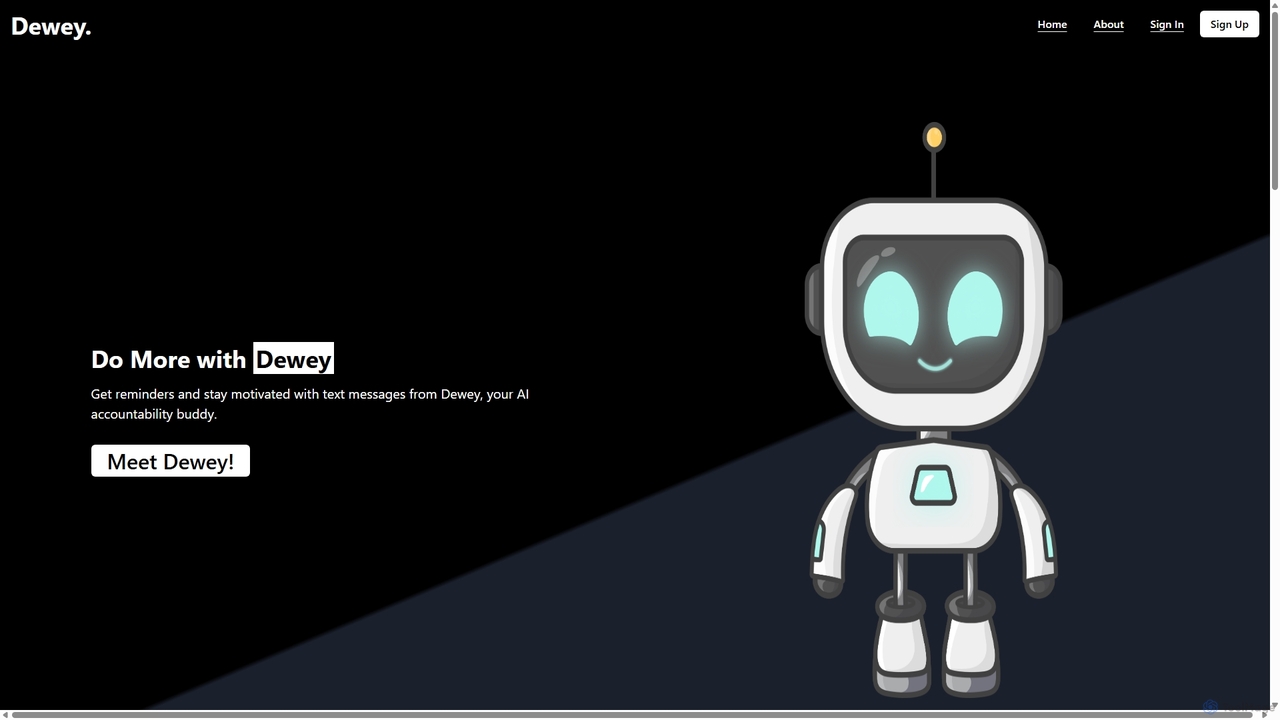
Dewey
Dewey is an AI accountability buddy that helps you manage to-do lists and build habits via SMS. It sends personalized reminders and motivational messages to keep you on track, making productivity feel like a conversation with a supportive friend.
Habit Tracking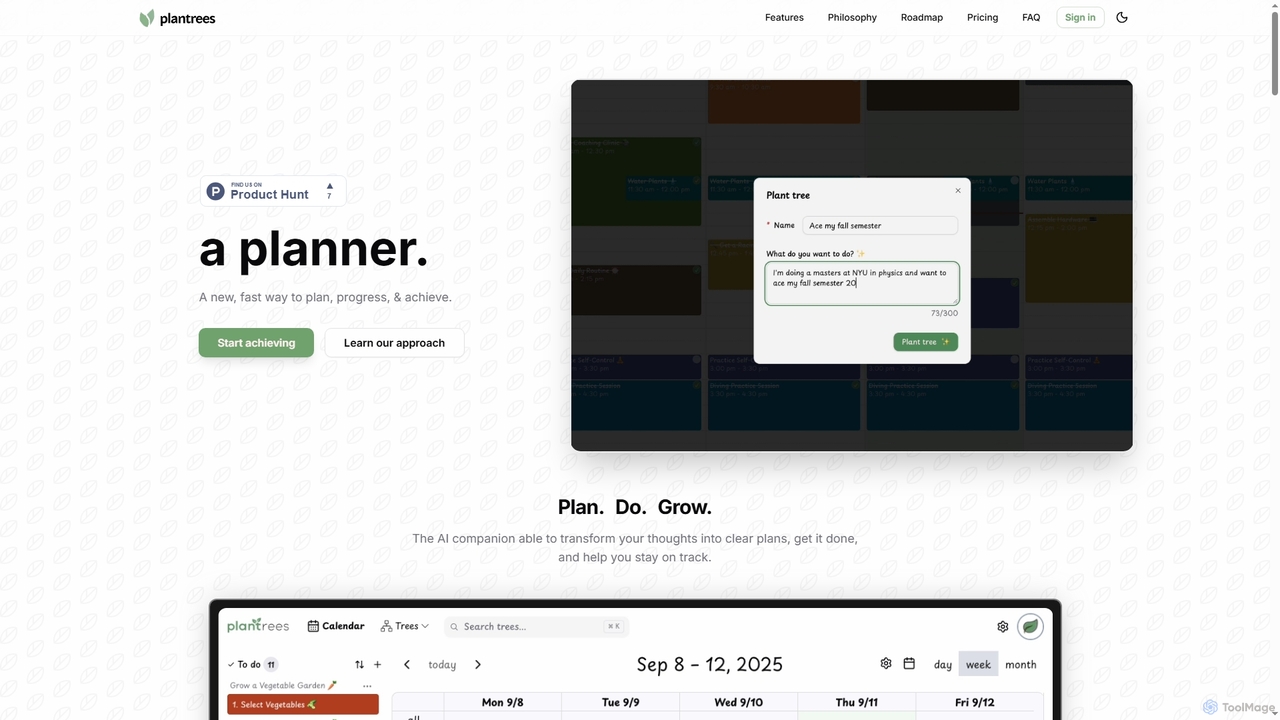
Plantrees
An AI-powered planner that transforms your thoughts and goals into actionable plans using a visual tree structure. It helps you strategize with natural language, manage tasks on a calendar, and track progress with analytics to ensure continuous growth and achievement.
Goal Setting
Toki Comments (0)
Sign in to comment.
Sign inNo comments yet.