

Chronify Overview
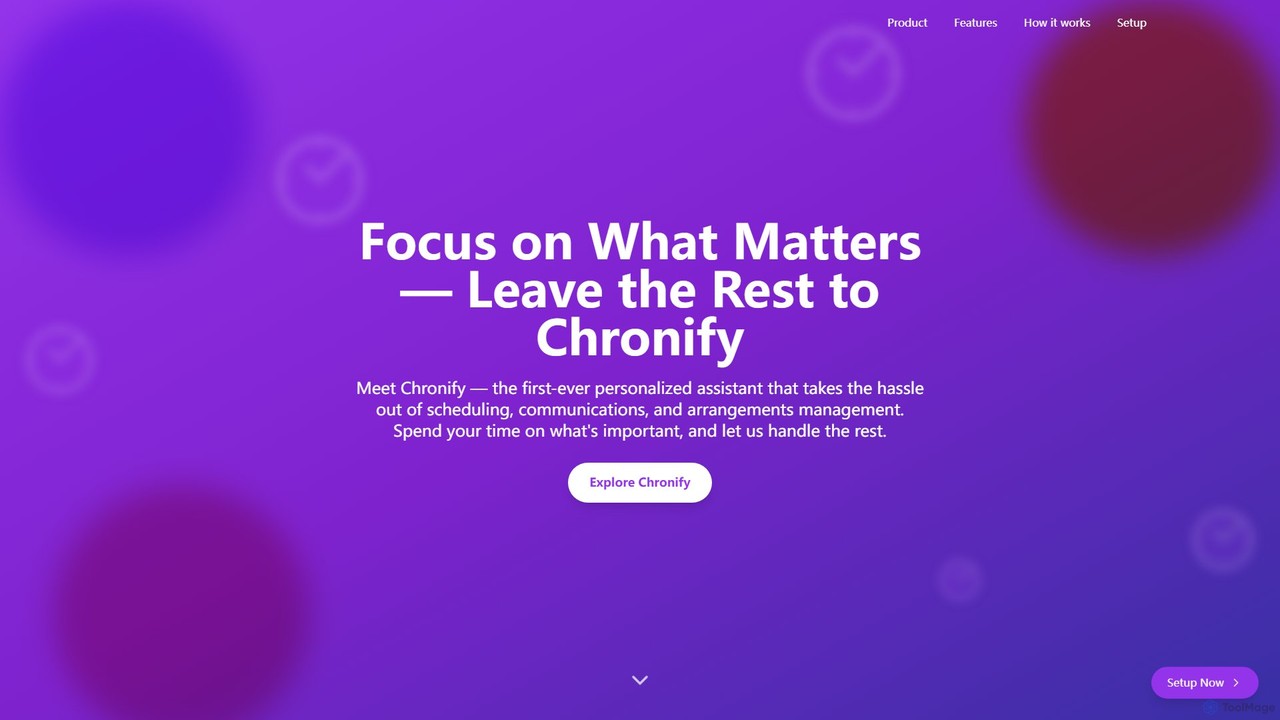
Chronify is a sophisticated, AI-driven personal assistant designed to revolutionize how you manage your time. It operates on a simple yet powerful premise: to handle the tedious and time-consuming aspects of scheduling, communications, and arrangements, allowing you to focus your energy on high-priority tasks and personal commitments. As the first-ever personalized assistant of its kind, Chronify aims to be more than just a tool; it's a partner in productivity that learns and adapts to your unique workflow and preferences.
The core of Chronify is its Scheduling Assistant, which is currently available and serves as the foundation of its capabilities. This intelligent system seamlessly integrates with your existing calendars, creating a unified view of your commitments. It then uses AI to not only schedule new events but also to optimize your entire day. It can automatically find the best time for a meeting based on everyone's availability and your personal habits, send timely reminders, and even proactively reschedule appointments when conflicts arise or priorities shift. The goal is to eliminate the back-and-forth emails and mental load associated with planning.
Looking ahead, Chronify plans to expand its offerings with a Communications Manager and an Arrangements Manager. These future modules will further reduce your administrative burden by handling routine emails, follow-ups, and the logistics of travel or event planning, making Chronify a truly comprehensive virtual assistant.
How to use Chronify
Getting started with Chronify is a straightforward process designed to be completed in minutes:
- Install the Extension: Begin by installing the Chronify browser extension, which is available for Chrome, Edge, and Firefox from their respective web stores.
- Sign In & Sync: Open your Google Calendar. Chronify works directly within this environment. Sign in to your Google account to allow the extension to access your schedule.
- Locate Chronify: Once installed, you will see the Chronify logo in the top right corner of your Google Calendar interface.
- Open the Sidebar: Click on the logo to open the Chronify sidebar. This is your main control panel for the assistant.
- Complete Setup: Follow the on-screen instructions in the sidebar to complete your account setup. This may involve setting some initial preferences so the AI can start learning about your scheduling habits.
- Delegate and Enjoy: Start adding your tasks, events, and scheduling requests. You can input them directly, and Chronify will begin to organize, prioritize, and manage your calendar automatically. Watch as it intelligently adjusts your schedule, creating more time for you to focus on your goals.
Core Features of Chronify
- AI-Driven Scheduling: Utilizes artificial intelligence to learn your preferences, understand your priorities, and automatically schedule meetings and appointments at the most optimal times.
- Proactive Schedule Management: Stays one step ahead by monitoring your calendar for potential conflicts and automatically adjusting your schedule as priorities change, minimizing disruptions.
- Unified Task and Calendar Management: Consolidates all your tasks and events from various calendars into a single, easy-to-manage view. It helps you prioritize your to-do list, from daily chores to long-term projects.
- Seamless Calendar Integration: Works as a browser extension that integrates directly into your Google Calendar, providing a native and intuitive user experience without needing to switch between apps.
- Time Mastery and Focus: By handling all the planning and logistics, Chronify helps you balance professional and personal commitments, freeing up mental space and allowing you to focus on execution.
- Future Capabilities: The platform is built to grow, with a Communications Manager and Arrangements Manager planned for future release to create an all-in-one personal assistant.
Use Cases for Chronify
Chronify is ideal for anyone looking to reclaim their time and boost their productivity:
- Busy Professionals and Executives: Juggling back-to-back meetings, project deadlines, and team coordination. Chronify can manage their complex calendars, ensuring they are always prepared and focused on strategic objectives.
- Entrepreneurs and Freelancers: Managing client meetings, project timelines, and personal tasks. Chronify acts as a personal assistant, handling scheduling so they can focus on growing their business.
- Students: Balancing classes, assignments, study groups, and part-time jobs. Chronify can help organize their academic and personal lives, preventing burnout and improving time management.
- Team Leaders and Managers: Coordinating schedules for team meetings, one-on-ones, and project check-ins. Chronify simplifies the process of finding times that work for everyone.
Advantages of Chronify
The primary advantage of Chronify is its ability to give you back your most valuable resource: time. It achieves this through:
- Automation: It automates the repetitive and tedious tasks of scheduling and rescheduling.
- Intelligence: It's not just a simple scheduler; it learns and adapts to your needs, becoming more effective over time.
- Efficiency: It reduces the time spent on administrative tasks, directly boosting your overall productivity.
- Centralization: It brings all your time-related commitments into one place, providing clarity and control.
- Proactivity: It anticipates scheduling conflicts and needs, solving problems before they occur.
Pricing and Plans
Specific pricing and subscription plans for Chronify are not explicitly listed on the website. However, the tool is available for free installation as a browser extension. This suggests a freemium model where users can access core scheduling features for free, with potential premium plans in the future that will unlock advanced capabilities and the upcoming Communications and Arrangements Managers. Users can get started immediately at no cost.
Chronify Alternatives
TimeTailor
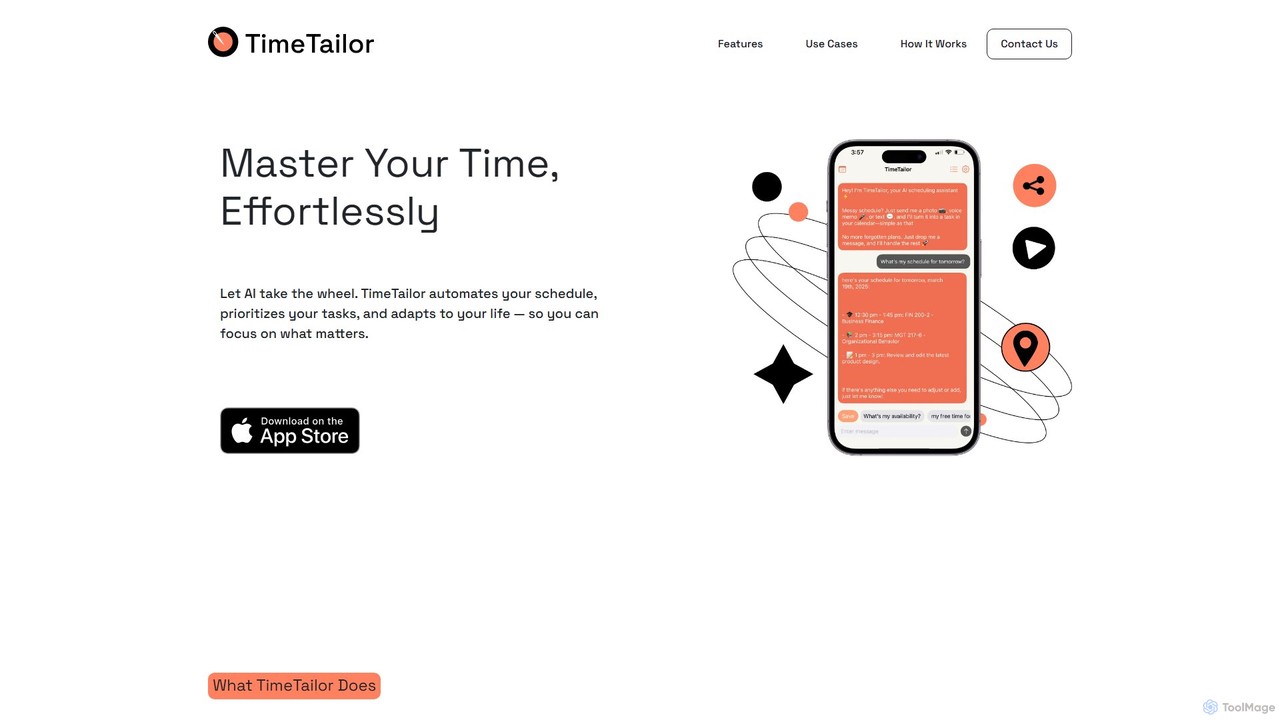
TimeTailor is an AI-powered scheduling assistant that automates your calendar, prioritizes tasks, and adapts to your life. Simply send your schedule via text, voice, or image, and let the AI organize your day, sync with your calendars, and send smart reminders so you can focus on what truly matters.
Calendar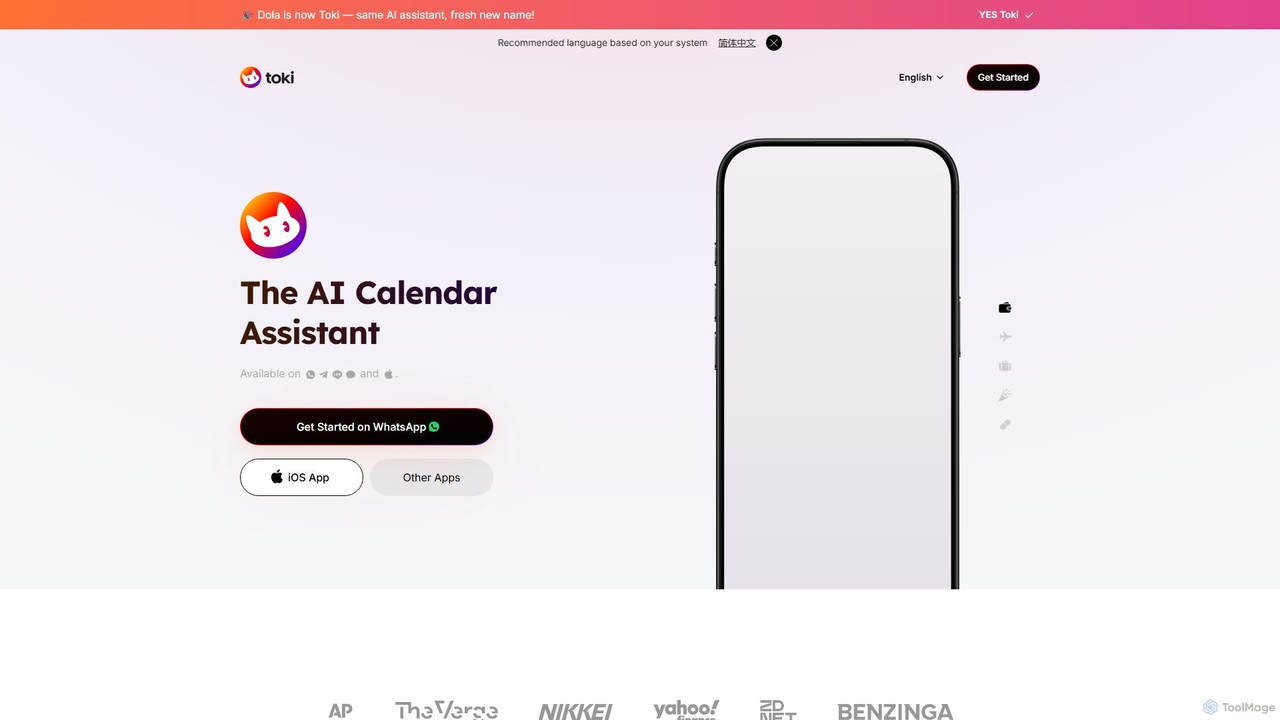
heydola
Heydola, now known as Toki AI, is an intelligent calendar assistant that simplifies your scheduling. It allows you to manage your calendar using natural language via messaging apps like WhatsApp or its dedicated iOS app. Simply text, speak, or send an image to create events, set smart reminders, and sync all your calendars in one place, making time management effortless and intuitive.
Calendar
BeforeSunset
BeforeSunset is an AI-powered daily planner that transforms your thoughts into organized tasks, creates an optimized schedule, and helps you focus. It automatically prioritizes your to-dos, offers various planning styles, and provides a distraction-free environment to boost productivity and achieve a better work-life balance.
Calendar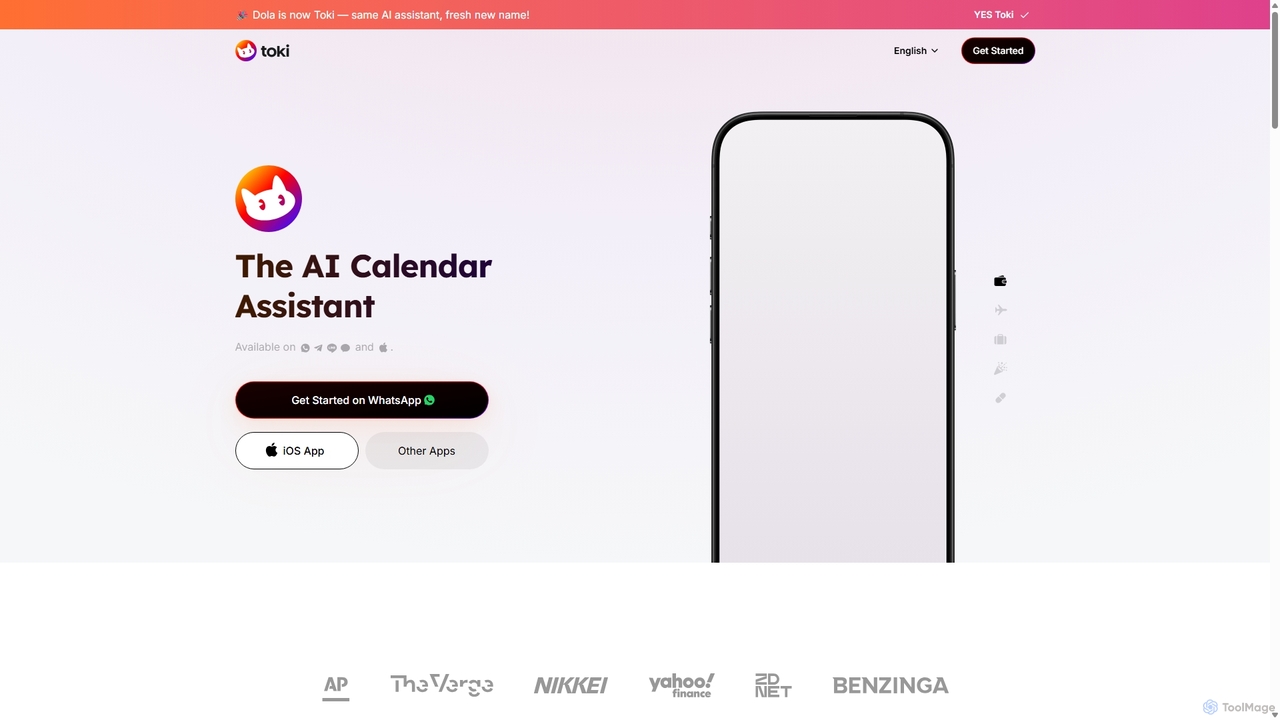
Toki
Toki (formerly Heydola) is an intelligent AI calendar assistant that simplifies your scheduling. Using natural language, you can create events, set reminders, and manage your entire schedule via text, voice, or even images on your favorite messaging apps like WhatsApp, Telegram, and a dedicated iOS app. It syncs all your calendars into one centralized hub, ensuring you never miss an important event.
Scheduling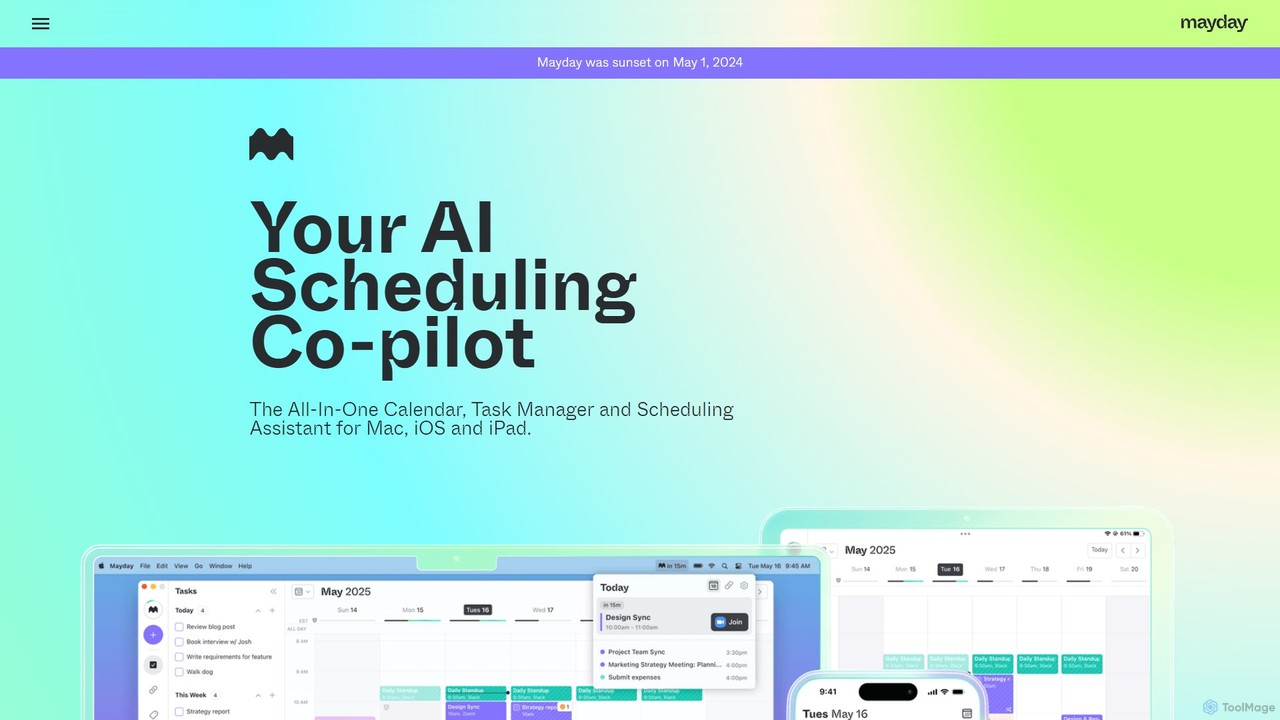
Mayday
Mayday was an AI-assisted calendar designed to protect your time and automate scheduling. It unified multiple calendars, intelligently scheduled tasks, and used features like buffer time and smart tags to create a more manageable schedule. Please note: Mayday was discontinued on May 1, 2024.
CalendarChronify Categories
Chronify Embed Widget
Copy this embed code to place the badge on your blog, article, or product site and send readers directly to this ToolMage detail page.

Related AI tools
Toki
Toki (formerly Heydola) is an intelligent AI calendar assistant that simplifies your scheduling. Using natural language, you can create events, set reminders, and manage your entire schedule via text, voice, or even images on your favorite messaging apps like WhatsApp, Telegram, and a dedicated iOS app. It syncs all your calendars into one centralized hub, ensuring you never miss an important event.
Scheduling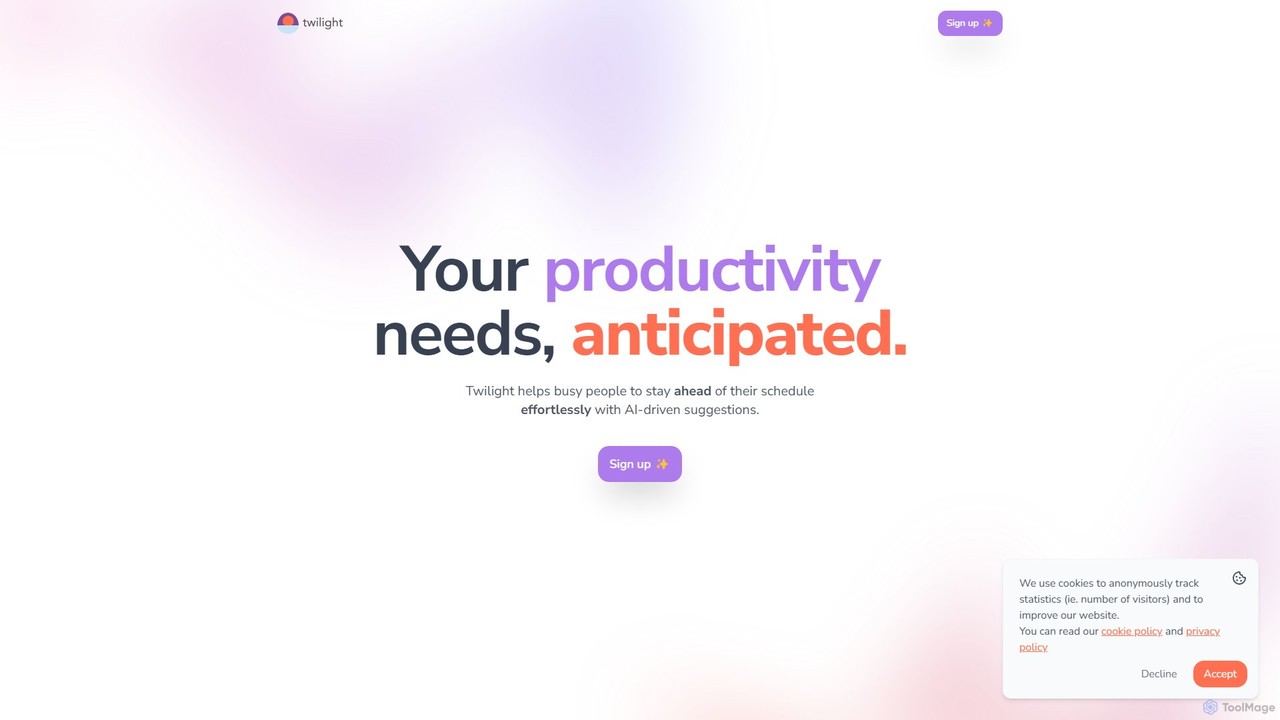
Twilight
Twilight is an AI-driven personal assistant that anticipates your productivity needs. It intelligently manages your schedule with proactive suggestions, automates rescheduling, prevents overbooking, and helps you focus on what truly matters by organizing your workflow.
Calendar Management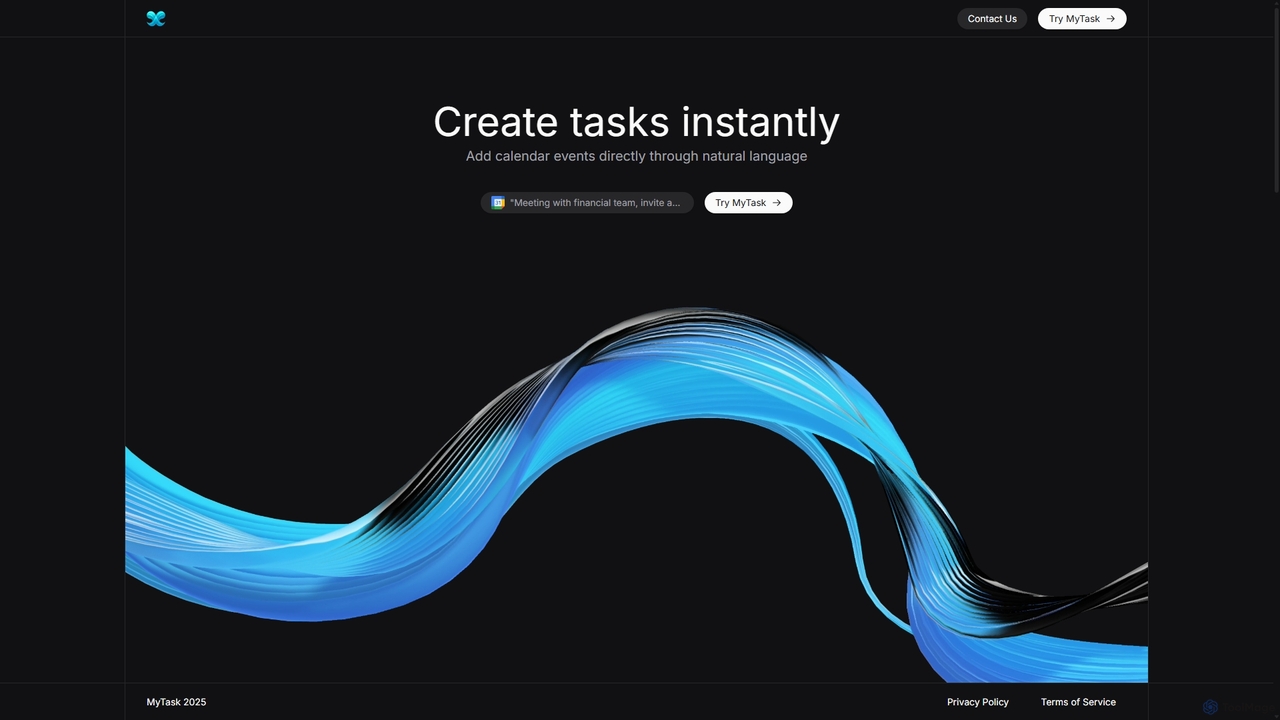
MyTask AI
MyTask AI is a productivity tool that uses AI to instantly create, edit, and delete Google Calendar events through natural language commands. Streamline your scheduling and save time without ever leaving your current browser tab.
SchedulingTimeTailor
TimeTailor is an AI-powered scheduling assistant that automates your calendar, prioritizes tasks, and adapts to your life. Simply send your schedule via text, voice, or image, and let the AI organize your day, sync with your calendars, and send smart reminders so you can focus on what truly matters.
Calendar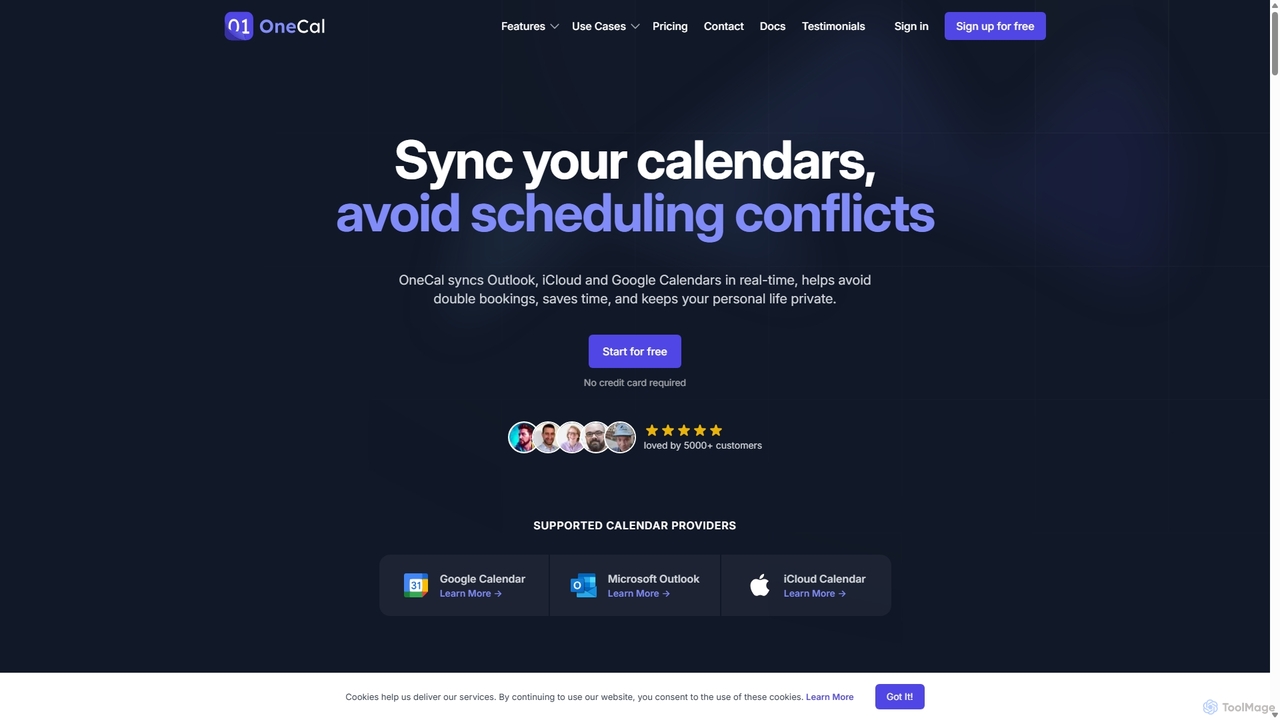
OneCal
OneCal is a powerful calendar automation tool that syncs Outlook, Google, and iCloud calendars in real-time. It helps professionals and teams avoid double bookings, save time on scheduling, and maintain privacy by consolidating all events into a unified view and providing customizable scheduling links.
Time Management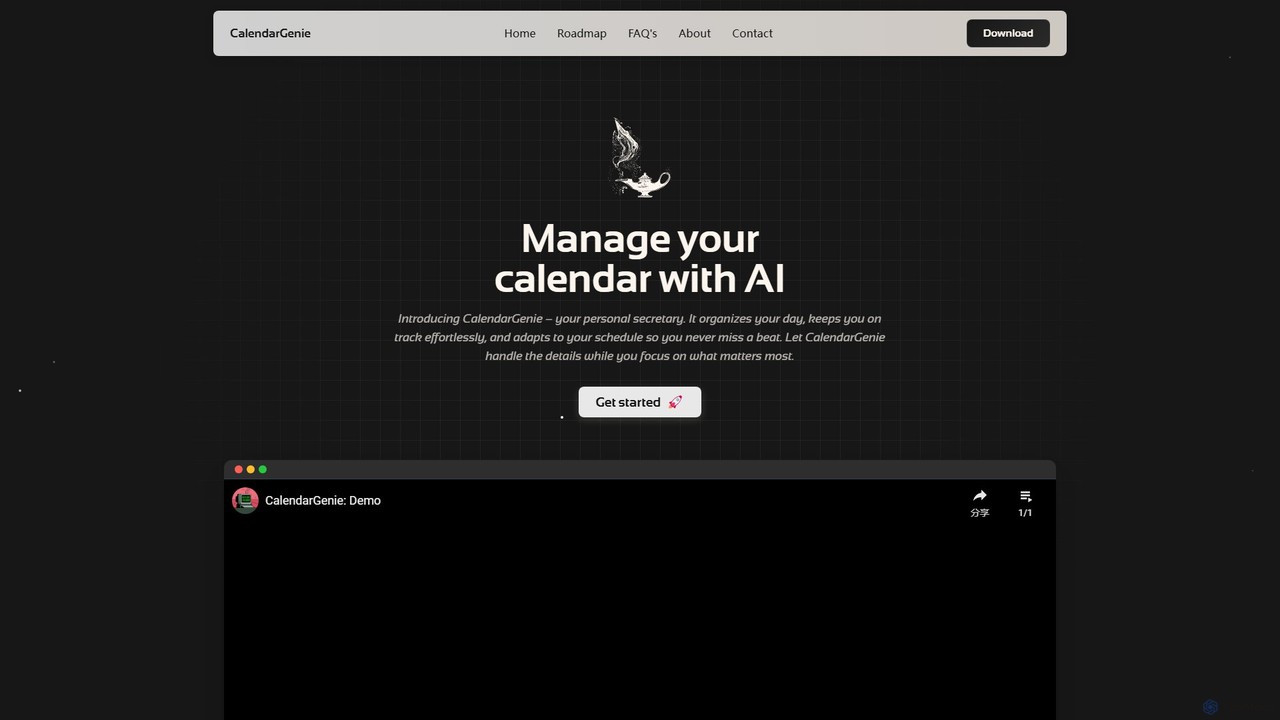
CalendarGenie
CalendarGenie is a free, AI-powered calendar assistant that acts as your personal secretary. Effortlessly manage your schedule by creating, modifying, and deleting events using simple, natural language prompts. It integrates with Google Calendar to streamline your day, adapt to your routine, and help you focus on what matters most.
Assistant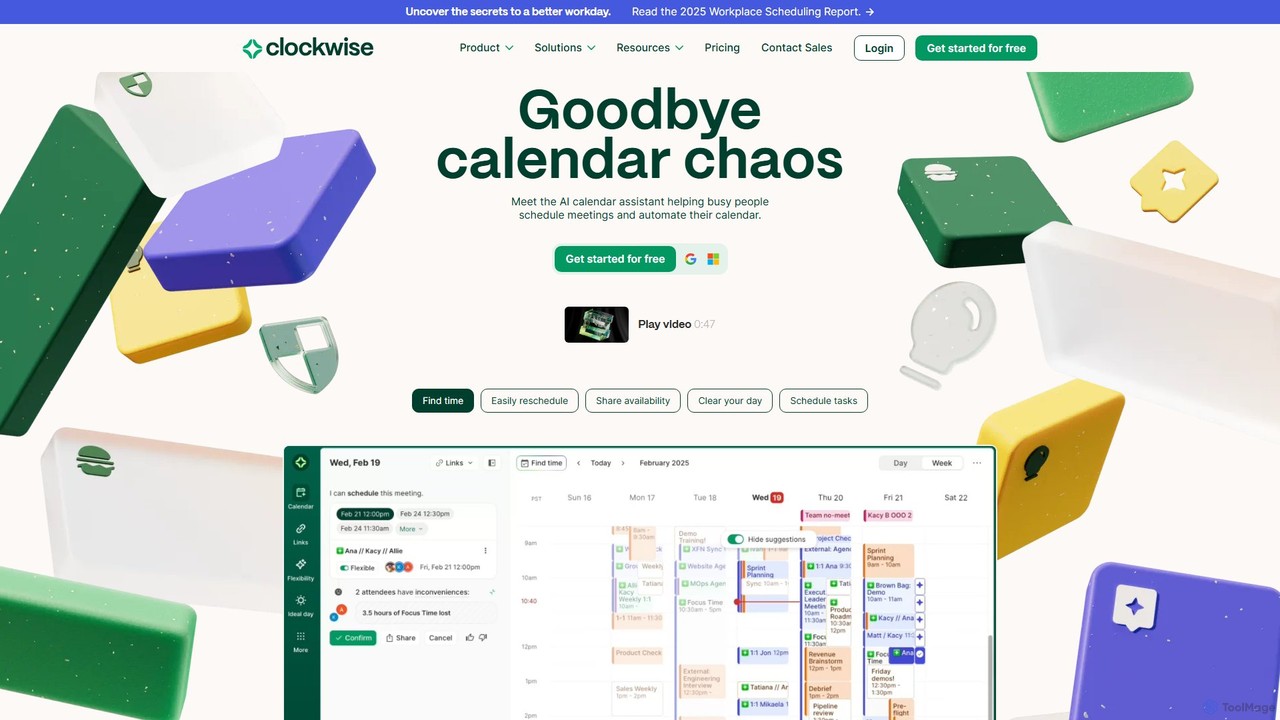
getclockwise
Clockwise is an AI-powered time management and calendar assistant that optimizes your schedule for maximum productivity. It intelligently rearranges meetings to create longer blocks of uninterrupted Focus Time, automates team scheduling, and acts as your personal assistant to manage your calendar effortlessly.
Calendar Management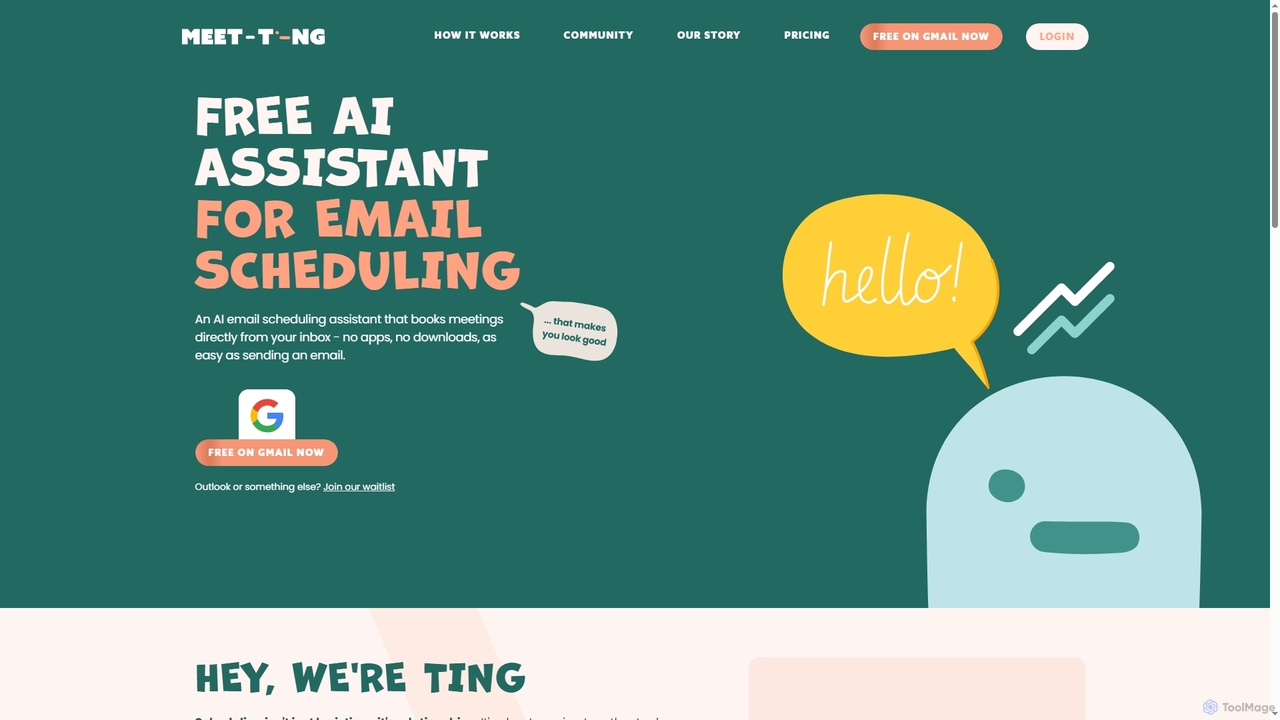
MeetTing
MeetTing is a free AI email scheduling assistant that streamlines meeting coordination directly from your inbox. It eliminates the need for back-and-forth emails, allowing you to book meetings as easily as sending an email, without any apps or downloads. Currently available for Gmail users, it quietly works in the background to ensure your meetings happen smoothly.
Automation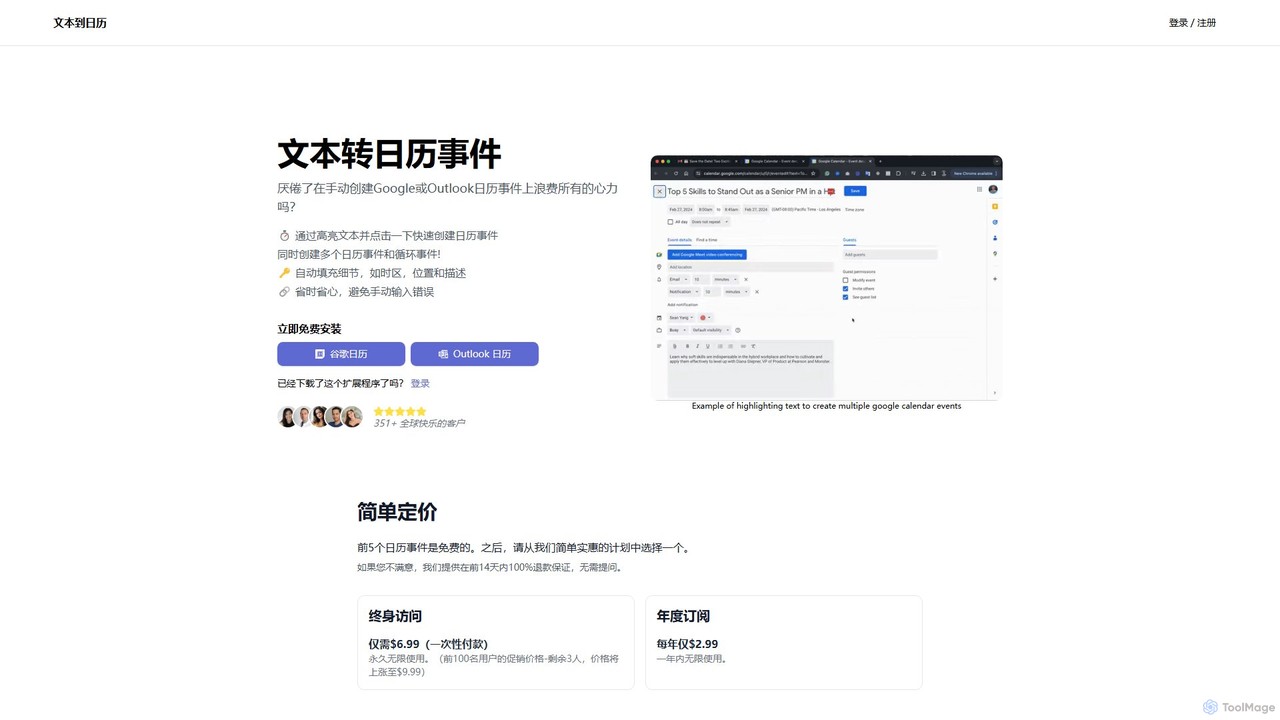
text_to_cal
text_to_cal is a powerful browser extension that uses AI to instantly convert highlighted text from any webpage into Google or Outlook calendar events. Streamline your scheduling, save time, and eliminate manual entry errors with one-click event creation, including support for multiple and recurring events.
Chrome Extensionsheydola
Heydola, now known as Toki AI, is an intelligent calendar assistant that simplifies your scheduling. It allows you to manage your calendar using natural language via messaging apps like WhatsApp or its dedicated iOS app. Simply text, speak, or send an image to create events, set smart reminders, and sync all your calendars in one place, making time management effortless and intuitive.
CalendarBeforeSunset
BeforeSunset is an AI-powered daily planner that transforms your thoughts into organized tasks, creates an optimized schedule, and helps you focus. It automatically prioritizes your to-dos, offers various planning styles, and provides a distraction-free environment to boost productivity and achieve a better work-life balance.
CalendarMayday
Mayday was an AI-assisted calendar designed to protect your time and automate scheduling. It unified multiple calendars, intelligently scheduled tasks, and used features like buffer time and smart tags to create a more manageable schedule. Please note: Mayday was discontinued on May 1, 2024.
Calendar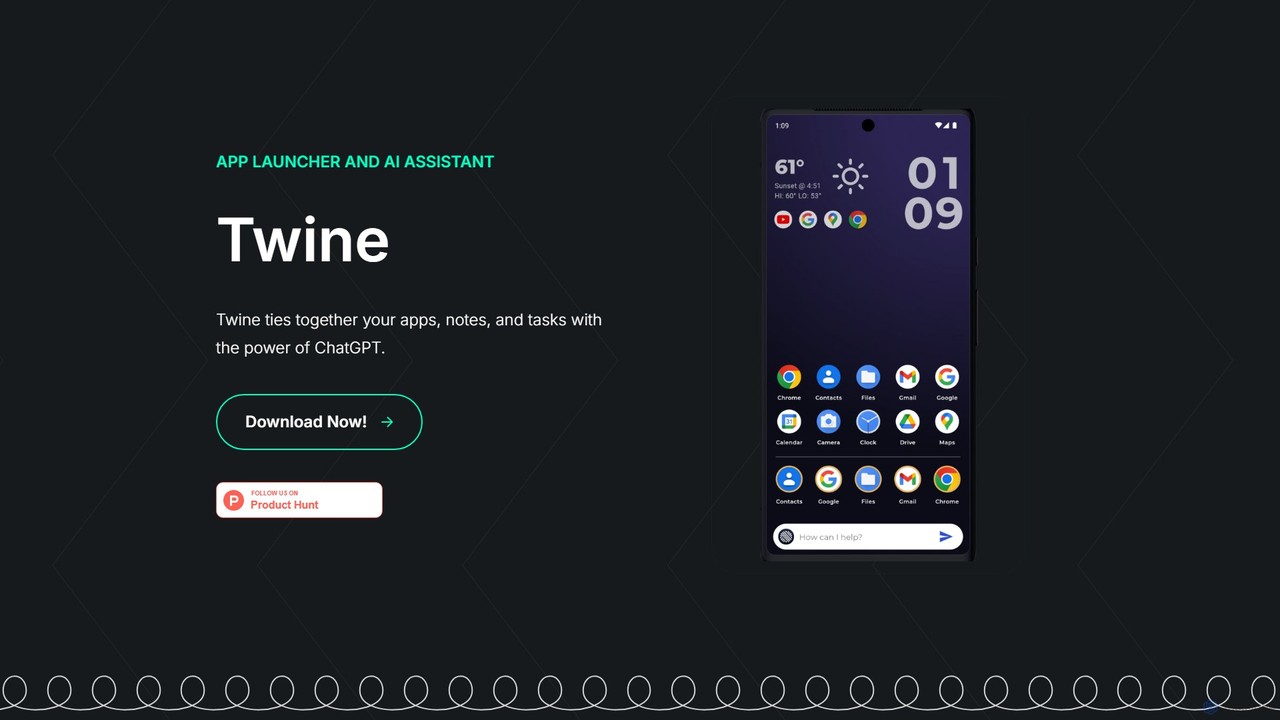
Twine Launcher
Twine Launcher is an intelligent Android app launcher and AI assistant powered by ChatGPT. It integrates your apps, notes, and tasks, allowing you to manage your digital life directly from your homescreen through natural language commands for enhanced productivity.
Launcher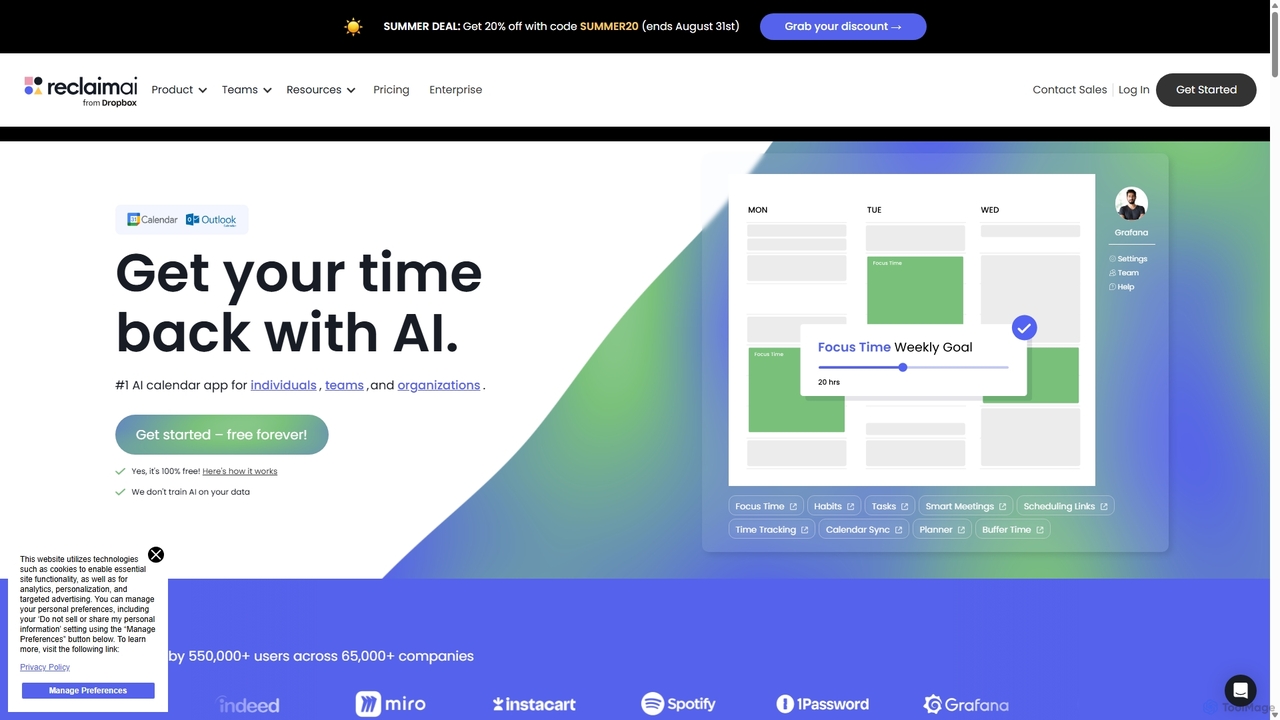
Reclaim.ai
Reclaim.ai is an intelligent AI calendar assistant that automates your schedule for optimal productivity and work-life balance. It intelligently blocks time for tasks, habits, and focus work, finds the best times for meetings, and syncs all your calendars. By defending your time and creating a flexible plan, Reclaim helps you focus on what matters most.
Calendar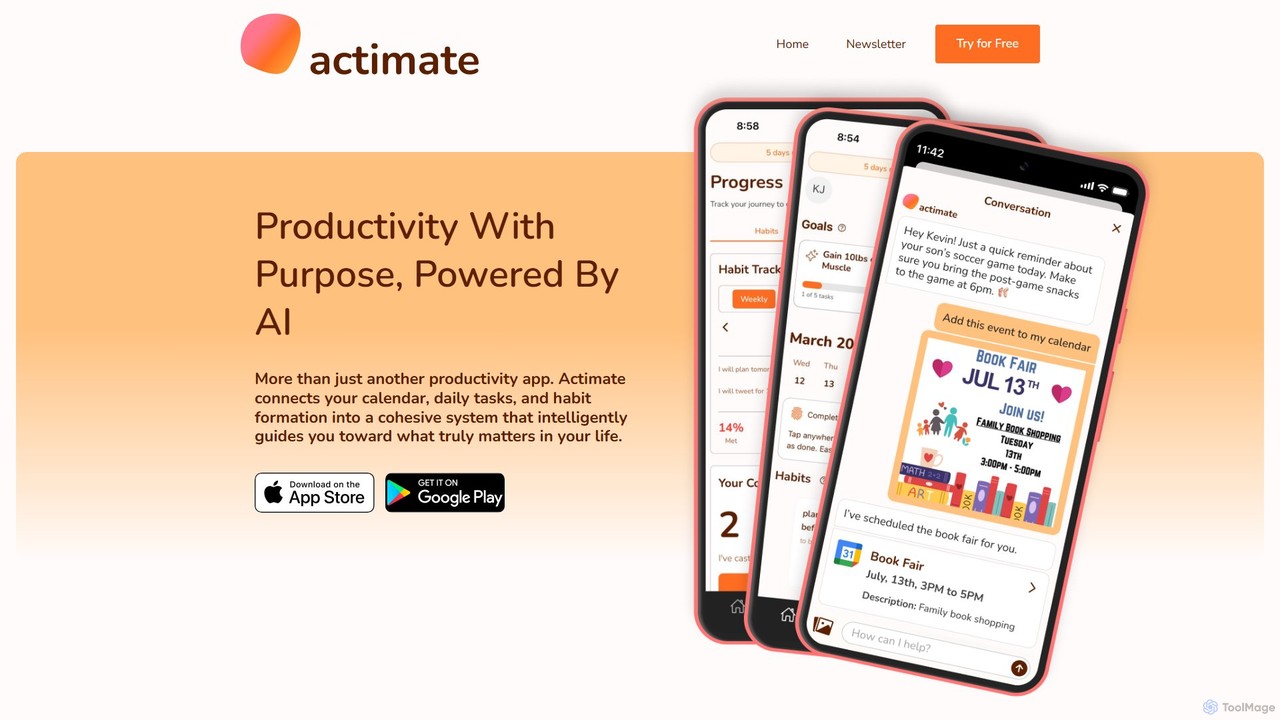
Actimate
Actimate is an AI-powered productivity partner designed to unify your calendar, daily tasks, and habit formation. It intelligently guides you to focus on what truly matters, reducing overwhelm and digital distractions. By acting as a proactive accountability coach, Actimate helps you manage your schedule, achieve your goals, and regain control over your time and energy.
Ai Assistant
Chronify Comments (0)
Sign in to comment.
Sign inNo comments yet.