

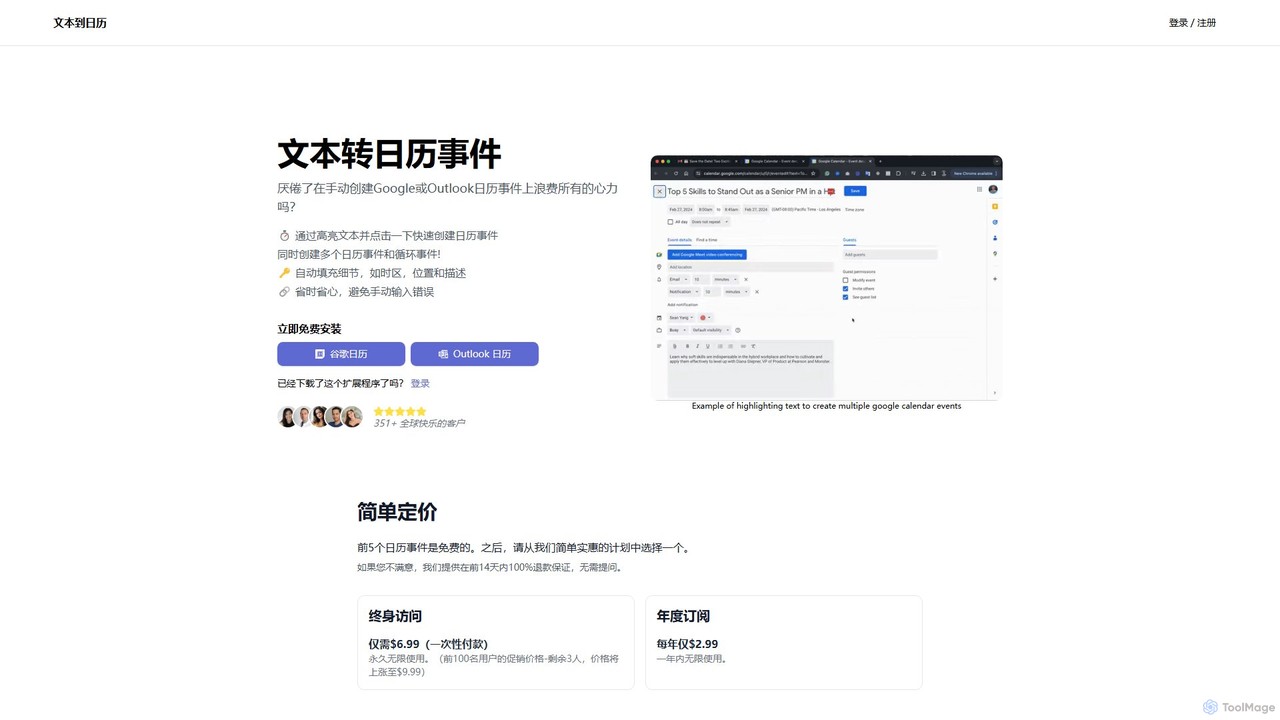
text_to_cal Overview
text_to_cal is a revolutionary browser extension designed to eliminate the tedious process of manually creating calendar events. It leverages Natural Language Processing (NLP) to intelligently understand and parse text you highlight on any webpage, instantly transforming it into a structured calendar event. Whether you're a professional scheduling meetings from emails, a student tracking deadlines from a university portal, or simply planning your personal life, text_to_cal streamlines your workflow, saves significant time, and prevents common data entry errors. It seamlessly integrates with both Google Calendar and Outlook Calendar, making it a versatile tool for a wide range of users.
How to use text_to_cal
Getting started with text_to_cal is incredibly simple and designed for maximum efficiency:
- Install the Extension: Add the text_to_cal extension to your web browser from the official store.
- Highlight Event Text: Navigate to any webpage containing event information (e.g., an email, a project update, an event listing). Highlight the relevant text, such as "Team meeting next Tuesday at 4pm in the main conference room".
- Create the Event: With the text highlighted, simply click the text_to_cal icon in your browser's toolbar or use the right-click context menu option.
- Review and Save: A pop-up will appear with all the event details—title, date, time, location, and description—automatically filled in. You can review and make any adjustments if needed.
- Confirm: Click to save the event directly to your chosen Google or Outlook Calendar without ever leaving your current page.
Core Features of text_to_cal
- AI-Powered Text Parsing: Utilizes advanced NLP to accurately identify and extract event details like dates, times, locations, and titles from unstructured text.
- One-Click Creation: Converts highlighted text into a calendar event with a single click, drastically reducing the steps required for manual creation.
- Multi-Event Creation: Highlight a list of appointments or tasks, and the tool can intelligently create multiple separate calendar events at once.
- Recurring Event Support: Easily set up recurring events (e.g., "weekly sync every Monday at 10am") directly from the text.
- Automatic Detail Population: Intelligently fills in fields for the event title, description, location, and even accounts for time zones, minimizing manual input.
- Seamless Calendar Integration: Offers native support for both Google Calendar and Outlook Calendar, catering to both personal and professional users.
Use Cases for text_to_cal
text_to_cal is a versatile tool for anyone who manages a schedule:
- Professionals: Instantly schedule client meetings, project deadlines, and team syncs from emails, Slack messages, or project management platforms like Asana and Trello.
- Students: Quickly add lecture schedules, assignment due dates, and study group sessions from course syllabi or university websites directly to their calendar.
- Event Planners & Enthusiasts: Effortlessly save details for webinars, concerts, community meetups, and conferences from event pages or social media posts.
- Personal Productivity: Schedule appointments, dinner reservations, and social gatherings mentioned in text messages or online articles without the hassle of copy-pasting.
Advantages of text_to_cal
The primary advantage of text_to_cal is its massive boost to productivity. By automating event creation, it saves valuable time and mental energy. It enhances accuracy by eliminating typos and other manual errors that can occur when transferring information. The seamless integration into the browser workflow means no more switching between tabs, providing a frictionless and intuitive user experience. Its simplicity makes it accessible to everyone, regardless of technical skill.
Pricing and Plans
text_to_cal offers a simple and affordable pricing structure with a free trial to get started.
- Free Trial: Your first 5 calendar events are completely free.
- Lifetime Access: A one-time payment of just $6.99 for unlimited, lifetime use. (This is a promotional price that may increase).
- Annual Subscription: An affordable plan at $2.99 per year for unlimited use.
All paid plans come with a 14-day, 100% money-back guarantee, no questions asked, ensuring a risk-free purchase.
Traffic
Latest traffic
Status
Monthly traffic trend
- 2026-1: 4.3K
- 2026-2: 2.8K
- 2026-3: 3.1K
- 2026-4: 3.7K
- 2026-5: 857
Geography
Top 5 countries / regions
- 🇺🇸United States68.2%
- 🇩🇪Germany31.8%
Top keywords
text_to_cal Alternatives
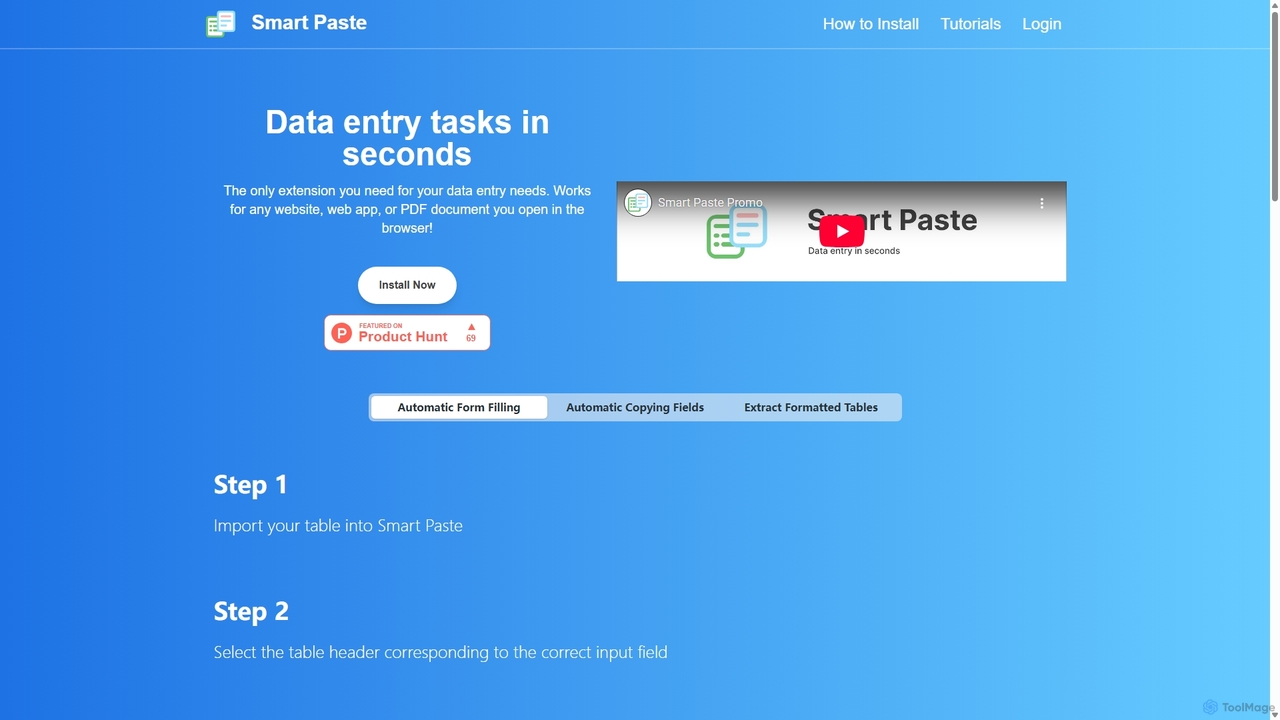
Smartpaste
smartpaste is a powerful browser extension designed to automate data entry tasks. It allows users to effortlessly extract tables and specific data fields from any website or PDF, and instantly paste them into spreadsheets. It also automates form filling from your data, saving hours of manual work and reducing errors, all while ensuring your data remains secure on your computer.
Chrome Extensions
FillGenius
FillGenius is an AI-powered Chrome extension that automates the tedious process of filling out online forms. By storing your information once, it intelligently detects and populates fields across various websites, from job applications on Upwork to e-commerce product listings. It saves you time, reduces manual errors, and boosts productivity, allowing you to focus on more important tasks.
Chrome Extensions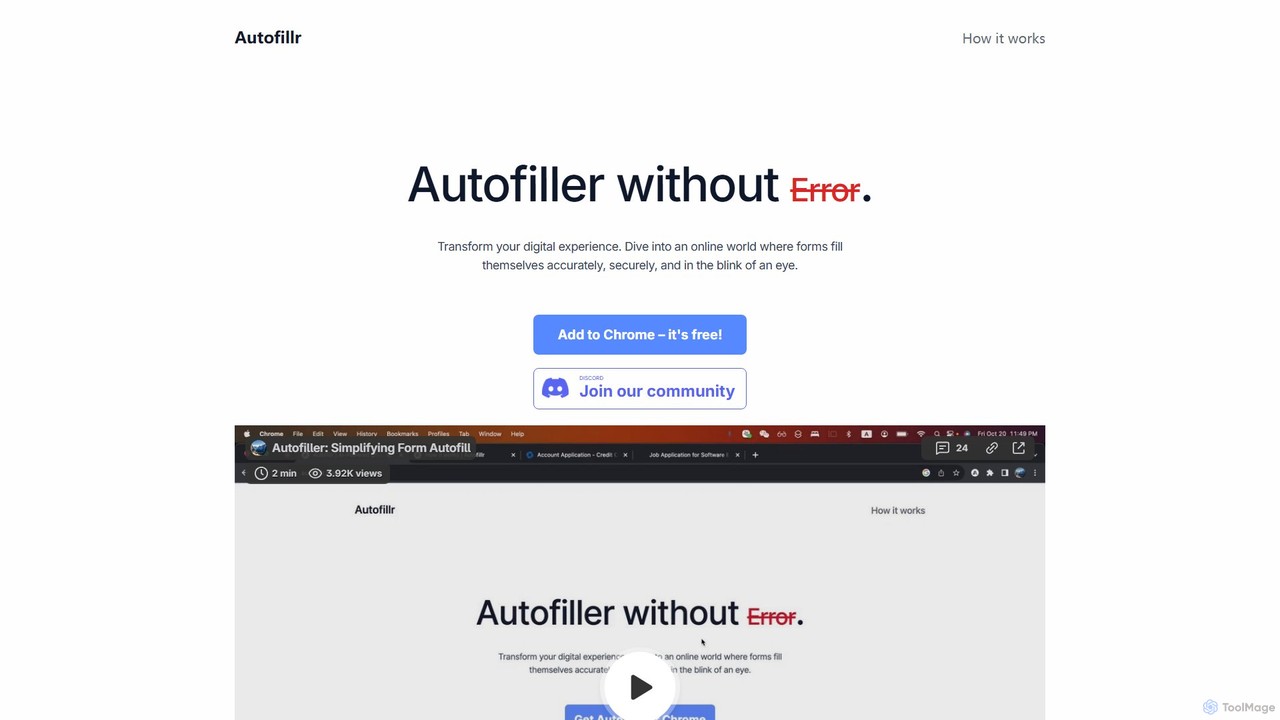
autofillr
autofillr is a free, AI-powered Chrome extension that revolutionizes form filling. It intelligently analyzes any web form to provide fast, accurate, and flawless autofill with a single click. Prioritizing user privacy, all your data is stored locally on your device, never sent to a server. This tool is designed to save you time and eliminate the tedious task of repetitive data entry, making online applications, checkouts, and registrations effortless.
Chrome Extensions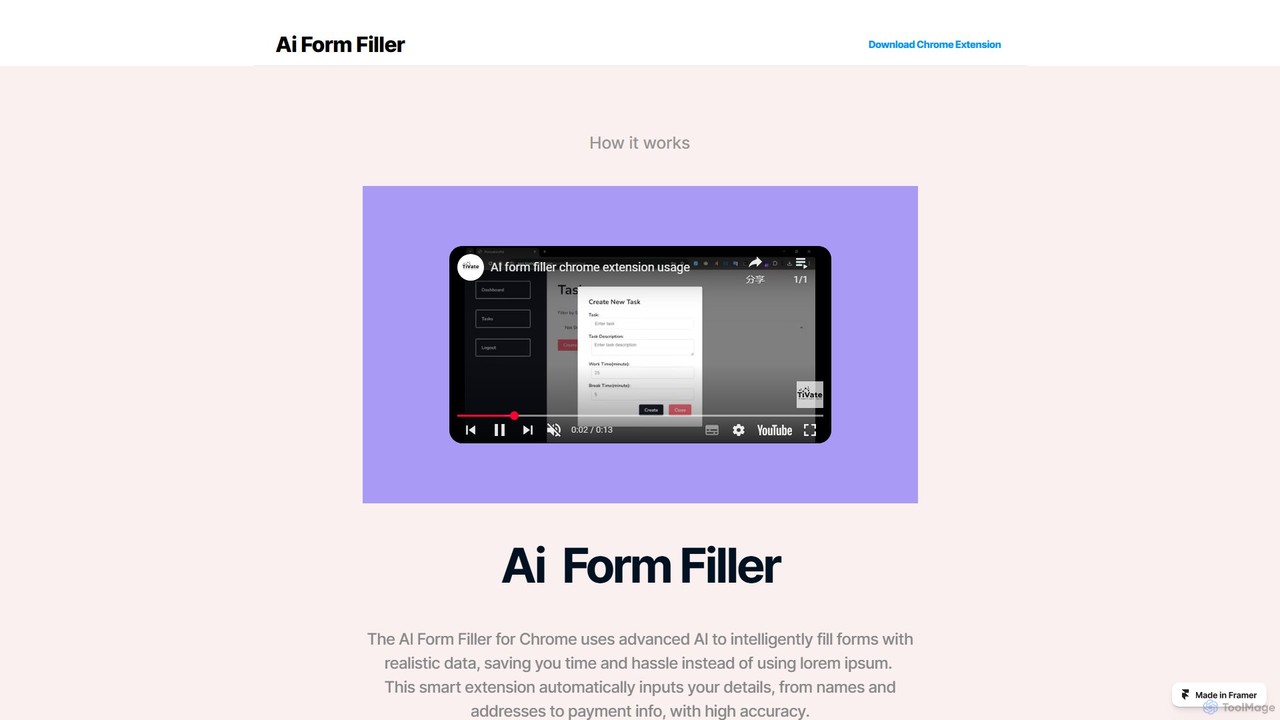
Ai Form Filler
Ai Form Filler is an intelligent Chrome extension that automates the tedious process of filling out online forms. Using AI, it accurately recognizes and completes fields for names, addresses, payment information, and more with a single click. Securely manage multiple profiles to save time and reduce errors during online checkouts, registrations, and applications.
Chrome Extensions
Akiflow
Akiflow is an AI-powered time blocking and task management platform that consolidates all your tasks and calendars into a single, unified workspace. Featuring Aki, an AI executive assistant, it helps you automate scheduling, manage routines, and organize your day with unparalleled speed and efficiency, eliminating the need to switch between multiple apps.
Automationtext_to_cal Categories
text_to_cal Embed Widget
Copy this embed code to place the badge on your blog, article, or product site and send readers directly to this ToolMage detail page.

Related AI tools
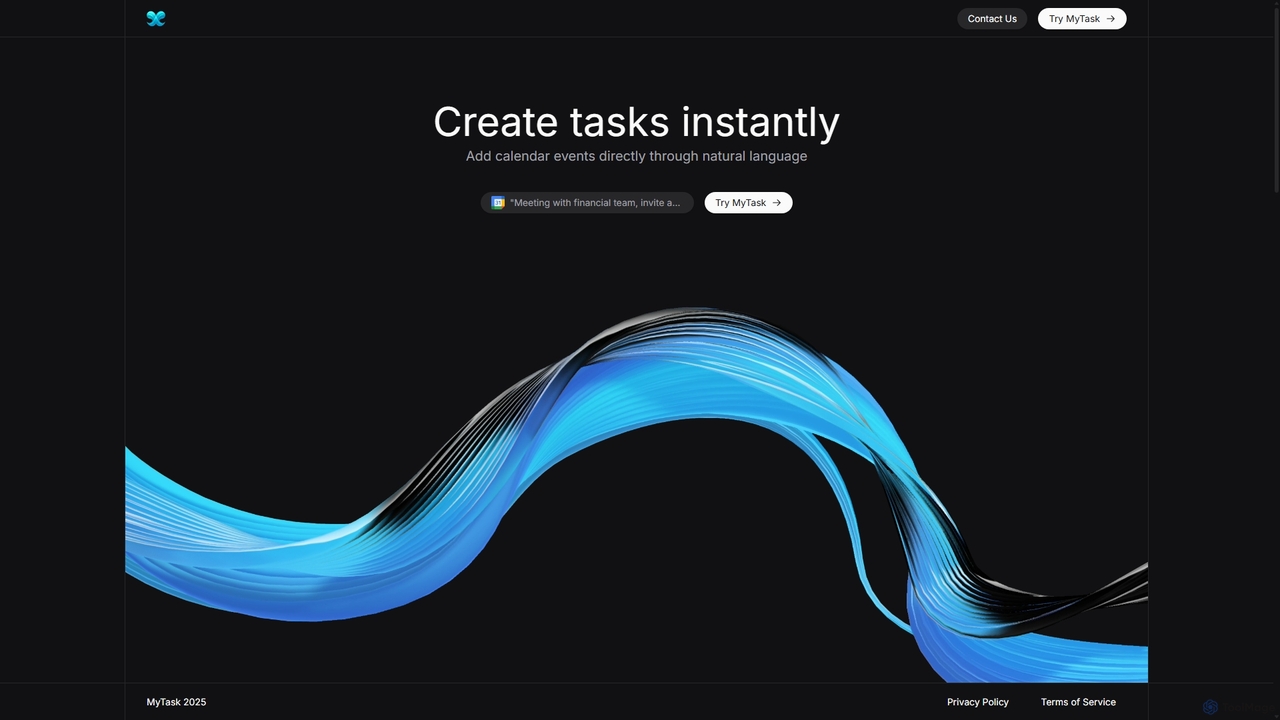
MyTask AI
MyTask AI is a productivity tool that uses AI to instantly create, edit, and delete Google Calendar events through natural language commands. Streamline your scheduling and save time without ever leaving your current browser tab.
Scheduling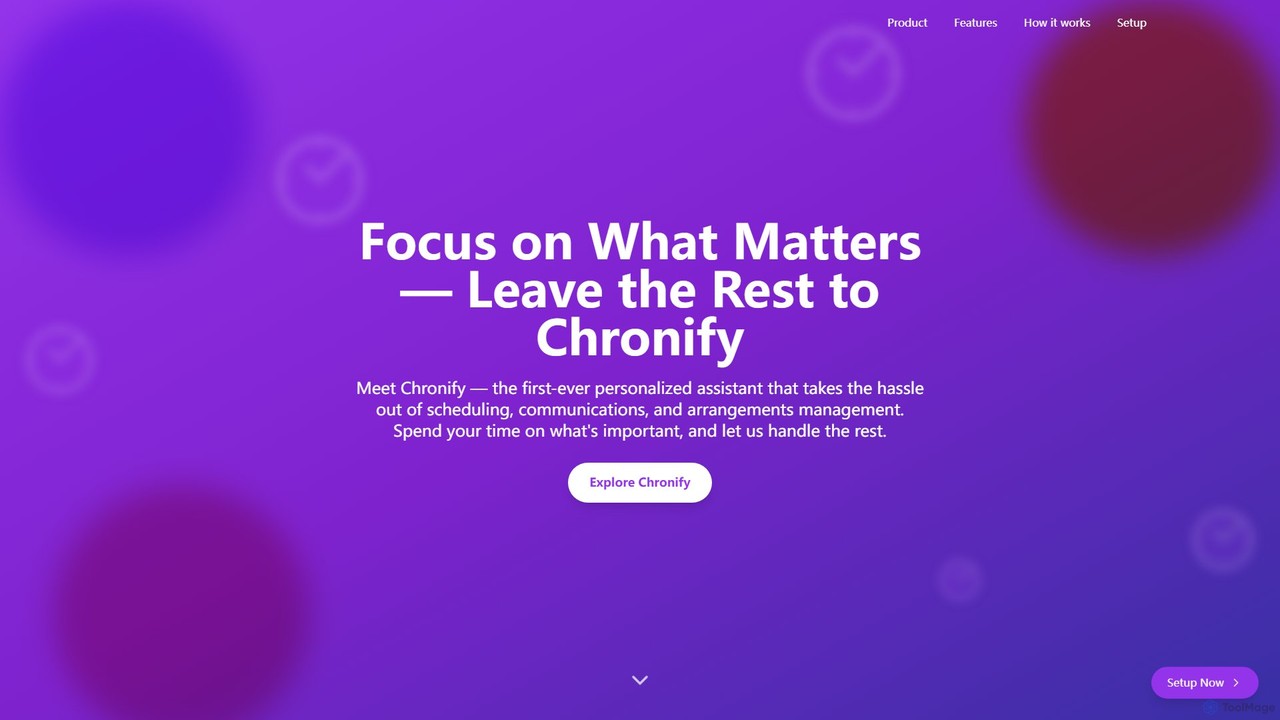
Chronify
Chronify is an AI-powered scheduling assistant that automates time management. It integrates with your calendar to handle meeting scheduling, task organization, and proactive adjustments, learning your preferences to optimize your day and free you up to focus on what matters.
Calendar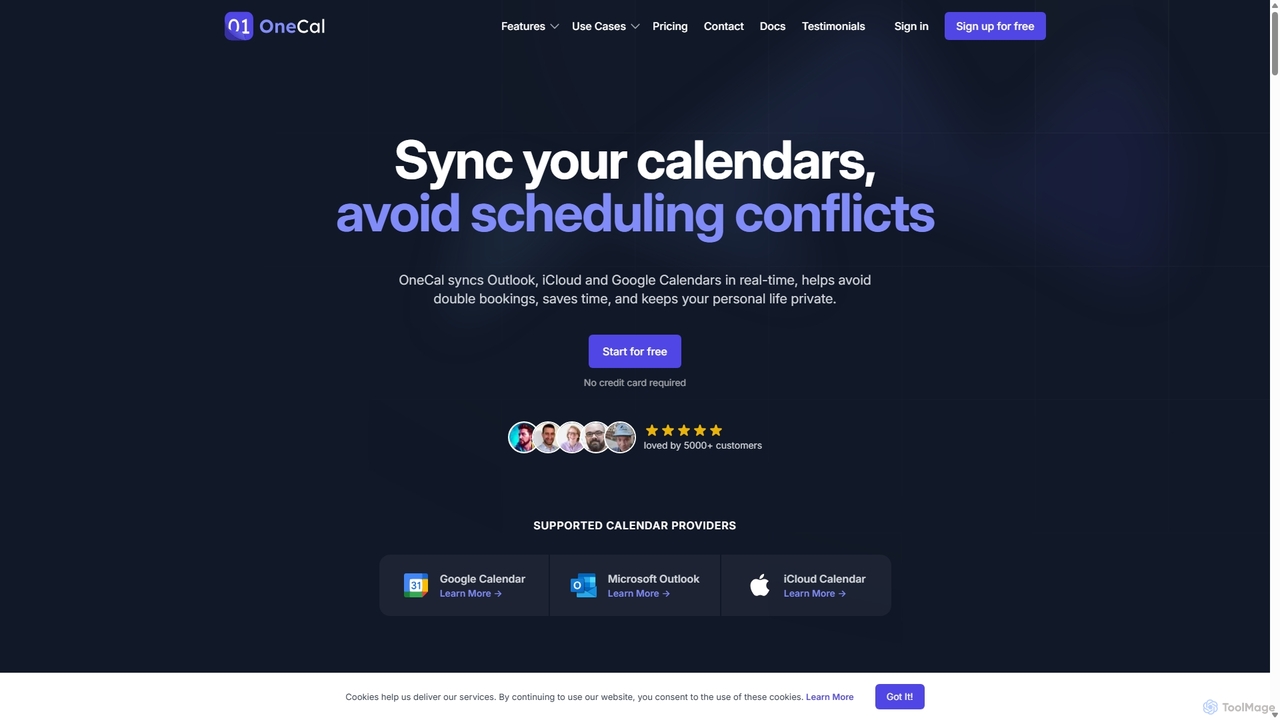
OneCal
OneCal is a powerful calendar automation tool that syncs Outlook, Google, and iCloud calendars in real-time. It helps professionals and teams avoid double bookings, save time on scheduling, and maintain privacy by consolidating all events into a unified view and providing customizable scheduling links.
Time Management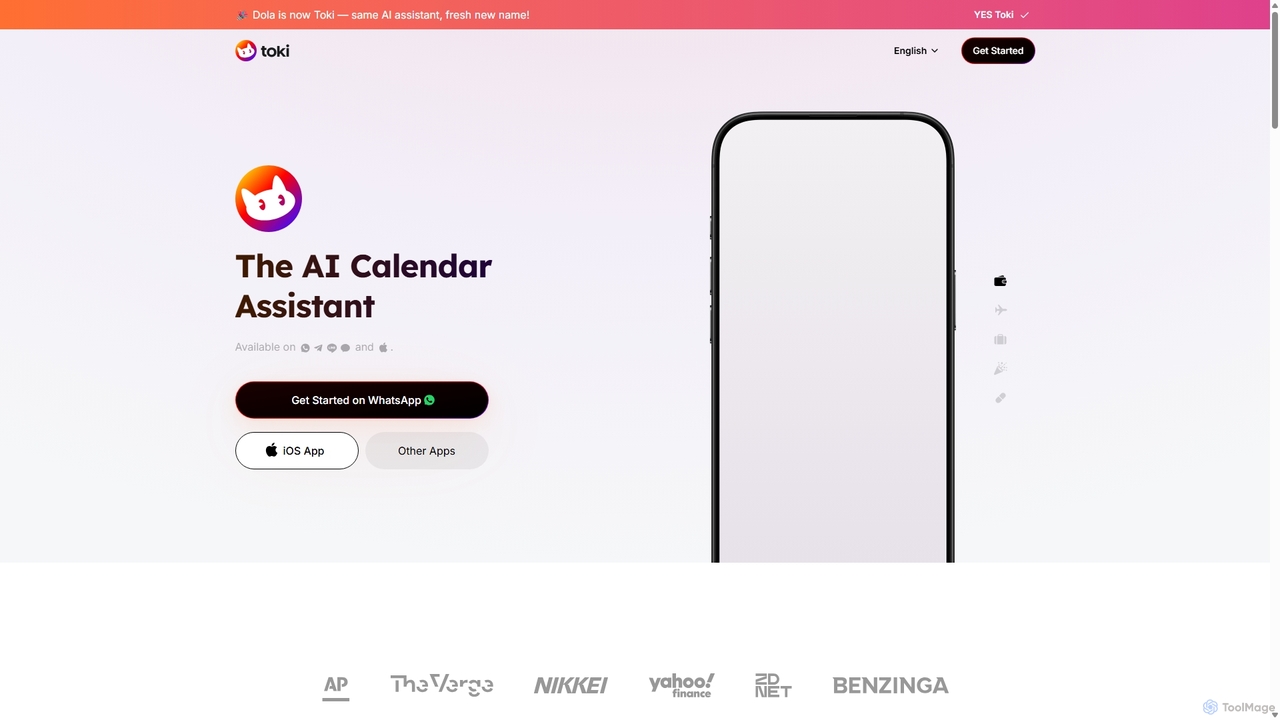
Toki
Toki (formerly Heydola) is an intelligent AI calendar assistant that simplifies your scheduling. Using natural language, you can create events, set reminders, and manage your entire schedule via text, voice, or even images on your favorite messaging apps like WhatsApp, Telegram, and a dedicated iOS app. It syncs all your calendars into one centralized hub, ensuring you never miss an important event.
Scheduling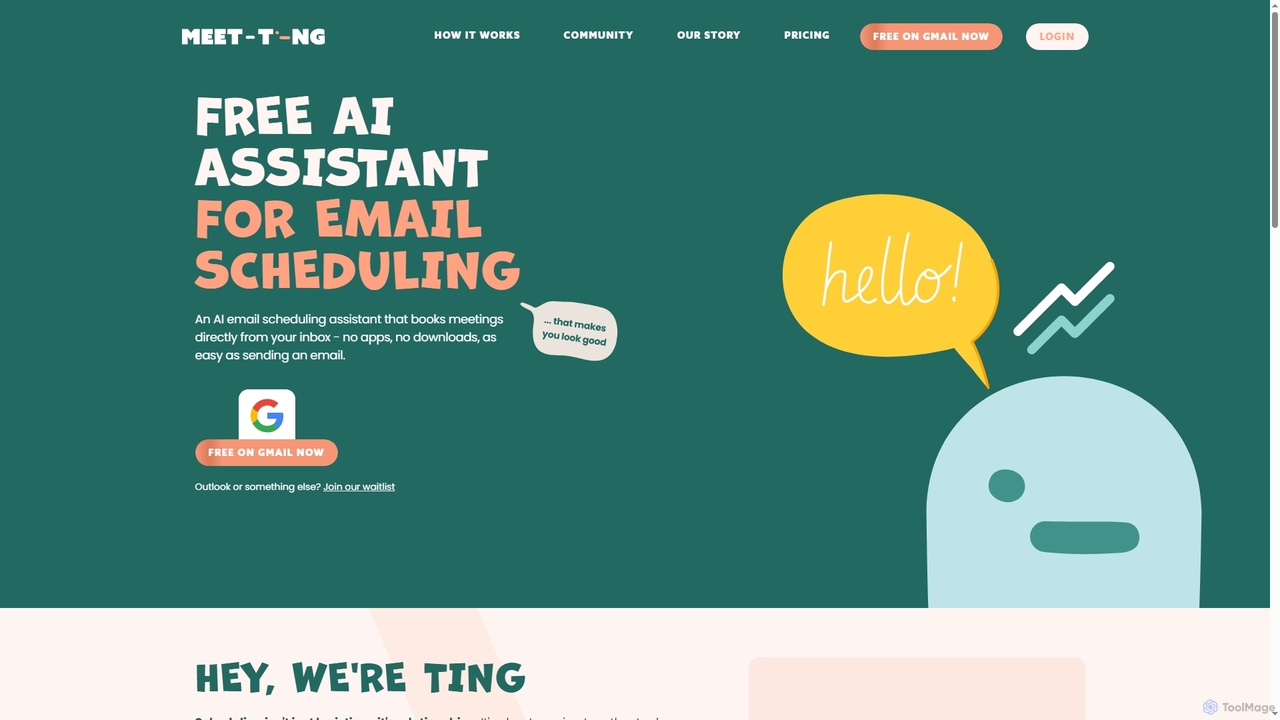
MeetTing
MeetTing is a free AI email scheduling assistant that streamlines meeting coordination directly from your inbox. It eliminates the need for back-and-forth emails, allowing you to book meetings as easily as sending an email, without any apps or downloads. Currently available for Gmail users, it quietly works in the background to ensure your meetings happen smoothly.
Automation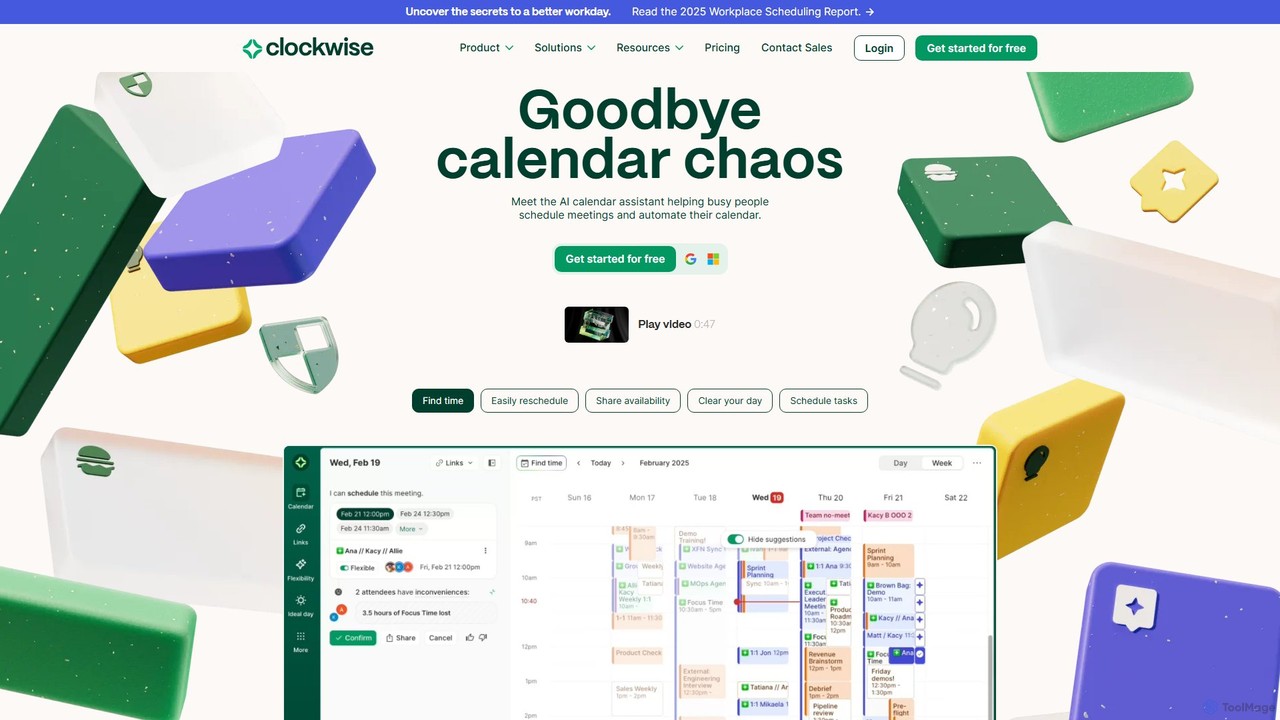
getclockwise
Clockwise is an AI-powered time management and calendar assistant that optimizes your schedule for maximum productivity. It intelligently rearranges meetings to create longer blocks of uninterrupted Focus Time, automates team scheduling, and acts as your personal assistant to manage your calendar effortlessly.
Calendar Management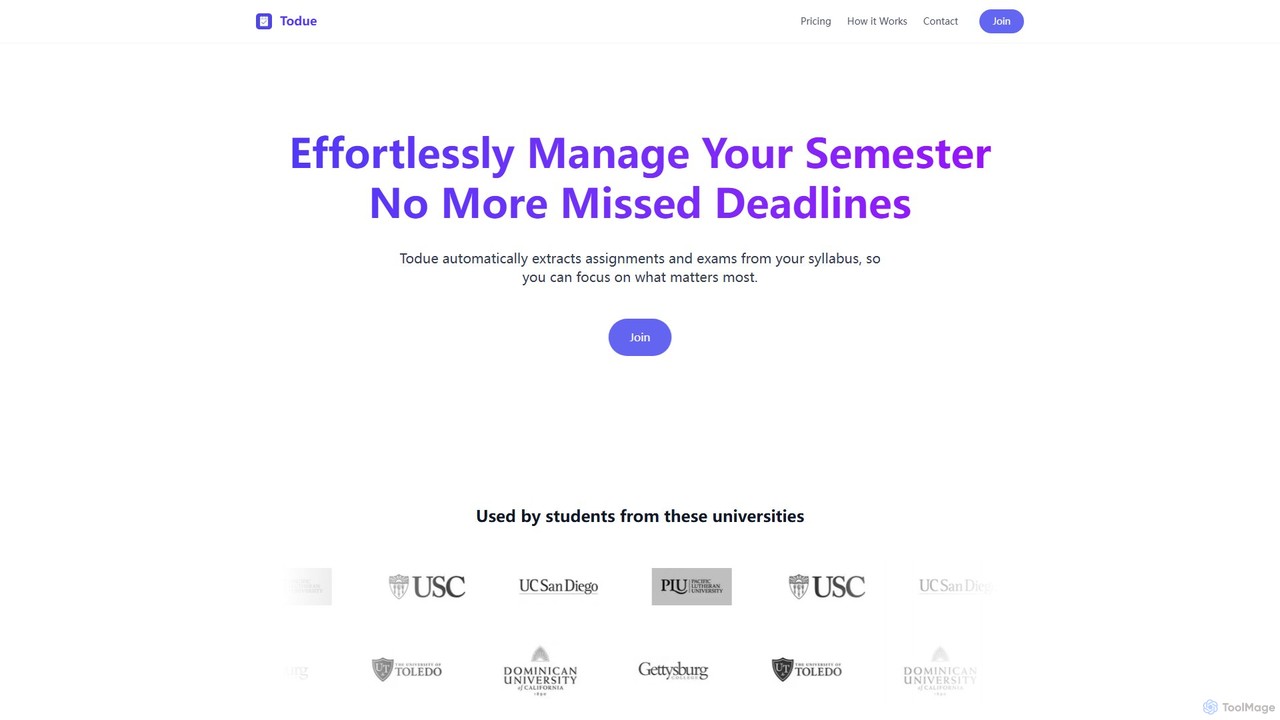
Todue
Todue is an AI-powered tool for students that automatically scans academic syllabi, extracts key dates like assignments and exams, and syncs them directly to your digital calendar. It helps you stay organized, avoid missing deadlines, and manage your semester effortlessly, freeing you up to focus on your studies.
Student Tools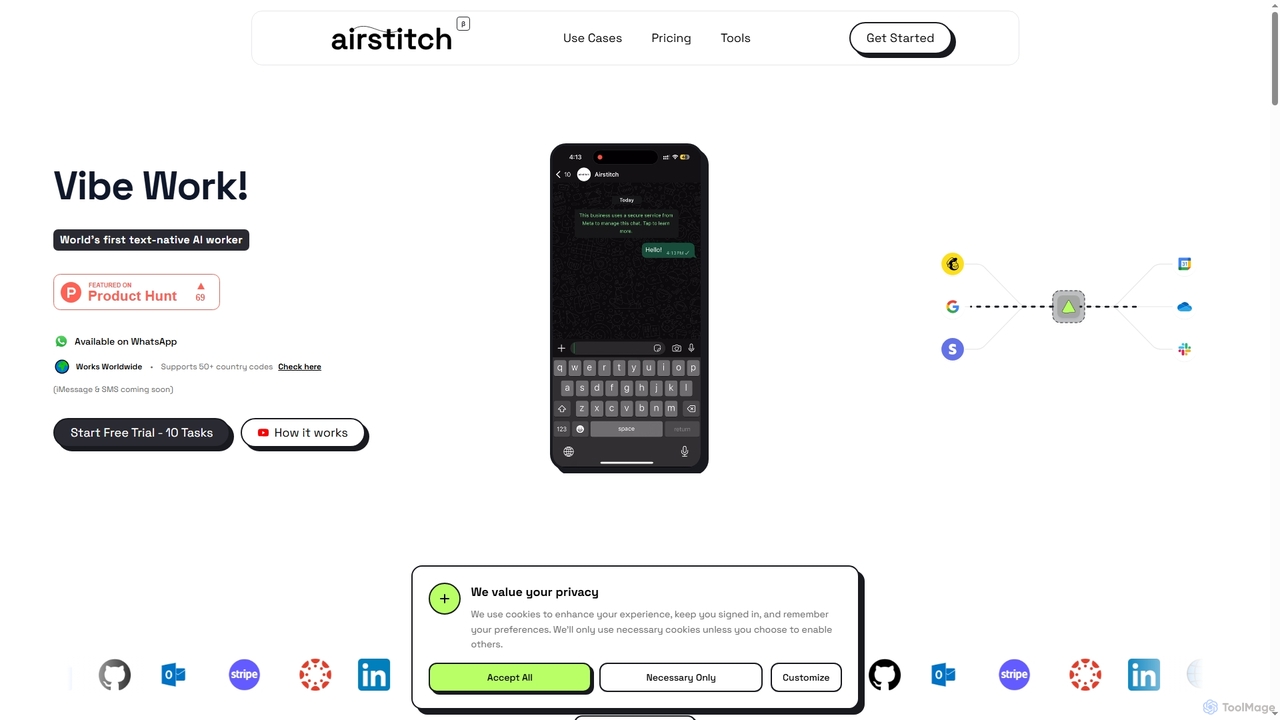
Airstitch
Airstitch is an AI-powered work assistant that automates over 40 hours of operational tasks weekly using natural language commands. It works 24/7, integrating with various apps to streamline workflows, manage communications, analyze data, and handle administrative duties, freeing up human resources for strategic work.
Operations Management
Merlin AI
Merlin AI is an all-in-one browser extension powered by ChatGPT and other advanced models like Claude. It acts as your personal AI assistant, seamlessly integrating into your workflow to help with writing, summarizing, coding, and more, directly on any website.
Chrome Extensions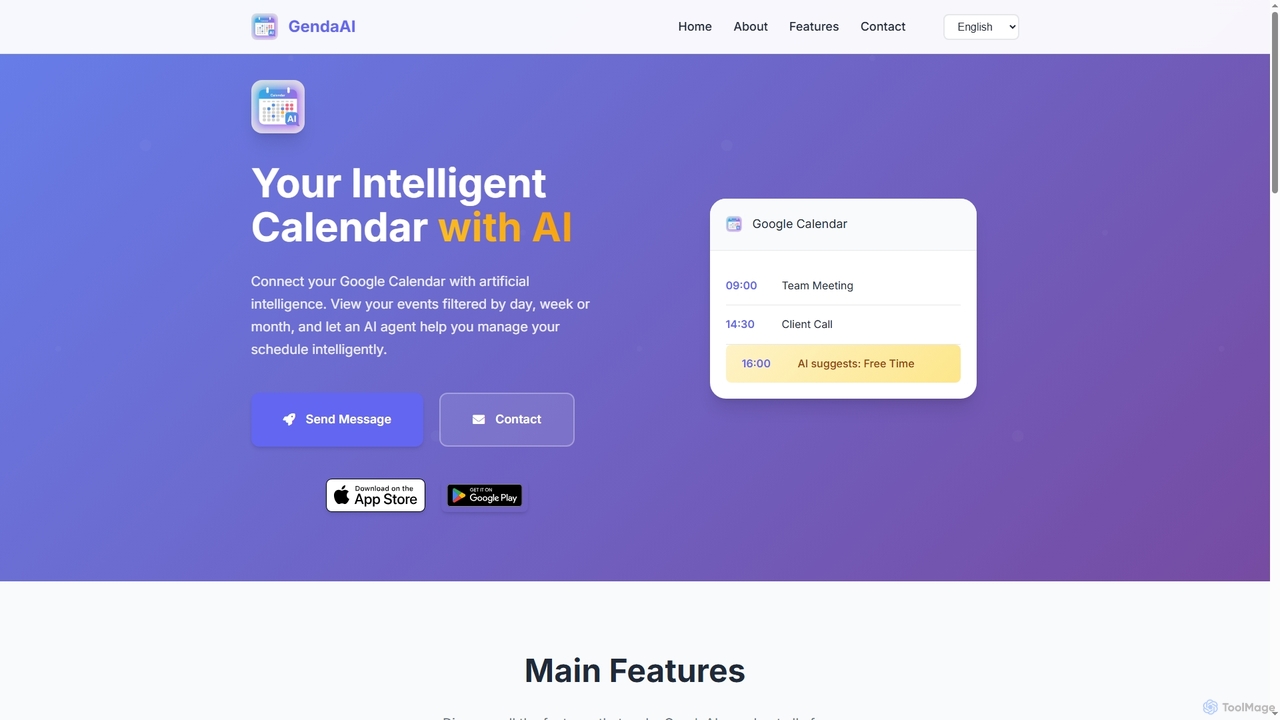
GendaAI
GendaAI is an intelligent calendar assistant designed to streamline your schedule management. It securely connects with your Google Calendar, allowing you to view, create, and modify events using natural language commands. This smart tool enhances productivity by offering personalized recommendations and efficient time organization.
Scheduling
Steplify
Steplify is an AI-powered personal calendar that transforms complex tasks and projects into manageable, scheduled steps. It uses smart time estimation based on your habits and automatically syncs with Google Calendar, helping users overcome procrastination and achieve their goals with an organized, personalized plan.
Project Management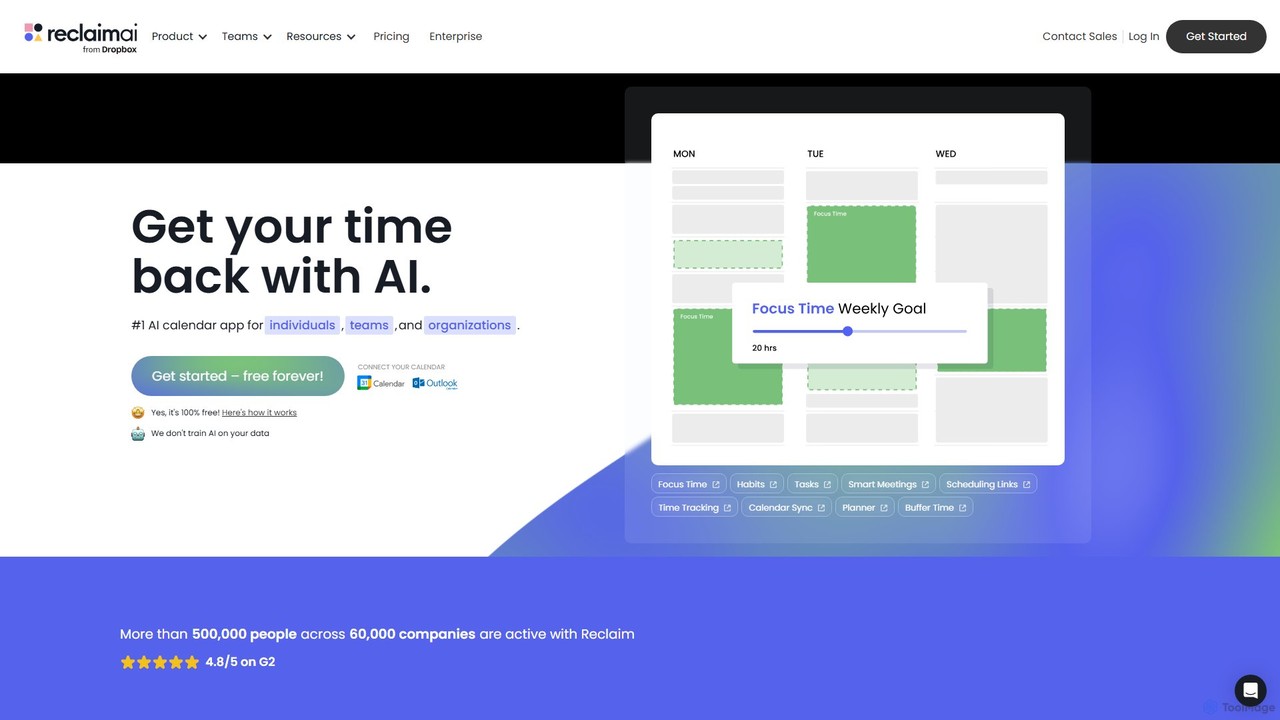
Reclaim
Reclaim is an AI-powered smart calendar assistant that automatically manages your schedule to optimize for productivity and work-life balance. It intelligently finds the best time for your tasks, habits, and meetings, defending your focus time and ensuring you never get overbooked.
Calendar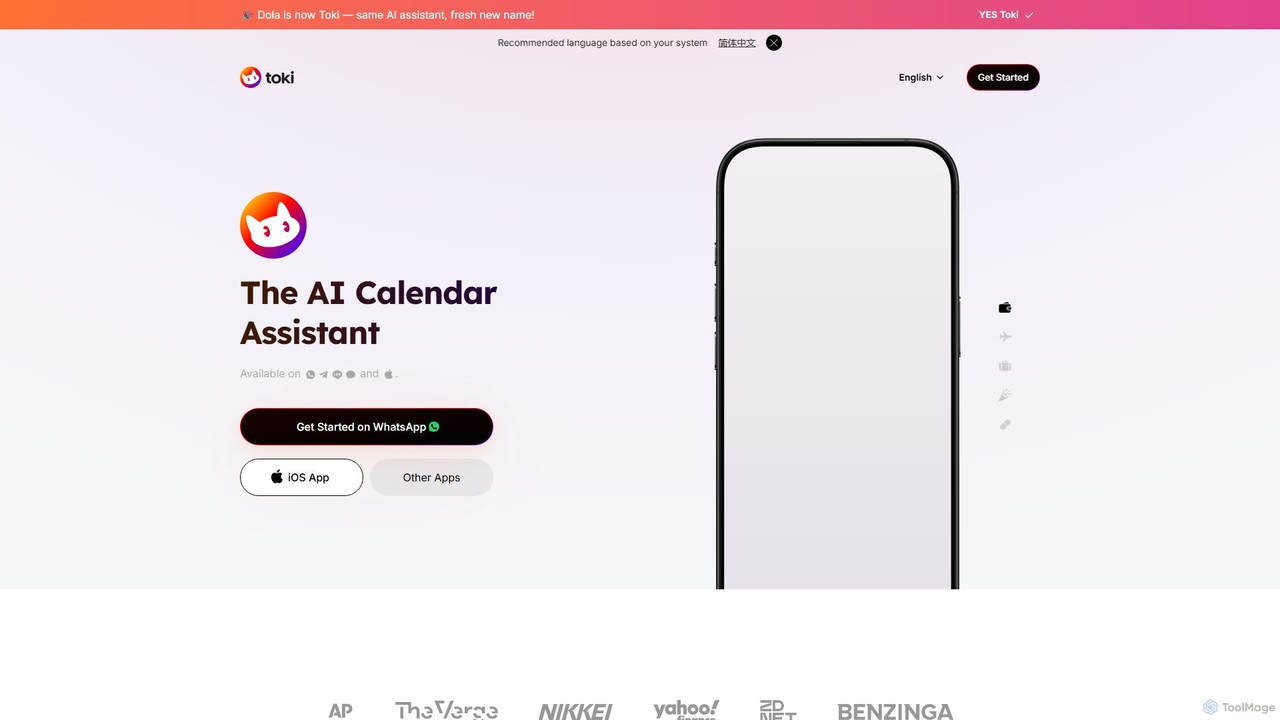
heydola
Heydola, now known as Toki AI, is an intelligent calendar assistant that simplifies your scheduling. It allows you to manage your calendar using natural language via messaging apps like WhatsApp or its dedicated iOS app. Simply text, speak, or send an image to create events, set smart reminders, and sync all your calendars in one place, making time management effortless and intuitive.
Calendar
BeforeSunset
BeforeSunset is an AI-powered daily planner that transforms your thoughts into organized tasks, creates an optimized schedule, and helps you focus. It automatically prioritizes your to-dos, offers various planning styles, and provides a distraction-free environment to boost productivity and achieve a better work-life balance.
Calendar
Copilotly
Copilotly is a personal AI copilot designed to enhance productivity and creativity across your digital workflow. It integrates seamlessly into your browser and favorite websites like Gmail, Twitter, and LinkedIn, providing contextual assistance, content generation, and strategic guidance. From drafting professional emails to brainstorming social media content and accessing expert advice from specialized AI personas like doctors and lawyers, Copilotly acts as your all-in-one digital assistant to help you achieve more, effortlessly.
Search Assistant
text_to_cal Comments (0)
Sign in to comment.
Sign inNo comments yet.