

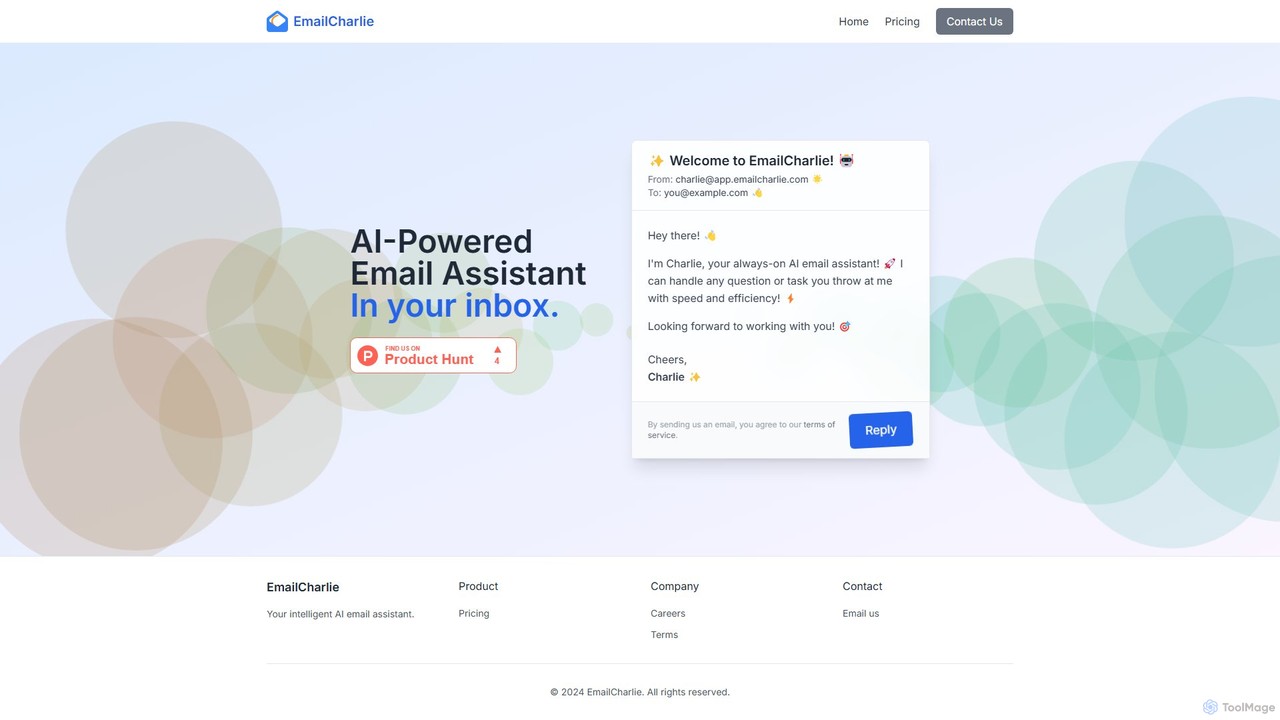
EmailCharlie Overview
EmailCharlie introduces a revolutionary way to manage your email and automate tasks without ever leaving your inbox. It acts as a personal, always-on AI email assistant designed to handle a wide range of requests with remarkable speed and efficiency. The core concept is simple yet powerful: you delegate tasks to EmailCharlie by sending it an email, and it replies with the completed work. This eliminates the need for switching between multiple applications, allowing you to stay focused and productive within your primary communication hub.
Whether you need to summarize a lengthy report, draft a professional follow-up, research a topic, or handle other administrative tasks, EmailCharlie is equipped to assist. By leveraging advanced AI, it understands the context of your requests and delivers accurate, relevant, and well-structured responses, effectively becoming an extension of your own capabilities.
How to use EmailCharlie
The workflow for using EmailCharlie is designed for ultimate simplicity and integration into your daily routine. There are no complex interfaces to learn or software to install. The entire interaction happens via email.
- Sign Up: First, register on the EmailCharlie website to activate your account.
- Send Your Request: Compose a new email addressed to [email protected]. In the body of the email, simply write your command or question. For example, you could write, "Draft a polite follow-up email to John Doe regarding our meeting last Tuesday," or "Summarize the key points from the attached PDF document."
- Receive the Result: EmailCharlie's AI will process your request, perform the task, and send a reply directly to your inbox. The reply will contain the drafted email, the summary, or the answer to your question, ready for you to use.
Core Features of EmailCharlie
- AI-Powered Task Automation: Delegate tasks like writing emails, summarizing text, conducting research, and answering questions directly through email.
- Seamless Inbox Integration: Works with any email client (Gmail, Outlook, Apple Mail, etc.) on any device. If you can send an email, you can use EmailCharlie.
- Attachment Handling (Pro Plan): The Pro plan allows the AI to read, understand, and process information from attachments like PDFs, Word documents, and text files.
- Advanced AI Responses (Pro Plan): Access more powerful AI models for more nuanced, complex, and higher-quality responses compared to the basic version.
- Custom Skills (Enterprise Plan): Tailor the AI's capabilities to your specific business needs, such as using company-specific knowledge bases or adhering to brand voice guidelines.
- Custom Domain (Enterprise Plan): Businesses can host the assistant on their own domain (e.g., [email protected]) for enhanced branding and trust.
- Priority Support (Pro & Enterprise): Get faster and more dedicated support for any issues or questions.
Use Cases for EmailCharlie
EmailCharlie is a versatile tool for anyone looking to reclaim time and boost productivity.
- Busy Professionals & Executives: Quickly draft responses to common inquiries, summarize long email threads to catch up, and prepare for meetings by having reports summarized on the fly.
- Sales & Marketing Teams: Automate the drafting of outreach emails, follow-ups, and marketing copy. Research potential leads or summarize competitor analysis documents.
- Students & Researchers: Summarize academic papers, articles, and research materials sent as attachments to quickly grasp key concepts.
- Content Creators: Generate outlines for blog posts, draft social media updates, or brainstorm ideas by simply sending a prompt via email.
Advantages of EmailCharlie
The primary advantage of EmailCharlie is its frictionless workflow. By living inside your email, it removes the cognitive load of switching contexts between your inbox and other AI tools. This leads to significant time savings and increased focus. Its simplicity makes it accessible to everyone, regardless of technical skill. The tiered pricing model, including a free plan, allows users to start small and scale as their needs grow, making it a flexible solution for both individuals and large enterprises.
Pricing and Plans
EmailCharlie offers a transparent and flexible pricing structure to suit different user needs.
- Basic Plan: Free. This plan includes up to 100 emails per month and access to basic AI responses. It's perfect for individuals who want to try out the service or have light usage needs.
- Pro Plan: Coming Soon. This plan will offer unlimited emails, advanced AI responses for higher quality output, the ability to handle attachments, and priority support. It is designed for professionals and power users.
- Enterprise Plan: Custom Pricing. This plan includes all features of the Pro plan, plus dedicated support, the ability to create custom skills for the AI, and the option to use a custom domain. Contact sales for a tailored quote.
All paid plans come with a 14-day free trial, and no credit card is required to get started.
EmailCharlie Alternatives
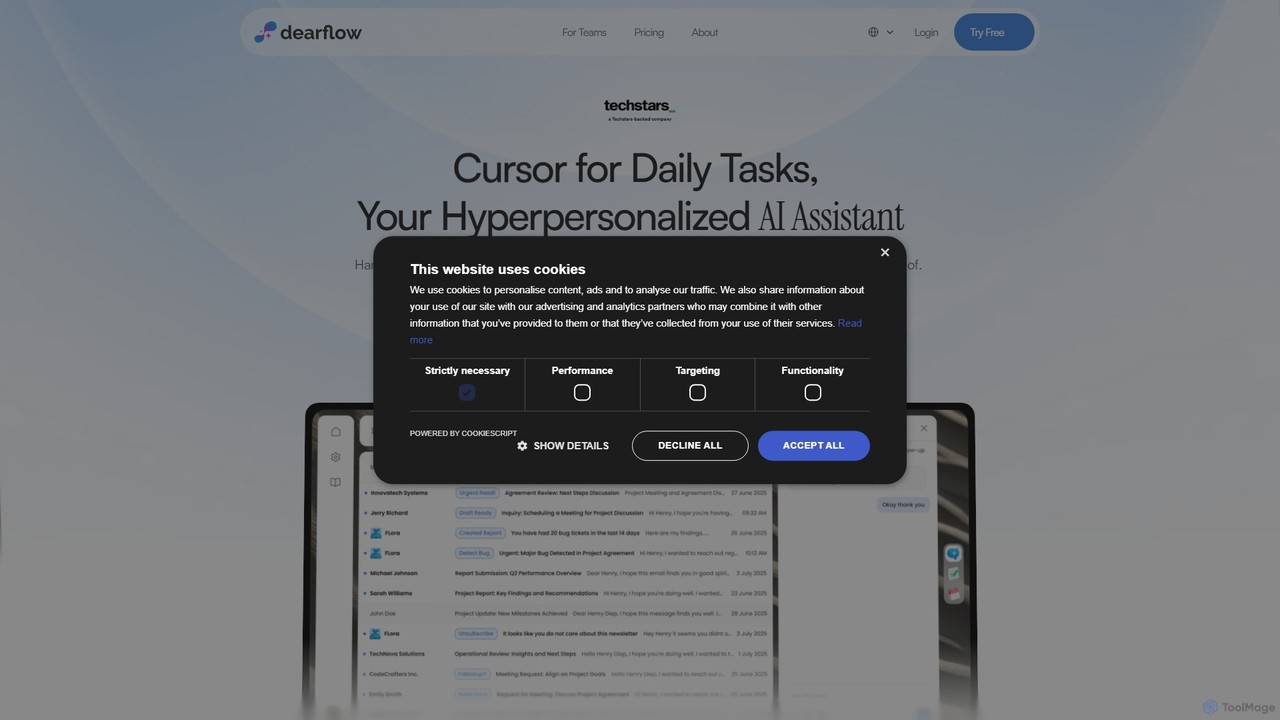
DearFlow
DearFlow is a hyper-personalized AI administrative assistant named Flora that proactively manages your daily chaos. It handles emails, calendars, tasks, and content creation by learning your unique work style, communication tone, and priorities. It aims to save you an hour every day, allowing you to focus on what truly matters.
Workflow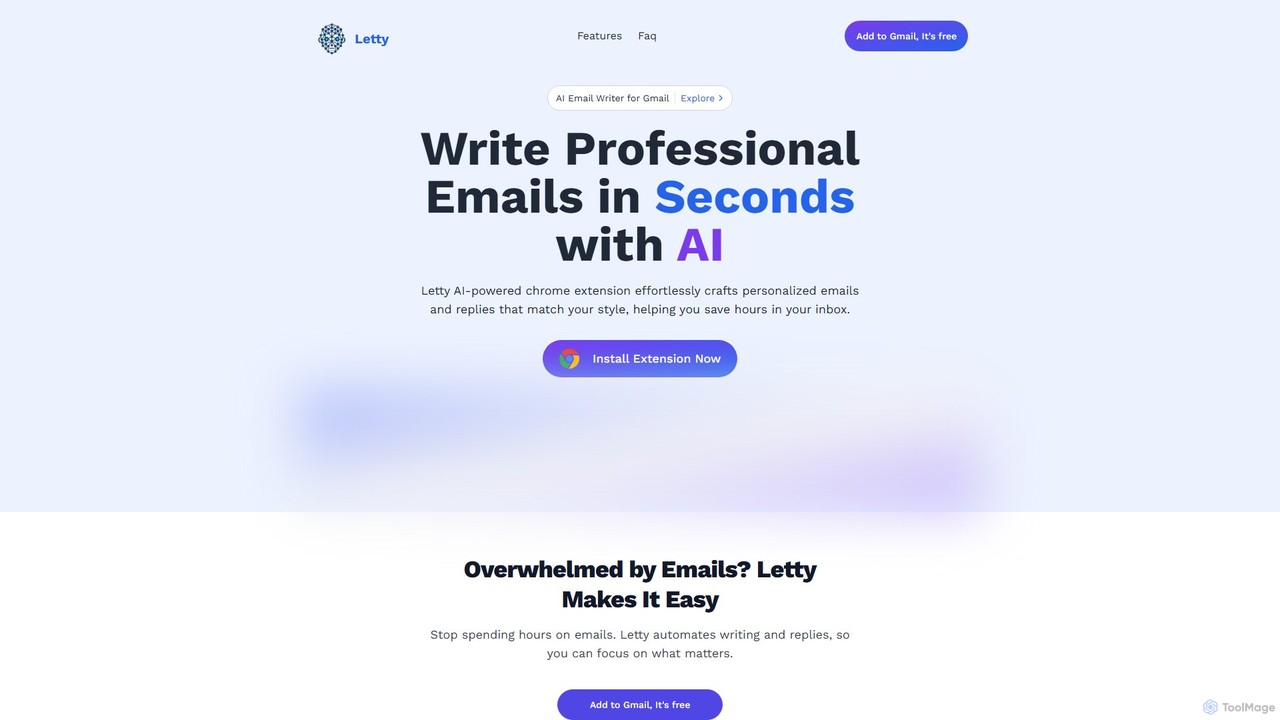
Letty
Letty is an AI-powered Chrome extension for Gmail that helps you write professional emails and replies in seconds. It learns your writing style and can be trained on your own data (documents, websites) to provide highly personalized, context-aware suggestions, saving you hours in your inbox.
Email Assistant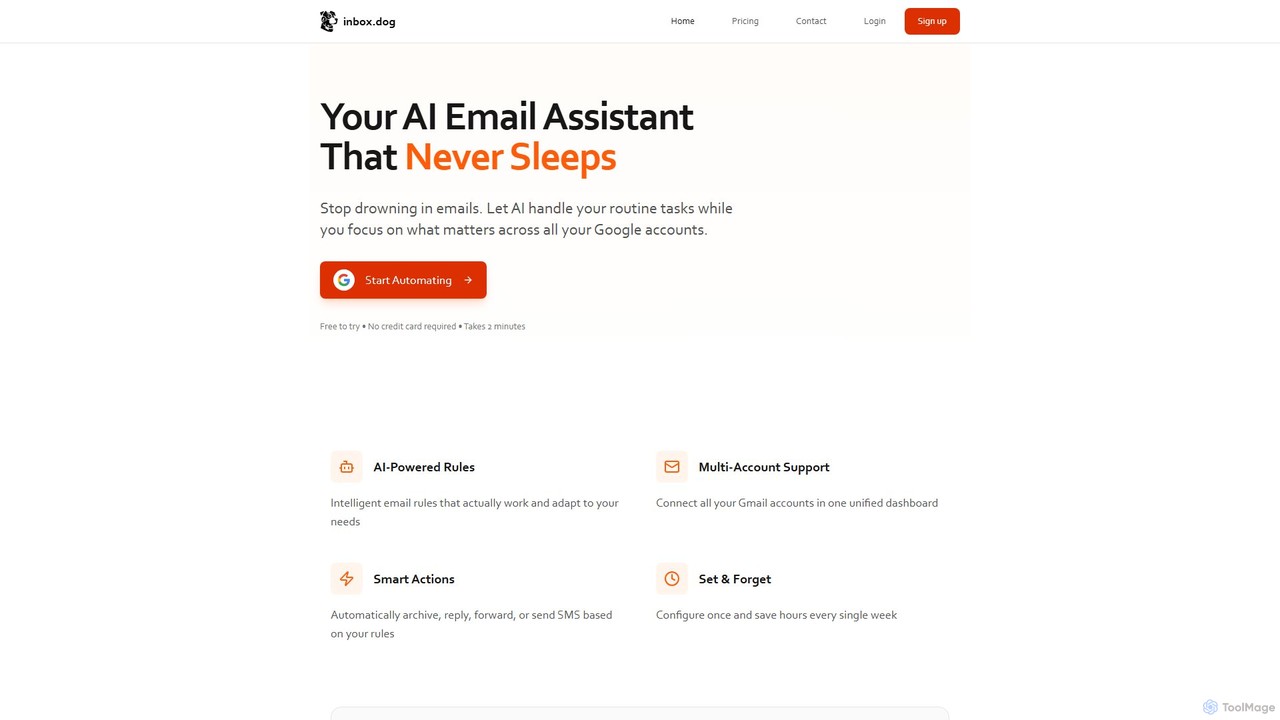
inbox.dog
inbox.dog is an AI-powered email assistant for Gmail that automates your inbox. It uses intelligent rules to handle routine tasks like replying, forwarding, and archiving across all your Google accounts, allowing you to focus on what truly matters. It's designed for freelancers, small businesses, and teams.
Workflow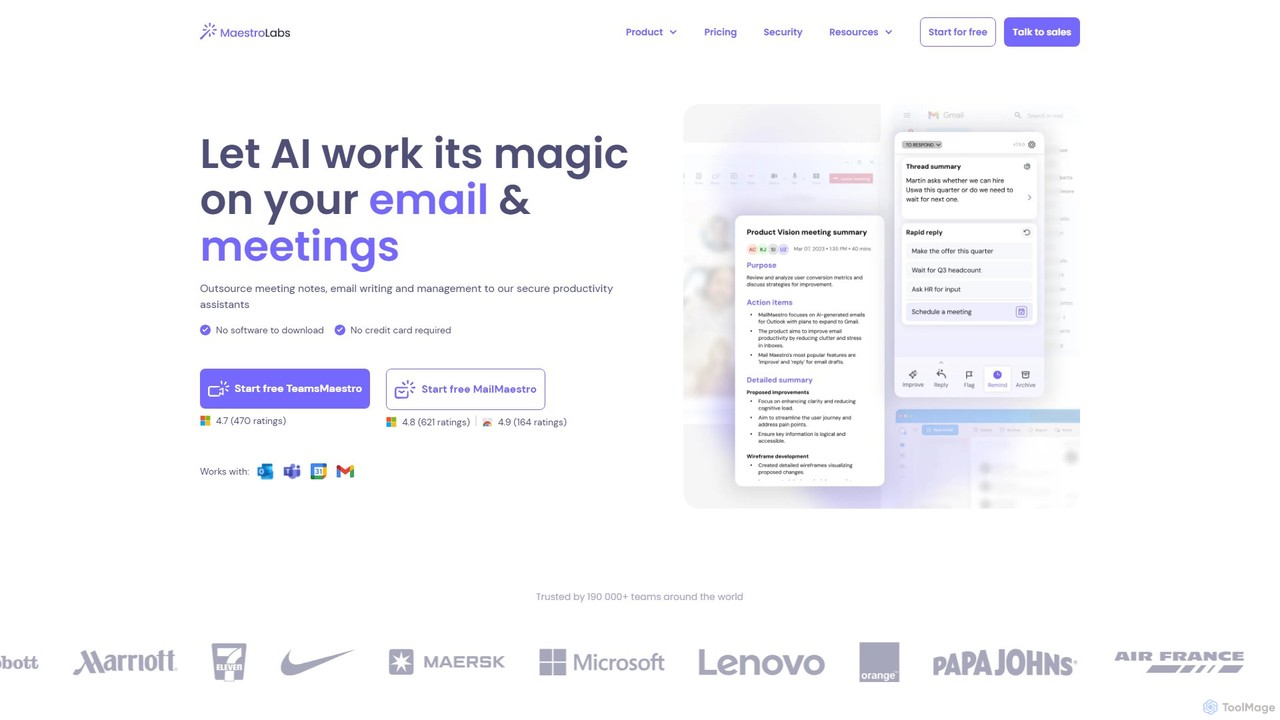
MailMaestro
MailMaestro is a secure AI productivity assistant for email and meetings. It integrates with Outlook, Gmail, and Teams to help you draft replies, summarize long threads, manage your inbox, and capture meeting action items. Save hours each week and enhance your communication with smart, multilingual support.
Meeting Assistant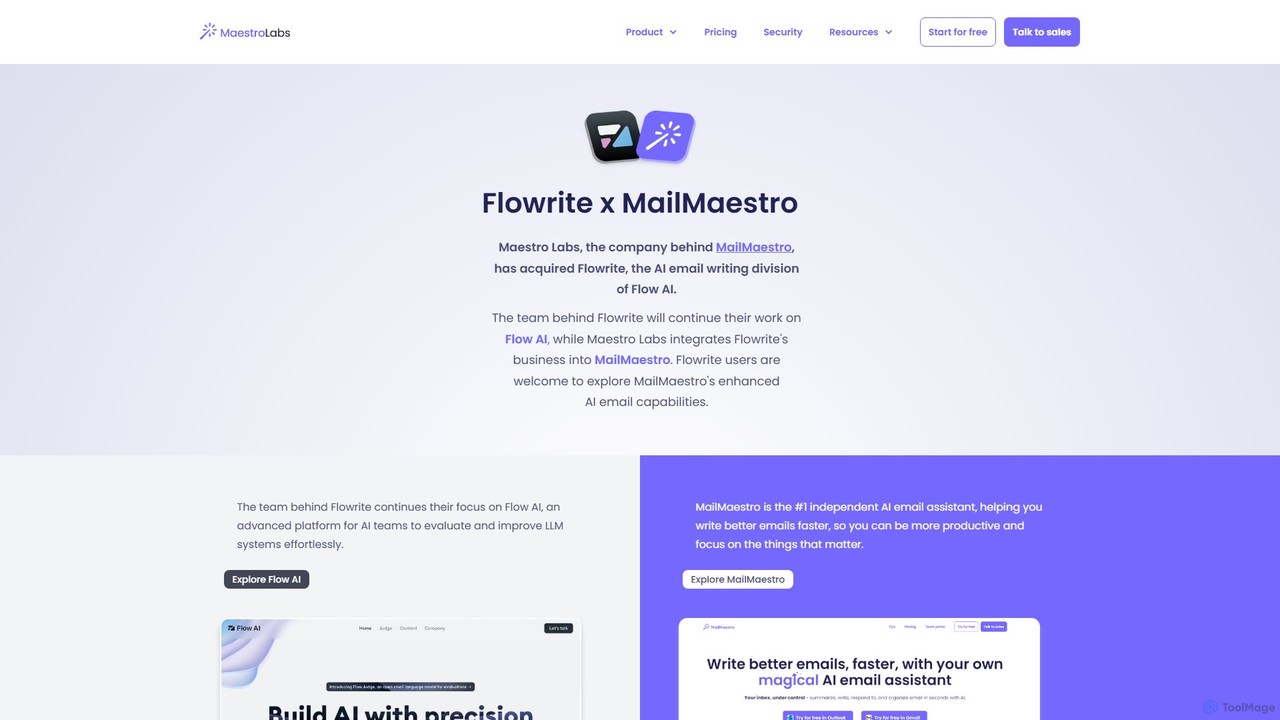
Flowrite
Flowrite is a powerful AI email writing assistant, now integrated into MailMaestro. It helps users write, reply to, summarize, and manage emails significantly faster. By generating high-quality, context-aware text, Flowrite boosts productivity, improves communication quality, and helps you achieve inbox zero with ease. It supports multiple languages and integrates directly into your existing email workflow.
EmailEmailCharlie Categories
EmailCharlie Embed Widget
Copy this embed code to place the badge on your blog, article, or product site and send readers directly to this ToolMage detail page.

Related AI tools
DearFlow
DearFlow is a hyper-personalized AI administrative assistant named Flora that proactively manages your daily chaos. It handles emails, calendars, tasks, and content creation by learning your unique work style, communication tone, and priorities. It aims to save you an hour every day, allowing you to focus on what truly matters.
WorkflowMailMaestro
MailMaestro is a secure AI productivity assistant for email and meetings. It integrates with Outlook, Gmail, and Teams to help you draft replies, summarize long threads, manage your inbox, and capture meeting action items. Save hours each week and enhance your communication with smart, multilingual support.
Meeting AssistantFlowrite
Flowrite is a powerful AI email writing assistant, now integrated into MailMaestro. It helps users write, reply to, summarize, and manage emails significantly faster. By generating high-quality, context-aware text, Flowrite boosts productivity, improves communication quality, and helps you achieve inbox zero with ease. It supports multiple languages and integrates directly into your existing email workflow.
Email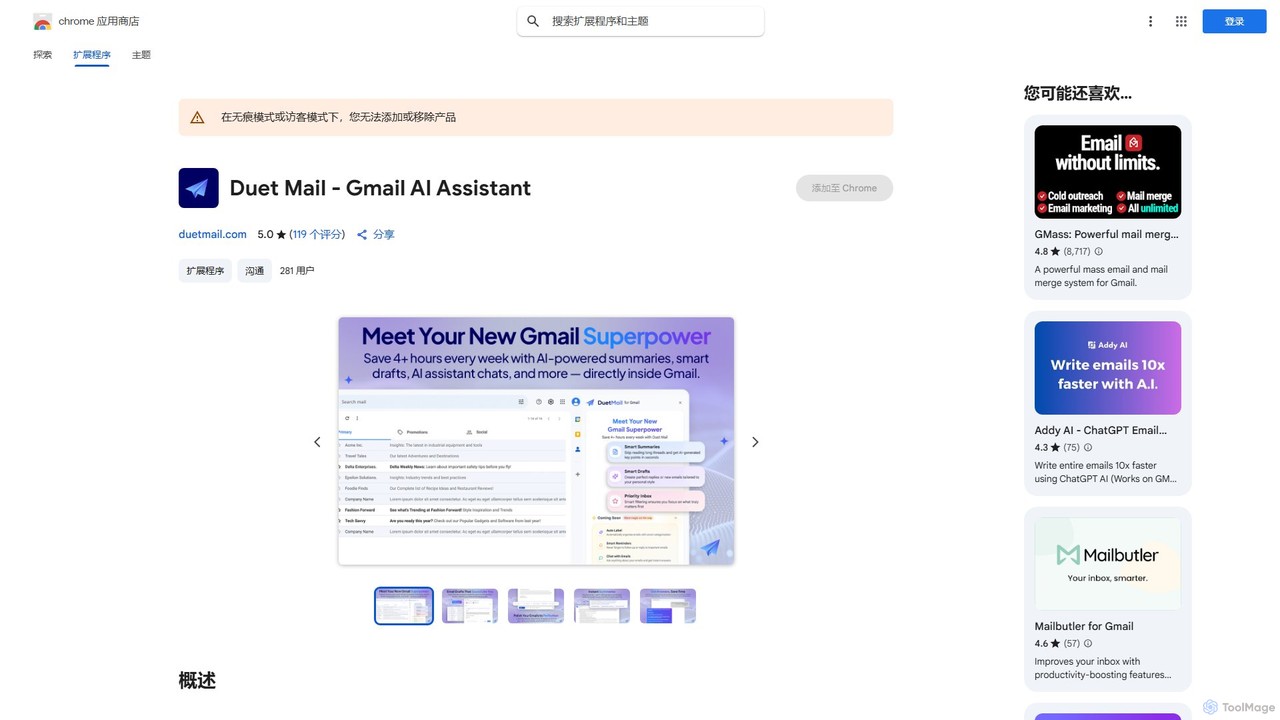
Duet Mail
Duet Mail is an AI-powered Gmail assistant that supercharges your inbox. It helps you draft emails in your personal style, provides instant summaries of long threads, sets smart follow-up reminders, and categorizes important messages. Save hours each week and reclaim control over your email.
Chrome Extensions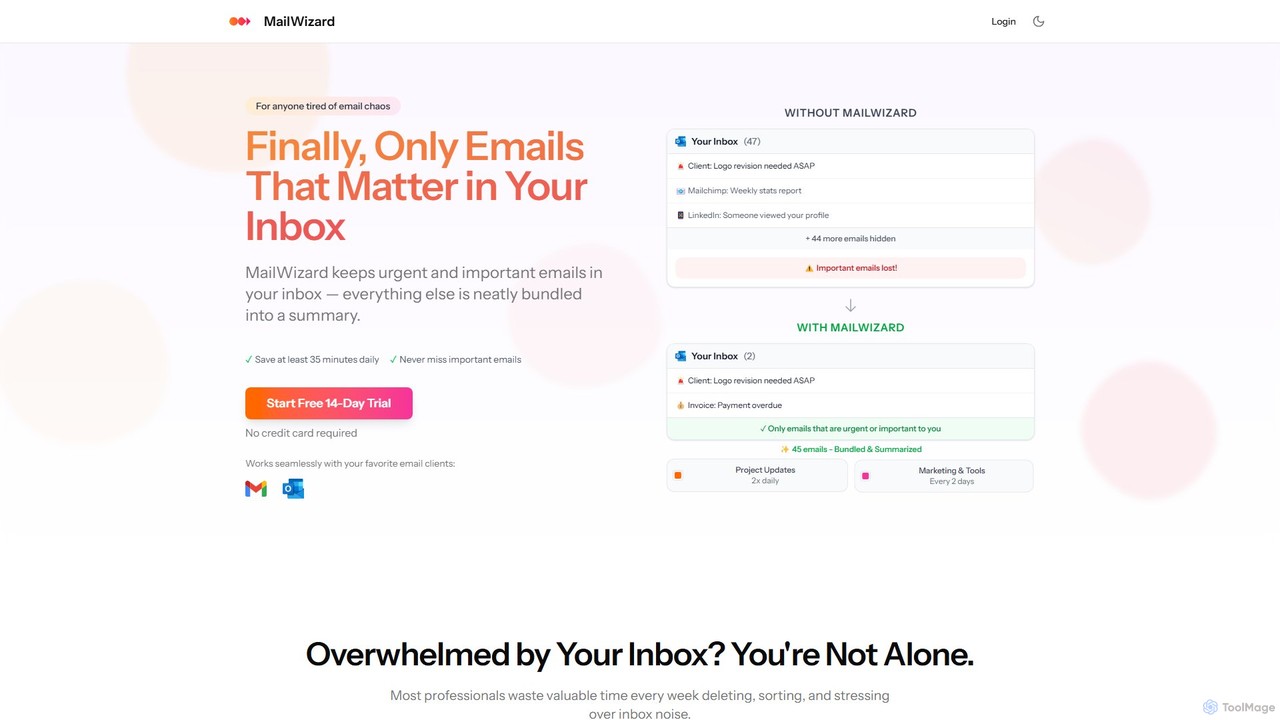
MailWizard
MailWizard is an AI-powered email assistant that transforms your inbox experience. It intelligently filters out noise, bundles non-urgent emails into smart summaries, and ensures you only see what truly matters. Save time, reduce stress, and reclaim your focus with automated workflows and AI-generated digests, including audio versions for on-the-go updates.
Workflow Management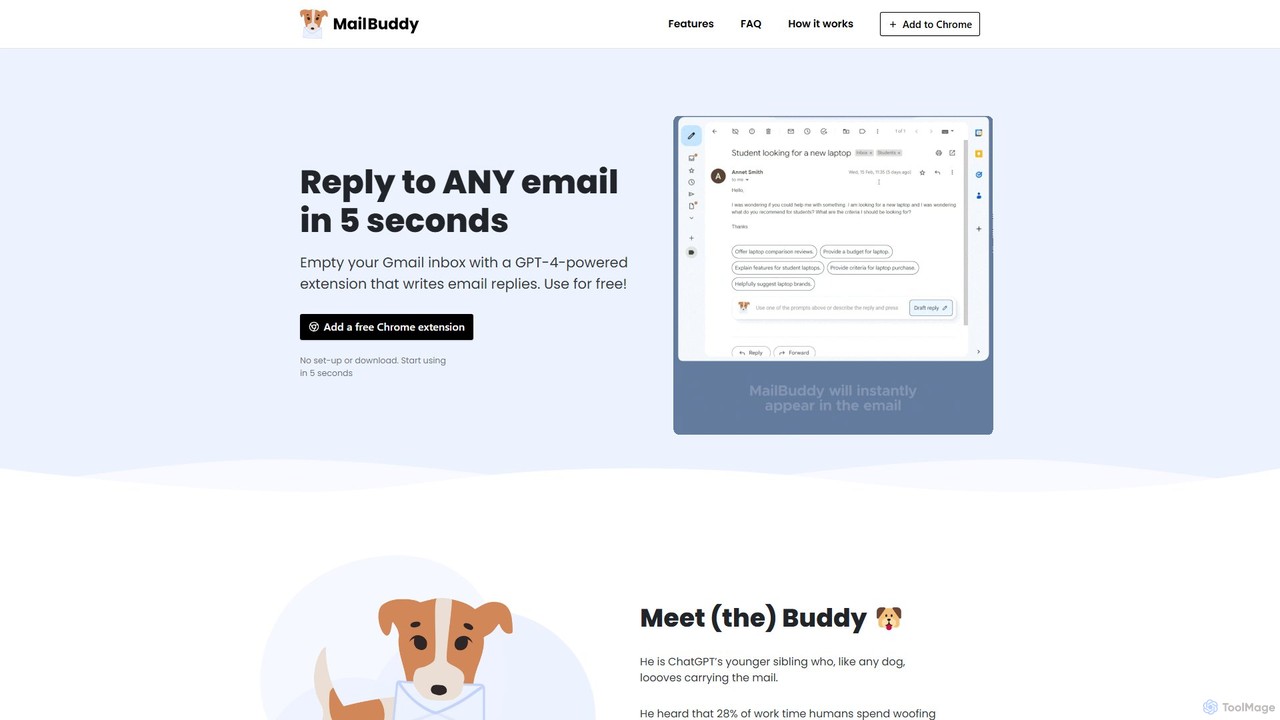
MailBuddy
MailBuddy is a GPT-4 powered AI email assistant that integrates directly into your Gmail. It analyzes email context to draft high-quality replies in seconds. Customize the tone, provide specific instructions, and handle all your email correspondence without leaving your inbox, saving you time and boosting productivity.
Response Management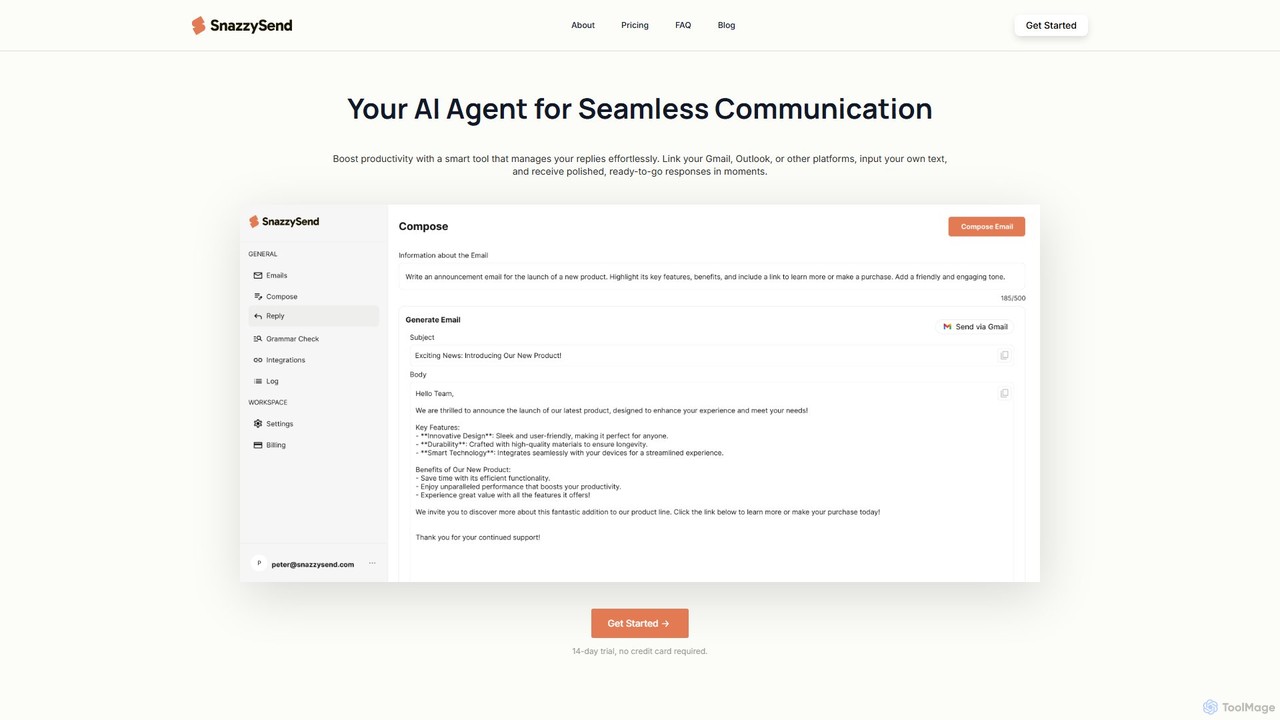
snazzysend
snazzysend is an AI-powered communication assistant designed to streamline your email workflow. It connects with Gmail and Outlook to help you craft polished, human-like replies instantly. By providing simple prompts, you can generate tailored responses, manage communications from a single app, and significantly boost your productivity.
Automation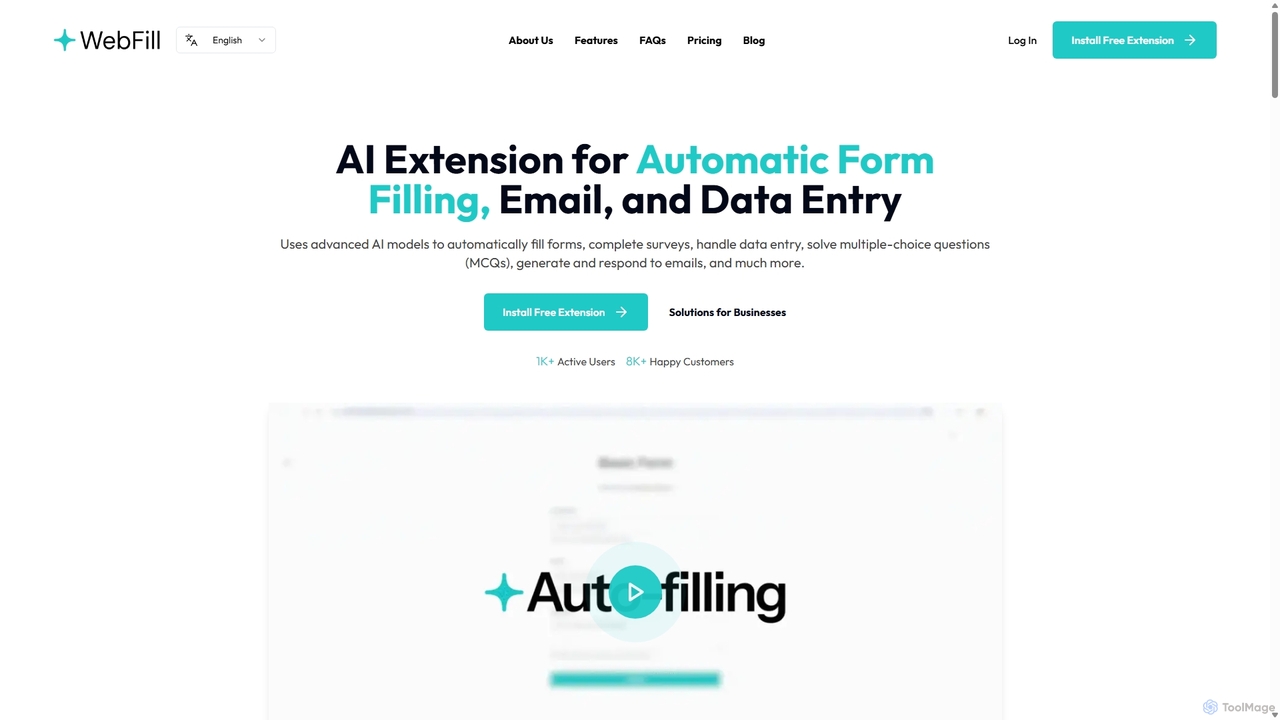
WebFill
WebFill is an AI-powered browser extension designed to automate daily digital tasks. It excels at automatically filling forms, completing surveys, handling data entry, and solving multiple-choice questions. It also features an AI assistant for generating and responding to emails, and a unique 'Vision' tool for instant answers from screen captures.
Assistant
reworks
reworks is an AI-powered platform designed to automate content repurposing and optimize business workflows. It intelligently transforms existing assets into various new formats and streamlines repetitive tasks, helping teams maximize efficiency and scale their operations.
Workflow Management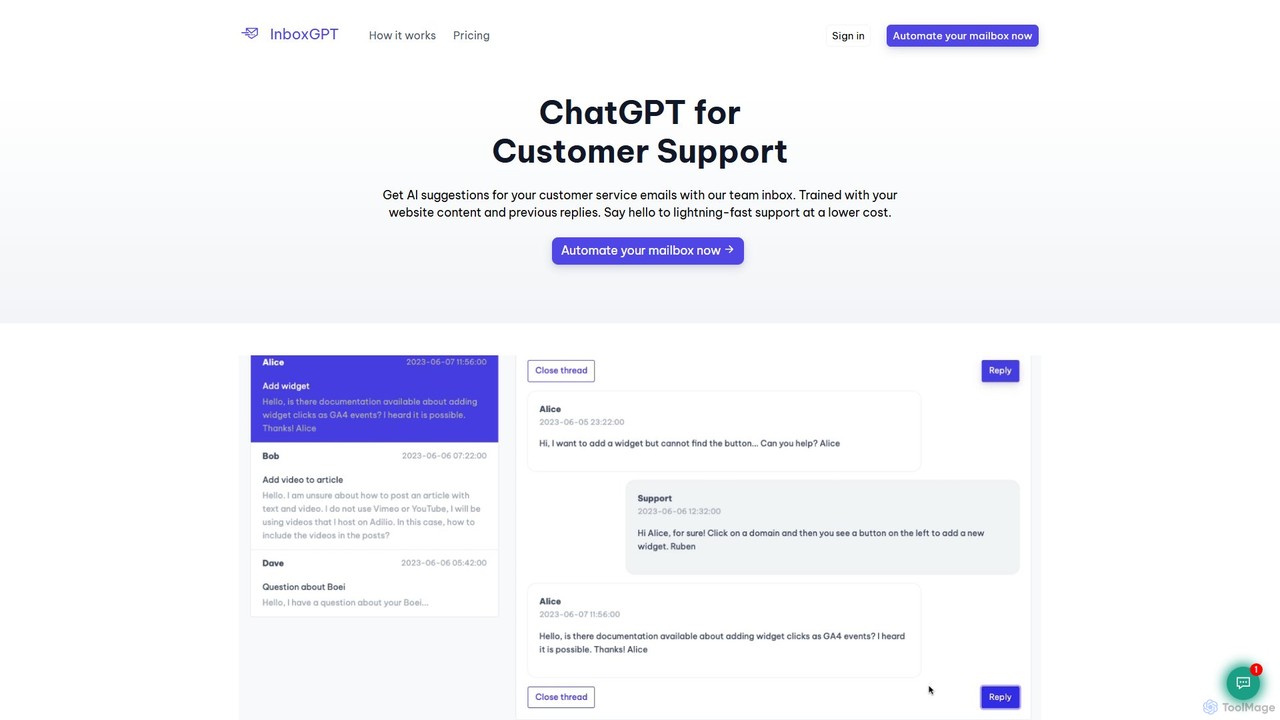
InboxGPT
InboxGPT is an AI-powered team inbox designed to revolutionize customer support. It connects your Gmail accounts into a unified platform, providing intelligent, AI-generated reply suggestions. By training on your website content and past emails, it helps your team respond twice as fast, in any language, ensuring high-quality, consistent, and efficient customer service.
CommunicationLetty
Letty is an AI-powered Chrome extension for Gmail that helps you write professional emails and replies in seconds. It learns your writing style and can be trained on your own data (documents, websites) to provide highly personalized, context-aware suggestions, saving you hours in your inbox.
Email Assistantinbox.dog
inbox.dog is an AI-powered email assistant for Gmail that automates your inbox. It uses intelligent rules to handle routine tasks like replying, forwarding, and archiving across all your Google accounts, allowing you to focus on what truly matters. It's designed for freelancers, small businesses, and teams.
Workflow
reply4me
reply4me is an AI-powered assistant that automates personalized replies for emails, social media, and messages. It analyzes incoming text to generate context-aware, tone-appropriate responses, saving you hours and boosting communication efficiency.
Automated Response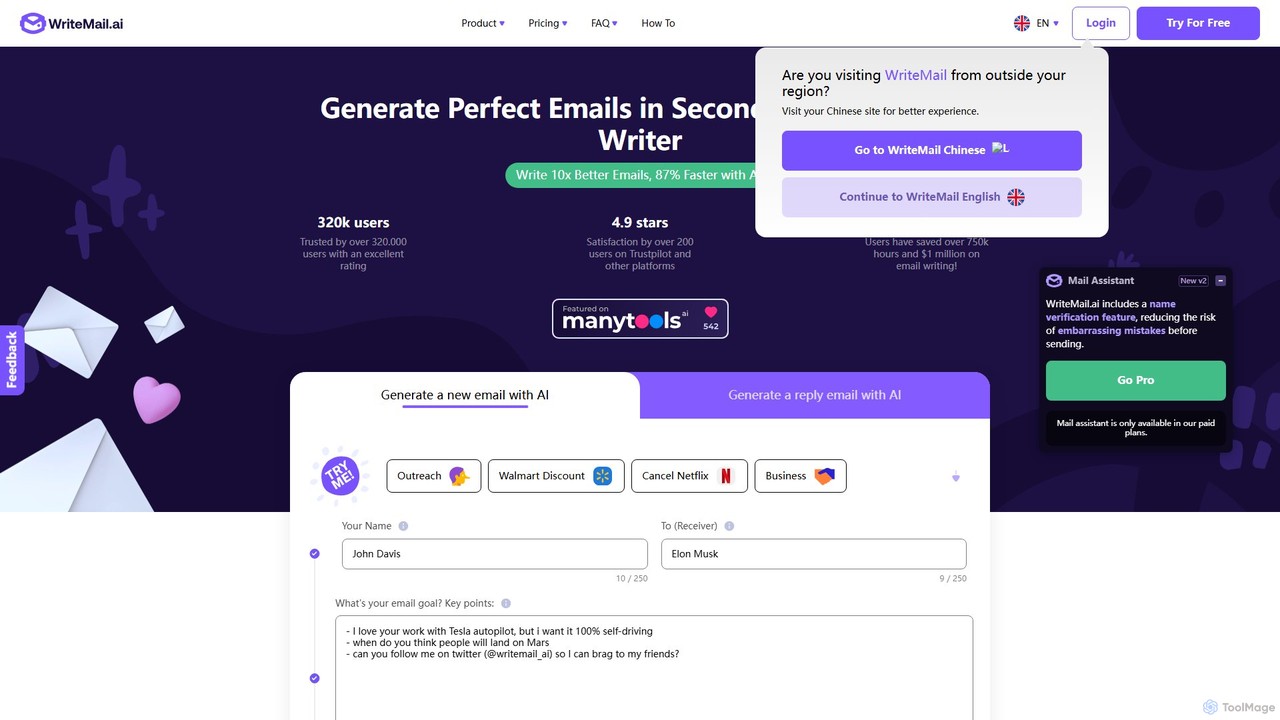
WriteMail.ai
WriteMail.ai is an AI-powered email assistant designed to help you write better emails 10x faster. It generates new emails and replies, refines tone and style, and offers real-time suggestions to improve clarity. With multilingual support and upcoming Gmail integration, it's the perfect tool for both business and personal communication, saving you time and boosting productivity.
Email Marketing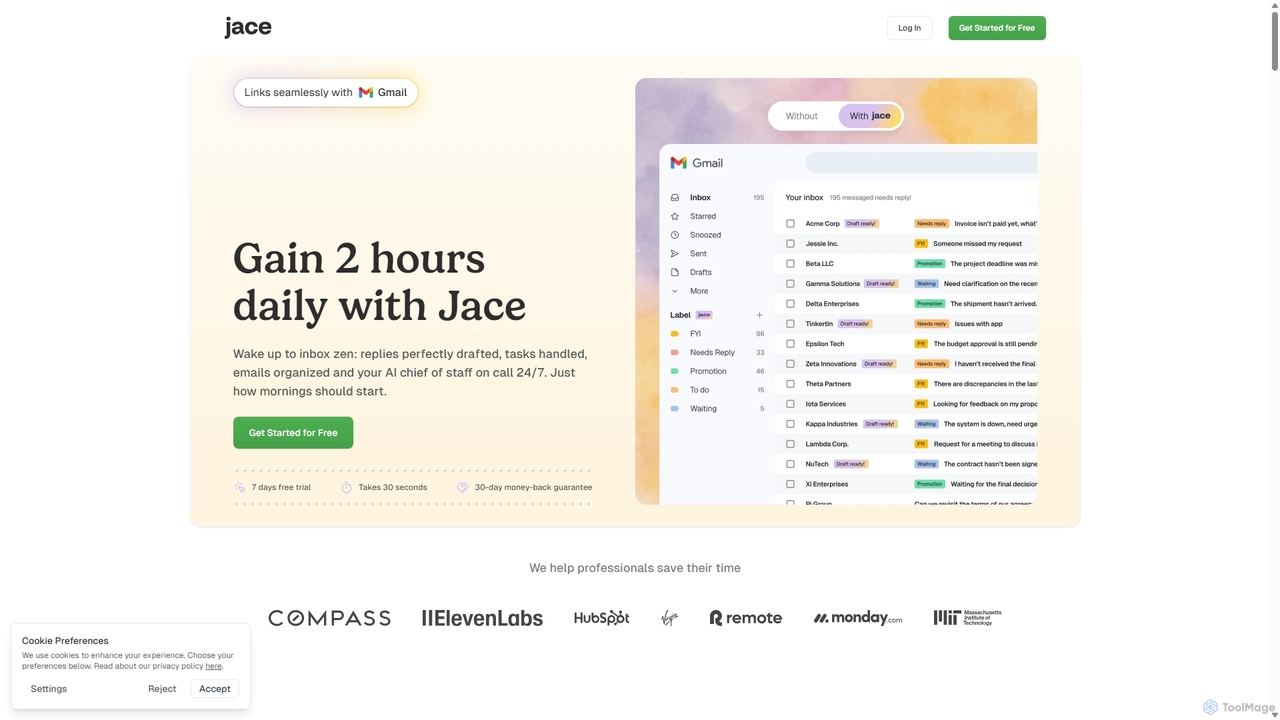
Jace AI
Jace AI is an intelligent 24/7 email assistant that automates your inbox. It seamlessly integrates with Gmail to draft replies, organize emails with AI labels, and handle tasks automatically. By analyzing context from attachments, calendars, and Slack, Jace saves professionals hours daily, allowing them to focus on what truly matters.
Workflow Management
EmailCharlie Comments (0)
Sign in to comment.
Sign inNo comments yet.