


MailTime Overview
MailTime reimagines the email experience by transforming your inbox into a messenger-style interface. It's designed for users who feel overwhelmed by traditional email clients and are looking for a more efficient, intuitive way to communicate. By parsing lengthy email threads and stripping away unnecessary metadata like signatures and formatting, MailTime presents your conversations in clean, easy-to-read chat bubbles, just like a modern messaging app.
The core philosophy behind MailTime is to reduce email fatigue and bring focus back to communication. It intelligently sorts your inbox, separating important, person-to-person conversations from automated mail like newsletters, receipts, and system notifications. This smart categorization, powered by AI, ensures you spend your time on what truly matters.
How to use MailTime
Getting started with MailTime is simple and straightforward:
- Download the MailTime app from the Apple App Store or Google Play Store.
- Launch the app and add your existing email accounts. MailTime supports a wide range of providers, including Gmail, iCloud, Outlook, Yahoo, and any IMAP-based corporate email.
- Once your account is connected, MailTime will automatically sync and reformat your existing email threads into conversational views.
- Navigate between your 'Priority Inbox' for important conversations and the 'All Mail' view to see everything else.
- Start sending and receiving emails. Your recipients don't need to have MailTime installed; they will receive a standard, professional-looking email.
Core Features of MailTime
- Conversational Email: Displays email threads as clean chat bubbles, removing repetitive signatures and metadata for clarity.
- AI-Powered Smart Inbox: Automatically categorizes emails, separating important conversations from newsletters, promotions, and other distractions.
- Multi-Account Support: Manage all your email accounts from Gmail, Outlook, Yahoo, iCloud, and more in one unified inbox.
- Group Chat Functionality: Manage group emails as group chats, making it easy to follow complex discussions and add or remove participants.
- Seamless Compatibility: Emails sent from MailTime appear as regular emails to recipients using any other email client.
- Enhanced Security: Prioritizes user privacy and data protection, complying with GDPR, CCPA, and other major privacy regulations.
Use Cases for MailTime
MailTime is ideal for a variety of users:
- Busy Professionals: Quickly process high volumes of email on the go, reply faster, and keep track of important client and team communications.
- Students: Organize communication with professors and classmates, separating academic correspondence from personal emails and subscriptions.
- Small Teams: Use group chat features for project discussions, ensuring everyone stays in the loop without the formality of traditional email chains.
- Personal Communication: Declutter personal inboxes to focus on conversations with friends and family, making email feel as easy as texting.
Advantages of MailTime
MailTime offers a significant advantage over traditional email clients by focusing on speed and clarity. Its messenger-like interface is more intuitive for a generation accustomed to instant messaging, reducing the cognitive load of managing a cluttered inbox. The AI-driven sorting saves users valuable time by filtering out noise automatically. Furthermore, its universal compatibility ensures that you can adopt this modern workflow without disrupting communication with contacts who use conventional email clients.
Pricing and Plans
MailTime operates on a freemium model. The core features, including the conversational interface and smart inbox for a limited number of accounts, are available for free. For users who need more advanced capabilities, MailTime offers a Pro subscription. The Pro plan typically includes features like support for unlimited accounts, advanced search, VIP customer support, and an ad-free experience. For the most current pricing, please check the MailTime page on the Apple App Store or Google Play Store.
Traffic
Latest traffic
Status
Monthly traffic trend
- 2026-1: 24.2K
- 2026-2: 13.1K
- 2026-3: 9.3K
- 2026-4: 9.1K
- 2026-5: 8.8K
Geography
Top 5 countries / regions
- 🇺🇸United States49.0%
- 🇳🇬Nigeria27.0%
- 🇷🇺Russia13.2%
- 🇯🇵Japan7.8%
- 🇮🇹Italy3.0%
Top keywords
| Keyword | Cost per click |
|---|---|
| aol メール | $0.00 |
| $0.83 | |
| mailer times | $0.00 |
| mail time | $2.49 |
| mailtime | $0.32 |
MailTime Alternatives

Friday
Friday is a Y Combinator-backed AI email client designed to revolutionize your inbox. It learns from your email habits to automatically summarize threads, handle routine responses, and filter out junk mail, acting as a personal assistant to help you manage your email at the speed of thought.
Personal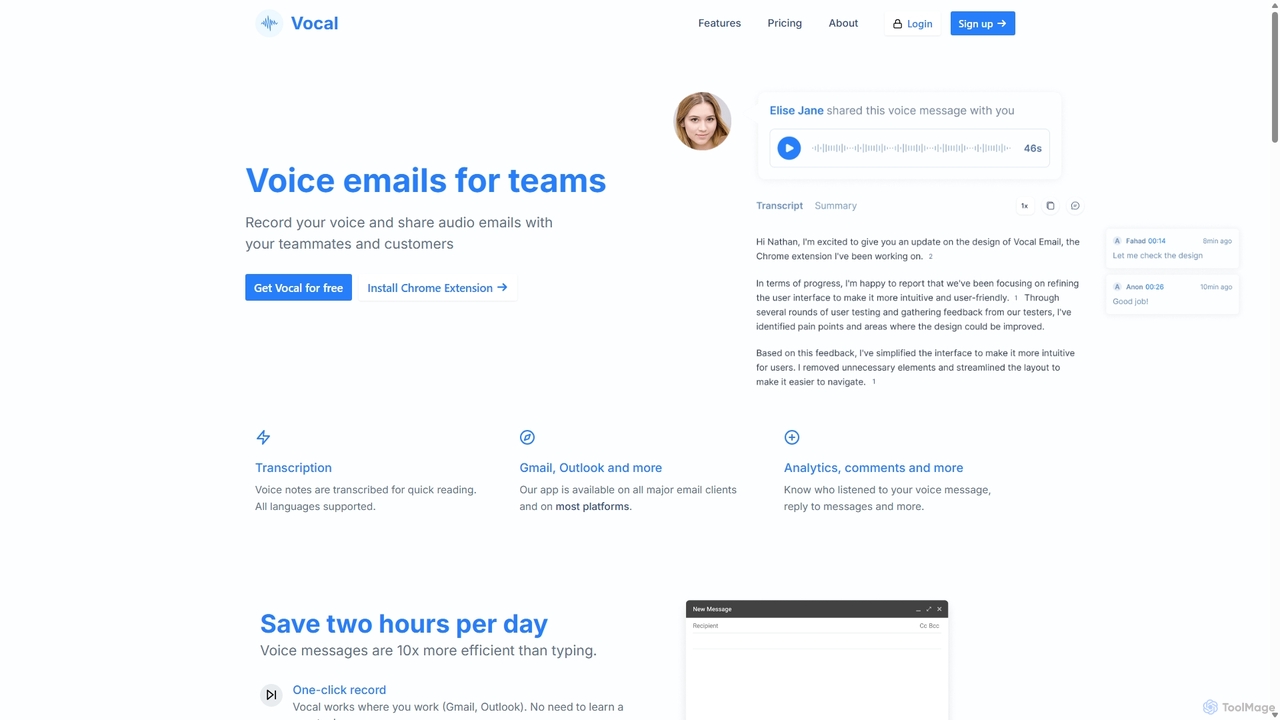
Vocal
Vocal enhances email communication by allowing users to send voice messages directly within Gmail and Outlook. It simplifies sending personal, nuanced audio notes as .mp3 attachments or shareable links, making communication more expressive. Features include automatic transcription, listen insights, and customization options to improve engagement and efficiency.
Messaging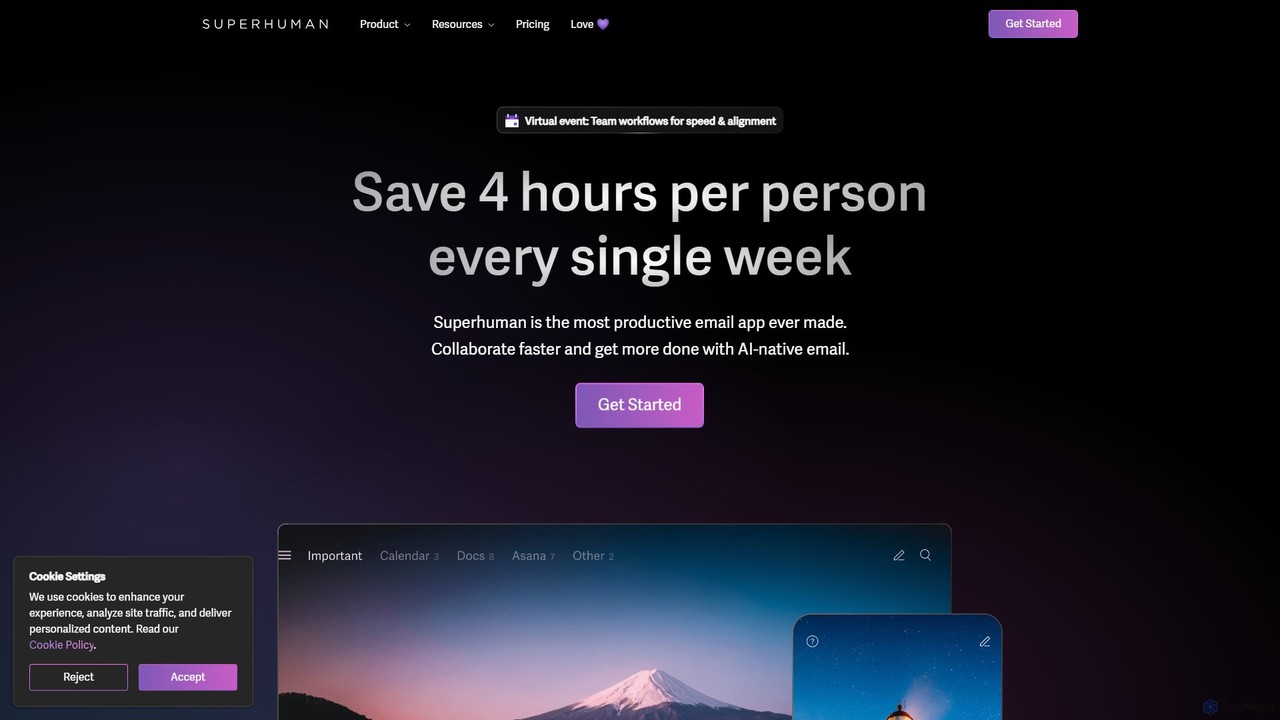
Superhuman
Superhuman is an AI-native email client designed for speed and productivity. It helps high-performing teams and individuals save over 4 hours a week by organizing the inbox, summarizing threads, and drafting emails with AI that matches your personal writing style. It supports Gmail and Outlook, offering a blazingly fast, focused, and collaborative email experience.
Team Collaboration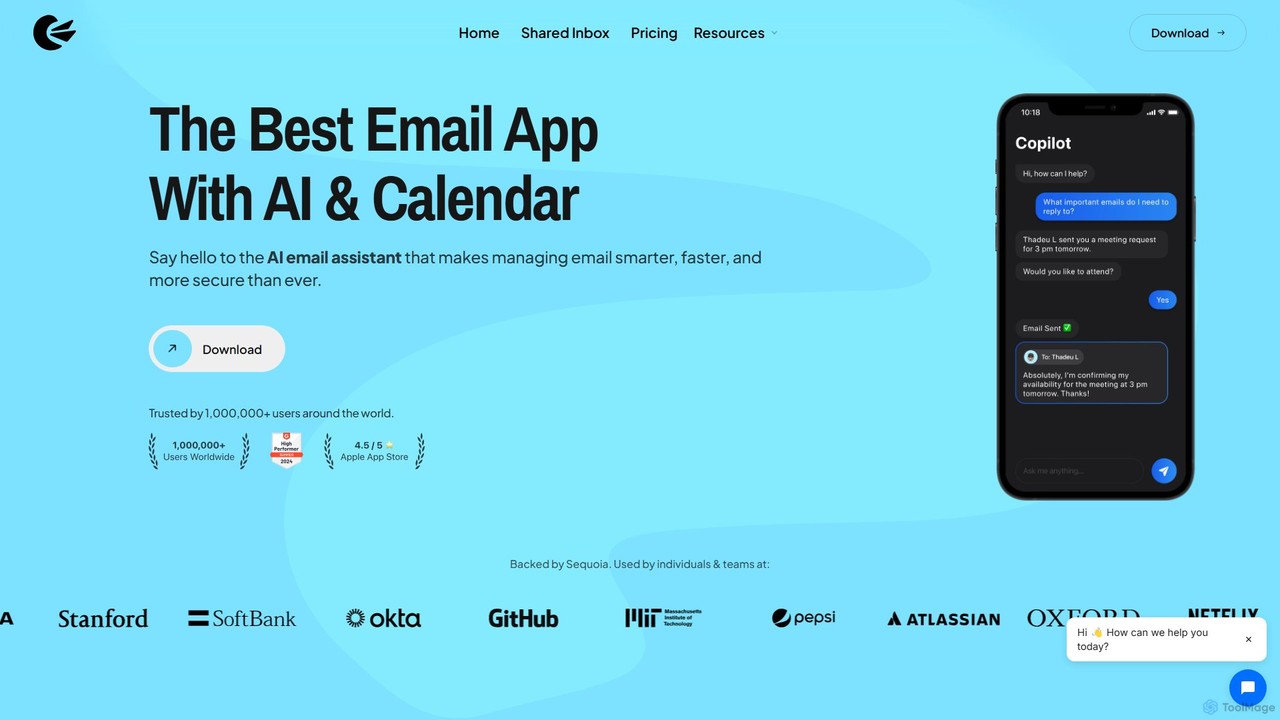
Canary Mail
Canary Mail is a powerful, secure email client for Mac, iOS, Android, and Windows. It features an AI assistant for writing and summarizing emails, a unified inbox for all your accounts, and enterprise-grade security with end-to-end encryption. Ideal for individuals and teams seeking to enhance productivity and protect their communications.
Writing
Mailbutler
Mailbutler is an AI-powered email extension for Apple Mail, Gmail, and Outlook that enhances your inbox. It offers features like email tracking, AI-driven smart compose and summarization, collaborative tools for teams, and professional signature marketing to boost productivity and streamline communication.
Help DeskMailTime Categories
MailTime Embed Widget
Copy this embed code to place the badge on your blog, article, or product site and send readers directly to this ToolMage detail page.

Related AI tools
Friday
Friday is a Y Combinator-backed AI email client designed to revolutionize your inbox. It learns from your email habits to automatically summarize threads, handle routine responses, and filter out junk mail, acting as a personal assistant to help you manage your email at the speed of thought.
Personal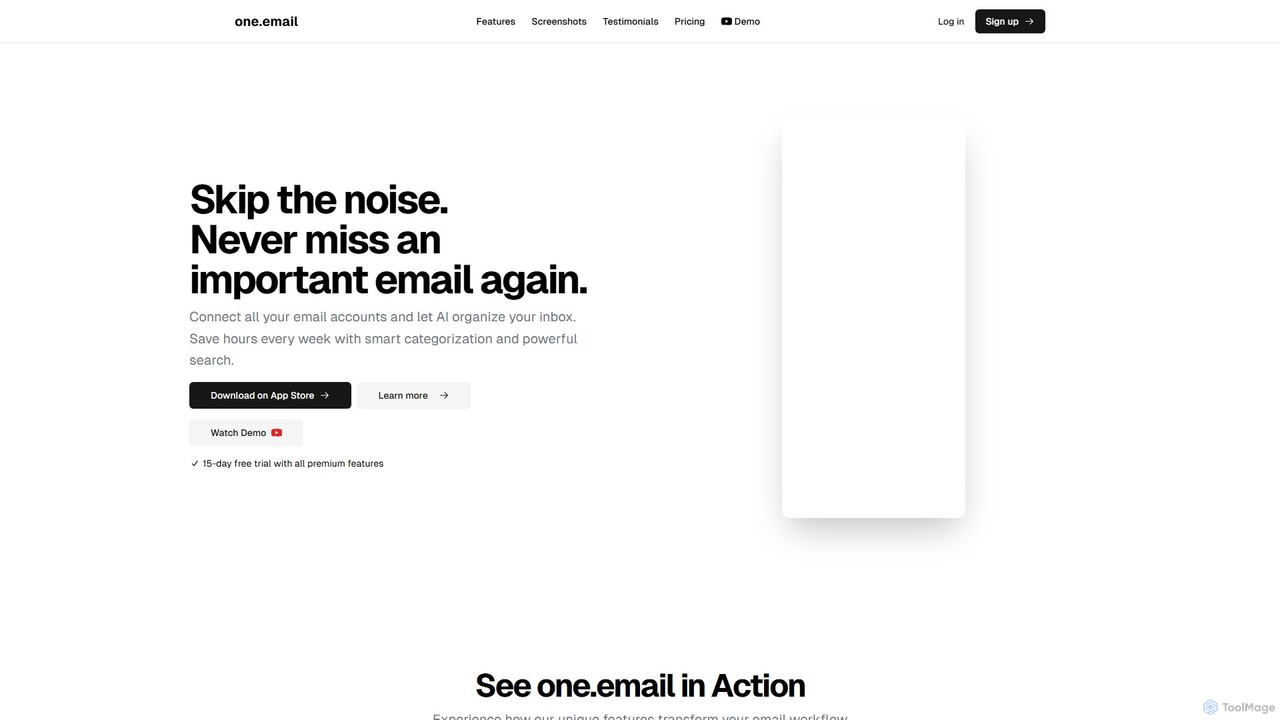
one.email
one.email is an AI-powered email client that transforms your cluttered inbox into a model of clarity. It unifies all your email accounts (Gmail, Outlook, etc.), automatically categorizes messages using AI, and presents conversations in an intuitive chat-style view. With powerful semantic search and simple, plain-English commands for organization, one.email helps you save hours each week and never miss an important message again.
Inbox Management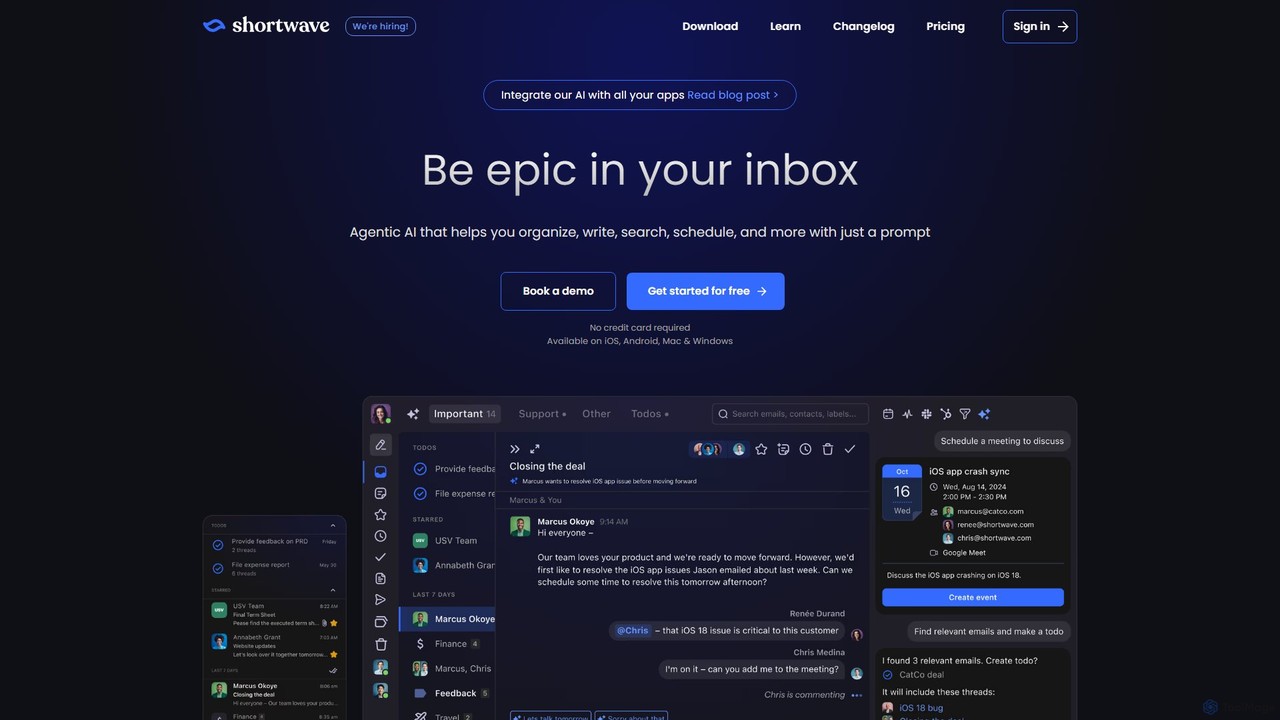
Shortwave
Shortwave is an AI-powered email client designed to supercharge your productivity and team collaboration. It acts as an intelligent assistant for your inbox, helping you organize, write, search, and automate email workflows. By learning your unique writing style and prioritizing important messages, Shortwave transforms your cluttered inbox into an organized workspace, helping you and your team achieve more with less effort.
Writing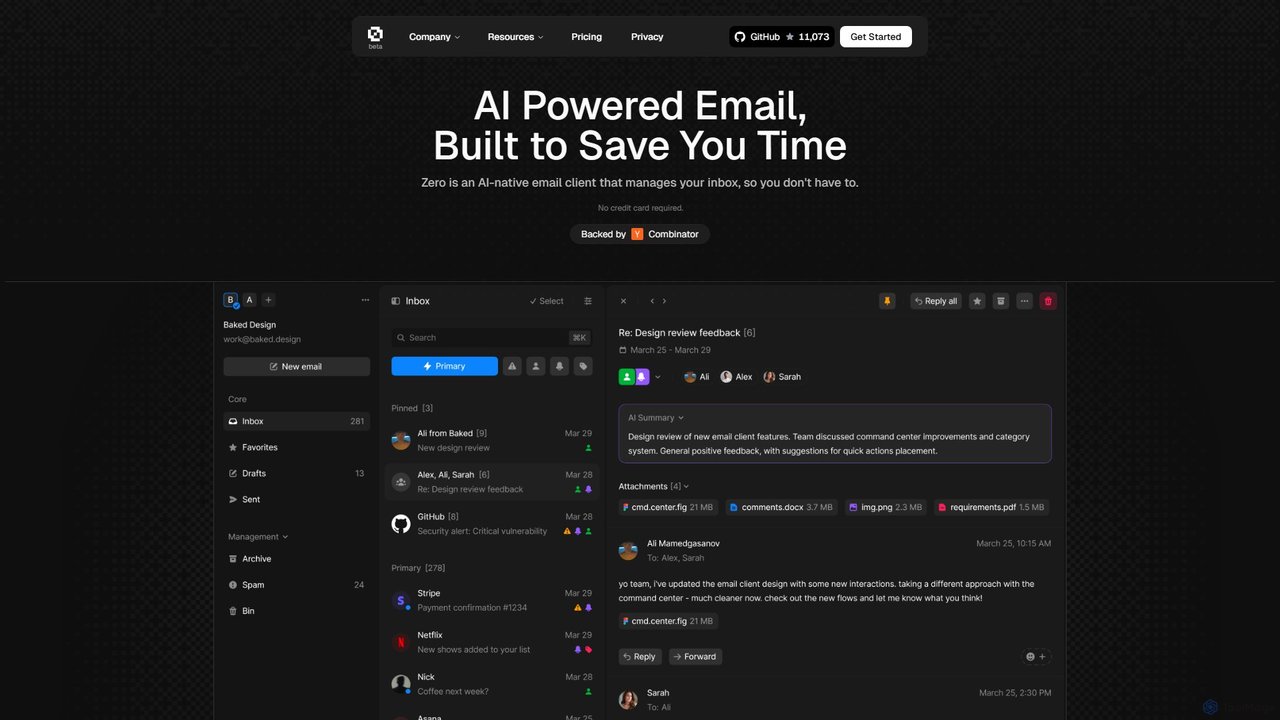
Zero
Zero is an AI-native email client designed to save you time. It automatically manages your inbox by summarizing threads, drafting replies, and extracting action items, allowing you to process emails at lightning speed with a keyboard-first interface.
Personal Assistant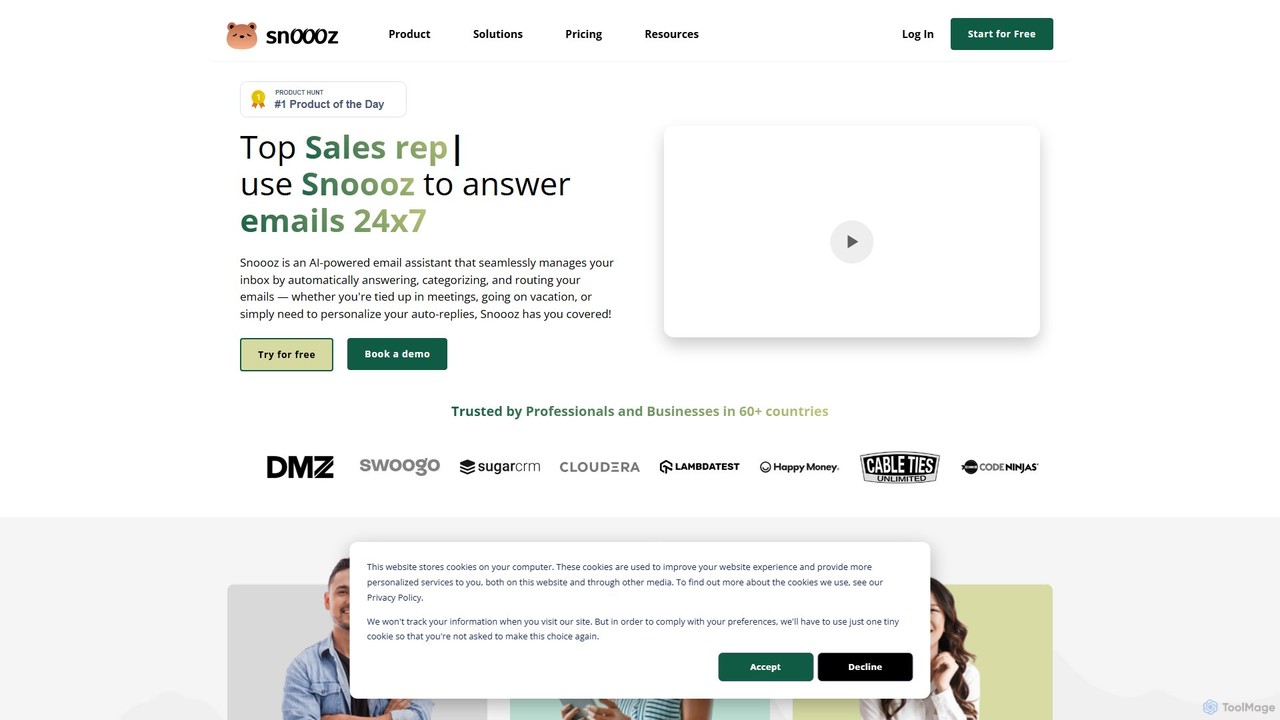
snoooz
snoooz is an AI-powered email assistant that automates your inbox 24/7. It goes beyond standard out-of-office replies by sending personalized, context-aware responses based on sender, sentiment, and language. snoooz automatically categorizes, routes, and triages emails, helping sales, customer success, and HR teams maintain business continuity and engage leads and customers even when they're away.
Help Desk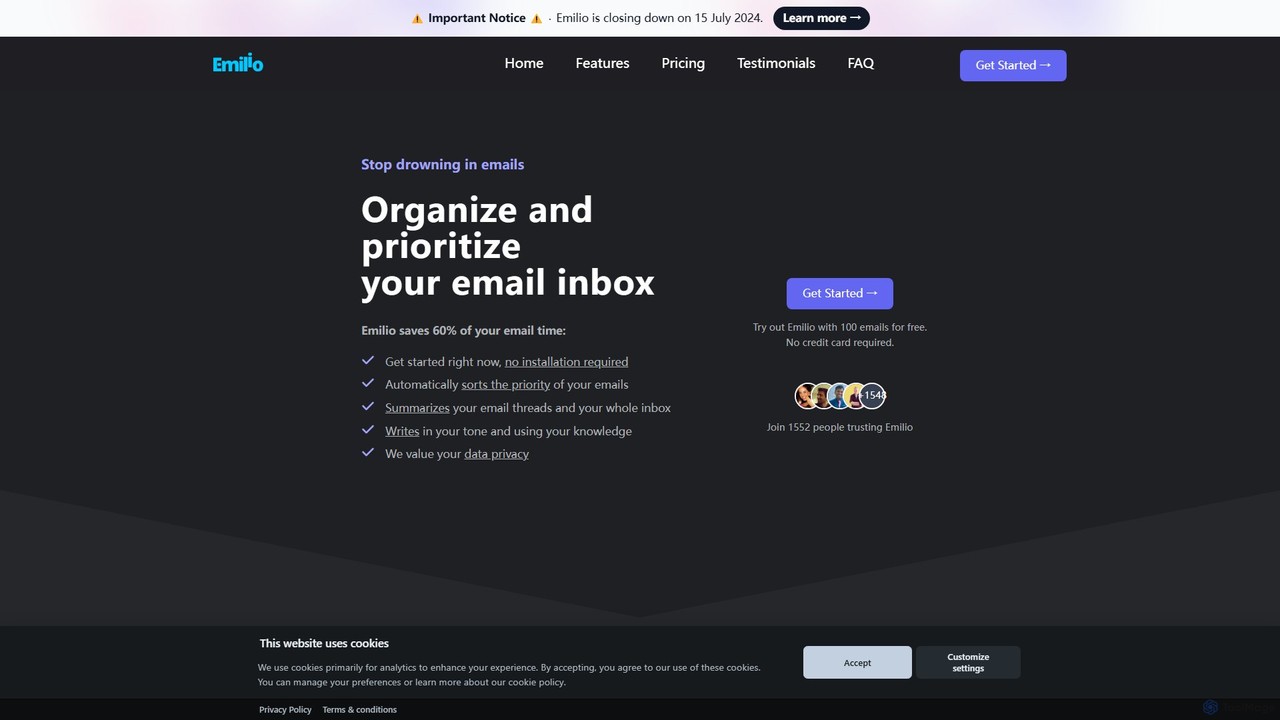
getemil
Emilio is an AI email assistant that intelligently organizes your Gmail inbox. It automatically prioritizes, labels, and summarizes your unread emails, helping you focus on what's important and reclaim your productivity without ever leaving your current email client.
Workflow Management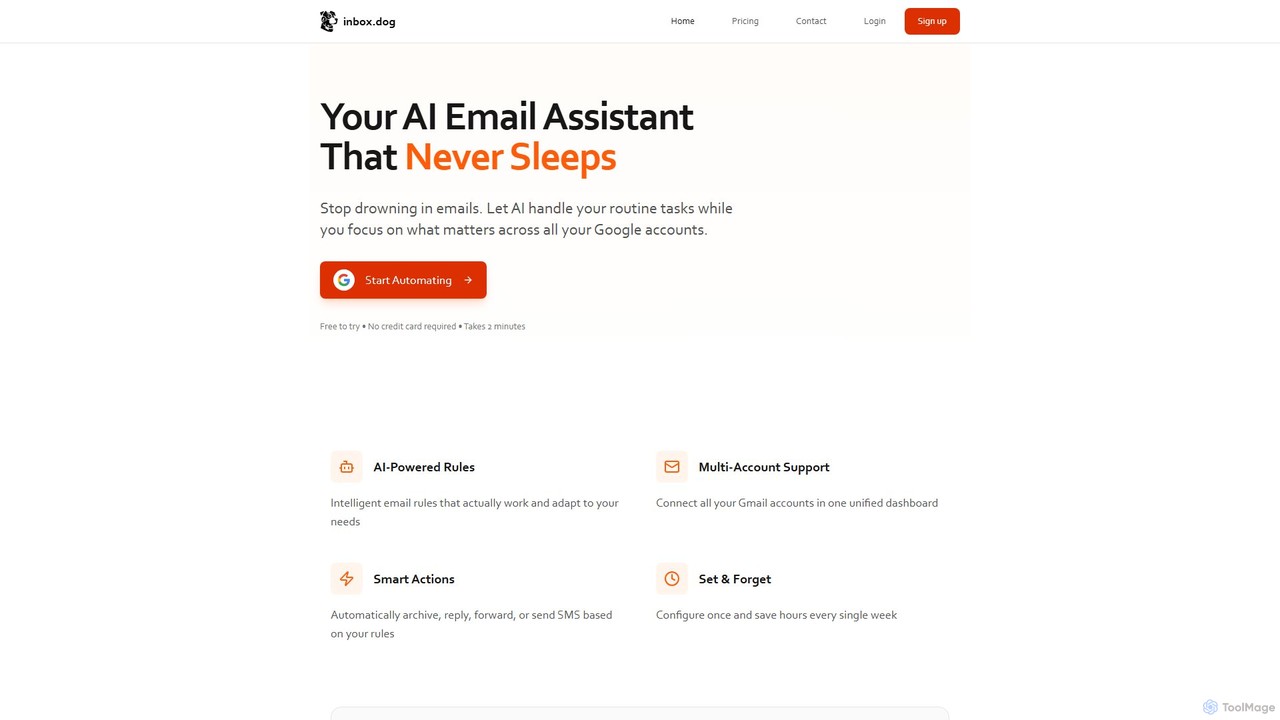
inbox.dog
inbox.dog is an AI-powered email assistant for Gmail that automates your inbox. It uses intelligent rules to handle routine tasks like replying, forwarding, and archiving across all your Google accounts, allowing you to focus on what truly matters. It's designed for freelancers, small businesses, and teams.
Workflow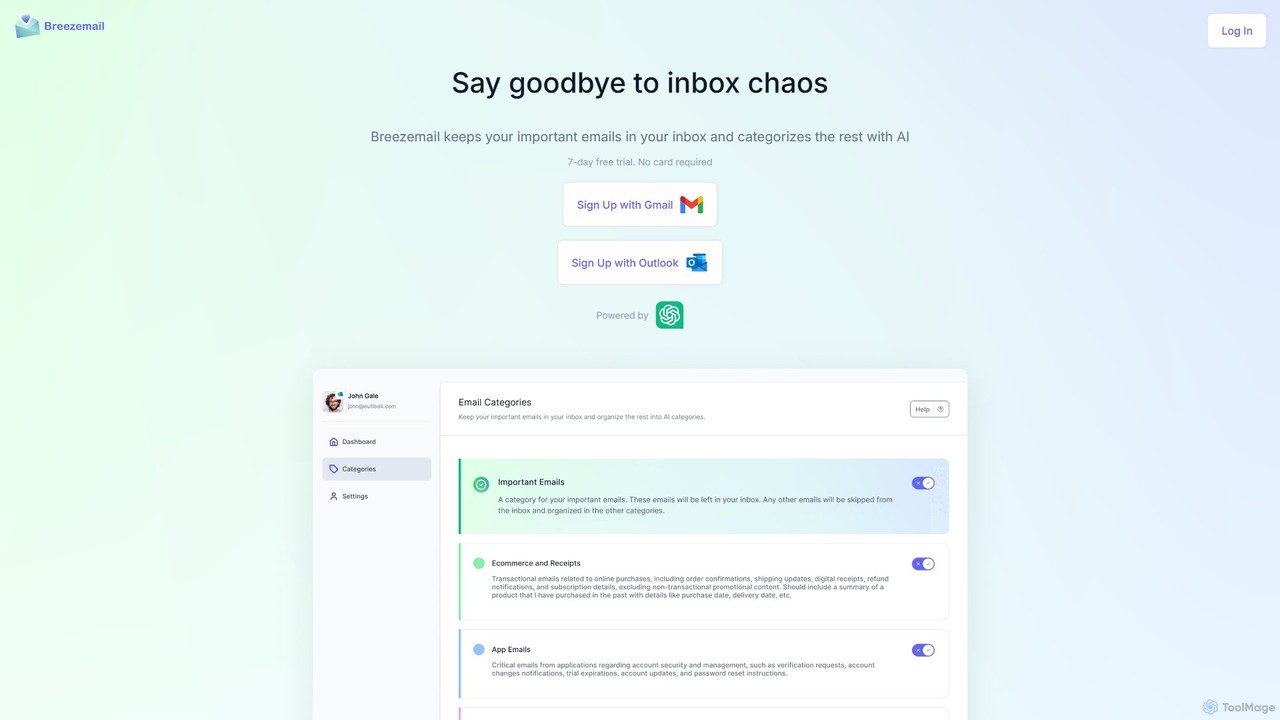
Breezemail
Breezemail is an AI-powered email organizer that automatically categorizes your emails in Gmail and Outlook. By creating custom, intelligent labels, it filters out newsletters and clutter, helping you focus on important conversations and achieve inbox zero effortlessly. Reclaim your productivity and enjoy a clean, organized inbox.
Workflow AutomationSuperhuman
Superhuman is an AI-native email client designed for speed and productivity. It helps high-performing teams and individuals save over 4 hours a week by organizing the inbox, summarizing threads, and drafting emails with AI that matches your personal writing style. It supports Gmail and Outlook, offering a blazingly fast, focused, and collaborative email experience.
Team CollaborationCanary Mail
Canary Mail is a powerful, secure email client for Mac, iOS, Android, and Windows. It features an AI assistant for writing and summarizing emails, a unified inbox for all your accounts, and enterprise-grade security with end-to-end encryption. Ideal for individuals and teams seeking to enhance productivity and protect their communications.
WritingMailbutler
Mailbutler is an AI-powered email extension for Apple Mail, Gmail, and Outlook that enhances your inbox. It offers features like email tracking, AI-driven smart compose and summarization, collaborative tools for teams, and professional signature marketing to boost productivity and streamline communication.
Help Desk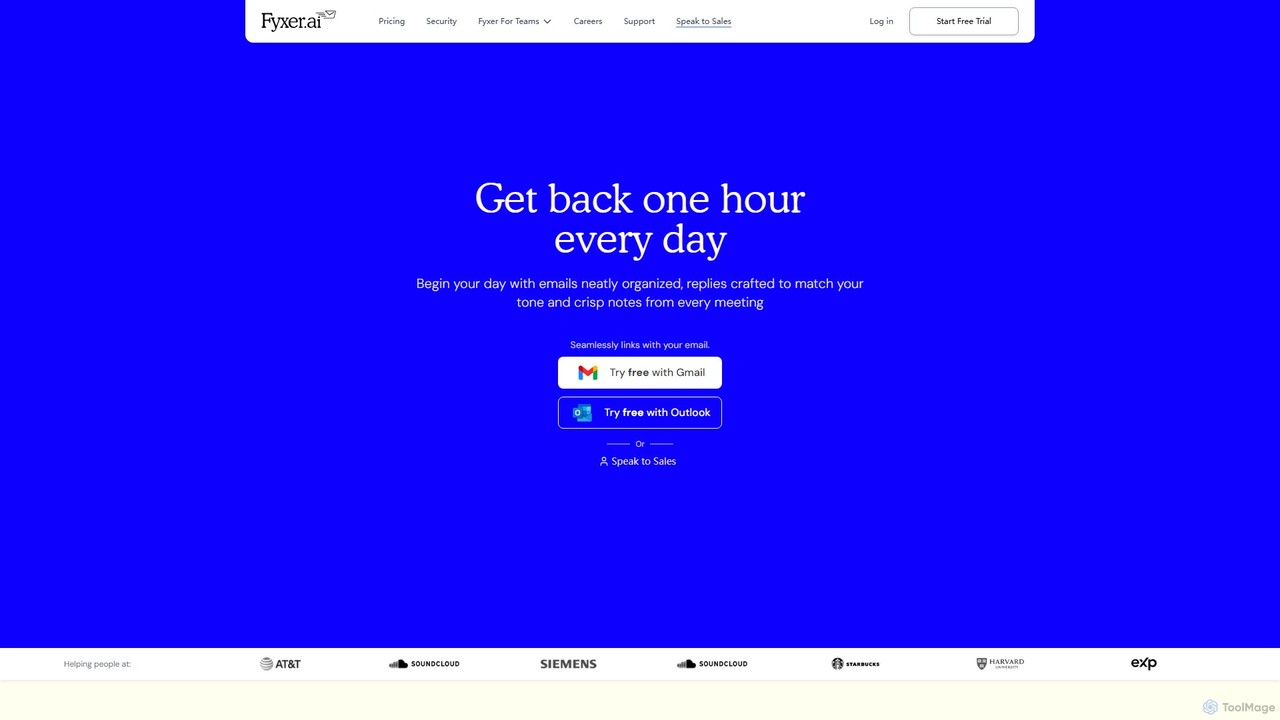
Fyxer
Fyxer is an AI executive assistant that integrates with Gmail and Outlook to save you an hour every day. It automatically sorts your inbox, drafts email replies in your personal tone, and takes detailed notes during your meetings, streamlining your entire workflow.
Automation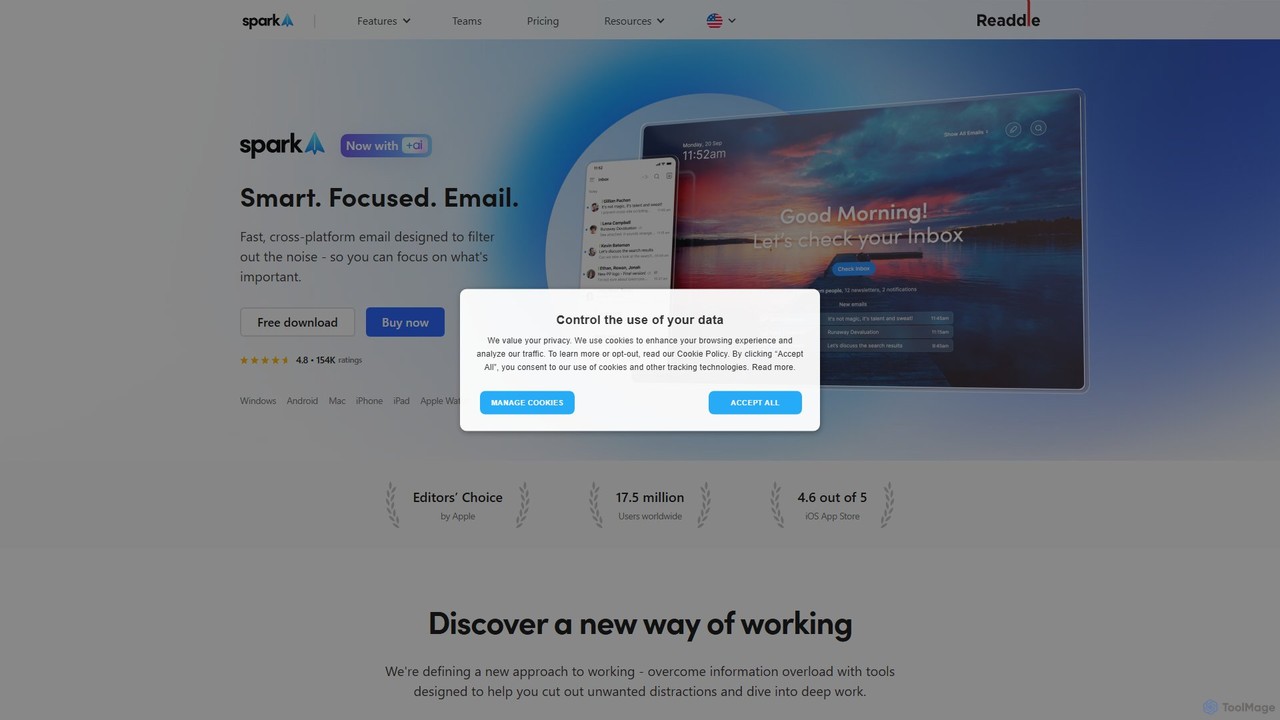
Spark Mail
Spark Mail is an intelligent, cross-platform email client designed to help you focus on what's important. It uses AI to draft emails, summarize threads, and translate messages, while its Smart Inbox filters out noise. With powerful team collaboration features, Spark streamlines your workflow and helps you achieve inbox zero.
Writing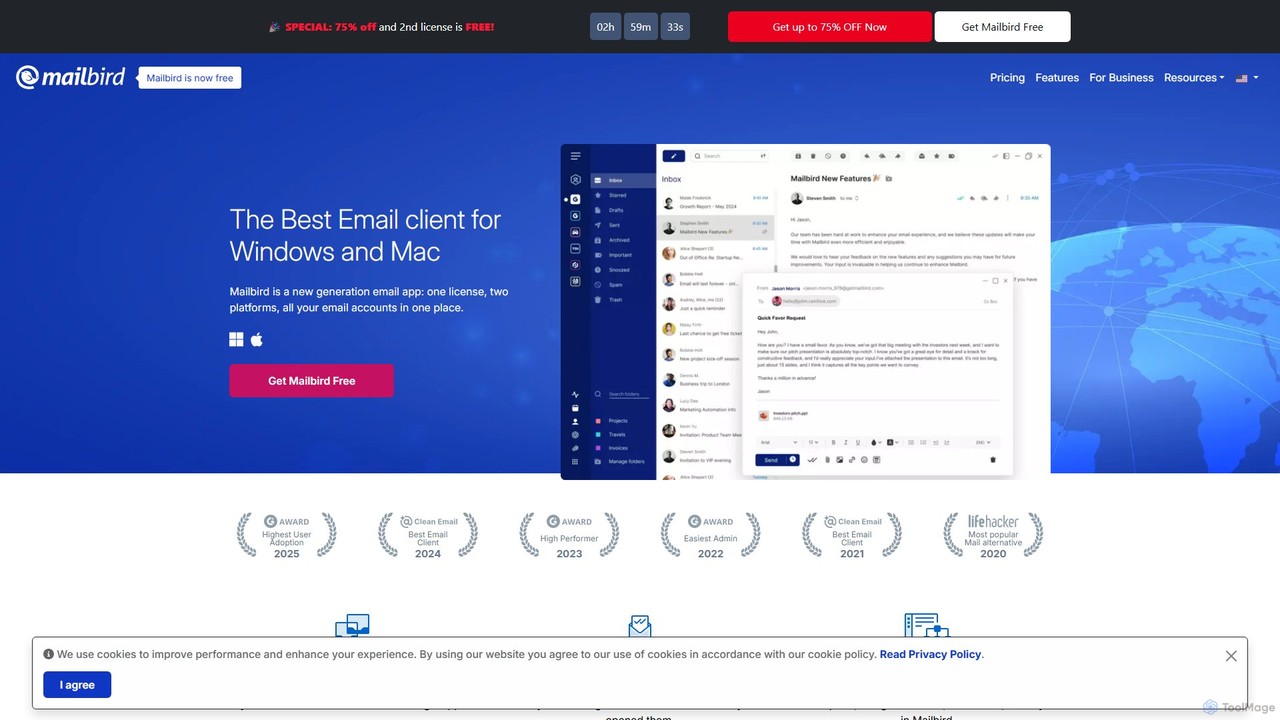
getmailbird
Mailbird is a powerful desktop email client for Windows and Mac that unifies all your email accounts into a single, intuitive interface. It enhances productivity with AI-powered email authoring, seamless app integrations, email tracking, and extensive customization options, creating a centralized communication and workflow hub.
Workflow Automation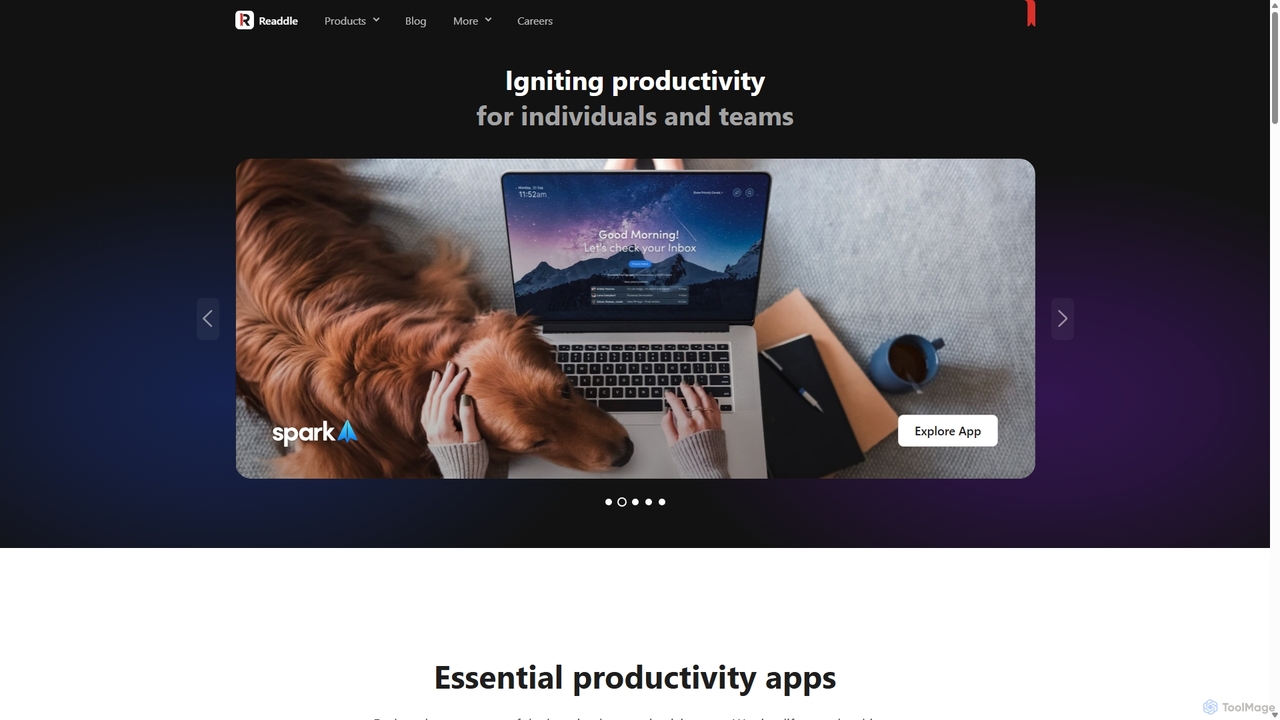
Readdle
Readdle is a leading developer of a suite of award-winning productivity apps for iPhone, iPad, and Mac. Its ecosystem, including PDF Expert, Spark, Calendars, and Scanner Pro, is designed to streamline workflows, enhance efficiency, and simplify digital life for millions of individuals and teams worldwide. By integrating advanced technology like AI, Readdle's apps provide powerful solutions for document management, email, scheduling, and more.
Workflow Automation
MailTime Comments (0)
Sign in to comment.
Sign inNo comments yet.