Mobile Best in category 4 results Utilities AI Tool

Popular AI tools in the Utilities field of Mobile include AnyRecover、MailTime、ohmywallpaper、AiWallz, etc., helping you quickly improve efficiency.

Free
AiWallz

AiWallz

AiWallz is a free AI-powered wallpaper application for iOS and Android. It uses advanced generative AI to create …

2.4K
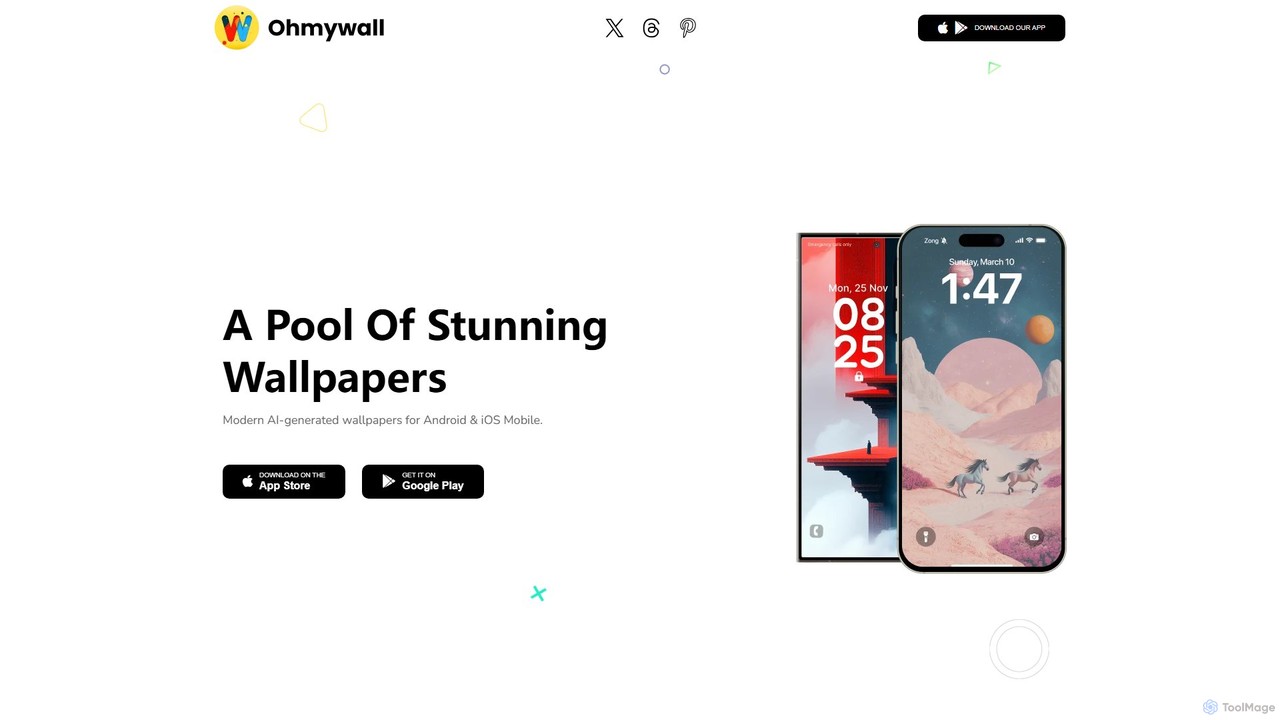
ohmywallpaper

ohmywallpaper

ohmywallpaper is a mobile app offering a unique collection of customizable 3D and 4D animated wallpapers. Browse diverse …

2.5K
MailTime

MailTime

MailTime is an AI-powered email messenger app that transforms your cluttered email threads into clean, chat-like conversations. It …

11.5K
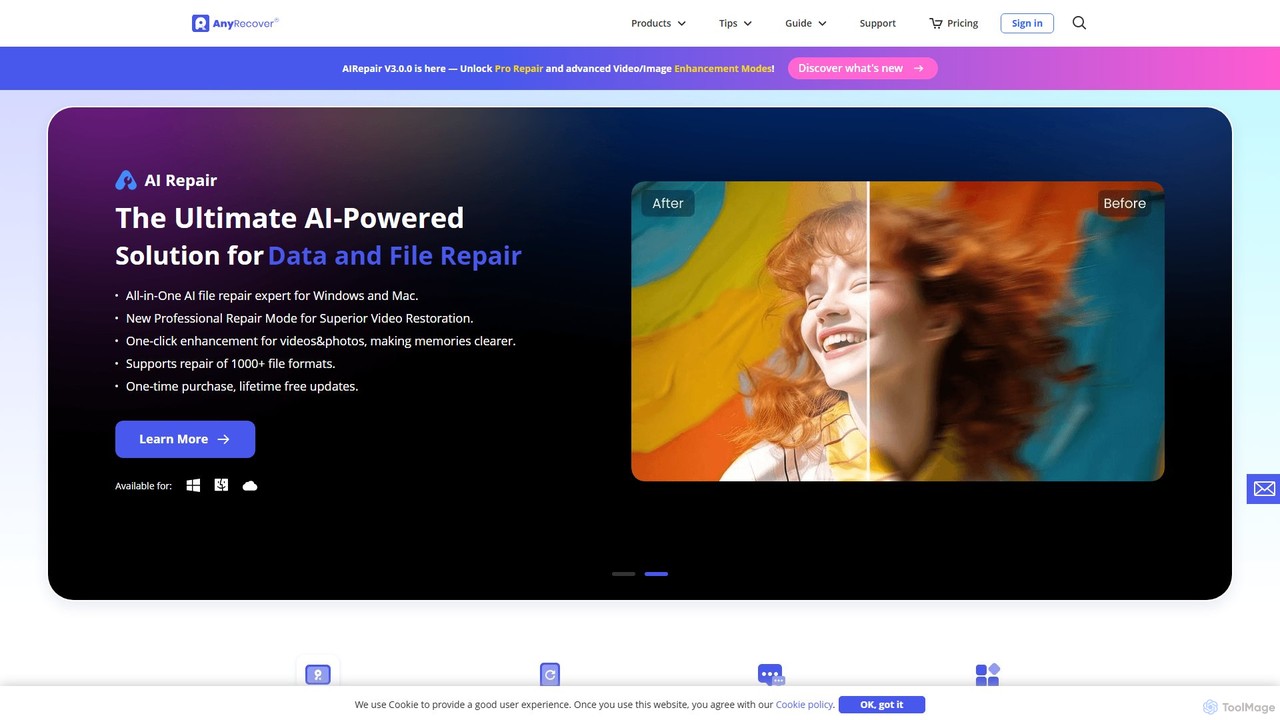
AnyRecover

AnyRecover

AnyRecover is an all-in-one AI-powered data recovery and file repair solution. It restores over 1000 file types from …

228.1K

About Utilities

AI-powered Mobile Utilities are specialized tools designed to enhance the functionality and user experience of smartphones and tablets. Leveraging artificial intelligence, these utilities automate routine tasks, optimize device performance, and provide intelligent assistance directly on mobile platforms. They aim to streamline daily mobile interactions, improve efficiency, and extend device capabilities beyond standard operating system features, making mobile devices smarter and more responsive.

Core Features

  • Smart Device Optimization: AI analyzes usage patterns to optimize battery life, memory, and storage, ensuring peak performance.
  • Automated Task Management: Automates repetitive mobile tasks like file organization, app management, or routine settings adjustments.
  • Intelligent Personal Assistance: Provides context-aware suggestions and automates responses or actions based on user habits and preferences.
  • Enhanced Mobile Security: Utilizes AI for real-time threat detection, privacy monitoring, and secure data management on the device.
  • Adaptive Accessibility: Offers AI-driven features like advanced text-to-speech, image recognition for the visually impaired, or smart input methods.

Applicable Scenarios

Mobile Utilities are invaluable for anyone seeking to maximize their device's potential. Busy professionals can automate routine tasks and optimize performance for critical applications. Students benefit from smart organization and focus tools. Everyday users gain from extended battery life, enhanced security, and a more responsive device experience, making mobile usage more efficient and enjoyable.

How to Choose

When selecting an AI Mobile Utility, consider its specific optimization focus (e.g., battery, storage, security). Evaluate its integration with your device's operating system and other apps. Check for user-friendly interfaces and clear privacy policies regarding data usage. Finally, assess the subscription model or one-time purchase cost relative to the features offered and your usage needs.

UtilitiesUse Cases

1

Optimizing Smartphone Battery Life

A frequent traveler uses an AI mobile utility to intelligently manage their phone's battery. The tool learns their usage patterns, automatically adjusts power settings for less-used apps, and predicts when the battery will run low, suggesting optimal charging times. This ensures their device lasts longer during flights and meetings without constant manual adjustments.

2

Automating File Cleanup and Organization

A content creator with limited phone storage utilizes an AI utility to keep their device clutter-free. The tool automatically identifies duplicate photos, large unused files, and cached data, suggesting or performing deletions. It also intelligently categorizes new downloads, saving time spent manually organizing files and freeing up valuable space.

3

Enhancing Mobile Security and Privacy

An individual concerned about data privacy installs an AI mobile security utility. This tool continuously monitors app permissions, detects suspicious activity in real-time, and alerts them to potential malware or phishing attempts. It also offers smart VPN integration and secure browsing features, protecting personal information during daily mobile use.

4

Personalized Notification Management

A busy professional uses an AI utility to intelligently filter and prioritize mobile notifications. The tool learns which notifications are important based on time, location, and sender, silencing non-urgent alerts during meetings or sleep. This reduces distractions while ensuring critical communications are always seen promptly.

5

Smart App Performance Boosting

A mobile gamer experiences lag during intense gameplay. They use an AI utility that identifies resource-intensive background apps and automatically optimizes system resources, such as RAM and CPU allocation, for their gaming application. This results in smoother gameplay and a more responsive mobile experience without manual app closing.

6

Adaptive Accessibility for Visual Impairment

A user with visual impairment leverages an AI mobile utility that enhances accessibility. The tool uses AI to describe images in social media feeds, read out complex text structures more naturally, and provide intelligent navigation assistance within apps. This significantly improves their ability to interact with digital content independently.

UtilitiesFrequently Asked Questions