ToolMage
Sign in

Best 2 Wallpaper Generator for Design

Popular Wallpaper Generator in Design include ohmywallpaper and freewallpapermaker, helping you work more efficiently.

freewallpapermaker
Free

freewallpapermaker

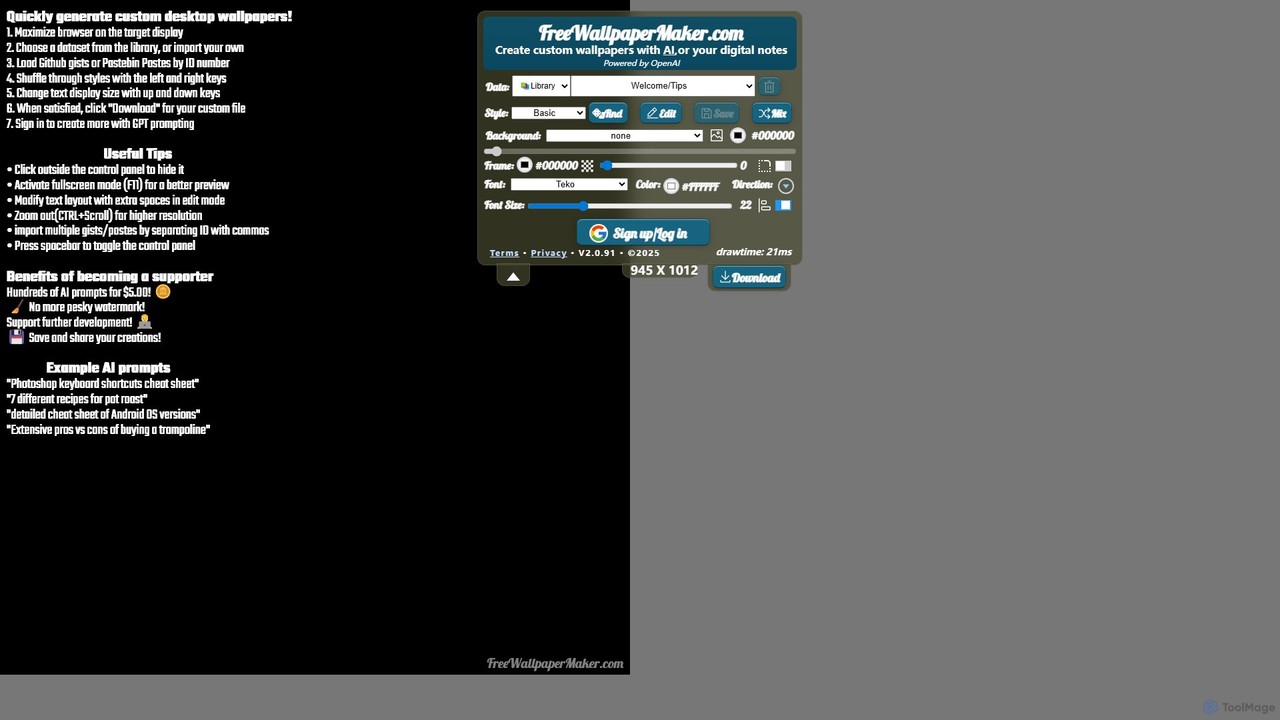
freewallpapermaker is a free AI-powered tool for creating custom informational desktop wallpapers. Transform your desktop into a productivity hub by generating backgrounds with coding cheat sheets, study guides, personal notes, or AI-generated content. Highly customizable with various styles, fonts, and backgrounds.

Wallpaper Generator
Visits 4.8KFavorites 161Likes 173
ohmywallpaper
Freemium

ohmywallpaper

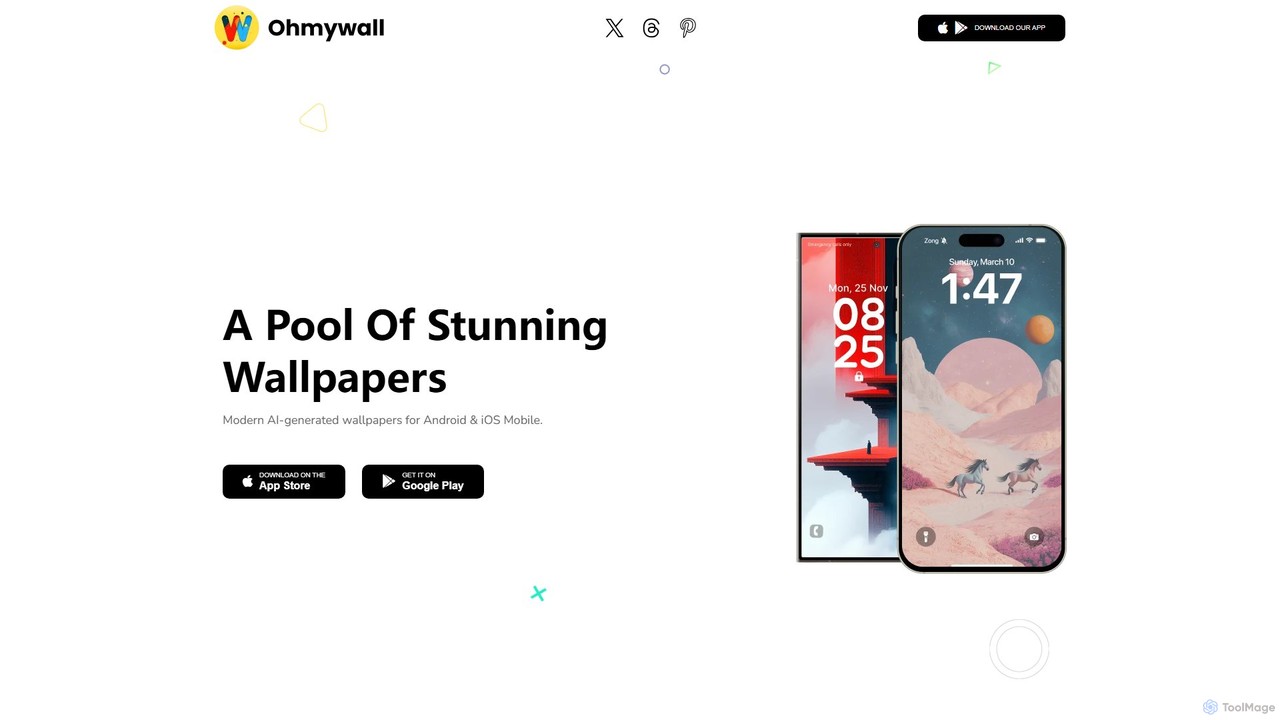
ohmywallpaper is a mobile app offering a unique collection of customizable 3D and 4D animated wallpapers. Browse diverse categories, personalize wallpapers to your style, and easily apply them to your home or lock screen. Download your unique creations for free on iOS and Android.

Wallpaper Generator
Visits 4.8KFavorites 116Likes 124

About Wallpaper Generator

Wallpaper Generators are AI-powered tools that automatically create unique digital backgrounds for various devices. Leveraging advanced generative AI models, they transform text prompts, image inputs, or style preferences into high-resolution wallpapers. These tools empower users to personalize their digital spaces with bespoke visuals, eliminating the need for extensive design skills. They offer unparalleled customization and a vast array of aesthetic possibilities, from abstract art to realistic landscapes, fitting perfectly within the broader Design category.

Core Features

  • Text-to-Image Generation: Create wallpapers from descriptive text prompts, enabling highly customized visuals.
  • Image-to-Image Transformation: Convert existing photos or sketches into stylized wallpapers with AI-driven artistic filters.
  • Style Transfer: Apply artistic styles from one image to another, generating unique and cohesive background aesthetics.
  • Resolution & Aspect Ratio Control: Customize output dimensions and ratios for perfect fit on desktops, mobiles, or tablets.
  • Seamless Pattern Creation: Generate repeating patterns ideal for tiled backgrounds or intricate textures.

Use Cases

Individuals use these tools for personalizing device screens with unique aesthetics, creating themed backgrounds for special events or seasons, and designing custom visuals for digital presentations or streams. Content creators leverage them for distinctive social media banners, while game developers can rapidly prototype environment textures.

How to Choose

When selecting an AI wallpaper generator, prioritize tools offering extensive customization options over style, color, and elements. Evaluate the output quality and resolution to ensure suitability for various screen sizes and professional use. Consider the ease of use, looking for intuitive interfaces for quick and efficient generation. Finally, always review the licensing and usage rights for generated images, especially for commercial applications.

Wallpaper Generator use cases

1

Generate Personalized Desktop Backgrounds

For individuals seeking to refresh their computer or mobile device screens, AI wallpaper generators allow them to input specific themes, colors, or moods. Users can describe a "futuristic city at sunset" or "minimalist geometric patterns," and the tool will produce unique, high-resolution images tailored to their preferences, ensuring a fresh and inspiring digital environment daily.

2

Create Themed Event Wallpapers

Event organizers or party planners can utilize these tools to design custom digital backgrounds that match their event's theme. By inputting keywords like "tropical beach party" or "vintage jazz night," they can generate cohesive visual assets for virtual event platforms, digital invitations, or even physical backdrops, enhancing the overall immersive experience for attendees.

3

Design Unique Social Media Banners

Content creators and social media managers often need eye-catching visuals for their profiles, channels, or posts. Wallpaper generators can produce distinctive banner images for YouTube, Twitch, or X (formerly Twitter) headers. Users can specify brand colors, artistic styles, or specific elements to create professional and branded backgrounds that stand out from generic stock photos.

4

Develop Game Environment Textures

Game developers, especially indie creators, can leverage AI wallpaper generators to quickly prototype and create unique textures for game environments. By describing elements like "ancient stone wall," "alien landscape," or "futuristic metallic floor," they can generate diverse and seamless textures, significantly accelerating the asset creation pipeline and allowing for rapid iteration in game design.

5

Produce Custom Digital Art for Merchandise

Artists and entrepreneurs looking to create unique merchandise (e.g., phone cases, laptop skins, prints) can use these generators to produce original digital art. They can explore various artistic styles and themes, generating exclusive designs that can be printed on products, offering customers personalized and one-of-a-kind items without requiring extensive manual illustration.

6

Visualize Interior Design Concepts

Interior designers or homeowners can use wallpaper generators to visualize how different patterns or artistic styles would look as wall coverings in a virtual space. By inputting descriptions like "Art Deco geometric pattern" or "botanical mural," they can generate mock-ups to experiment with various aesthetic concepts, aiding in design decisions before committing to physical materials.

Wallpaper Generator FAQ

What are AI Wallpaper Generators?

AI Wallpaper Generators are artificial intelligence tools that create custom digital wallpapers based on user inputs. They utilize generative AI models to interpret text prompts, image references, or style preferences, producing unique, high-resolution background images for various devices. Their core appeal lies in enabling personalized visual content without requiring advanced graphic design skills.

How do AI Wallpaper Generators work?

These generators typically employ deep learning models, such as Generative Adversarial Networks (GANs) or diffusion models. Users provide input (text descriptions, style images, or parameters), which the AI processes to understand the desired output. The model then generates an image pixel by pixel, iteratively refining it until it matches the input criteria, often producing multiple variations for selection.

What are the key features to look for in a Wallpaper Generator?

When choosing an AI wallpaper generator, consider features like text-to-image capabilities for creative freedom, image-to-image transformation for stylizing existing photos, and robust style transfer options. Look for tools that offer control over resolution, aspect ratio, and output formats. Additionally, check for options to generate seamless patterns and user-friendly interfaces for ease of use.

Can I use AI-generated wallpapers for commercial purposes?

The commercial use of AI-generated wallpapers depends entirely on the specific tool's licensing terms. Some platforms offer free commercial use, while others require a subscription, attribution, or prohibit commercial use altogether. Always review the terms of service and licensing agreements of the AI wallpaper generator you are using to ensure compliance with intellectual property and usage rights.

How do Wallpaper Generators differ from general AI Image Generators?

While both use AI to create images, Wallpaper Generators are specifically optimized for producing digital backgrounds. They often include features tailored for wallpapers, such as aspect ratio presets for various devices, seamless pattern generation, and high-resolution outputs suitable for screen display. General AI Image Generators are broader, focusing on diverse image creation without specific optimization for background use.