

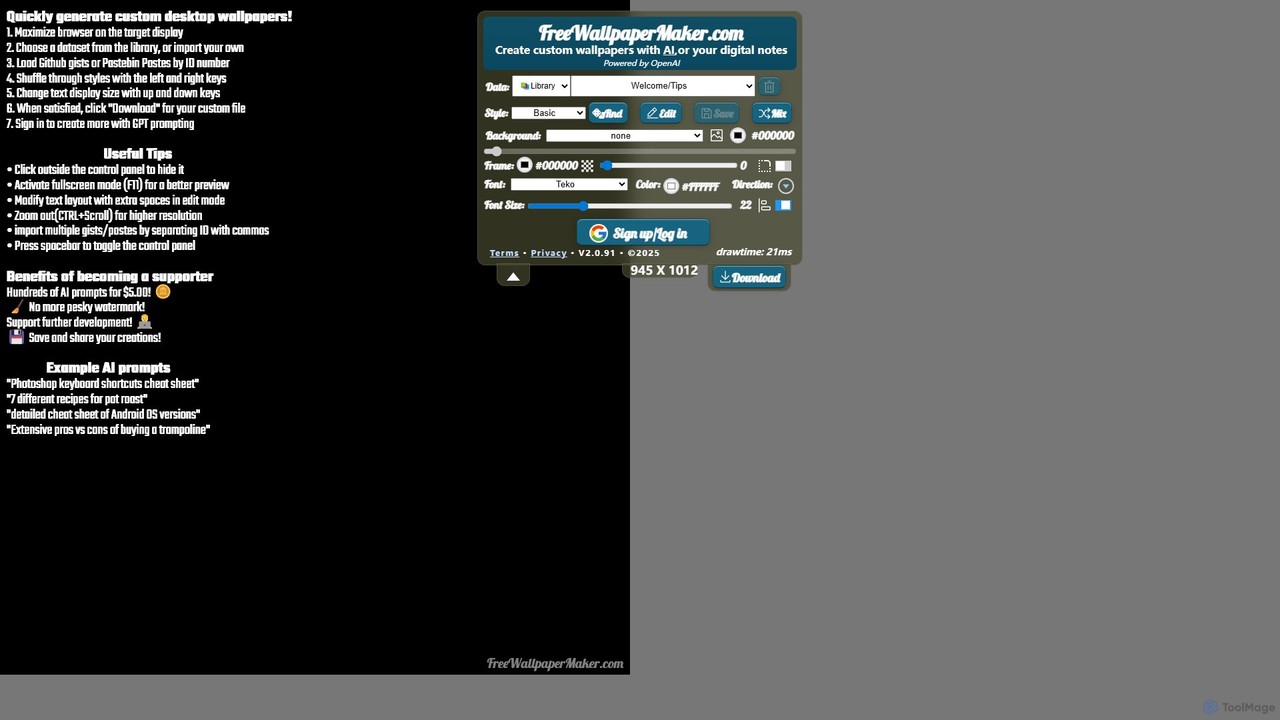
freewallpapermaker Overview
freewallpapermaker is an innovative and completely free online tool that reimagines your desktop background as a dynamic, informational, and productive space. Powered by OpenAI, this tool allows you to generate custom wallpapers that are not just visually appealing but also serve as practical references, cheat sheets, or digital note boards. Instead of a static image, your desktop can now display useful information that you need to see at a glance, from coding commands and study notes to time zone conversions and personal to-do lists.
The platform is designed for a wide range of users, including developers, students, professionals, and anyone looking to enhance their productivity and personalize their digital workspace. It seamlessly blends data with design, offering a rich library of pre-made content and extensive customization options to create a wallpaper that is uniquely yours and perfectly suited to your needs.
How to use freewallpapermaker
Creating your personalized informational wallpaper is a simple and intuitive process that requires no sign-up for its core features:
- Select Your Data Source: Begin by choosing the content for your wallpaper. You can select from a built-in Library of useful cheat sheets and guides, such as Macbook Keyboard Shortcuts, Linux Console Commands, Trigonometry Study Guides, and more. Alternatively, you can use the AI feature to generate content on any topic, or simply paste your own text from sources like GH Gists or PasteBin.
- Customize the Style: Define the overall aesthetic of your wallpaper by choosing from a diverse range of styles. Options include 'Basic', 'Console', 'Woodsy', 'Starry', 'Bluescreen', and many others, each providing a distinct look and feel.
- Choose a Background: Enhance your wallpaper with a background. You can opt for a solid color, or select from a vast collection of textures and images like 'White Marble', 'Starry Nebula', 'Dark Circuit', 'Books', 'Corkboard', and more.
- Fine-Tune the Details: Personalize every element to your liking. Adjust the frame color, select from a wide variety of fonts (from professional like 'Arial' to stylized ones like 'Black Ops One'), set the font size and color, and choose the text direction.
- Live Preview and Edit: All your changes are reflected in a real-time preview canvas. You can mix and match different elements, edit the text directly on the canvas, and see exactly how your wallpaper will look.
- Download: Once you are satisfied with your creation, simply click the 'Download' button to save the high-resolution wallpaper image to your computer and set it as your desktop background.
Core Features of freewallpapermaker
- AI Content Generation: Leverages OpenAI to generate text and information on virtually any subject, allowing for truly unique and personalized wallpaper content.
- Extensive Content Library: Comes pre-loaded with a rich collection of "digital notes" and cheat sheets for developers (AWS CLI, NPM, Markdown), students (Trigonometry), and general users (Time Zones, Poker Hands, Conversions).
- Deep Customization Suite: Offers granular control over the wallpaper's appearance, including dozens of styles, backgrounds, a large font library, and full color customization for text and frames.
- Multiple Data Inputs: Supports content from its library, AI generation, direct text paste, and integrations with PasteBin and GitHub Gists.
- Real-Time WYSIWYG Editor: What You See Is What You Get. The live editor ensures that you can design your wallpaper with precision and see the final result as you build it.
- Icon Organizer Template: A special template designed to help you arrange your desktop icons neatly around your informational content.
- No Account Required: The core functionality is accessible immediately without the need for registration, making it quick and easy to get started.
Use Cases for freewallpapermaker
For Developers & IT Professionals: Keep essential command-line syntax (Linux, Windows, AWS, NPM), keyboard shortcuts, or Markdown formatting rules permanently on your screen. This eliminates the need to constantly search for common commands, boosting workflow efficiency.
For Students: Create the ultimate study aid by turning your desktop into a cheat sheet for trigonometry formulas, historical dates, vocabulary lists, or key concepts for an upcoming exam. Constant visibility aids memorization.
For Business Professionals: Display a list of major cities by time zone to coordinate international meetings, keep a running to-do list, or post motivational quotes and team goals to stay focused throughout the day.
For Content Creators & Designers: Use the wallpaper to keep project briefs, color hex codes, or content ideas visible. It can serve as a digital mood board or a quick reference guide.
Advantages of freewallpapermaker
- Enhanced Productivity: By keeping crucial information in your line of sight, the tool reduces context switching and minimizes the time spent searching for information, allowing you to stay focused on your tasks.
- Completely Free: The tool is offered at no cost, providing immense value without any financial commitment.
- Highly Versatile and Practical: It transforms a purely aesthetic element (the wallpaper) into a functional and practical tool tailored to the user's specific needs.
- User-Friendly and Accessible: The intuitive web-based interface makes it easy for anyone, regardless of technical skill, to design a professional-looking and useful wallpaper in minutes.
- Promotes Learning: For students and learners, the constant, passive exposure to information on their desktop can significantly improve information retention and recall.
Pricing and Plans
freewallpapermaker is a completely free tool. All features, including AI generation, the full library of templates, and all customization options, are available to users at no cost. There are no hidden fees, subscription plans, or premium tiers mentioned on the website. Users can create and download an unlimited number of wallpapers for free.
freewallpapermaker Alternatives
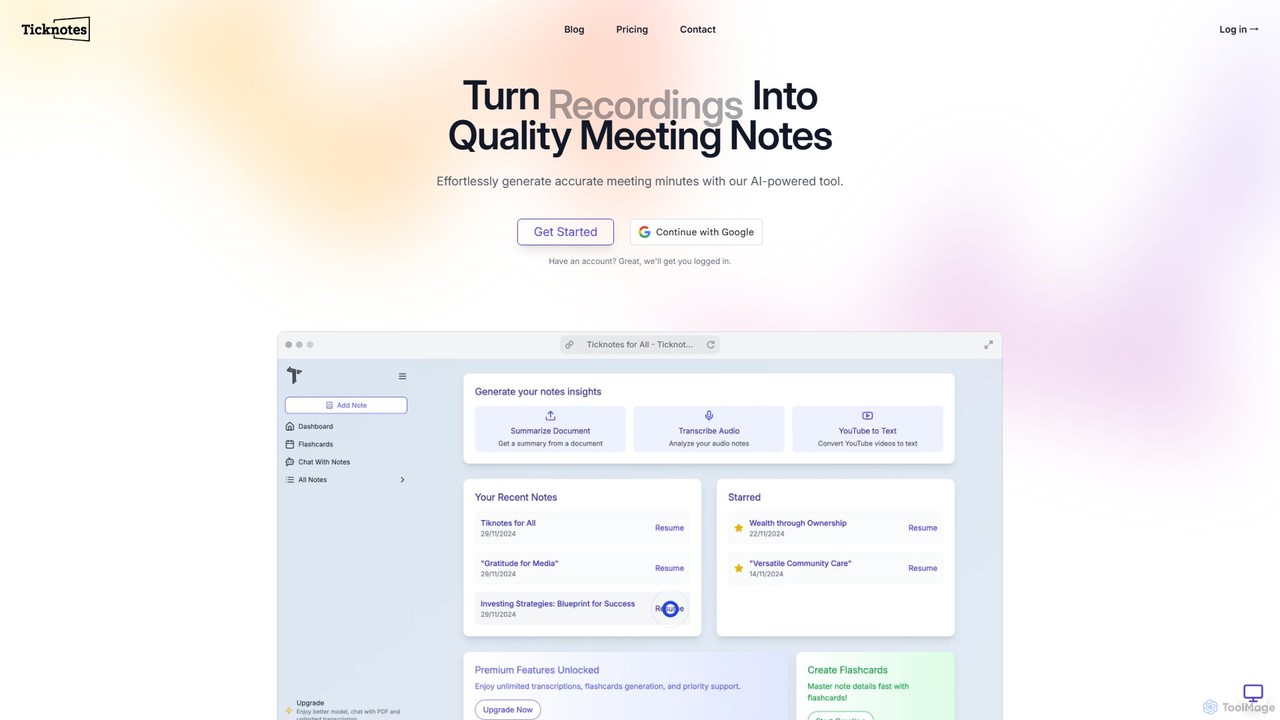
Ticknotes
Ticknotes is an AI-powered tool that transcribes and summarizes meetings, lectures, and YouTube videos. It transforms audio and documents into searchable notes, interactive Q&A sessions, and study flashcards. Designed for students and professionals, it streamlines information capture, enhances comprehension, and boosts productivity by automating the note-taking process.
Transcription
mapmindai
mapmindai is an AI-powered mind mapping tool that transforms your ideas, notes, and documents into clear, beautiful visual diagrams. Simply provide a central topic or text, and our AI will automatically generate a structured mind map, helping you brainstorm, organize thoughts, and plan projects with unprecedented speed and ease. It's perfect for students, professionals, and creatives looking to unlock their full potential.
Planning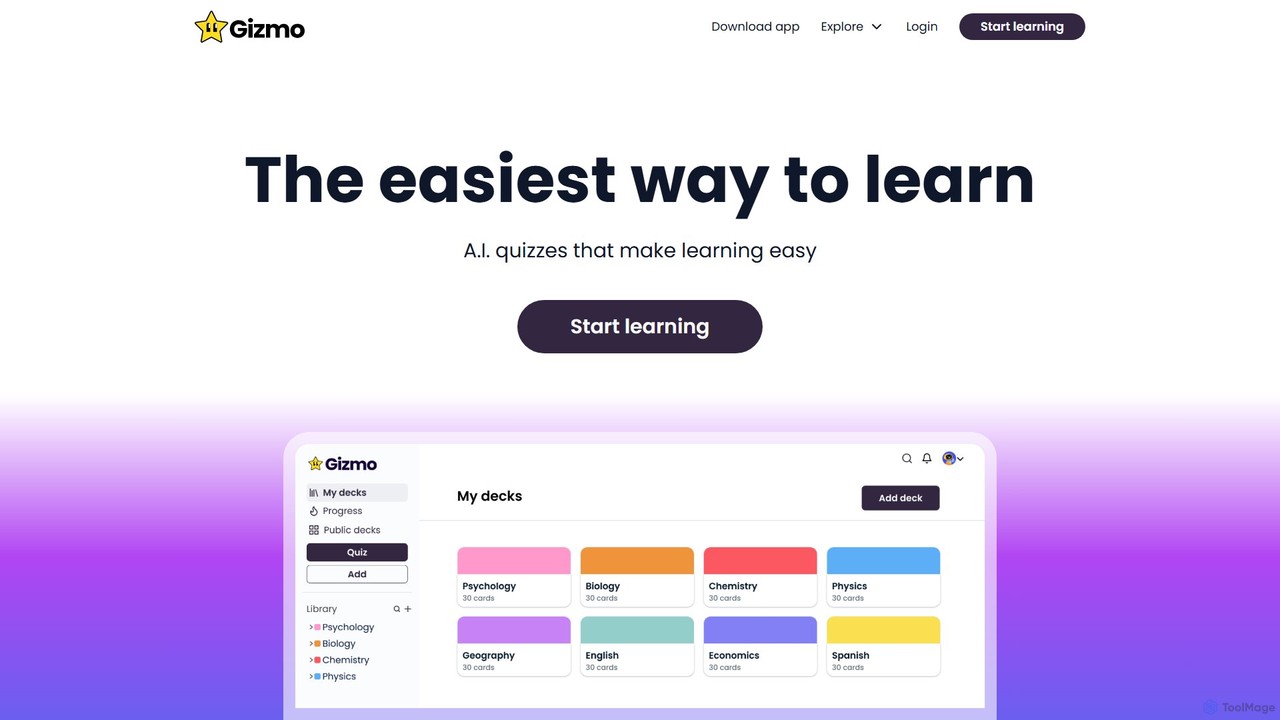
Gizmo
Gizmo is an AI-powered learning platform designed to help students study more effectively. It uses AI to automatically create flashcards and quizzes from various materials like PDFs, YouTube videos, and notes. By leveraging spaced repetition and active recall, Gizmo makes learning easier and helps improve grades.
Flashcards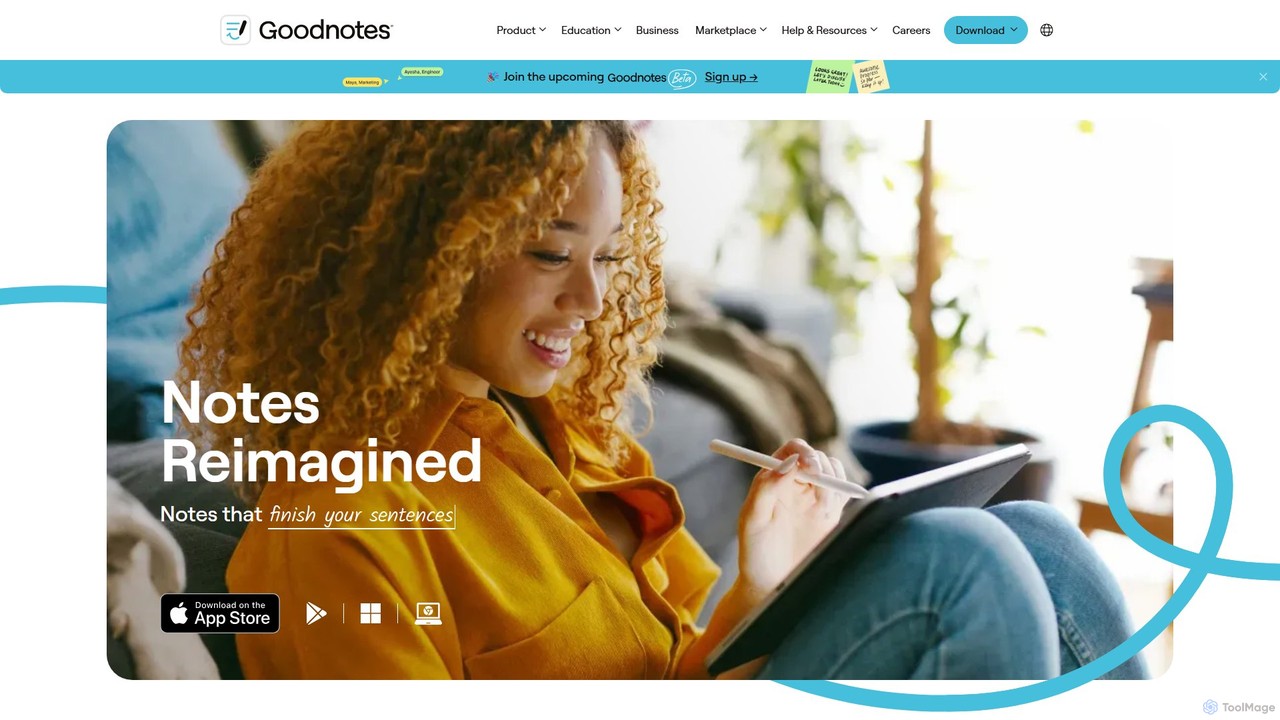
Goodnotes
Goodnotes is a leading digital note-taking app that enhances the handwriting experience with powerful AI features. It allows users to create, organize, and search handwritten notes, annotate PDFs, and study with interactive flashcards. Available across iOS, Android, Windows, and Web, it's designed for students, professionals, and anyone looking to digitize their notebooks and boost productivity.
Document Management
Revisely
Revisely is an AI-powered learning platform that helps students, teachers, and professionals create interactive study materials. Instantly generate flashcards, quizzes, and summaries from your notes, documents, or videos to accelerate learning and boost productivity.
Study Toolsfreewallpapermaker Categories
freewallpapermaker Embed Widget
Copy this embed code to place the badge on your blog, article, or product site and send readers directly to this ToolMage detail page.

Related AI tools
Ticknotes
Ticknotes is an AI-powered tool that transcribes and summarizes meetings, lectures, and YouTube videos. It transforms audio and documents into searchable notes, interactive Q&A sessions, and study flashcards. Designed for students and professionals, it streamlines information capture, enhances comprehension, and boosts productivity by automating the note-taking process.
Transcriptionmapmindai
mapmindai is an AI-powered mind mapping tool that transforms your ideas, notes, and documents into clear, beautiful visual diagrams. Simply provide a central topic or text, and our AI will automatically generate a structured mind map, helping you brainstorm, organize thoughts, and plan projects with unprecedented speed and ease. It's perfect for students, professionals, and creatives looking to unlock their full potential.
Planning
Z.ai
Z.ai is a powerful, free AI assistant powered by the advanced GLM-4.5 model. It's more than just a chatbot, offering a suite of integrated tools for coding, creating presentations, designing, and conducting research. Z.ai aims to be an all-in-one productivity platform, streamlining complex tasks through a simple conversational interface.
Code Assistant
clck
clck is a free, fast, and reliable URL shortening service powered by Yandex. It allows users to instantly convert long, cumbersome links into short, manageable ones. The service also includes a built-in QR code generator and provides a free API for developer integration, making it a versatile tool for marketers, developers, and general users.
Api
brain.fm
brain.fm provides science-backed, AI-generated functional music designed to dramatically improve focus, relaxation, and sleep. By creating soundscapes that gently steer your brain into a desired state, it helps you eliminate distractions, enhance productivity, and achieve deep rest without the interruptions of traditional music.
Music Generation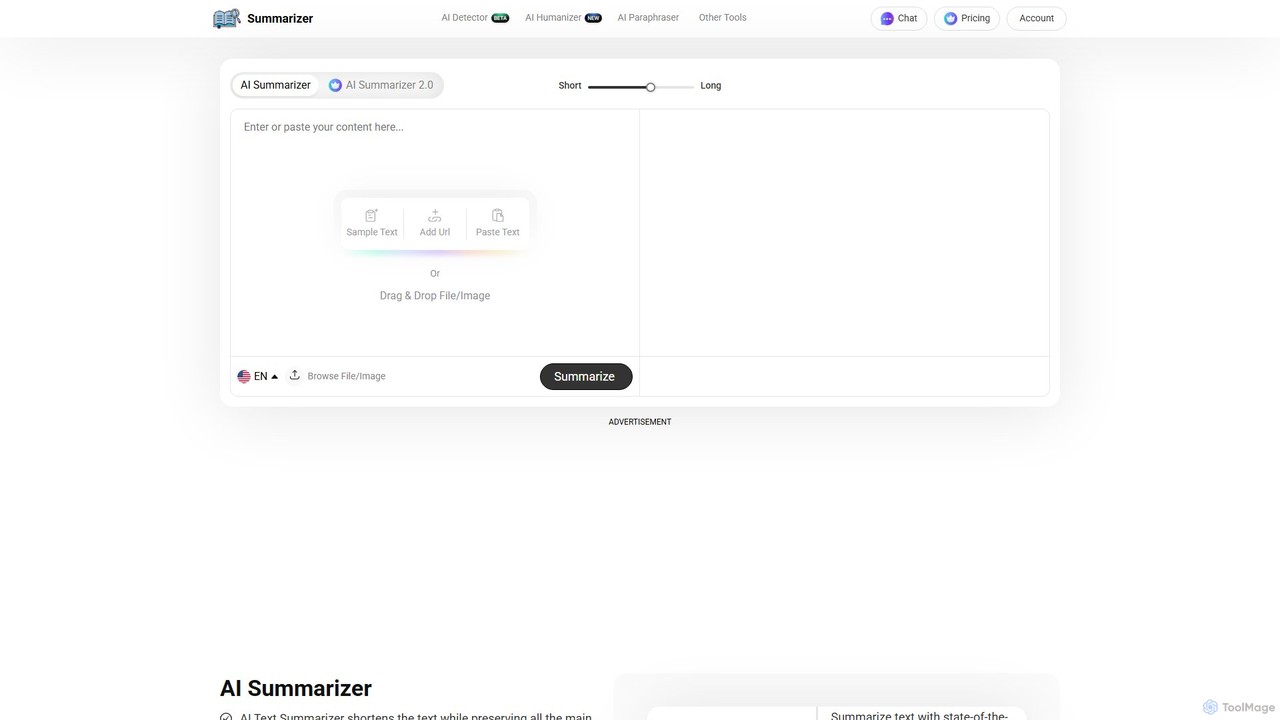
Summarizer
Summarizer is an AI-powered tool that condenses long texts, articles, and documents into concise, easy-to-digest summaries. It supports multiple languages, allows users to adjust summary length, and can process content directly from URLs. Ideal for students, researchers, and professionals looking to save time and increase productivity.
Research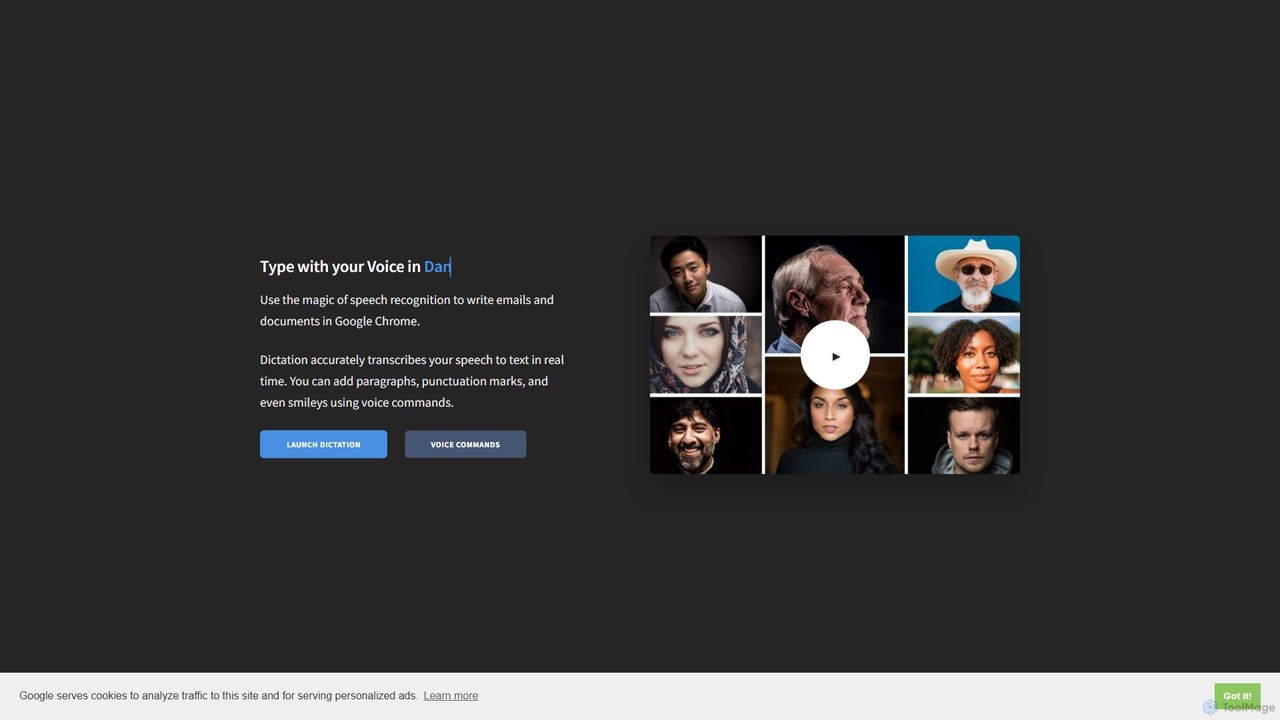
Dictation.io
Dictation.io is a free, web-based speech-to-text application that allows you to type with your voice in over 100 languages. It uses Google's speech recognition for fast, real-time transcription directly in your Chrome browser, with no data stored online, ensuring privacy.
Speech To Text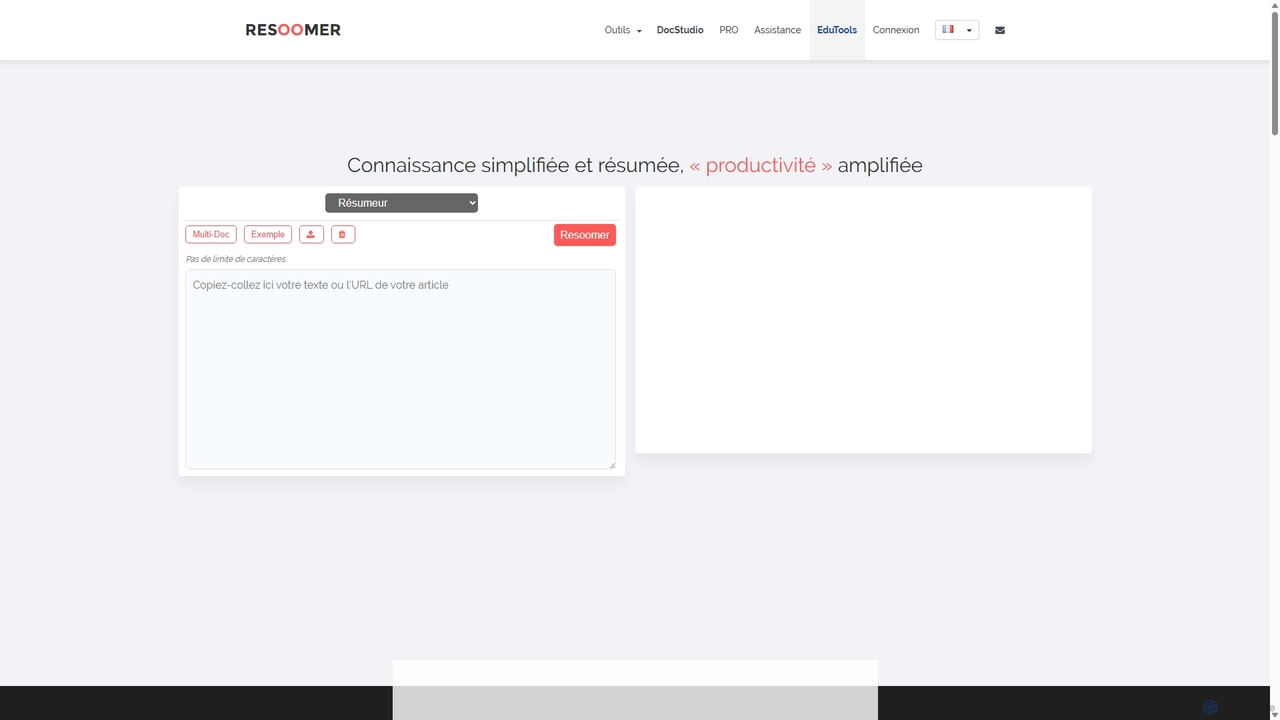
Resoomer
Resoomer is an AI-powered online tool and browser extension for automatic text summarization. It helps students, academics, journalists, and professionals quickly condense long articles, reports, and documents into concise, digestible summaries. By identifying key ideas and arguments, Resoomer enhances reading efficiency and research productivity across multiple languages.
Study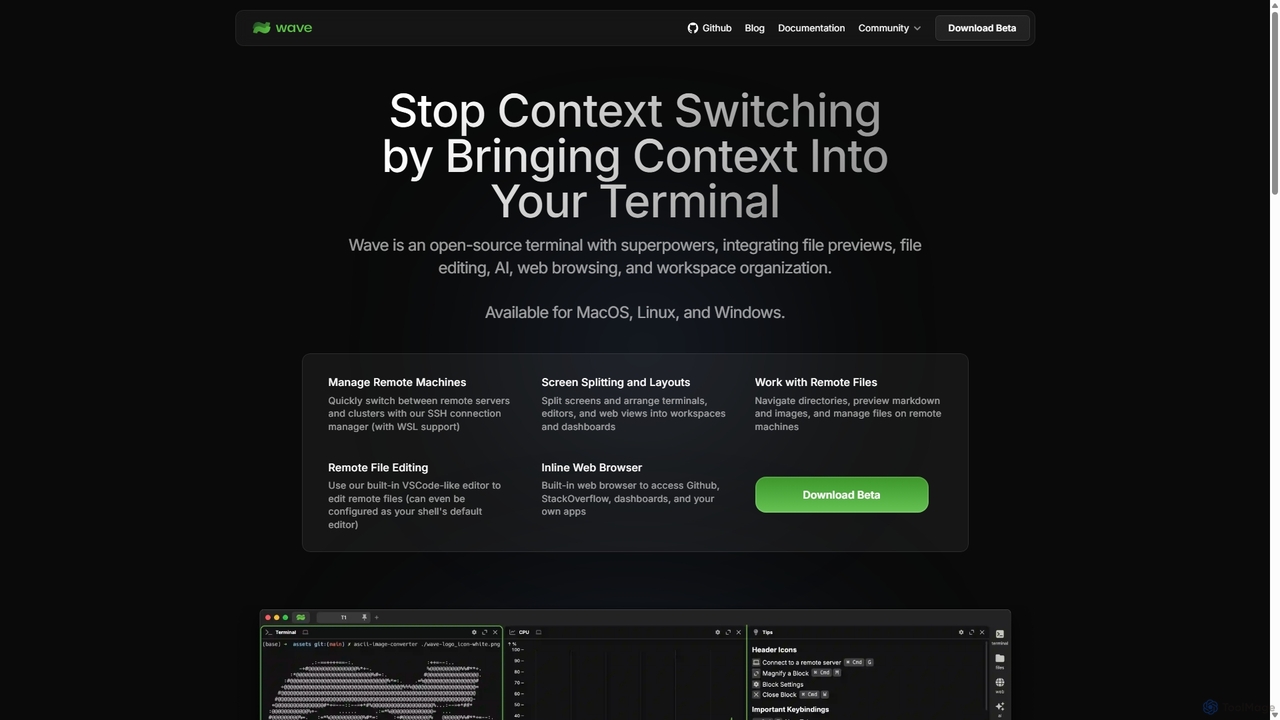
Waveterm
Waveterm is an open-source, modern terminal designed for developers and DevOps engineers. It enhances the command-line experience by integrating AI-powered assistance, a VSCode-like editor, inline file previews, a web browser, and customizable dashboards. This all-in-one workspace reduces context switching and boosts productivity across macOS, Windows, and Linux.
Code Assistant
NopeCHA
NopeCHA is an AI-powered CAPTCHA solver that automates the process of bypassing human verification tests. Available as a browser extension and a developer API, it offers a fast, affordable, and undetectable solution for various CAPTCHA types, including reCAPTCHA, FunCAPTCHA, and Cloudflare Turnstile.
Utilities
Jyek
Jyek is an AI agent platform that understands objectives, creates execution plans, uses tools, and delivers verifiable results for complex, multi-step tasks.
Automation
n8nChat
n8nChat is an AI-powered browser extension for Chrome and Firefox that accelerates n8n workflow creation. Describe your desired automation in natural language, and the AI will build, edit, debug, and optimize your workflows. It even generates custom JavaScript for Code nodes, making powerful automation accessible to everyone.
Ai Assistant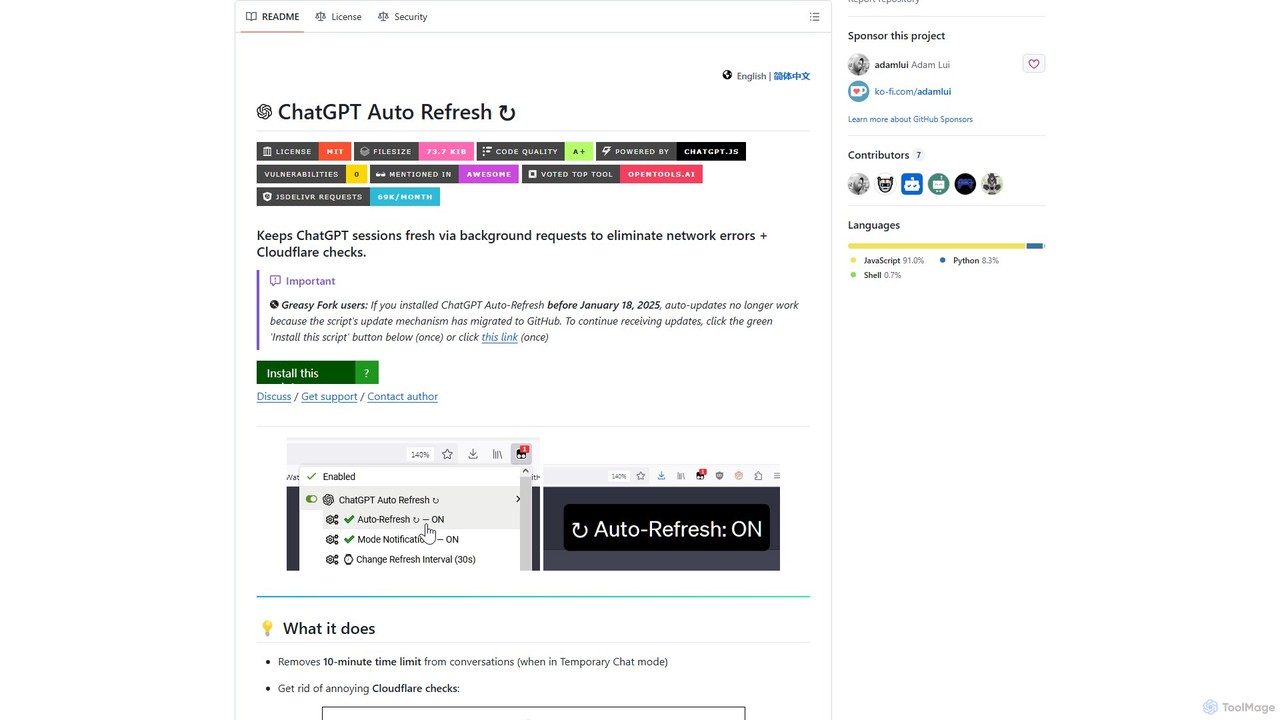
ChatGPT Auto Refresh
ChatGPT Auto Refresh is a free userscript that keeps your ChatGPT sessions active. It prevents timeouts, network errors, and annoying Cloudflare checks by automatically refreshing the session in the background, ensuring a smooth and uninterrupted chat experience.
Chat Assistant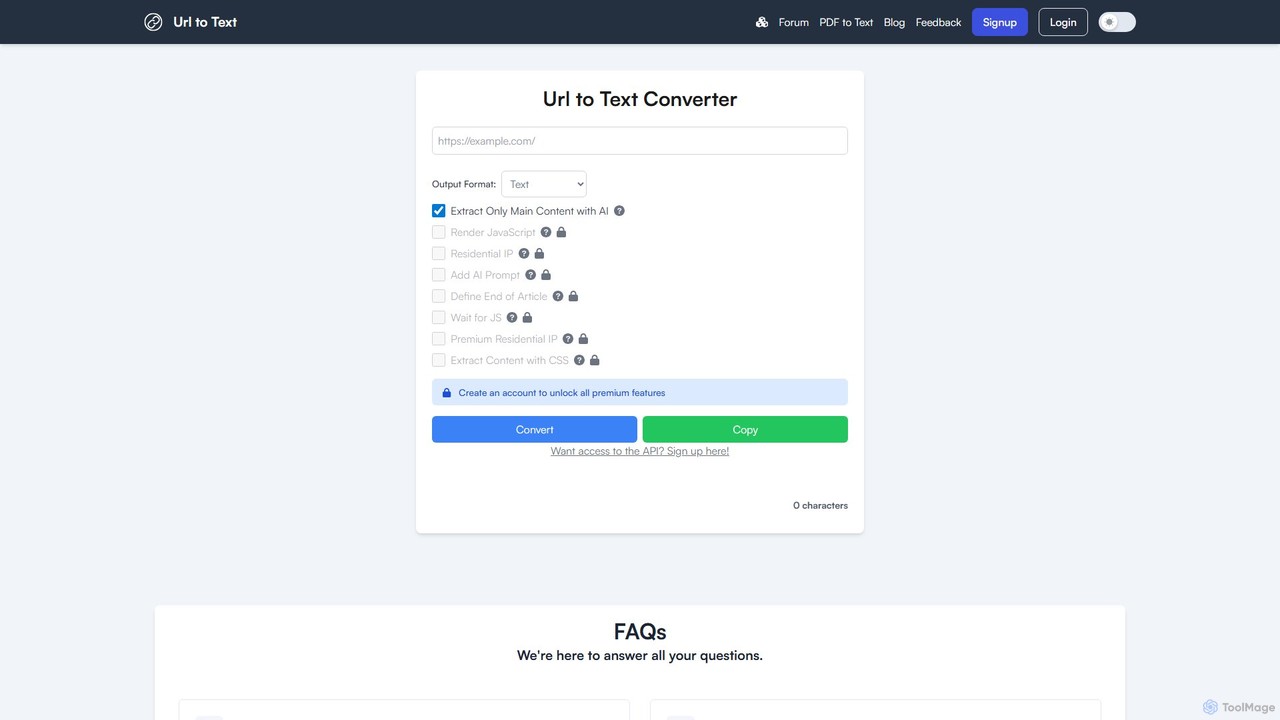
URLtoText
URLtoText is an AI-powered tool that extracts clean, structured text from any website or PDF. It intelligently removes ads, sidebars, and other clutter to provide only the main content. Featuring JavaScript rendering, residential IP proxies, and a developer API, it's designed for researchers, developers, and businesses needing reliable data extraction from both static and dynamic web pages.
Content Curation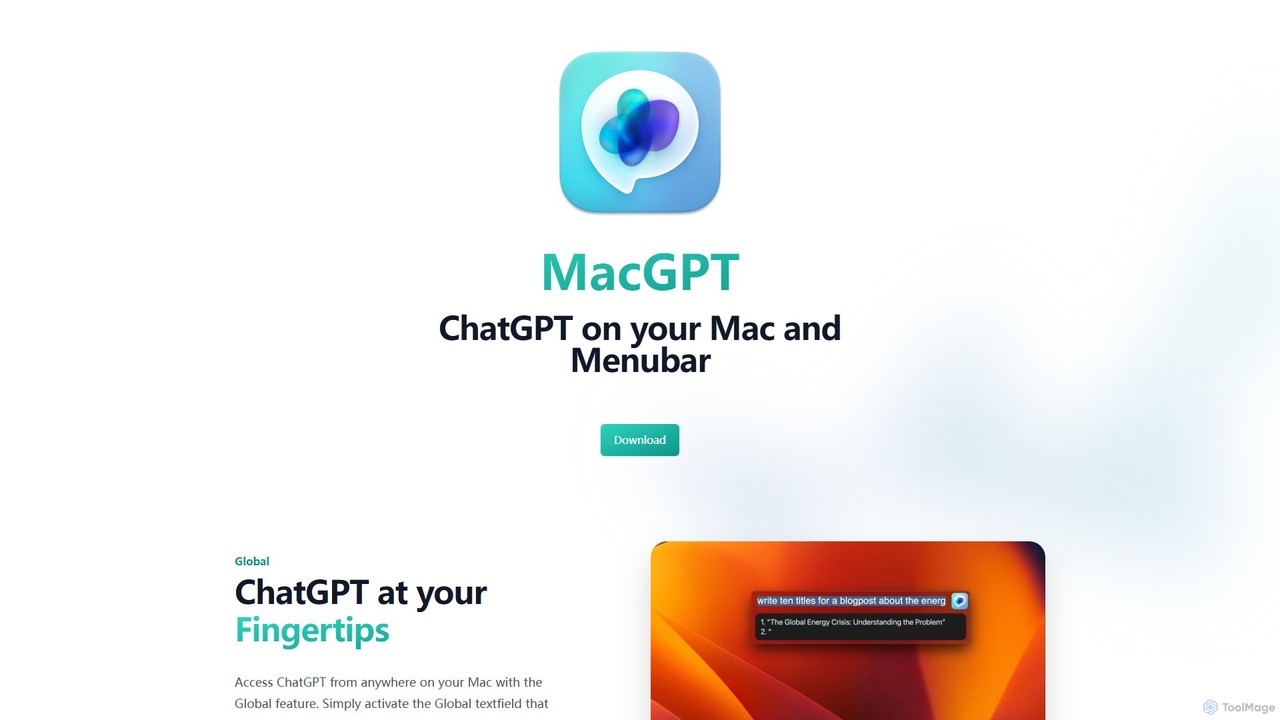
MacGPT
MacGPT brings the power of ChatGPT directly to your macOS desktop. Access OpenAI's models instantly from your menubar, use the Inline feature to write in any application, and switch between a native or web interface for ultimate flexibility and productivity.
Code Assistant
freewallpapermaker Comments (0)
Sign in to comment.
Sign inNo comments yet.