
freewallpapermaker
freewallpapermaker is a free AI-powered tool for creating custom informational desktop wallpapers. Transform your desktop into a productivity …
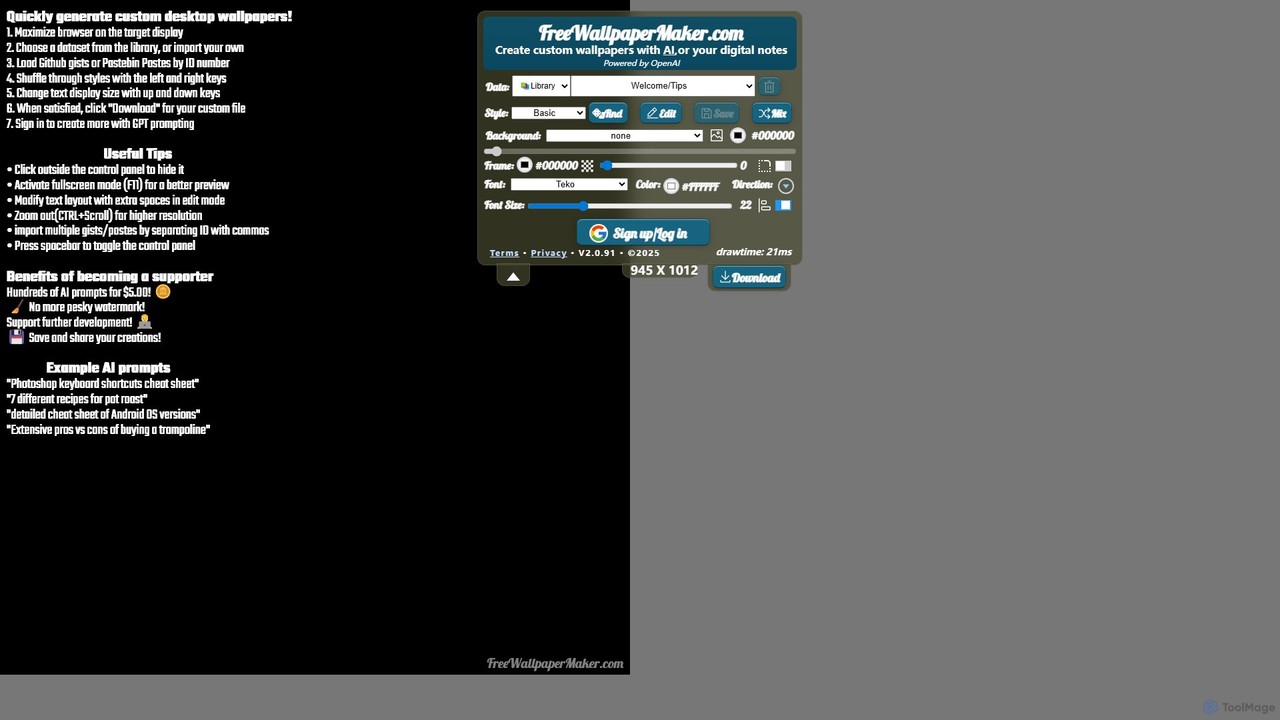
freewallpapermaker is a free AI-powered tool for creating custom informational desktop wallpapers. Transform your desktop into a productivity hub by generating backgrounds with coding cheat sheets, study guides, personal notes, or AI-generated content. Highly customizable with various styles, fonts, and backgrounds.
About Cheat Sheets
AI Cheat Sheets are a type of developer tool that provides concise, intelligently generated reference guides for programming languages, frameworks, and APIs. They leverage AI to analyze extensive documentation and source code, extracting essential syntax, commands, and code snippets. This allows developers to quickly access critical information without searching through lengthy manuals, significantly accelerating learning and coding workflows.
Core Features
- AI-Powered Summarization: Automatically condenses complex technical documentation into key points and examples.
- Context-Aware Generation: Creates cheat sheets tailored to specific project requirements, libraries, or coding tasks.
- Interactive Search: Enables quick lookups for specific functions, commands, or syntax within the reference guide.
- Code Snippet Provision: Offers ready-to-use, validated code examples for common operations.
Use Cases
These tools are widely used by software developers, data scientists, and students for learning new technologies, mastering complex libraries like TensorFlow or React, or quickly recalling command-line syntax for tools like Git or Docker.
How to Choose
When selecting an AI Cheat Sheet tool, consider the breadth of supported technologies, the accuracy of the generated content, customization options to fit your needs, and its ability to integrate with your existing development environment (IDE).
Cheat SheetsUse Cases
Accelerating New Language Adoption
A junior developer joining a new team needs to quickly become proficient in Go. Instead of spending days reading documentation, they use an AI cheat sheet tool to generate a personalized reference for Go's syntax, concurrency patterns, and standard library functions. This allows them to start contributing to the codebase faster, using the cheat sheet as a constant reference to ensure they are following best practices.
Mastering a Complex Framework API
A front-end developer is building an application with a complex JavaScript framework like Vue.js 3. They generate a cheat sheet specifically for the Composition API, which provides interactive examples for `ref`, `reactive`, `computed`, and lifecycle hooks. This on-demand reference helps them avoid common pitfalls and reduces the time spent searching for API usage details on the web, improving development speed.
Streamlining DevOps Command-Line Operations
A DevOps engineer manages multiple Kubernetes clusters and frequently uses `kubectl` commands. They use an AI tool to create a dynamic cheat sheet that includes not only standard commands but also custom aliases and scripts used by their team. The cheat sheet is searchable and can be shared, serving as a centralized, up-to-date reference for managing deployments, services, and pods efficiently.
Quick Reference for Data Science Libraries
A data scientist is performing exploratory data analysis using Python libraries like Pandas and Matplotlib. They generate a cheat sheet that focuses on data manipulation, filtering, and various plotting functions. Having this concise guide on a second screen allows them to quickly find the exact syntax for complex operations without breaking their analytical flow, leading to more efficient data exploration and visualization.
Preparing for Technical Coding Interviews
A software engineer is preparing for job interviews that involve data structures and algorithms. They use an AI cheat sheet generator to create concise summaries for key topics like sorting algorithms, graph traversal, and dynamic programming. Each summary includes the core logic, time/space complexity, and a Python code snippet, providing an effective tool for last-minute revision and concept reinforcement.
In-IDE Syntax and Command Lookup
A full-stack developer is working on a project using both Python/Django on the backend and TypeScript/React on the frontend. They use an IDE plugin that provides AI-powered cheat sheets. When they need to recall a specific Django ORM query or a TypeScript type definition, they can instantly bring up a context-aware cheat sheet within the editor, eliminating the need to switch to a web browser and disrupt their coding rhythm.