

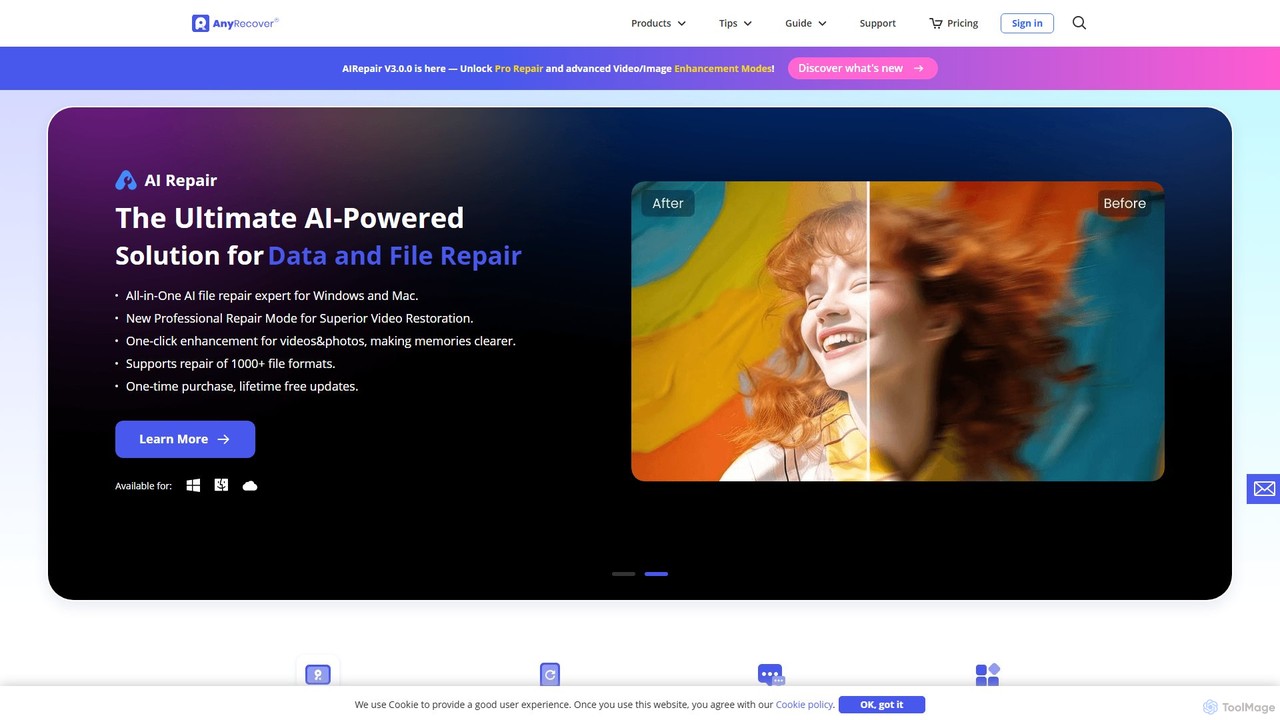
AnyRecover Overview
AnyRecover is a comprehensive and powerful data recovery software designed to be the ultimate solution for a wide range of data loss scenarios. Trusted by millions of users, it serves as an all-in-one data specialist for Windows, Mac, iOS, and Android platforms. The software excels at retrieving lost or deleted files from virtually any storage medium, including internal hard drives (HDD, SSD), external drives, USB flash drives, SD cards, cameras, drones, and more. It supports the recovery of over 1000 different file formats, ensuring that whether you've lost documents, photos, videos, audio files, or emails, AnyRecover can get them back.
What sets AnyRecover apart is its integration of advanced AI technology. The new AIRepair V3.0.0 introduces a professional repair mode for superior video restoration and one-click enhancement for both videos and photos, making cherished memories clearer and more vibrant. The AI Repair function can fix corrupted files, including PDFs, Word documents, Excel spreadsheets, and PowerPoint presentations. Furthermore, the AI Image Enhancer can intelligently fix blurry or old photos without compromising quality. This dual capability of recovery and repair makes it an exceptionally versatile tool.
AnyRecover addresses over 500 data loss scenarios, from simple accidental deletions and emptied Recycle Bins to more complex situations like system crashes, water damage, factory resets, forgotten passwords, and broken devices. It also provides specialized recovery for social apps like WhatsApp and LINE, allowing users to restore chat history, photos, and other data directly from device storage, even without a backup.
How to use AnyRecover
AnyRecover is designed for simplicity and can be used by both technical and inexperienced users. The data recovery process is streamlined into three easy steps:
- Install and Select: First, download and install AnyRecover on your Windows or Mac computer. Launch the application and choose the recovery mode that best suits your needs. Options include PC/Hard Drive Recovery, Phone Recovery, or specific locations like the Recycle Bin.
- Scan and Preview: Initiate a scan on the selected location or device. AnyRecover will perform a deep and thorough scan to find all recoverable files. Once the scan is complete, you can preview the found files, such as photos, documents, and videos, to verify their integrity before recovery.
- Recover: Select the files you wish to restore from the preview list. Click the 'Recover' button and choose a safe location to save the files (it's recommended to save them to a different drive to avoid overwriting data). The recovery process is then completed.
Core Features of AnyRecover
- Comprehensive Data Recovery: Recovers 1000+ file types (photos, videos, documents, emails, etc.) from 2000+ storage devices (PCs, Macs, iPhones, Androids, HDDs, SSDs, USBs, SD cards).
- AI-Powered File Repair: Intelligently repairs corrupted or unreadable video, photo, and document files (PDF, Word, Excel, etc.).
- AI Photo & Video Enhancement: Enhances the quality of blurry, old, or low-resolution photos and videos with a single click.
- Multi-Platform Support: A single license can cover Windows, Mac, and iOS devices, offering a cost-effective solution for all your gadgets.
- Social App Data Recovery: Specializes in recovering lost or deleted WhatsApp and LINE data (messages, attachments) directly from phone storage without needing a backup.
- iOS System Repair: Fixes over 150 common iOS system issues, such as being stuck on the Apple logo, black screen, or recovery mode loop, without data loss. It also supports iOS downgrades.
- High Success Rate: Employs advanced scanning algorithms to ensure one of the highest data recovery rates in the industry.
- Remote Expert Service: Offers 1-on-1 manual recovery assistance from experts for complex data loss scenarios where the software alone might not suffice.
Use Cases for AnyRecover
AnyRecover is versatile enough to handle a wide array of data loss situations:
- Accidental Deletion: Recovering files that were permanently deleted (Shift + Del) or emptied from the Recycle Bin.
- Formatted Drives: Restoring data from a hard drive, USB, or SD card that has been accidentally formatted.
- System Crashes & Failures: Retrieving files from a crashed or unbootable computer.
- Damaged Devices: Recovering data from water-damaged, broken, or unresponsive iPhones and Android phones.
- Lost Partitions: Finding and restoring data from partitions that have been lost or deleted.
- File Corruption: Repairing important work documents, precious photos, or videos that have become corrupted and won't open.
- Social Media History: Restoring deleted WhatsApp conversations or LINE chat history for personal or legal reasons.
- Photo Restoration: Enhancing old family photos to bring them back to life with improved clarity and color.
Advantages of AnyRecover
AnyRecover stands out from the competition due to its all-in-one functionality, user-centric design, and powerful technology. It combines data recovery, file repair, and AI enhancement into a single, intuitive interface. This eliminates the need to purchase multiple software tools. Its support for a vast range of devices and file formats makes it a universal solution. The ability to preview files before recovery provides peace of mind and ensures you only restore what you need. Finally, its cost-effectiveness, with plans covering multiple devices and offering lifetime updates, provides excellent value.
Pricing and Plans
AnyRecover operates on a freemium model. You can download the software for free to scan your devices and preview all recoverable files. To save the recovered files, you need to upgrade to a paid plan.
- Free Trial: Allows for unlimited scanning and preview of recoverable data.
- Paid Plans: Various plans are available to unlock full recovery capabilities. A popular plan is priced at $59.99, which covers Windows, Mac, and iOS devices (up to 3 phone devices and 2 PCs). One-time purchase options often come with lifetime free updates. For specific pricing, users should visit the official website's purchasing page.
Traffic
Latest traffic
Status
Monthly traffic trend
- 2025-9: 518.5K
- 2026-1: 403.4K
- 2026-2: 277.5K
- 2026-3: 267.2K
- 2026-4: 225.6K
- 2026-5: 216.6K
Geography
Top 5 countries / regions
- 🇺🇸United States42.4%
- 🇮🇳India32.7%
- 🇬🇧United Kingdom9.1%
- 🇷🇺Russia8.0%
- 🇪🇬Egypt7.9%
Traffic sources
| Source type | Percentage |
|---|---|
Direct | 77.6% |
Referral | 19.3% |
Email | 3.1% |
Top keywords
| Keyword | Cost per click |
|---|---|
| any recover | $3.53 |
| anyrecover | $1.32 |
| discord stuck on checking for updates | $0.00 |
| free ms office product key | $0.00 |
| m4uhd alternatives | $2.11 |
AnyRecover Alternatives
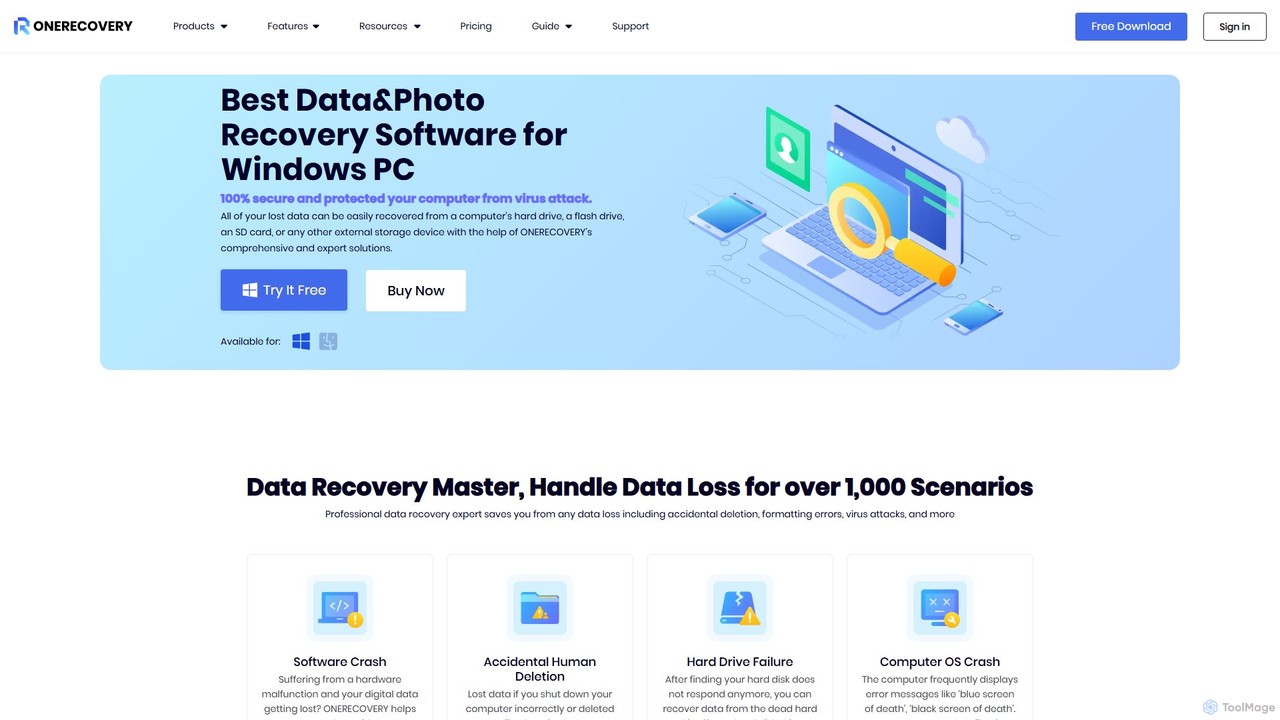
onerecovery
onerecovery is a professional data recovery software for Windows and Mac. It recovers over 1000 file types from various scenarios like accidental deletion, formatting, and system crashes. Supporting 2000+ devices including HDDs, SSDs, and SD cards, it also features AI-powered tools to repair corrupted photos and videos, ensuring a high success rate.
Repair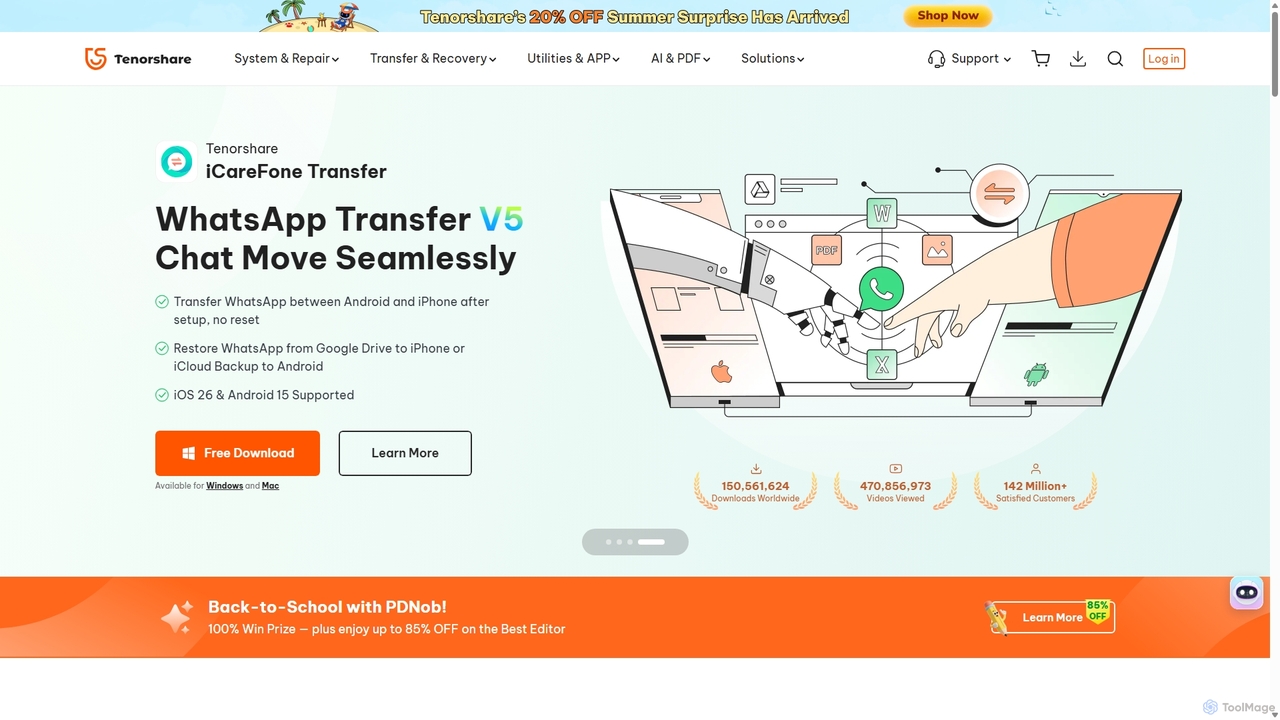
Tenorshare
Tenorshare offers a comprehensive suite of software solutions for data recovery, system repair, password unlocking, and device management for iOS, Android, Windows, and Mac. It integrates AI to enhance productivity with tools for PDF editing, content humanizing, and more.
System Repair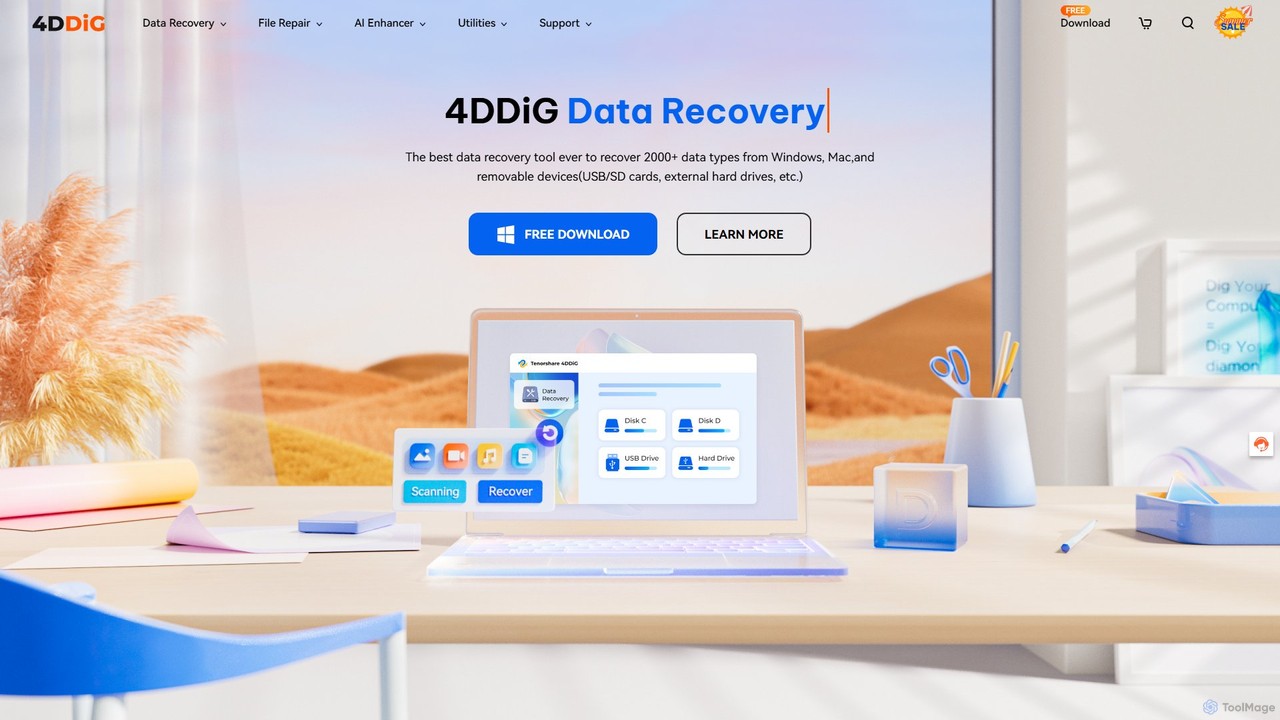
4DDiG
4DDiG is a comprehensive AI-powered software suite for Windows and Mac, specializing in data recovery, file repair, and system utilities. It recovers over 2000 data types from various storage devices, repairs corrupted photos and videos with AI enhancement, and offers tools for system maintenance like partition management and DLL fixing.
Video Editing
TinyFrom
TinyFrom offers an all-in-one suite of AI-powered productivity and utility tools. It provides solutions for data recovery, PDF editing, image enhancement, file management, and data transfer, designed to make digital life smarter and more efficient for users on Windows, Mac, and online.
Image Editing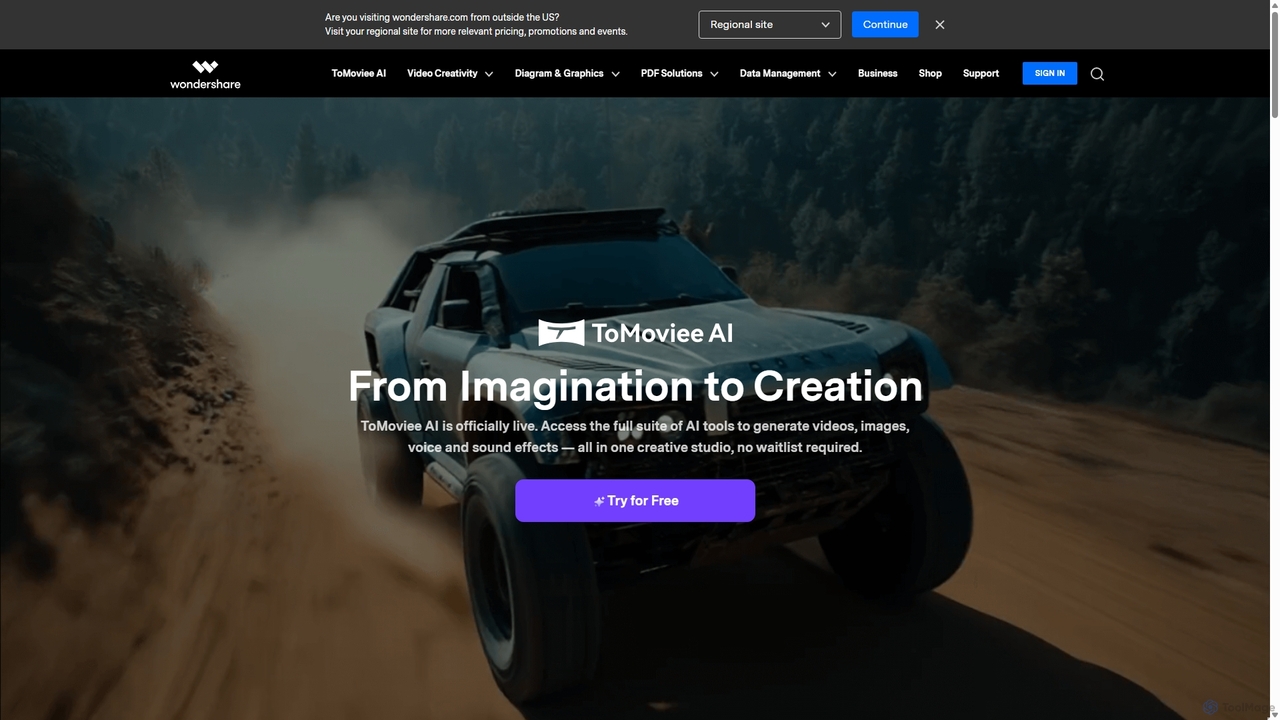
Wondershare
Wondershare offers a comprehensive suite of AI-powered software for creativity, productivity, and utility. From the advanced video editor Filmora and AI content generator ToMoviee to the powerful PDFelement and data recovery tools, Wondershare simplifies digital experiences for millions of users worldwide. It provides intuitive, powerful solutions for content creators, businesses, and individuals to create, manage, and secure their digital assets with ease.
DiagrammingAnyRecover Categories
AnyRecover Embed Widget
Copy this embed code to place the badge on your blog, article, or product site and send readers directly to this ToolMage detail page.

Related AI tools
iMyFone
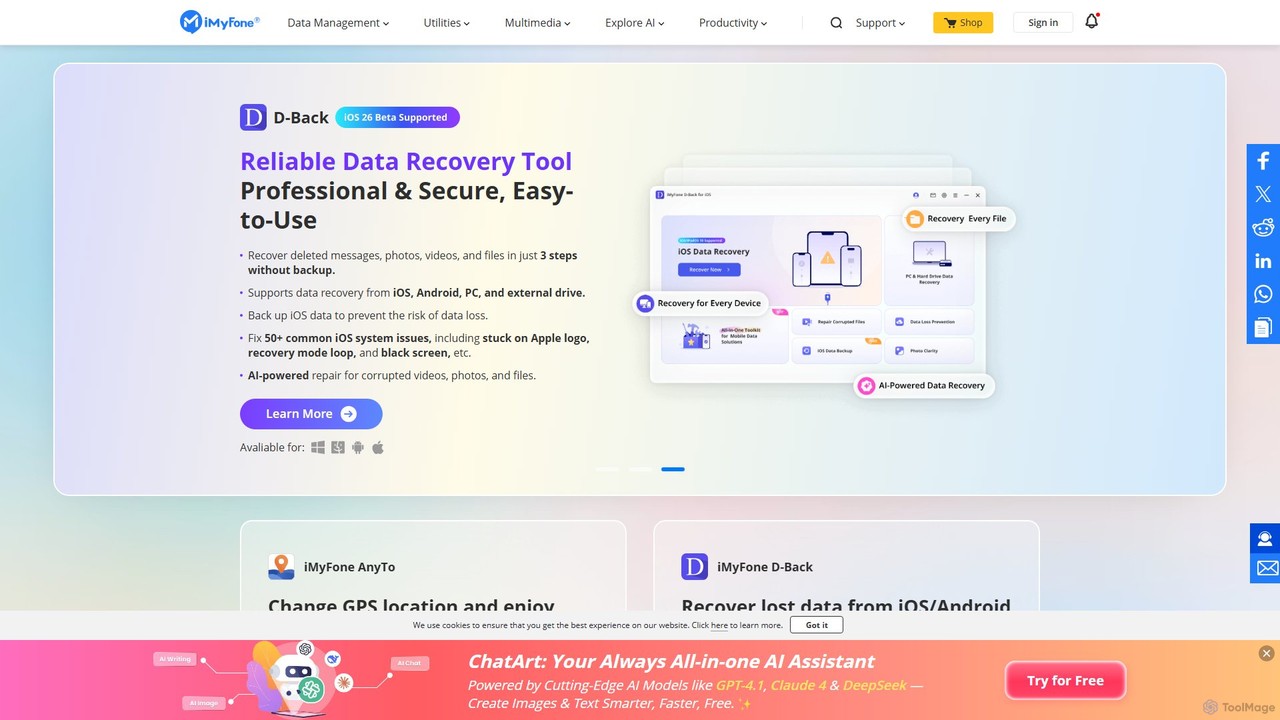
iMyFone offers a comprehensive suite of AI-powered software solutions for iOS, Android, Windows, and Mac. It specializes in data recovery, system repair, password unlocking, and creative content generation. With tools like the offline AI assistant Nut Studio and the versatile ChatArt, iMyFone empowers users to solve complex digital problems and enhance productivity with cutting-edge artificial intelligence.
Personal Assistant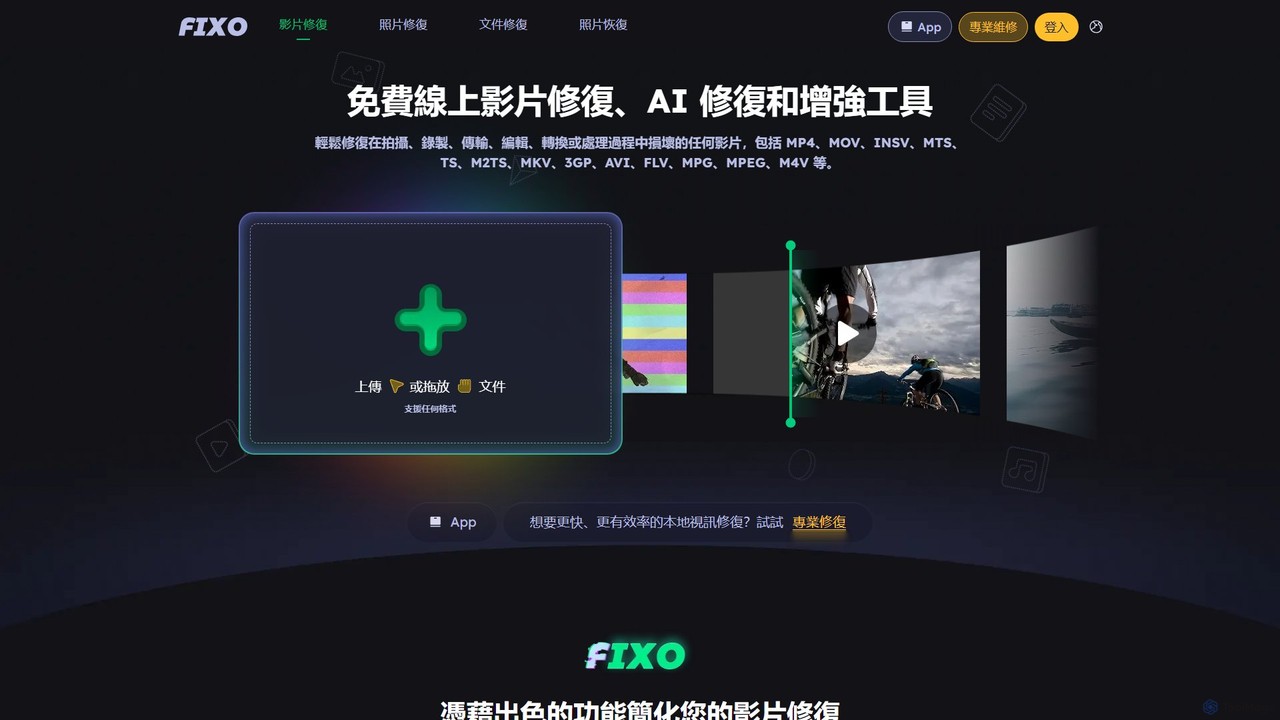
EaseUS Repair
EaseUS Repair is an AI-powered online tool designed to fix corrupted videos, photos, and documents. It supports a wide range of formats and can repair files from various devices, including cameras, drones, and PCs. The tool offers a simple three-step process: upload, automatic repair, and preview before saving, ensuring a high success rate while maintaining original quality.
Photo EditingTenorshare
Tenorshare offers a comprehensive suite of software solutions for data recovery, system repair, password unlocking, and device management for iOS, Android, Windows, and Mac. It integrates AI to enhance productivity with tools for PDF editing, content humanizing, and more.
System Repair4DDiG
4DDiG is a comprehensive AI-powered software suite for Windows and Mac, specializing in data recovery, file repair, and system utilities. It recovers over 2000 data types from various storage devices, repairs corrupted photos and videos with AI enhancement, and offers tools for system maintenance like partition management and DLL fixing.
Video EditingWondershare
Wondershare offers a comprehensive suite of AI-powered software for creativity, productivity, and utility. From the advanced video editor Filmora and AI content generator ToMoviee to the powerful PDFelement and data recovery tools, Wondershare simplifies digital experiences for millions of users worldwide. It provides intuitive, powerful solutions for content creators, businesses, and individuals to create, manage, and secure their digital assets with ease.
Diagramming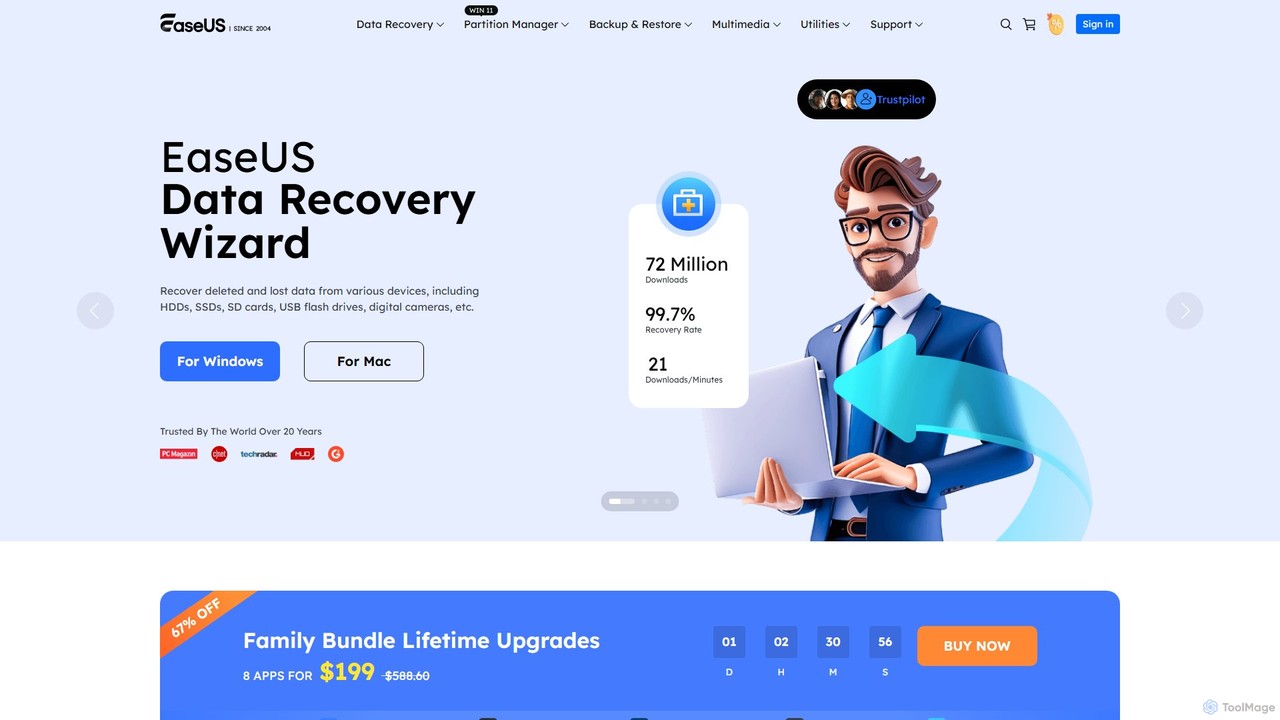
EaseUS
EaseUS offers a comprehensive suite of software for data management, recovery, and multimedia creation, enhanced with powerful AI. From AI-powered file repair and data recovery to creative tools like AI image generation and vocal removal, EaseUS provides reliable, user-friendly applications for both individual and enterprise users. It simplifies complex tasks like disk partitioning, system backup, and data transfer, making digital life easier and more secure.
Generative Artonerecovery
onerecovery is a professional data recovery software for Windows and Mac. It recovers over 1000 file types from various scenarios like accidental deletion, formatting, and system crashes. Supporting 2000+ devices including HDDs, SSDs, and SD cards, it also features AI-powered tools to repair corrupted photos and videos, ensuring a high success rate.
RepairTinyFrom
TinyFrom offers an all-in-one suite of AI-powered productivity and utility tools. It provides solutions for data recovery, PDF editing, image enhancement, file management, and data transfer, designed to make digital life smarter and more efficient for users on Windows, Mac, and online.
Image Editing
Wondershare
Wondershare offers a comprehensive suite of AI-powered software designed to enhance creativity, productivity, and utility. From advanced video editing and PDF management to data recovery and diagramming, Wondershare provides intuitive, powerful tools for individuals, businesses, and educators to simplify their digital life and creative workflows.
Graphic Design
Leawo
Leawo is a comprehensive multimedia software suite for Windows and Mac. It offers a wide range of tools for managing, converting, copying, and downloading video, Blu-ray, DVD, and audio files. It also includes utilities for mobile data transfer and AI-powered photo enhancement.
File Management
Apowersoft
Apowersoft offers a comprehensive suite of multimedia and utility software for business and daily use. It provides user-friendly solutions for video editing, screen recording, file conversion, PDF management, mobile device management, and data recovery. Integrating AI technology, Apowersoft delivers simple, high-quality, and efficient creative and data solutions across multiple platforms.
Video Editing
Wondershare
Wondershare offers a comprehensive suite of AI-powered creative and productivity software. From the industry-leading Filmora video editor to the intelligent PDFelement and versatile Edraw diagramming tools, Wondershare empowers creators, professionals, and students to bring their ideas to life. Its integrated AI features streamline workflows, automate complex tasks, and unlock new creative possibilities in video, document management, and visual communication.
Diagramming
Cutout.Pro
Cutout.Pro is an AI-powered visual design platform offering a comprehensive suite of tools for image and video editing. It specializes in automated background removal, photo enhancement, object removal, and AI content generation, catering to designers, e-commerce businesses, developers, and individual users.
3D
imgupscaler
imgupscaler is an AI-powered tool designed to enlarge and enhance images without sacrificing quality. Using advanced deep learning algorithms, it can upscale photos, anime art, and digital graphics up to 8x, intelligently adding detail, reducing noise, and fixing blurriness. It's a fast, user-friendly solution for professionals and hobbyists alike.
Image Enhancement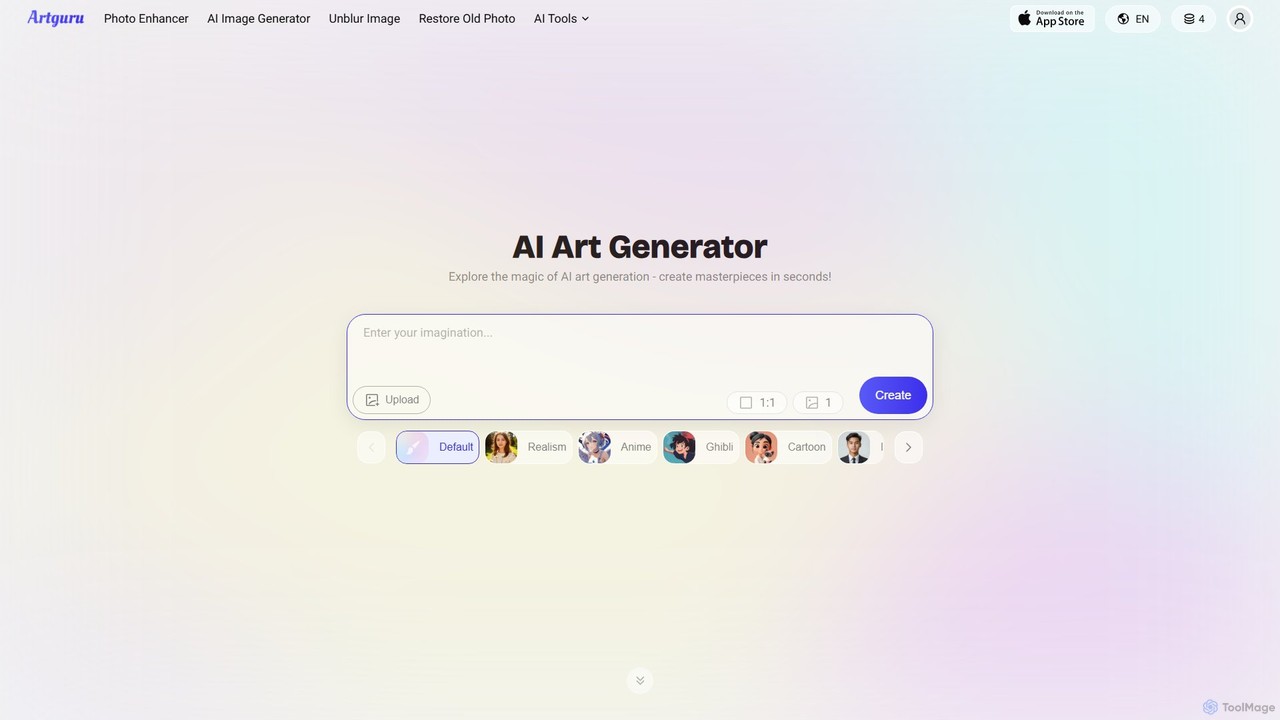
Artguru
Artguru is a versatile AI creative suite for generating unique art from text or photos and enhancing images. It offers tools like a text-to-image generator, photo-to-art converter, 4K image upscaler, photo unblur, and old photo restoration. It's designed for artists, marketers, and casual users with a user-friendly interface and a free-to-start plan.
Ai Art
AnyRecover Comments (0)
Sign in to comment.
Sign inNo comments yet.