onerecovery
onerecovery is a professional data recovery software for Windows and Mac. It recovers over 1000 file types from …
onerecovery is a professional data recovery software for Windows and Mac. It recovers over 1000 file types from various scenarios like accidental deletion, formatting, and system crashes. Supporting 2000+ devices including HDDs, SSDs, and SD cards, it also features AI-powered tools to repair corrupted photos and videos, ensuring a high success rate.
AnyRecover
AnyRecover is an all-in-one AI-powered data recovery and file repair solution. It restores over 1000 file types from …
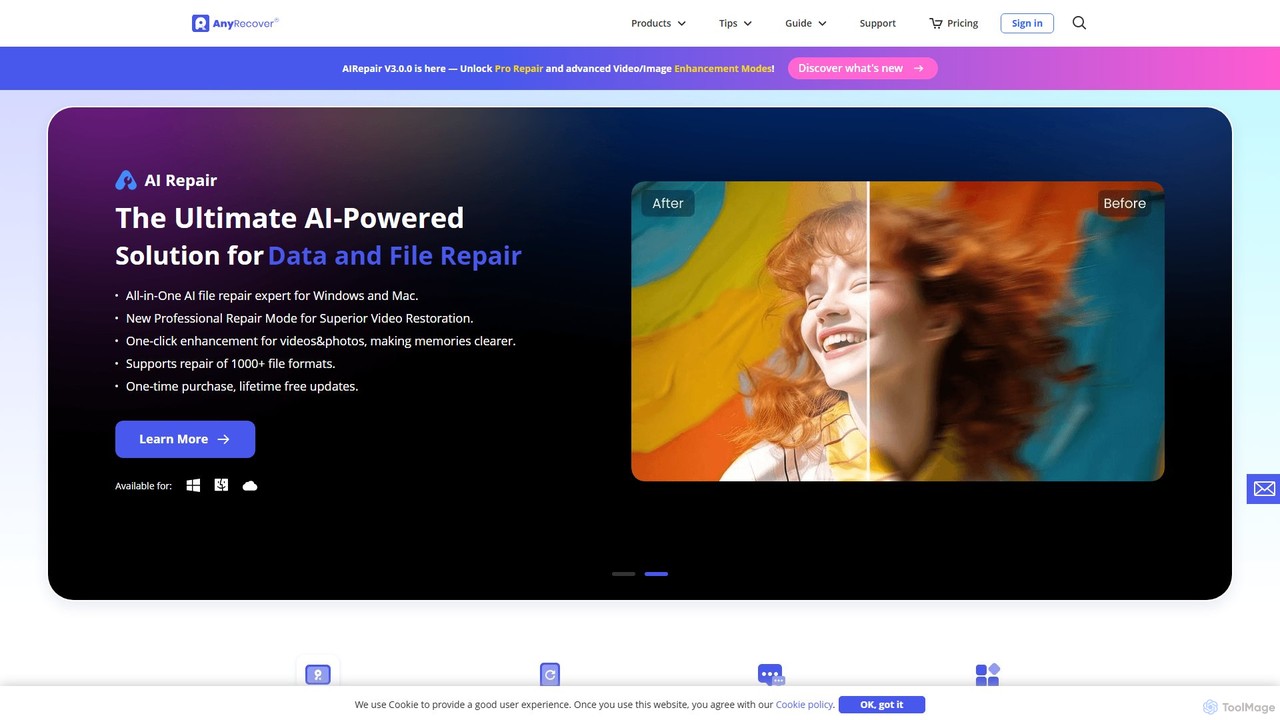
AnyRecover is an all-in-one AI-powered data recovery and file repair solution. It restores over 1000 file types from 2000+ storage devices, including Windows, Mac, iOS, and Android. It also features AI-driven repair for corrupted photos, videos, and documents, and an AI enhancer to improve image and video quality.
About Repair
AI Repair tools are a specialized class of software within photo and video editing that use artificial intelligence to automatically fix and restore damaged or low-quality media. These tools leverage deep learning algorithms to analyze content, intelligently removing scratches, reducing noise, correcting color fading, and sharpening blurry images or videos. Their primary value is in salvaging precious memories from old photos or improving flawed footage, transforming them into clear, high-quality visuals. Unlike general editors, AI Repair tools automate complex restoration tasks that traditionally require significant manual skill and time.
Core Features
- Scratch & Blemish Removal: Automatically detects and reconstructs areas damaged by scratches, dust, or spots on old photos.
- Noise & Grain Reduction: Intelligently smooths out digital noise from low-light photos and videos without losing important details.
- Color Restoration: Analyzes faded or discolored images and videos to restore their original, vibrant colors.
- Deblurring & Sharpening: Uses advanced algorithms to correct motion blur or focus issues, enhancing overall clarity.
- Video Stabilization: Smooths out shaky camera movements in video clips, creating a more professional and watchable result.
Use Cases
These tools are widely used by photographers, archivists, and family historians to restore vintage photo collections. Videographers and content creators use them to salvage poorly lit or shaky footage. Real estate agents and e-commerce businesses also utilize them to quickly enhance suboptimal product or property images for marketing purposes.
How to Choose
When selecting an AI Repair tool, consider the specific types of damage you need to fix (e.g., scratches vs. blur). Evaluate the tool's batch processing capabilities for handling large volumes of media. Also, check the output resolution and format support to ensure it meets your project requirements. Finally, compare the processing speed and whether it operates locally or in the cloud, which can affect privacy and performance.
RepairUse Cases
Restoring Old Family Photographs
A family historian scans a collection of faded and scratched photographs from the 1950s. Using an AI Repair tool, they upload the digital copies and apply the 'Scratch Removal' and 'Color Restoration' functions. The AI automatically identifies and fills in the cracks and scratches while intelligently restoring the original vibrant colors from the faded tones. The result is a collection of revitalized digital images, preserving family memories for future generations with enhanced clarity and color accuracy, a task that would have taken days of manual work in traditional software.
Enhancing Low-Light Video Footage
A videographer filmed an indoor event where the lighting was poor, resulting in grainy and noisy footage. Instead of discarding the clips, they use an AI Repair tool's 'Video Denoise' feature. The software analyzes each frame, distinguishing between unwanted digital noise and actual details. It then smooths out the graininess while preserving the sharpness of subjects and objects. This process salvages the entire recording, making it usable for the final client deliverable and avoiding the need for a costly reshoot.
Sharpening Slightly Out-of-Focus Photos
A real estate agent takes photos of a property but later notices some key shots are slightly blurry due to minor camera shake. Using an AI Repair tool with a 'Deblur' function, they can process these images in seconds. The AI analyzes the pattern of the blur and reverses it, resulting in a significantly sharper image where details like textures and text become clear. This allows the agent to use the photos for online listings immediately, enhancing the property's appeal without needing to revisit the location for a reshoot.
Stabilizing Shaky Handheld Video
A travel vlogger captures a walking tour scene with a smartphone, but the resulting footage is shaky and difficult to watch. They process the clip through an AI Repair tool's 'Video Stabilization' feature. The AI tracks the movement in the footage, identifies the unintended jitter, and digitally crops and repositions the frames to create a smooth, stable motion path. The final video looks as if it were shot with a gimbal, providing a much more professional and enjoyable viewing experience for their audience.
Upscaling Old Video for Modern Displays
A documentary filmmaker needs to incorporate standard-definition (480p) archival footage into a 4K production. Simply stretching the old video would result in a blurry, pixelated mess. They use an AI Repair and Upscaling tool, which doesn't just enlarge pixels but intelligently adds new detail based on its training data. It sharpens edges, enhances textures, and reduces compression artifacts, creating a high-definition version of the clip that integrates much more seamlessly with the native 4K footage, maintaining a consistent quality throughout the film.
Automated Color Correction for Faded Film
An archivist digitizes reels of 8mm film from the 1970s, which have developed a strong color cast and appear faded. Manually color grading each scene would be incredibly time-consuming. Instead, they use an AI Repair tool's 'Auto Color' feature. The AI analyzes the scenes, recognizes common objects like skin, sky, and grass, and adjusts the color balance to restore natural, realistic tones. This batch process corrects hundreds of clips automatically, saving significant time and achieving a consistent, high-quality result across the entire archive.