

onerecovery Overview
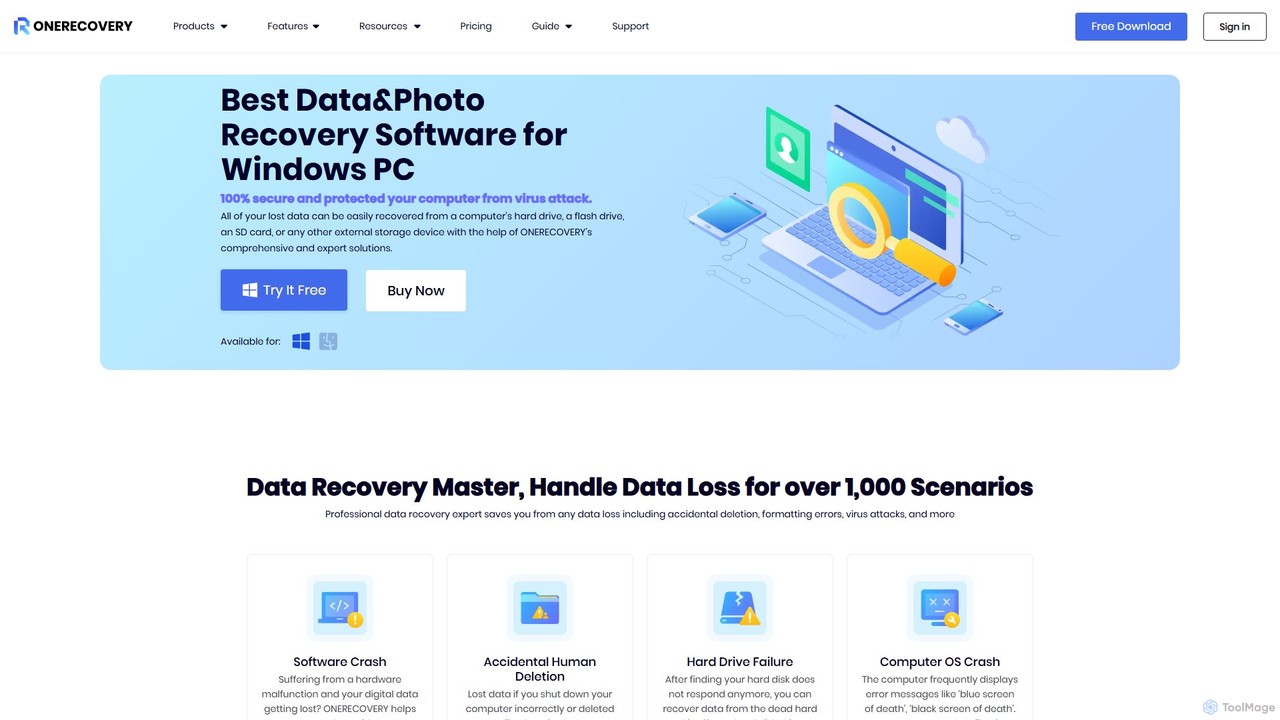
onerecovery is a comprehensive and professional data recovery solution designed for both Windows and Mac users. Developed by TinyFrom Technology Limited, this tool stands as an all-in-one suite to tackle a wide spectrum of data loss situations. It is engineered to retrieve lost or deleted data from over 500+ scenarios, including accidental deletion, hard drive formatting, partition loss, system crashes, virus attacks, and more. With support for over 1000 file formats and compatibility with more than 2000 storage devices, onerecovery ensures that your precious documents, photos, videos, and other files are not lost forever. Its user-friendly interface and powerful scanning algorithms make data recovery accessible to everyone, from tech novices to IT professionals.
A standout feature of onerecovery is its AI-enhanced repair capability. Beyond simple recovery, the software can repair corrupted photos and videos, restoring them to their original quality. It can handle high-resolution media, including Ultra HD, 4K, and 8K videos, by intelligently scanning for, collecting, and synchronizing video fragments to ensure the recovered files are complete and playable.
How to use onerecovery
onerecovery simplifies the complex process of data recovery into three straightforward steps, allowing users to retrieve their files in minutes:
- Select a Location: Launch the onerecovery software. The main interface will display all available drives and locations, including internal hard drives, external devices, specific folders like the Recycle Bin, or even the Desktop. Choose the location where your data was lost.
- Scan the Location: After selecting the location, click the 'Scan' button. onerecovery will initiate a quick scan to find recently deleted files. Following that, it automatically starts a deep scan to thoroughly search the drive sector by sector for more deeply buried files. You can monitor the progress, which shows the remaining time and the number of files found.
- Preview and Recover: Once the scan is complete, all recoverable files are listed and categorized by file type and path. You can use the filter and search functions to quickly locate specific files. The software allows you to preview files like photos, documents, and videos before recovery. Select the files you wish to restore, click the 'Recover' button, and save them to a different, secure location to avoid overwriting data.
Core Features of onerecovery
- Comprehensive Data Recovery: Recovers data from all major loss scenarios such as deletion, formatting, RAW partitions, system crashes, and virus attacks.
- Extensive File Support: Supports the recovery of over 1000 file types, including documents (DOCX, XLSX, PDF), photos (JPG, PNG, RAW), videos (MP4, MOV, AVI), audio, emails, and archives.
- Broad Device Compatibility: Recovers data from over 2000 storage devices, including HDDs, SSDs, external hard drives, USB flash drives, SD cards, CF cards, digital cameras, drones, and more.
- AI-Powered Photo & Video Repair: Intelligently repairs corrupted, damaged, or unplayable video and photo files, supporting high-resolution formats like 4K and 8K.
- Crashed Computer Recovery: Creates a bootable USB drive to recover data from a computer that fails to start or suffers from a 'blue screen of death'.
- Dual Scanning Modes: Offers a Quick Scan for fast results and a Deep Scan for a more thorough search to maximize the recovery rate.
- Preview Before Recovery: Allows users to preview recoverable files to ensure they are restoring the correct data.
- High System Compatibility: Fully compatible with Windows (11/10/8.1/8/7/Server) and macOS (from X 10.10 to 13 Ventura), and supports various file systems like NTFS, FAT32, exFAT, APFS, HFS+, etc.
Use Cases for onerecovery
onerecovery is a versatile tool suitable for a wide range of situations:
- Accidental Deletion: Restoring files and folders that were permanently deleted using 'Shift + Delete' or emptied from the Recycle Bin.
- Formatted Drive Recovery: Retrieving data from a hard drive, USB drive, or memory card that was accidentally formatted.
- Lost Partition Recovery: Recovering data from partitions that have been deleted, lost, or have become inaccessible (RAW).
- System Crash & Boot Failure: Extracting files from a crashed Windows or Mac system that will no longer boot.
- Virus and Malware Damage: Recovering files that were corrupted or deleted as a result of a malware infection.
- External Storage Data Loss: Rescuing photos from a camera's SD card, documents from a work USB drive, or media from an external HDD.
Advantages of onerecovery
onerecovery is trusted by millions of users due to its significant advantages:
- High Success Rate: Utilizes advanced scanning technology to achieve an industry-leading success rate of up to 95%.
- Safe and Secure: Operates in a read-only mode, ensuring that it does not write to or alter the original data on your drive, preventing further damage.
- User-Friendly: The intuitive interface and simple 3-step process make it easy for anyone to use without requiring technical expertise.
- Reliable Support: Offers 24/7 technical support to assist users with any issues, backed by a 7-day money-back guarantee.
Pricing and Plans
onerecovery operates on a freemium model. Users can download the software for free to perform a full scan of their device and preview all the recoverable files. This allows you to verify that your lost data can be found before making a purchase. To actually recover and save the files, you will need to upgrade to a paid plan. Personal licenses are competitively priced, with options typically starting under $100, providing an affordable yet powerful solution for data recovery and repair needs. For specific and up-to-date pricing, please visit the official website.
Traffic
Latest traffic
Status
Monthly traffic trend
- 2025-9: 6.4K
- 2026-1: 5.7K
- 2026-2: 4.9K
- 2026-3: 4.0K
- 2026-4: 5.4K
- 2026-5: 3.2K
Geography
Top 5 countries / regions
- 🇮🇳India37.5%
- 🇺🇸United States35.9%
- 🇩🇪Germany12.7%
- 🇮🇹Italy8.3%
- 🇬🇧United Kingdom5.6%
Top keywords
| Keyword | Cost per click |
|---|---|
| corrupted footage solver ai | $0.00 |
| file repair tool | $2.23 |
| fireborn repair files online | $0.00 |
| video repair | $0.83 |
| video scripter by tutorial ai files courrepted | $0.00 |
onerecovery Alternatives
AnyRecover
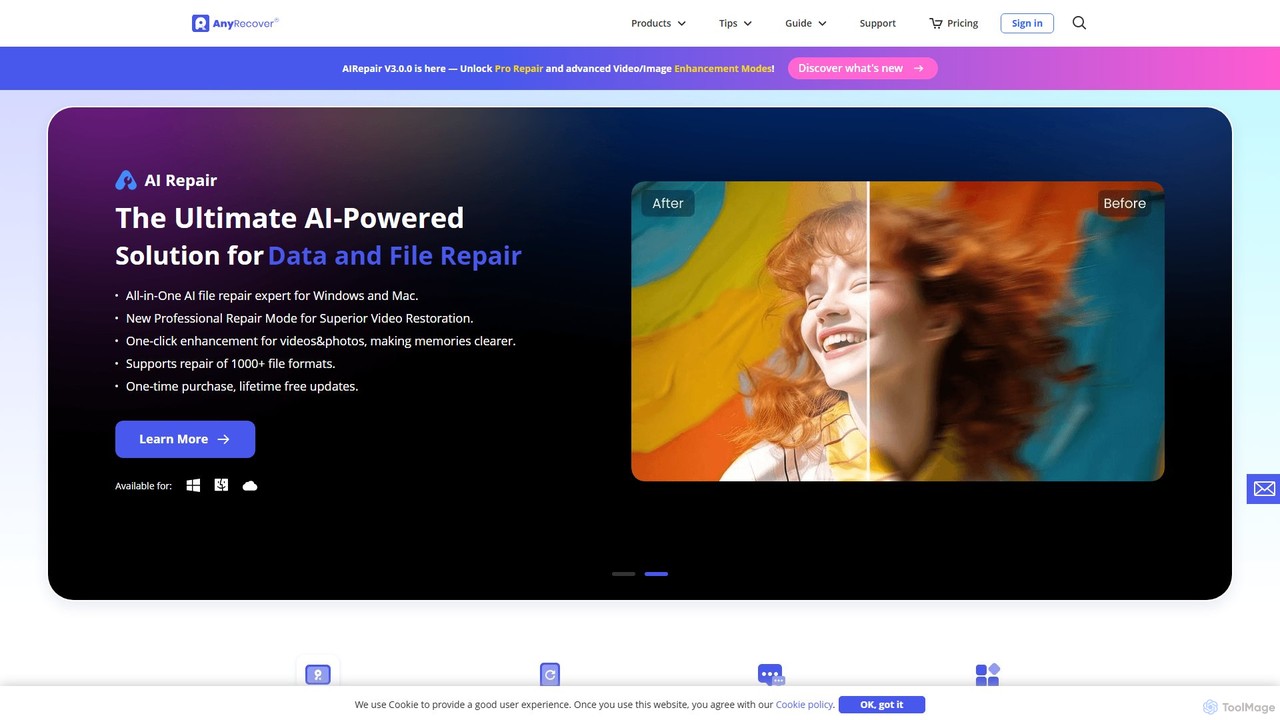
AnyRecover is an all-in-one AI-powered data recovery and file repair solution. It restores over 1000 file types from 2000+ storage devices, including Windows, Mac, iOS, and Android. It also features AI-driven repair for corrupted photos, videos, and documents, and an AI enhancer to improve image and video quality.
Utilities
TinyFrom
TinyFrom offers an all-in-one suite of AI-powered productivity and utility tools. It provides solutions for data recovery, PDF editing, image enhancement, file management, and data transfer, designed to make digital life smarter and more efficient for users on Windows, Mac, and online.
Image Editing
Tenorshare
Tenorshare offers a comprehensive suite of software solutions for data recovery, system repair, password unlocking, and device management for iOS, Android, Windows, and Mac. It integrates AI to enhance productivity with tools for PDF editing, content humanizing, and more.
System Repair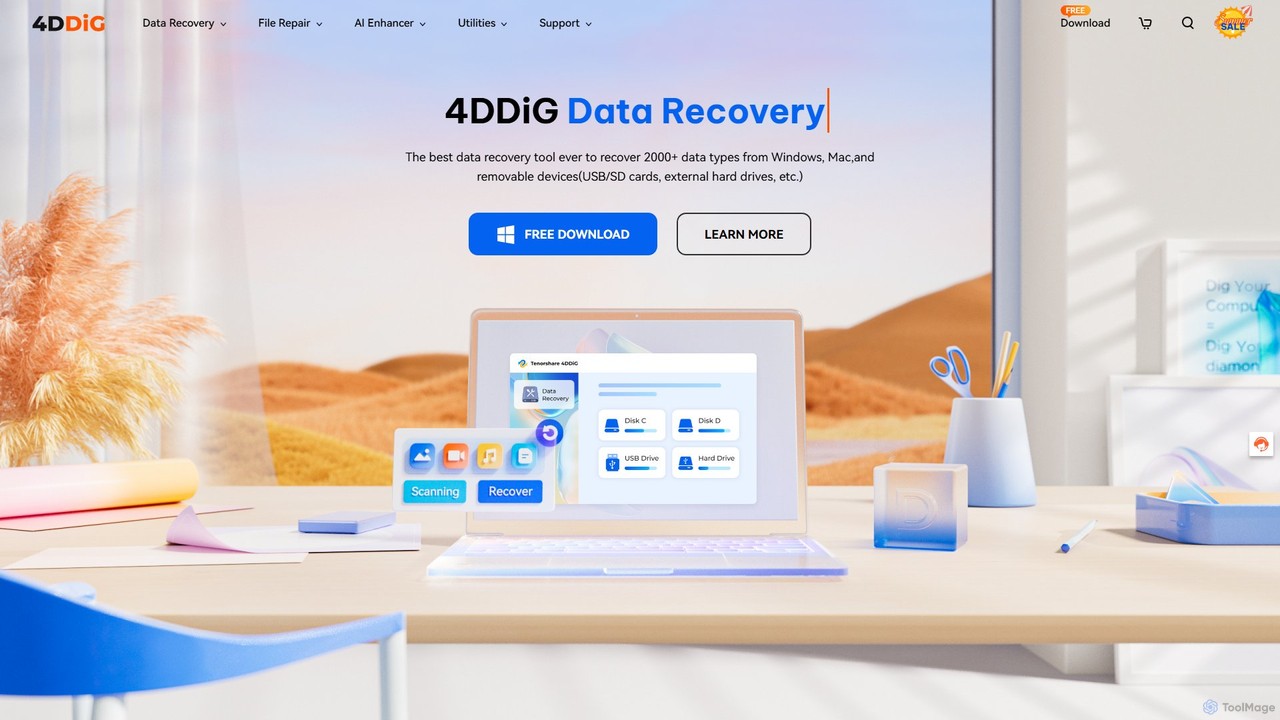
4DDiG
4DDiG is a comprehensive AI-powered software suite for Windows and Mac, specializing in data recovery, file repair, and system utilities. It recovers over 2000 data types from various storage devices, repairs corrupted photos and videos with AI enhancement, and offers tools for system maintenance like partition management and DLL fixing.
Video Editing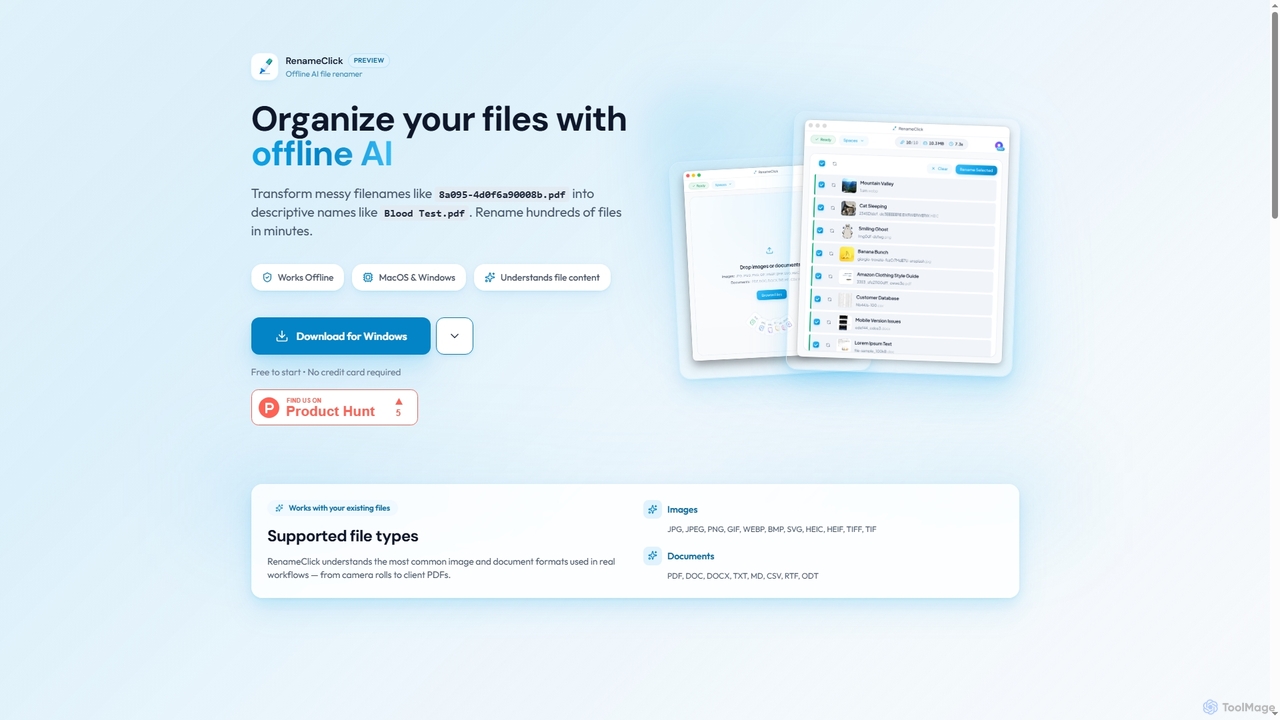
RenameClick
RenameClick is an offline AI file renamer for Mac and Windows that intelligently transforms messy, unorganized filenames into descriptive, clean labels. It leverages local AI to understand file content, enabling efficient batch renaming of hundreds of images and documents while ensuring complete privacy.
Offline Processingonerecovery Categories
onerecovery Embed Widget
Copy this embed code to place the badge on your blog, article, or product site and send readers directly to this ToolMage detail page.

Related AI tools
TinyFrom
TinyFrom offers an all-in-one suite of AI-powered productivity and utility tools. It provides solutions for data recovery, PDF editing, image enhancement, file management, and data transfer, designed to make digital life smarter and more efficient for users on Windows, Mac, and online.
Image Editing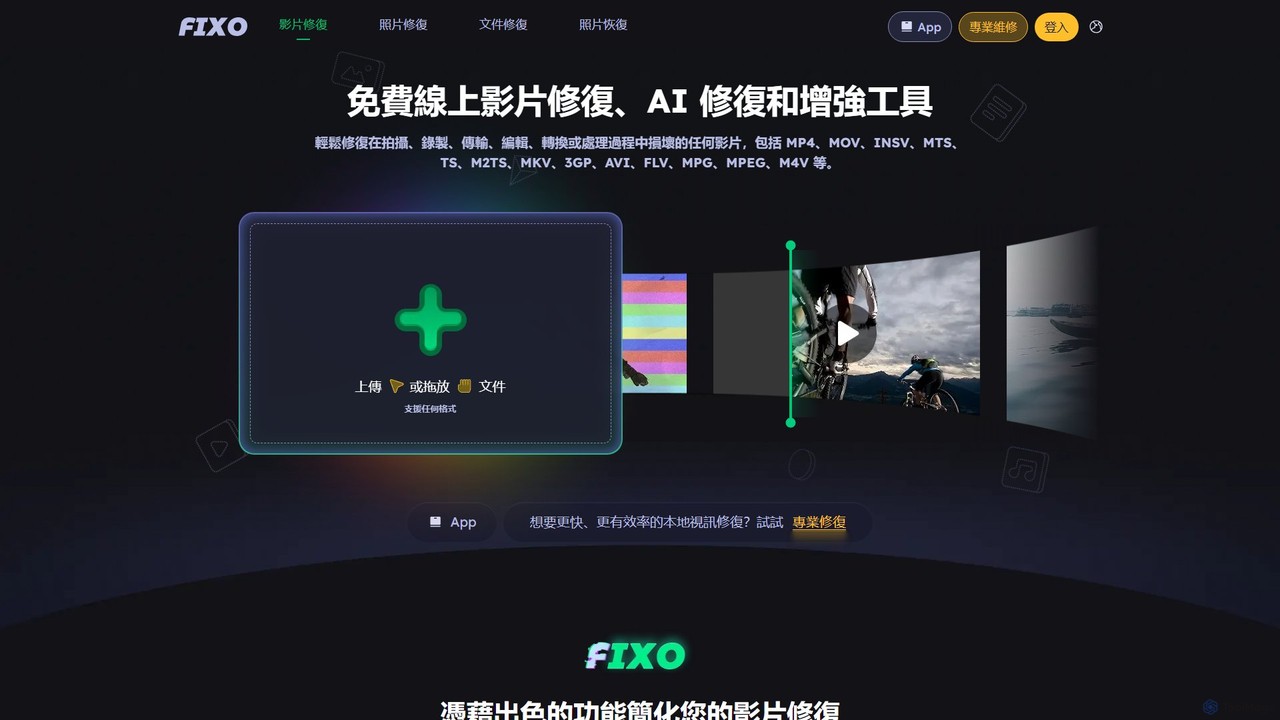
EaseUS Repair
EaseUS Repair is an AI-powered online tool designed to fix corrupted videos, photos, and documents. It supports a wide range of formats and can repair files from various devices, including cameras, drones, and PCs. The tool offers a simple three-step process: upload, automatic repair, and preview before saving, ensuring a high success rate while maintaining original quality.
Photo EditingTenorshare
Tenorshare offers a comprehensive suite of software solutions for data recovery, system repair, password unlocking, and device management for iOS, Android, Windows, and Mac. It integrates AI to enhance productivity with tools for PDF editing, content humanizing, and more.
System Repair4DDiG
4DDiG is a comprehensive AI-powered software suite for Windows and Mac, specializing in data recovery, file repair, and system utilities. It recovers over 2000 data types from various storage devices, repairs corrupted photos and videos with AI enhancement, and offers tools for system maintenance like partition management and DLL fixing.
Video EditingRenameClick
RenameClick is an offline AI file renamer for Mac and Windows that intelligently transforms messy, unorganized filenames into descriptive, clean labels. It leverages local AI to understand file content, enabling efficient batch renaming of hundreds of images and documents while ensuring complete privacy.
Offline ProcessingAnyRecover
AnyRecover is an all-in-one AI-powered data recovery and file repair solution. It restores over 1000 file types from 2000+ storage devices, including Windows, Mac, iOS, and Android. It also features AI-driven repair for corrupted photos, videos, and documents, and an AI enhancer to improve image and video quality.
Utilities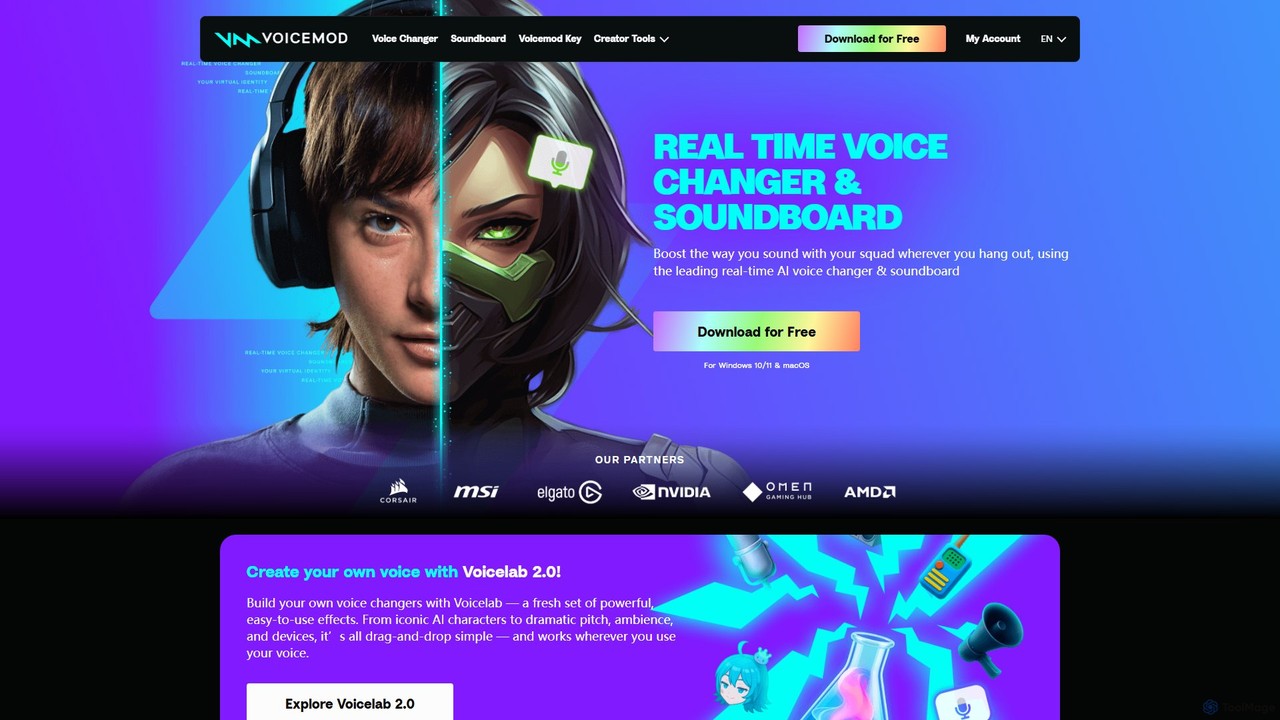
Voicemod
Voicemod is the leading real-time AI voice changer and soundboard for PC and Mac. Designed for gamers, streamers, and content creators, it allows you to transform your voice into anything you can imagine, from a robot to an anime character. With a vast library of voices, sound effects, and the powerful Voicelab for custom voice creation, Voicemod integrates seamlessly with all your favorite games and communication apps like Discord, Zoom, and VRChat.
Voice Modulation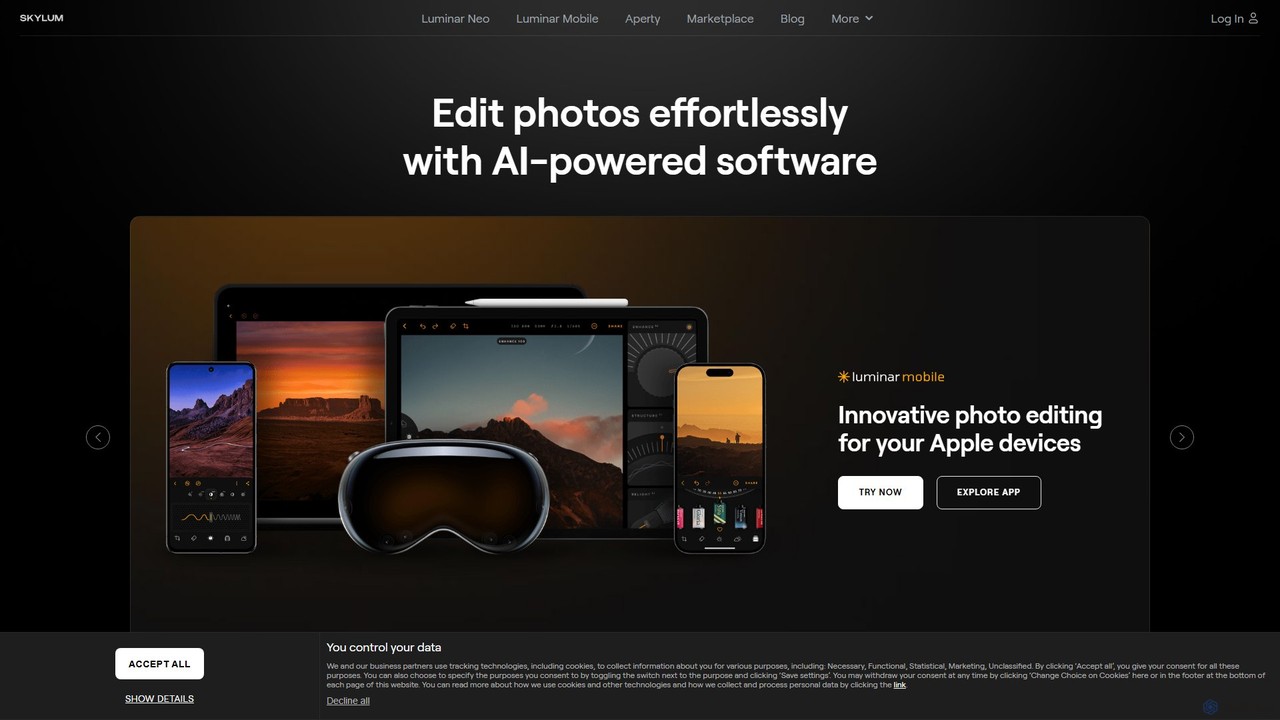
Skylum
Skylum develops AI-powered photo editing software, including the flagship Luminar Neo. Designed for photographers of all skill levels, its tools simplify complex editing tasks like sky replacement, portrait retouching, and landscape enhancement, enabling users to achieve professional-quality results with intuitive controls and creative automation.
Graphics
Typeless
Typeless is an intelligent AI voice dictation tool that transforms natural speech into polished, formatted text in real-time. It enhances productivity by automatically removing filler words, repetitions, and auto-correcting mid-sentence changes, making communication up to 4x faster than traditional typing.
Automation
Arc
Arc is a revolutionary browser by The Browser Company, designed to be a smart, organized, and private alternative to Chrome. It integrates AI features to enhance productivity, offers unique organization tools like Spaces and Split View, and provides a seamless, ad-free experience across desktop and mobile.
Search Assistant
Canvid
Canvid is an AI-powered screen recorder for Windows and Mac designed to create professional-looking demos effortlessly. It automatically tracks clicks, applies smart zooms, and uses AI to enhance audio by removing background noise. With features like webcam background replacement and instant captions, Canvid simplifies video production, making it a powerful alternative to tools like Loom.
Content Creation
Wondershare
Wondershare offers a comprehensive suite of AI-powered software for creativity, productivity, and utility. From the advanced video editor Filmora and AI content generator ToMoviee to the powerful PDFelement and data recovery tools, Wondershare simplifies digital experiences for millions of users worldwide. It provides intuitive, powerful solutions for content creators, businesses, and individuals to create, manage, and secure their digital assets with ease.
Diagramming
EaseUS
EaseUS offers a comprehensive suite of software for data management, recovery, and multimedia creation, enhanced with powerful AI. From AI-powered file repair and data recovery to creative tools like AI image generation and vocal removal, EaseUS provides reliable, user-friendly applications for both individual and enterprise users. It simplifies complex tasks like disk partitioning, system backup, and data transfer, making digital life easier and more secure.
Generative Art
Wondershare
Wondershare offers a comprehensive suite of AI-powered software designed to enhance creativity, productivity, and utility. From advanced video editing and PDF management to data recovery and diagramming, Wondershare provides intuitive, powerful tools for individuals, businesses, and educators to simplify their digital life and creative workflows.
Graphic Design
Apowersoft
Apowersoft offers a comprehensive suite of multimedia and utility software for business and daily use. It provides user-friendly solutions for video editing, screen recording, file conversion, PDF management, mobile device management, and data recovery. Integrating AI technology, Apowersoft delivers simple, high-quality, and efficient creative and data solutions across multiple platforms.
Video Editing
onerecovery Comments (0)
Sign in to comment.
Sign inNo comments yet.