ToolMage
Sign in

Best 38 Photo & Video AI tools

Popular Photo & Video AI tools include Apple, istockphoto, MyHeritage, EaseUS, Clip Studio Paint, 4DDiG, Immich, Aftershoot, AnyRecover, and PhotoApp, helping you work more efficiently.

Vybecam
Freemium

Vybecam

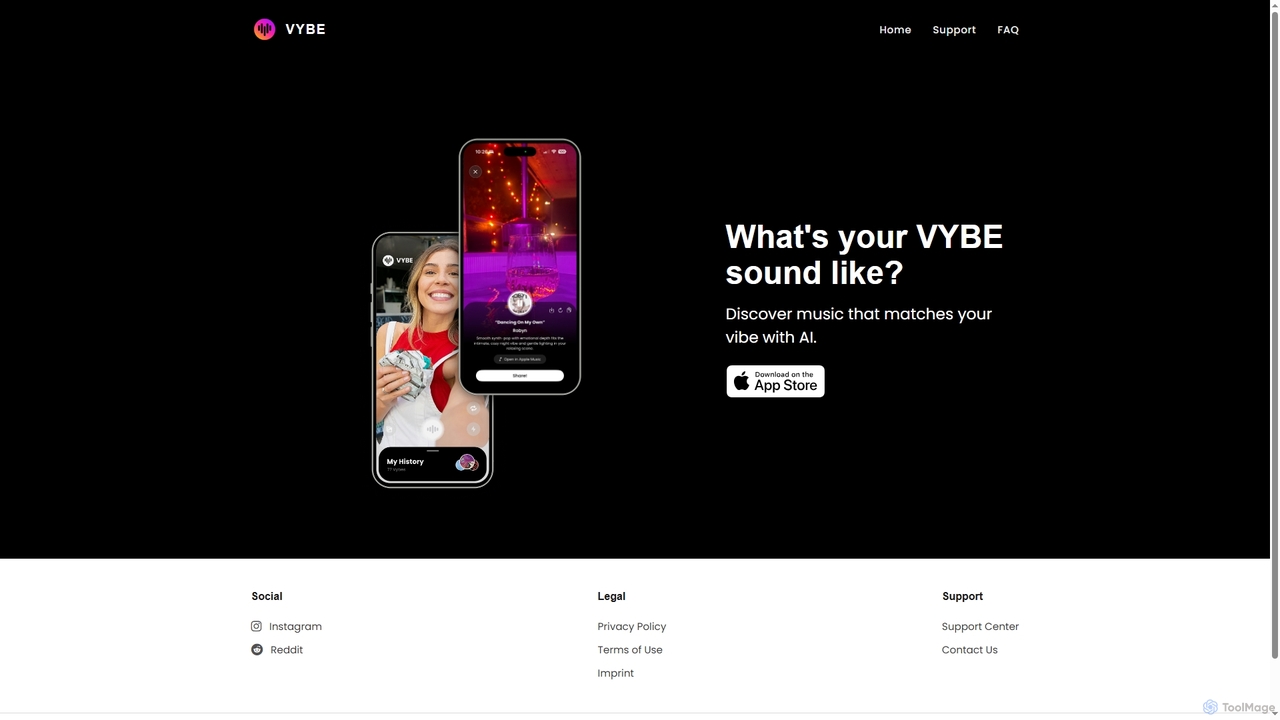
Vybecam is an AI-powered iOS app that discovers music matching the vibe of your photos. Simply capture a moment, and its AI analyzes the image's context, emotions, and activities to suggest a perfectly suited soundtrack, offering a unique, visual way to find new music.

Entertainment
Visits 5.4KFavorites 121Likes 134
MemoriesForever
Freemium

MemoriesForever

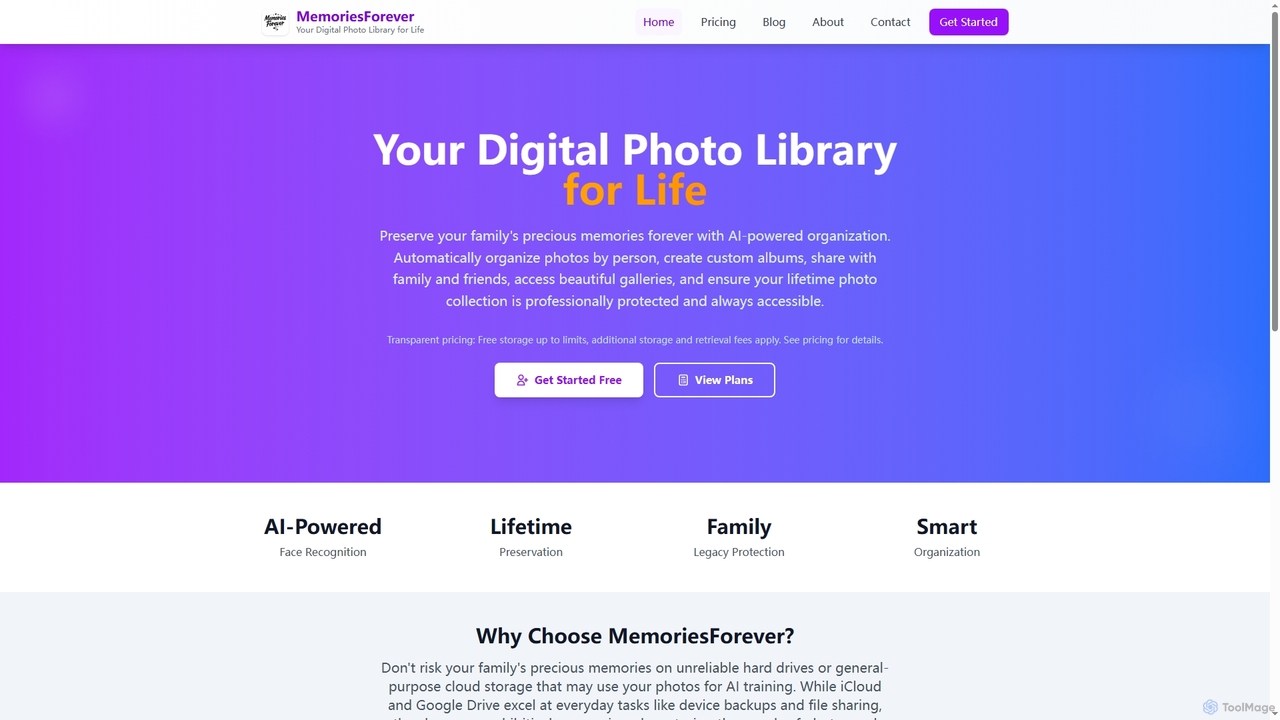
MemoriesForever is an AI-powered digital photo library designed for lifetime preservation. It automatically organizes photos by person using face recognition, offers secure sharing, and uses professional-grade archival storage as a cost-effective and secure alternative to general cloud services.

Family
Visits 5.9KFavorites 141Likes 143
MyHeritage
Freemium

MyHeritage

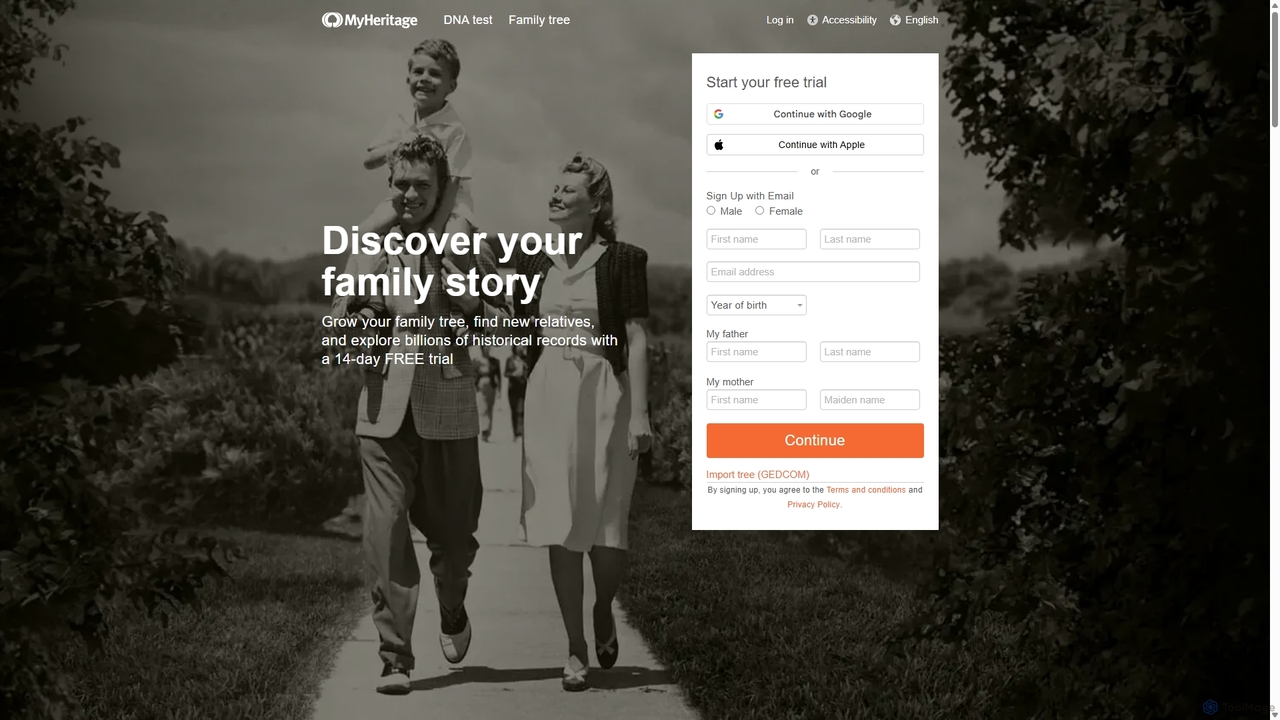
MyHeritage is a leading global platform for discovering your family history. It offers powerful tools to build your family tree, search billions of historical records, and uncover your ethnic origins through a simple DNA test. AI features like Deep Nostalgia™ animate old photos, bringing your ancestors to life.

History
Visits 12.1MFavorites 129Likes 139
Saze AI
Free

Saze AI

Saze AI is a comprehensive and 100% free suite of over 40 AI tools for creators, marketers, and students. It offers unlimited access to AI writing assistants, image generators, a revolutionary natural language photo editor, and a text-to-speech converter supporting 50+ languages. Boost your productivity and creativity with tools for everything from essay writing and SEO optimization to generating realistic AI influencers and editing photos with simple text commands.

Text To Speech
Visits 11.9KFavorites 138Likes 127
MyHeritage
Freemium

MyHeritage

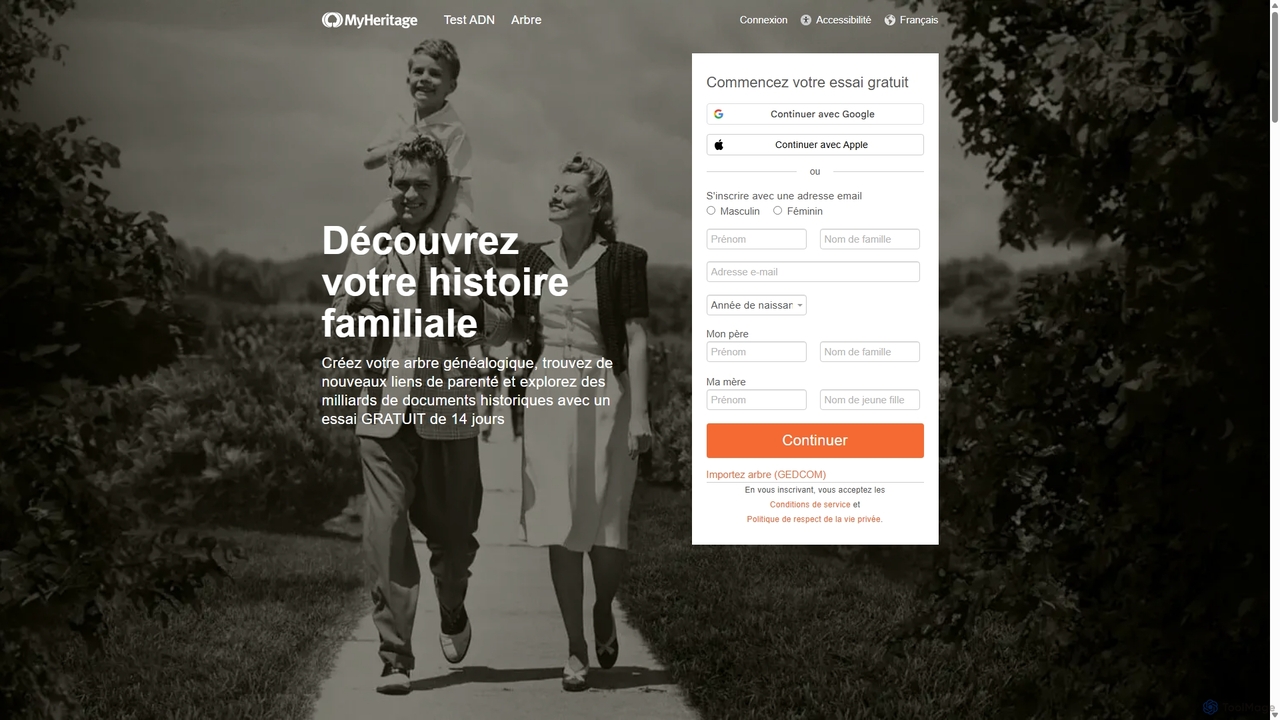
MyHeritage is a leading global platform for family history and DNA testing. It allows users to build their family tree, explore billions of historical records, and discover their ethnic origins. It features powerful AI tools like Deep Nostalgia™ to animate, colorize, and enhance old family photos, making ancestry discovery a uniquely engaging experience.

History
Visits 1.6MFavorites 104Likes 100
NeuralCam
Freemium

NeuralCam

NeuralCam is an AI-powered camera app for iOS that enhances mobile photography. It offers real-time composition guidance from an AI Photo Coach, smart capture modes for any lighting, and professional-grade auto-editing features like DSLR-like bokeh, intelligent illumination, and AI color grading. It's a complete system designed to help both beginners and experienced photographers take stunning photos.

Ios Apps
Visits 9.7KFavorites 158Likes 139
IconMaker
Paid

IconMaker

IconMaker is a marketplace for unique, AI-generated app icons and royalty-free stock photos. Ideal for developers, designers, and startups, it offers a vast, categorized library of ready-to-use visual assets. Purchase and download high-quality icons instantly to give your application a professional and distinct identity without the high cost of custom design.

Assets
Visits 6KFavorites 127Likes 128
Aftershoot
Freemium

Aftershoot

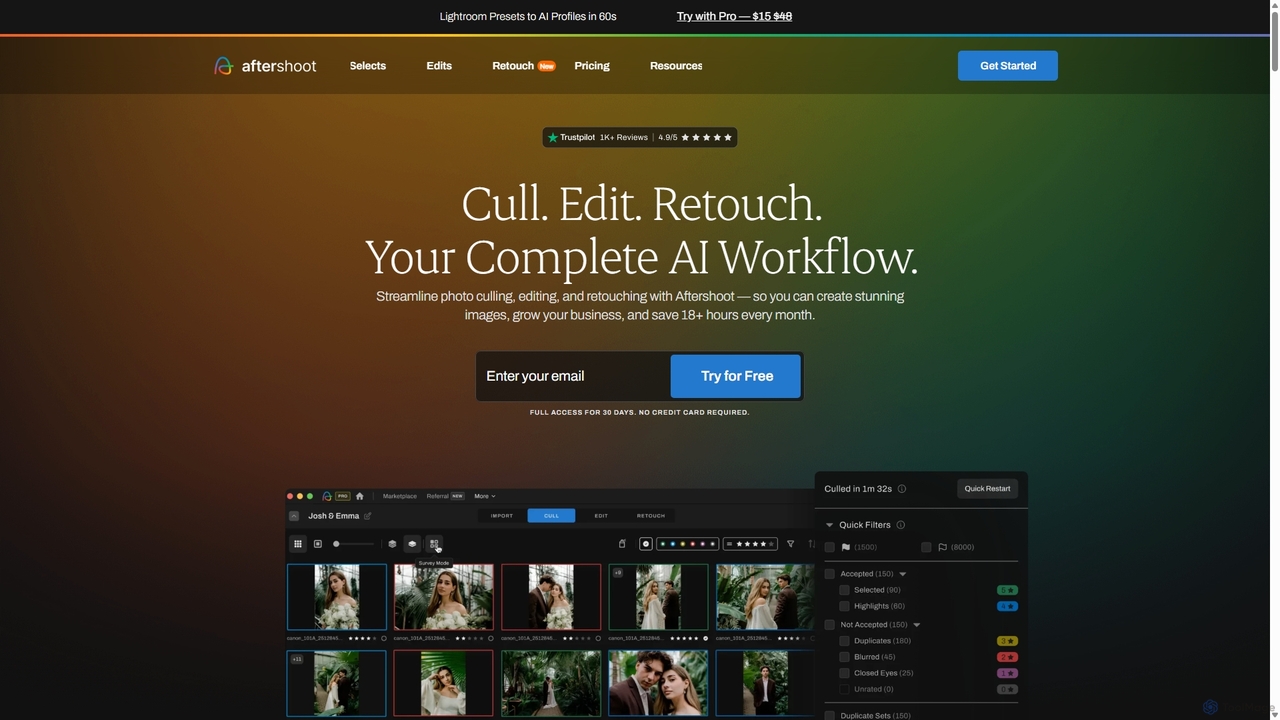
Aftershoot is an all-in-one AI software for photographers, designed to automate and streamline the post-production workflow. It offers intelligent culling to select the best photos, personalized AI editing that learns your style, and advanced AI retouching for portraits. By handling tedious tasks, Aftershoot saves photographers over 18 hours per month, ensuring consistent results and allowing them to focus on creativity and business growth.

Photography
Visits 388.3KFavorites 155Likes 137
Polarr Copilot
Free

Polarr Copilot

Polarr Copilot is an AI-powered creative assistant that transforms simple text prompts into stunning photo, video, and design edits. Integrated into the Polarr and 24FPS apps, it simplifies complex editing workflows, allowing users to achieve their desired aesthetic by describing it in natural language.

Social Media
Visits 5.5KFavorites 106Likes 100
Halide
Paid

Halide

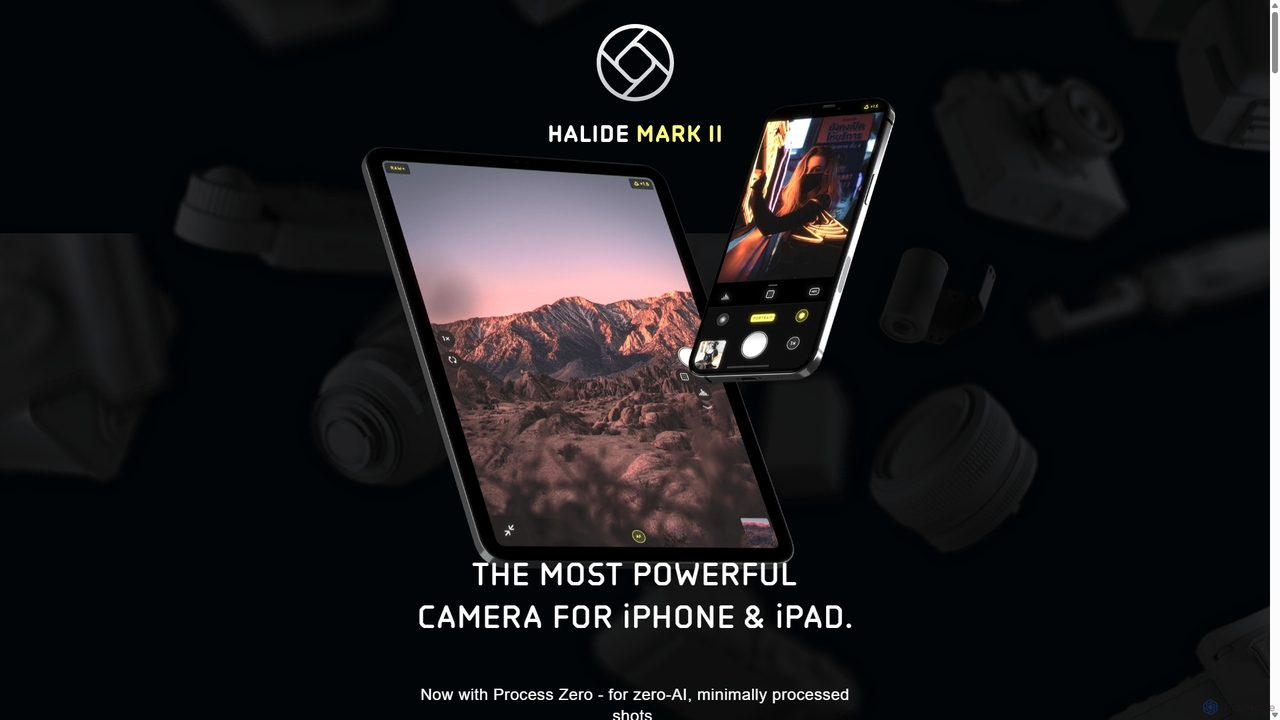
Halide is an award-winning professional camera app for iPhone and iPad, offering powerful manual controls, RAW capture, and advanced computational photography tools. It's designed for photographers who want to unlock the full potential of their device's camera, providing a tactile, intuitive interface inspired by classic film cameras.

Photography
Visits 121.7KFavorites 129Likes 124
Clip Studio Paint
Freemium

Clip Studio Paint

Clip Studio Paint is the all-in-one digital creation software for illustration, comics, manga, and animation. Loved by over 35 million artists, from beginners to professionals, it offers a natural drawing feel, powerful vector tools, 3D model integration, and a vast library of customizable brushes and assets to bring any creative vision to life.

Illustration
Visits 2.3MFavorites 143Likes 128
NeuralPix
Free

NeuralPix

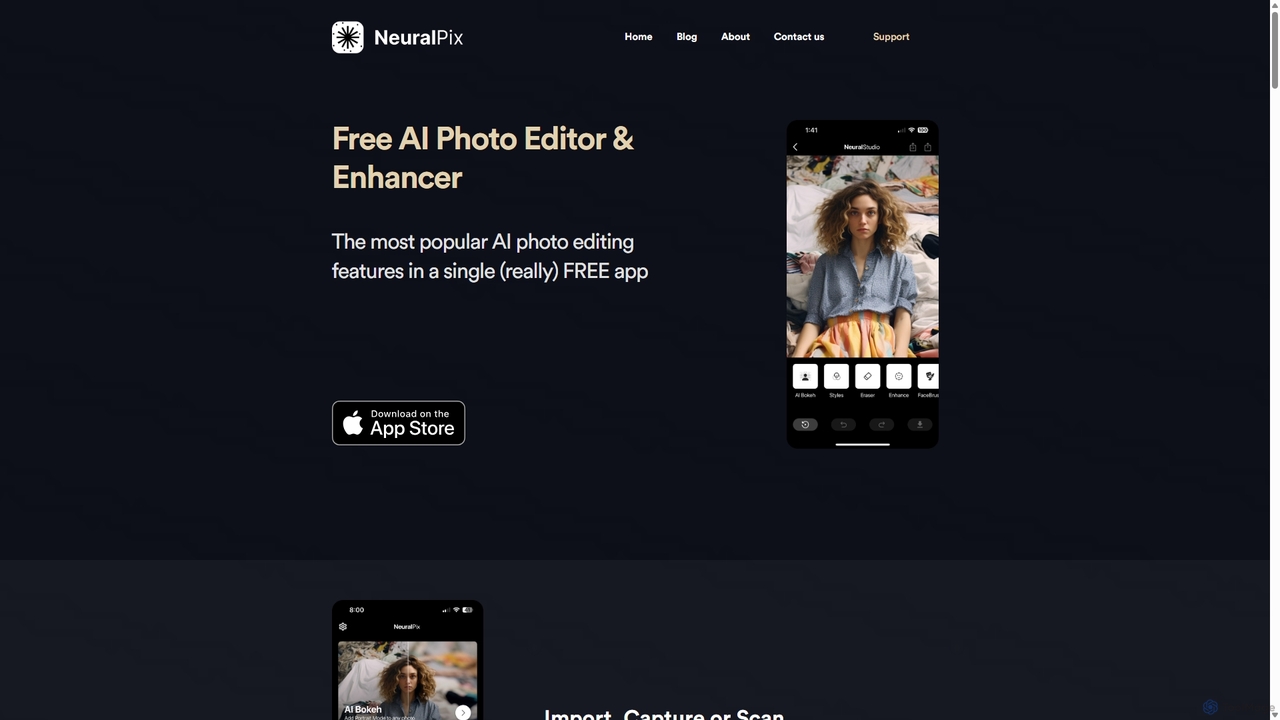
NeuralPix is a completely free, all-in-one AI photo editor and enhancer app. It packs powerful features like Magic Eraser, AI Bokeh, Photo Enhancer, Unblur, Colorization, and Upscaling into a single, user-friendly interface. Perfect for both casual users and professionals to effortlessly improve photos, restore old memories, and create stunning images without subscriptions or ads.

Image Editing
Visits 5.8KFavorites 137Likes 154
Polarr
Freemium

Polarr

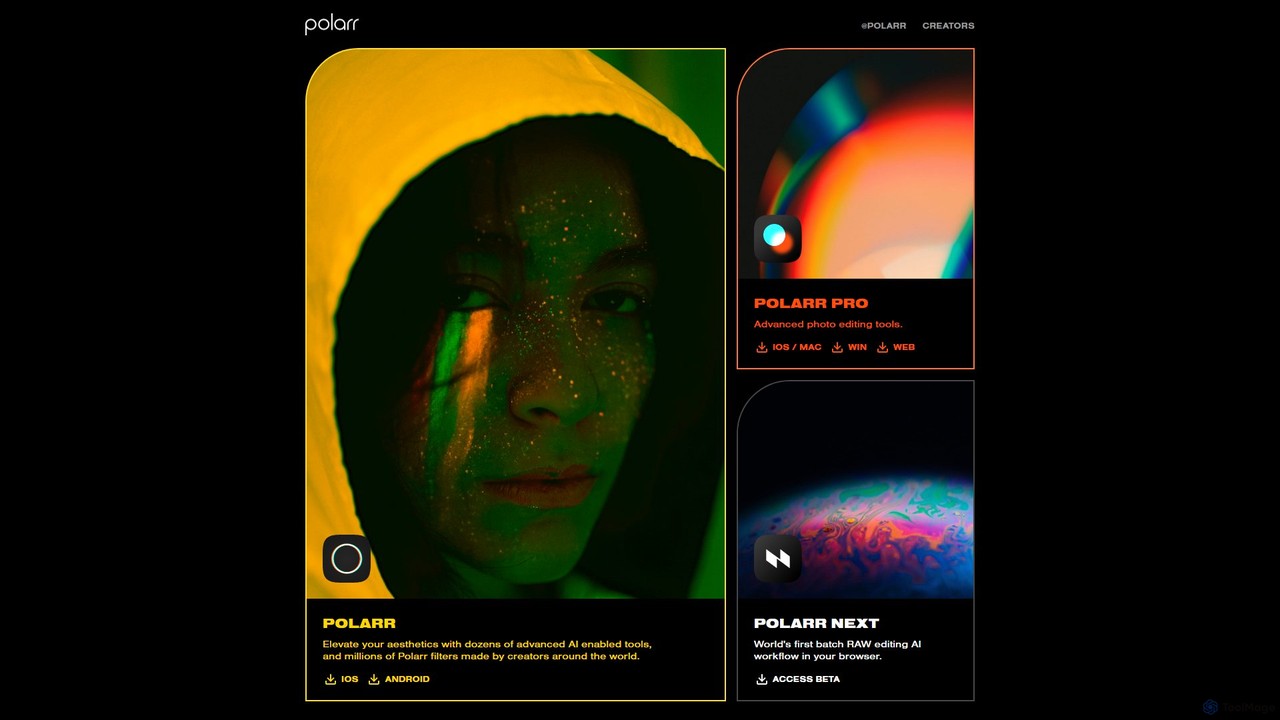
Polarr is a powerful AI-driven photo and video editing suite for creators of all levels. It offers advanced editing tools, a vast library of millions of community-created filters, and a revolutionary batch RAW editing workflow, available across all devices.

Generative Art
Visits 108.1KFavorites 119Likes 141
Pixify
Freemium

Pixify

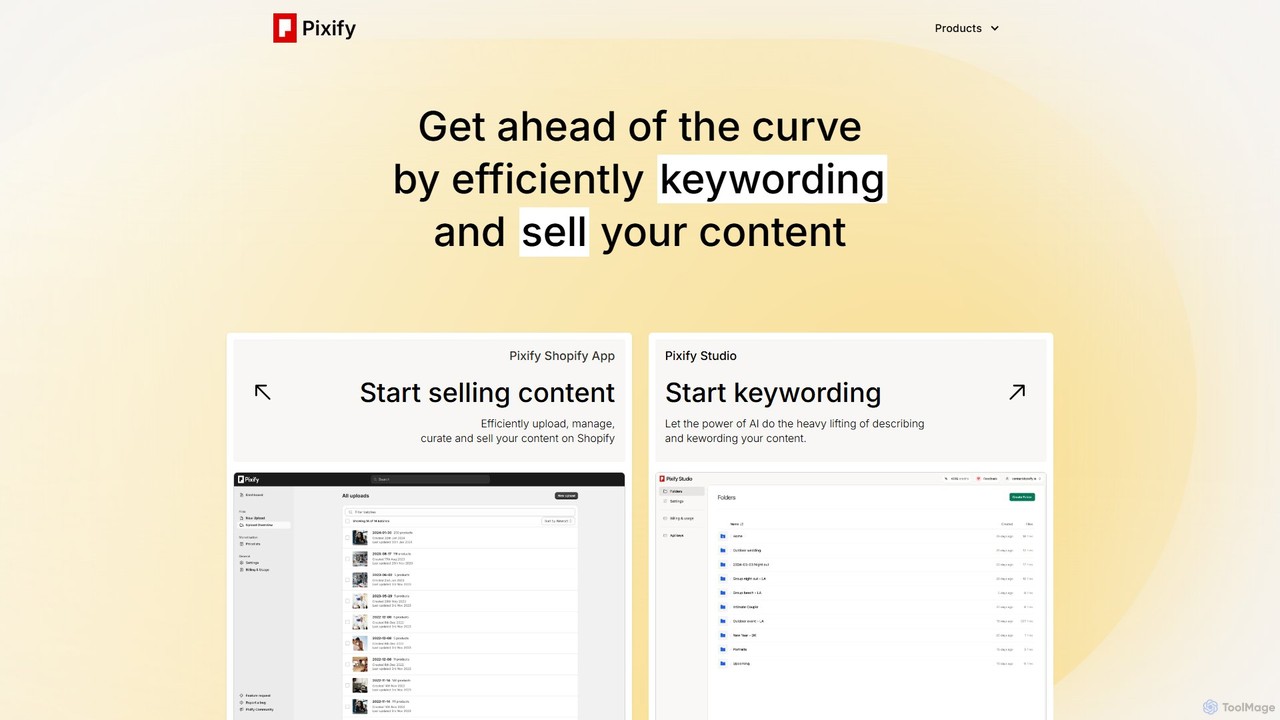
Pixify is an AI-powered platform designed for content creators to automate metadata generation. It efficiently creates titles, descriptions, and keywords for images and videos, saving hours of manual work. It also offers a Shopify app to help creators sell their digital content directly.

Shopify Apps
Visits 21KFavorites 152Likes 160
piXme
Freemium

piXme

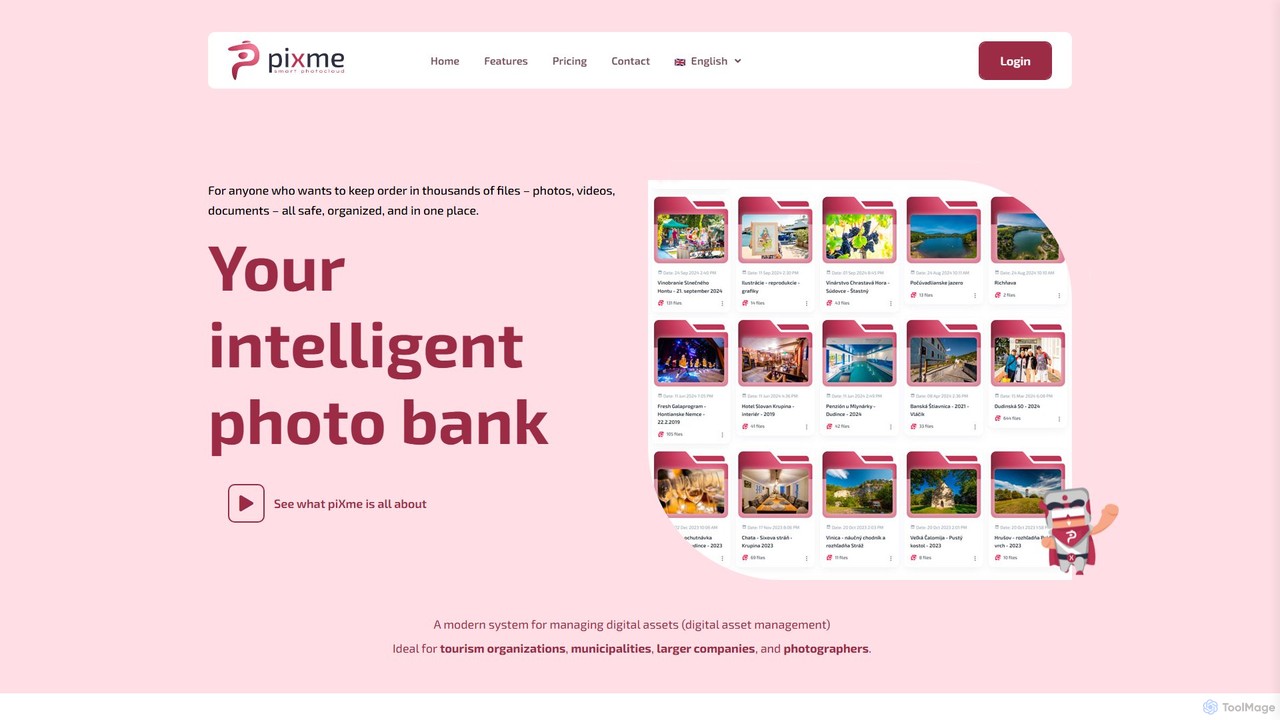
piXme is an intelligent Digital Asset Management (DAM) platform that uses AI to organize, back up, and search your photos, videos, and documents. Designed for businesses and professionals, it provides a secure, centralized cloud for all your digital files, saving time and improving workflow efficiency with powerful, content-aware search capabilities.

File Management
Visits 5.4KFavorites 118Likes 138
EaseUS
Freemium

EaseUS

EaseUS offers a comprehensive suite of software for data management, recovery, and multimedia creation, enhanced with powerful AI. From AI-powered file repair and data recovery to creative tools like AI image generation and vocal removal, EaseUS provides reliable, user-friendly applications for both individual and enterprise users. It simplifies complex tasks like disk partitioning, system backup, and data transfer, making digital life easier and more secure.

Generative Art
Visits 5.4MFavorites 160Likes 152
OptiClean
Paid

OptiClean

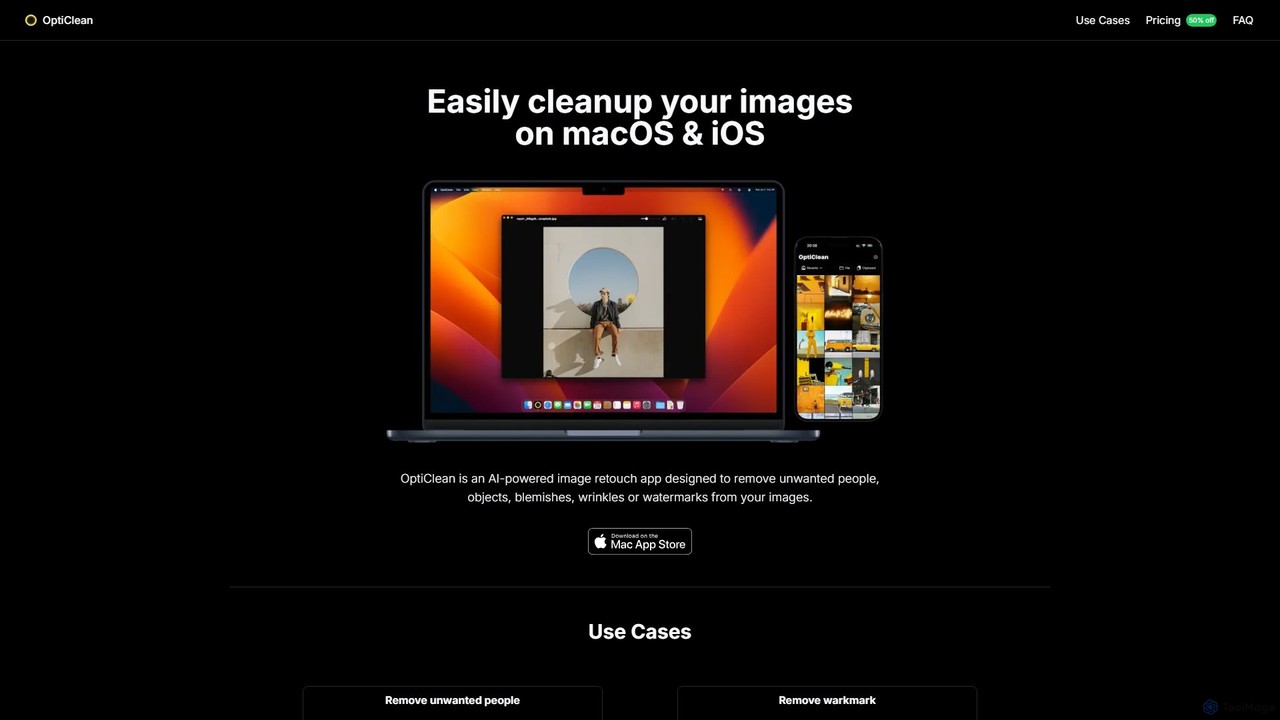
OptiClean is an AI-powered image retouching app for macOS and iOS, designed to effortlessly remove unwanted objects, people, watermarks, and blemishes. It offers a simple, one-click solution for professional-quality photo cleanup with a focus on user privacy through on-device processing.

Object Removal
Visits 5.7KFavorites 120Likes 125
PhotoApp
Freemium

PhotoApp

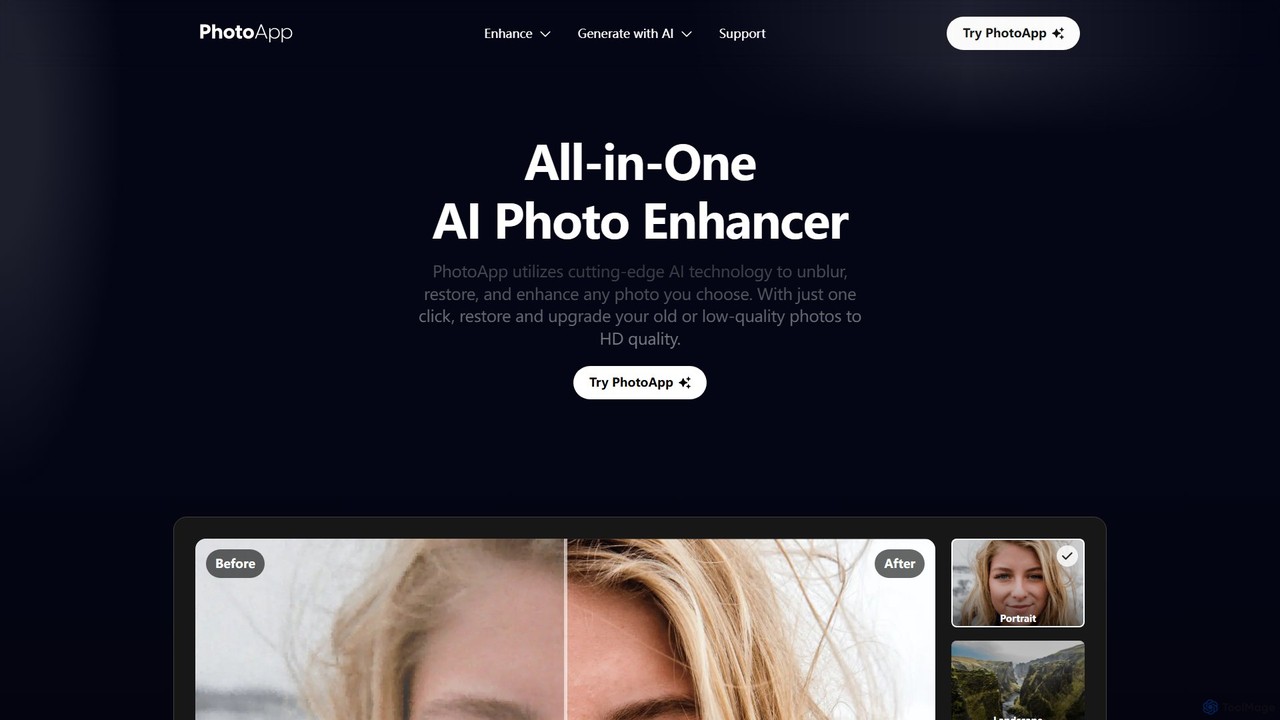
PhotoApp is an all-in-one AI photo editor that enhances, restores, and unblurs your images with a single click. Using advanced AI, it sharpens details, removes noise, corrects colors, and revives old photos. It also features an AI photo generator to create professional-quality images of yourself. Available on iOS and Android for on-the-go editing.

3D
Visits 185.5KFavorites 117Likes 119
Spectre
Paid

Spectre

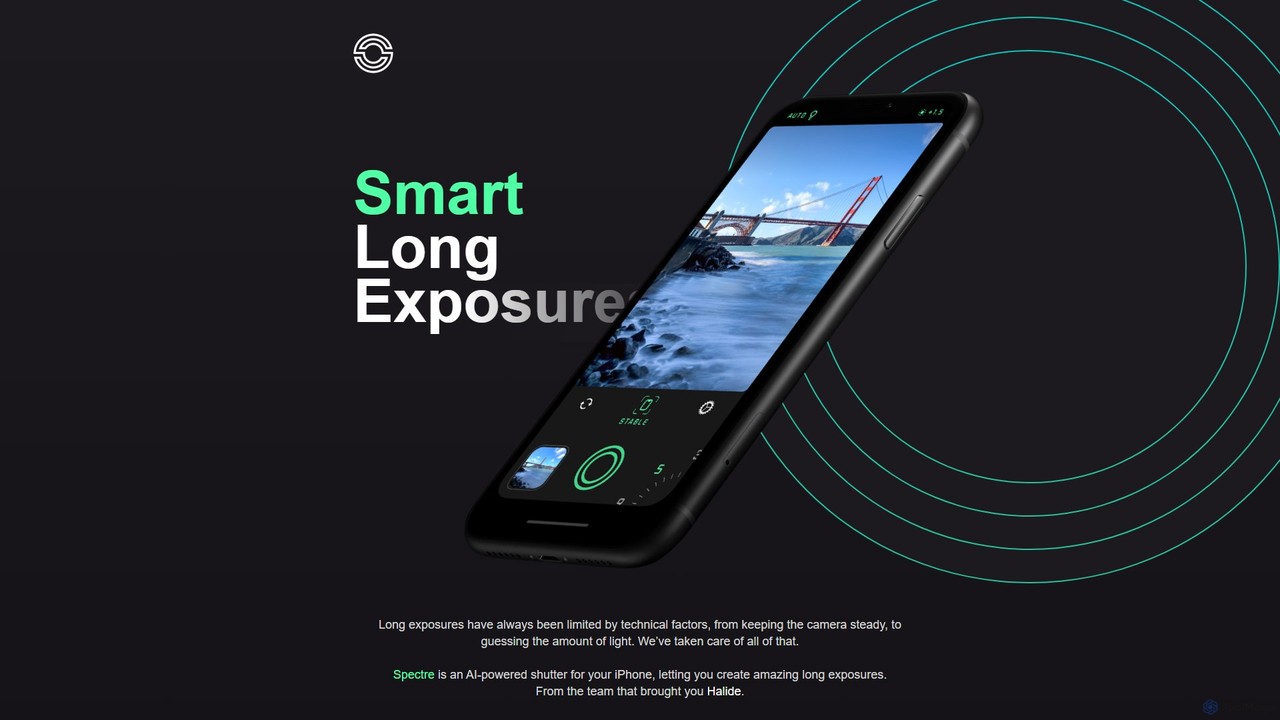
Spectre is an AI-powered camera app for iPhone that leverages computational photography to create stunning long exposure effects. Easily remove crowds, draw light trails, and smooth water with advanced features like AI scene detection and image stabilization, all from the creators of Halide.

Photography
Visits 7.3KFavorites 165Likes 149
TextPhoto
Paid

TextPhoto

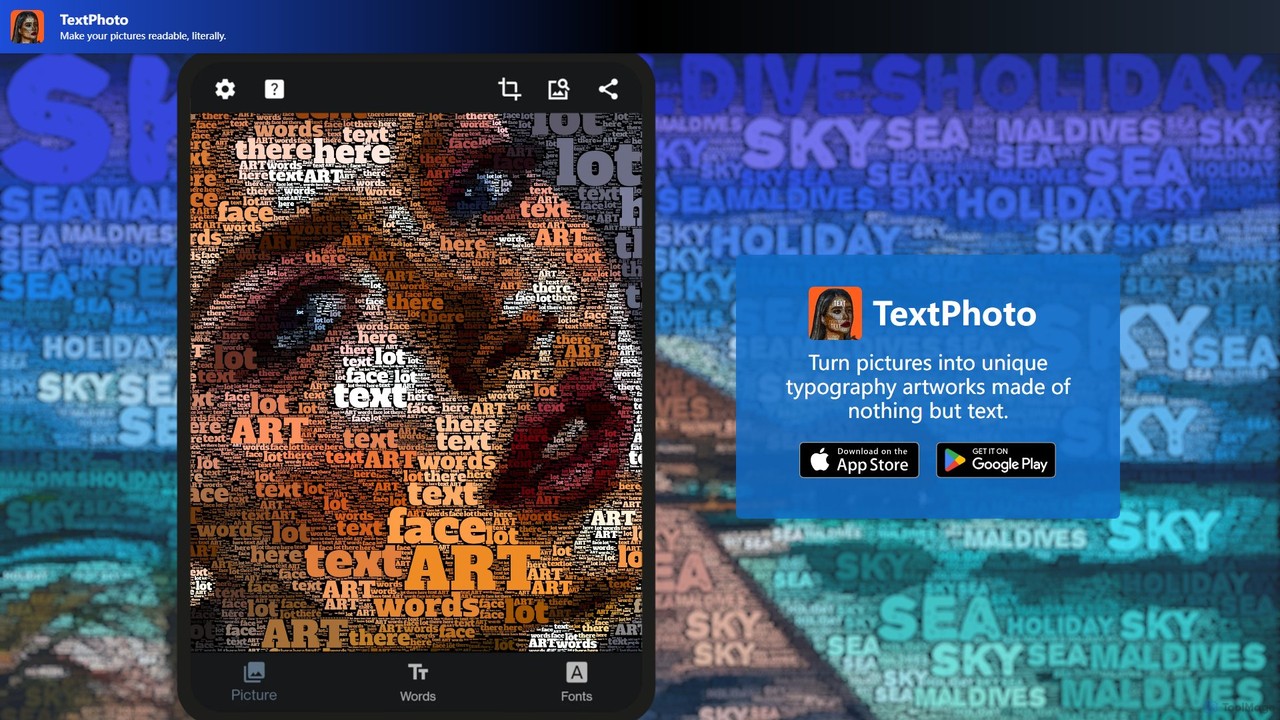
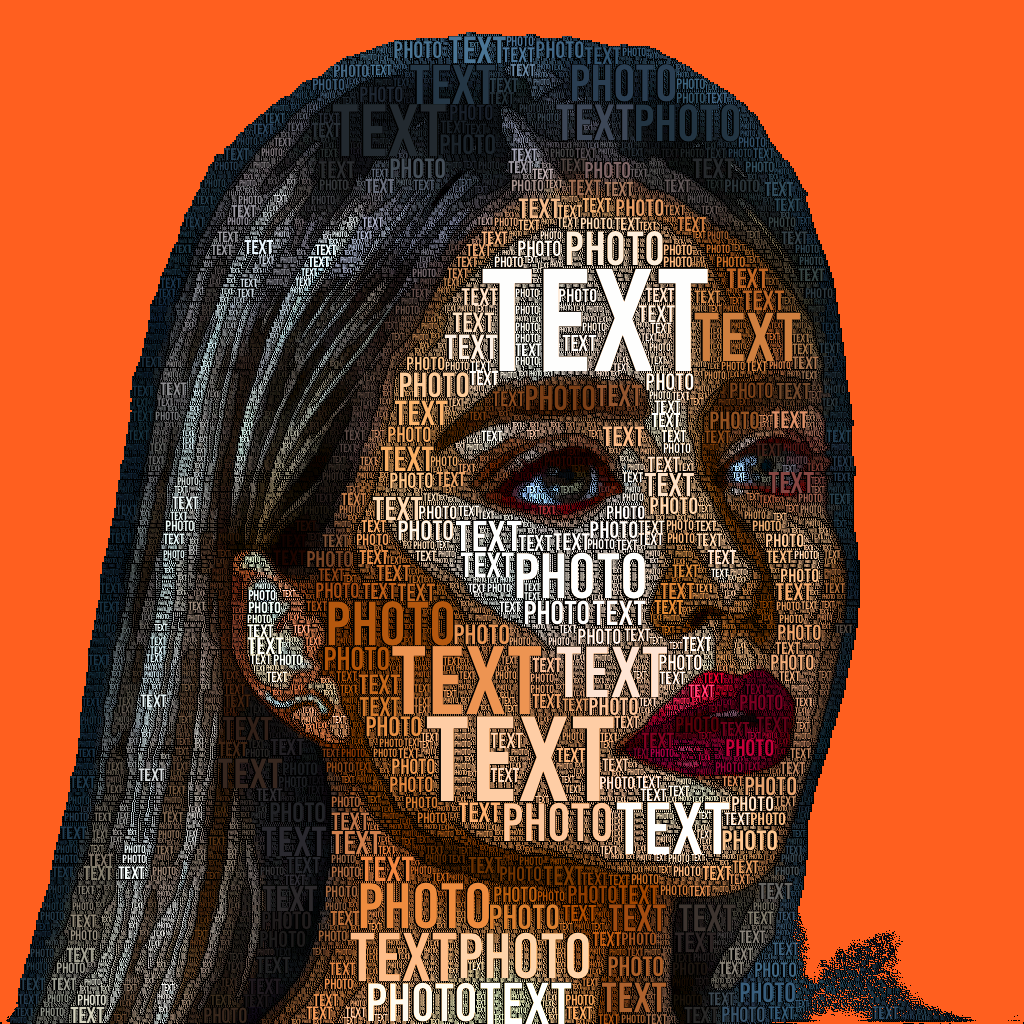
TextPhoto is a unique creative application that transforms your pictures into stunning typographic art. It intelligently replaces the pixels of your photo with words, creating a sophisticated and intricate visual effect. Ideal for artists, designers, and anyone looking to create unique visual content.

Generative Art
Visits 5.5KFavorites 166Likes 170
PhotoAlign
Paid

PhotoAlign

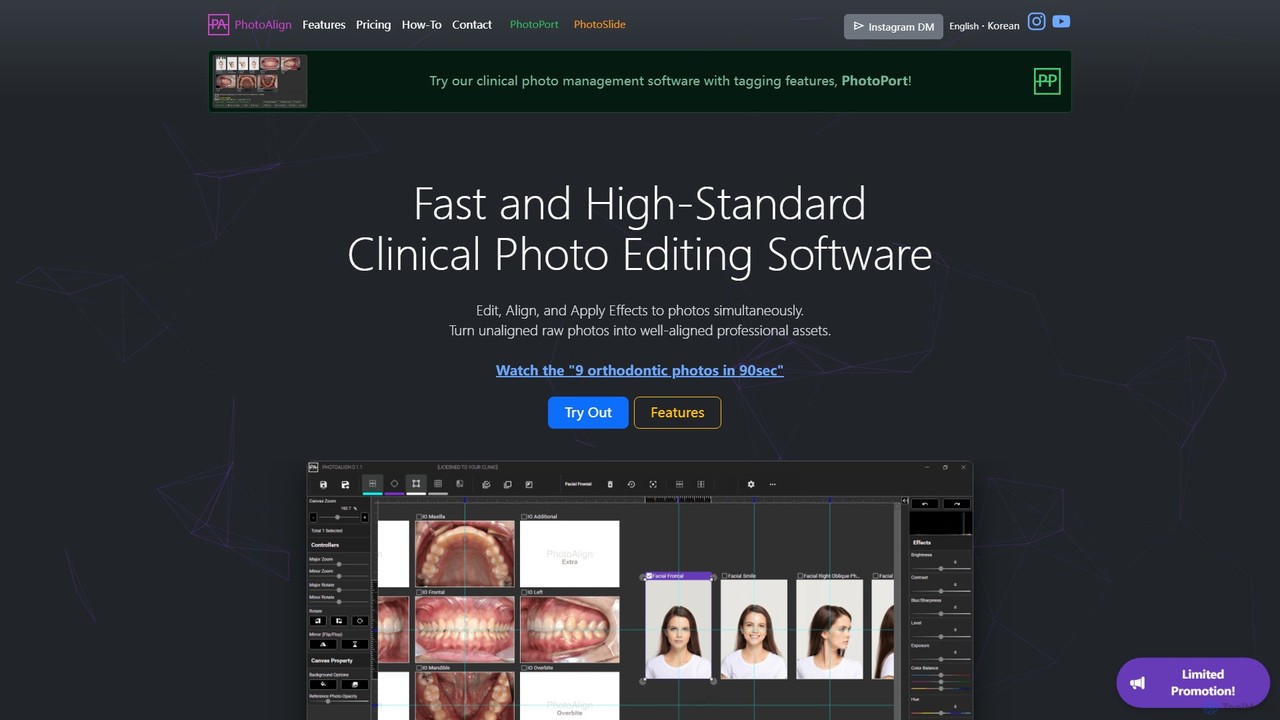
An AI-powered photo editing software designed for dental and orthodontic professionals. It streamlines the process of editing, aligning, and standardizing clinical photos, saving significant time with batch processing, AI-powered placement, and professional templates.

Dental
Visits 7.8KFavorites 128Likes 119
Rove

Rove

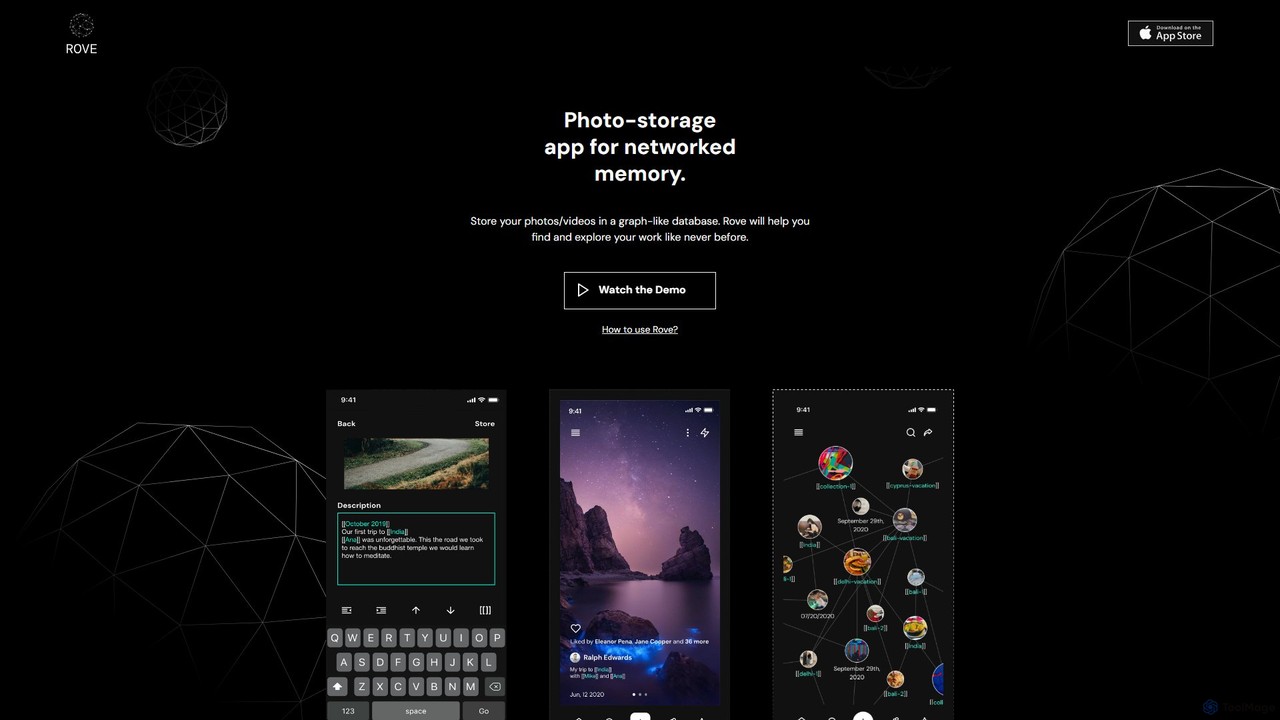
Rove is an AI-powered media management app that replaces traditional folders with a dynamic, graph-based system. Organize your photos and videos by creating interconnected nodes for themes, moods, and concepts. This intuitive 'second brain' approach helps you rediscover memories and inspiration through natural, non-linear exploration.

Inspiration
Visits 6.4KFavorites 124Likes 120
SNOW
Freemium

SNOW

SNOW is an AI-powered camera and photo/video editing application renowned for its vast collection of AR stickers, beauty effects, and creative filters. It allows users to capture and enhance moments with advanced AI technology, including real-time makeovers and an innovative AI Profile generator for creating studio-quality portraits.

Avatar Generation
Visits 110.1KFavorites 139Likes 134

Apple
Paid

Apple

Apple integrates 'Apple Intelligence,' a personal intelligence system, across its ecosystem. It enhances user experience on iPhone, iPad, and Mac with powerful AI features like advanced Writing Tools, Image Playground, and a more capable Siri, all designed with a primary focus on privacy and seamless integration.

Smart Devices
Visits 541.1MFavorites 163Likes 171

About Photo & Video

AI Photo & Video tools are a class of software that leverage artificial intelligence to automate and enhance the creation, editing, and analysis of visual media. These tools utilize deep learning models to perform complex tasks such as image upscaling, object removal, style transfer, and intelligent video scene detection. They empower creators, marketers, and businesses to produce high-quality visual content more efficiently, from restoring old photos to generating complex video effects. A key advantage is their ability to handle repetitive tasks that traditionally require specialized skills, making professional-grade results accessible to a wider audience.

Core Features

  • AI Enhancement & Restoration: Automatically improves resolution, removes noise, corrects colors, and repairs old or damaged photos and videos.
  • Intelligent Object Manipulation: Precisely removes, replaces, or isolates subjects and backgrounds in both photos and videos with minimal user input.
  • Generative Content Creation: Creates entirely new images, video clips, or visual effects from text prompts or simple sketches.
  • Automated Video Editing: Streamlines post-production with features like automatic scene detection, subject tracking, subtitle generation, and highlight reel creation.
  • Style Transfer & Effects: Applies the artistic style of one image or video to another, or generates unique visual effects based on AI analysis.

Use Cases

These tools are widely used by social media managers for creating engaging posts, e-commerce businesses for optimizing product photography, and videographers for streamlining post-production workflows. They are also valuable for individuals restoring family photo archives and marketing teams generating unique ad creatives without extensive design resources.

How to Choose

When selecting a tool, first identify your primary need: editing, generation, or restoration. Evaluate the specific features and output quality, ensuring it supports your required file formats (e.g., RAW, 4K). Consider whether you prefer a cloud-based service for accessibility or a local application for privacy and speed. Finally, compare the user interface and pricing models to find a solution that matches your skill level and budget.

Featured tool rankings

Photo & Video use cases

1

E-commerce Product Photo Enhancement

An e-commerce store owner needs to prepare hundreds of product photos for a new collection. Instead of manually editing each image, they use an AI tool to batch-process the entire set. The tool automatically removes the background, enhances colors to match brand guidelines, and upscales the resolution for high-quality zoom features on the website. This process ensures all product listings have a consistent, professional look, significantly reducing editing time and improving the customer's shopping experience.

2

Automated Social Media Video Creation

A social media manager is tasked with creating short, engaging video clips daily from long-form content like blog posts or webinars. They use an AI video tool that can ingest a URL or a long video file. The AI automatically identifies key points, selects relevant stock footage or animates text, generates a synthetic voiceover, and adds synchronized captions. This allows the manager to produce a steady stream of video content for platforms like TikTok and Instagram Reels with minimal effort, boosting audience engagement and reach.

3

Restoring Old Family Photographs

An individual discovers a box of old, damaged family photos that are faded, scratched, and torn. Using an AI photo restoration tool, they scan and upload these images. The AI algorithm analyzes each photo, automatically removing scratches and blemishes, correcting color fading to restore original vibrancy, and sharpening blurry faces with remarkable clarity. It can even colorize black-and-white photos with historically plausible colors. The result is a digitally preserved family archive, with precious memories brought back to life for future generations to cherish.

4

AI-Powered Video Post-Production

An independent filmmaker or YouTuber needs to streamline their editing workflow for a new video. They upload their raw footage to an AI video editor. The tool automatically transcribes all dialogue, creating perfectly synchronized subtitles in minutes. It also features a text-based editing function, allowing the creator to edit the video simply by deleting words from the transcript. Furthermore, the AI can detect and remove long pauses or filler words ('ums' and 'ahs'), and suggest royalty-free background music that matches the video's tone, saving hours of tedious manual work.

5

Generating Marketing Visuals from Text

A marketing professional needs unique, eye-catching images for an ad campaign but lacks immediate access to a graphic designer. Using an AI image generator, they write a detailed text prompt describing the desired scene, style, and mood, such as 'A photorealistic image of a futuristic sneaker floating above a neon-lit Tokyo street at night.' The AI generates multiple high-resolution image options in seconds. This allows for rapid A/B testing of ad creatives and reduces reliance on generic stock photography, resulting in more distinctive and effective campaigns.

6

Intelligent Video Surveillance Analysis

A security manager for a large facility needs to review hours of surveillance footage to find a specific event. Instead of manually scrubbing through video, they use an AI video analysis tool. The system processes the footage in the background, automatically detecting and tagging objects, people, and activities (e.g., 'person entering restricted area,' 'vehicle parked too long'). The manager can then search for events using simple text queries like 'show all people wearing a red jacket between 2 PM and 3 PM.' This drastically cuts down investigation time from hours to minutes, improving security response and operational efficiency.

Photo & Video FAQ

What are AI Photo & Video tools?

AI Photo & Video tools are software applications that use artificial intelligence to automate or significantly enhance tasks related to visual media. Instead of manual adjustments, these tools use algorithms to understand, edit, and create content. Key functions include automatically improving image quality, removing unwanted objects, generating new images from text, and streamlining video editing by detecting scenes or transcribing audio. They are designed to make complex editing and creation processes faster and more accessible to users of all skill levels.

How to choose the right AI Photo & Video tool?

To choose the right tool, consider these factors:

  • Primary Use Case: Identify your main goal. Do you need to enhance existing photos, generate new images, edit videos, or restore old media? Different tools specialize in different areas.
  • Features and Quality: Look at specific features like resolution upscaling, background removal, or text-to-video generation. Check reviews or trial versions to assess the output quality.
  • Ease of Use: Evaluate the user interface. Some tools offer simple one-click solutions, while others provide advanced controls for professionals. Choose one that matches your technical skill level.
  • Pricing Model: Compare costs. Options often include monthly subscriptions, pay-per-use credits, or one-time purchases. Select a model that aligns with your budget and expected usage frequency.
What's the difference between AI image generators and AI image editors?

The core difference lies in their function: creation versus modification. AI image generators create entirely new images from scratch, usually based on text descriptions (prompts). They are used for conceptual art, marketing visuals, and creative exploration. AI image editors, on the other hand, work with existing photographs or images. They use AI to perform specific tasks like removing backgrounds, enhancing quality, applying filters, or deleting objects. In short, generators produce new content, while editors refine existing content.

Can AI tools replace professional photographers and videographers?

AI tools are better viewed as powerful assistants rather than replacements for professionals. They excel at automating technical and time-consuming tasks, such as color correction, object removal, or culling thousands of photos. This allows human professionals to focus more on the creative aspects that AI cannot replicate, like composition, lighting, client interaction, and storytelling. While AI can generate or edit visuals, it lacks the artistic judgment, on-site problem-solving skills, and unique vision that define a professional's work.

Is the content generated by AI tools free to use commercially?

Commercial usage rights for AI-generated content depend entirely on the specific tool's terms of service. Many platforms, especially paid ones, grant users full ownership and commercial rights to the images or videos they create. However, some free or trial versions may have restrictions, prohibiting commercial use or requiring attribution. It is crucial to always read and understand the licensing agreement of any AI tool before using its output for business purposes to ensure compliance and avoid potential copyright issues.