ToolMage
Sign in

Best 2 Social Media AI tools for Design

Popular Social Media AI tools in Design include BrandCrowd and Polarr Copilot, helping you work more efficiently.

Polarr Copilot
Free

Polarr Copilot

Polarr Copilot is an AI-powered creative assistant that transforms simple text prompts into stunning photo, video, and design edits. Integrated into the Polarr and 24FPS apps, it simplifies complex editing workflows, allowing users to achieve their desired aesthetic by describing it in natural language.

Social Media
Visits 5.7KFavorites 109Likes 103
BrandCrowd
Freemium

BrandCrowd

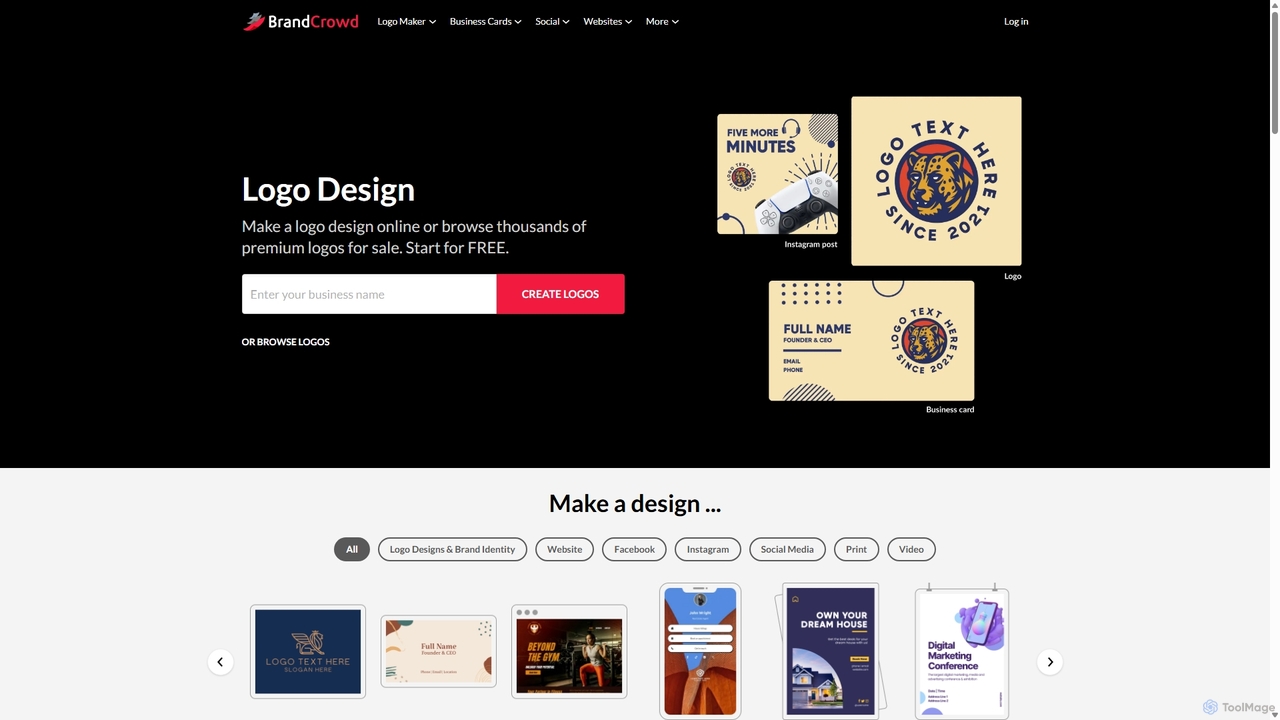
BrandCrowd is an AI-powered online marketplace for creating logos, business cards, and a full suite of branding materials. It offers a vast library of professionally designed templates that can be customized in minutes, making it ideal for startups, entrepreneurs, and small businesses seeking a quick and affordable brand identity.

Graphic Design
Visits 957.2KFavorites 109Likes 130

About Social Media

AI Social Media tools are a specialized category of design software that automates the creation of visually compelling content for platforms like Instagram, TikTok, and Facebook. These tools leverage generative AI to produce images, videos, carousels, and ad creatives from simple text prompts or branded templates. They enable marketers and creators to rapidly generate on-brand, high-engagement content at scale, significantly reducing design time. Unlike general design tools, they are specifically optimized for social media formats, aspect ratios, and platform trends.

Core Features

  • Template-Based Generation: Creates complete social media posts using smart templates that adapt to your content and brand.
  • Text-to-Visual Creation: Generates unique images, graphics, or short videos from a simple text description or prompt.
  • Brand Kit Integration: Automatically applies brand colors, fonts, and logos to all generated content for consistent branding.
  • Automated Resizing: Instantly reformats a single design to fit the optimal dimensions for different platforms, such as Stories, Reels, or feed posts.
  • AI-Powered Copywriting: Suggests engaging captions, headlines, and relevant hashtags to accompany the visual assets.

Use Cases

These tools are primarily used by social media managers, digital marketers, small business owners, and content creators. They are essential for executing marketing campaigns, maintaining a consistent daily posting schedule, creating diverse ad creatives for A/B testing, and quickly responding to emerging trends with relevant visual content.

How to Choose

When selecting an AI Social Media tool, consider the quality and style of the AI-generated visuals to ensure they align with your brand aesthetic. Evaluate the range of supported platforms and content formats. Assess the level of customization and control you have over the final design. Finally, check for integrations with scheduling tools or digital asset management systems to streamline your workflow.

Social Media use cases

1

Generate a Week's Worth of Instagram Carousels

A social media manager for a tech startup needs to create five educational carousel posts for the upcoming week. Instead of spending a full day in a manual design tool, they input the topic for each post, such as '5 AI tips for productivity,' into the tool. The AI generates a complete, multi-slide carousel for each topic, incorporating the startup's brand kit for visuals, text overlays, and a consistent style. This process allows them to produce a full week of high-quality, on-brand content in under an hour, freeing up time for strategy and community engagement.

2

Create A/B Test Variations for Facebook Ads

A performance marketer is launching a new ad campaign and needs multiple creative variations to test. They provide the AI tool with a core product image and a primary headline. The AI then generates ten different ad creatives, automatically experimenting with various layouts, background colors, call-to-action button styles, and secondary copy. This allows the marketer to quickly produce a diverse set of testable assets, significantly increasing the efficiency of their creative testing process and improving the chances of finding a high-performing ad.

3

Animate Static Photos for Engaging TikTok Videos

An e-commerce store owner wants to create engaging short-form video content without a video production budget. They upload several static product photos to an AI social media tool. The tool's animation feature brings the images to life with subtle motion, adds trending background music from its library, and applies dynamic text effects to highlight key features. In minutes, a series of static images is transformed into an eye-catching video optimized for TikTok or Instagram Reels, helping to increase engagement and reach on video-first platforms.

4

Design On-Brand Quote Graphics for LinkedIn

A business coach aims to build authority on LinkedIn by posting daily insightful quotes. To maintain a professional and consistent visual identity, they use an AI tool with a pre-configured brand kit. They simply input a list of quotes for the week. The AI automatically generates a series of graphics, each featuring a quote formatted with the coach's brand fonts, colors, and logo placed consistently. This automates a repetitive design task, ensuring a polished and cohesive brand presence with minimal daily effort, reinforcing their professional image.

5

Generate Themed Content for Holiday Campaigns

A marketing team at a retail brand is preparing for a Black Friday social media campaign. Using an AI tool, they input a prompt like 'Black Friday sale for a fashion brand, dark and elegant theme.' The tool generates a complete set of cohesive assets: countdown stories, sale announcement posts, and product highlight carousels. All assets share a consistent visual theme, incorporating brand elements automatically. This allows the team to create a full campaign's worth of visual content in a fraction of the time, ensuring a professional and unified look across all social channels.

6

Repurpose Blog Content into Twitter Visuals

A content marketer wants to promote a new blog post on Twitter with more than just a link. They paste the blog post's URL into an AI social media tool. The AI analyzes the content, extracts key points, insightful statistics, or powerful quotes, and then transforms them into a series of visually appealing graphics or a short summary video. These visuals are perfectly sized and formatted for Twitter, making the content more digestible and shareable. This process increases click-through rates to the blog and boosts engagement by presenting information in a native, visual format.

Social Media FAQ

What are AI Social Media design tools?

AI Social Media design tools are applications that use artificial intelligence to automate and simplify the creation of visual content for social media platforms. Unlike traditional design software that requires manual manipulation, these tools generate posts, stories, and videos based on text prompts, templates, or existing brand assets. Key features often include automatic resizing for different platforms, brand kit integration, and AI-powered copy suggestions, making them ideal for rapid, high-volume content production.

How to choose the right AI Social Media tool?

To choose the right tool, consider these factors:

  • Content Quality & Style: Ensure the AI's design output aligns with your brand's aesthetic. Review sample outputs to judge their quality.
  • Platform Support: Verify that the tool offers templates and formats specifically for your primary channels (e.g., Instagram Reels, LinkedIn carousels, TikTok videos).
  • Ease of Use: Evaluate the user interface. Is it intuitive? Does it rely on simple prompts, templates, or a more complex editor?
  • Brand Customization: Check if you can easily upload and apply your brand kit (logos, fonts, colors) to maintain consistency across all generated content.
What's the difference between AI Social Media tools and general AI Image Generators?

The main difference lies in their purpose and workflow. General AI Image Generators (like Midjourney or DALL-E) excel at creating single, often artistic or photorealistic, images from complex text prompts. AI Social Media tools, however, are integrated design solutions. They are built for marketing workflows, focusing on creating complete, ready-to-post assets that include text overlays, brand elements, and specific layouts optimized for engagement on social platforms. They prioritize speed, branding, and format consistency over pure artistic generation.

Can these tools also write captions and hashtags?

Yes, many modern AI Social Media design tools integrate AI copywriting features. After generating the visual component of a post, they can analyze the image and suggest several options for captions, headlines, and relevant hashtags. This feature streamlines the entire content creation process, moving from visual design to copy creation within a single platform. It helps ensure the text is relevant to the visual and optimized for the target social media channel, saving creators significant time.

Who are AI Social Media design tools best for?

AI Social Media design tools are ideal for a wide range of users, particularly:

  • Social Media Managers: To scale content production and maintain a consistent posting schedule across multiple platforms.
  • Small Business Owners: Who may lack dedicated design resources but need professional-looking social media assets.
  • Digital Marketers: For rapidly creating variations of ad creatives for A/B testing and campaign execution.
  • Content Creators & Influencers: To streamline their workflow and produce high-quality, on-brand visuals efficiently.

Essentially, they benefit anyone who needs to create a high volume of quality social media content consistently without extensive design expertise.