


Polarr Copilot Overview
Polarr Copilot is a revolutionary suite of AI-powered assistants designed to transform the creative editing process. By interpreting natural language text prompts, it generates sophisticated edits for photos, videos, and designs, making professional-level results accessible to everyone. The suite includes three specialized assistants: the Polarr Photo Editing Copilot for still images, the 24FPS Copilot for complex video effects, and the Design Copilot for creating instant, customized social media templates. This innovative approach allows creators to focus on their vision rather than the technical complexities of editing software, bridging the gap between imagination and final output. The AI learns from millions of community-generated edits, ensuring it stays up-to-date with the latest creative trends.
How to use Polarr Copilot
For Photo Editing: Download the Polarr app (iOS or Android). Open a photo you wish to edit. In the edit screen, tap the "Polarr Copilot" option. Type a text prompt describing the edits you want, such as "make the background look like a snowy day" or "give me a retro cyberpunk vibe." The AI will apply the changes instantly.
For Video Editing: Download the 24FPS app (iOS). Find the "24FPS Copilot" option in your Discover Feed or under the Edit tab. Describe the cinematic colors, transitions, or effects you want to apply to your video. The Copilot will generate the effect and even explain how it was created.
For Design: Use the Design Copilot by providing input images and describing the type of social post you need. The AI will produce customized design templates tailored to your business or personal brand.
Core Features of Polarr Copilot
- Text-to-Edit Engine: The core of the tool, translating natural language prompts into precise editing adjustments.
- Context-Aware Background Edits: Change the atmosphere of photos and videos by describing a new background environment (e.g., "add snow," "make it a golden hour sunset").
- Aesthetic & Color Adjustments: Easily apply complex color grades and aesthetics by referencing styles or moods (e.g., "Give me a Wes Anderson color palette").
- Selective Object Editing: Isolate and modify specific objects within a photo using simple commands (e.g., "I want my car to be a blue color").
- Advanced Video Effects: Generate cinematic transitions, overlays, and face-tracking effects in videos with simple text prompts.
- Intelligent Filter Discovery: Ask the Copilot to find and apply specific Polarr filters from its vast community library (e.g., "apply the most popular barbie core filter").
- Instant Design Generation: Creates customized social media post templates based on user images and text inputs.
- High-Resolution Output: Export your AI-edited creations in large file sizes suitable for any application, from social media to print.
- Upcoming Features: The platform is continuously evolving, with features like AI-powered face beautification and object erasing in development.
Use Cases for Polarr Copilot
Social Media Managers: Quickly create a consistent aesthetic across a brand's social media feed or generate eye-catching posts and stories without extensive design work.
Content Creators & Influencers: Save significant time on editing photos and videos, allowing for faster content turnaround while experimenting with new and trending visual styles.
Amateur Photographers & Videographers: Learn about editing by seeing how the AI interprets prompts and applies adjustments, bridging the knowledge gap for complex techniques.
Small Business Owners: Design professional-looking marketing materials and social media graphics without hiring a designer.
Casual Users: Effortlessly enhance personal photos and videos for sharing with friends and family, achieving a polished look without needing to learn complicated software.
Advantages of Polarr Copilot
Intuitive Workflow: Replaces complex sliders and menus with simple, conversational language, making editing more accessible.
Time-Saving: Drastically reduces editing time, with internal studies showing 80% of creators saved time during their workflows.
Creative Exploration: Encourages experimentation by making it easy to try out different styles and variations without commitment.
Educational: The Copilot explains the adjustments it makes, helping users understand the editing process and improve their skills.
Privacy-First: User images and videos are processed in the cloud and deleted immediately after, with no human visibility, ensuring complete privacy.
Responsible AI: Includes protective measures to prevent the generation of harmful or unsafe edits, fostering a safe creative environment.
Pricing and Plans
Currently, the Polarr Copilot features are in a Beta phase and are available to use for free. The Photo Editing Copilot is accessible within the Polarr app for iOS and Android users in the United States. The Video Editing Copilot is available within the 24FPS app for iOS users in the United States. As this is a beta experience, the features and availability are subject to change. A formal pricing plan has not been announced for the full release.
Polarr Copilot Alternatives
BrandCrowd
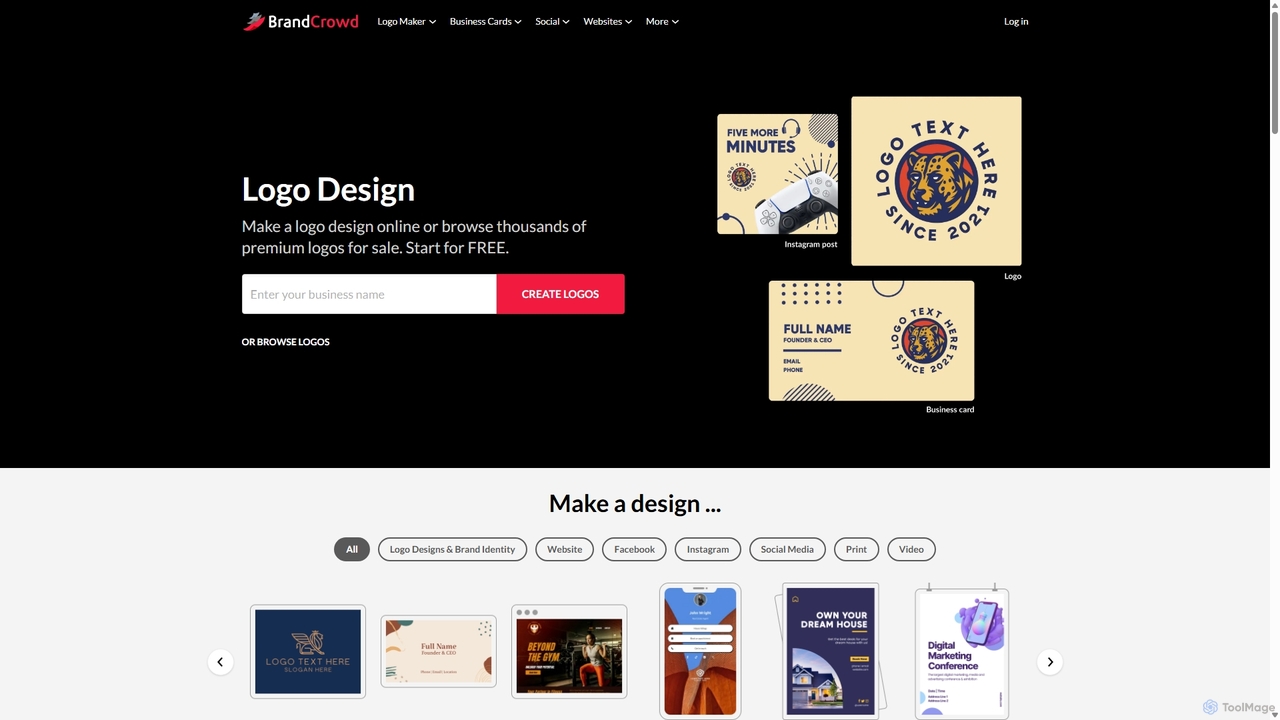
BrandCrowd is an AI-powered online marketplace for creating logos, business cards, and a full suite of branding materials. It offers a vast library of professionally designed templates that can be customized in minutes, making it ideal for startups, entrepreneurs, and small businesses seeking a quick and affordable brand identity.
Graphic Design
Picsart
Picsart is an all-in-one AI-powered creative platform for photo and video editing. It offers a comprehensive suite of tools, including AI image generation, background removal, photo enhancement, and a vast library of templates and stock content. Designed for everyone from beginners to professionals, Picsart simplifies the creation of stunning visuals for social media, marketing, and personal projects, accessible on both web and mobile.
3D
Nero AI
Nero AI is a comprehensive suite of AI-powered tools for image and video enhancement. It offers features like image and video upscaling, photo restoration, background and object removal, face animation, and creative stylization. Designed for creators, marketers, and designers, it provides easy-to-use solutions for both online and desktop platforms to elevate visual content quality.
Graphic Design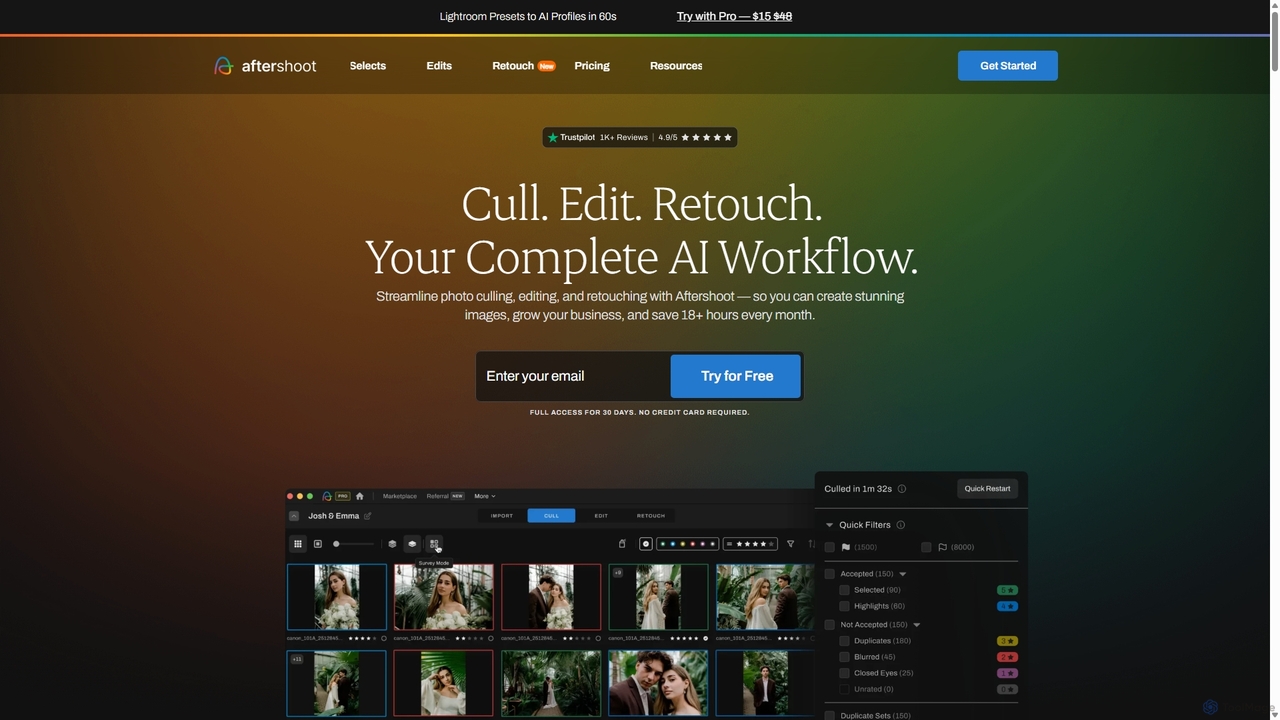
Aftershoot
Aftershoot is an all-in-one AI software for photographers, designed to automate and streamline the post-production workflow. It offers intelligent culling to select the best photos, personalized AI editing that learns your style, and advanced AI retouching for portraits. By handling tedious tasks, Aftershoot saves photographers over 18 hours per month, ensuring consistent results and allowing them to focus on creativity and business growth.
Photography
Photoleap
Photoleap is a powerful all-in-one AI photo editing app by Lightricks. It combines traditional editing tools with a massive suite of cutting-edge AI features, allowing users to transform photos, generate stunning AI art from text, create professional headshots, and apply creative effects with ease. It's designed for everyone from social media creators to casual users looking to elevate their images.
Generative ArtPolarr Copilot Categories
Polarr Copilot Jobs
Polarr Copilot Embed Widget
Copy this embed code to place the badge on your blog, article, or product site and send readers directly to this ToolMage detail page.

Related AI tools
Picsart
Picsart is an all-in-one AI-powered creative platform for photo and video editing. It offers a comprehensive suite of tools, including AI image generation, background removal, photo enhancement, and a vast library of templates and stock content. Designed for everyone from beginners to professionals, Picsart simplifies the creation of stunning visuals for social media, marketing, and personal projects, accessible on both web and mobile.
3D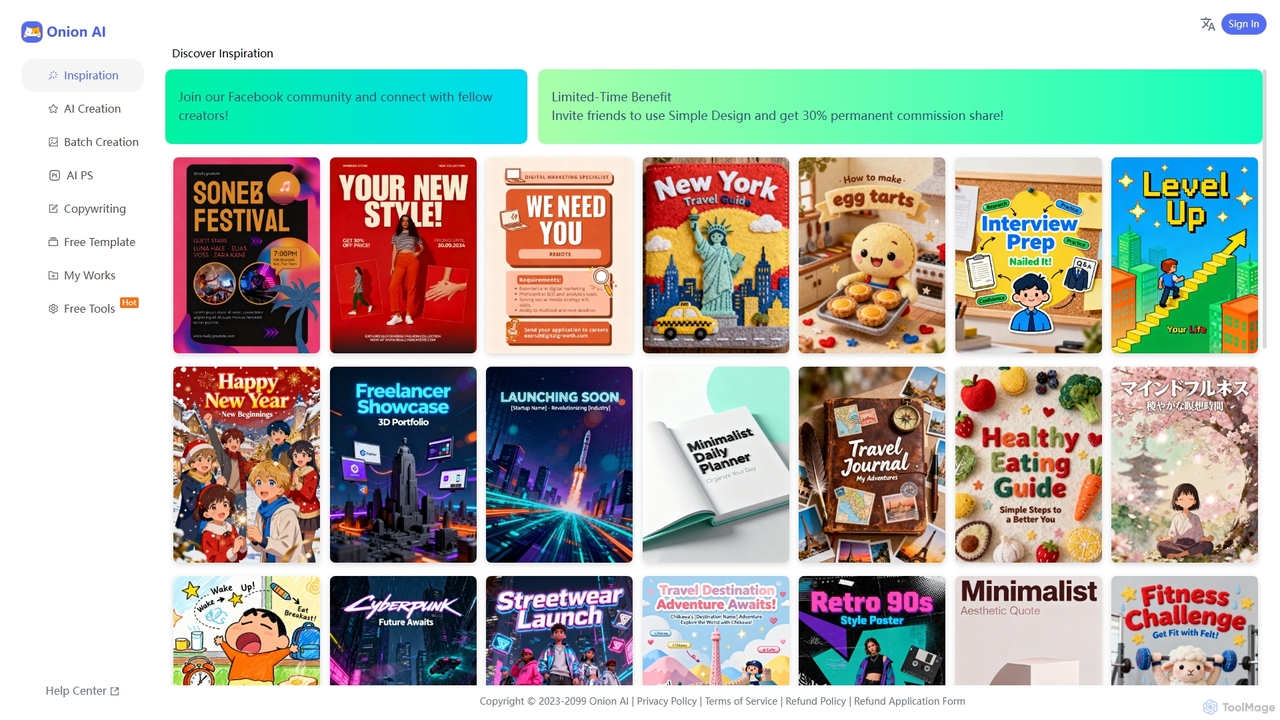
Onion AI
Onion AI is an innovative AI-powered design platform that helps users create high-quality posters and visual content with ease. It offers a vast library of templates, AI-driven creation tools, batch processing, and even copywriting assistance, making professional design accessible for various personal and business needs.
Image Editing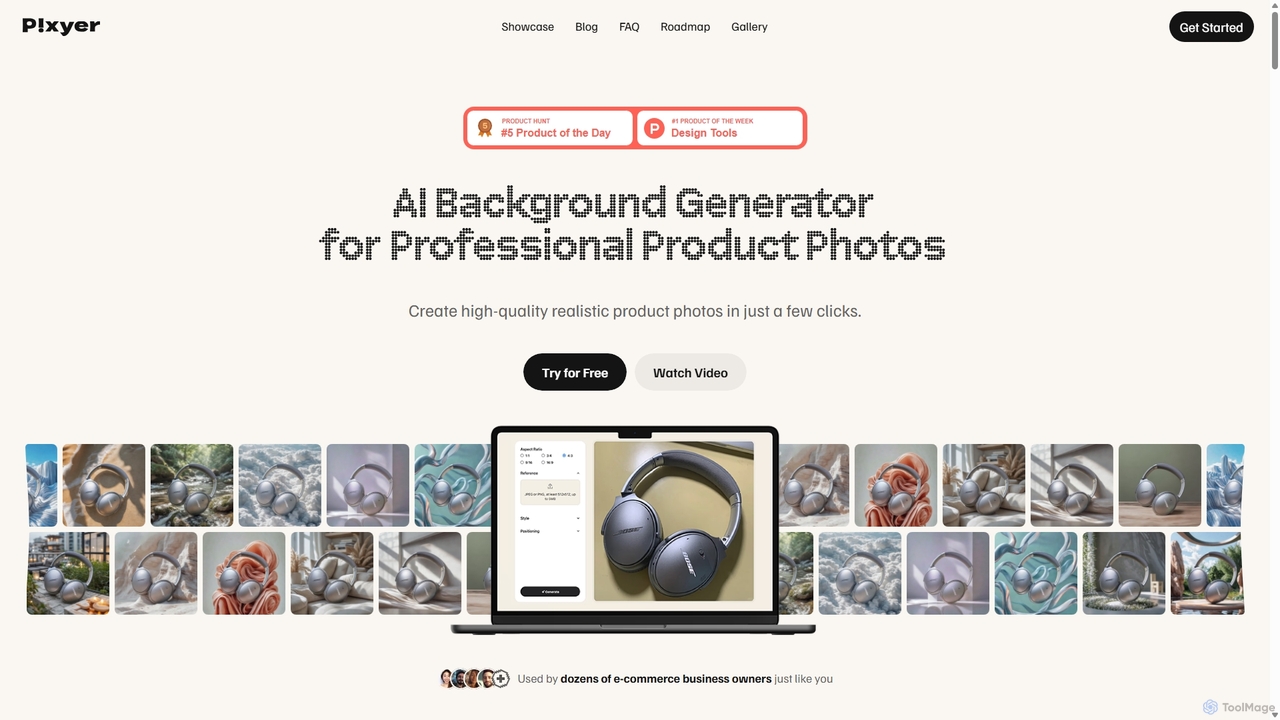
Pixyer
Pixyer is an AI-powered background generator designed for e-commerce, enabling users to create professional, studio-quality product photos in seconds. Simply upload an image, and the tool automatically removes the background and generates realistic, context-aware scenes with perfect lighting. It eliminates the need for expensive photoshoots, offering a fast, simple, and cost-effective solution for creating high-converting visuals for any platform.
3D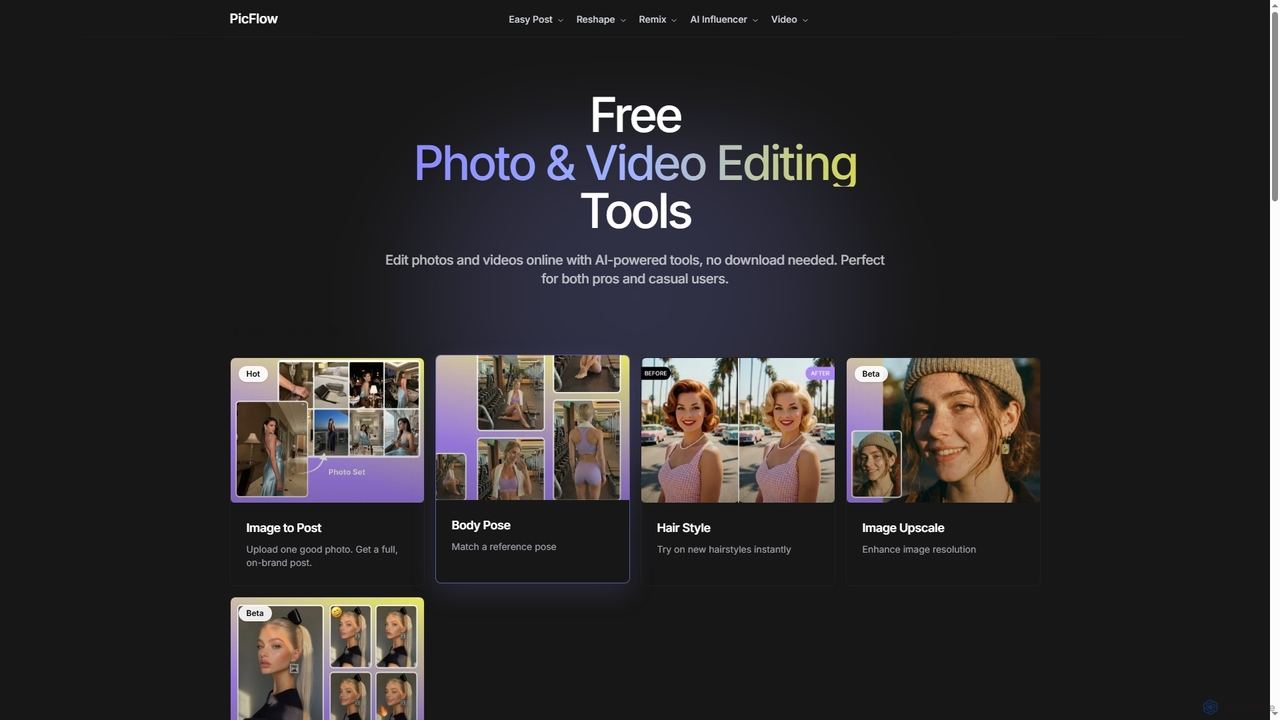
Postplus
Postplus (also known as PicFlow) is a free, AI-powered online platform offering a comprehensive suite of photo and video editing tools. Designed for both professionals and casual users, it helps create stunning social media content without requiring any downloads. From virtual hairstyle try-ons and body reshaping to intelligent image-to-post generation and video templates, Postplus simplifies content creation with advanced AI capabilities.
Virtual Try On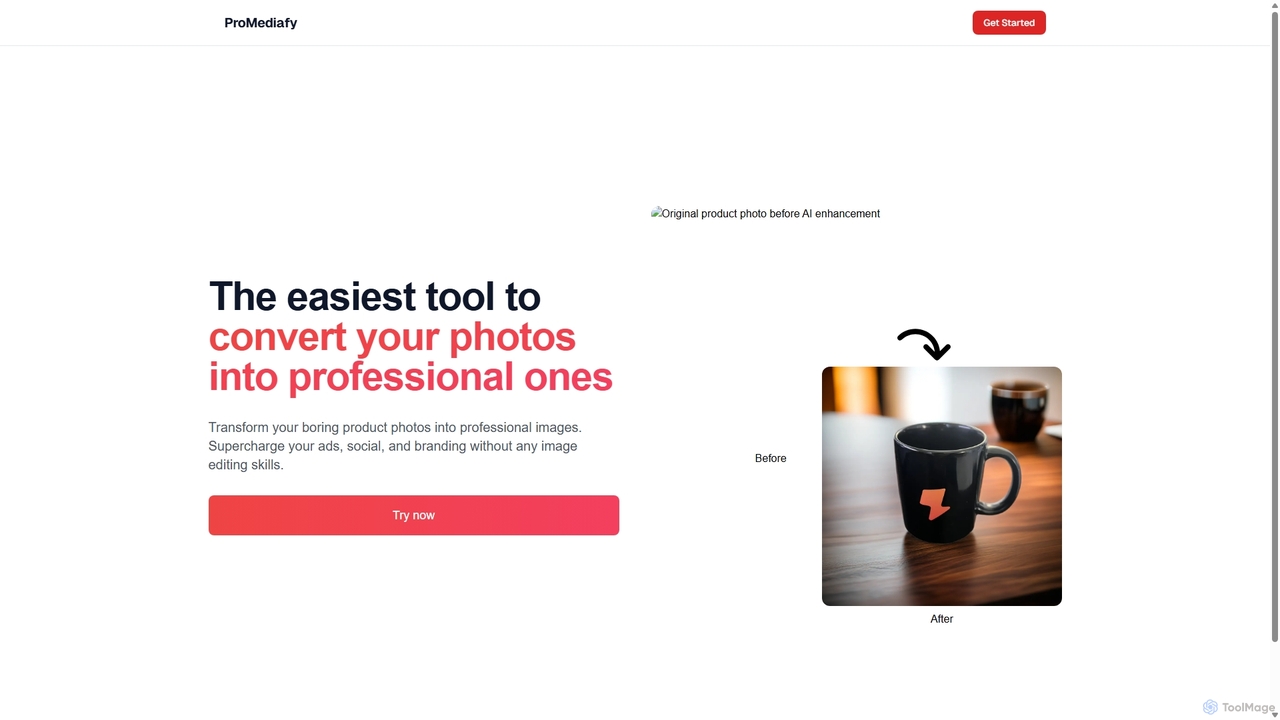
ProMediafy
ProMediafy is an AI-powered tool that effortlessly transforms standard product photos into professional, studio-quality images. It's designed for e-commerce, marketing, and branding, allowing users to generate stunning visuals without any photo editing skills. Simply upload an image, and let the AI create perfect backgrounds, lighting, and shadows to make your products stand out.
Background GeneratorNero AI
Nero AI is a comprehensive suite of AI-powered tools for image and video enhancement. It offers features like image and video upscaling, photo restoration, background and object removal, face animation, and creative stylization. Designed for creators, marketers, and designers, it provides easy-to-use solutions for both online and desktop platforms to elevate visual content quality.
Graphic DesignPhotoleap
Photoleap is a powerful all-in-one AI photo editing app by Lightricks. It combines traditional editing tools with a massive suite of cutting-edge AI features, allowing users to transform photos, generate stunning AI art from text, create professional headshots, and apply creative effects with ease. It's designed for everyone from social media creators to casual users looking to elevate their images.
Generative Art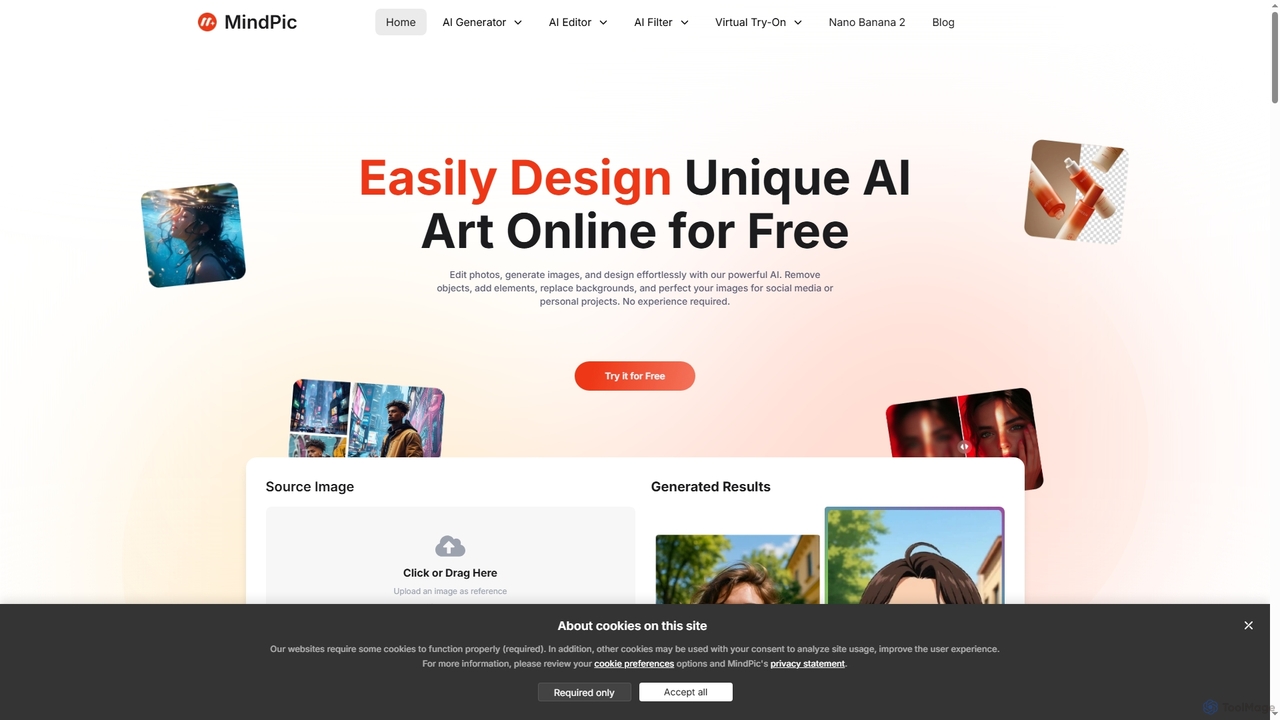
MindPic
MindPic is a free online AI photo editor and design tool that empowers users to effortlessly enhance, transform, and generate images. It offers a suite of AI-powered features like object removal, background replacement, image upscaling, photo retouching, and art generation from text or reference images, all without requiring any login or prior editing experience.
Graphic Design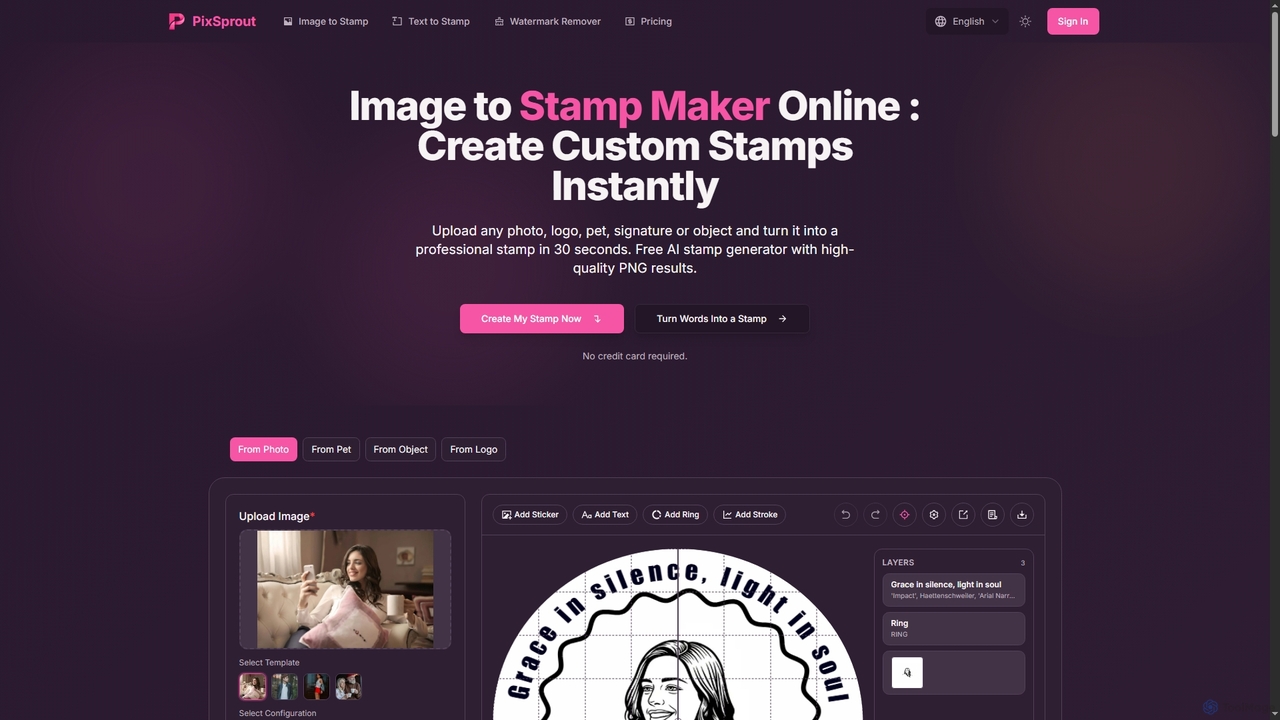
Pixsprout
Pixsprout is an AI-powered online toolkit for creating custom digital stamps from images or text prompts in seconds. It also features an automatic AI watermark remover. Ideal for business branding, personal projects, and creative designs, offering high-resolution, watermark-free PNG downloads.
Logo Generator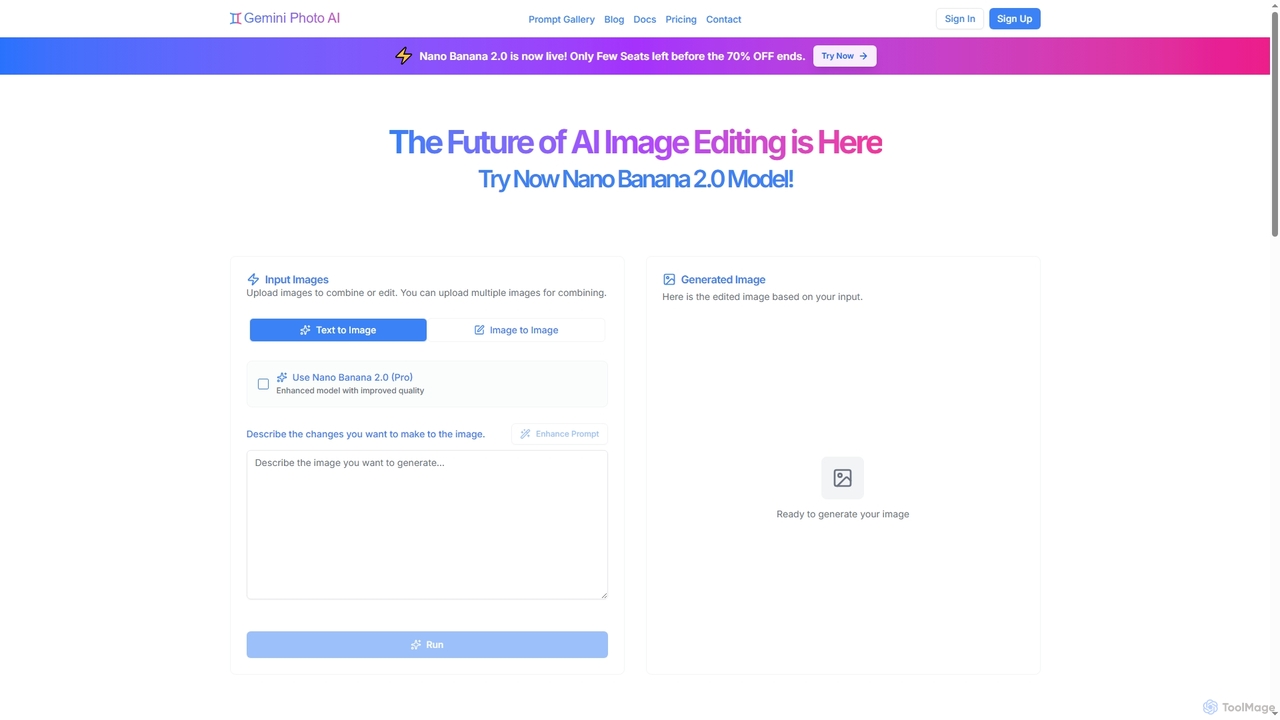
Gemini Photo
Gemini Photo is an advanced AI-powered image editing and generation tool that leverages the Nano Banana 2.0 model. It allows users to transform photos and create new images using natural language prompts, offering features like background removal, style transformations, and professional product photography, all designed for stunning and accurate visual results.
Digital Art
Remover
Remover is a free AI-powered tool by ZMO.AI that effortlessly removes unwanted objects, people, text, and backgrounds from photos. Ideal for e-commerce, real estate, and general photo cleanup, it provides unlimited edits and professional results in seconds without needing complex software like Photoshop.
3D
Relight AI
Relight AI is an AI-powered photo editing tool that effortlessly changes photo backgrounds and adjusts lighting using simple text prompts. Transform your images into studio-quality masterpieces for professional headshots, product photos, or creative portraits without needing complex software like Photoshop. It's fast, intuitive, and offers a free trial.
Background Remover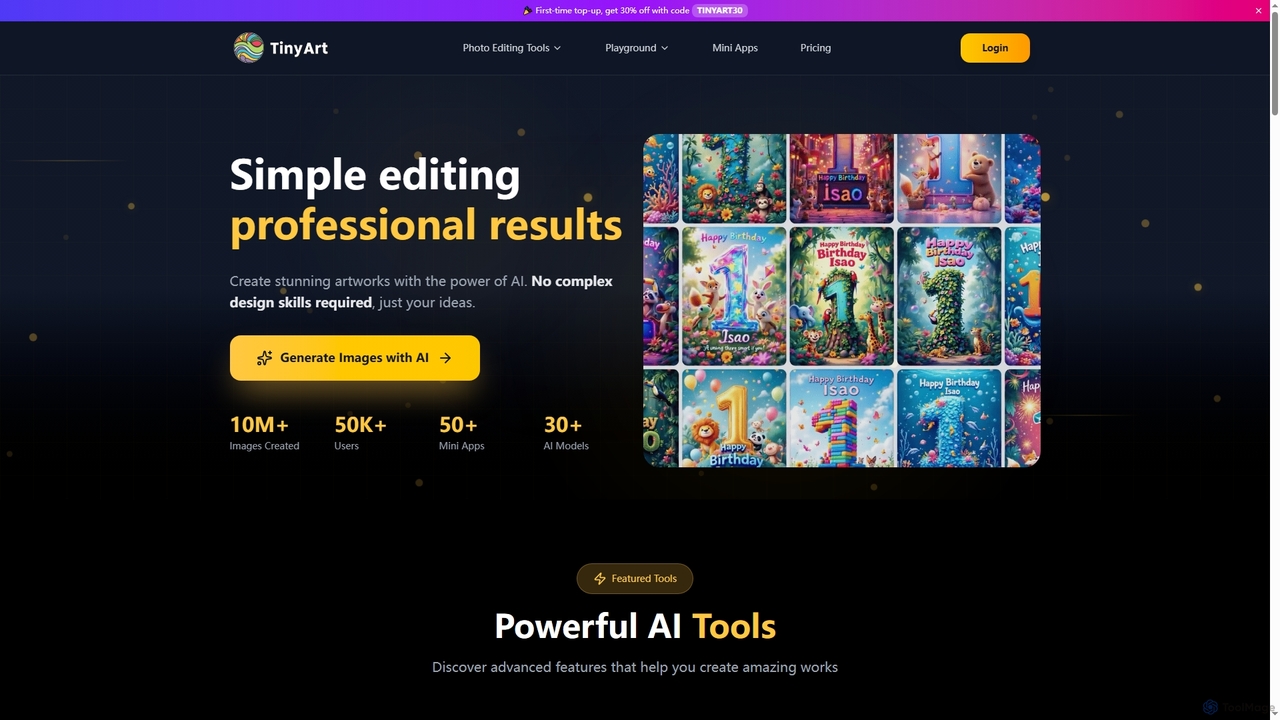
TinyArt
TinyArt is an AI-powered photo editing and image generation platform designed for professional results without complex design skills. It offers a suite of tools including background removal, image upscaling, watermark removal, object cleanup, and text-to-image generation, alongside specialized mini-apps for ID photos, face swaps, and photo restoration.
Creative ToolsBrandCrowd
BrandCrowd is an AI-powered online marketplace for creating logos, business cards, and a full suite of branding materials. It offers a vast library of professionally designed templates that can be customized in minutes, making it ideal for startups, entrepreneurs, and small businesses seeking a quick and affordable brand identity.
Graphic Design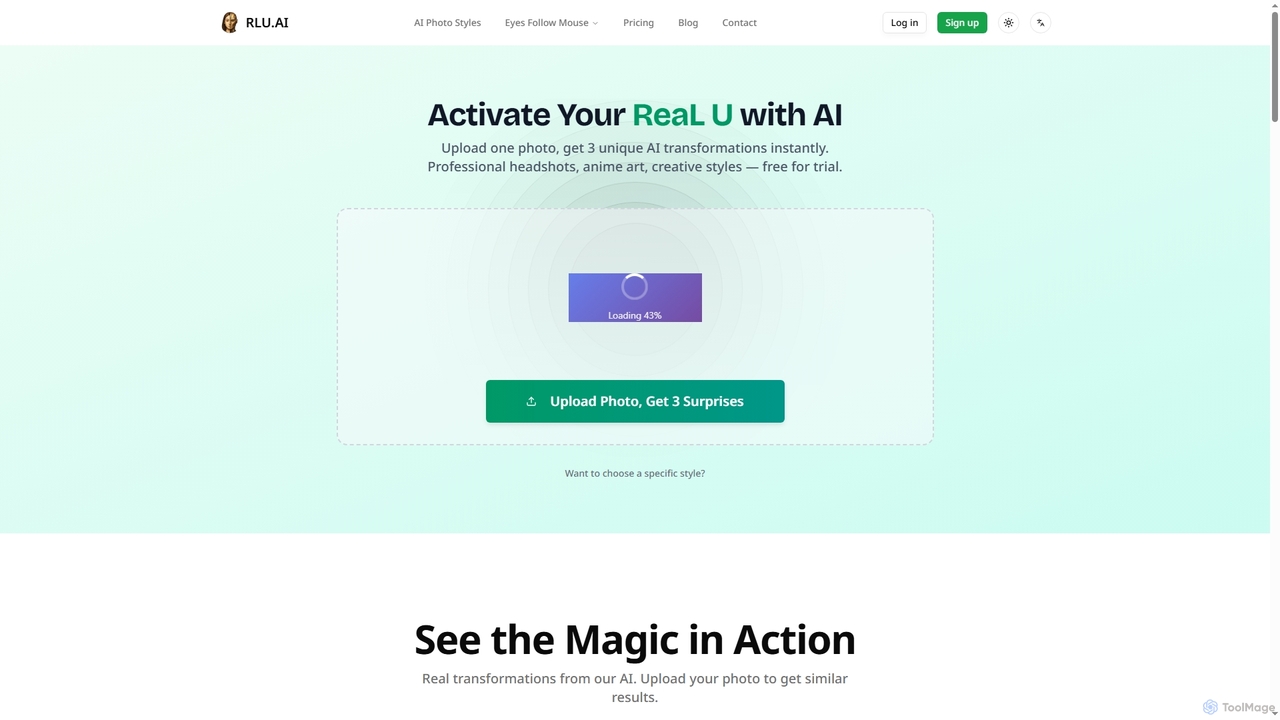
RLU
RLU is an AI-powered photo transformation tool that instantly converts your images into diverse artistic styles, professional headshots, or interactive animations. Upload a single photo and receive three unique AI-generated transformations, or choose from over 76 specific styles including anime, age progression, and Pixar-like art. It also offers a free interactive "Eyes Follow Mouse" generator.
Digital Art
Polarr Copilot Comments (0)
Sign in to comment.
Sign inNo comments yet.