Productivity Best in category 6 results Creative Assistant AI Tool

Popular AI tools in the Creative Assistant field of Productivity include Co-producer、twoshot、Geniea、Hypemaan、Polarr Copilot、Fryderyk, etc., helping you quickly improve efficiency.

Free
Polarr Copilot

Polarr Copilot

Polarr Copilot is an AI-powered creative assistant that transforms simple text prompts into stunning photo, video, and design …

2.7K
Fryderyk

Fryderyk

Fryderyk is an AI-powered music creation web app that acts as your creative partner. It combines a browser-based …

2.7K
Hypemaan

Hypemaan

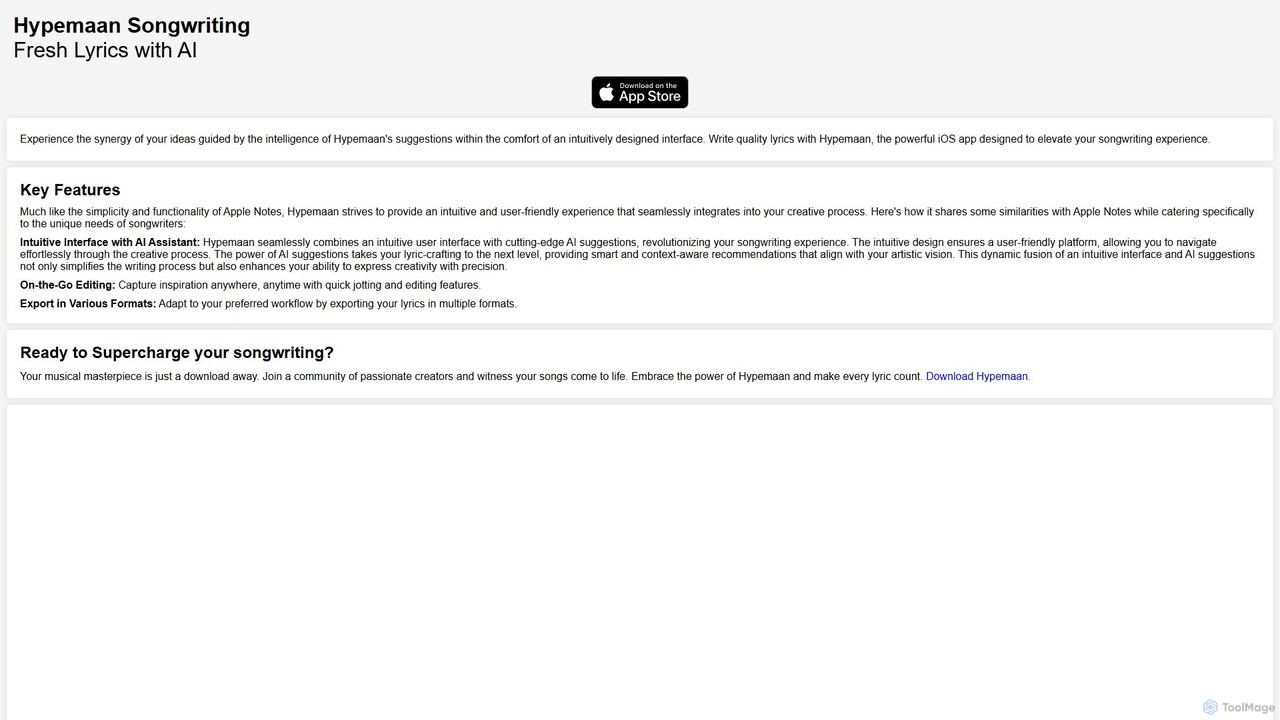
Hypemaan is an AI-powered songwriting app for iOS designed to elevate your creative process. It combines an intuitive, …

2.7K
Co-producer

Co-producer

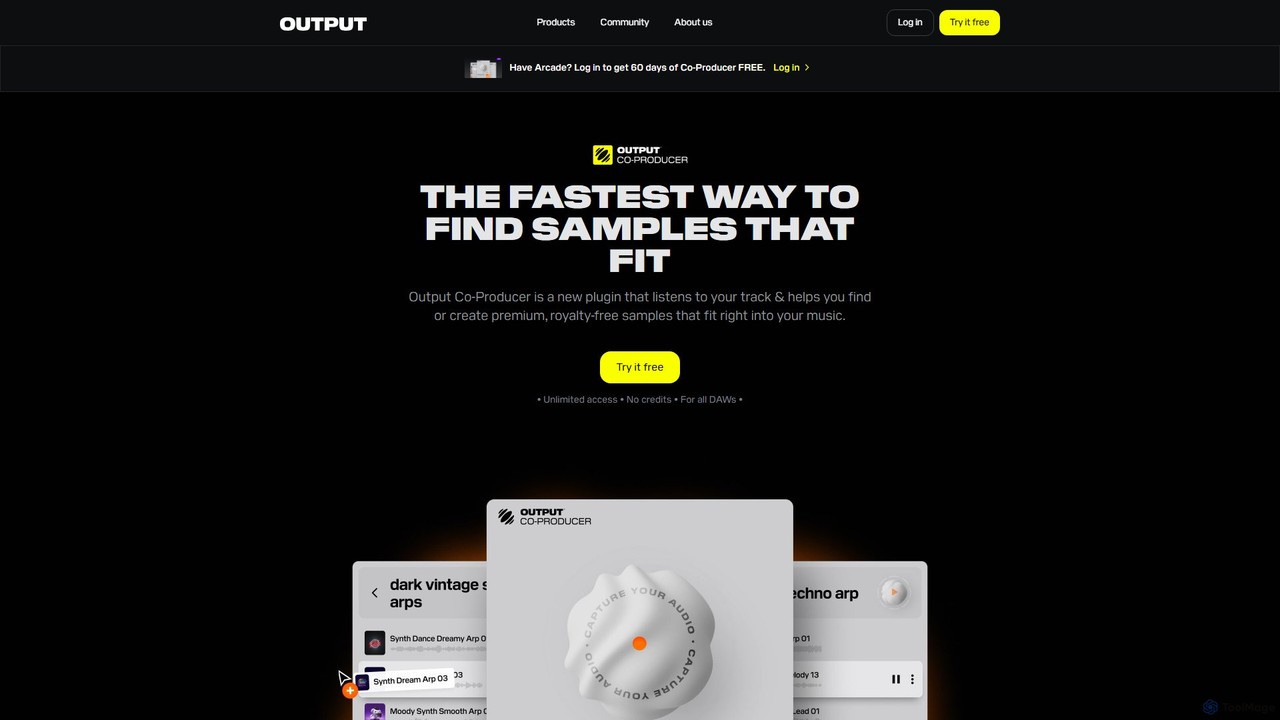
Co-producer by Output is an AI-powered sample finder that revolutionizes music production. It intelligently analyzes your existing track, …

435.0K
Free
Geniea

Geniea

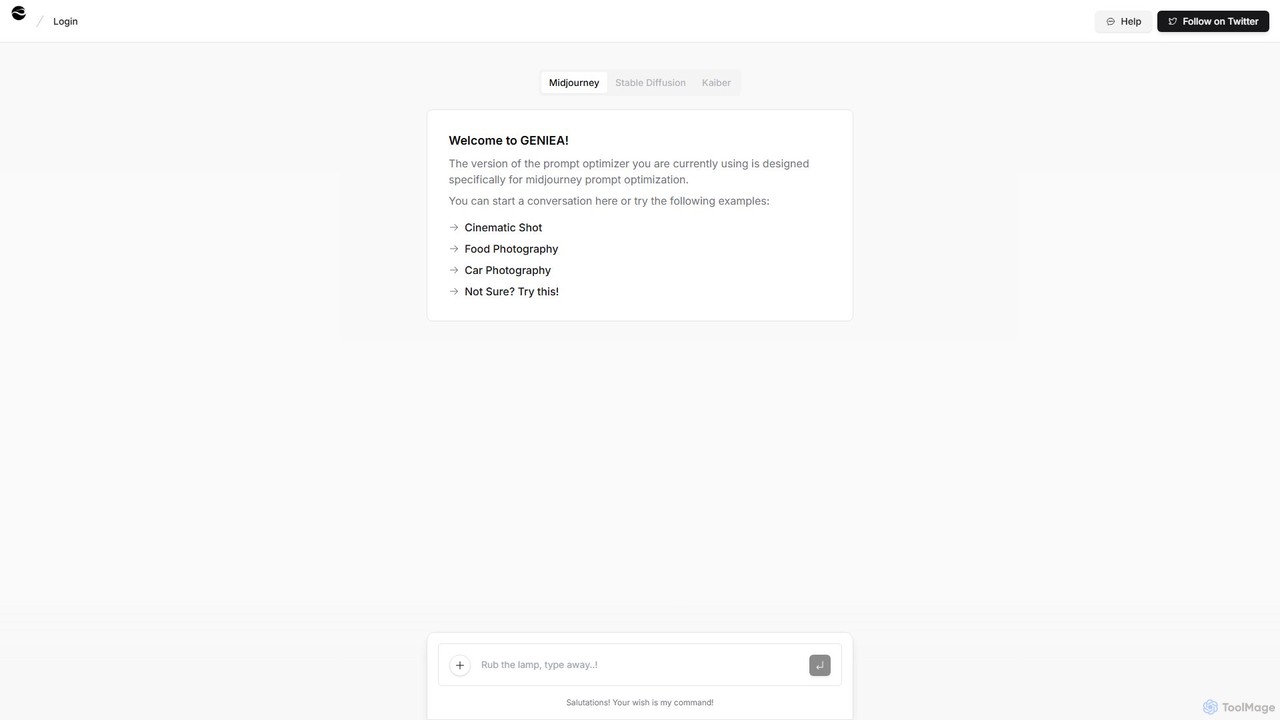
Geniea is an AI-powered prompt optimizer designed to help users create superior prompts for text-to-image models like Midjourney, …

7.0K
twoshot

twoshot

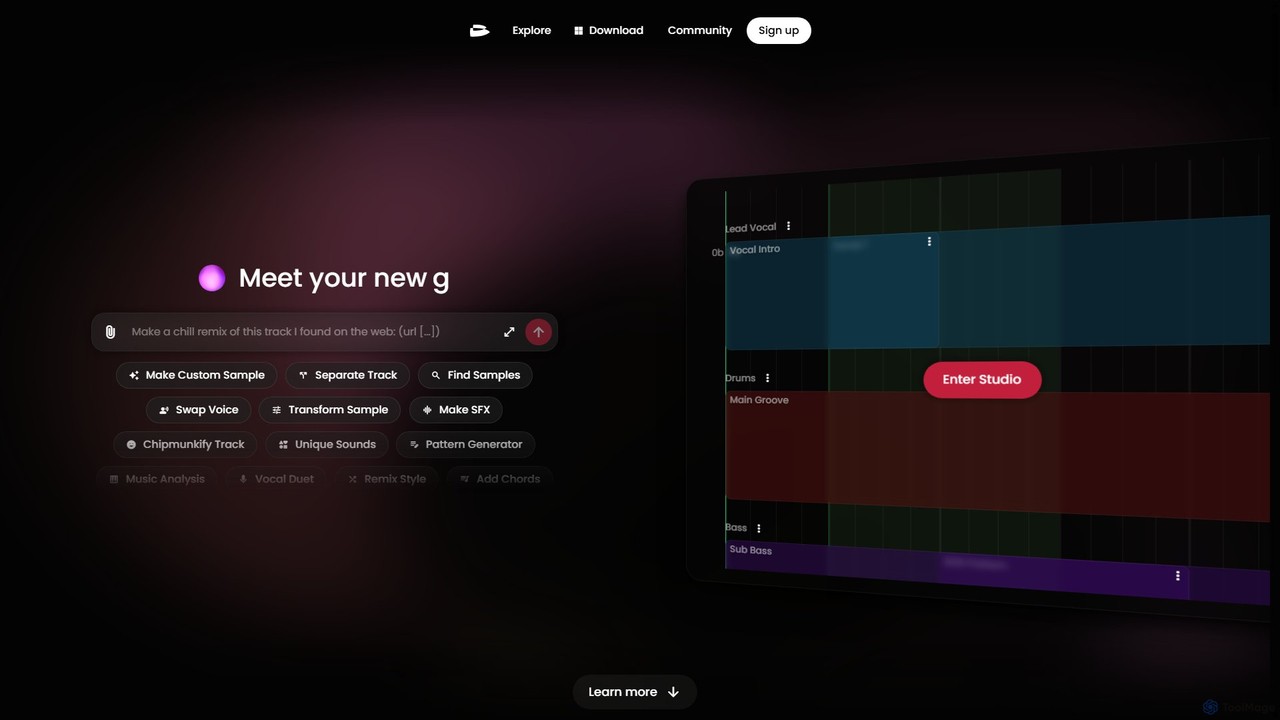
twoshot is an AI-powered music creation platform for producers. It features an AI copilot, text-to-sound generation, a vast …

209.4K

About Creative Assistant

Creative Assistant tools are AI-powered applications designed to augment human creativity across various domains. These tools leverage advanced machine learning models, including large language models and generative AI, to help users brainstorm ideas, generate content drafts, and explore diverse creative possibilities. They serve as intelligent partners, accelerating the creative process for writers, designers, marketers, and artists by providing inspiration and automating repetitive creative tasks.

Core Features

  • Idea Generation: Provides novel concepts, prompts, and brainstorming suggestions based on user input.
  • Content Drafting: Assists in generating initial versions of text, images, audio, or video content.
  • Style & Tone Adaptation: Modifies existing content to match specific stylistic requirements or target audiences.
  • Creative Problem Solving: Offers innovative solutions or alternative perspectives to creative challenges.
  • Design Iteration: Generates multiple design variations or elements for visual projects.

Use Cases

Creative Assistant tools are invaluable for professionals seeking to overcome creative blocks or streamline their content production. They are widely adopted by marketing teams for campaign ideation, by content creators for drafting articles and social media posts, and by graphic designers for generating initial visual concepts or mood boards. These tools empower users to explore a broader range of creative options more rapidly than traditional methods.

How to Choose

When selecting a Creative Assistant, consider its specific domain focus (e.g., writing, design, music), the quality and diversity of its generative outputs, and its integration capabilities with your existing creative workflows. Evaluate the ease of use, the level of customization offered for generated content, and the pricing model. Additionally, assess the tool's ability to learn from your feedback and adapt to your unique creative style over time.

Creative AssistantUse Cases

1

Generating Marketing Campaign Concepts

A marketing strategist needs fresh ideas for an upcoming product launch. Using a Creative Assistant, they input product features, target audience demographics, and campaign goals. The AI generates several unique campaign angles, taglines, and content themes, providing a strong starting point for team discussions and significantly reducing the initial brainstorming time.

2

Overcoming Writer's Block for Bloggers

A blogger struggles to start a new article on a complex topic. They feed their research notes and desired article length into a Creative Assistant. The tool provides multiple outlines, opening paragraphs, and even suggests sub-topics and keywords, helping the blogger to quickly structure their thoughts and begin writing with a clear direction.

3

Designing Social Media Visuals Rapidly

A social media manager needs to create engaging visuals daily. They use a Creative Assistant to generate diverse image concepts or design elements based on text prompts related to their brand and message. This allows them to quickly produce a variety of visually appealing posts without needing extensive graphic design skills or a large image library.

4

Developing Unique Storylines for Game Developers

A game developer is conceptualizing a new game and needs innovative plot twists or character backstories. By inputting genre, setting, and core mechanics into a Creative Assistant, they receive multiple narrative arcs, character profiles, and dialogue snippets. This accelerates the world-building phase and injects fresh perspectives into the game's lore.

5

Personalizing Educational Content for Tutors

An online tutor wants to create engaging and personalized learning materials for students with different learning styles. They use a Creative Assistant to rephrase complex explanations, generate diverse examples, or create interactive quiz questions based on specific curriculum topics, tailoring content to individual student needs more efficiently.

6

Brainstorming Product Innovation Ideas

A product development team is looking for novel features or entirely new product concepts. They input market trends, user pain points, and existing product limitations into a Creative Assistant. The tool generates unconventional ideas, potential solutions, and even suggests new market segments, fostering a more innovative and expansive ideation process.

Creative AssistantFrequently Asked Questions