ToolMage
Sign in

Best 4 Writing AI tools for Creative

Popular Writing AI tools in Creative include miniapps.ai, baiby, Hypemaan, and MythicMyth, helping you work more efficiently.

Hypemaan
Freemium

Hypemaan

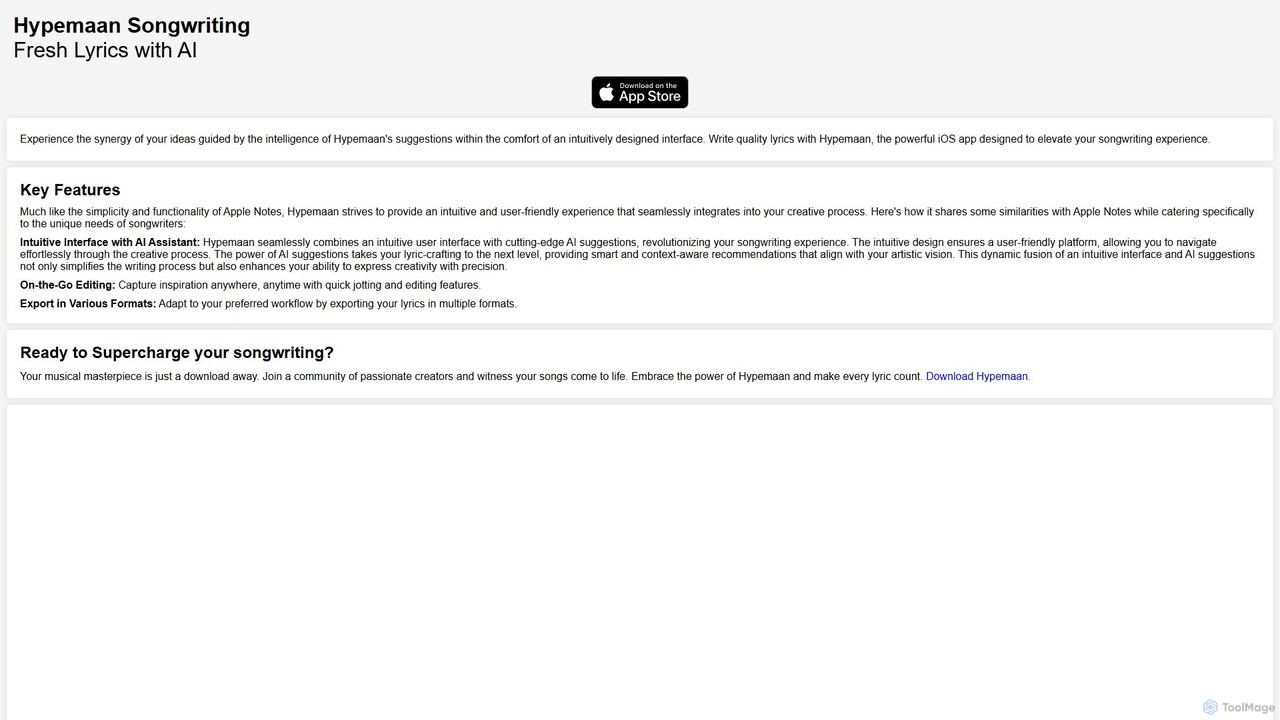
Hypemaan is an AI-powered songwriting app for iOS designed to elevate your creative process. It combines an intuitive, note-like interface with intelligent suggestions for lyrics, rhymes, and writing prompts. Capture inspiration on the go, overcome writer's block, and craft quality lyrics with a powerful assistant at your fingertips. Ideal for songwriters, musicians, and poets, Hypemaan helps you bring your musical masterpieces to life.

Writing
Visits 7.1KFavorites 156Likes 162
miniapps.ai
Freemium

miniapps.ai

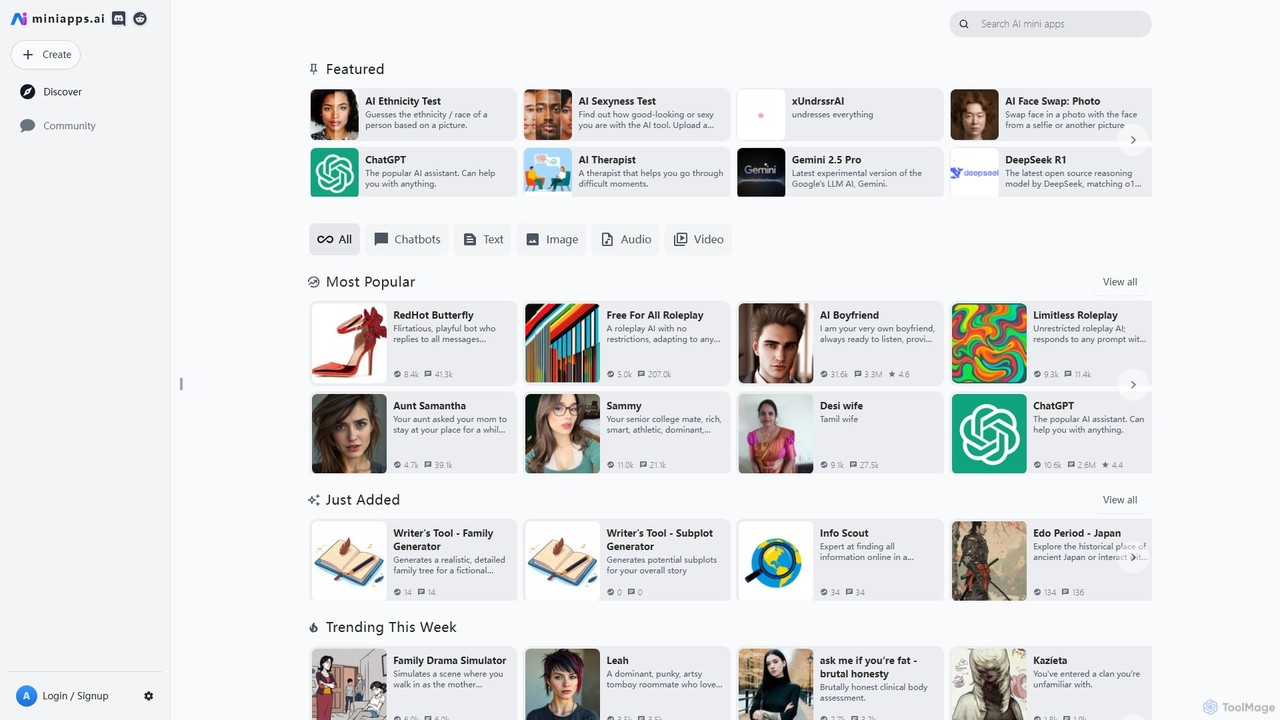
A versatile platform to discover, use, and create a vast library of free, AI-powered mini-apps. Explore everything from advanced chatbots and role-playing characters to image generators and developer tools, all powered by leading AI models like GPT, Claude, and Grok.

Writing
Visits 2.3MFavorites 148Likes 148
MythicMyth
Freemium

MythicMyth

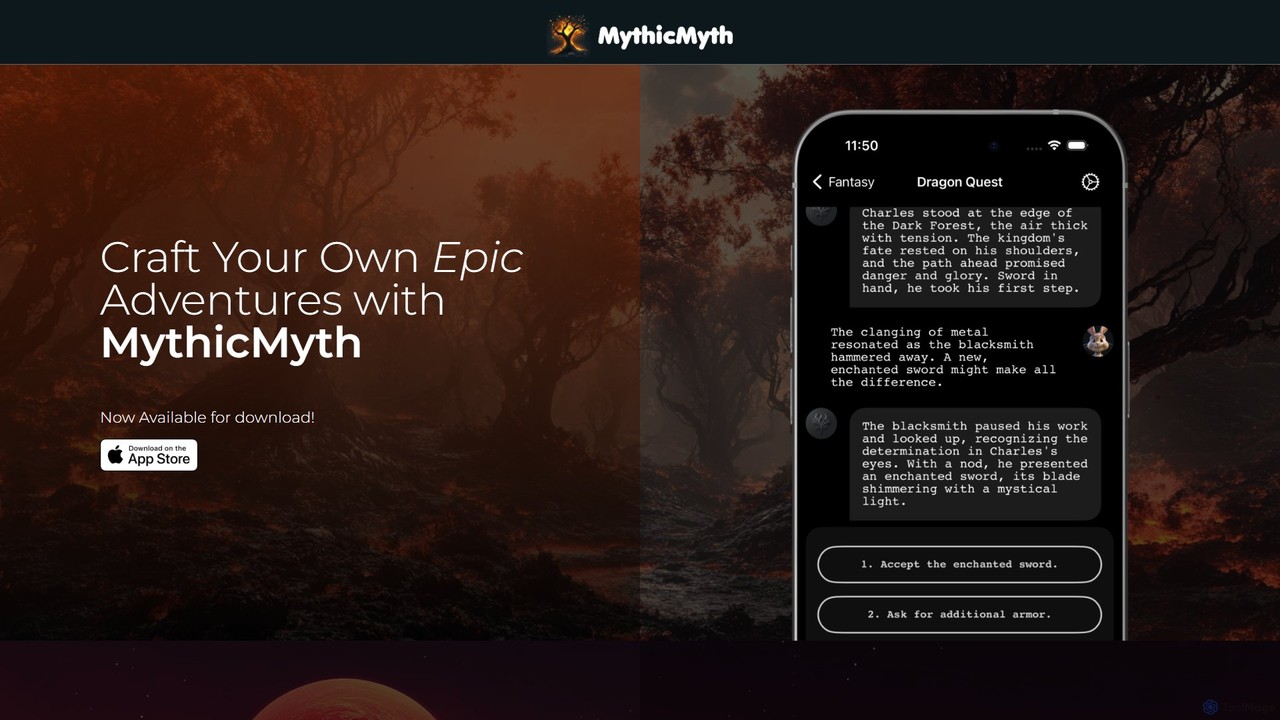
MythicMyth is an AI-powered interactive storytelling platform that generates unique, captivating adventures based on your choices. Explore diverse scenarios, from romance to entrepreneurship, and shape your own epic saga with extensive personalization options.

Writing
Visits 7.1KFavorites 157Likes 165
baiby
Free

baiby

Baiby is an AI-powered baby name generator and analyzer designed to help expecting parents find the perfect name. By inputting preferences like gender, style, origin, and even family names, users receive a curated list of names. The tool also features a name analyzer to evaluate choices and a favorites list to save top contenders.

Writing
Visits 31.1KFavorites 136Likes 146

About Writing

AI Writing tools are a class of software that leverages large language models (LLMs) to generate, rewrite, summarize, and refine human language text. These tools analyze vast datasets to understand context, grammar, and style, enabling them to produce coherent and relevant content based on user prompts. As a key component of the Creative category, they serve as powerful assistants for overcoming writer's block, accelerating content creation, and improving the clarity of written communication. They transform ideas into structured text, from simple sentences to complex articles.

Core Features

  • Text Generation: Creates original content such as articles, emails, and marketing copy from simple prompts or keywords.
  • Paraphrasing & Rewriting: Rephrases existing sentences or paragraphs to improve clarity, change tone, or avoid plagiarism.
  • Summarization: Condenses long documents, articles, or reports into concise summaries, highlighting key points.
  • Grammar & Style Correction: Identifies and corrects grammatical errors, spelling mistakes, and stylistic inconsistencies beyond basic proofreading.
  • Tone Adjustment: Modifies the tone of the text to be more formal, casual, persuasive, or empathetic as needed.

Use Cases

AI Writing tools are widely used by content marketers for drafting blog posts and social media updates, business professionals for composing emails and reports, and students for structuring essays and research papers. They are also valuable for authors seeking creative inspiration and developers writing technical documentation.

How to Choose

When selecting an AI Writing tool, consider the quality and coherence of the generated text. Evaluate the range of features, such as templates, tone options, and multi-language support. Check for integration capabilities with platforms like WordPress or Google Docs, and consider the pricing model based on your usage volume and required features.

Writing use cases

1

Drafting High-Quality Blog Posts

A content marketer needs to produce three SEO-optimized blog posts per week to drive organic traffic. Using an AI Writing tool, they input a target keyword and a brief outline. The AI generates a structured draft, including an introduction, body paragraphs with relevant subheadings, and a conclusion. The marketer then spends about 20% of their time editing and personalizing the content, rather than 100% writing from scratch. This process allows them to meet their content goals consistently, maintain quality, and focus more on strategy and promotion.

2

Accelerating Business Communication

A project manager needs to send a formal weekly progress report to stakeholders. Instead of writing it from scratch, they input bullet points of key updates, challenges, and next steps into an AI Writing tool. They select a 'formal' and 'concise' tone. The tool instantly generates a well-structured email report. The manager reviews it for accuracy, makes minor tweaks, and sends it in minutes. This saves significant time, ensures a professional tone in all communications, and helps maintain clear and consistent stakeholder updates.

3

Enhancing Academic Research and Writing

A university student is working on a literature review for their thesis. They use an AI Writing tool's summarization feature to quickly condense several lengthy research papers into key findings. Later, they use the paraphrasing tool to rephrase complex sentences from their notes to better fit their own writing style and avoid unintentional plagiarism. Finally, they run their entire draft through the tool for a final grammar and style check, ensuring the paper is polished and academically sound before submission.

4

Generating Diverse Social Media Content

A social media manager for a fashion brand needs to create daily content for Instagram, Twitter, and Facebook. They use an AI Writing tool to generate multiple caption variations for a single product image. They can request different tones—playful for Instagram, concise for Twitter, and descriptive for Facebook. The tool also helps brainstorm relevant hashtags. This allows the manager to quickly create a week's worth of diverse, platform-specific content in under an hour, freeing up time for community engagement and performance analysis.

5

Overcoming Writer's Block in Creative Writing

An aspiring novelist is stuck on a pivotal scene in their story. They describe the characters and the situation to an AI Writing tool and ask for five different plot developments. The AI provides several creative suggestions, including an unexpected character reveal and a new conflict. While the author doesn't use any of the suggestions directly, one idea sparks a new direction for their own writing. The tool acts as a brainstorming partner, helping them break through the creative block and continue writing their manuscript with fresh inspiration.

6

Creating Clear Technical Documentation

A software developer needs to write user documentation for a new API. They provide the AI Writing tool with technical specifications and code snippets. The tool helps translate the complex technical jargon into clear, easy-to-understand language for a non-technical audience. It can also structure the content into logical sections like 'Getting Started', 'Authentication', and 'Endpoint Reference'. This ensures the documentation is consistent, comprehensive, and accessible, reducing support tickets and improving the user adoption rate of the new API.

Writing FAQ

What are AI Writing tools?

AI Writing tools are applications that use artificial intelligence, specifically large language models (LLMs), to assist with or automate the process of writing. They can generate text from prompts, rewrite existing content, correct grammar and style, summarize long documents, and even change the tone of a piece of writing. Unlike simple spell checkers, they understand context and semantics, allowing them to create coherent and contextually appropriate content for tasks like content marketing, business communication, and academic writing.

How to choose the right AI Writing tool?

Choosing the right tool depends on your specific needs. Consider the following factors:

  • Output Quality: Test the tool to see if the generated text is coherent, accurate, and natural-sounding for your use case.
  • Key Features: Determine if you need specific functions like long-form content generation, SEO optimization, plagiarism checking, or multi-language support.
  • Ease of Use: Look for an intuitive interface and a smooth workflow that fits your process.
  • Integrations: Check if it integrates with other software you use, such as WordPress, Google Docs, or social media schedulers.
  • Pricing: Compare pricing plans based on your expected usage volume and budget. Many tools offer free trials to evaluate their capabilities.
What's the difference between an AI writer and a grammar checker?

The primary difference lies in their core function: generation versus correction. A grammar checker (like basic Grammarly) focuses on identifying and correcting errors in existing text, such as spelling, punctuation, and grammatical mistakes. An AI writer, on the other hand, is a generative tool. It can create entirely new text from scratch based on a prompt. While most advanced AI writers include sophisticated grammar checking capabilities, their main purpose is to generate, rewrite, and expand upon ideas, making them a tool for content creation, not just correction.

Can AI Writing tools create completely original content?

Yes, AI writing tools can generate text that is statistically unique and passes plagiarism checks. They work by learning patterns, structures, and relationships from vast amounts of text data, not by copying and pasting existing sentences. The output is a new combination of words to express an idea based on the user's prompt. However, since they are trained on existing human-created content, they may inadvertently generate phrases or ideas that are very similar to their training data. Therefore, it's always a good practice for users to review, edit, and add their own unique perspective to the AI-generated draft to ensure true originality and quality.

Who can benefit from using AI Writing tools?

A wide range of individuals and professionals can benefit from AI Writing tools. Key users include:

  • Content Marketers & Bloggers: To quickly draft articles, generate ideas, and optimize content for SEO.
  • Business Professionals: To compose professional emails, reports, and presentations efficiently.
  • Students & Academics: To assist with research summarization, paraphrasing, and proofreading essays.
  • Social Media Managers: To create diverse and engaging captions for multiple platforms.
  • Authors & Creative Writers: To overcome writer's block and brainstorm plot ideas.
  • Developers & Technical Writers: To create clear and accessible documentation.

Essentially, anyone who writes regularly can use these tools to save time, improve quality, and enhance their productivity.