ToolMage
Sign in

Best 3 Digital Art AI tools for Art Generation

Popular Digital Art AI tools in Art Generation include Artistic Birth Chart, RLU, and Imagetosketch, helping you work more efficiently.

Artistic Birth Chart
Paid

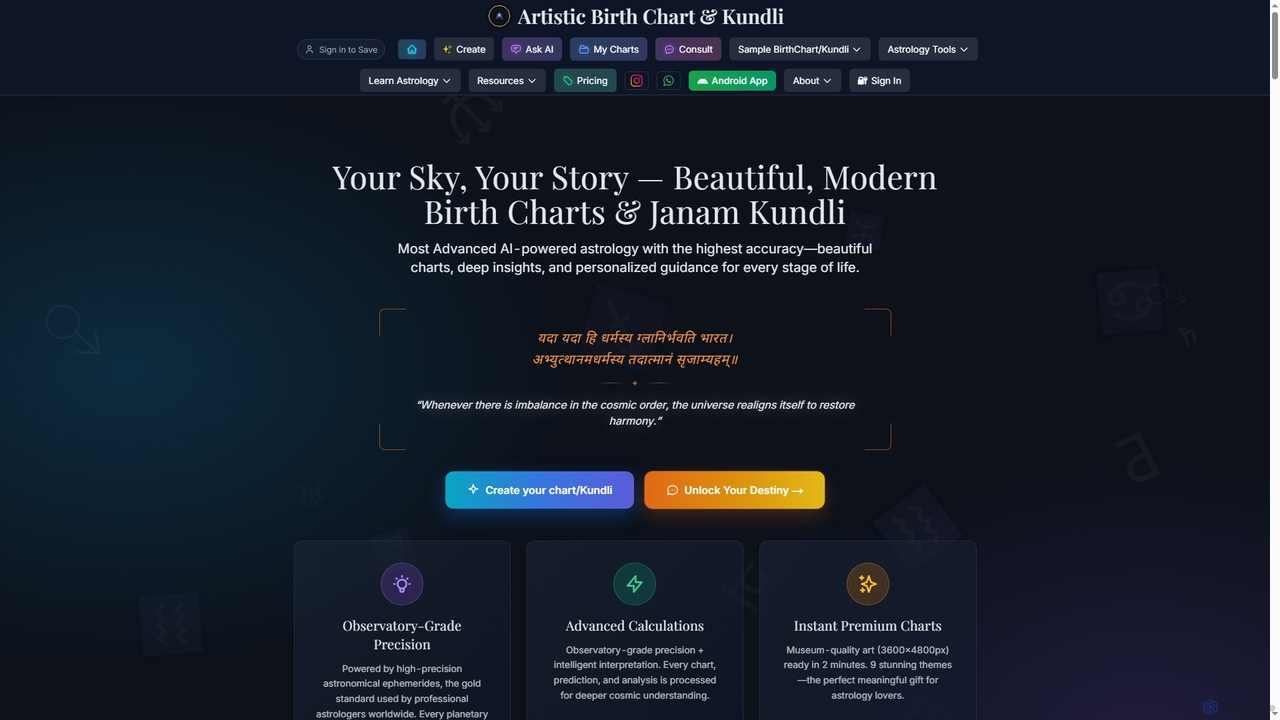
Artistic Birth Chart

Artistic Birth Chart generates beautiful, high-precision Western birth charts and Vedic Janam Kundli with AI-powered insights. It combines observatory-grade astrological calculations with stunning digital art, offering personalized guidance and detailed PDF reports for self-discovery and meaningful gifts.

Astrology Chatbot
Visits 17.7KFavorites 49Likes 49
RLU
Freemium

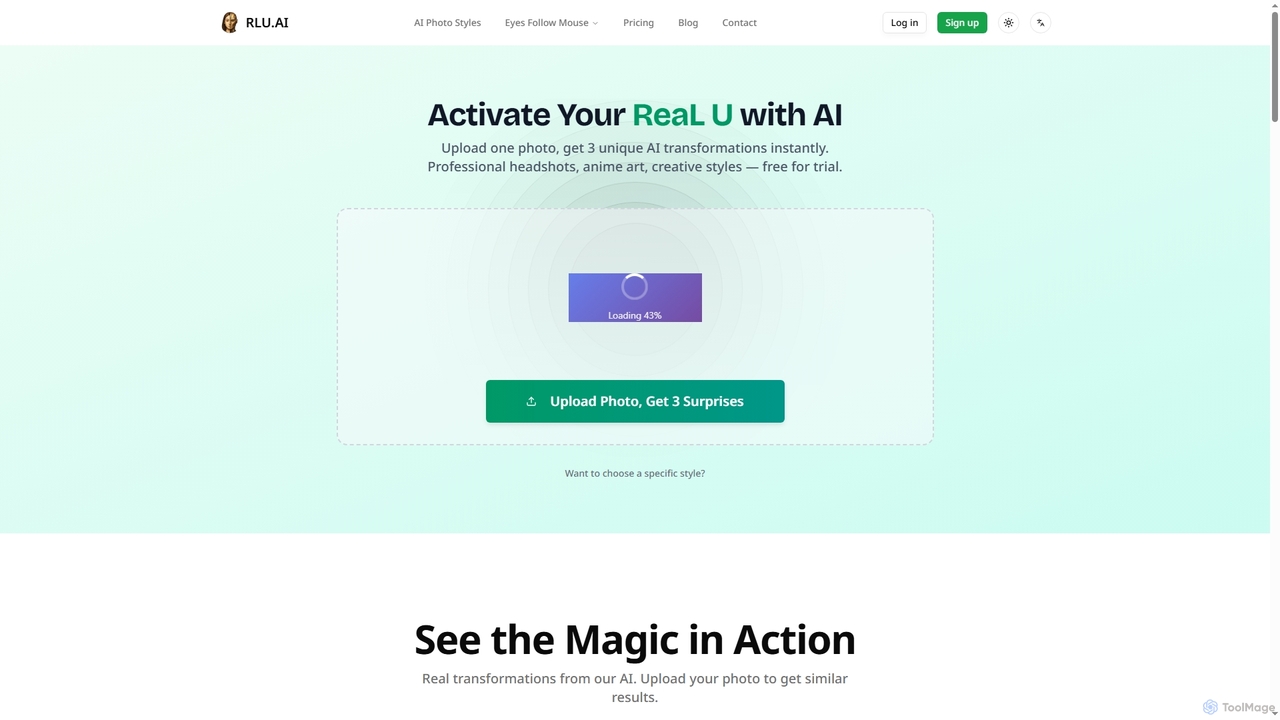
RLU

RLU is an AI-powered photo transformation tool that instantly converts your images into diverse artistic styles, professional headshots, or interactive animations. Upload a single photo and receive three unique AI-generated transformations, or choose from over 76 specific styles including anime, age progression, and Pixar-like art. It also offers a free interactive "Eyes Follow Mouse" generator.

Digital Art
Visits 10.7KFavorites 121Likes 131
Imagetosketch
Freemium

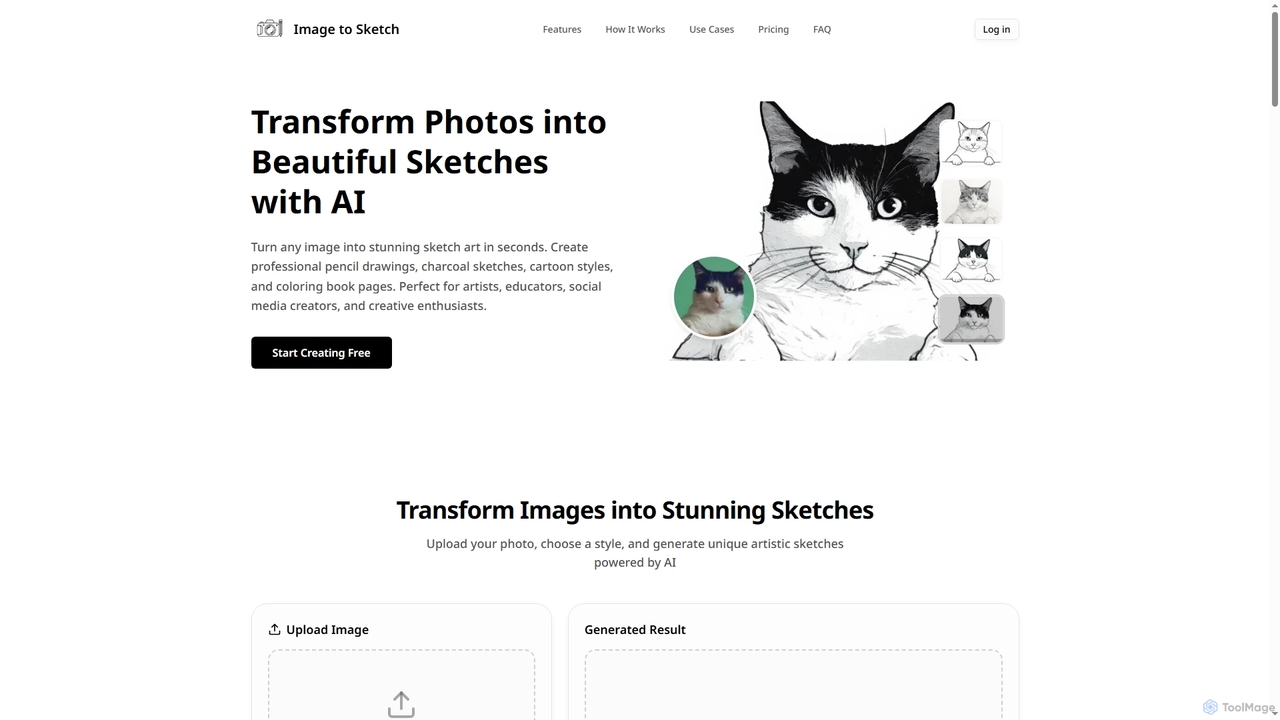
Imagetosketch

Imagetosketch is an AI-powered online tool that transforms any photo into various artistic sketch styles, including pencil, charcoal, and cartoon. It offers fast, high-quality conversions, making it ideal for artists, social media creators, and anyone seeking to create unique digital art without requiring artistic skills.

Digital Art
Visits 6.7KFavorites 133Likes 148

About Digital Art

AI Digital Art tools are applications that use artificial intelligence to simulate, assist, and enhance the process of creating art digitally. Unlike pure image generators that create visuals from text prompts alone, these tools often blend traditional digital painting interfaces with powerful AI features. They empower artists by automating repetitive tasks, generating complex textures, and offering intelligent suggestions for color and composition. This fusion of human creativity and machine intelligence allows for accelerated workflows and the exploration of novel artistic styles.

Core Features

  • AI-Powered Brushes: Brushes that dynamically respond to input and can generate complex patterns, textures, or organic effects with simple strokes.
  • Style Transfer & Adaptation: Applying the aesthetic style of a source image or artist to your own artwork, maintaining the original composition.
  • Generative Fill & Outpainting: Intelligently adding or removing elements within an image, or expanding the canvas with context-aware content.
  • Composition & Color Assistance: AI-driven suggestions for improving layout, balance, and color harmony within a piece.
  • 3D Asset Generation: Creating or texturing 3D models using AI, simplifying complex modeling and material creation processes.

Use Cases

These tools are primarily used by concept artists, illustrators, game developers, and graphic designers. For instance, a game artist can quickly generate multiple variations of a character's armor. An illustrator can use AI to create intricate backgrounds, allowing them to focus on the main subjects. They are ideal for workflows that require a high degree of artistic control combined with the speed of AI generation.

How to Choose

When selecting an AI Digital Art tool, consider the level of manual control versus automation it offers. Evaluate its specialization—whether it excels in 2D illustration, 3D modeling, or photorealistic effects. Check for integration with existing software like Photoshop or Blender through plugins. Finally, assess the learning curve and whether the tool's interface aligns with your existing creative process.

Digital Art use cases

1

Concept Art for Game Development

A concept artist working on a new fantasy game needs to design multiple variations of a protagonist's armor. Instead of manually drawing each version, they start with a base character sketch. Using an AI Digital Art tool, they select the armor area and use a generative feature with prompts like 'ornate elven plate mail' or 'rugged dwarven leather'. The tool generates dozens of high-fidelity armor concepts directly onto the character model in minutes. This allows the art director to review a wide range of options and finalize a design direction in a fraction of the time, significantly accelerating the pre-production phase.

2

Creating Textured Illustrations for Books

An illustrator for a children's book wants to create a unique, consistent watercolor texture across all pages. Manually creating this effect can be time-consuming and difficult to replicate. By using an AI Digital Art tool, the illustrator can define a custom AI brush that mimics their desired watercolor style, including pigment granulation and water bleed. They can then apply this brush to their line art, ensuring every illustration shares the same charming, handcrafted aesthetic. The AI helps maintain consistency, saving hours of tedious work and allowing the artist to focus more on storytelling and character expression.

3

Rapid Prototyping for Fashion Design

A fashion designer has a sketch of a new dress but needs to visualize it with different fabrics and patterns quickly. Traditionally, this would require creating multiple physical samples or detailed manual renderings. With an AI Digital Art tool, the designer can take a photo of their sketch, isolate the dress, and use style transfer features. They can apply textures from a library of digital fabrics—like silk, denim, or floral prints—to the sketch instantly. This allows for rapid iteration and client presentations without the cost and time of physical prototyping, helping to finalize material choices much earlier in the design process.

4

Digital Matte Painting for Film and VFX

A VFX artist is tasked with creating a vast, otherworldly landscape for a sci-fi film. Starting with a base plate photograph, they use an AI tool's outpainting feature to expand the scene's canvas, generating new terrain that seamlessly matches the original lighting and perspective. They then use AI brushes to paint in atmospheric effects like fog and alien flora with realistic textures. This process combines the artist's compositional skills with the AI's ability to generate photorealistic details, enabling the creation of complex matte paintings in hours instead of days, meeting tight production deadlines.

5

Generating Unique NFT Art Collections

An artist aims to launch an NFT collection of 1,000 unique character portraits. Manually creating each one would be impractical. The artist designs a base character and several trait layers (e.g., different hats, glasses, backgrounds) in a digital art application. They then use an AI tool that can programmatically combine these layers and apply subtle stylistic variations to each combination. The AI can generate the entire collection, ensuring no two images are identical while maintaining a cohesive artistic style. This empowers individual creators to produce large-scale generative art projects that were previously only possible for teams with coding expertise.

6

Architectural Visualization and Rendering

An architect has created a basic 3D model of a building but needs a photorealistic rendering for a client presentation. Instead of spending days manually setting up lighting, materials, and environments in traditional rendering software, they use an AI-powered tool. The tool can analyze the model and automatically apply realistic textures (like brick, glass, and wood), generate natural lighting based on a chosen time of day, and populate the scene with AI-generated landscaping and entourage. The result is a high-quality, evocative visualization produced in a fraction of the time, enabling faster client feedback and design iteration.

Digital Art FAQ

What are AI Digital Art tools?

AI Digital Art tools are software applications that integrate artificial intelligence into the creative process to assist artists. Unlike text-to-image generators that create a final image from a prompt, these tools act more like a collaborator. They provide artists with enhanced brushes, intelligent editing features like generative fill, and style transfer capabilities, all within an interface that often resembles traditional digital painting software. Their primary purpose is to augment an artist's workflow, not replace it, by automating complex or repetitive tasks and opening up new creative possibilities.

How do AI Digital Art tools differ from traditional software like Photoshop?

Traditional software like Adobe Photoshop provides a comprehensive set of manual tools for image manipulation and creation. AI Digital Art tools build upon this foundation by adding a layer of artificial intelligence. Key differences include:

  • Automation: AI tools can automate tasks like object removal, background generation, or color harmonization, which would require significant manual effort in Photoshop.
  • Generative Capabilities: They can create entirely new content, such as textures, patterns, or image expansions (outpainting), based on simple inputs.
  • Style Emulation: AI can analyze an artistic style and apply it to another image, a process far more advanced than simple filters.
In essence, while Photoshop gives you precise manual control, AI Digital Art tools offer intelligent assistance and generation to speed up the creative process.

Do I need artistic skills to use AI Digital Art tools?

While some features might be accessible to beginners, having foundational artistic skills significantly enhances the results you can achieve with these tools. They are best viewed as amplifiers for existing talent. Understanding principles like composition, color theory, and anatomy allows you to guide the AI more effectively and refine its outputs into a polished, professional piece. Unlike pure text-to-image generators where prompt engineering is key, these tools often require direct interaction like sketching or painting, making artistic ability highly beneficial for leveraging their full potential.

What are the key features to look for in an AI Digital Art tool?

When choosing an AI Digital Art tool, focus on features that best match your workflow. Key aspects to consider include:

  • Control and Customization: Look for tools that allow you to fine-tune AI parameters, create custom brushes, and maintain control over the final output.
  • Integration: Check if the tool works as a standalone application or as a plugin for software you already use, like Photoshop, Blender, or ZBrush.
  • Specialization: Some tools excel at 2D illustration and painting, while others are built for 3D modeling, texturing, or photorealistic rendering. Choose one that aligns with your primary creative tasks.
  • Performance: Consider the hardware requirements. Many advanced AI features are GPU-intensive, so ensure your system can handle the tool effectively.

Can AI Digital Art tools be used for 3D modeling?

Yes, many AI Digital Art tools are increasingly incorporating features for 3D workflows. This goes beyond simple 2D painting and extends into several areas of 3D creation. For example, some tools can generate 3D models from text descriptions or 2D images. Others use AI to simplify the complex process of UV unwrapping and texturing, allowing artists to apply realistic materials to their models with ease. There are also AI features that assist with sculpting, retopology, and generating variations of 3D assets. These capabilities help 3D artists accelerate their modeling and texturing pipelines significantly.