

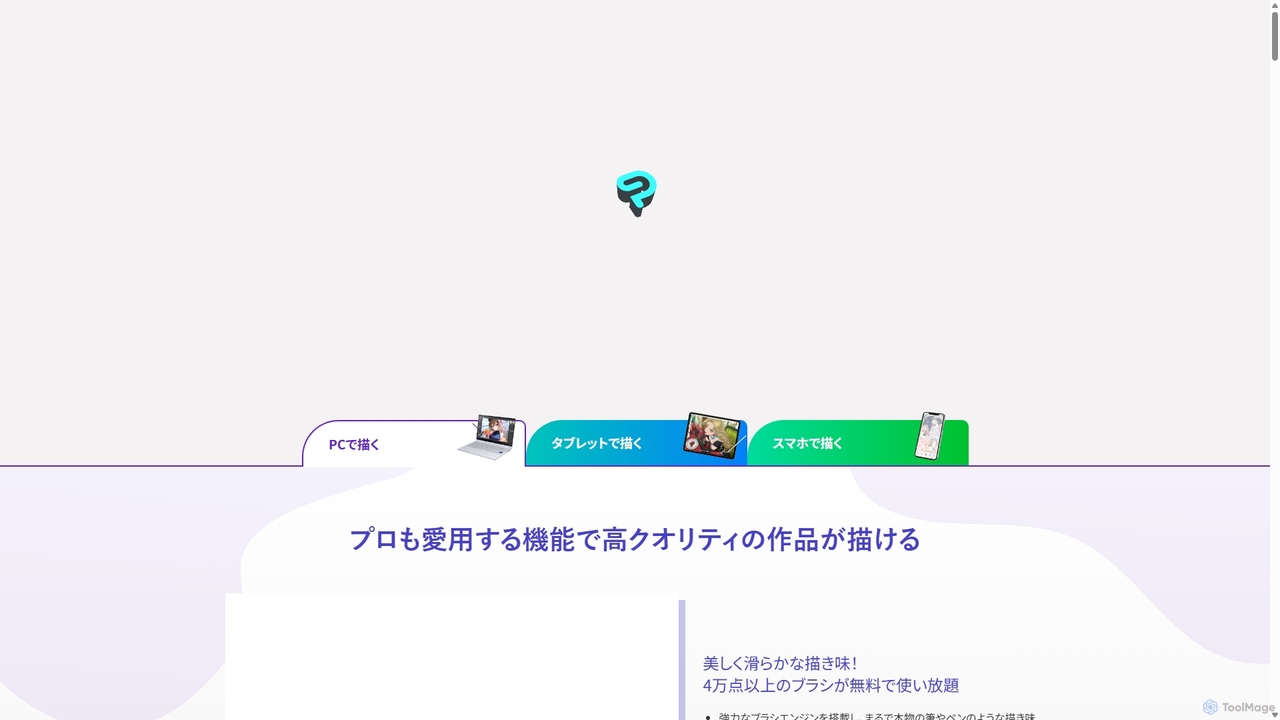
Clip Studio Paint Overview
Clip Studio Paint is a comprehensive and versatile digital art application designed for artists of all levels. It has become an industry standard for creating illustrations, comics, manga, and 2D animations, trusted by millions of creators worldwide. Its powerful features are packed into an intuitive interface, providing a seamless and efficient creative workflow across multiple devices, including Windows, macOS, iPad, iPhone, and Android.
How to use Clip Studio Paint
Getting started with Clip Studio Paint is straightforward. First, download and install the application on your preferred device and take advantage of the free trial. Upon launching, you can choose between 'Simple Mode' for a clean, intuitive interface perfect for beginners, or 'Studio Mode' to access the full suite of professional tools. Begin by creating a new canvas, selecting from presets for web, print, comics, or animation. Explore the vast default brush library or download thousands more from the Clip Studio ASSETS community. For complex scenes, use the perspective rulers to create accurate backgrounds, and import or customize 3D drawing figures to get the perfect pose and anatomy for your characters. Use vector layers for crisp, scalable line art that can be easily edited. The smart fill tools and AI-powered Shading Assist can dramatically speed up your coloring process. Finally, export your finished piece in a variety of standard formats like PNG, JPG, PSD, or even as an e-book or animated GIF.
Core Features of Clip Studio Paint
- Natural Brush Engine: Experience a realistic and customizable drawing feel with a powerful brush engine that supports pen pressure, tilt, and stabilization. Access over 40,000 free brushes from the community.
- Advanced 3D Models: Utilize fully posable 3D drawing figures, head models, and objects as references. The Hand Scanner feature can even replicate hand poses from a camera.
- Powerful Vector Drawing: Draw on vector layers to create resolution-independent line art. Easily adjust line thickness, shape, and position after drawing, and erase up to line intersections with the vector eraser.
- Comprehensive Comic & Manga Tools: Everything you need to create professional comics, including panel creation, speech balloons, text, effect lines, and a massive library of screen tones. Manage multi-page projects seamlessly.
- Full-Featured Animation Suite: Create everything from simple animated GIFs to full-length animations with features like onion skinning, a customizable timeline, light table, and camera controls.
- AI-Assisted Features: Speed up your workflow with intelligent tools like Shading Assist which automatically generates shadows, a smart fill tool that works even with gaps in lines, and colorization assistance.
- Vast Asset Library: Access over 100,000 materials, including brushes, textures, 3D objects, and more, through the integrated Clip Studio ASSETS service.
- Multi-Device Support: Create anytime, anywhere with seamless support and cloud syncing across Windows, macOS, iPad, iPhone, Android, and Chromebook devices.
Use Cases for Clip Studio Paint
Clip Studio Paint is incredibly versatile, catering to a wide range of creative professionals. Illustrators and concept artists use it to create stunning character art, detailed environments, and promotional artwork. Comic and manga artists rely on its specialized tools for a complete production workflow, from storyboarding and inking to final publication. Webtoon creators appreciate its vertical canvas management and easy export features. Animators in both independent and professional studios use it to produce high-quality 2D animations for film, television, and web content. It's also an excellent tool for designers creating graphics and for hobbyists looking to improve their digital art skills.
Advantages of Clip Studio Paint
The primary advantage of Clip Studio Paint is its combination of professional-grade power and affordability. It serves as an all-in-one solution, eliminating the need for multiple software for drawing, comic creation, and animation. Its vector tools are superior for clean line art compared to many raster-based competitors. The massive, active community provides an endless stream of assets and tutorials, fostering continuous learning and creativity. Furthermore, its flexible pricing model, offering both a perpetual license and an affordable subscription, makes it accessible to a broader audience than many other professional creative suites.
Pricing and Plans
Clip Studio Paint offers two main versions with flexible payment options:
Clip Studio Paint PRO: Ideal for character art, concept art, and single-page illustrations.
Clip Studio Paint EX: Includes all PRO features, plus advanced capabilities for multi-page manga/comic projects and unlimited animation frames.
Pricing Models:
- One-Time Purchase: A perpetual license for Ver. 4.0 is available for Windows and macOS. PRO is priced at approximately $58.50, and EX at $269.00.
- Annual/Monthly Plans: Subscription plans are available for all supported devices, providing access to the latest features. Plans for a single smartphone start from as low as $0.99/month.
- Free Trial: A comprehensive free trial is available. Smartphone users can use the app for free for up to 30 hours each month.
Traffic
Latest traffic
Status
Monthly traffic trend
- 2025-9: 2.6M
- 2026-1: 2.9M
- 2026-2: 2.1M
- 2026-3: 3.3M
- 2026-4: 2.2M
- 2026-5: 2.2M
Geography
Top 5 countries / regions
- 🇺🇸United States38.3%
- 🇯🇵Japan32.7%
- 🇰🇷South Korea13.0%
- 🇫🇷France9.9%
- 🇧🇷Brazil6.0%
Traffic sources
| Source type | Percentage |
|---|---|
Direct | 59.6% |
Referral | 36.2% |
Email | 4.2% |
Top keywords
| Keyword | Cost per click |
|---|---|
| clip studio | $0.56 |
| clipstudio | $0.64 |
| clip studio paint | $0.45 |
| csp | $0.73 |
| クリスタ | $0.37 |
Clip Studio Paint Videos on YouTube
Airani Iofifteen Channel hololive-ID


Friendly Neighborhood Artist


Mohammed Agbadi

CLIP STUDIO PAINT
Clip Studio Paint Alternatives
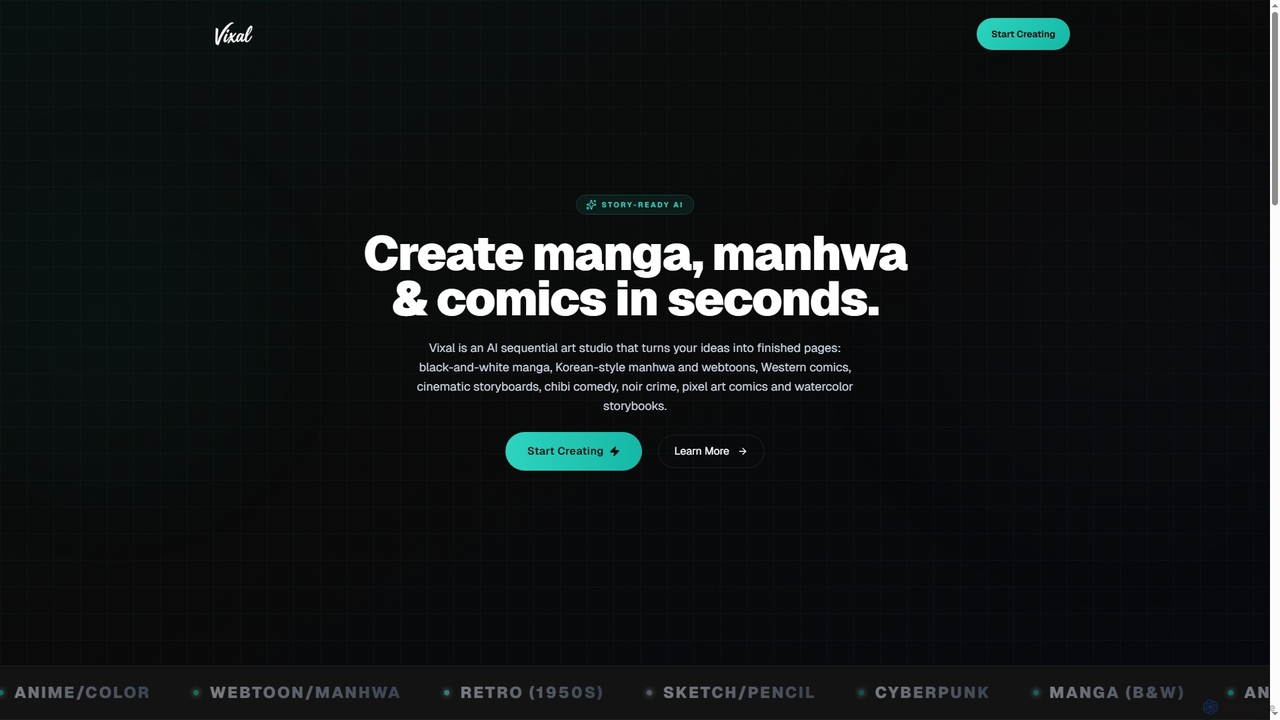
Vixal
Vixal is an innovative AI sequential art studio designed to transform your creative ideas into stunning manga, manhwa, webtoons, and comics in seconds. It offers over 24 diverse styles, from classic black-and-white manga to cyberpunk and watercolor storybooks, enabling artists and storytellers to generate complete pages and storyboards rapidly.
Comic Creation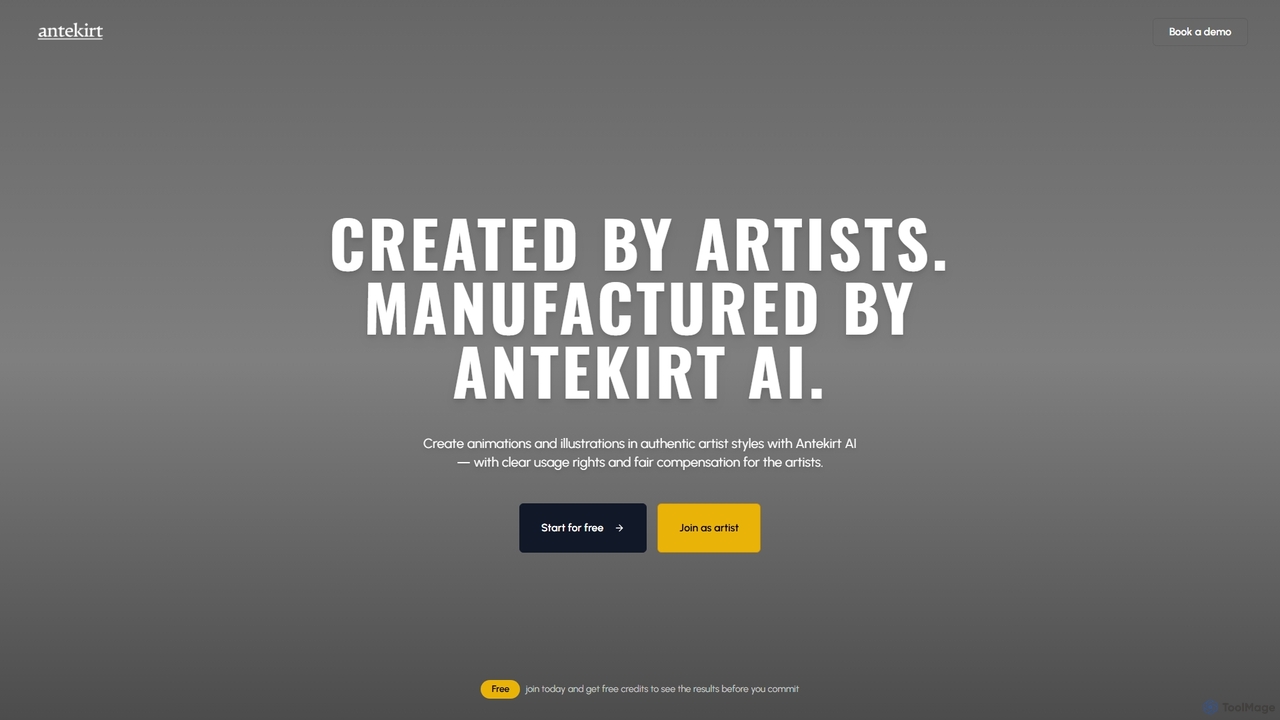
Antekirt
Antekirt is an innovative AI tool that empowers users to create unique animations and illustrations in authentic artist styles. It ensures clear usage rights and fair compensation for the contributing artists, blending human creativity with AI efficiency. Users can start for free and receive credits to explore its capabilities.
Ai Animation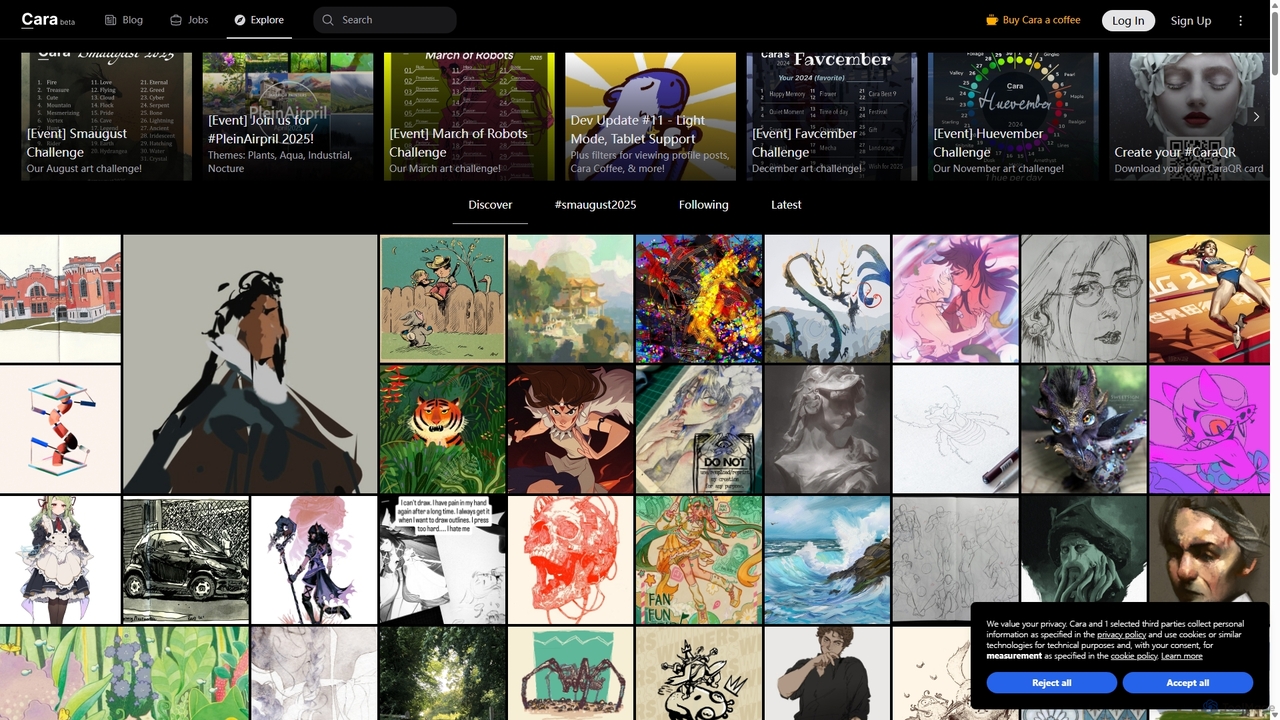
Cara
Cara is a social and portfolio platform for artists and art enthusiasts, designed as a response to the rise of generative AI. It prioritizes human-made art by actively filtering out AI-generated images. It offers a customizable social feed, professional portfolio tools, a jobs board, and features like Cara Glaze integration to protect artists' work. It's a community-focused space for creatives to connect, share their work, and find opportunities in a supportive, AI-free environment.
Illustration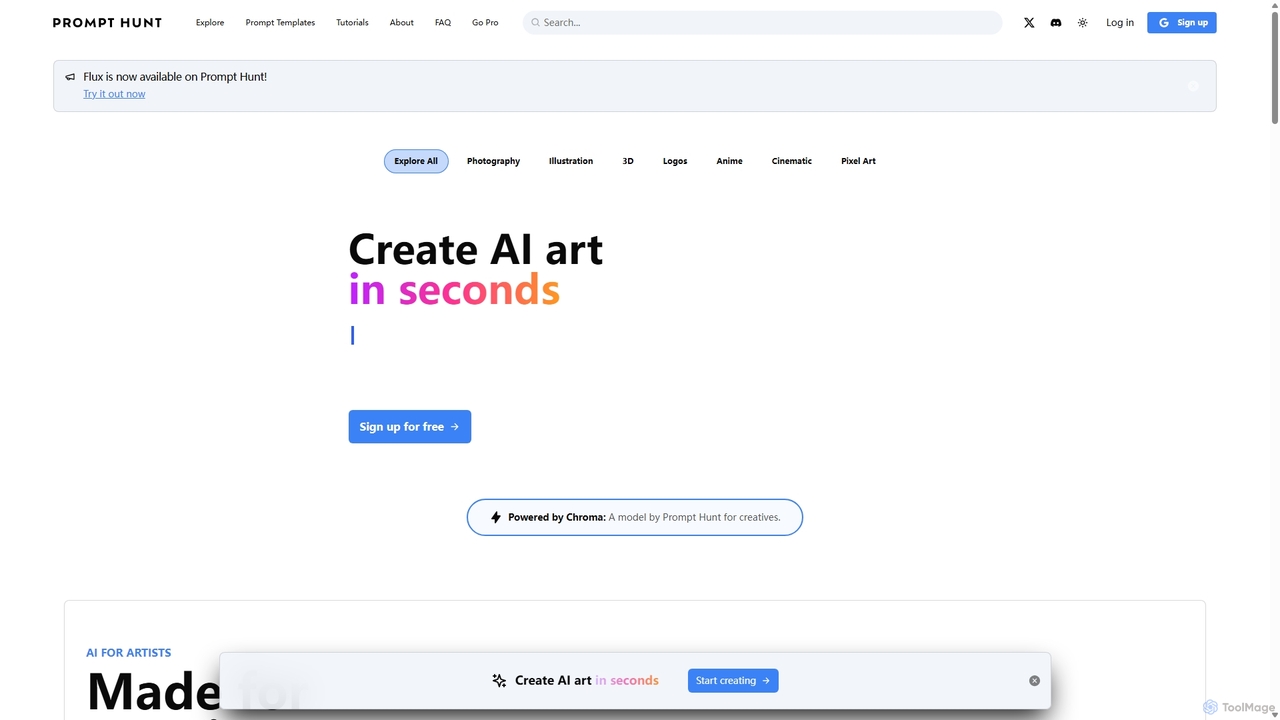
Prompt Hunt
Prompt Hunt is an AI art platform designed for creatives to explore, create, and share high-quality AI-generated images. It features a powerful proprietary model called Chroma, an extensive library of prompt templates, and an intuitive interface, making it easy for both beginners and experts to produce stunning visuals.
Illustration
aigeneratoranime
aigeneratoranime is a powerful AI-driven tool designed for creating high-quality anime-style art from text prompts. It allows users, from artists to hobbyists, to effortlessly generate unique characters, scenes, and illustrations in various anime aesthetics. With an intuitive interface and advanced customization options, it transforms creative ideas into stunning visual realities in seconds.
IllustrationClip Studio Paint Categories
Clip Studio Paint Jobs
Clip Studio Paint Embed Widget
Copy this embed code to place the badge on your blog, article, or product site and send readers directly to this ToolMage detail page.

Related AI tools
Vixal
Vixal is an innovative AI sequential art studio designed to transform your creative ideas into stunning manga, manhwa, webtoons, and comics in seconds. It offers over 24 diverse styles, from classic black-and-white manga to cyberpunk and watercolor storybooks, enabling artists and storytellers to generate complete pages and storyboards rapidly.
Comic CreationCara
Cara is a social and portfolio platform for artists and art enthusiasts, designed as a response to the rise of generative AI. It prioritizes human-made art by actively filtering out AI-generated images. It offers a customizable social feed, professional portfolio tools, a jobs board, and features like Cara Glaze integration to protect artists' work. It's a community-focused space for creatives to connect, share their work, and find opportunities in a supportive, AI-free environment.
IllustrationAntekirt
Antekirt is an innovative AI tool that empowers users to create unique animations and illustrations in authentic artist styles. It ensures clear usage rights and fair compensation for the contributing artists, blending human creativity with AI efficiency. Users can start for free and receive credits to explore its capabilities.
Ai Animation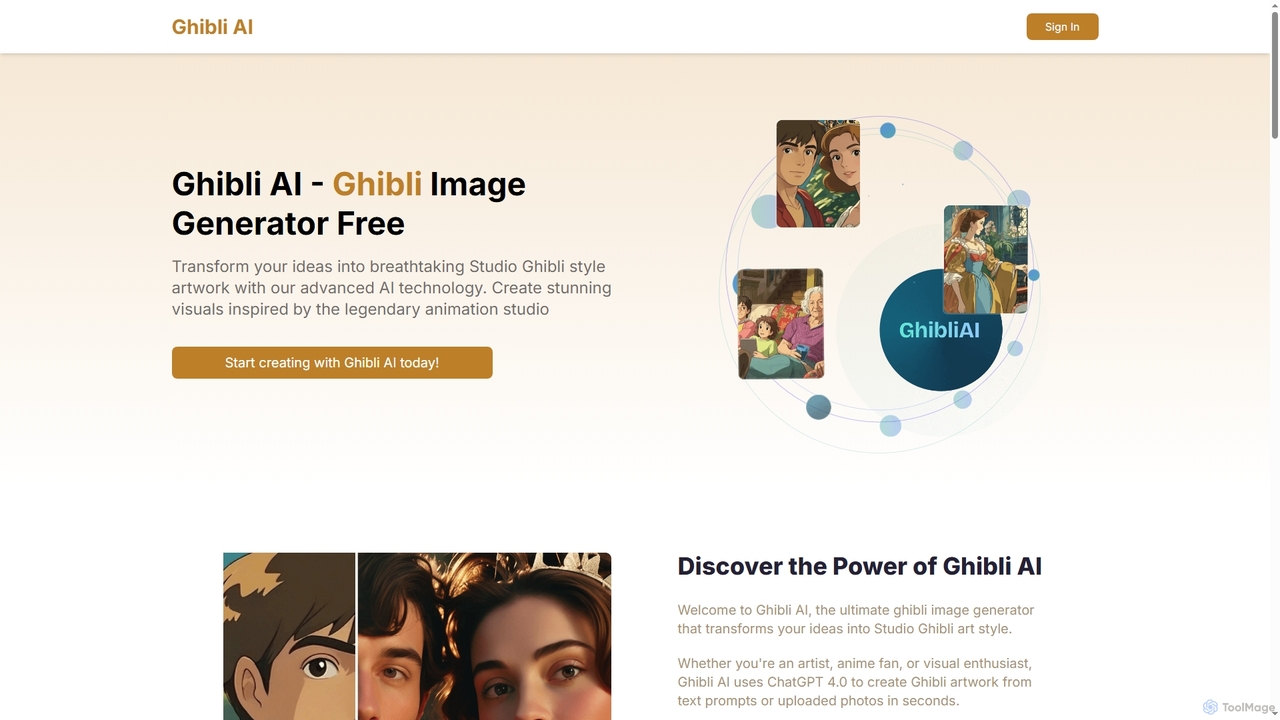
Ghibli AI
Ghibli AI is an advanced image generator that transforms your text prompts or uploaded photos into stunning Studio Ghibli-style artworks. Leveraging ChatGPT 4.0, it allows artists, fans, and professionals to effortlessly create enchanting visuals inspired by legendary animation, simplifying the process of crafting anime-style masterpieces in seconds.
Style Transfer
Prompt Hunt
Prompt Hunt is an AI art platform designed for creatives to explore, create, and share high-quality AI-generated images. It features a powerful proprietary model called Chroma, an extensive library of prompt templates, and an intuitive interface, making it easy for both beginners and experts to produce stunning visuals.
Illustration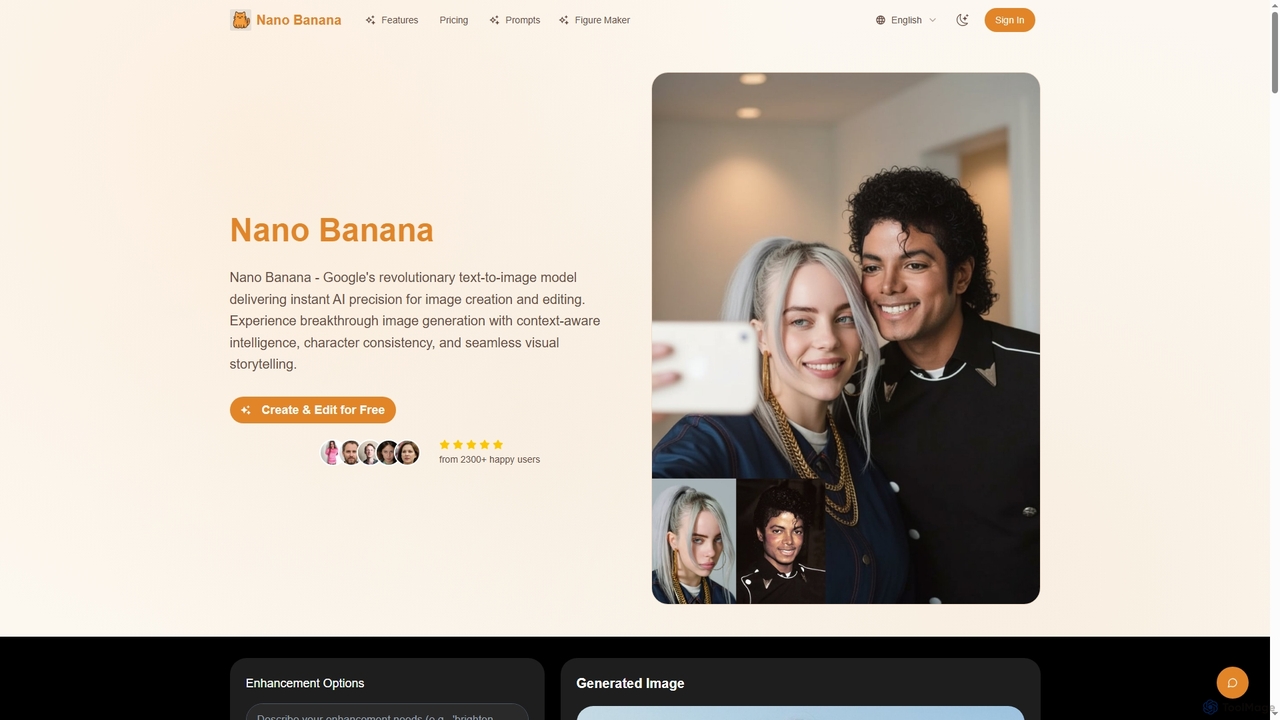
Nano Banana
Nano Banana is Google's revolutionary AI text-to-image model, offering instant precision for image creation and editing. It leverages context-aware intelligence and advanced neural architecture to ensure character consistency, seamless visual storytelling, and high-quality outputs across various creative workflows, from character design to product visualization.
Ai Character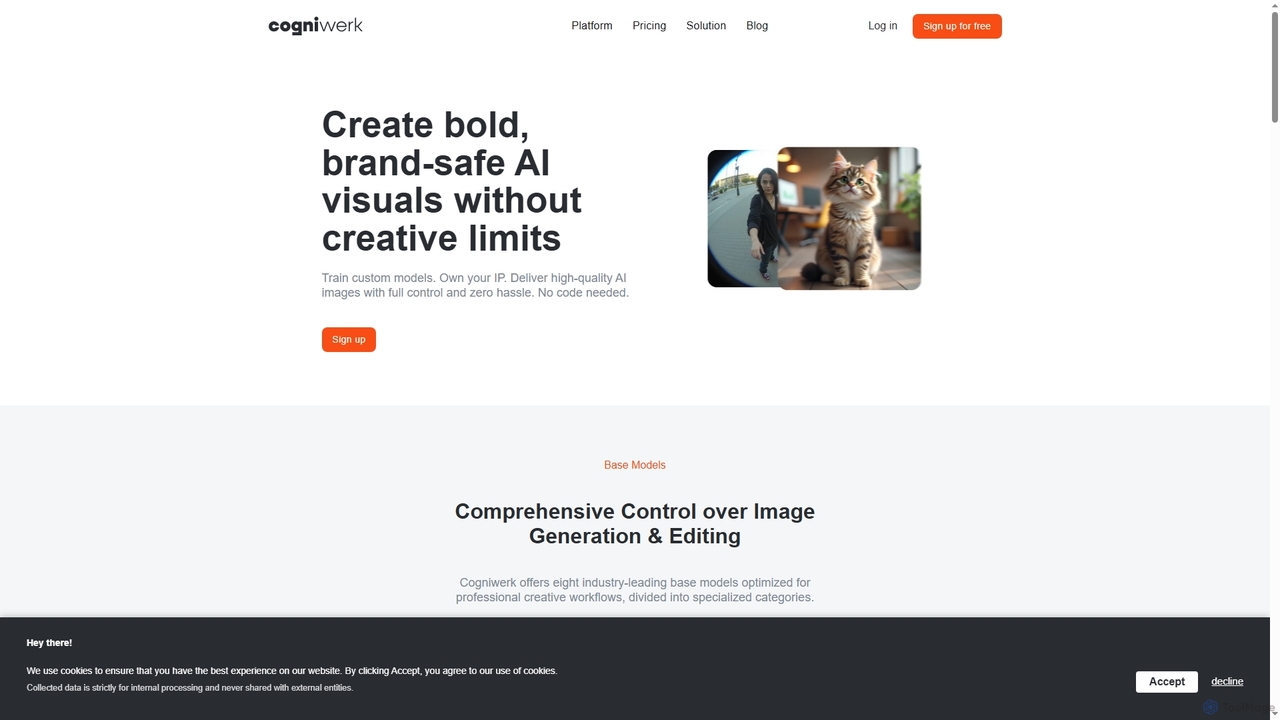
Cogniwerk
Cogniwerk is a comprehensive European AI platform designed for creative professionals, offering advanced tools for high-quality image and video generation, custom model training, and sophisticated prompting. It emphasizes compliance with GDPR and EU AI Act readiness, providing creators with full ownership and creative freedom for their digital assets.
Visual Design
Sirens
Sirens is a specialized AI art generator for creating breathtaking fantasy and mythological artwork. Using advanced text-to-image models, it excels at bringing mythical creatures, enchanted landscapes, and epic scenes to life. Perfect for artists, writers, and game developers seeking high-quality, thematic visuals.
Image Generation
Aimajic
Aimajic is a powerful AI-driven image and art generator that transforms your text prompts into stunning, high-quality visuals. Designed for artists, marketers, and creators, it simplifies the creative process, allowing anyone to produce unique illustrations, photorealistic images, and abstract art in seconds.
Creative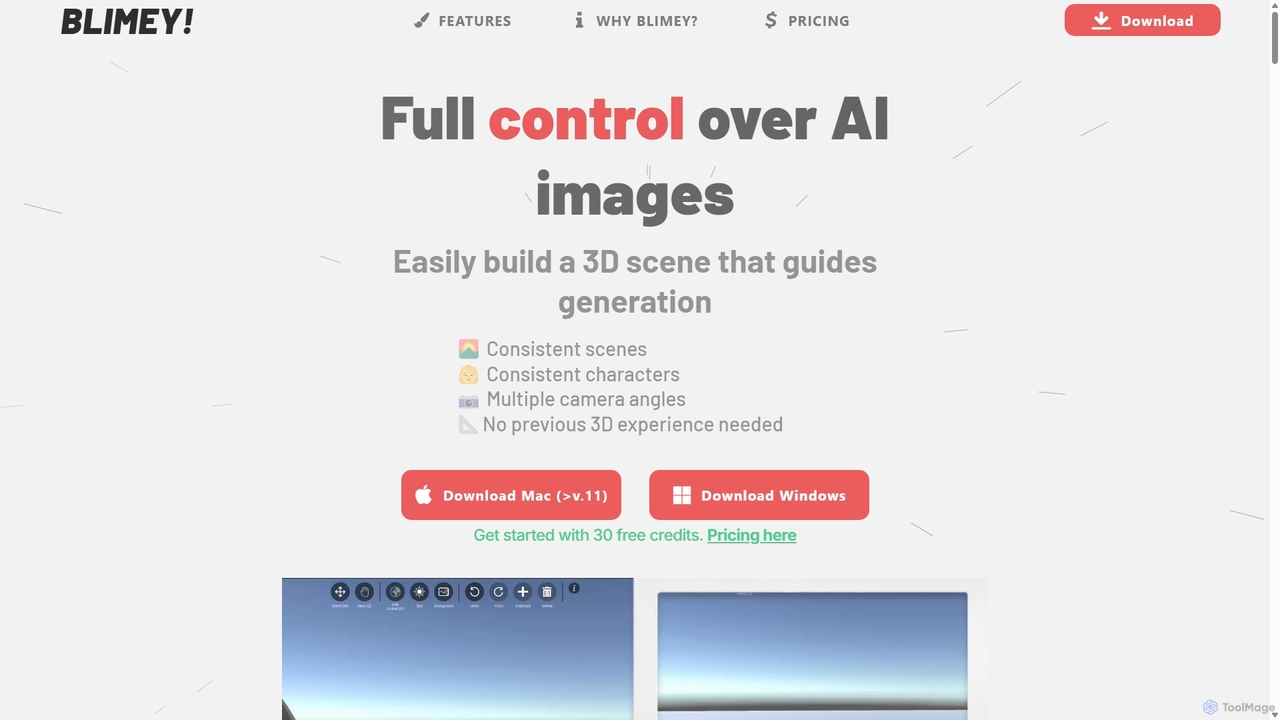
Blimeycreate
Blimeycreate is a desktop AI image generator that gives you full control by building 3D scenes. It enables consistent characters and scenes, multiple camera angles, and precise composition without needing prior 3D experience. Perfect for creators who want to bring their specific vision to life beyond simple text prompts.
3D Modelingaigeneratoranime
aigeneratoranime is a powerful AI-driven tool designed for creating high-quality anime-style art from text prompts. It allows users, from artists to hobbyists, to effortlessly generate unique characters, scenes, and illustrations in various anime aesthetics. With an intuitive interface and advanced customization options, it transforms creative ideas into stunning visual realities in seconds.
Illustration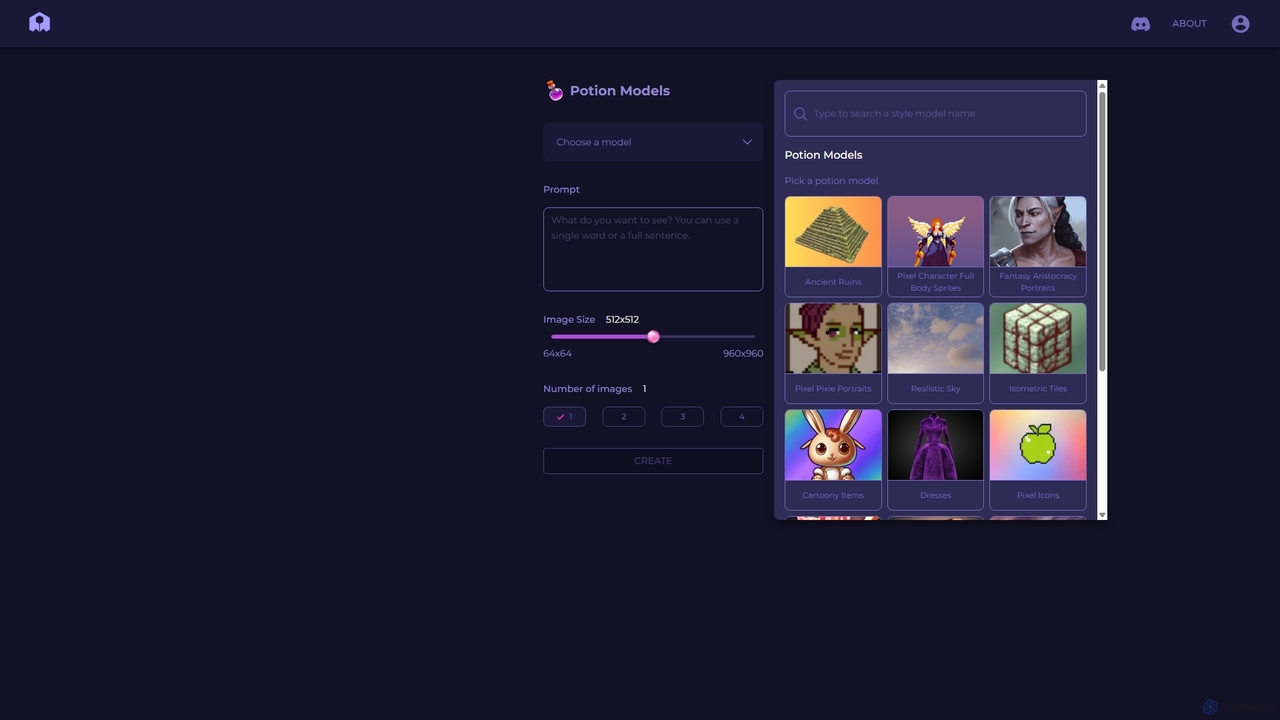
PixelVibe
PixelVibe is a specialized AI-powered platform for generating high-quality, style-consistent game assets, pixel art, and illustrations. Using a variety of pre-trained models called 'Potion Models,' it enables game developers, designers, and artists to create unique character sprites, isometric tiles, icons, and environments from simple text prompts, dramatically accelerating the creative workflow.
Generative Art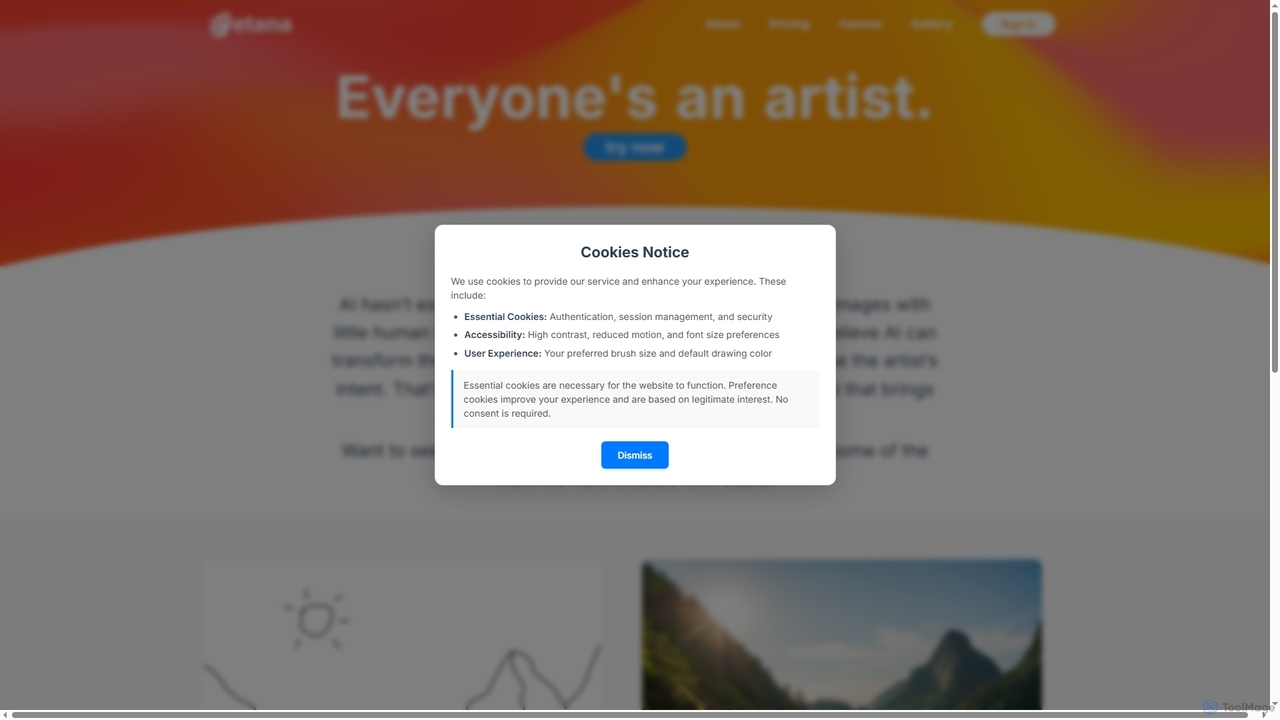
Etana
Etana is an AI-powered drawing and sketch tool designed to empower artists by prioritizing their creative intent. It transforms artistic visions into digital art more faithfully, ensuring the artist remains central to the creative process.
Digital Art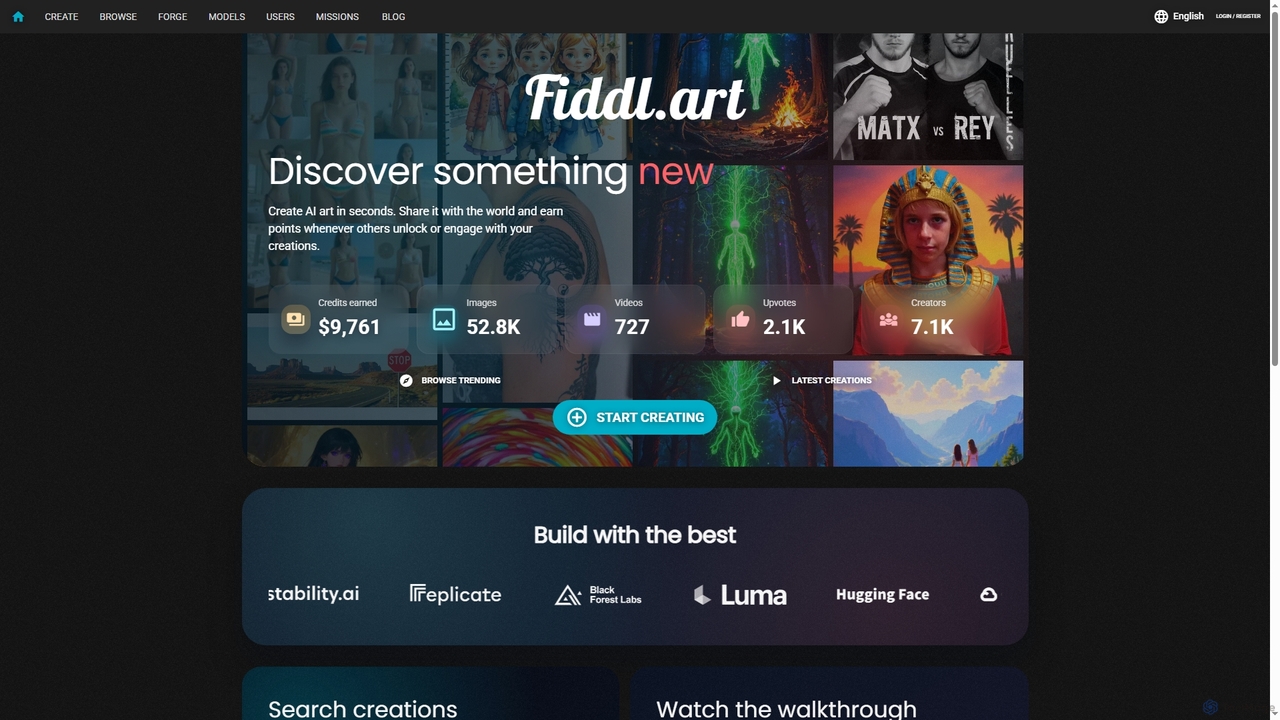
Fiddl
Fiddl is an advanced AI art and video generation platform that allows users to create stunning visuals in seconds. It features a diverse range of AI models, custom model training, and a vibrant community where creators can share their work, earn points, and explore new artistic possibilities without a subscription.
Generative Art
Clip Studio Paint Comments (0)
Sign in to comment.
Sign inNo comments yet.