

PhotoAlign Overview
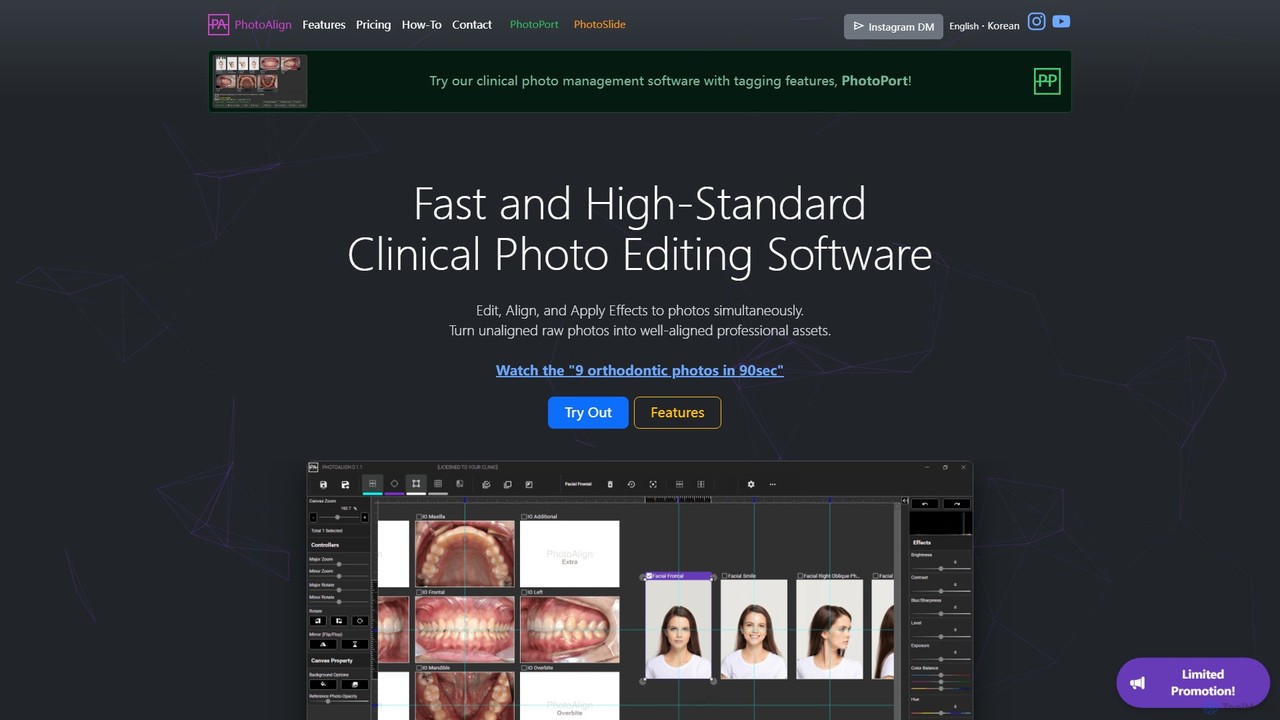
PhotoAlign is a specialized and powerful clinical photo editing software designed to meet the specific needs of dental and orthodontic practices. It transforms the tedious task of editing and organizing patient photos into a fast, efficient, and standardized process. By leveraging AI and a suite of professional tools, PhotoAlign allows clinicians and their staff to turn raw, unaligned photos into high-quality, professional assets in a fraction of the time, enabling them to focus more on patient care.
The software is built around the principle of efficiency. It allows users to edit, align, and apply effects to multiple photos simultaneously on a single screen, eliminating the need to switch between different windows. This integrated approach, combined with its companion photo management software, PhotoPort, provides a complete solution for clinical photo workflows.
How to use PhotoAlign
Using PhotoAlign is designed to be intuitive and straightforward, streamlining the entire photo editing workflow. Here's a typical process:
- Import Photos: Users can add photos to the asset list in several ways. They can manually browse and select files from a folder, or use the 'LiveWatch' feature. LiveWatch monitors a designated folder (e.g., one connected to a digital camera) and automatically imports new photos in real-time.
- Allocate Photos: Once imported, photos can be placed onto predefined templates. This can be done by manually dragging and dropping each image. For maximum efficiency, the 'AI Allocation' feature can be used. With a single click, the AI engine recognizes various orthodontic photo orientations and automatically places them onto the correct canvases. Allocation based on filenames or file order is also available.
- Edit and Align: On the single-view screen, users can edit all photos at once. This includes resizing, cropping, and rotating with high precision (down to 0.1°). Visual aids like colored grids, guidelines, and a crosshair pointer assist in achieving perfect alignment. Users can also set a reference photo with adjustable opacity for superimposition, ensuring consistency across all patient records.
- Apply Effects: Batch adjustments for brightness, contrast, exposure, saturation, and color balance can be applied simultaneously across all selected photos. One-click actions for auto-leveling, denoising, and other effects are also available. Users can easily toggle between the original and edited versions to see the changes.
- Save and Export: After editing, all photos can be saved at once. The software features a convenient preview and a batch renamer to organize files efficiently. PhotoAlign automatically saves images at the highest possible resolution. Edited photos can be saved to a folder, printed, saved as a PDF, or directly uploaded to integrated platforms like WEBCEPH.
Core Features of PhotoAlign
- AI Allocation: An artificial intelligence engine that automatically recognizes and places orthodontic intraoral and facial photos onto the correct template canvases.
- Batch Editing: Simultaneously edit multiple photos. Adjust size, rotation, crop, brightness, contrast, color balance, and apply various effects to an entire set of photos at once.
- LiveWatch Real-Time Import: Automatically imports new photos from a designated folder as they are created, perfect for workflows with connected cameras.
- Professional Templates: Comes with a variety of popular layouts for intraoral, facial, and radiographic images. Users with HTML knowledge can also create custom templates.
- Reference Photo Superimposition: Set a standard photo as a translucent background layer to guide the alignment of new photos for perfect consistency.
- Advanced Editing Tools: Precise controls for rotation (0.1°), resizing, and cropping. Includes extra guides like grids, guidelines, and a crosshair for pixel-perfect alignment.
- One-Click Effects: Apply quick effects like normalize, auto-level, denoise, envivid, and grayscale with a single button press.
- High-Resolution Output: Automatically saves edited photos at the maximum possible resolution and quality without sacrificing image detail.
- Integration: Seamlessly integrates with clinical software like WEBCEPH and DentWeb for direct photo uploads.
- PhotoPort Included: The subscription includes PhotoPort, a clinical photo management software with tagging features.
Use Cases for PhotoAlign
PhotoAlign is ideal for any dental or orthodontic practice that regularly takes clinical photos for patient records, treatment planning, case presentations, or publications. Specific use cases include:
- Orthodontic Case Documentation: Quickly assemble standardized sets of intraoral and facial photos (e.g., 9 photos in 90 seconds) for tracking treatment progress.
- Pre- and Post-Treatment Comparisons: Use the superimposition feature to accurately align before-and-after photos to showcase treatment results.
- Patient Consultations: Prepare professional, well-aligned photo sets to present to patients, improving communication and case acceptance.
- Streamlining Clinic Workflow: Automate the photo import and initial placement process, freeing up valuable chair-time and staff resources.
Advantages of PhotoAlign
The primary advantage of PhotoAlign is the massive time savings it offers. What used to take significant manual effort can be accomplished in minutes. It ensures a high standard of quality and consistency across all patient photos, enhancing the professionalism of the practice. The AI-driven features reduce repetitive tasks and the potential for human error. Furthermore, all AI processing and data handling occur on the user's device, ensuring patient data privacy.
Pricing and Plans
PhotoAlign offers subscription-based plans that include both PhotoAlign and the PhotoPort management software.
- Monthly Subscription: $10.99 per month, per device.
- Annual Subscription: $99 per year, per device (a savings of $40 compared to the standard price of $139).
- 2+1 Subscription: A special offer where you buy two annual licenses and get one free, totaling $198 per year for 3 licenses (effectively $66 per year, per device).
Subscriptions are paid upfront and renew automatically. Due to the digital nature of the product, all sales are final and non-refundable. The software is currently available for Windows® 10 and 11.
Traffic
Latest traffic
Status
Monthly traffic trend
- 2025-9: 904
- 2026-1: 1.6K
- 2026-2: 1.4K
- 2026-3: 1.3K
- 2026-4: 2.3K
- 2026-5: 2.4K
Geography
Top 5 countries / regions
- 🇮🇳India34.9%
- 🇰🇷South Korea31.1%
- 🇬🇧United Kingdom20.0%
- 🇯🇵Japan14.1%
Top keywords
| Keyword | Cost per click |
|---|---|
| 실시간으로 이미지를 '정면 모양'으로 펴는 | $0.00 |
| if i want to edit a dental image and add stuff | $0.00 |
| online correct teeth picture free | $0.00 |
| パワポで2つの写真をスマートに重ねて表示したい | $0.00 |
| 画像をそのまま編集可能なパワポにする | $0.00 |
PhotoAlign Alternatives
Aftershoot
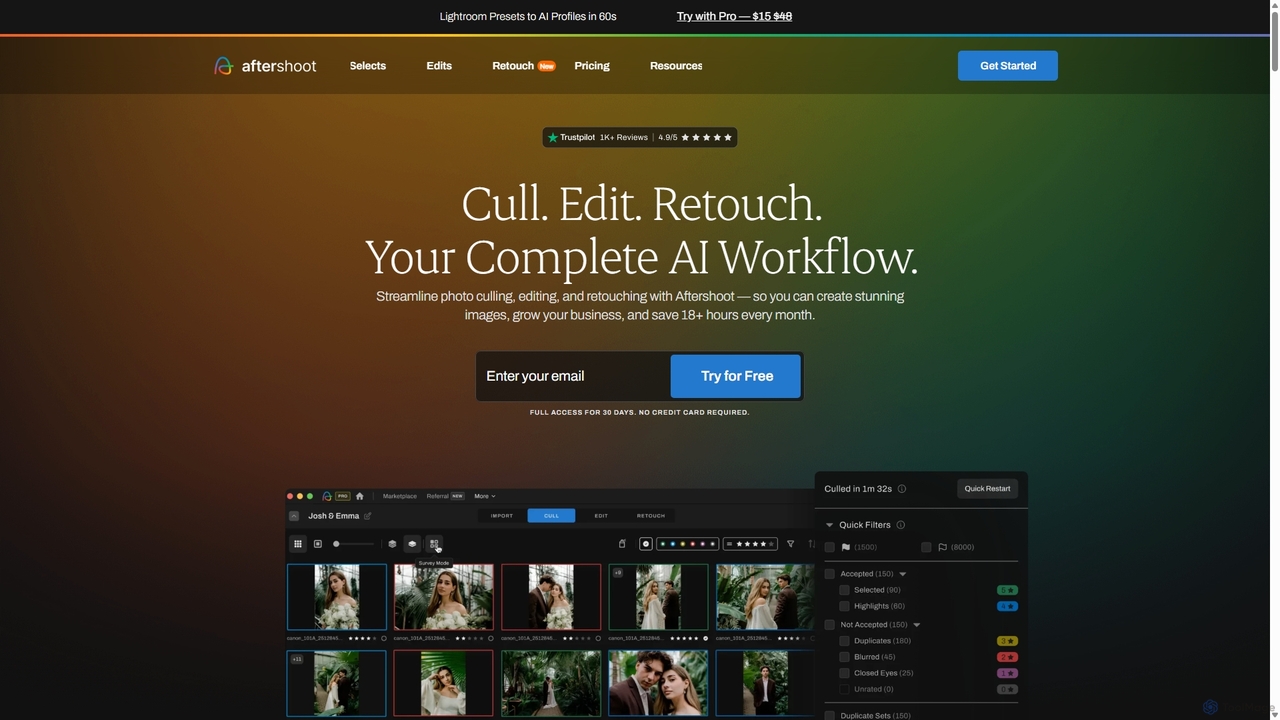
Aftershoot is an all-in-one AI software for photographers, designed to automate and streamline the post-production workflow. It offers intelligent culling to select the best photos, personalized AI editing that learns your style, and advanced AI retouching for portraits. By handling tedious tasks, Aftershoot saves photographers over 18 hours per month, ensuring consistent results and allowing them to focus on creativity and business growth.
Photography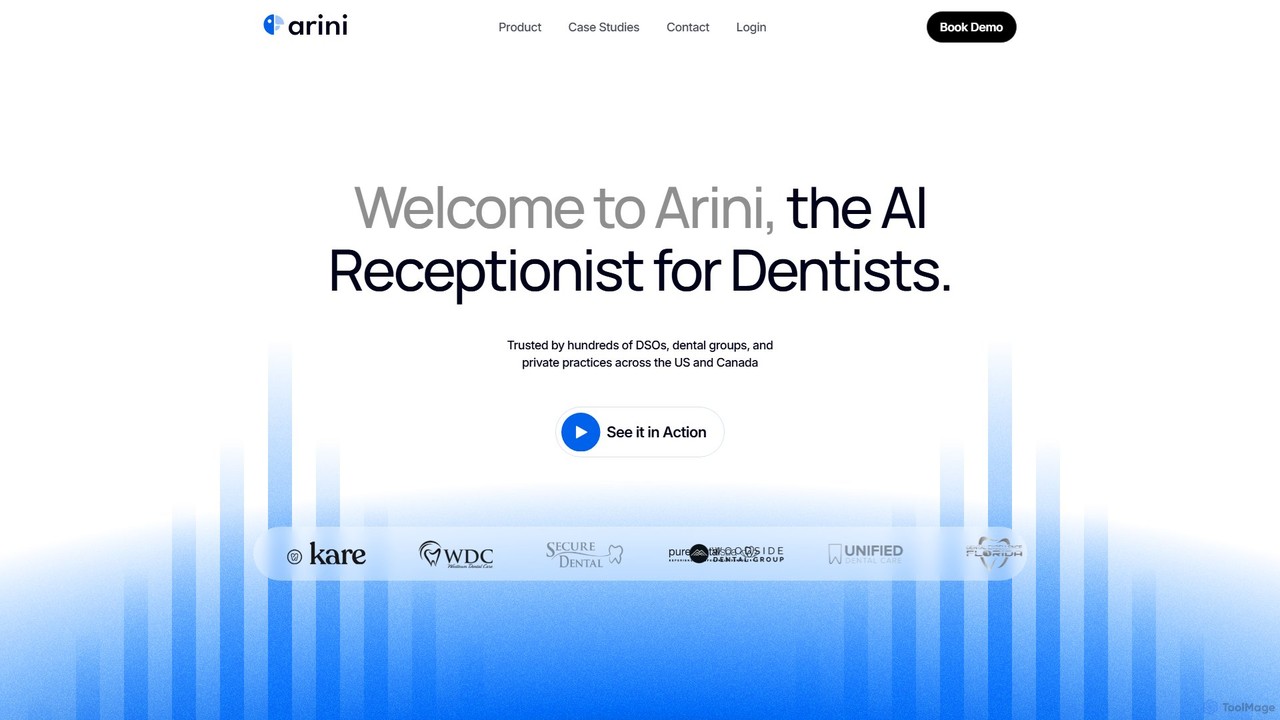
Arini
Arini is a leading AI-powered receptionist designed specifically for dental practices. It handles patient communications 24/7 via calls and texts, intelligently scheduling, confirming, and rescheduling appointments. By integrating seamlessly with existing practice management software, Arini reduces missed calls, increases revenue, and frees up front-desk staff to focus on higher-value tasks, ensuring no patient opportunity is lost.
Virtual Assistant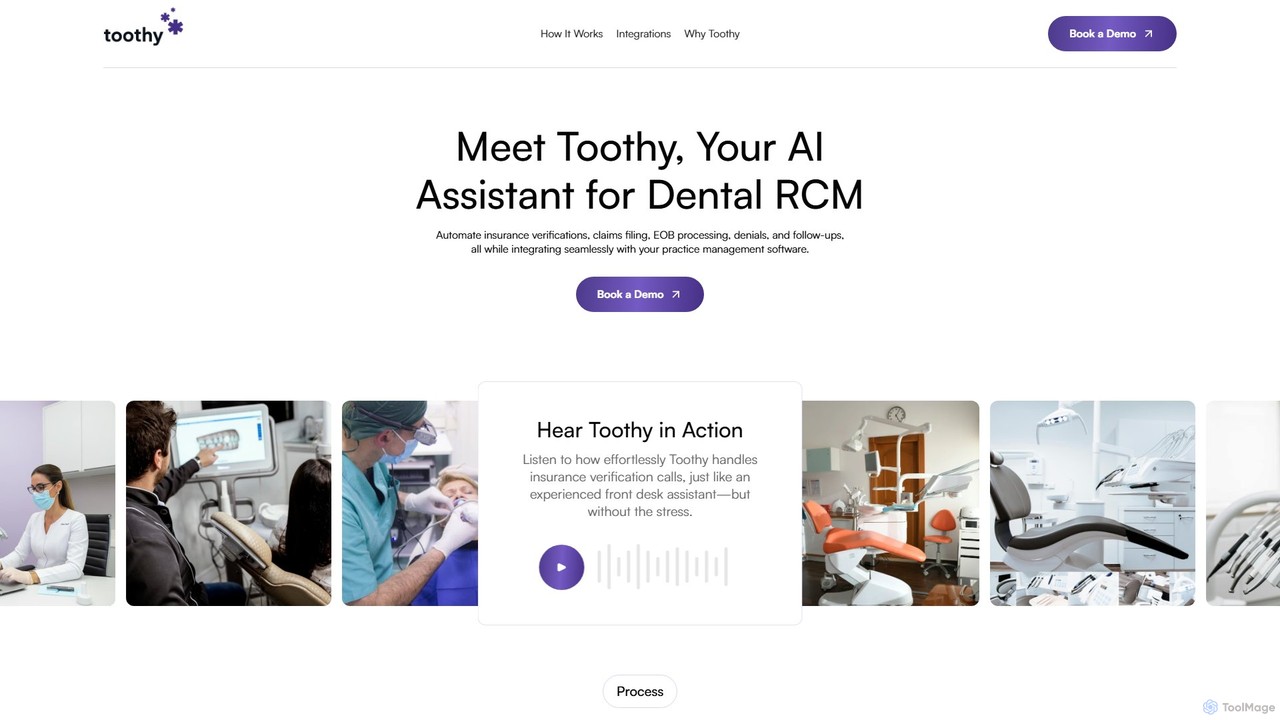
Toothy
Toothy is an AI assistant for dental practices that automates Revenue Cycle Management (RCM). It handles insurance verifications, claims filing, EOB processing, and denials by integrating directly with your practice management software to accelerate cash flow and reduce administrative workload.
Billing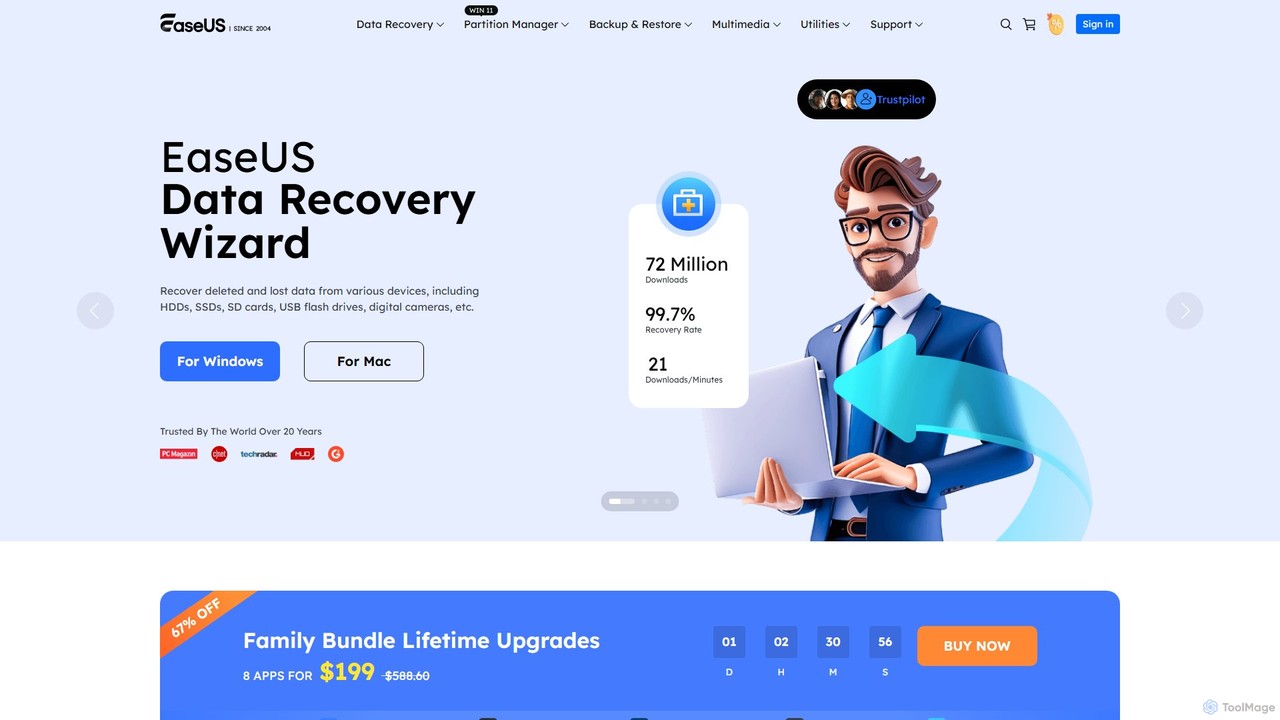
EaseUS
EaseUS offers a comprehensive suite of software for data management, recovery, and multimedia creation, enhanced with powerful AI. From AI-powered file repair and data recovery to creative tools like AI image generation and vocal removal, EaseUS provides reliable, user-friendly applications for both individual and enterprise users. It simplifies complex tasks like disk partitioning, system backup, and data transfer, making digital life easier and more secure.
Generative Art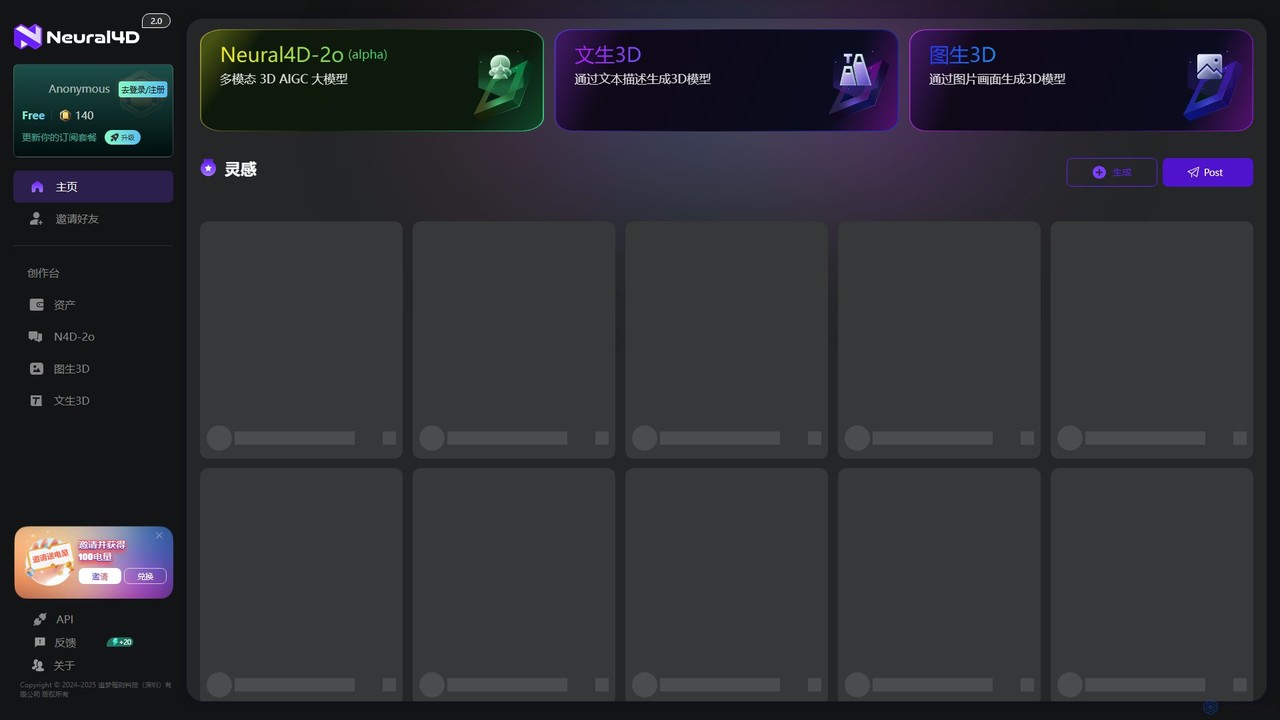
Neural4D
Neural4D is an advanced AI platform for 4D medical imaging analysis. It leverages deep learning to process spatio-temporal data from dynamic CT, MRI, and PET scans, enabling faster diagnostics, precise tumor tracking, and quantitative analysis of physiological functions for healthcare professionals and researchers.
Data VisualizationPhotoAlign Categories
PhotoAlign Embed Widget
Copy this embed code to place the badge on your blog, article, or product site and send readers directly to this ToolMage detail page.

Related AI tools
Aftershoot
Aftershoot is an all-in-one AI software for photographers, designed to automate and streamline the post-production workflow. It offers intelligent culling to select the best photos, personalized AI editing that learns your style, and advanced AI retouching for portraits. By handling tedious tasks, Aftershoot saves photographers over 18 hours per month, ensuring consistent results and allowing them to focus on creativity and business growth.
PhotographyEaseUS
EaseUS offers a comprehensive suite of software for data management, recovery, and multimedia creation, enhanced with powerful AI. From AI-powered file repair and data recovery to creative tools like AI image generation and vocal removal, EaseUS provides reliable, user-friendly applications for both individual and enterprise users. It simplifies complex tasks like disk partitioning, system backup, and data transfer, making digital life easier and more secure.
Generative ArtNeural4D
Neural4D is an advanced AI platform for 4D medical imaging analysis. It leverages deep learning to process spatio-temporal data from dynamic CT, MRI, and PET scans, enabling faster diagnostics, precise tumor tracking, and quantitative analysis of physiological functions for healthcare professionals and researchers.
Data Visualization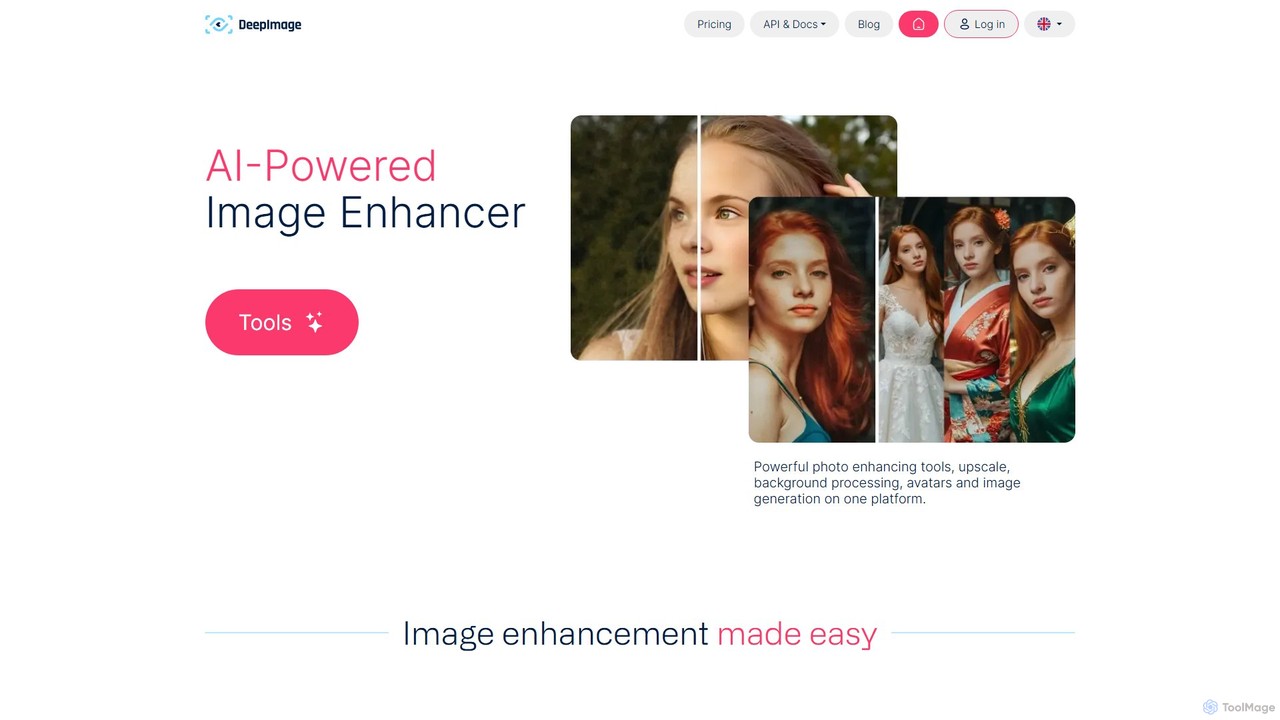
deep_image.ai
A comprehensive AI-powered platform for image enhancement, upscaling, and generation. It offers a suite of tools including noise reduction, sharpening, color correction, background removal, and creating new images from text. Ideal for photographers, e-commerce businesses, and content creators seeking professional-quality results.
Image Editing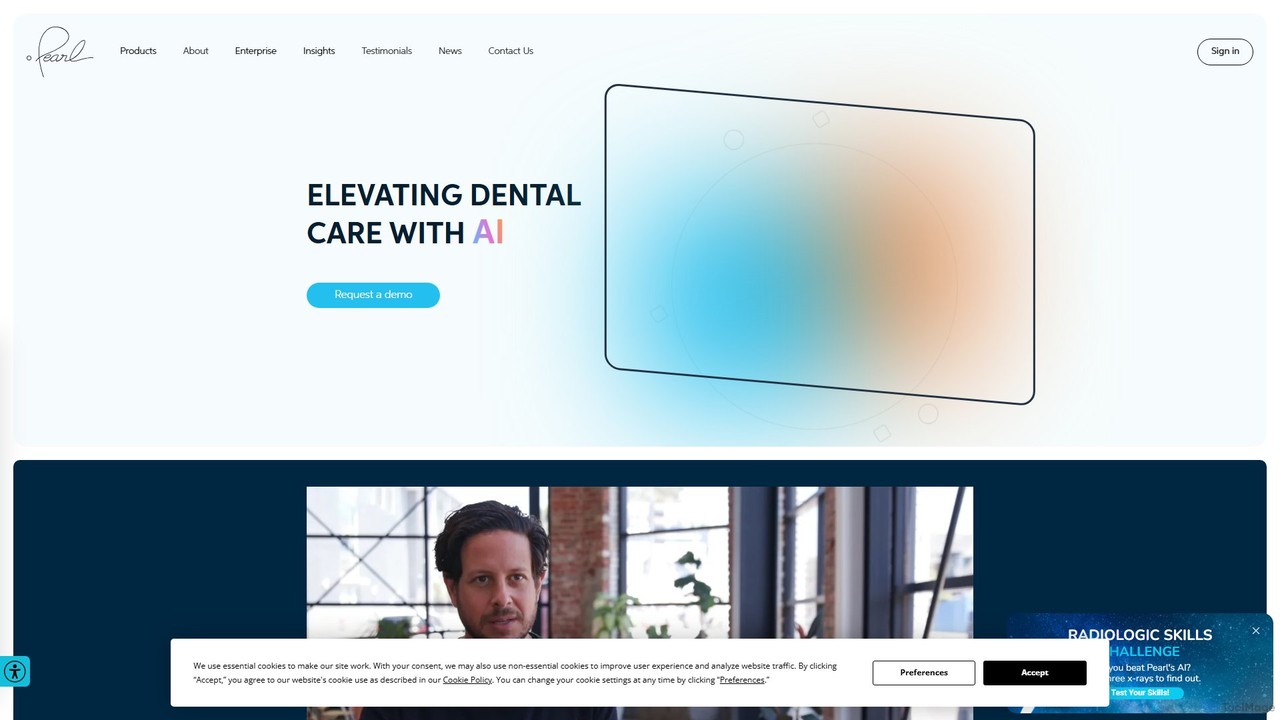
Pearl
Pearl is a leading AI platform for dentistry, utilizing advanced computer vision to analyze dental X-rays and 3D imagery. It provides dentists with real-time diagnostic assistance, enhances patient communication, and optimizes practice management, aiming to elevate the standard of dental care globally.
Practice Management
Overjet
Overjet is the leading AI platform for dentistry, empowering providers and payers to enhance patient care. It utilizes FDA-cleared AI to analyze dental X-rays for precise disease detection, streamlines patient education with annotated visuals to boost case acceptance, and automates the insurance claim process for faster approvals. Overjet bridges the gap between dentists, patients, and insurers, fostering efficiency and improved oral health outcomes for all.
Medical Imaging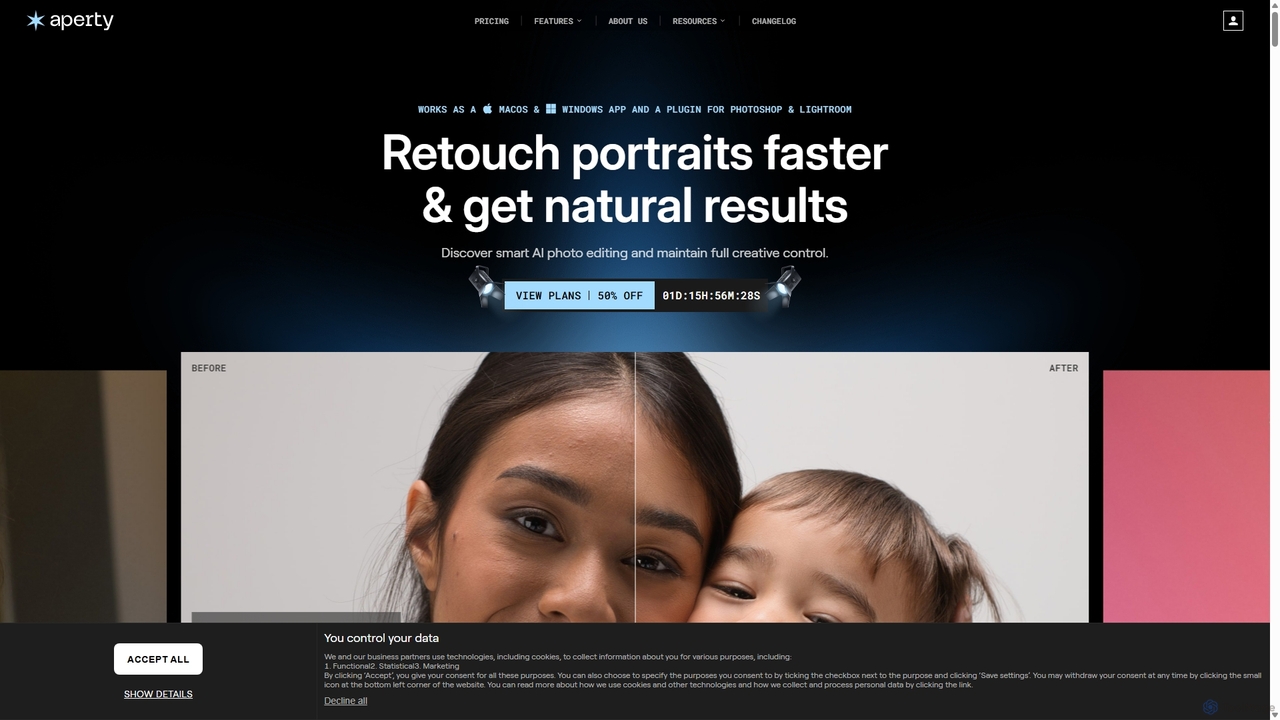
Aperty
Aperty is an AI-powered portrait photo editor designed for photographers to accelerate their retouching workflow. It offers smart, natural-looking enhancements for skin, eyes, and makeup, and functions as a standalone app for macOS/Windows or as a plugin for Photoshop and Lightroom, ensuring full creative control and efficiency.
Graphics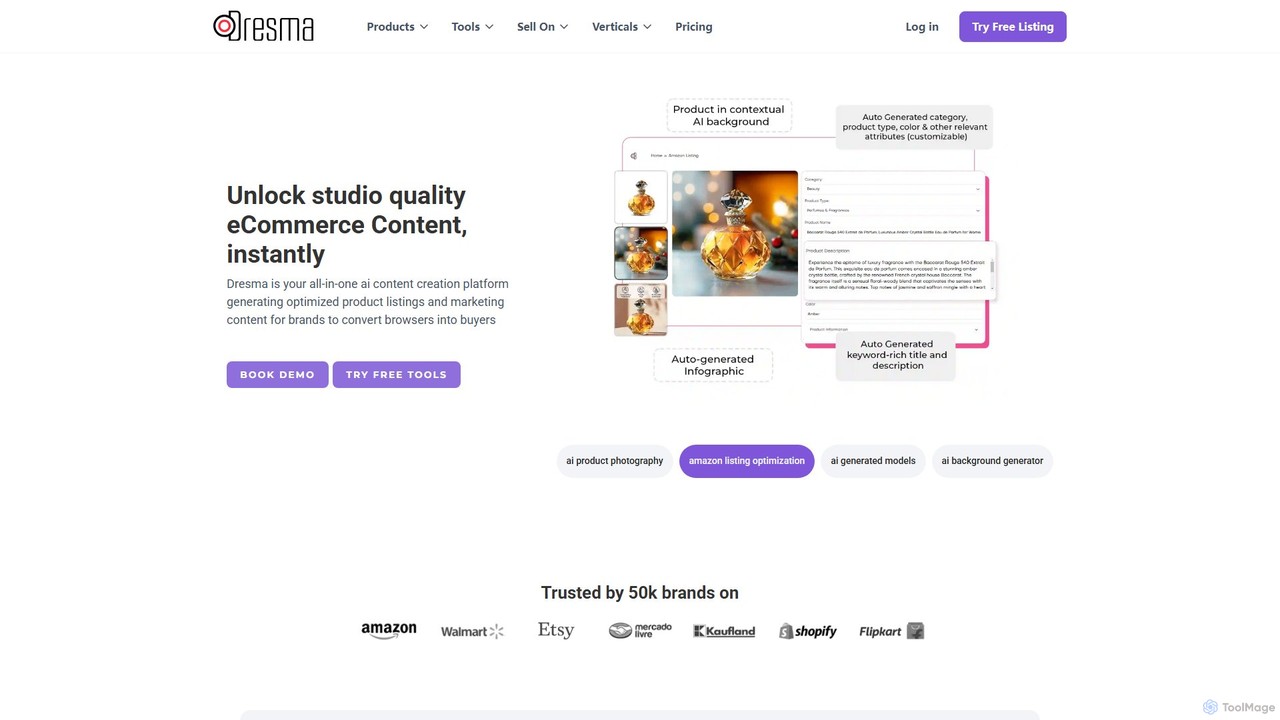
dresma
Dresma is an AI-powered platform for e-commerce sellers, specializing in creating professional product photography and optimized listings. It offers tools like AI background generation, background removal, image resizing, and listing content creation to enhance product visuals for platforms like Amazon, Shopify, and Walmart, aiming to boost sales and streamline content creation.
Product Photography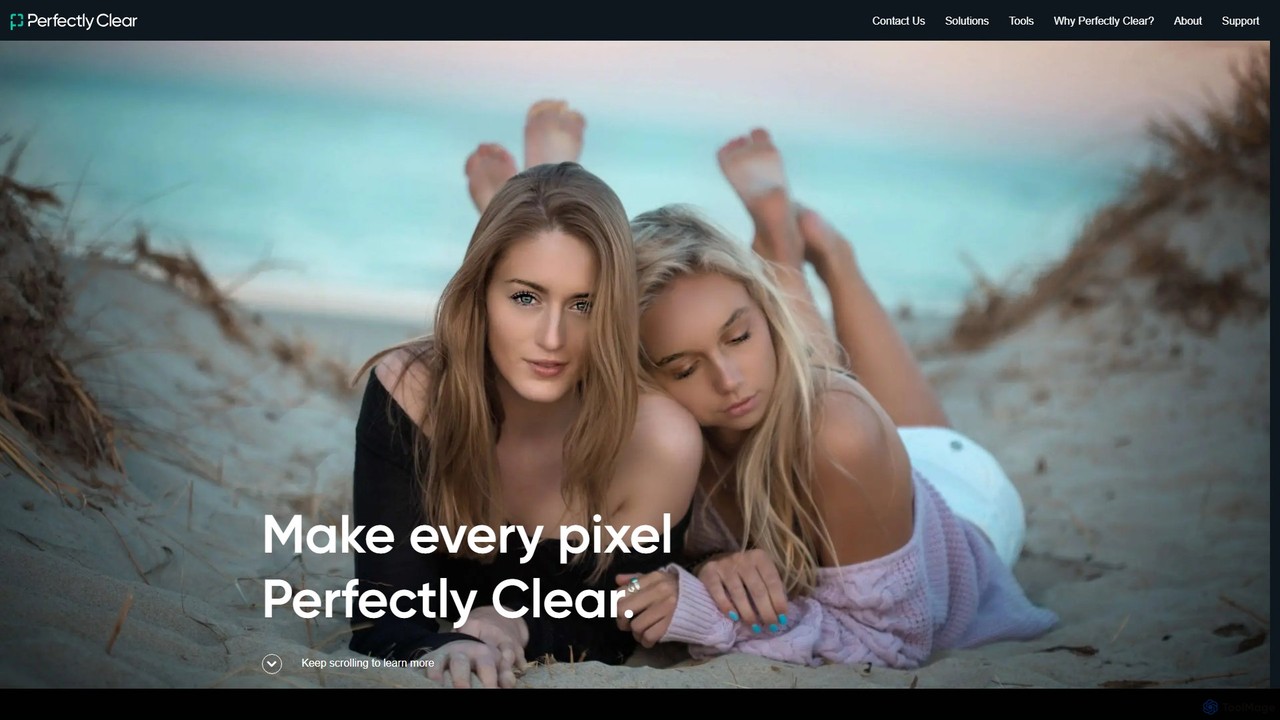
eyeq
eyeq provides world-leading AI-powered automatic photo correction and video enhancement solutions for businesses. Its core technology, Perfectly Clear, uses 20+ years of scientific research and AI to deliver vibrant, accurate colors, intelligent retouching, and automated workflows, helping companies improve quality, reduce costs, and increase revenue.
3D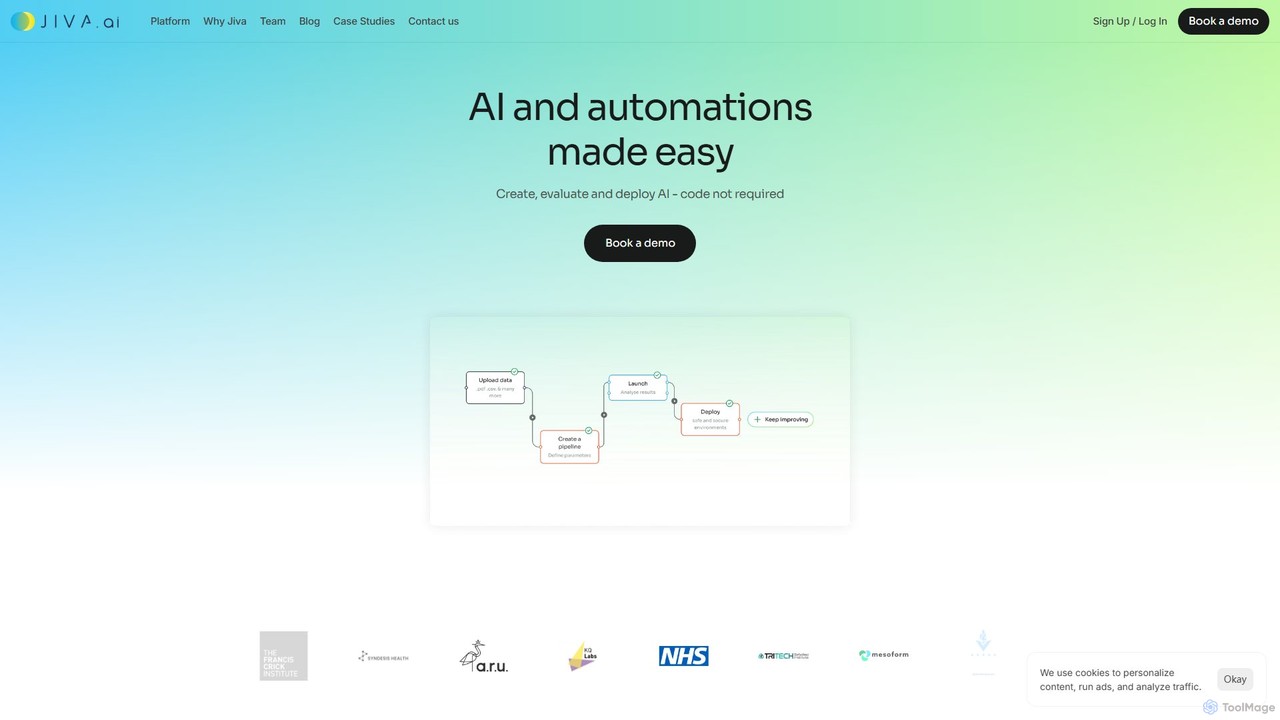
Jiva.ai
Jiva.ai is a zero-code, end-to-end platform for rapid multimodal AI development. It empowers organizations to build, train, and deploy complex AI models using imaging, video, text, audio, and structured data, without needing extensive data science expertise.
Machine Learning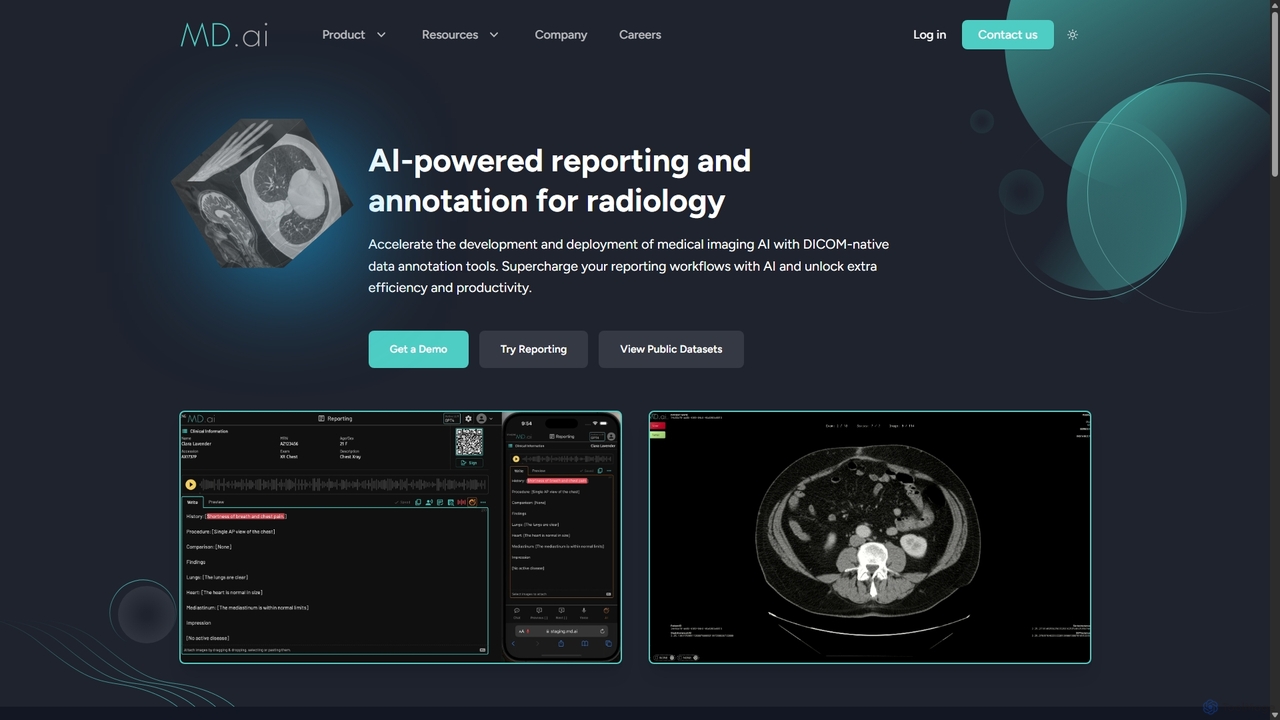
MD.ai
MD.ai is a comprehensive AI platform for radiology, offering DICOM-native data annotation tools to build and validate medical imaging AI models, and an LLM-powered reporting system to supercharge clinical workflows for radiologists, ensuring efficiency, accuracy, and compliance.
Data Annotation
Zyng AI
Zyng AI is a powerful, AI-driven platform for bulk image editing, specifically catering to e-commerce businesses, photographers, and marketing teams. It automates tedious editing tasks, allowing users to process thousands of images in minutes. Key features include background removal, model swapping, smart cropping, face retouching, and AI-generated backgrounds. Zyng AI streamlines workflows, reduces costs, and helps create high-quality, consistent visuals for online stores and marketing campaigns, supporting resolutions up to 8K.
3D
Image Boost AI
Image Boost AI is a powerful AI-driven tool designed to automatically enhance and upscale your images. Effortlessly increase resolution, sharpen details, correct colors, and remove noise to transform your photos into professional-quality visuals. Ideal for photographers, designers, and marketers seeking stunning results with minimal effort.
Graphics
Polarr Copilot
Polarr Copilot is an AI-powered creative assistant that transforms simple text prompts into stunning photo, video, and design edits. Integrated into the Polarr and 24FPS apps, it simplifies complex editing workflows, allowing users to achieve their desired aesthetic by describing it in natural language.
Social Media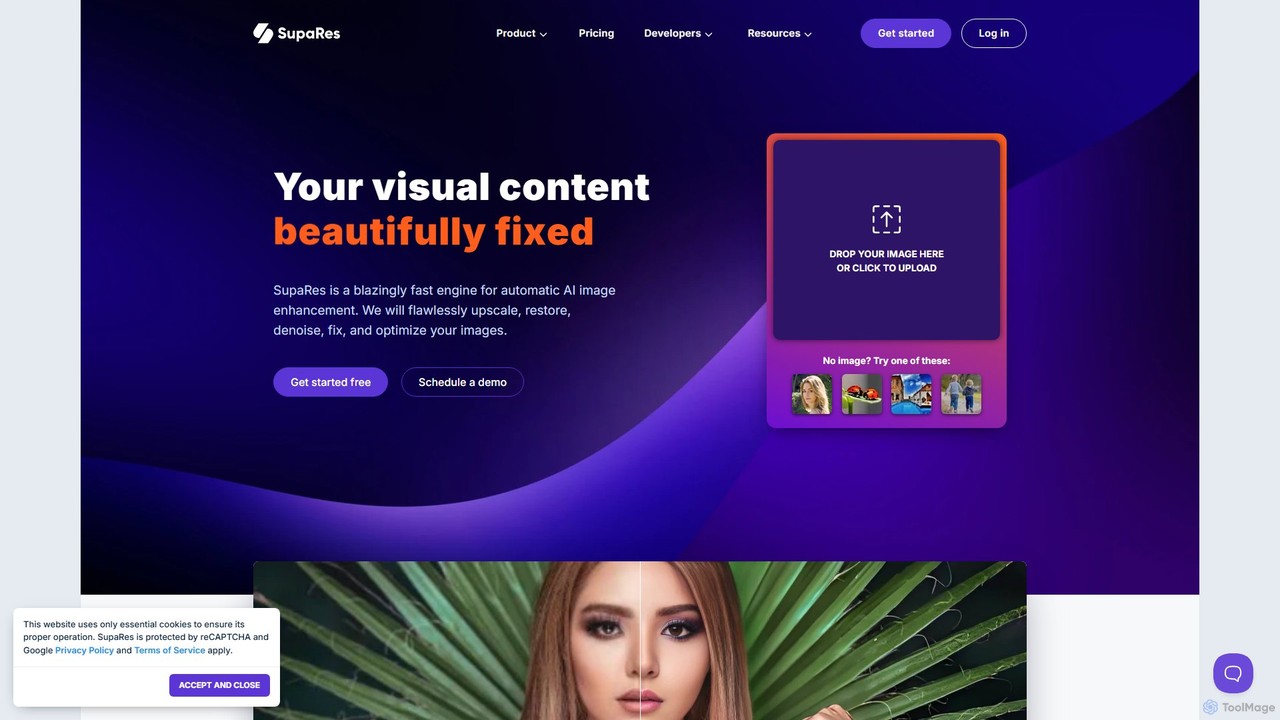
SupaRes
SupaRes is an AI-powered image enhancement platform that automatically upscales, restores, denoises, and optimizes your visual content. It provides a fast, one-stop solution for businesses and individuals to achieve professional-quality images in seconds without complex software.
Image Enhancement
PhotoAlign Comments (0)
Sign in to comment.
Sign inNo comments yet.