
Photo & Video Best in category 1 results Video Editing AI Tool

Popular AI tools in the Video Editing field of Photo & Video include 4DDiG, etc., helping you quickly improve efficiency.

4DDiG

4DDiG

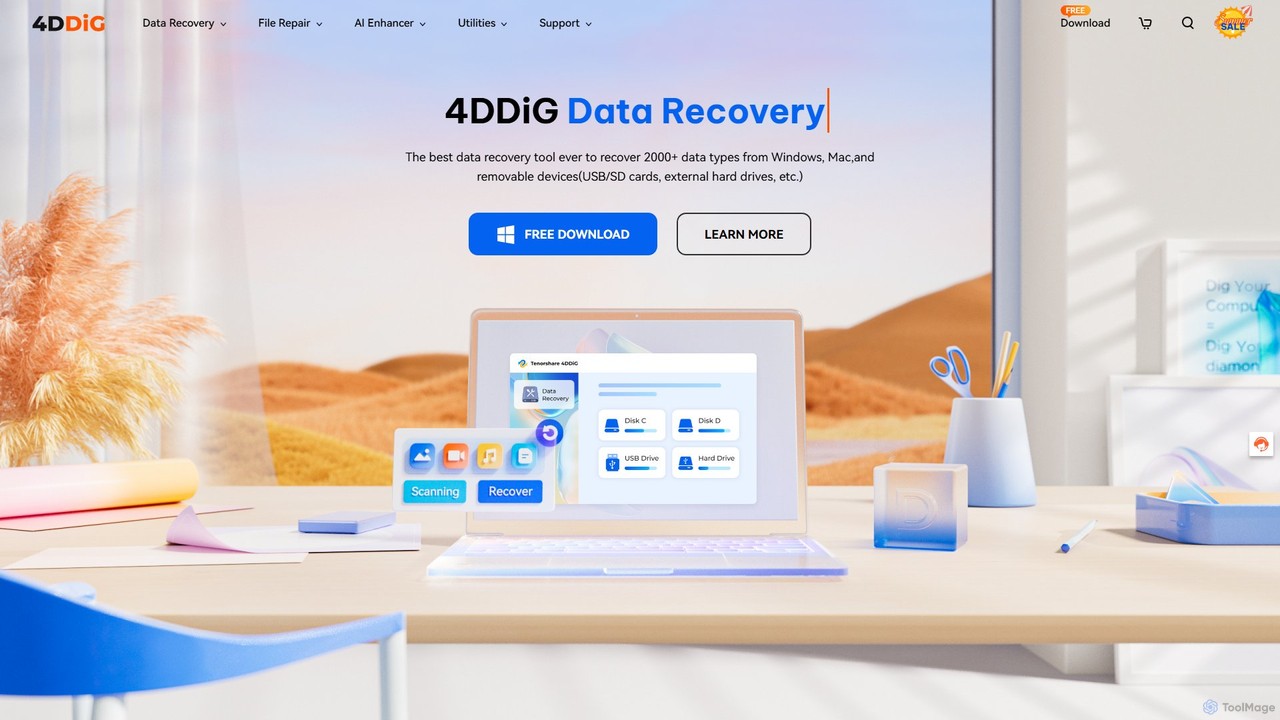
4DDiG is a comprehensive AI-powered software suite for Windows and Mac, specializing in data recovery, file repair, and …

767.4K

About Video Editing

AI Video Editing tools are applications that leverage artificial intelligence to automate and simplify the video creation process. These tools utilize technologies like machine learning and computer vision to perform complex tasks such as scene detection, object removal, and automated transcription. They empower users to produce high-quality videos quickly, often without needing deep technical expertise in traditional editing software. This makes professional-grade video editing more accessible to content creators, marketers, and businesses.

Core Features

  • Text-Based Editing: Edit video by simply editing the auto-generated text transcript, removing filler words or rearranging sentences.
  • AI Scene Detection: Automatically identifies and splits clips into logical scenes, making it easier to reorder or trim content.
  • Automated Subtitling & Translation: Generates accurate, time-synced subtitles from audio and can translate them into multiple languages.
  • Generative Video Content: Creates video clips, B-roll, or entire sequences from simple text prompts or existing scripts.
  • Smart Object Removal: Erases unwanted objects, people, or text from video frames without complex masking.

Use Cases

AI video editing tools are widely used by social media managers for creating engaging short-form content and ads. Marketing teams use them to quickly produce product demos and promotional videos. Corporate trainers and educators also leverage these tools to develop instructional materials and online courses efficiently, repurposing long lectures into concise modules.

How to Choose

When selecting an AI video editor, first consider your primary workflow: do you prefer text-based editing or a more traditional timeline? Evaluate the accuracy and quality of core AI features like transcription and object removal. Assess its integration capabilities with stock media libraries or other platforms. Finally, compare pricing models, whether they are subscription-based or use a credit system for specific AI tasks.

Video EditingUse Cases

1

Repurpose Long-Form Content for Social Media

A content creator with a weekly hour-long podcast wants to increase their presence on platforms like TikTok and Instagram Reels. Instead of manually re-watching the entire recording to find shareable moments, they use an AI video editor. The tool automatically transcribes the entire episode and identifies the most engaging or 'viral' segments based on keywords and speech patterns. With a few clicks, the creator can generate dozens of short, subtitled clips, perfectly formatted for vertical viewing, saving hours of manual editing work each week.

2

Create Product Demo Videos from a Script

A marketing team at a SaaS company needs to produce a product demonstration video for a new feature launch. They provide an AI video editor with a detailed script outlining the feature's benefits and steps. The AI tool generates a complete video by matching the script to relevant stock footage, screen recordings, and AI-generated voiceovers. It also adds background music and on-screen text overlays automatically. This process reduces the production timeline from weeks to a single day, allowing the team to launch marketing campaigns faster.

3

Automate Corporate Training Video Production

An HR department needs to create a series of compliance training videos for a global workforce. Using an AI video editor, they upload a presentation and a script. The tool converts the presentation slides into an animated video, uses AI voice cloning to narrate the content in the CEO's voice, and then automatically translates and dubs the video into five different languages. This ensures consistent messaging across all regions and significantly cuts down on the costs and logistics associated with hiring voice actors and translation services.

4

Streamline Documentary Interview Editing

A documentary filmmaker has captured over 20 hours of interview footage. Searching for specific quotes manually would be incredibly time-consuming. By uploading the footage to an AI video editor, the entire audio is transcribed in minutes. The filmmaker can now search the text transcript for keywords like 'climate change' or 'policy impact'. The tool instantly locates every instance in the video timeline, allowing the editor to quickly assemble a narrative sequence from multiple interviews, turning a week-long task into a matter of hours.

5

Enhance Real Estate Video Tours

A real estate agent films a video tour of a property, but there are some distracting items left behind by the previous occupants. Using an AI video editor's smart object removal feature, the agent can simply highlight the unwanted items—like a stray box or a scuff mark on the wall—and the tool erases them seamlessly from the video. They can also use AI to stabilize shaky footage and improve the lighting in darker rooms, creating a more professional and appealing virtual tour without needing to reshoot or hire a professional videographer.

6

Generate B-Roll Footage from Text Descriptions

A YouTuber creating a video essay on 'The Future of Urban Transportation' needs relevant visual footage to overlay on their narration. Instead of spending hours searching stock footage websites, they use a generative AI video tool. They input text prompts like 'futuristic cityscape with flying vehicles' or 'a bustling, clean subway station'. The AI generates short, high-quality video clips that match these descriptions, providing unique and perfectly tailored B-roll that enhances the storytelling and visual appeal of their essay.

Video EditingFrequently Asked Questions