

4DDiG Overview
What is 4DDiG?
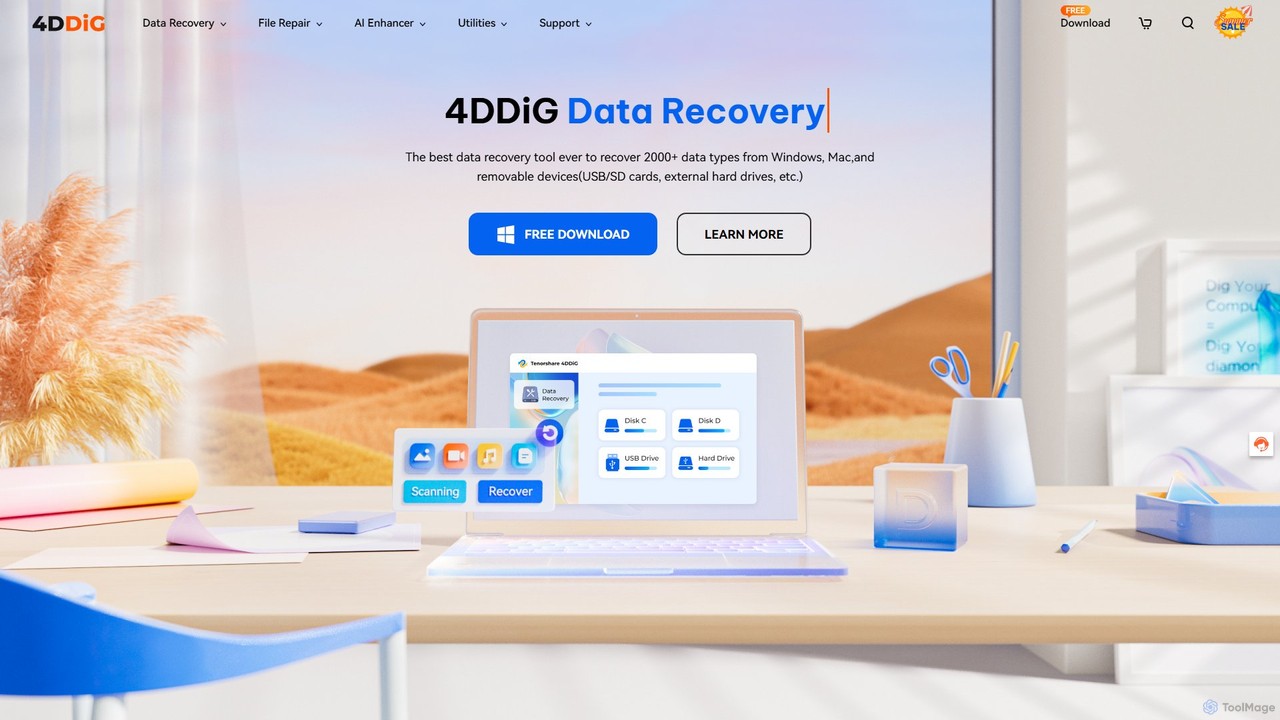
4DDiG, developed by Tenorshare, is a powerful and comprehensive suite of tools designed to solve a wide range of digital problems for both Windows and macOS users. Established in 2007, Tenorshare has leveraged over a decade of experience to create 4DDiG, focusing on data recovery, file repair, and overall computer management. The suite stands out by integrating advanced AI technology to enhance its efficiency and success rate. It's not just a single application, but a collection of specialized utilities that can recover lost data, repair damaged files, manage disk partitions, fix system errors, and much more, making it an all-in-one solution for digital emergencies and system maintenance.
How to use 4DDiG?
Using the tools within the 4DDiG suite generally follows a simple, user-friendly, three-step process:
- Select and Scan: Launch the specific 4DDiG tool you need (e.g., Data Recovery, File Repair). Choose the location (like a hard drive, SD card, or specific folder) or the files you want to work on. Start the scanning process to let the software analyze the data.
- Preview Results: After the scan is complete, 4DDiG will display a list of recoverable or repairable files. You can filter the results by file type and preview them (e.g., view photos, watch video clips) to verify that they are the files you need and are intact.
- Recover or Repair: Select the files you wish to restore or fix and choose a safe location to save them. Click the 'Recover' or 'Repair' button to complete the process. It is recommended to save the recovered files to a different drive to avoid overwriting data.
Core Features of 4DDiG
- AI-Powered Data Recovery: Recovers over 2000 file types, including photos, videos, documents, and audio. It supports recovery from PCs/Macs, internal & external drives, USB flash drives, SD cards, and even crashed systems and NAS devices.
- Advanced File Repair: Repairs corrupted or unplayable photos and videos. It leverages AI to not only fix files but also enhance video quality, upscale resolution, and colorize black and white photos and videos.
- Duplicate File Deleter: Scans your computer or external storage to find and remove duplicate files, freeing up valuable disk space with high accuracy.
- Partition Manager: An all-in-one disk management tool that allows you to migrate your OS to an SSD, clone entire disks or partitions for backup, and manage partitions (resize, split, create, delete, format).
- DLL Fixer: A dedicated utility for Windows that scans, finds, and repairs missing or corrupted DLL files, resolving common program errors and system malfunctions.
- System Boot Repair (Boot Genius): Tools for both Windows and Mac to fix various startup issues, such as blue/black screens of death, system crashes, and boot loops.
Use Cases for 4DDiG
4DDiG is versatile and can be used in numerous scenarios:
- Accidental Deletion: Recovering files or folders that were accidentally sent to the Recycle Bin and emptied.
- Formatted Drives: Restoring all data from an SD card, USB drive, or hard drive that was mistakenly formatted.
- System Crashes: Retrieving important files from a computer that will no longer boot into its operating system.
- Corrupted Media: Repairing precious family videos or important project photos that have become corrupted and won't open.
- Virus Attack Recovery: Recovering files that were lost or damaged due to a malware or virus infection.
- Upgrading Hardware: Seamlessly migrating your entire Windows system to a new, faster SSD without reinstalling everything.
- Freeing Up Space: Quickly identifying and deleting thousands of duplicate photos and documents to reclaim disk space.
Advantages of 4DDiG
Choosing 4DDiG offers several key benefits:
- High Success Rate: The company claims a high success rate (up to 99%) in data recovery, backed by over 10 years of experience.
- AI-Enhanced Technology: Utilizes AI for faster scanning, smarter file classification, and superior photo/video repair and enhancement.
- Comprehensive Solution: Offers a wide array of tools that cover almost every aspect of data recovery and system repair, eliminating the need for multiple software purchases.
- Broad Compatibility: Supports thousands of file types and a vast range of storage devices on both Windows and macOS.
- User-Friendly Interface: Designed with a clean and intuitive UI, making it accessible for both beginners and tech-savvy users.
- Reliable Support: Provides 24/7 technical support and a 30-day money-back guarantee, ensuring a risk-free purchase.
Pricing and Plans
4DDiG operates on a freemium model. Users can typically download the software for free to perform scans and preview recoverable or repairable files. This allows you to verify if the tool can find your lost data before committing to a purchase. To unlock the full functionality, such as saving the recovered or repaired files, a license is required. Licenses are available for individual tools within the suite and are generally offered as monthly, yearly, or lifetime plans, providing flexibility for different user needs.
Traffic
Latest traffic
Status
Monthly traffic trend
- 2025-9: 1.2M
- 2026-1: 1.1M
- 2026-2: 825.3K
- 2026-3: 840.4K
- 2026-4: 764.3K
- 2026-5: 761.0K
Geography
Top 5 countries / regions
- 🇰🇷South Korea33.7%
- 🇯🇵Japan33.5%
- 🇮🇳India12.3%
- 🇺🇸United States10.6%
- 🇨🇳China10.0%
Traffic sources
| Source type | Percentage |
|---|---|
Direct | 65.4% |
Referral | 34.1% |
Email | 0.5% |
Top keywords
| Keyword | Cost per click |
|---|---|
| 4ddig | $0.95 |
| 4ddig dll fixer | $0.00 |
| 4ddig partition manager | $2.72 |
| tenorshare 4ddig | $1.00 |
| x 保存 | $0.24 |
4DDiG Videos on YouTube
Tenorshare 4DDiG


Tenorshare 4DDiG Deutsch

Computer Repair Academy


7tm Miyagawa (GTM ミヤガワ)

4DDiG Alternatives
AnyRecover
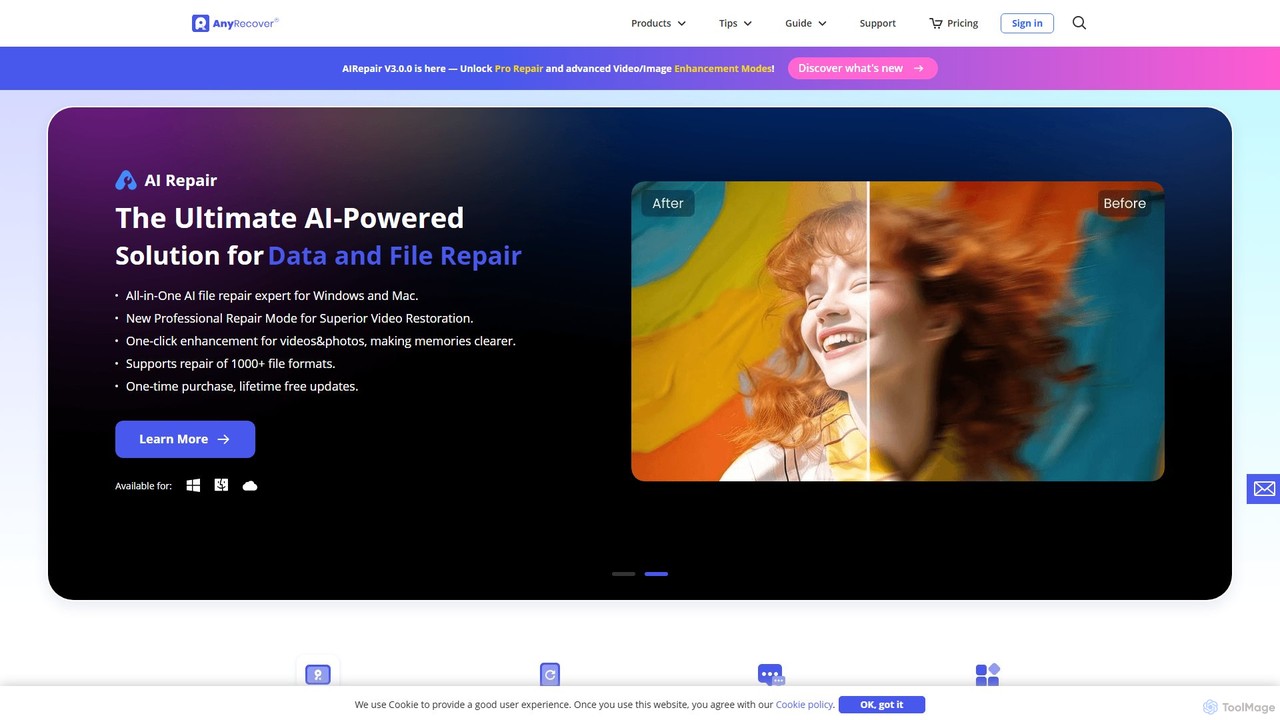
AnyRecover is an all-in-one AI-powered data recovery and file repair solution. It restores over 1000 file types from 2000+ storage devices, including Windows, Mac, iOS, and Android. It also features AI-driven repair for corrupted photos, videos, and documents, and an AI enhancer to improve image and video quality.
Utilities
TinyFrom
TinyFrom offers an all-in-one suite of AI-powered productivity and utility tools. It provides solutions for data recovery, PDF editing, image enhancement, file management, and data transfer, designed to make digital life smarter and more efficient for users on Windows, Mac, and online.
Image Editing
onerecovery
onerecovery is a professional data recovery software for Windows and Mac. It recovers over 1000 file types from various scenarios like accidental deletion, formatting, and system crashes. Supporting 2000+ devices including HDDs, SSDs, and SD cards, it also features AI-powered tools to repair corrupted photos and videos, ensuring a high success rate.
Repair
EaseUS
EaseUS offers a comprehensive suite of software for data management, recovery, and multimedia creation, enhanced with powerful AI. From AI-powered file repair and data recovery to creative tools like AI image generation and vocal removal, EaseUS provides reliable, user-friendly applications for both individual and enterprise users. It simplifies complex tasks like disk partitioning, system backup, and data transfer, making digital life easier and more secure.
Generative Art
Tenorshare
Tenorshare offers a comprehensive suite of software solutions for data recovery, system repair, password unlocking, and device management for iOS, Android, Windows, and Mac. It integrates AI to enhance productivity with tools for PDF editing, content humanizing, and more.
System Repair4DDiG Categories
4DDiG Embed Widget
Copy this embed code to place the badge on your blog, article, or product site and send readers directly to this ToolMage detail page.

Related AI tools
EaseUS
EaseUS offers a comprehensive suite of software for data management, recovery, and multimedia creation, enhanced with powerful AI. From AI-powered file repair and data recovery to creative tools like AI image generation and vocal removal, EaseUS provides reliable, user-friendly applications for both individual and enterprise users. It simplifies complex tasks like disk partitioning, system backup, and data transfer, making digital life easier and more secure.
Generative Art
EaseUS Repair
EaseUS Repair is an AI-powered online tool designed to fix corrupted videos, photos, and documents. It supports a wide range of formats and can repair files from various devices, including cameras, drones, and PCs. The tool offers a simple three-step process: upload, automatic repair, and preview before saving, ensuring a high success rate while maintaining original quality.
Photo EditingAnyRecover
AnyRecover is an all-in-one AI-powered data recovery and file repair solution. It restores over 1000 file types from 2000+ storage devices, including Windows, Mac, iOS, and Android. It also features AI-driven repair for corrupted photos, videos, and documents, and an AI enhancer to improve image and video quality.
UtilitiesTinyFrom
TinyFrom offers an all-in-one suite of AI-powered productivity and utility tools. It provides solutions for data recovery, PDF editing, image enhancement, file management, and data transfer, designed to make digital life smarter and more efficient for users on Windows, Mac, and online.
Image Editingonerecovery
onerecovery is a professional data recovery software for Windows and Mac. It recovers over 1000 file types from various scenarios like accidental deletion, formatting, and system crashes. Supporting 2000+ devices including HDDs, SSDs, and SD cards, it also features AI-powered tools to repair corrupted photos and videos, ensuring a high success rate.
Repair
Wondershare
Wondershare offers a comprehensive suite of AI-powered software for creativity, productivity, and utility. From the advanced video editor Filmora and AI content generator ToMoviee to the powerful PDFelement and data recovery tools, Wondershare simplifies digital experiences for millions of users worldwide. It provides intuitive, powerful solutions for content creators, businesses, and individuals to create, manage, and secure their digital assets with ease.
Diagramming
iMyFone
iMyFone offers a comprehensive suite of AI-powered software solutions for iOS, Android, Windows, and Mac. It specializes in data recovery, system repair, password unlocking, and creative content generation. With tools like the offline AI assistant Nut Studio and the versatile ChatArt, iMyFone empowers users to solve complex digital problems and enhance productivity with cutting-edge artificial intelligence.
Personal Assistant
iMobie
iMobie offers a comprehensive suite of tools for iOS, Android, Windows, and Mac. It specializes in data recovery, device unlocking, system repair, and data management. Its latest AI-powered tool, FocuSee, automates video creation by intelligently tracking cursor movements and applying dynamic effects.
UtilitiesTenorshare
Tenorshare offers a comprehensive suite of software solutions for data recovery, system repair, password unlocking, and device management for iOS, Android, Windows, and Mac. It integrates AI to enhance productivity with tools for PDF editing, content humanizing, and more.
System Repair
Wondershare
Wondershare offers a comprehensive suite of AI-powered software designed to enhance creativity, productivity, and utility. From advanced video editing and PDF management to data recovery and diagramming, Wondershare provides intuitive, powerful tools for individuals, businesses, and educators to simplify their digital life and creative workflows.
Graphic Design
Apowersoft
Apowersoft offers a comprehensive suite of multimedia and utility software for business and daily use. It provides user-friendly solutions for video editing, screen recording, file conversion, PDF management, mobile device management, and data recovery. Integrating AI technology, Apowersoft delivers simple, high-quality, and efficient creative and data solutions across multiple platforms.
Video Editing
Wondershare
Wondershare offers a comprehensive suite of AI-powered creative and productivity software. From the industry-leading Filmora video editor to the intelligent PDFelement and versatile Edraw diagramming tools, Wondershare empowers creators, professionals, and students to bring their ideas to life. Its integrated AI features streamline workflows, automate complex tasks, and unlock new creative possibilities in video, document management, and visual communication.
Diagramming
AIEnhancer
AIEnhancer is a powerful online AI tool that transforms and perfects images. It enhances resolution, restores old photos, removes blur and noise, sharpens details, converts to HD, and precisely removes backgrounds, making professional-grade photo editing accessible and effortless for everyone.
Background Removal
arting.ai
arting.ai is a comprehensive, free-to-use AI creative suite that requires no login. It offers a wide range of tools, including an AI image and video generator, a highly realistic face swap for photos, videos, and GIFs, and a powerful photo enhancer. It's designed for creators of all levels to produce high-quality visuals effortlessly and without restrictions.
Face Swap
Kingshiper
A versatile suite of desktop tools for audio editing, AI-powered vocal removal, file conversion (audio & PDF), and system utilities. Kingshiper offers user-friendly, high-performance solutions for Windows and Mac, enabling users to easily cut, merge, convert, and manage their digital files with professional-quality results.
Audio Editing
4DDiG Comments (0)
Sign in to comment.
Sign inNo comments yet.