Wondershare
Wondershare offers a comprehensive suite of AI-powered software for creativity, productivity, and utility. From the advanced video editor …
Wondershare offers a comprehensive suite of AI-powered software for creativity, productivity, and utility. From the advanced video editor Filmora and AI content generator ToMoviee to the powerful PDFelement and data recovery tools, Wondershare simplifies digital experiences for millions of users worldwide. It provides intuitive, powerful solutions for content creators, businesses, and individuals to create, manage, and secure their digital assets with ease.
Wondershare
Wondershare offers a comprehensive suite of AI-powered creative and productivity software. From the industry-leading Filmora video editor to …
Wondershare offers a comprehensive suite of AI-powered creative and productivity software. From the industry-leading Filmora video editor to the intelligent PDFelement and versatile Edraw diagramming tools, Wondershare empowers creators, professionals, and students to bring their ideas to life. Its integrated AI features streamline workflows, automate complex tasks, and unlock new creative possibilities in video, document management, and visual communication.
Tenorshare
Tenorshare offers a comprehensive suite of software solutions for data recovery, system repair, password unlocking, and device management …
Tenorshare offers a comprehensive suite of software solutions for data recovery, system repair, password unlocking, and device management for iOS, Android, Windows, and Mac. It integrates AI to enhance productivity with tools for PDF editing, content humanizing, and more.
Wondershare
Wondershare offers a comprehensive suite of AI-powered software designed to enhance creativity, productivity, and utility. From advanced video …
Wondershare offers a comprehensive suite of AI-powered software designed to enhance creativity, productivity, and utility. From advanced video editing and PDF management to data recovery and diagramming, Wondershare provides intuitive, powerful tools for individuals, businesses, and educators to simplify their digital life and creative workflows.
TinyFrom
TinyFrom offers an all-in-one suite of AI-powered productivity and utility tools. It provides solutions for data recovery, PDF …
TinyFrom offers an all-in-one suite of AI-powered productivity and utility tools. It provides solutions for data recovery, PDF editing, image enhancement, file management, and data transfer, designed to make digital life smarter and more efficient for users on Windows, Mac, and online.
4DDiG
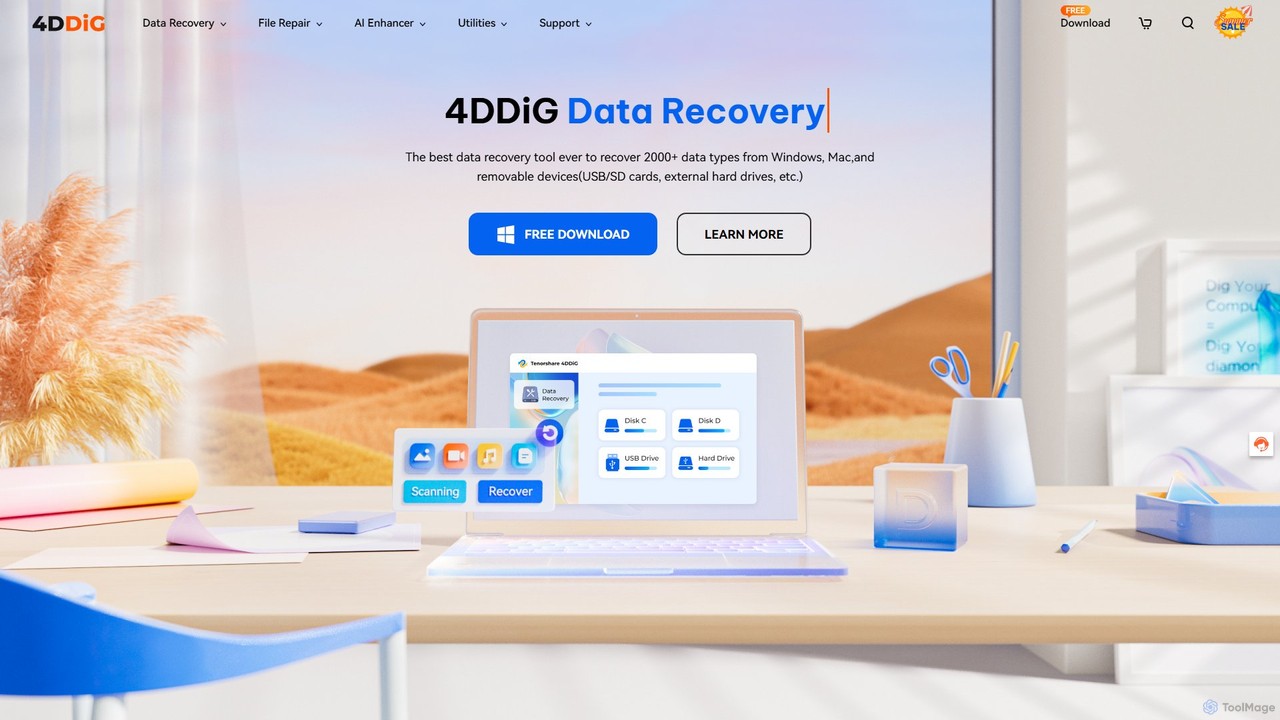
4DDiG is a comprehensive AI-powered software suite for Windows and Mac, specializing in data recovery, file repair, and …
4DDiG is a comprehensive AI-powered software suite for Windows and Mac, specializing in data recovery, file repair, and system utilities. It recovers over 2000 data types from various storage devices, repairs corrupted photos and videos with AI enhancement, and offers tools for system maintenance like partition management and DLL fixing.
onerecovery
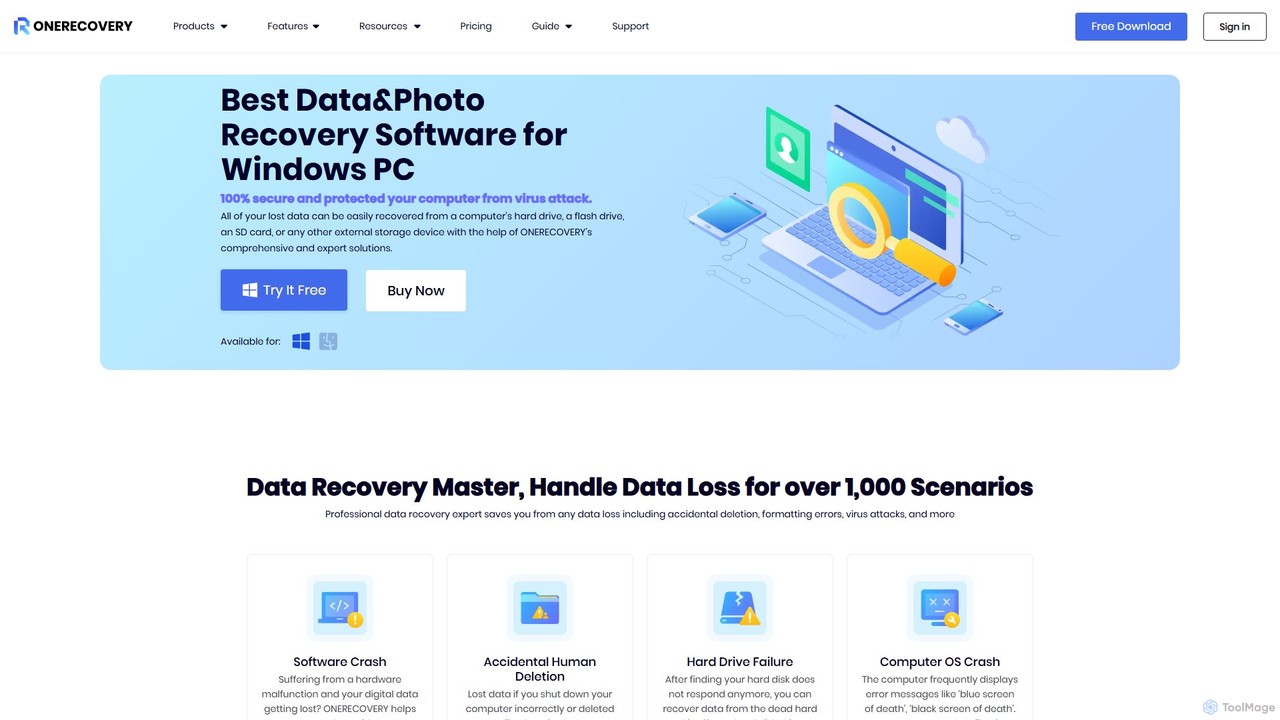
onerecovery is a professional data recovery software for Windows and Mac. It recovers over 1000 file types from …
onerecovery is a professional data recovery software for Windows and Mac. It recovers over 1000 file types from various scenarios like accidental deletion, formatting, and system crashes. Supporting 2000+ devices including HDDs, SSDs, and SD cards, it also features AI-powered tools to repair corrupted photos and videos, ensuring a high success rate.
AnyRecover
AnyRecover is an all-in-one AI-powered data recovery and file repair solution. It restores over 1000 file types from …
AnyRecover is an all-in-one AI-powered data recovery and file repair solution. It restores over 1000 file types from 2000+ storage devices, including Windows, Mac, iOS, and Android. It also features AI-driven repair for corrupted photos, videos, and documents, and an AI enhancer to improve image and video quality.
About Data Recovery
AI Data Recovery tools are specialized software designed to retrieve lost, deleted, or inaccessible data from various storage devices. These tools utilize advanced scanning algorithms, often enhanced by machine learning, to identify and reconstruct file fragments that are no longer visible to the operating system. They are essential for recovering from situations like accidental deletion, drive formatting, partition loss, or system crashes. By intelligently recognizing file signatures and structures, these AI-powered utilities offer a higher success rate in restoring critical documents, photos, and other valuable information.
Core Features
- Deep Scan Technology: Employs advanced algorithms to search a storage device sector-by-sector for recoverable data fragments.
- Broad File System Support: Recovers data from various file systems, including NTFS, FAT32, exFAT, APFS, and HFS+.
- Multi-Device Compatibility: Works with hard drives (HDD), solid-state drives (SSD), USB flash drives, SD cards, and other storage media.
- File Signature Recognition: Identifies hundreds of file types (documents, images, videos, archives) even without file system metadata.
- Preview Functionality: Allows users to view recoverable files before initiating the recovery process to verify their integrity.
Use Cases
These tools are widely used by IT professionals for client data retrieval, businesses recovering from data loss incidents, and individuals trying to restore precious memories like photos and videos. They are particularly useful in scenarios where a backup is unavailable or outdated, such as after a sudden hardware failure or a malware attack that corrupts files.
How to Choose
When selecting a data recovery tool, consider its compatibility with your operating system and the affected storage device. Evaluate the range of supported file systems and file types. A reliable preview function is crucial for verifying recoverability. Also, compare the scanning speed, the user interface's simplicity, and reviews regarding the software's success rate for similar data loss scenarios.
Data RecoveryUse Cases
Recover Accidentally Deleted Work Files
An office professional accidentally deletes a folder containing critical project reports and then empties the Recycle Bin. Using an AI data recovery tool, they can perform a quick scan on their computer's hard drive. The software identifies the 'ghost' data of the deleted files based on their signatures. The user can then preview the recoverable Word documents and Excel spreadsheets, select the necessary files, and restore them to a different drive, preventing a major work setback and saving hours of rework.
Restore Photos from a Formatted SD Card
A photographer mistakenly formats an SD card containing an entire photoshoot. Realizing the error, they immediately stop using the card to prevent data overwriting. They connect the SD card to a computer and run a data recovery tool. The software's deep scan mode meticulously analyzes the card's raw data, bypassing the wiped file system. It successfully identifies and reconstructs the RAW and JPEG image files, allowing the photographer to preview and recover the irreplaceable photos from the session.
Retrieve Data from a Crashed or Unbootable System
A user's laptop fails to boot due to a system crash or OS corruption. The data on the internal hard drive is inaccessible. An IT technician removes the hard drive from the laptop and connects it as an external drive to another computer. They then use a data recovery tool to scan the drive. The software can access the drive's partitions even if the original OS is non-functional, allowing the technician to recover important documents, user profiles, and application data, saving the user from a total data loss.
Recover a Lost or Deleted Partition
While repartitioning a hard drive to install a new operating system, a user accidentally deletes a partition containing years of personal data. A data recovery tool with partition recovery capabilities can scan the entire physical drive for traces of the lost partition. It can identify the old file system structure, partition table, and boot sector. Once found, the software can virtually reconstruct the partition, allowing the user to browse its contents and recover all the files and folders to a separate, safe storage location.
Salvage Files After a Virus Attack
A computer is infected with ransomware that encrypts or deletes user files. After removing the malware, the user finds their documents and photos are gone. Some viruses delete files rather than just encrypting them. In this case, a data recovery tool can scan the drive for the original, unencrypted versions of these files. While it cannot decrypt files locked by strong ransomware, it can often recover files that were simply deleted by the malicious software, providing a partial or full recovery path when backups are not an option.
Extract Data from a RAW or Corrupted Drive
An external hard drive suddenly becomes inaccessible and shows up as a 'RAW' file system in Disk Management, indicating file system corruption. A creative professional with critical project files on the drive uses a data recovery tool. The software is designed to handle such logical failures. It scans the drive at a low level, ignoring the corrupted file system, and identifies files based on their unique data patterns (signatures). This allows the professional to extract their video projects, design assets, and client documents, saving them from a potentially career-damaging data loss.