

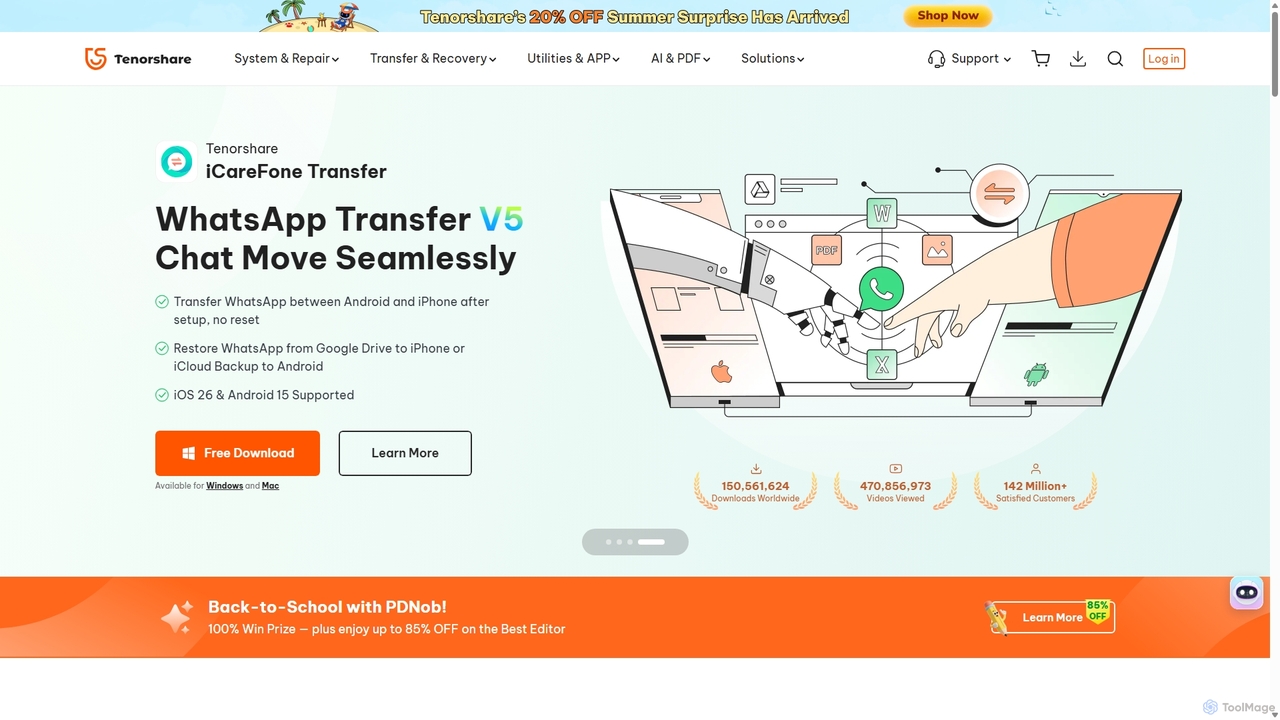
Tenorshare Overview
Tenorshare is a globally recognized software company founded in 2007, dedicated to providing reliable solutions for a wide range of digital challenges. With over 15 years of expertise, Tenorshare has developed a comprehensive suite of tools trusted by millions of users worldwide. The company focuses on smartphone solutions (iOS & Android), PC & Mac utilities, data management, and innovative AI-powered tools. Their product lineup is designed to be user-friendly, empowering both individuals and businesses to handle system issues, recover lost data, manage device security, and streamline workflows without needing technical expertise.
The core mission of Tenorshare is to make complex tech problems simple. Whether you're dealing with an iPhone stuck on the Apple logo, accidentally deleted crucial files from your computer, forgot your phone's passcode, or need to transfer WhatsApp data between different operating systems, Tenorshare provides a targeted, effective solution. Recently, the company has expanded into the AI space, launching tools that leverage artificial intelligence to summarize documents, translate images, and humanize AI-generated text, further enhancing user productivity.
How to use Tenorshare
Using Tenorshare's suite of tools is designed to be straightforward. The process generally follows these steps, varying slightly depending on the specific product:
- Select and Download: Visit the official Tenorshare website and navigate to the product that addresses your specific need (e.g., ReiBoot for system repair, 4DDiG for data recovery). Download the software for your operating system (Windows or Mac).
- Install and Launch: Run the installer and follow the on-screen instructions to install the application. Once installed, launch the program.
- Connect Your Device: For mobile solutions, connect your iPhone or Android device to your computer using a certified USB cable. The software will automatically detect your device.
- Choose the Function: The main interface will display several options. Select the function you need, such as 'Standard Repair', 'Recover Data from Device', or 'Unlock Screen Passcode'.
- Follow Guided Instructions: The software will guide you through the process with clear, step-by-step instructions. This may involve downloading firmware (for system repairs) or initiating a scan (for data recovery).
- Complete the Process: Wait for the tool to complete its task. Your device will typically restart, and the issue will be resolved or your data will be ready for recovery. For AI online tools, the process involves simply uploading a file or pasting text directly on their website.
Core Features of Tenorshare
- iOS/Android System Repair (ReiBoot): Fixes over 150 system issues like being stuck on the Apple logo, recovery mode loop, or black screen without data loss. Offers a one-click solution to enter/exit recovery mode.
- Data Recovery (4DDiG & UltData): Recovers deleted or lost data from computers, internal/external drives, USBs, SD cards, and mobile devices. Supports recovery of photos, videos, documents, WhatsApp messages, and more with a high success rate.
- Password Unlocking (4uKey): Unlocks iPhone, iPad, and Android screen passcodes (4/6-digit, Touch ID, Face ID). Removes Apple ID, bypasses MDM (Mobile Device Management) locks, and removes iCloud activation locks.
- Data Management & Transfer (iCareFone): Seamlessly transfers WhatsApp/WA Business data between Android and iPhone. Provides a comprehensive tool for backing up, restoring, and managing iOS data, including photos, contacts, and messages.
- Location Spoofing (iAnyGo): Changes GPS location on iOS and Android devices without jailbreak or root, ideal for location-based games and apps. Features joystick control for simulated movement.
- AI-Powered PDF Solutions (PDNob PDF Editor): Reads, summarizes, and translates PDFs using AI. Offers full editing capabilities, format conversion (to 30+ types), and advanced OCR to make scanned documents editable.
- AI Content Tools: Includes an AI Bypass tool to humanize AI-generated text and evade AI detectors, an AI Image Translator, and an AI PDF Summarizer for quick insights.
Use Cases for Tenorshare
For Individuals: A user's iPhone fails to boot after an iOS update. Using Tenorshare ReiBoot, they can repair the operating system and get the phone working again without losing their photos and contacts.
For Students & Researchers: A student needs to analyze a 100-page research paper for an assignment. They use the Tenorshare AI PDF Editor to get an instant summary and chat with the document to find key information quickly.
For Professionals: A marketing manager accidentally deletes a folder of campaign assets from their work laptop. Tenorshare 4DDiG can be used to scan the drive and recover the lost files, saving hours of rework.
For Families: A parent needs to unlock an old iPad for their child but has forgotten the passcode. Tenorshare 4uKey allows them to bypass the lock screen and reset the device for use.
For Gamers: A Pokémon GO player wants to participate in a regional event without traveling. Tenorshare iAnyGo lets them change their GPS location to the event's city.
Advantages of Tenorshare
Tenorshare stands out due to its comprehensive and user-centric approach. Its main advantages include a one-stop solution for a vast array of digital problems, an intuitive interface designed for non-technical users, and a strong focus on data security, with many tools offering 'no data loss' repair options. The high success rate of its recovery and repair tools, combined with cross-platform compatibility (Windows, Mac, iOS, Android), makes it a versatile choice. The recent integration of AI features also demonstrates a commitment to innovation, keeping its solutions modern and highly efficient.
Pricing and Plans
Tenorshare operates on a freemium model. Most of its desktop applications offer a free trial version that allows users to perform basic functions, such as scanning for lost data or diagnosing system issues, at no cost. To access the full capabilities, such as performing a data recovery, completing a system repair, or unlocking a device, a paid license is required. Pricing is specific to each product and typically offered in flexible subscription plans, including 1-Month, 1-Year, and a Lifetime license. Tenorshare frequently runs promotions and offers bundle deals, providing significant discounts to users.
Traffic
Latest traffic
Status
Monthly traffic trend
- 2025-9: 4.2M
- 2026-1: 3.4M
- 2026-2: 2.6M
- 2026-3: 2.8M
- 2026-4: 2.7M
- 2026-5: 2.5M
Geography
Top 5 countries / regions
- 🇮🇳India23.6%
- 🇺🇸United States23.3%
- 🇯🇵Japan19.9%
- 🇰🇷South Korea17.0%
- 🇧🇷Brazil16.3%
Traffic sources
| Source type | Percentage |
|---|---|
Direct | 74.9% |
Referral | 22.3% |
Email | 2.8% |
Top keywords
| Keyword | Cost per click |
|---|---|
| 4ddig | $0.95 |
| 4ddig partition manager | $2.72 |
| tenorshare | $1.10 |
| tenorshare 4ddig | $1.00 |
| tenorshare ai | $0.46 |
Tenorshare Videos on YouTube



TenorshareOfficial


Tenorshare AI


Tenorshare AI

Tenorshare AI
Tenorshare Alternatives

Wondershare
Wondershare offers a comprehensive suite of AI-powered software for creativity, productivity, and utility. From the advanced video editor Filmora and AI content generator ToMoviee to the powerful PDFelement and data recovery tools, Wondershare simplifies digital experiences for millions of users worldwide. It provides intuitive, powerful solutions for content creators, businesses, and individuals to create, manage, and secure their digital assets with ease.
Diagramming
Wondershare
Wondershare offers a comprehensive suite of AI-powered software designed to enhance creativity, productivity, and utility. From advanced video editing and PDF management to data recovery and diagramming, Wondershare provides intuitive, powerful tools for individuals, businesses, and educators to simplify their digital life and creative workflows.
Graphic Design
Wondershare
Wondershare offers a comprehensive suite of AI-powered creative and productivity software. From the industry-leading Filmora video editor to the intelligent PDFelement and versatile Edraw diagramming tools, Wondershare empowers creators, professionals, and students to bring their ideas to life. Its integrated AI features streamline workflows, automate complex tasks, and unlock new creative possibilities in video, document management, and visual communication.
Diagramming
TinyFrom
TinyFrom offers an all-in-one suite of AI-powered productivity and utility tools. It provides solutions for data recovery, PDF editing, image enhancement, file management, and data transfer, designed to make digital life smarter and more efficient for users on Windows, Mac, and online.
Image Editing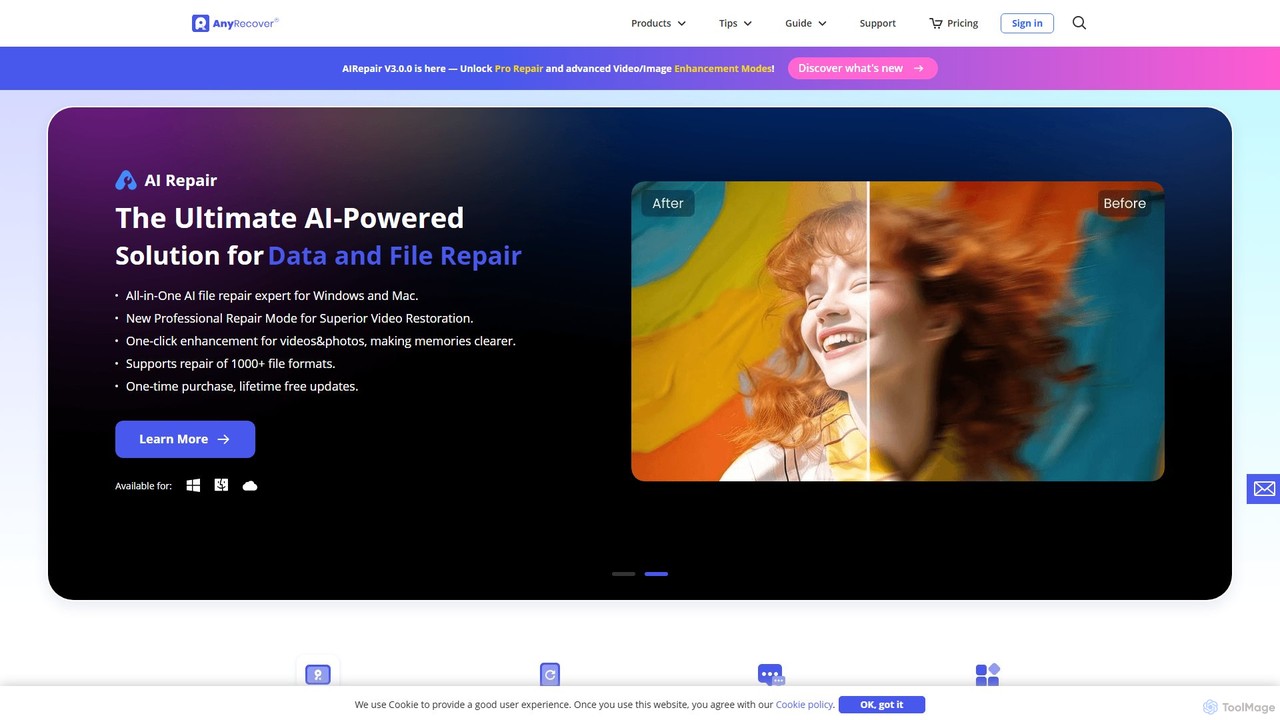
AnyRecover
AnyRecover is an all-in-one AI-powered data recovery and file repair solution. It restores over 1000 file types from 2000+ storage devices, including Windows, Mac, iOS, and Android. It also features AI-driven repair for corrupted photos, videos, and documents, and an AI enhancer to improve image and video quality.
UtilitiesTenorshare Categories
Tenorshare Jobs
Tenorshare Embed Widget
Copy this embed code to place the badge on your blog, article, or product site and send readers directly to this ToolMage detail page.

Related AI tools
Wondershare
Wondershare offers a comprehensive suite of AI-powered software designed to enhance creativity, productivity, and utility. From advanced video editing and PDF management to data recovery and diagramming, Wondershare provides intuitive, powerful tools for individuals, businesses, and educators to simplify their digital life and creative workflows.
Graphic DesignWondershare
Wondershare offers a comprehensive suite of AI-powered creative and productivity software. From the industry-leading Filmora video editor to the intelligent PDFelement and versatile Edraw diagramming tools, Wondershare empowers creators, professionals, and students to bring their ideas to life. Its integrated AI features streamline workflows, automate complex tasks, and unlock new creative possibilities in video, document management, and visual communication.
DiagrammingWondershare
Wondershare offers a comprehensive suite of AI-powered software for creativity, productivity, and utility. From the advanced video editor Filmora and AI content generator ToMoviee to the powerful PDFelement and data recovery tools, Wondershare simplifies digital experiences for millions of users worldwide. It provides intuitive, powerful solutions for content creators, businesses, and individuals to create, manage, and secure their digital assets with ease.
Diagramming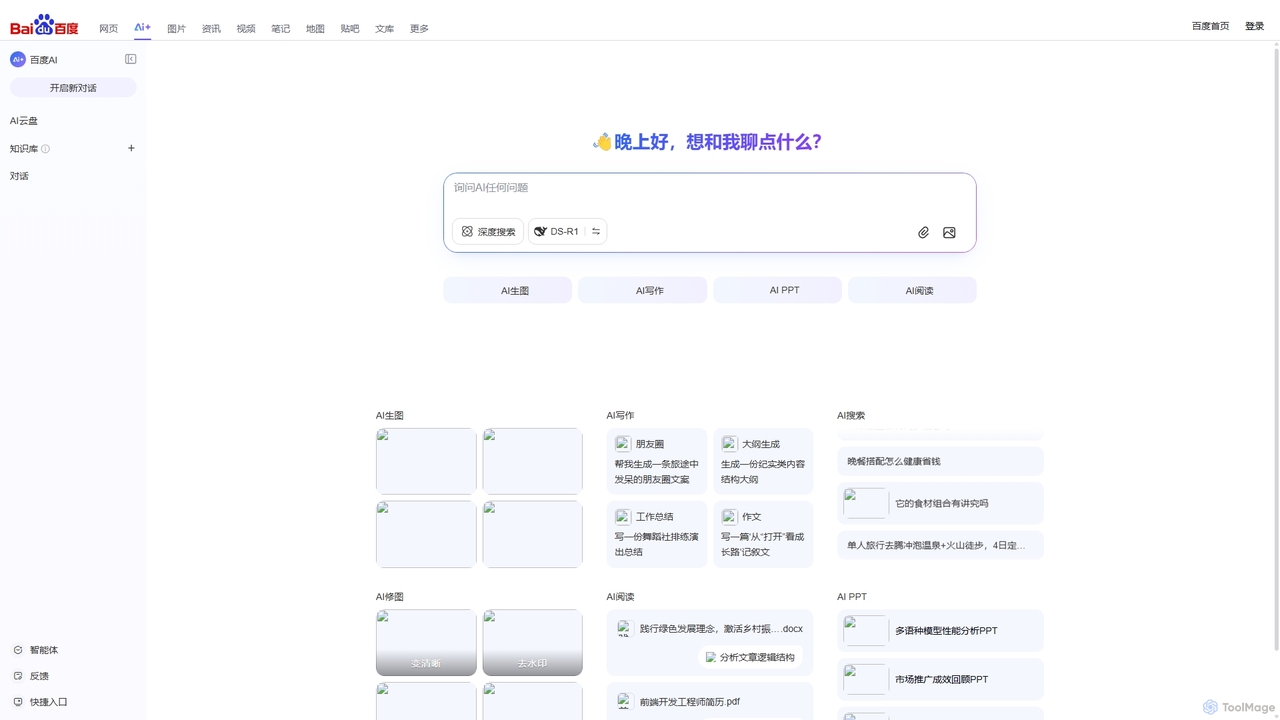
Baidu AI Search
Baidu AI Search is an all-in-one AI-powered platform that integrates conversational search, content creation, document analysis, and image editing. It provides a one-stop solution for work, study, and creative tasks, leveraging Baidu's powerful ERNIE model to deliver comprehensive answers and generate high-quality content.
Writing
Z.ai
Z.ai is a powerful, free AI assistant powered by the advanced GLM-4.5 model. It's more than just a chatbot, offering a suite of integrated tools for coding, creating presentations, designing, and conducting research. Z.ai aims to be an all-in-one productivity platform, streamlining complex tasks through a simple conversational interface.
Code Assistant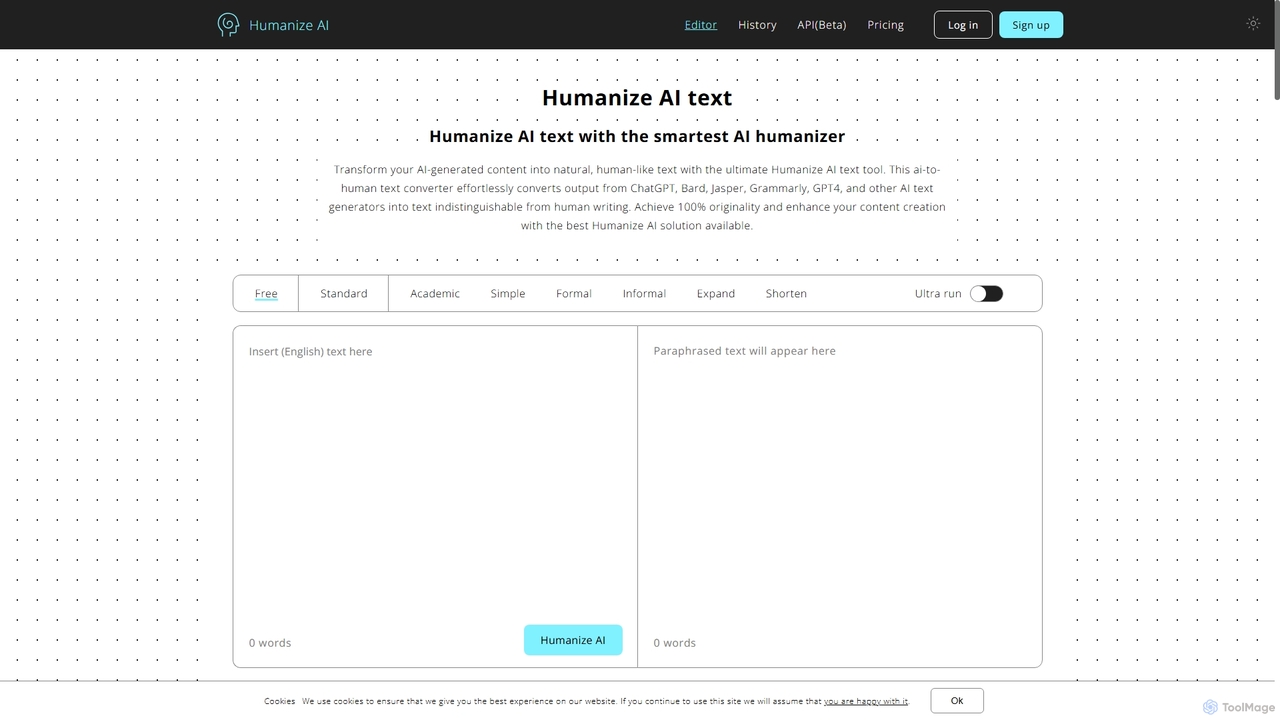
Humanize AI
Humanize AI is an advanced AI-to-human text converter that transforms robotic AI-generated content into natural, engaging, and undetectable human-like writing. It helps users bypass all major AI detectors like GPTZero and Turnitin while ensuring the output is 100% original, plagiarism-free, and SEO-friendly.
Academic Writing
rimo
Rimo is a human-centered AI writer that transforms your spoken ideas into structured, polished text. Through a conversational AI interview, it listens, asks clarifying questions, and instantly generates drafts for articles, reports, blogs, and more. It's designed to streamline content creation, allowing you to focus on your thoughts rather than the mechanics of writing.
Transcription
Tenorshare AI
Tenorshare AI is a comprehensive suite of AI-powered tools designed to enhance productivity and creativity. It features an AI humanizer to bypass AI detection, an AI writer with over 120 tools for content creation, an AI PDF/DOC summarizer for quick document analysis, and an AI presentation maker to generate slides instantly. It's built for students, writers, marketers, and professionals to streamline their workflows.
Presentation
Dangbei AI
A comprehensive AI platform integrating multiple large language models like DeepSeek. It offers a powerful AI chatbot, an extensive AI writing assistant with templates for various scenarios, and a library of specialized AI agents for tasks ranging from travel planning to coding assistance.
Ai Chat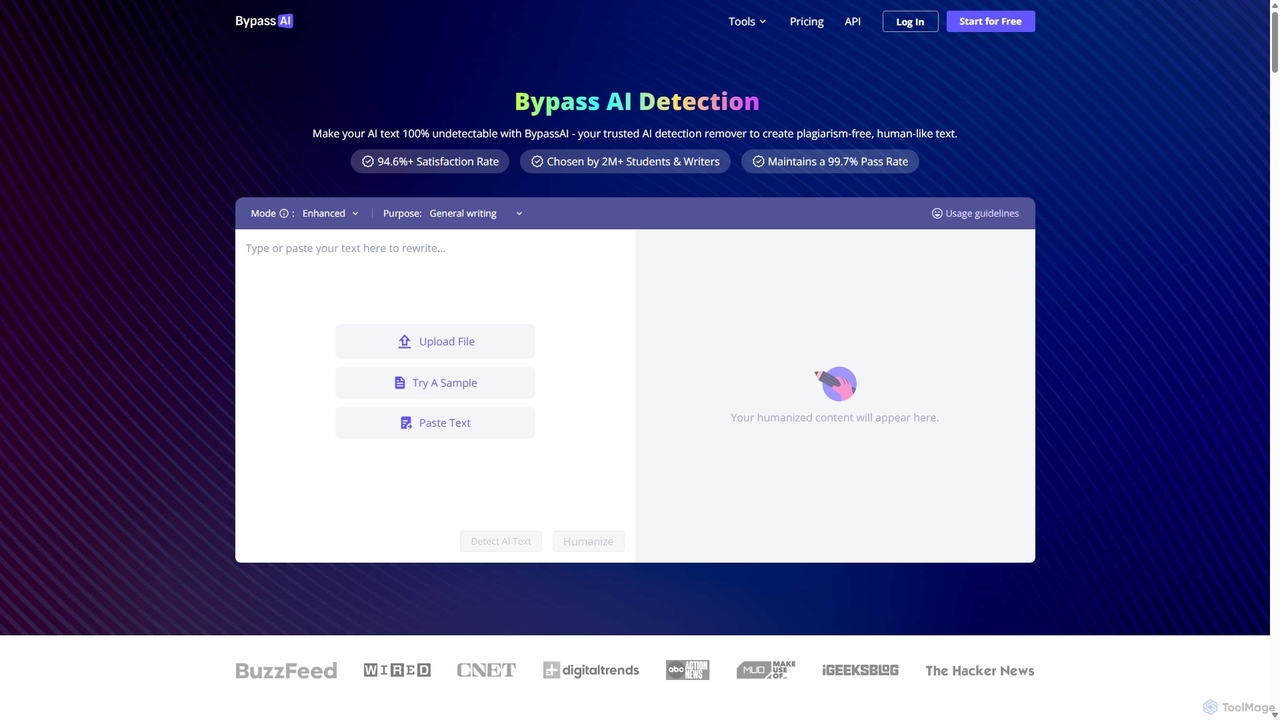
BypassAI
BypassAI is an advanced AI humanizer and detection remover that transforms AI-generated text into 100% undetectable, human-like content. It helps users bypass all major AI detectors, including Turnitin and GPTZero, while ensuring the output is plagiarism-free, SEO-friendly, and retains the original meaning. It supports over 30 languages.
Academic Writing
Paraphrase Tool
An AI-powered writing assistant that offers paraphrasing in over 100 languages with 18+ writing modes. It also includes a plagiarism checker, grammar checker, text generator from keywords, and an automatic citation creator, making it an all-in-one solution for students, writers, and content creators.
Academic
Compose AI
Compose AI is an AI-powered writing assistant and Chrome extension that accelerates your writing process. It offers intelligent autocompletion, text generation, and rephrasing capabilities across all your favorite sites, from emails to documents. By learning your personal writing style, it helps you write faster and more effectively, saving up to 40% of your time.
Chrome Extensions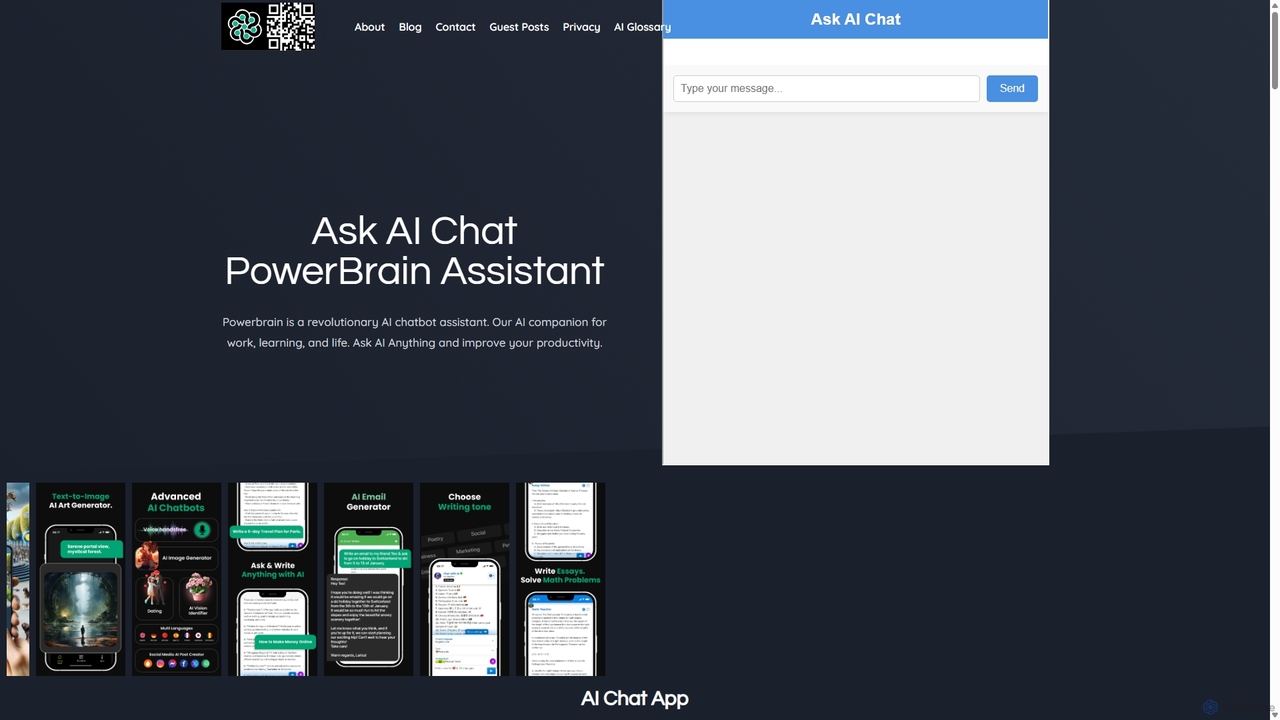
PowerBrain AI
PowerBrain AI is a versatile AI chatbot assistant for work, learning, and life. Available on iOS and Android, it functions as a content creator, AI writer, homework helper, and an ad-free AI search engine. It features multimodal capabilities, processing text and images, and offers various AI personalities for personalized interactions, aiming to boost productivity and creativity for all users.
Chat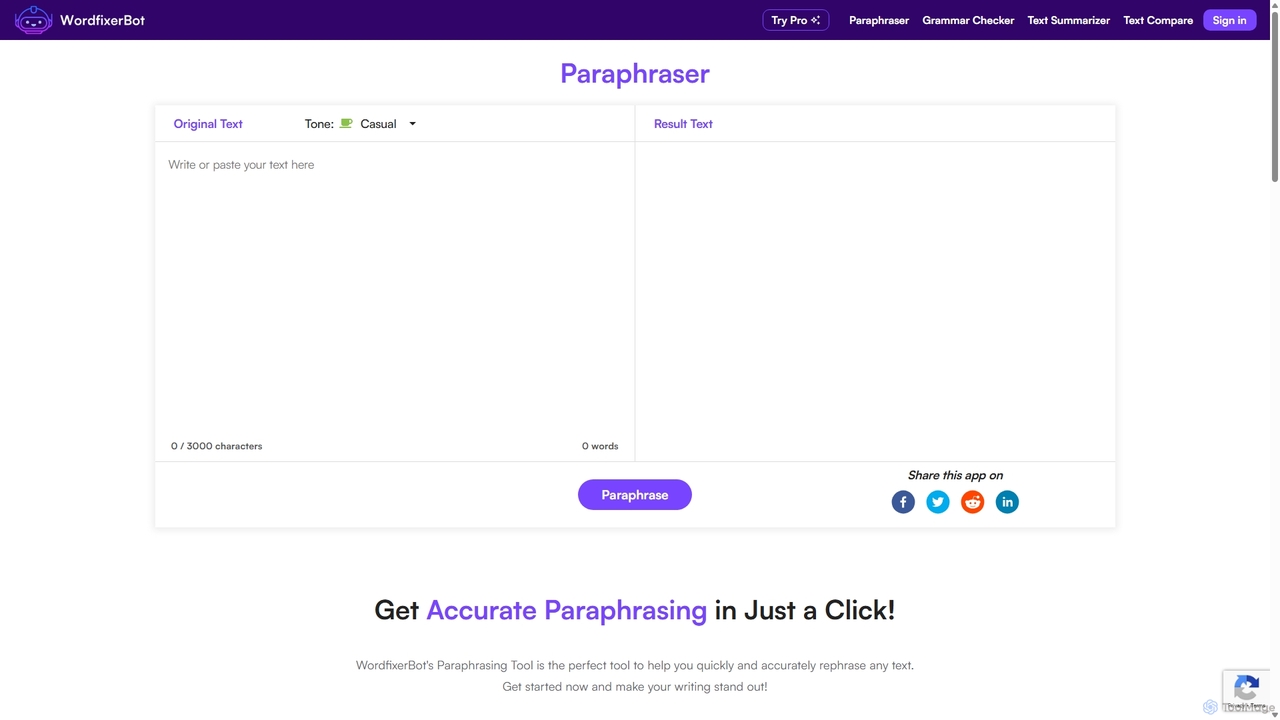
WordfixerBot
WordfixerBot is an AI-powered writing suite designed to enhance text quality. It offers a versatile paraphrasing tool with multiple tones, an accurate grammar checker, a concise text summarizer, and a text comparison tool. Ideal for students, writers, and professionals to improve clarity, avoid plagiarism, and streamline their writing process.
Learning
ThinkBoxAI
ThinkBoxAI is a cost-effective, privacy-focused desktop client for AI models like GPT and DALL-E. Use your own API key for a pay-as-you-go experience, avoiding monthly subscriptions. It features advanced customization, a prompt library, and cross-platform support for Windows, macOS, and Linux.
Image Generation
Tenorshare Comments (0)
Sign in to comment.
Sign inNo comments yet.