Password123
Password123 is an innovative AI-powered app designed to simplify password management. It allows users to securely store, retrieve, …
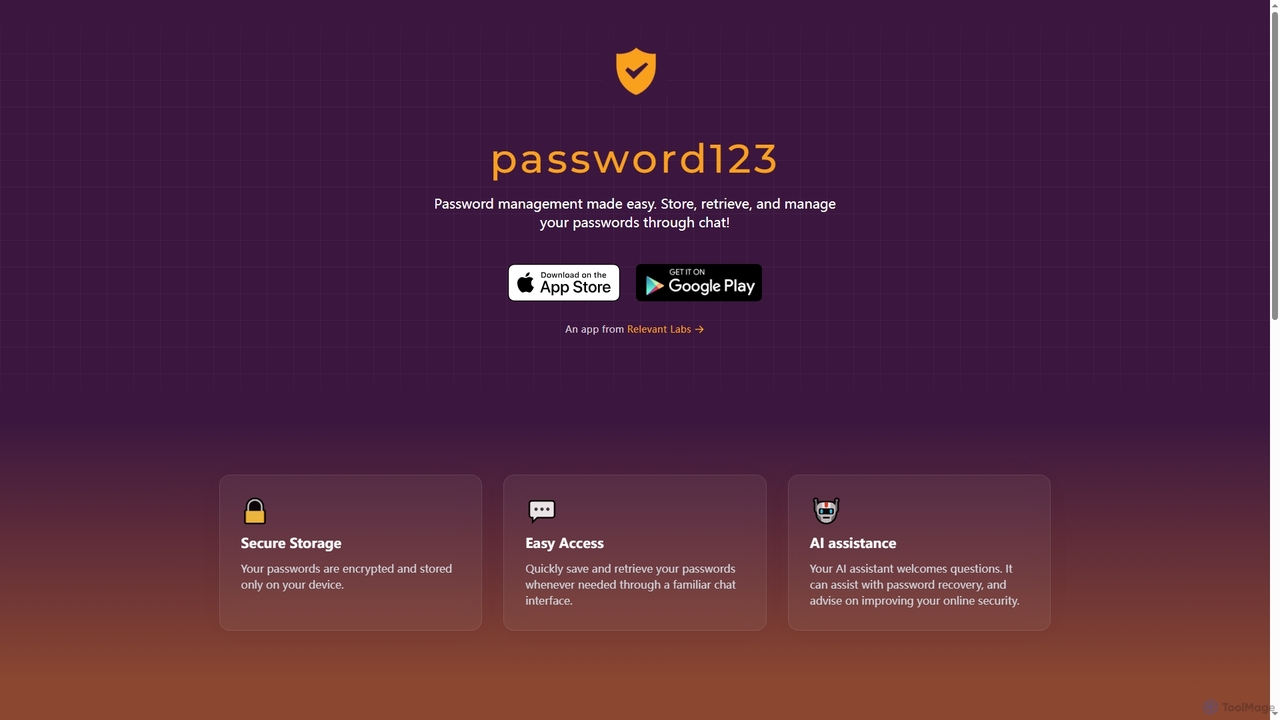
Password123 is an innovative AI-powered app designed to simplify password management. It allows users to securely store, retrieve, and manage their login credentials through a familiar chat interface. With on-device encryption and an intelligent AI assistant, Password123 enhances online security and provides quick access to your digital keys, offering advice and recovery assistance.
QuickUtils
QuickUtils offers a comprehensive suite of free, privacy-focused online tools designed for instant productivity. From AI-powered image background …
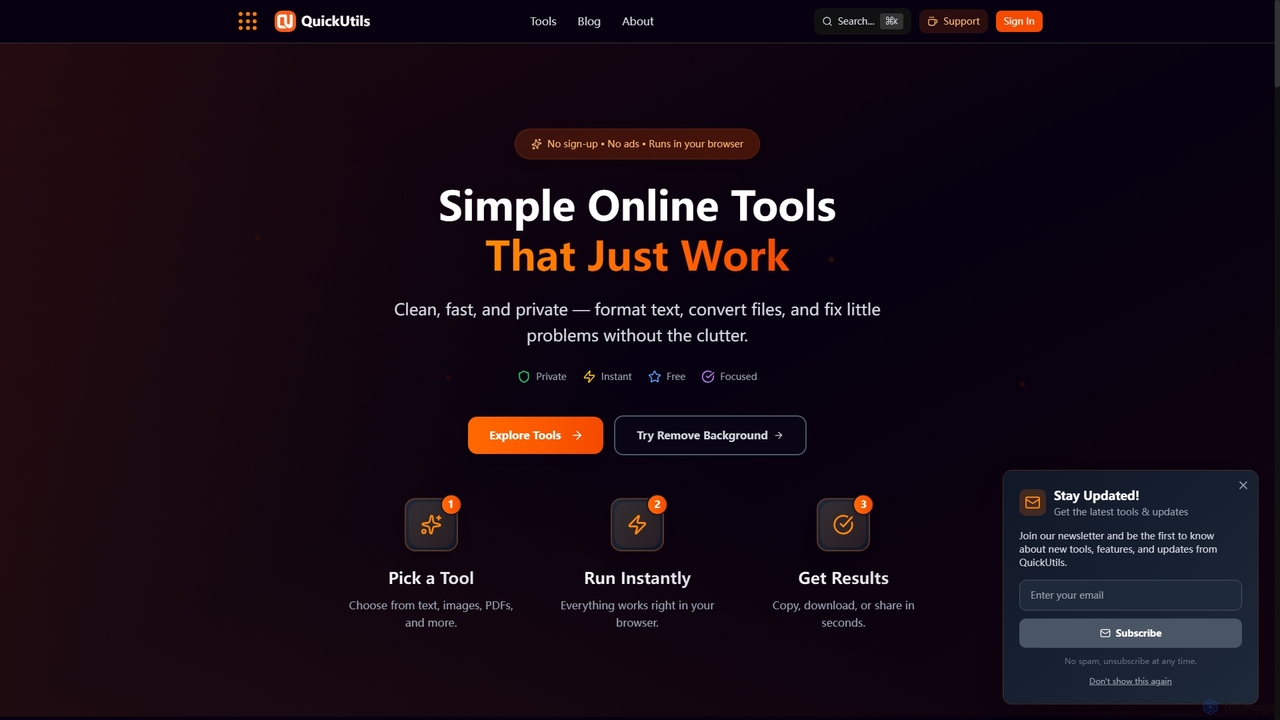
QuickUtils offers a comprehensive suite of free, privacy-focused online tools designed for instant productivity. From AI-powered image background removal and text paraphrasing to QR code generation and JSON formatting, it provides clean, fast, and secure utilities that run directly in your browser without sign-ups or ads.
Tenorshare
Tenorshare offers a comprehensive suite of software solutions for data recovery, system repair, password unlocking, and device management …
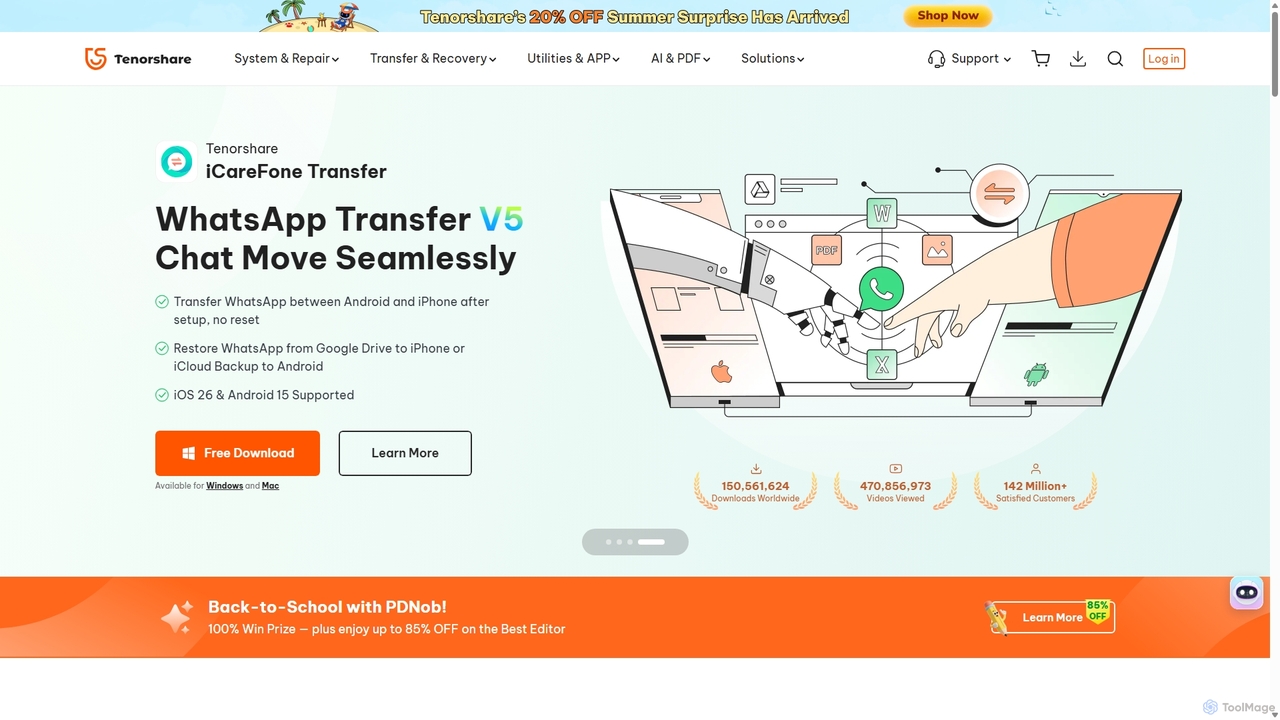
Tenorshare offers a comprehensive suite of software solutions for data recovery, system repair, password unlocking, and device management for iOS, Android, Windows, and Mac. It integrates AI to enhance productivity with tools for PDF editing, content humanizing, and more.
Aaspassapp
aaspassapp is an AI-powered identity and access management platform designed to secure your digital life. It offers intelligent …
aaspassapp is an AI-powered identity and access management platform designed to secure your digital life. It offers intelligent password generation, proactive breach monitoring, and adaptive multi-factor authentication. Ideal for both individuals and businesses, it simplifies security by automating access control and providing actionable insights to prevent threats before they happen.
About Password Management
Password Management tools are applications designed to securely store, manage, and generate complex passwords for various online services. They utilize strong encryption, such as AES-256, to protect a user's credentials within a centralized digital vault. This approach eliminates the need to remember dozens of unique passwords, significantly enhancing digital security and preventing account takeovers from data breaches. By automating password creation and filling, these tools streamline the login process while enforcing robust security hygiene.
Core Features
- Secure Vault: A centralized, encrypted database for storing passwords, credit card details, and other sensitive notes.
- Password Generator: Creates strong, unique, and random passwords based on customizable criteria like length and character types.
- Autofill & Auto-login: Automatically fills login credentials on websites and apps, saving time and preventing phishing attacks.
- Security Auditing: Scans the vault for weak, reused, or compromised passwords and prompts for updates.
- Cross-Platform Sync: Securely synchronizes the password vault across multiple devices, including desktops, mobiles, and browsers.
Use Cases
These tools are essential for individuals, families, and businesses of all sizes. In a corporate setting, IT administrators use them to enforce password policies and securely share credentials among teams. Freelancers and digital professionals rely on them to manage hundreds of client and service logins without compromising security.
How to Choose
When selecting a Password Management tool, consider the encryption standard used (e.g., AES-256), cross-platform compatibility, and the user interface's ease of use. Also, evaluate features like two-factor authentication (2FA) support, secure sharing options, and whether the service has undergone independent security audits.
Password ManagementUse Cases
Securing Personal Digital Life
For an individual user managing dozens of online accounts like social media, banking, and email, a password manager is crucial. The tool generates a unique, strong password for each site and stores it in an encrypted vault. When the user visits a login page, the tool autofills the credentials. This practice prevents credential stuffing attacks, where a breach on one site could compromise others, providing comprehensive security and peace of mind for their entire digital footprint.
Streamlining Team Access Management
A marketing team needs to share access to social media accounts, analytics platforms, and software subscriptions. Instead of sharing plain-text passwords via chat, a manager uses a password manager to create a shared vault. Team members can access necessary accounts without ever seeing the actual password. This method enhances security, and access can be revoked instantly when an employee leaves, centralizing control and simplifying onboarding and offboarding processes.
Enforcing Corporate Security Policies
An IT administrator in a medium-sized company uses an enterprise-grade password manager to enforce security policies. They can set minimum password complexity requirements, mandate regular password changes, and monitor for weak or compromised credentials across the organization. This centralizes control, helps achieve compliance with standards like SOC 2 or GDPR, and provides a clear audit trail for all credential-related activities, significantly reducing the risk of internal and external threats.
Protecting Family Members' Online Accounts
A tech-savvy parent sets up a family plan to protect their spouse and children. They create separate vaults for each member and a shared vault for common accounts like streaming services. This allows everyone to use strong, unique passwords without the hassle of remembering them. The emergency access feature is also configured, allowing a trusted family member to gain access to another's vault in case of an emergency, ensuring critical digital assets are never lost.
Secure Credential Management for Developers
A software developer uses a password manager to store not just web logins, but also API keys, database credentials, and SSH keys. Command-line interface (CLI) integrations allow them to securely fetch these secrets directly in their development environment. This practice avoids the insecure method of hardcoding secrets in scripts or configuration files, enhancing the security posture of their applications and adhering to development best practices.
Responding to Data Breach Alerts
A user receives a notification from their password manager's dark web monitoring feature that a password has been exposed in a data breach. The tool immediately flags the compromised account and prompts the user to take action. Using the built-in password generator, the user creates a new, strong password and updates their login for that specific site in minutes. This proactive response significantly mitigates the risk of account takeover following a third-party breach.