ToolMage
Sign in

Best 5 Access Control AI tools for Security

Popular Access Control AI tools in Security include D2, 360facevision, allowly, Sistem Expert, and railsguard, helping you work more efficiently.

D2
Freemium

D2

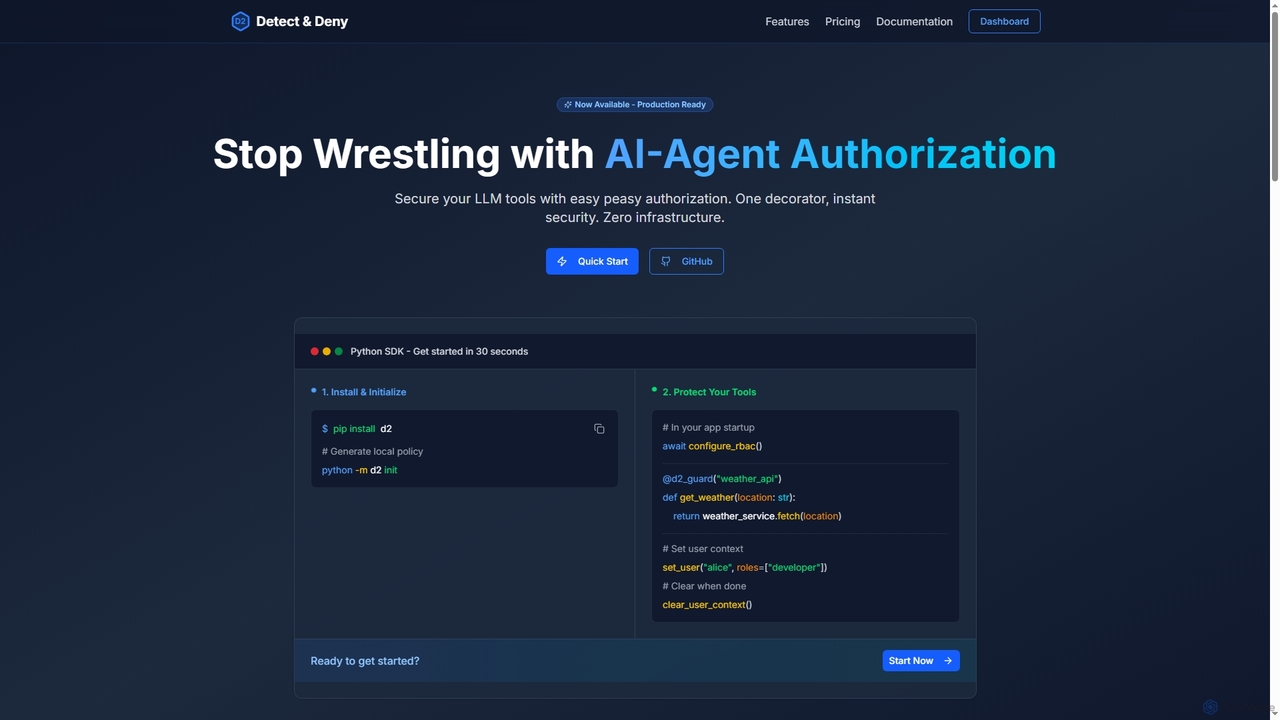
D2 is a Python SDK designed to simplify authorization for AI agents and LLM tools. It provides robust, code-level security by adding a single decorator to your functions, replacing complex authorization logic with an easy-to-manage, policy-based system.

Development
Visits 7.4KFavorites 152Likes 145
Sistem Expert
Paid

Sistem Expert

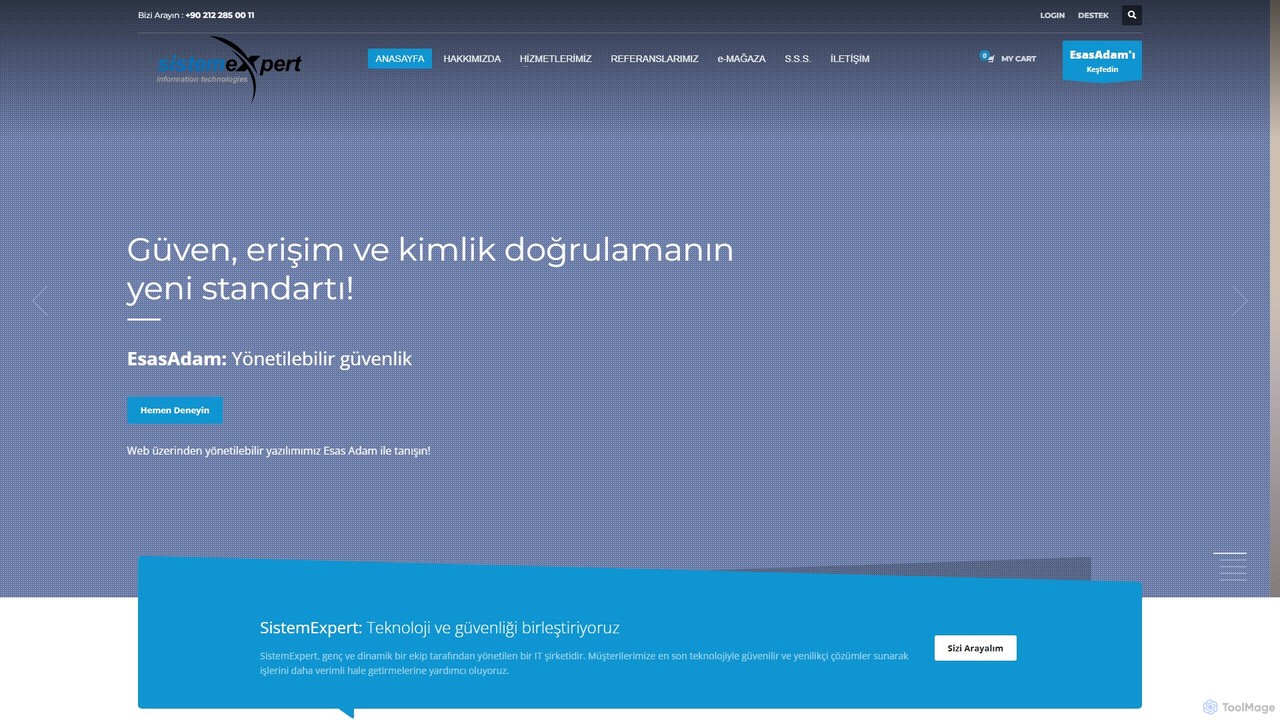
Sistem Expert provides integrated IT and security solutions, specializing in AI-powered biometric access control. They offer comprehensive systems including facial recognition, fingerprint scanners, CCTV, and custom turnstiles to enhance security and efficiency for businesses, hospitals, and educational institutions.

Facility Management
Visits 6.4KFavorites 172Likes 145
railsguard
Paid

railsguard

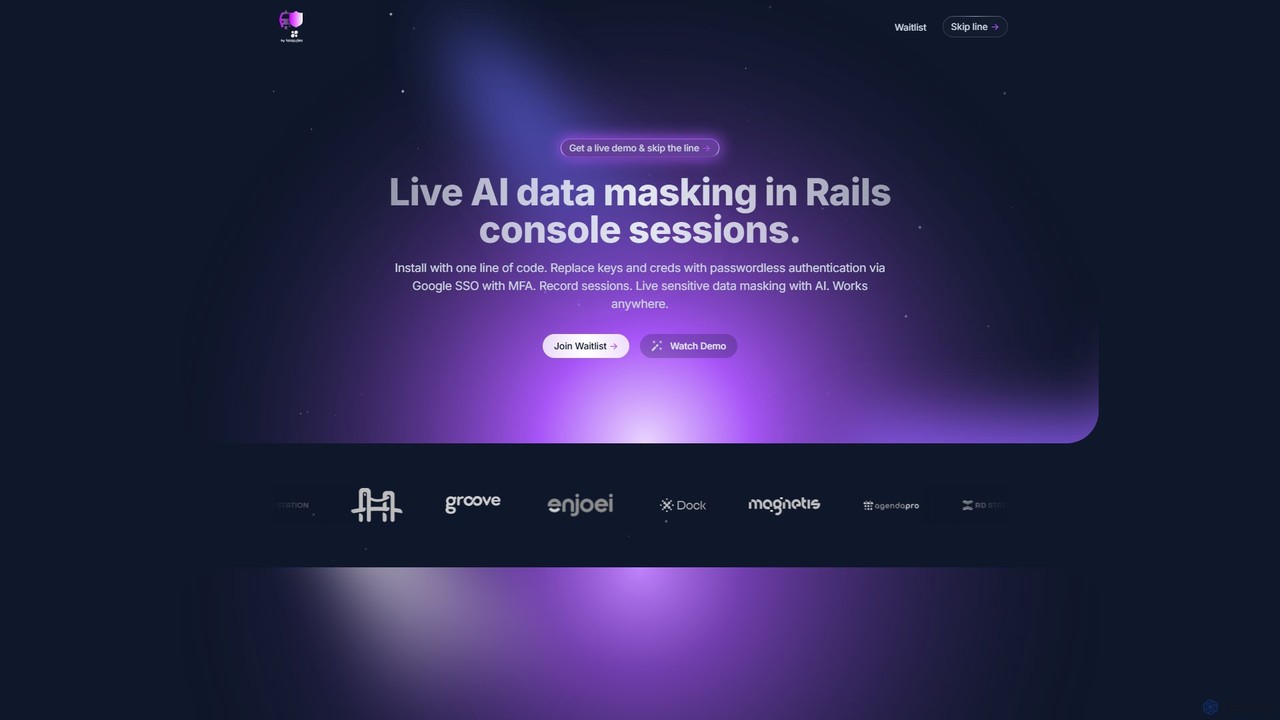
An AI-powered security tool for Ruby on Rails that provides live data masking, passwordless authentication, and comprehensive session auditing for console sessions. It enhances security and compliance without disrupting developer workflows.

Database
Visits 6.3KFavorites 112Likes 110
allowly
Freemium

allowly

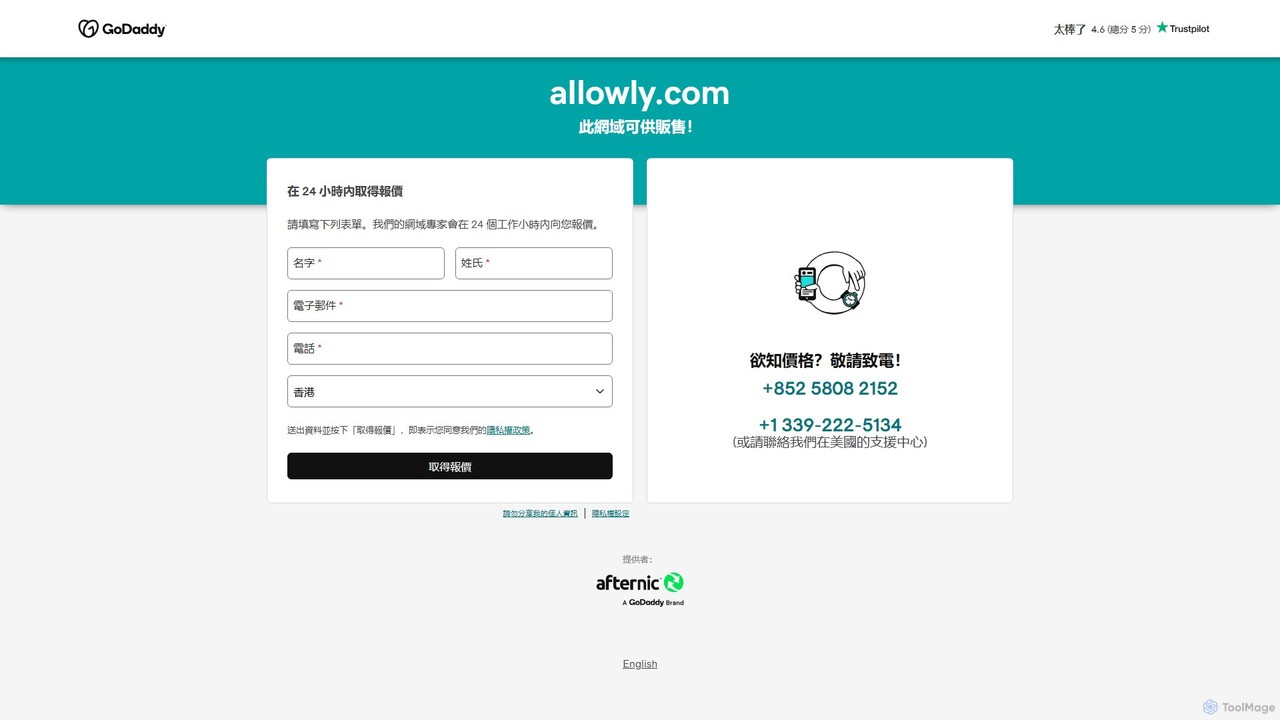
An AI-powered governance platform that enables businesses to securely manage and control employee access to AI and SaaS applications, preventing shadow IT and ensuring compliance.

Saas Management
Visits 6.5KFavorites 135Likes 155
360facevision

360facevision

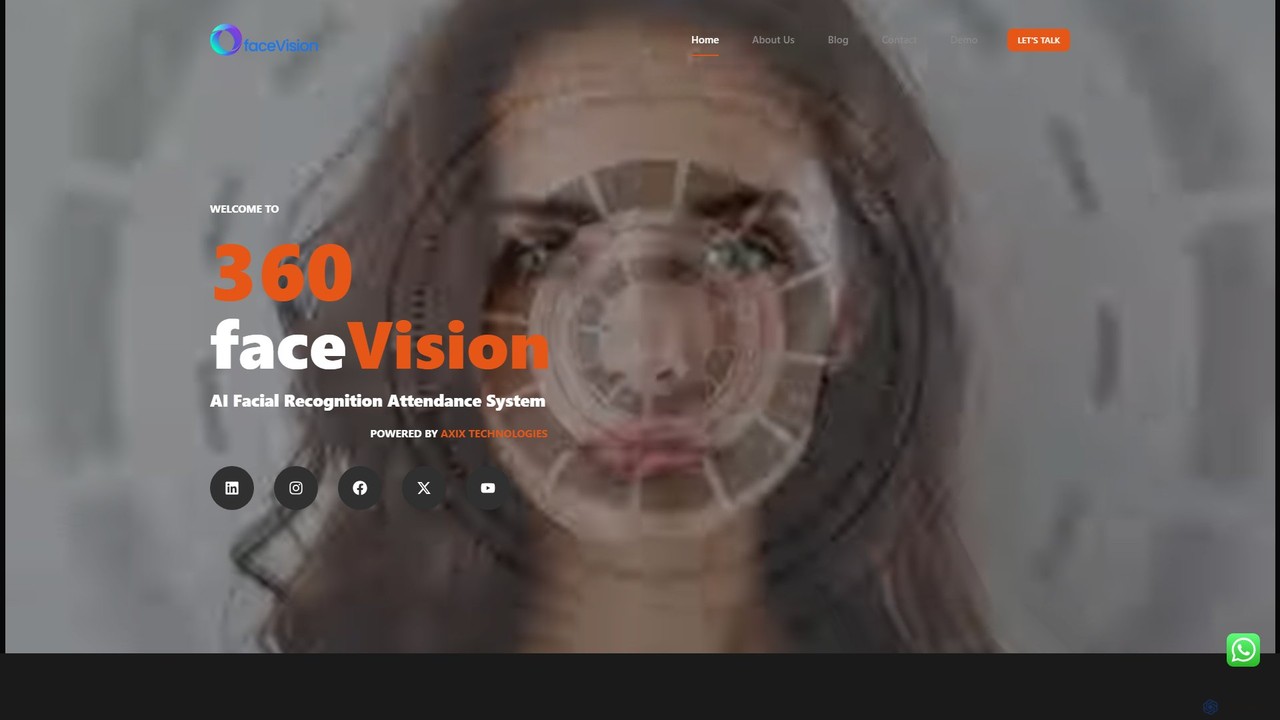
360facevision is an advanced AI-powered facial recognition system designed for comprehensive attendance tracking, access control, and HR management. It offers real-time data synchronization, multi-branch support, and robust security features to streamline workforce management for businesses of all sizes.

Attendance Tracking
Visits 6.5KFavorites 143Likes 161

About Access Control

Access Control tools are AI-driven systems designed to manage and enforce policies on who can access specific digital resources, applications, or data. These tools utilize machine learning to analyze user behavior, context, and risk signals in real-time, moving beyond static, rule-based permissions. This intelligent approach allows for dynamic authorization, granting or denying access based on the principle of least privilege and current threat levels. Consequently, organizations can significantly enhance their security posture by automating complex access decisions and proactively identifying potential insider threats or compromised accounts.

Core Features

  • Dynamic Authorization: Grants or restricts access based on real-time context like user location, device health, and time of day.
  • Behavioral Analytics: Establishes baseline user behavior and detects anomalies that may indicate a security threat.
  • Automated Provisioning: Automatically assigns or revokes access permissions based on user roles, responsibilities, or lifecycle events (e.g., hiring, promotion).
  • Risk-Based Authentication: Adjusts authentication requirements, such as triggering multi-factor authentication (MFA), when a high-risk access attempt is detected.

Use Cases

AI Access Control is critical in regulated industries like finance, healthcare, and government, where protecting sensitive data is paramount. IT administrators and security officers use these tools to implement Zero Trust security models, secure cloud infrastructure, and manage access for a remote or hybrid workforce. They are essential for ensuring that employees, contractors, and partners only have access to the information strictly necessary for their roles.

How to Choose

When selecting an Access Control tool, consider its integration capabilities with your existing identity providers (e.g., Active Directory, Okta) and cloud platforms (AWS, Azure). Evaluate the sophistication of its policy engine and its ability to support granular, attribute-based rules. Also, assess its scalability to handle your organization's size and the quality of its reporting and auditing features for compliance purposes.

Access Control use cases

1

Secure Cloud Infrastructure with Dynamic Access

A DevOps engineer in a tech company needs to grant temporary database access to a developer for a critical hotfix. Instead of manually creating a user with static permissions, they use an AI Access Control tool. The tool grants just-in-time (JIT) access to the specific database for a pre-defined period (e.g., 2 hours). The AI monitors the developer's activity, and if any actions deviate from the expected hotfix tasks, it automatically revokes access and alerts the security team. This minimizes the attack surface by eliminating long-standing privileges.

2

Prevent Insider Threats in Financial Institutions

A compliance officer at a bank uses an AI Access Control system to monitor access to sensitive customer financial records. The system's behavioral analytics engine learns the typical data access patterns for each employee. When a wealth manager suddenly starts accessing an unusually high number of client accounts outside of their portfolio, the system flags this as anomalous behavior. It automatically triggers a higher level of authentication and sends a real-time alert to the security team for investigation, helping to prevent potential fraud or data theft before it occurs.

3

Automate Employee Onboarding and Offboarding

An IT administrator at a fast-growing company uses an AI Access Control tool to streamline user lifecycle management. When a new marketing specialist is hired, the system, integrated with the HR software, automatically provisions access to Salesforce, Marketo, and the company's social media management platform based on the 'Marketing Specialist' role template. Conversely, when an employee resigns, their access to all corporate systems is instantly and completely revoked at the designated time, eliminating the risk of unauthorized access from former employees and reducing manual IT workload.

4

Implement Zero Trust Network Access (ZTNA)

A network security administrator is tasked with replacing a traditional VPN with a Zero Trust model. They deploy an AI Access Control solution that acts as a policy enforcement point. Now, when a remote employee tries to access an internal application, the system first verifies their identity, checks the security posture of their device (e.g., is the OS patched, is antivirus running?), and considers their location. Only after all conditions are met is a secure, encrypted connection established directly to that specific application, not the entire network. This significantly reduces lateral movement risk in case of a breach.

5

Manage Access for Third-Party Contractors

A healthcare organization needs to provide a third-party billing contractor with access to its patient records system. To ensure HIPAA compliance, the IT team uses an AI Access Control tool to create a highly restricted role. This role only allows access to specific billing information during business hours and from a whitelisted IP address. The tool's AI continuously monitors the contractor's session for any unusual activity, such as attempting to export large datasets, and can automatically terminate the session if a policy is violated, providing a detailed audit trail.

6

Enforce Risk-Based Authentication for Critical Applications

An e-commerce company wants to protect its administrator portal without inconveniencing users with constant MFA prompts. They implement an AI Access Control tool that calculates a real-time risk score for each login attempt. A login from a known device during business hours is low-risk and granted access with just a password. However, an attempt from an unrecognized device in a different country at 3 AM is flagged as high-risk. The system automatically challenges the user with multiple authentication factors (e.g., SMS code and biometric scan) before granting access, effectively balancing security and user experience.

Access Control FAQ

What is AI-powered Access Control?

AI-powered Access Control is a security system that uses artificial intelligence and machine learning to manage user permissions for digital resources. Unlike traditional systems that rely on static rules, AI-driven tools dynamically assess risk based on user behavior, location, device, and other contextual factors. This allows for more intelligent and adaptive security decisions, such as requiring stronger authentication for suspicious activities or automatically revoking access when a threat is detected. Its primary goal is to enforce the principle of least privilege in a more automated and precise way.

How to choose the right AI Access Control tool?

Choosing the right tool involves evaluating several key factors. First, assess its integration capabilities with your existing IT ecosystem, including identity providers, cloud services, and on-premise applications. Second, examine the granularity of its policy engine—can it support complex, attribute-based rules that fit your business logic? Third, consider its scalability and performance to ensure it can handle your user base and resource volume. Finally, review its reporting and auditing features to ensure it meets your compliance requirements (e.g., GDPR, HIPAA, SOX).

What's the difference between Access Control and Identity Management?

Identity Management (IdM) and Access Control (AC) are related but distinct security disciplines. IdM focuses on 'who' a user is—it involves creating, managing, and authenticating digital identities. Access Control, on the other hand, focuses on 'what' an authenticated user is allowed to do—it involves defining and enforcing policies for authorization. In short, IdM verifies you are who you say you are, while AC determines what resources you can access once your identity is verified. They work together to form a comprehensive security strategy.

What are the key benefits of using AI in Access Control?

Using AI in Access Control offers several significant benefits over traditional methods. Key advantages include:

  • Proactive Threat Detection: AI can identify anomalous behavior patterns that may indicate a compromised account or insider threat, often before a breach occurs.
  • Reduced Administrative Overhead: AI automates the process of provisioning and de-provisioning access, reducing manual work for IT teams.
  • Dynamic Policy Enforcement: Access decisions are made in real-time based on current risk, providing more robust security than static rules.
  • Improved User Experience: It enables adaptive authentication, which only challenges users with extra verification steps when risk is high, reducing friction for legitimate users.
Who needs an AI Access Control system?

Organizations of all sizes can benefit, but these systems are particularly crucial for certain types. This includes companies in highly regulated industries like finance, healthcare, and government that must comply with strict data protection laws (e.g., HIPAA, GDPR). It's also essential for businesses with complex IT environments, such as those using multiple cloud services, hybrid infrastructures, or supporting a large remote workforce. Any organization that handles sensitive customer data, intellectual property, or critical infrastructure should consider an AI Access Control system to enhance their security posture.