


railsguard Overview
Rails Guard is a sophisticated security and compliance solution designed specifically for Ruby on Rails applications. It addresses the critical challenge of securing sensitive data during developer interactions with the Rails console, especially in production environments. By integrating seamlessly into your existing setup with just a single line of code, Rails Guard provides a robust layer of protection, ensuring that developers can debug and manage applications without ever exposing personally identifiable information (PII) or other confidential data. The core of the tool is its real-time, AI-powered data masking, which automatically identifies and redacts sensitive information from console output on the fly, eliminating the need for complex data catalogs or manual configuration.
Beyond data masking, Rails Guard revolutionizes access control. It replaces insecure static keys and shared credentials with modern, passwordless authentication through Google SSO, complete with Multi-Factor Authentication (MFA). This approach not only strengthens security but also simplifies user management. Administrators can automate employee onboarding and offboarding, granting and revoking access instantly. The platform offers granular, just-in-time (JIT) access controls, allowing temporary permissions to be granted for specific durations—from minutes to hours—with approvals managed conveniently through Slack. This ensures that access is granted on a least-privilege basis, significantly reducing the attack surface.
How to use railsguard
Integrating Rails Guard into your application is designed to be incredibly simple and non-disruptive. The entire setup process can be completed in just a few steps:
- One-Line Integration: The primary step is to add a single line of code to your application's configuration. This line prefixes the startup process of your Rails application with the Hoop agent, which injects the Rails Guard process.
- Deploy Your Application: After adding the integration line, deploy the change to your environment (staging, production, etc.) as you normally would.
- Activate and Configure: Once deployed, the Hoop agent is active. You can then access the Rails Guard web portal to configure settings. This includes setting up Google SSO for passwordless authentication, defining user groups, and customizing access policies.
- Start Using Securely: Developers can now interact with the Rails console through their usual terminal, web, or Slack clients. All sessions are automatically monitored, with sensitive data masked and all actions recorded for a complete audit trail. Access requests can be made and approved via Slack for a streamlined workflow.
Core Features of railsguard
- Live AI Data Masking: Automatically detects and masks PII and other sensitive data in real-time from Rails console output, requiring zero initial setup or data cataloging.
- Passwordless Authentication: Replaces static keys with secure Google SSO and MFA, simplifying access management and enhancing security.
- Just-in-Time (JIT) Access: Grant temporary, time-bound access to the console. Approvals for sessions, single commands, or script executions can be managed directly from Slack.
- Comprehensive Session Auditing: Records every console session, providing a detailed and immutable audit log of who did what, when, and where. This is crucial for compliance and incident response.
- Workflow Automation: Identifies repeated console operations and allows you to turn them into repeatable, no-code UIs in seconds, reducing manual work and human error.
- Automated Compliance: Helps automate the implementation and verification of security controls required for standards like HIPAA, SOC 2, PCI, and GDPR.
- Seamless Integration: Works with existing developer workflows and tools (terminal, web, Slack) without requiring changes to how engineers work.
Use Cases for railsguard
Rails Guard is invaluable for any organization running Ruby on Rails applications that handle sensitive data. Key use cases include:
- Secure Production Debugging: Engineers can safely troubleshoot live production issues without the risk of viewing or accidentally leaking customer data.
- Compliance and Auditing: Security and compliance teams can easily demonstrate robust access controls and data protection measures to auditors for certifications like SOC 2, HIPAA, or GDPR.
- Secure Third-Party Access: Grant temporary, audited access to contractors or support teams without providing them with permanent credentials.
- Incident Response: In the event of a security incident, teams can immediately review session recordings to understand the exact actions taken by any user.
- Operational Efficiency: Automate routine tasks previously done via the console, freeing up developer time and reducing the chance of errors.
Advantages of railsguard
The primary advantage of Rails Guard is its ability to provide enterprise-grade security without sacrificing developer speed or convenience. It offers a transparent, frictionless experience for developers while giving security and operations teams the control and visibility they need. By automating access controls, data masking, and auditing, it significantly reduces manual overhead and the risk of human error. This leads to improved security posture, simplified compliance, and increased productivity, ultimately delivering a strong return on investment by preventing costly data breaches and saving valuable engineering hours.
Pricing and Plans
Rails Guard appears to be offered as a paid, enterprise-focused solution. The official website encourages potential users to join a waitlist or request a live demo to get started. Pricing information is not publicly listed, which suggests a custom pricing model based on the organization's size, usage, and specific needs. Interested parties should contact the sales team through the official website for a detailed quote and to discuss their requirements.
railsguard Alternatives
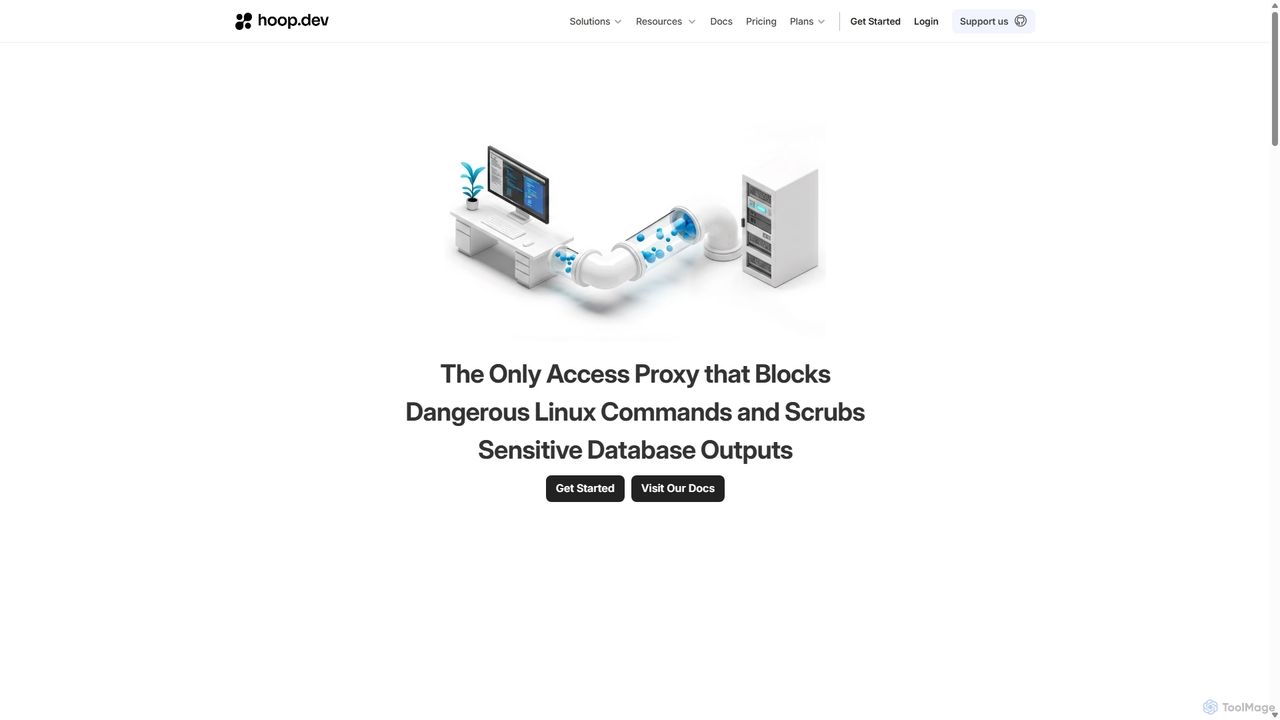
Hoop.dev
Hoop.dev is an AI-powered access gateway providing developers with invisible security and admins with command-line control. It offers secure, auditable access to databases and servers, featuring real-time AI data masking, session recording, and streamlined approval workflows to enhance security without disrupting productivity.
Security
Releem
Releem is an AI-powered MySQL performance tuning tool designed to automate database management. It automatically detects performance bottlenecks, provides optimized server configurations, and suggests improvements for SQL queries and indexes. Ideal for developers, DBAs, and hosting providers, Releem simplifies complex database tasks, enhances application speed, and reduces infrastructure costs through a user-friendly dashboard and continuous health monitoring.
Database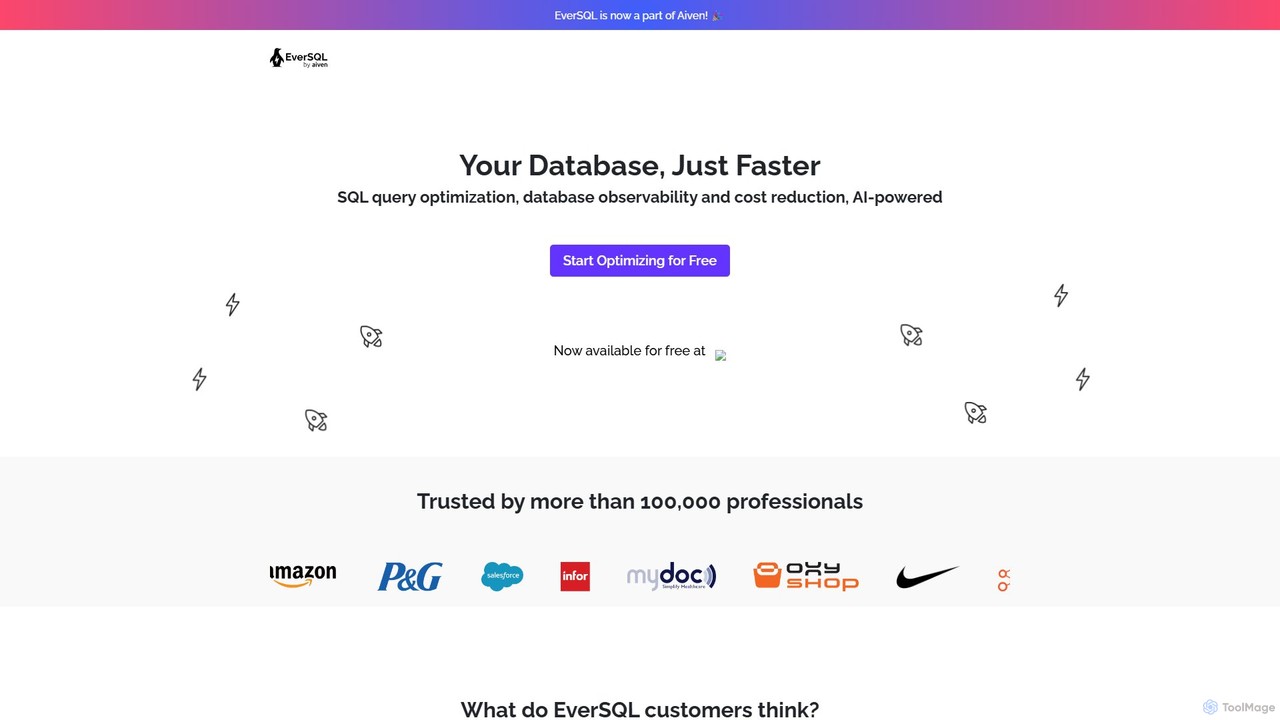
eversql
eversql is an AI-powered SQL optimization platform for PostgreSQL and MySQL. It automatically rewrites slow queries, suggests intelligent indexing, and provides continuous performance monitoring. By using smart algorithms, eversql helps developers, DBAs, and DevOps teams improve database performance, reduce infrastructure costs, and save significant time on manual tuning.
Database
OtterTune
OtterTune is an AI-powered database optimization service that uses machine learning to automatically tune and improve the performance of PostgreSQL and MySQL databases. It analyzes your database's workload to recommend optimal configuration settings, helping to increase throughput, reduce latency, and lower operational costs without manual intervention.
Database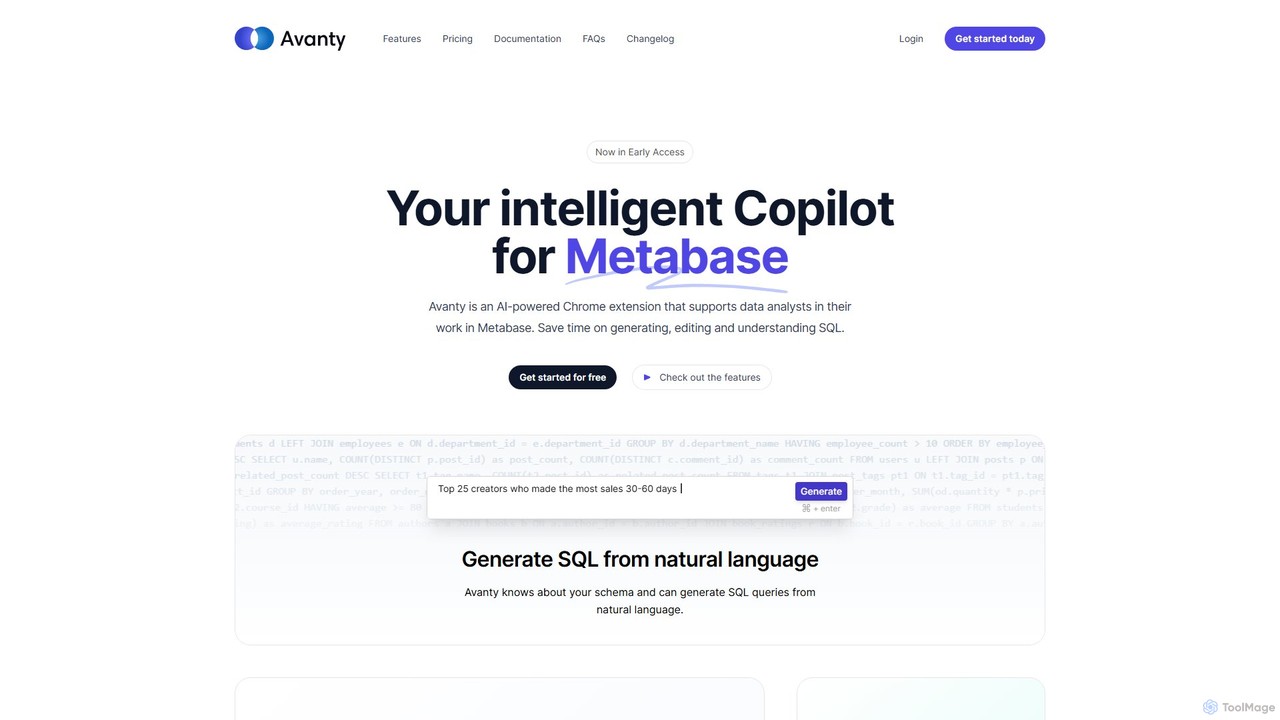
Avanty
Avanty is an AI-powered Chrome extension designed as an intelligent copilot for data analysts using Metabase. It streamlines workflows by enabling users to generate, edit, explain, and format SQL queries using natural language. This tool significantly saves time, enhances productivity, and helps in understanding complex data queries, making data analysis faster and more intuitive.
Business Intelligencerailsguard Categories
railsguard Embed Widget
Copy this embed code to place the badge on your blog, article, or product site and send readers directly to this ToolMage detail page.

Related AI tools
Hoop.dev
Hoop.dev is an AI-powered access gateway providing developers with invisible security and admins with command-line control. It offers secure, auditable access to databases and servers, featuring real-time AI data masking, session recording, and streamlined approval workflows to enhance security without disrupting productivity.
Security
Neosync
Neosync is an open-source platform for data anonymization and synthetic data generation. It helps developers and data scientists create safe, privacy-compliant, and realistic datasets for testing, development, and AI model training, ensuring referential integrity across databases.
Data Generation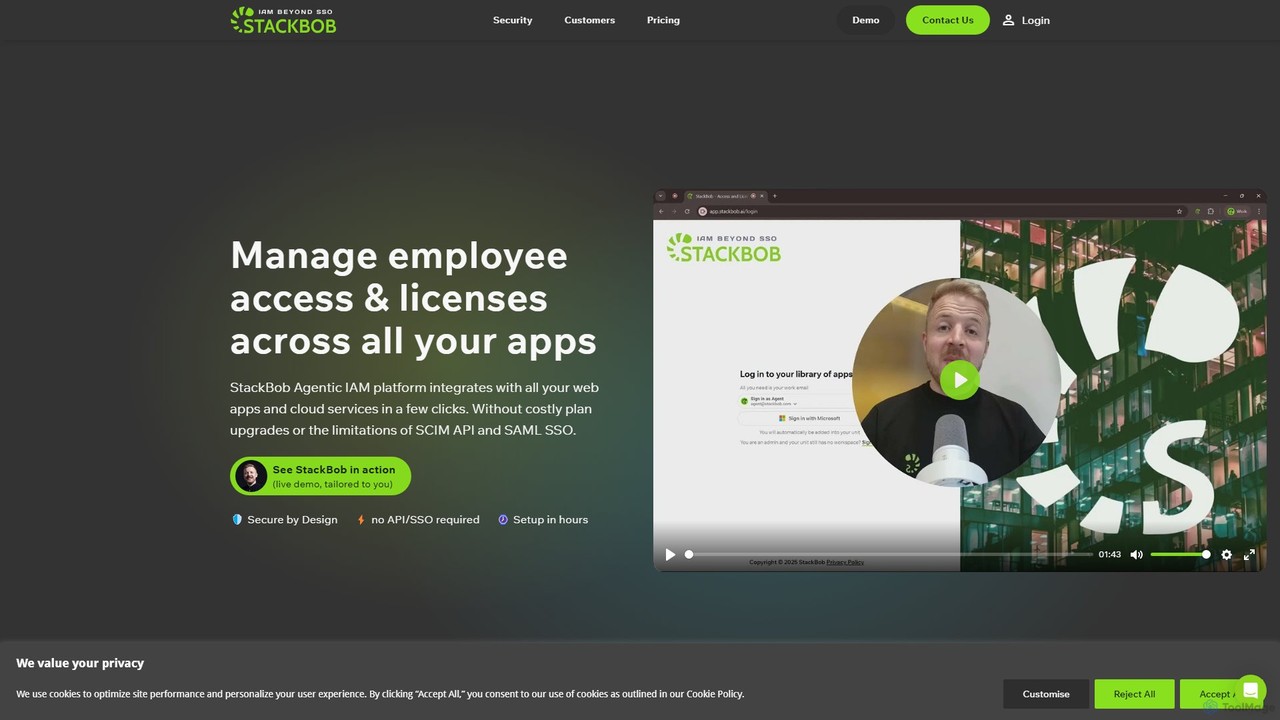
StackBob
StackBob is an advanced access and license management platform for modern businesses. It helps IT teams automate user provisioning, control access to over 300,000 SaaS tools (even without SSO), and eliminate unnecessary software spending. By using a secure, privacy-focused browser extension, StackBob provides visibility into tool usage, enhances security with a Zero Trust model, and streamlines IT operations, saving time and money.
Expense Management
oso.ai
oso.ai is an AI-powered authorization platform that helps developers build, manage, and enforce fine-grained access control. It simplifies complex security policies using natural language, intelligent automation, and a flexible policy engine.
Compliance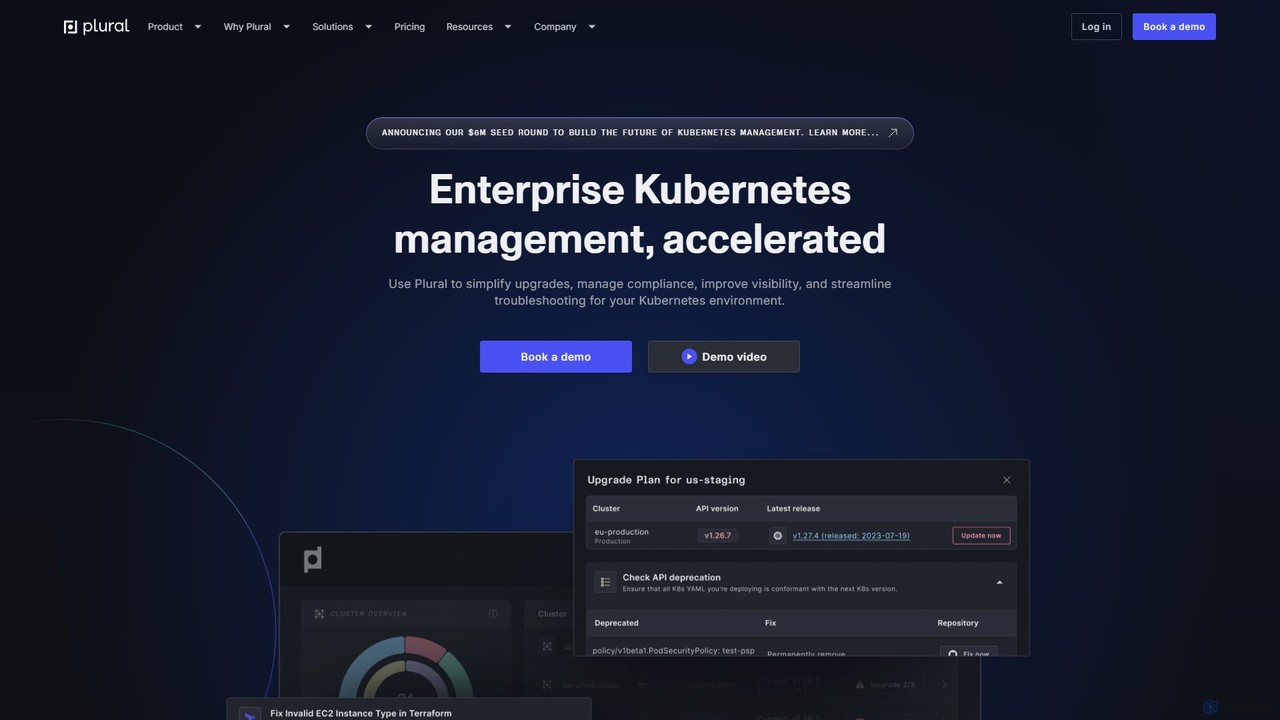
Plural
Plural is an AI-powered enterprise Kubernetes management platform designed to accelerate and simplify operations. It provides multi-cloud visibility, automates complex upgrades, offers AI-driven troubleshooting, and ensures robust security and compliance. Ideal for DevOps and platform engineering teams, Plural reduces operational costs and enhances developer velocity.
Multi Cloud Management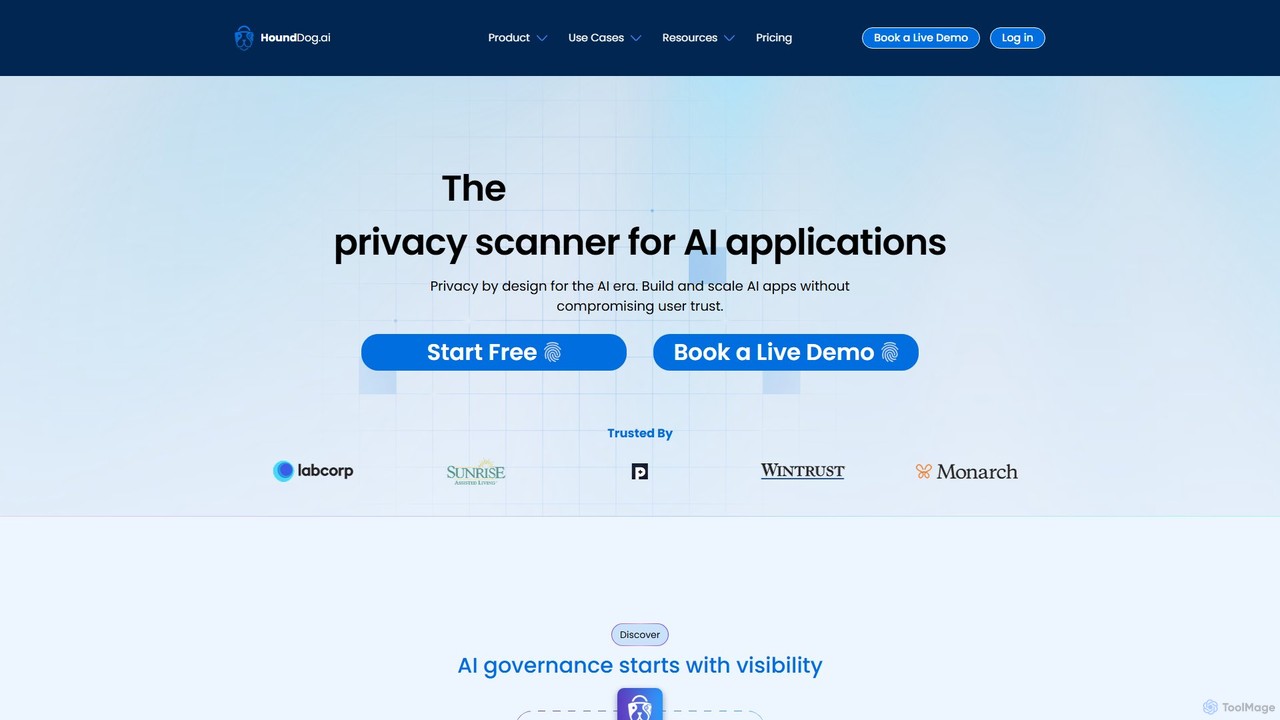
HoundDog.ai
A proactive privacy code scanner for AI applications that automates data mapping and prevents PII leaks early in development. It integrates into the SDLC to enforce privacy by design, discover shadow AI, and ensure compliance with regulations like GDPR and HIPAA.
Code Security
Jyek
Jyek is an AI agent platform that understands objectives, creates execution plans, uses tools, and delivers verifiable results for complex, multi-step tasks.
Automation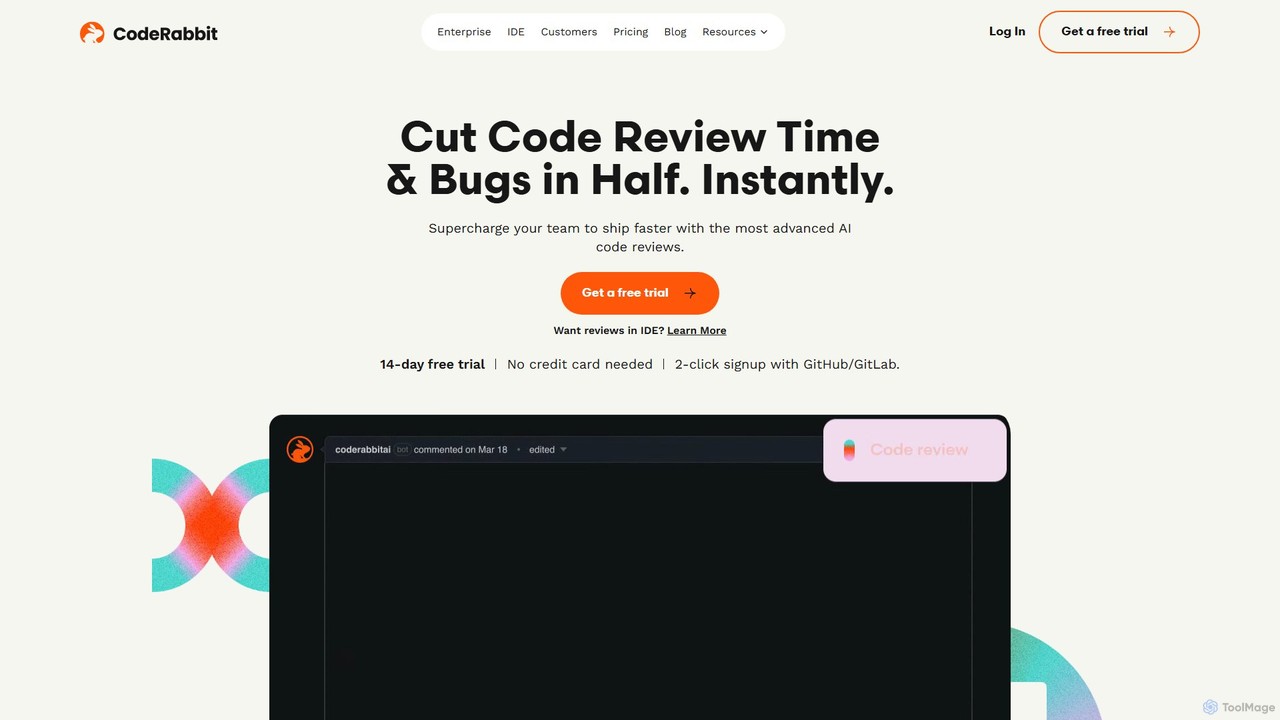
CodeRabbit
CodeRabbit is an AI-powered code review tool that supercharges development teams to ship faster and reduce bugs. It provides instant, context-aware reviews, pull request summaries, and security analysis directly within GitHub, GitLab, and IDEs like VS Code.
Code Review
Stytch
Stytch is a developer-first identity platform for building secure and scalable authentication and authorization. It offers a comprehensive suite of tools, including passwordless login, SSO, multi-factor authentication, and advanced fraud protection. Designed for both human users and AI agents, Stytch simplifies complex auth flows for B2B SaaS and consumer applications, enabling teams to focus on core product development.
Authentication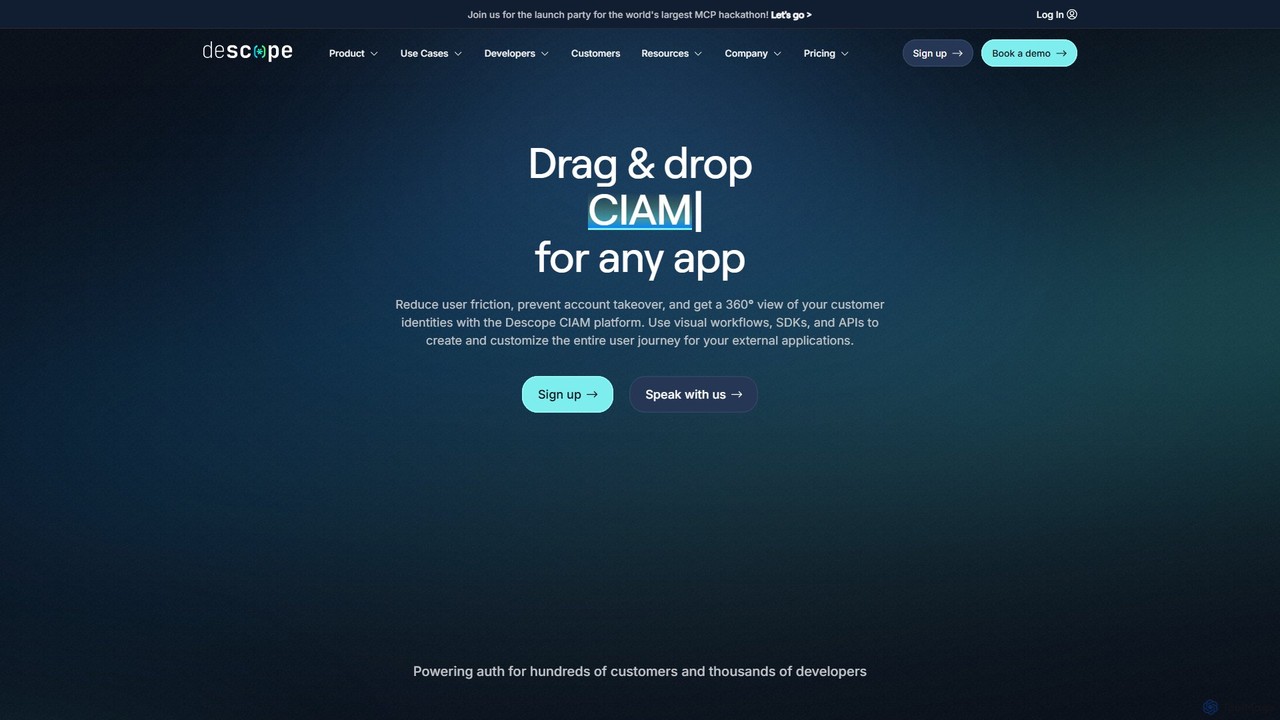
Descope
Descope is a customer identity and access management (CIAM) platform that enables developers to easily add authentication, user management, and authorization to any application. It offers a visual drag-and-drop workflow builder, comprehensive SDKs, and APIs to create secure and frictionless user journeys, from passwordless login to enterprise-grade SSO.
Authentication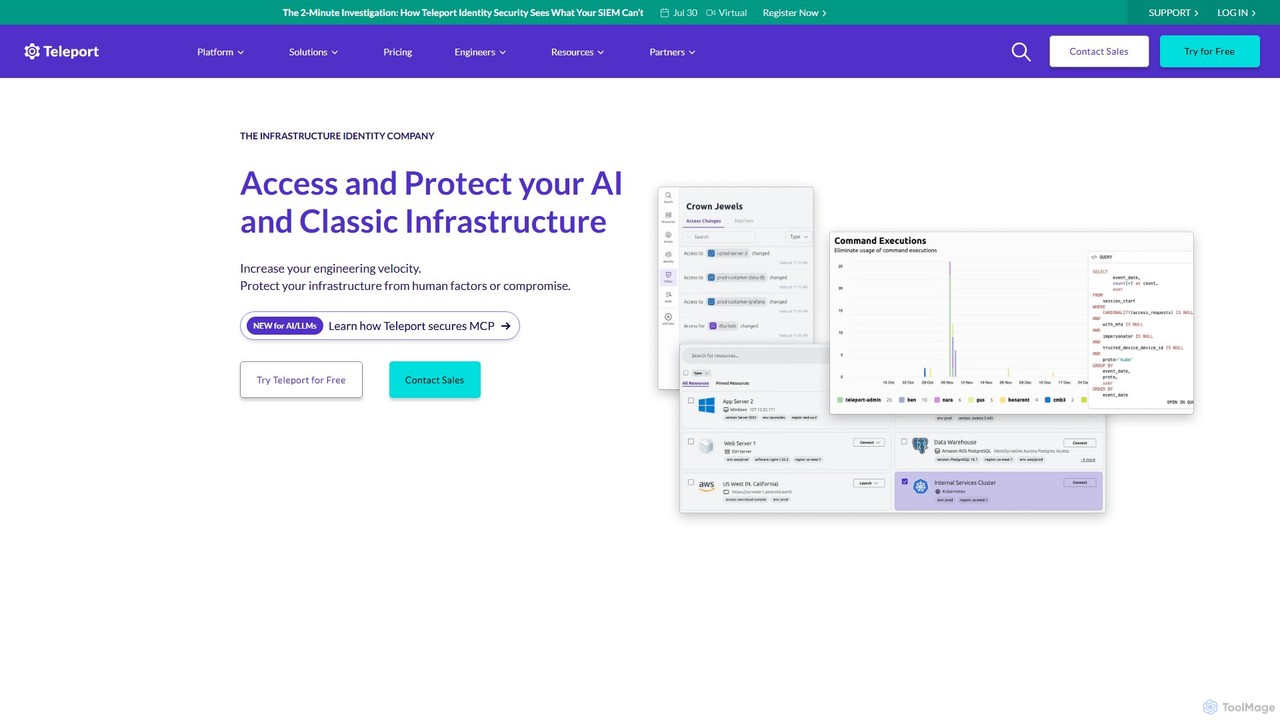
goteleport
goteleport is an identity-native infrastructure access platform that provides secure, zero-trust access to servers, applications, and data. It unifies identity, access, and policy for humans, machines, and AI agents, eliminating credentials and reducing the attack surface while improving engineering productivity.
Infrastructure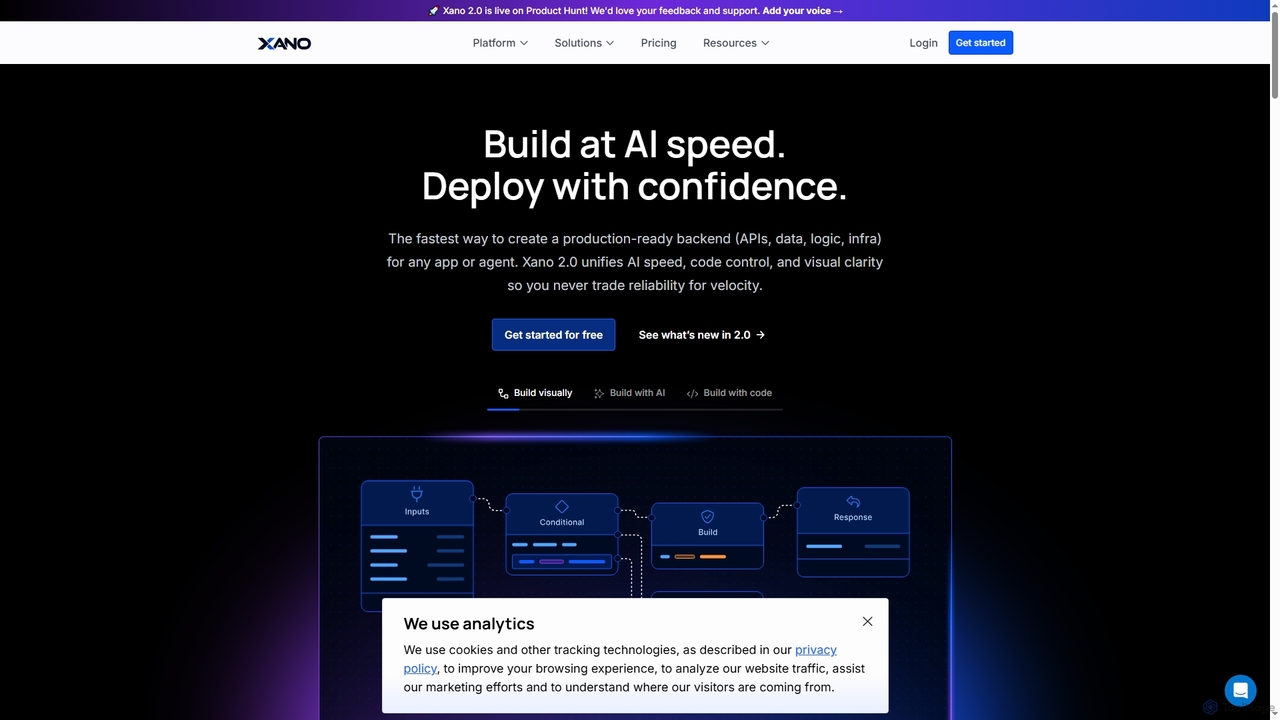
Xano
Xano is a scalable no-code backend platform that empowers developers and teams to build production-ready applications and AI agents at speed. It provides a unified solution for APIs, a managed Postgres database, visual logic, and auto-scaling infrastructure, eliminating the need for complex DevOps.
Agent Building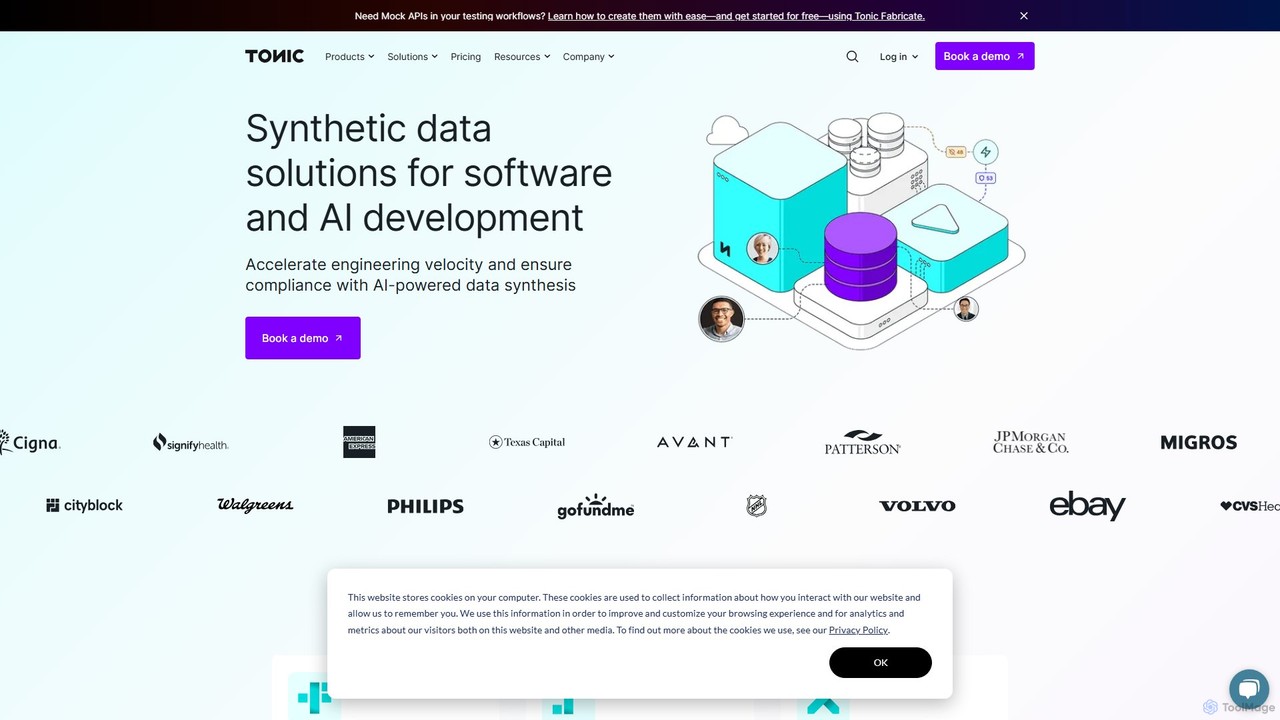
Tonic.ai
Tonic.ai is an AI-powered platform for generating high-quality, realistic, and safe synthetic data. It helps software and AI engineers accelerate development, ensure compliance (GDPR, HIPAA), and improve testing by mimicking production data without exposing sensitive information. The suite includes tools for structured, unstructured, and from-scratch data synthesis.
Synthetic Data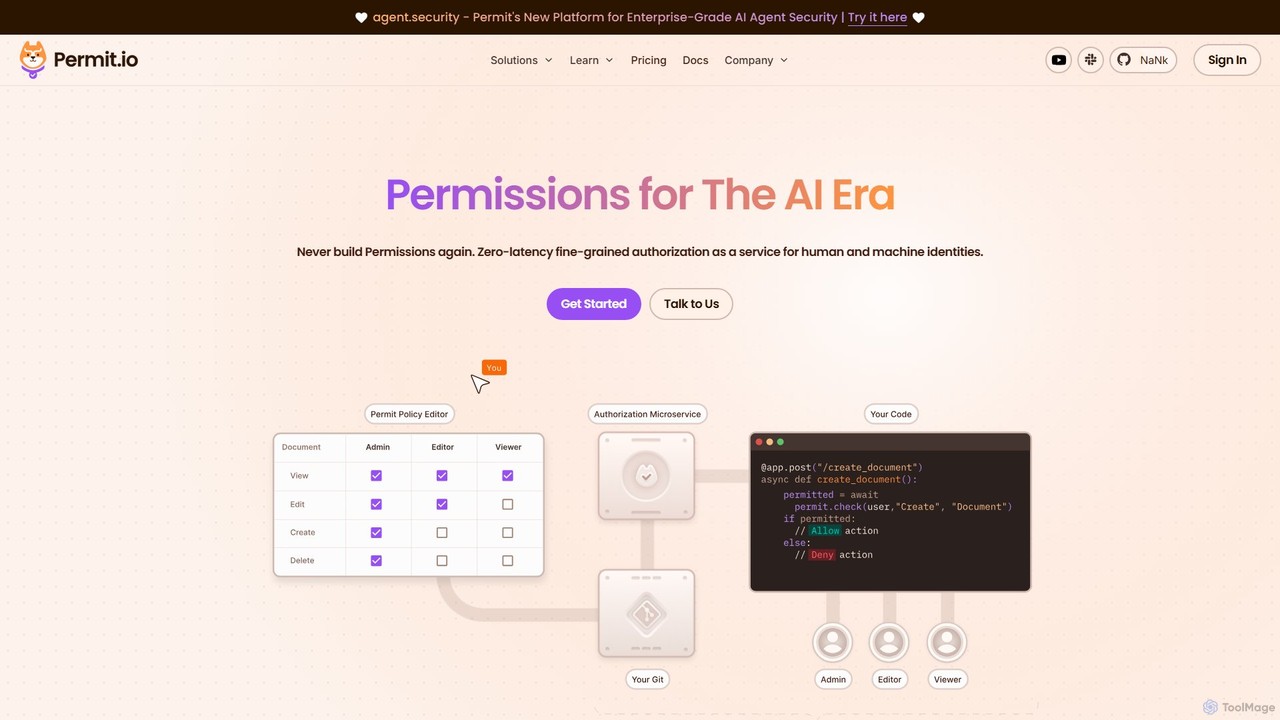
Permit.io
Permit.io is a full-stack authorization platform designed for the AI era. It simplifies the implementation of complex access controls like RBAC, ABAC, and ReBAC for developers. With a no-code policy editor, GitOps integration, and embeddable UI components, it allows entire teams to manage permissions securely and efficiently. The platform ensures low-latency decisions by running in a hybrid model, keeping sensitive data within your network while offering robust compliance and scalability for modern applications, including those powered by AI agents.
Security
Pangea
Pangea is a developer-first platform offering a suite of API-based security services. It provides essential security guardrails for web and AI applications, enabling developers to easily embed features like secure audit logging, data redaction, threat intelligence, and authentication. Pangea is designed to accelerate development while ensuring applications are secure and compliant from the start.
Security
railsguard Comments (0)
Sign in to comment.
Sign inNo comments yet.