Developer Tools Best in category 2 results Authentication AI Tool

Popular AI tools in the Authentication field of Developer Tools include Descope、Roundtable, etc., helping you quickly improve efficiency.

Descope

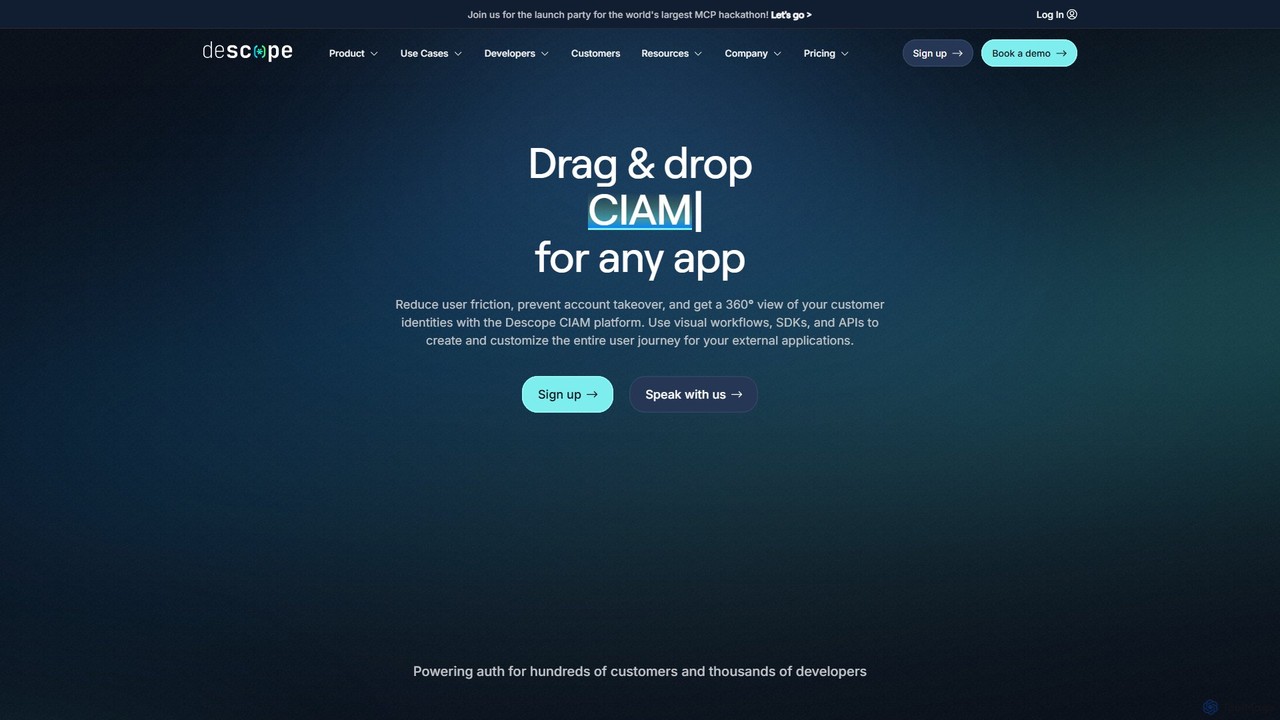
Descope

Descope is a customer identity and access management (CIAM) platform that enables developers to easily add authentication, user …

296.3K
Roundtable

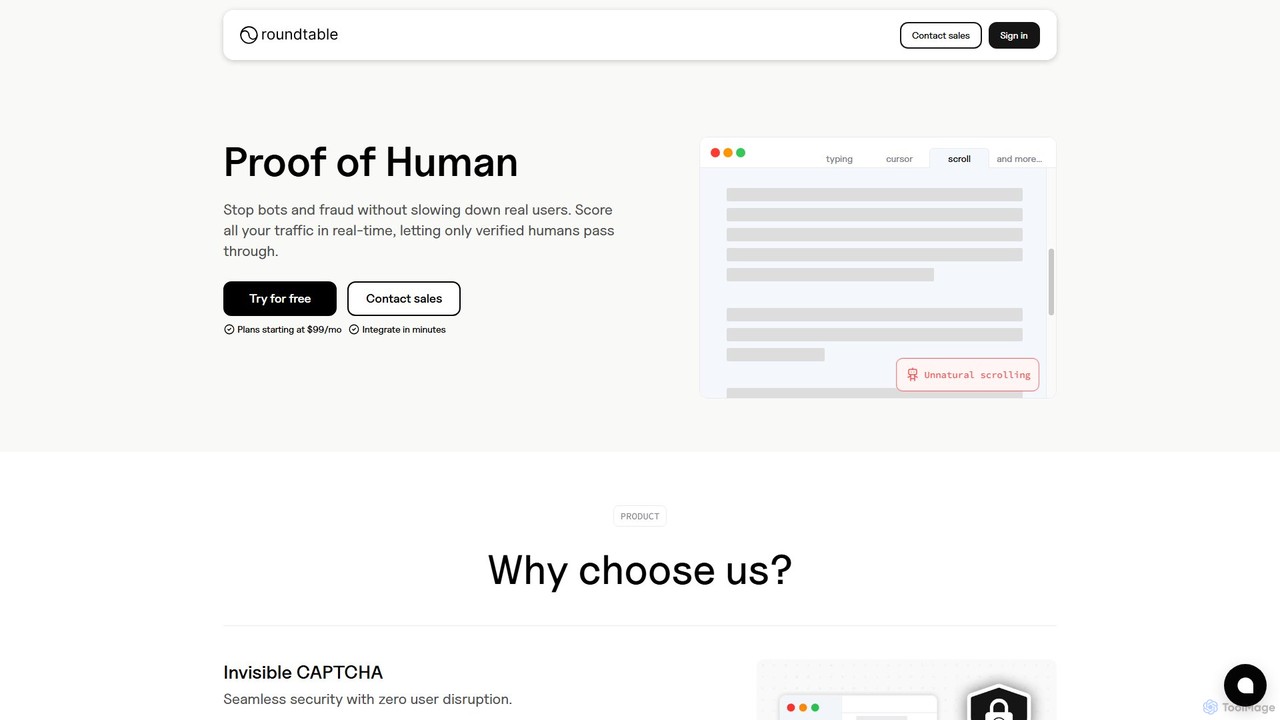
Roundtable

Roundtable is an AI-powered security platform that offers an invisible, privacy-first alternative to CAPTCHA. It uses continuous behavioral …

17.1K

About Authentication

Authentication tools are a class of software designed to securely verify a user's identity before granting access to systems, applications, or data. These tools utilize various methods, from traditional passwords to advanced biometrics and multi-factor authentication (MFA), to confirm that users are who they claim to be. By implementing robust authentication protocols, they form the first line of defense against unauthorized access, protecting sensitive information and enhancing user trust. As a crucial component of the developer toolset, they streamline the integration of secure login functionalities into any digital product.

Core Features

  • Multi-Factor Authentication (MFA): Requires users to provide two or more verification factors to gain access, significantly increasing security.
  • Single Sign-On (SSO): Allows users to log in with a single set of credentials to access multiple independent software systems.
  • Biometric Authentication: Uses unique biological characteristics like fingerprints, facial recognition, or voice patterns for identity verification.
  • Passwordless Authentication: Enables users to log in without a password, using methods like magic links, authenticator apps, or hardware keys.
  • Social Logins: Facilitates user authentication through existing accounts from social media platforms like Google, Facebook, or GitHub.

Use Cases

These tools are essential for developers building web and mobile applications, IT administrators managing corporate security, and product managers aiming to improve user experience. They are widely used in sectors like finance (securing online banking), healthcare (protecting patient records), e-commerce (securing user accounts and payments), and SaaS platforms (managing user access).

How to Choose

When selecting an authentication tool, consider its integration capabilities with your existing tech stack (e.g., SDKs, APIs). Evaluate the range of supported authentication methods (MFA, SSO, biometrics) to meet your security requirements. Assess scalability to ensure it can handle your user growth. Finally, review compliance with industry standards like GDPR, HIPAA, or OpenID Connect to ensure data protection.

AuthenticationUse Cases

1

Implementing Social Login for a SaaS Application

A product manager for a new SaaS platform wants to reduce friction during user registration to increase conversion rates. Instead of forcing users to create a new username and password, the development team uses an authentication tool to integrate social logins. With just a few lines of code, they add 'Login with Google' and 'Login with GitHub' options. This allows new users to sign up in a single click, securely leveraging their existing accounts. The result is a smoother onboarding experience, higher sign-up completion rates, and reduced password management overhead for the team.

2

Securing Enterprise Systems with Mandatory MFA

An IT administrator at a large corporation is tasked with enhancing internal security to prevent data breaches. The company decides to enforce Multi-Factor Authentication (MFA) for all employee access to internal dashboards and cloud services. Using an enterprise-grade authentication platform, the administrator configures policies that require a second factor—such as a push notification to a mobile app or a one-time code—in addition to a password. This layered security approach drastically reduces the risk of unauthorized access from compromised credentials, helping the company meet compliance requirements and protect sensitive corporate data.

3

Enabling Passwordless Login for a Mobile App

A developer building a new mobile banking app wants to offer a highly secure yet convenient login experience. They decide to implement passwordless authentication. Using an authentication service's SDK, they integrate biometric login (Face ID/fingerprint) and magic link emails. When a user opens the app, they can authenticate instantly with their fingerprint. If they are on a new device, they can enter their email address to receive a secure, one-time login link. This eliminates the need for users to remember complex passwords, reduces the risk of phishing attacks, and significantly simplifies the login flow.

4

Securing API Endpoints with OAuth 2.0

A backend developer is creating a set of APIs that will be consumed by third-party applications. To ensure that only authorized applications can access the data, they use an authentication service that supports the OAuth 2.0 framework. They configure the service to issue access tokens to client applications after successful user consent. When a third-party app makes a request to the API, it must include this token. The API gateway then validates the token with the authentication service before processing the request. This protects user data, prevents unauthorized API usage, and provides a standard, secure way for third-party integrations.

5

Implementing Single Sign-On (SSO) for Corporate Tools

A growing company uses dozens of SaaS tools for different departments (e.g., Salesforce, Slack, Jira). Managing user access for each tool individually is inefficient and a security risk. The IT team implements a Single Sign-On (SSO) solution using an identity provider. They connect all SaaS applications to the SSO provider. Now, employees can log in once to their company portal and gain access to all their authorized applications without re-entering credentials. This improves employee productivity, centralizes access management for IT, and enhances security by allowing for quick de-provisioning when an employee leaves.

6

Verifying User Identity for a FinTech Platform

A FinTech startup is building a platform for peer-to-peer lending and needs to comply with Know Your Customer (KYC) regulations. To prevent fraud, they integrate an identity verification service into their onboarding flow. When a new user signs up, they are prompted to take a photo of their government-issued ID and a selfie. The AI-powered authentication tool analyzes the documents for authenticity, matches the photo on the ID with the user's selfie using facial recognition, and cross-references the information with official databases. This automated process verifies user identities in minutes, ensuring regulatory compliance and building trust in the platform.

AuthenticationFrequently Asked Questions