
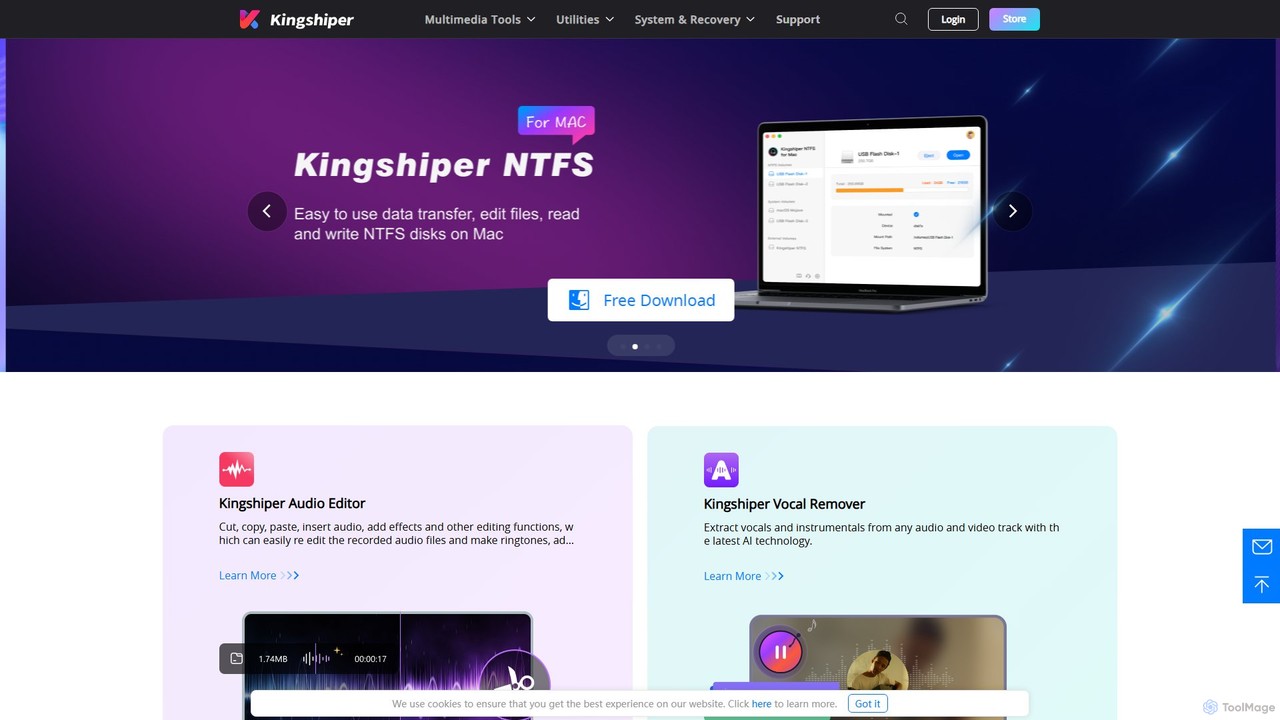
Kingshiper Overview
Kingshiper is a comprehensive and powerful suite of desktop software designed to address a wide range of digital media and document management needs. It provides users with a collection of specialized tools, including an advanced Audio Editor, an AI-powered Vocal Remover, a versatile Audio Converter, a feature-rich PDF Converter, and a practical NTFS for Mac utility. This all-in-one solution is engineered for both beginners and professionals, offering an intuitive interface, high-speed performance, and high-fidelity output across all its applications.
The Kingshiper toolkit is built to streamline complex tasks. Whether you're a musician looking to create a karaoke track, a student needing to convert research papers, or an office professional managing documents, Kingshiper provides the necessary tools to get the job done efficiently. Its applications are praised for their stability, wide format support, and powerful features like batch processing, which significantly saves time and effort.
How to use Kingshiper
Using the Kingshiper suite of tools is designed to be a straightforward process. As these are desktop applications, the general workflow is consistent across the different products:
- Download and Install: Visit the official Kingshiper website and download the installer for the specific tool you need (e.g., Kingshiper Audio Editor, Kingshiper PDF Converter). Run the installer and follow the on-screen instructions to install the software on your Windows or Mac computer.
- Launch the Application: Open the installed Kingshiper application from your desktop or applications folder.
- Import Files: Drag and drop your files directly into the application's workspace, or use the 'Add Files' button to browse and select the documents or media you wish to process. The tools support batch processing, so you can add multiple files at once.
- Select a Function: Choose the desired operation from the intuitive interface. For the Audio Editor, this could be cutting, merging, or applying effects. For the PDF Converter, you might select 'PDF to Word' or 'Merge PDF'. For the Vocal Remover, simply upload the track.
- Configure Settings: Adjust output settings as needed. This can include selecting the output format (e.g., MP3, WAV, DOCX, PDF), setting the quality or compression level, and choosing the destination folder for the saved files.
- Process and Save: Click the 'Convert', 'Edit', or 'Start' button to begin the process. Kingshiper utilizes multi-core CPU technology for fast processing. Once complete, your new files will be saved to your specified location.
Core Features of Kingshiper
- AI Vocal Remover: Utilizes advanced AI algorithms to accurately separate vocals from background music in any audio or video file. It's perfect for creating karaoke tracks, instrumentals, or acapella versions.
- Comprehensive Audio Editor: A professional desktop tool for PC that allows users to cut, merge, mix, and edit audio files. It includes features like noise reduction, various audio effects, and a real-time preview function. It supports a wide array of formats including MP3, OGG, FLAC, M4A, and WAV.
- Multi-Format Audio Converter: Converts audio files between a vast range of formats with lightning-fast speed. It also includes an audio compressor and the ability to extract audio from video files.
- All-in-One PDF Solution: A powerful PDF toolkit that supports bidirectional conversion between PDF and other formats like Word, Excel, PowerPoint, HTML, TXT, and images.
- Advanced PDF Management: Beyond conversion, it allows users to merge multiple PDFs, split a single PDF into several files, compress PDFs to reduce file size, encrypt files for security, decrypt protected files, and add or remove watermarks.
- Batch Processing: A core feature across the converters, allowing users to process multiple files simultaneously, dramatically improving workflow efficiency.
- NTFS for Mac Utility: A lightweight and reliable solution for Mac users to gain full read and write access to Windows NTFS-formatted drives, ensuring seamless data transfer and integrity.
Use Cases for Kingshiper
For Musicians and Audio Producers: Easily create instrumental or karaoke versions of songs using the AI Vocal Remover. Use the Audio Editor to clean up recordings, cut samples, mix tracks, and reduce background noise.
For Office Professionals and Businesses: Batch convert documents between PDF and Microsoft Office formats. Secure sensitive reports with password encryption, merge multiple reports into a single PDF, and compress large files for easy emailing.
For Students and Researchers: Convert PDF research papers and e-books into editable Word documents for note-taking and quoting. Merge various sources into a single document for projects and split large textbooks into chapters.
For Content Creators and V-loggers: Extract audio from video footage for use in podcasts or as standalone audio content. Use the audio editor to enhance voice-overs and remove unwanted noise from recordings.
Advantages of Kingshiper
Kingshiper stands out due to its combination of versatility, performance, and user-friendliness. Its key advantages include a multi-functional suite that reduces the need for multiple software subscriptions, high-speed processing that respects user's time, and a commitment to high-fidelity output that preserves the quality of the original files. The intuitive interface makes powerful features accessible to everyone, and the inclusion of batch processing is a significant productivity booster.
Pricing and Plans
Kingshiper operates on a freemium model. Users can download a free version or a trial of each software product to experience its core functionalities. These free versions may have certain limitations, such as processing limits or watermarks on the output. To unlock the full suite of features, remove all restrictions, and gain access to premium customer support, users can purchase a full license. The pricing is competitive and structured per product, with detailed information available on the 'Buy Now' section of each tool's page on the official website.
Traffic
Latest traffic
Status
Monthly traffic trend
- 2025-9: 274.4K
- 2026-1: 399.7K
- 2026-2: 201.3K
- 2026-3: 297.7K
- 2026-4: 224.8K
- 2026-5: 267.2K
Geography
Top 5 countries / regions
- 🇺🇸United States49.1%
- 🇧🇪Belgium15.5%
- 🇮🇳India14.0%
- 🇨🇦Canada11.4%
- 🇳🇱Netherlands10.0%
Traffic sources
| Source type | Percentage |
|---|---|
Direct | 56.3% |
Referral | 43.0% |
Email | 0.6% |
Top keywords
| Keyword | Cost per click |
|---|---|
| hianime | $2.53 |
| hi anime alternative | $3.83 |
| hianime alternative | $4.19 |
| hianime alternatives | $3.90 |
| sites like hianime | $4.16 |
Kingshiper Alternatives
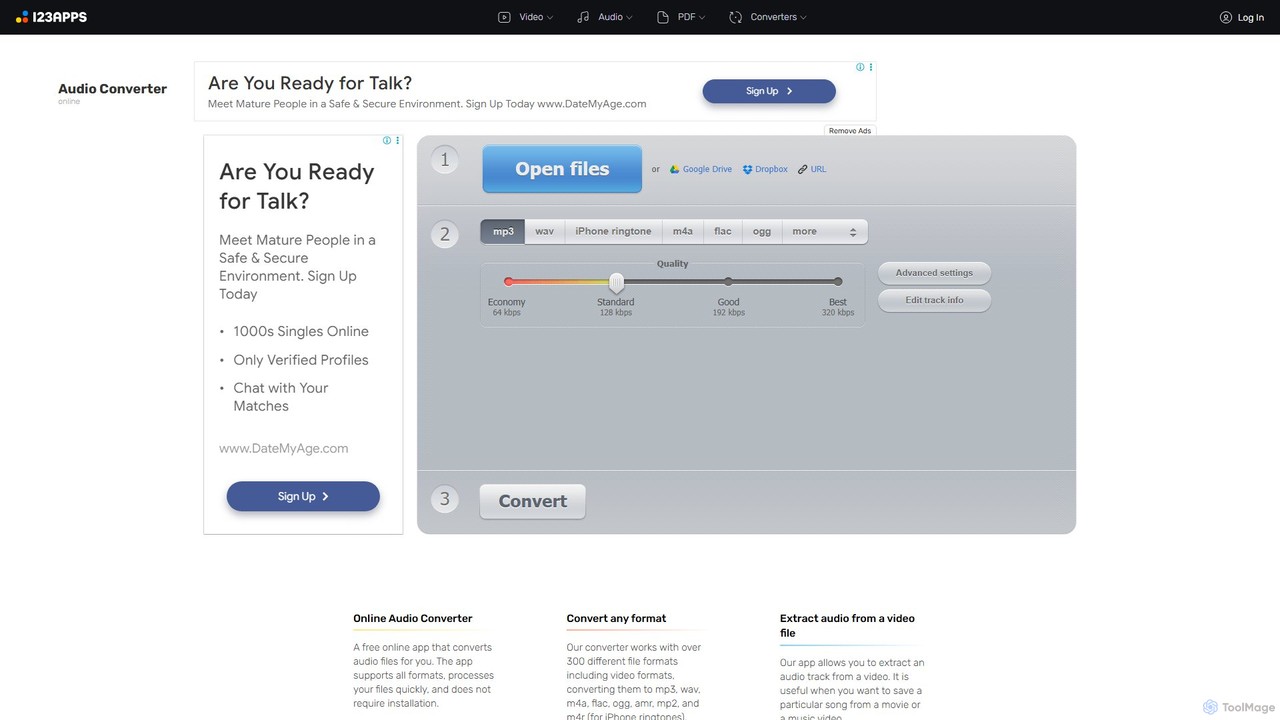
Online Audio Converter
A versatile and free web-based tool for converting audio files. It supports over 300 formats, extracts audio from videos, and allows for advanced customization of quality, bitrate, and channels. Features include batch conversion, ID3 tag editing, and cloud integration, all within a secure, browser-based interface.
Audio Editing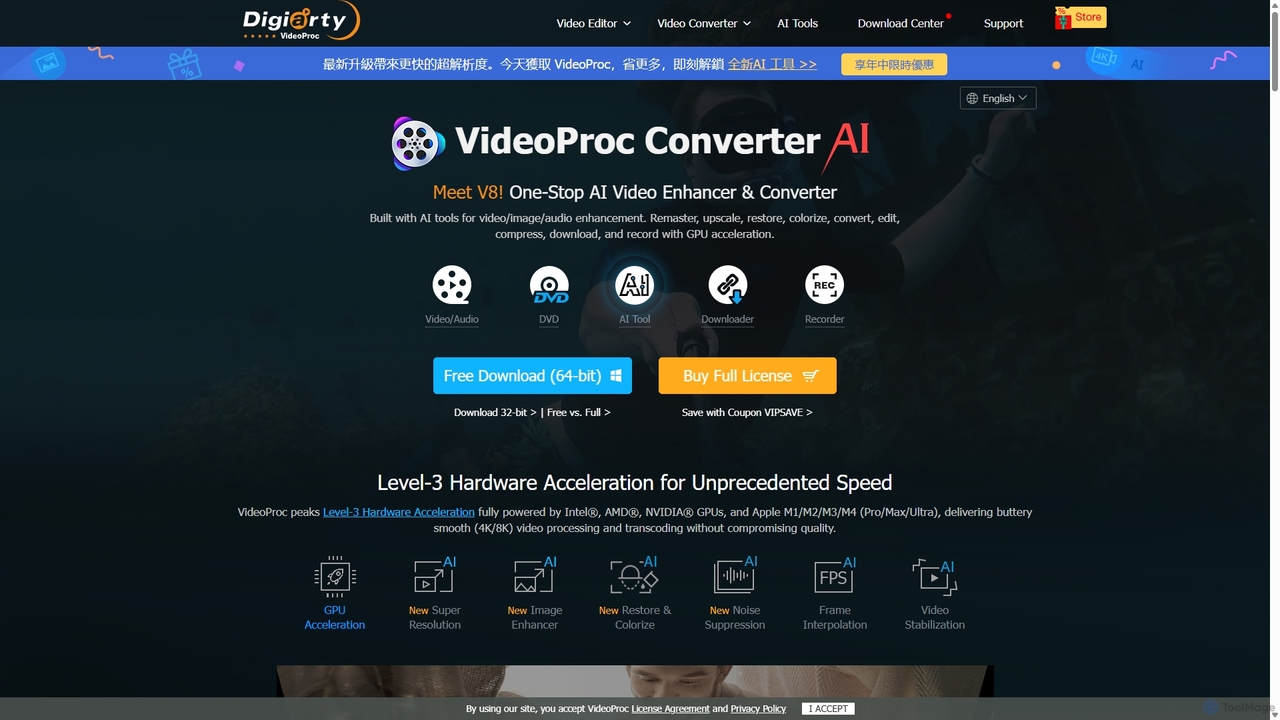
VideoProc
VideoProc is a one-stop, AI-powered media processing suite. It enhances, converts, edits, compresses, downloads, and records 4K/8K videos with full GPU acceleration. Its AI tools upscale video/images, stabilize shaky footage, interpolate frames for smooth motion, and remove background noise from audio.
Audio Editing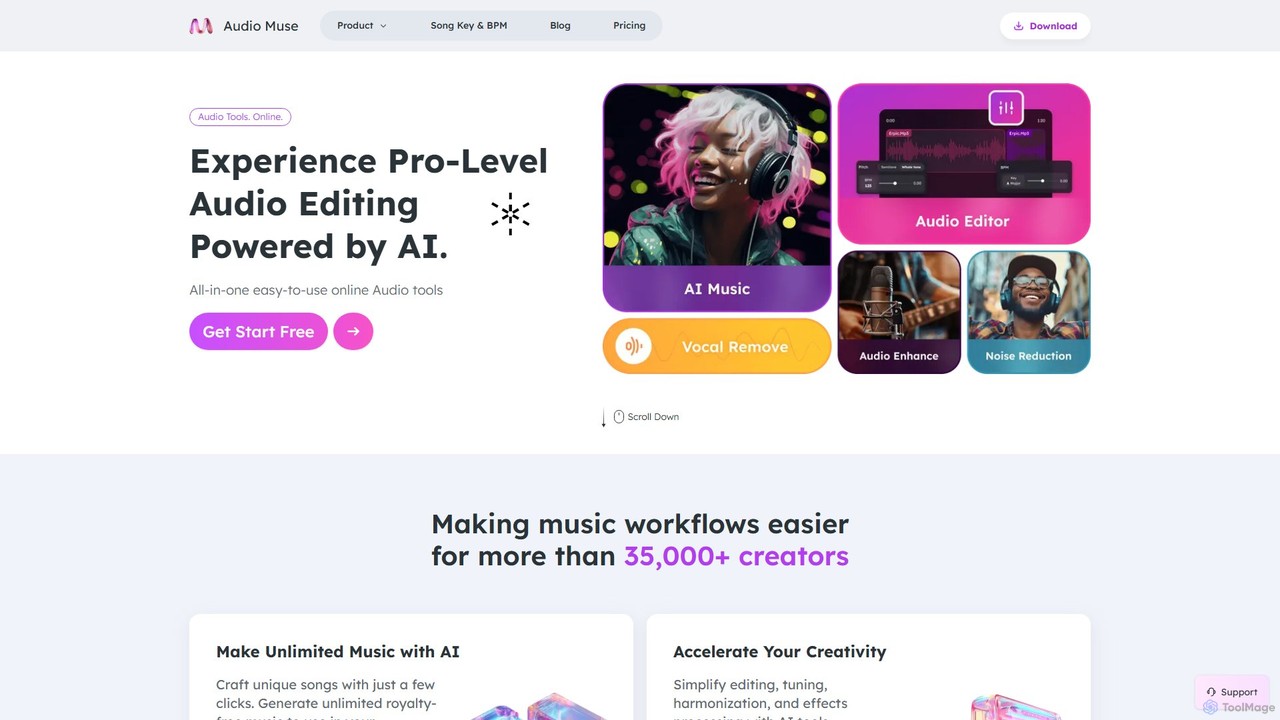
audiomuse
audiomuse is an all-in-one, AI-powered online audio toolkit designed for creators, musicians, and podcasters. It offers a comprehensive suite of tools including an AI music generator, music mastering, stem splitter, vocal remover, noise reduction, and various audio editors. Simplify your workflow and create professional-quality audio with just a few clicks.
Audio Editing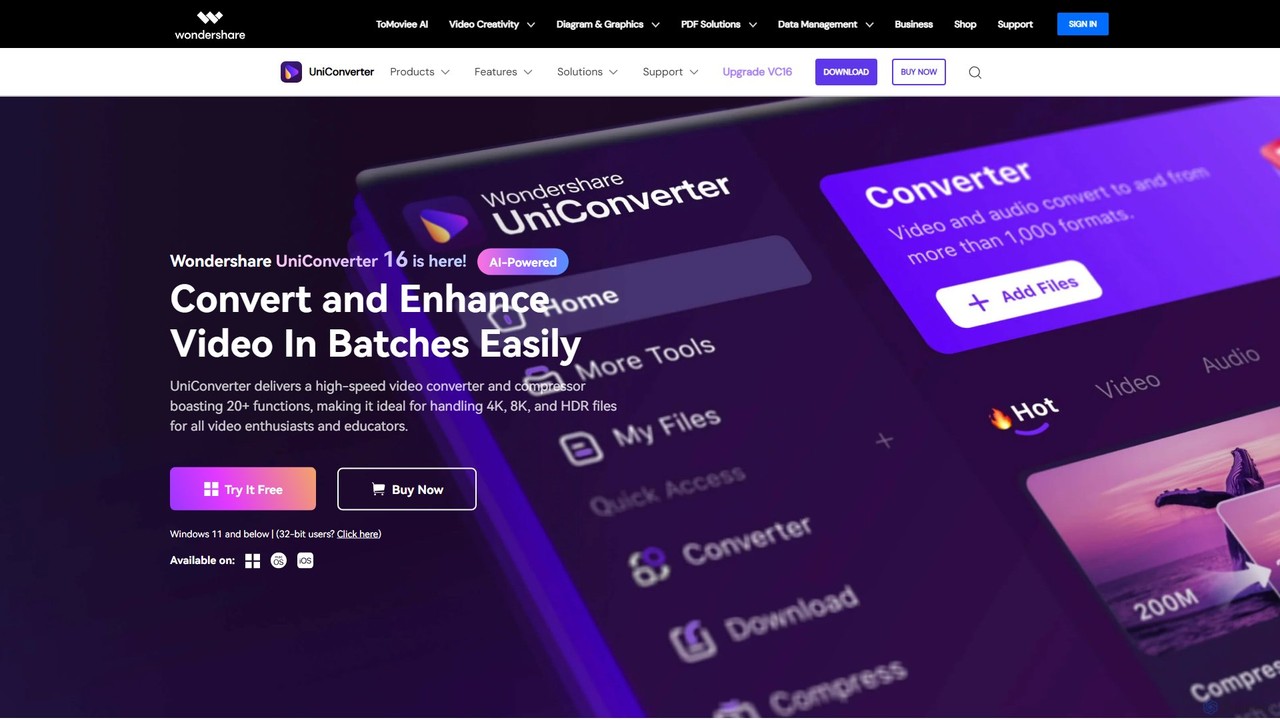
Wondershare UniConverter
Wondershare UniConverter is an all-in-one, AI-powered video toolbox designed for enthusiasts and professionals. It integrates a high-speed video converter, an efficient compressor, a versatile editor, and a suite of AI enhancement tools. Handle 4K/8K/HDR files, convert between 1000+ formats, and leverage AI to upscale video, remove noise, generate subtitles, and more, all within a single, user-friendly application.
Video Enhancement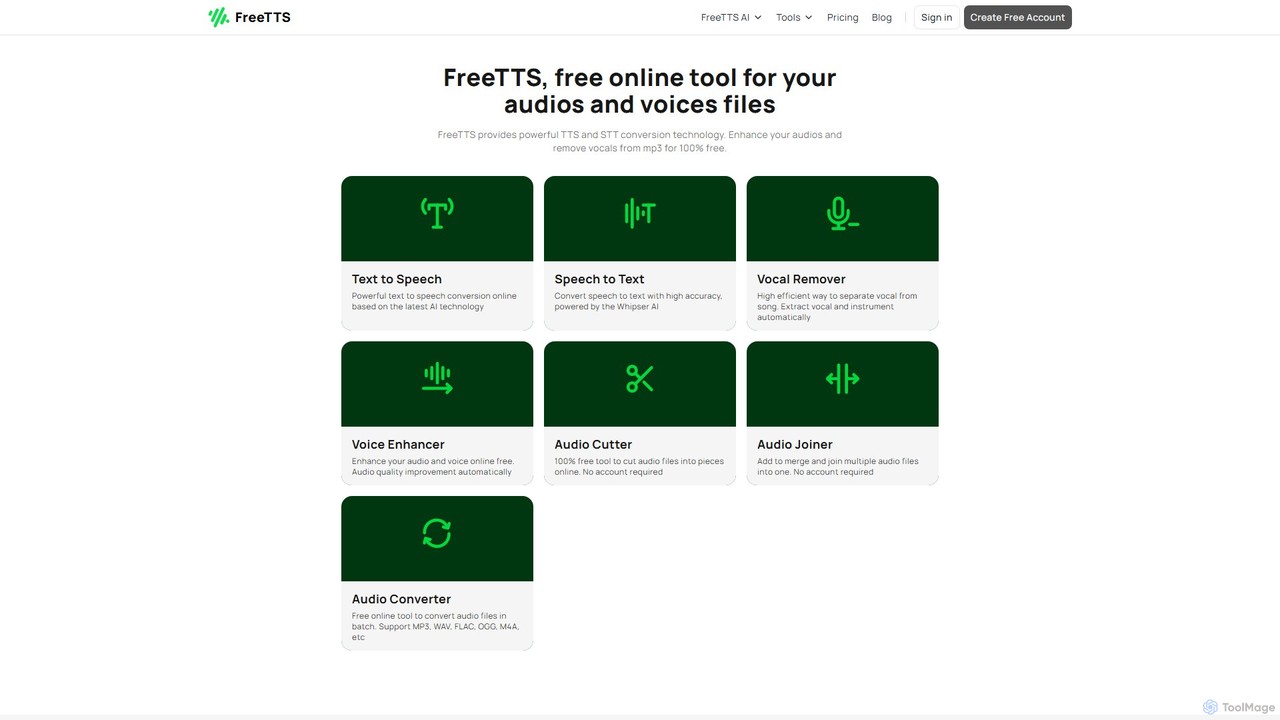
FreeTTS
FreeTTS is a versatile AI-powered audio toolkit offering a suite of free and premium services. It excels in converting text to natural-sounding speech with a wide range of human-like voices. Beyond TTS, it provides high-accuracy speech-to-text transcription, an AI vocal remover, a voice enhancer, and various audio editing tools like a converter, cutter, and joiner. It's an all-in-one solution for content creators, musicians, and anyone needing high-quality audio processing.
Audio EditingKingshiper Categories
Kingshiper Embed Widget
Copy this embed code to place the badge on your blog, article, or product site and send readers directly to this ToolMage detail page.

Related AI tools
audiomuse
audiomuse is an all-in-one, AI-powered online audio toolkit designed for creators, musicians, and podcasters. It offers a comprehensive suite of tools including an AI music generator, music mastering, stem splitter, vocal remover, noise reduction, and various audio editors. Simplify your workflow and create professional-quality audio with just a few clicks.
Audio EditingOnline Audio Converter
A versatile and free web-based tool for converting audio files. It supports over 300 formats, extracts audio from videos, and allows for advanced customization of quality, bitrate, and channels. Features include batch conversion, ID3 tag editing, and cloud integration, all within a secure, browser-based interface.
Audio Editing
Voice Isolator
Voice Isolator is a comprehensive AI-powered audio suite designed for pristine sound quality. It excels at removing background noise, isolating vocals and instruments from any track, cleaning up voice recordings for clarity, and generating natural-sounding speech from text. Ideal for podcasters, musicians, and content creators seeking professional-grade audio processing with a simple, fast, and intuitive web-based interface.
3D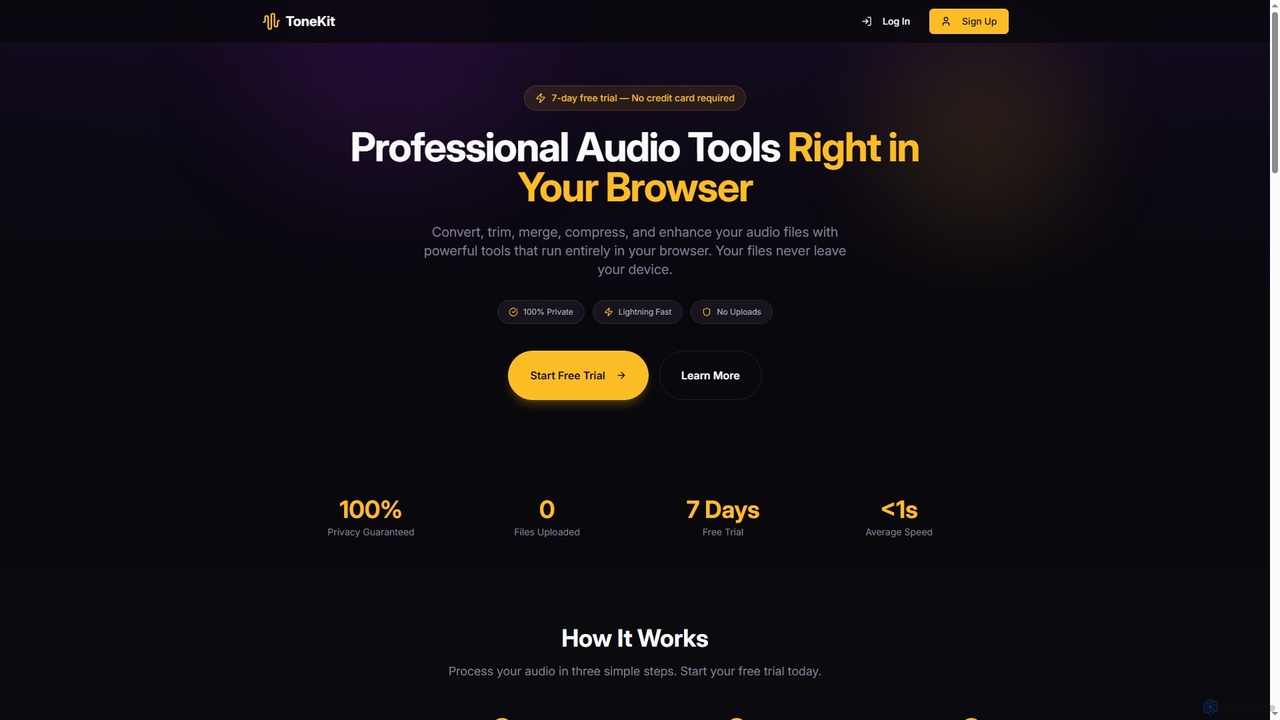
ToneKit
ToneKit is a professional, browser-based audio editing suite that allows users to convert, trim, merge, compress, and enhance audio files with complete privacy. It processes files directly on your device, ensuring no uploads and lightning-fast results, all accessible through a simple, intuitive interface.
Online EditorFreeTTS
FreeTTS is a versatile AI-powered audio toolkit offering a suite of free and premium services. It excels in converting text to natural-sounding speech with a wide range of human-like voices. Beyond TTS, it provides high-accuracy speech-to-text transcription, an AI vocal remover, a voice enhancer, and various audio editing tools like a converter, cutter, and joiner. It's an all-in-one solution for content creators, musicians, and anyone needing high-quality audio processing.
Audio Editing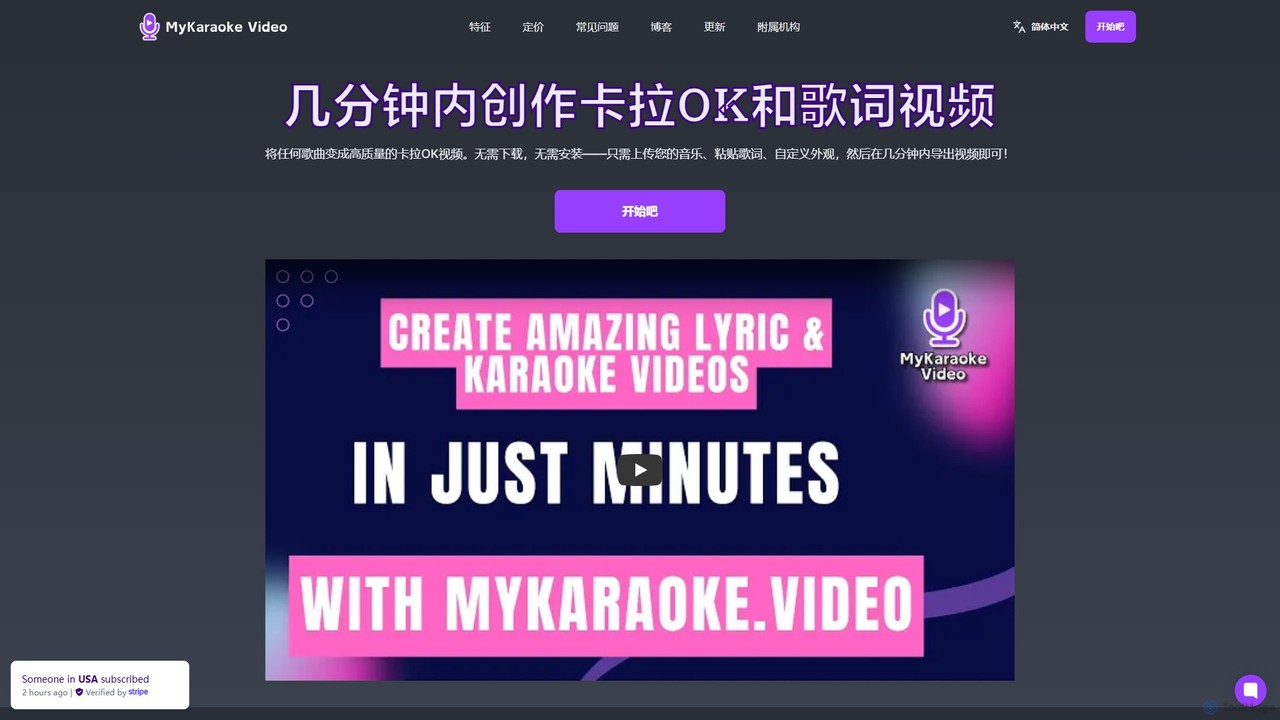
MyKaraoke Video
MyKaraoke Video is an AI-powered, browser-based tool that transforms any song into a professional karaoke or lyric video in minutes. It automatically removes vocals, syncs lyrics, and offers extensive customization options, eliminating the need for complex software.
Audio Editing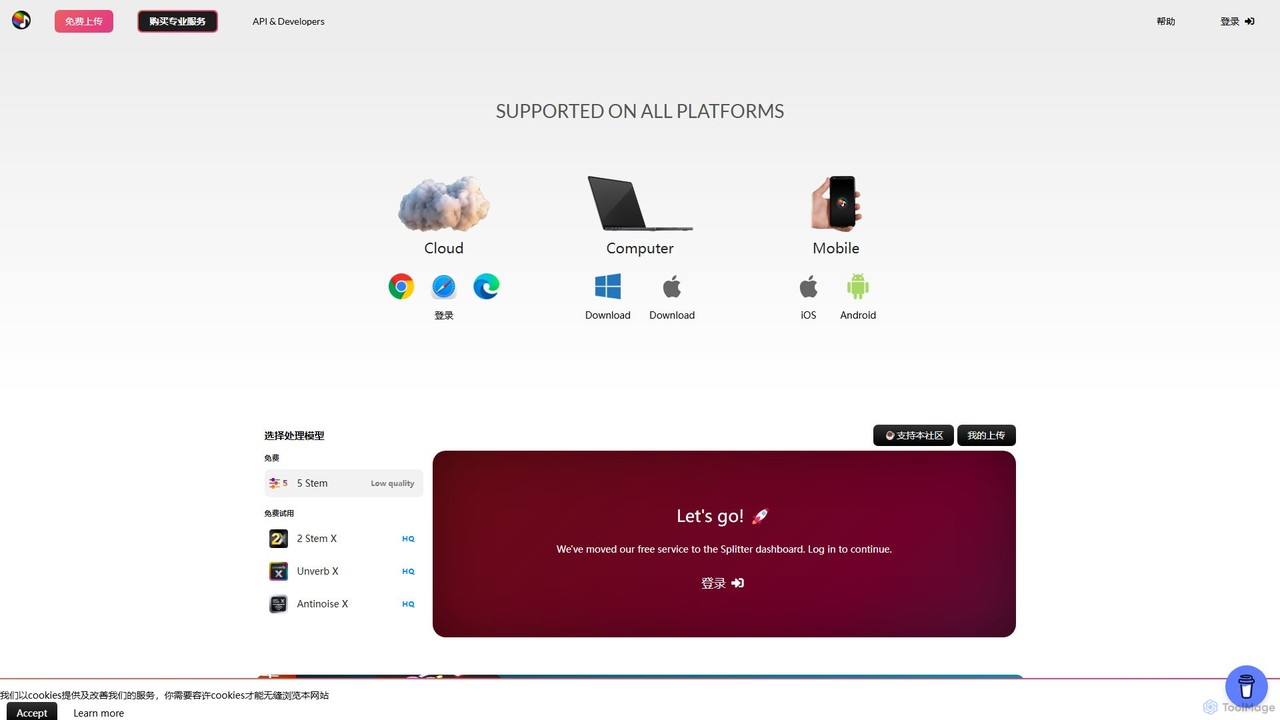
Splitter.ai
Splitter.ai is an advanced AI-powered audio processing platform for high-fidelity stem separation. It enables users to isolate vocals, drums, bass, piano, and other instruments from any song. With features like reverb removal, noise reduction, and direct YouTube processing, it's an essential tool for music producers, DJs, and musicians.
Audio Editing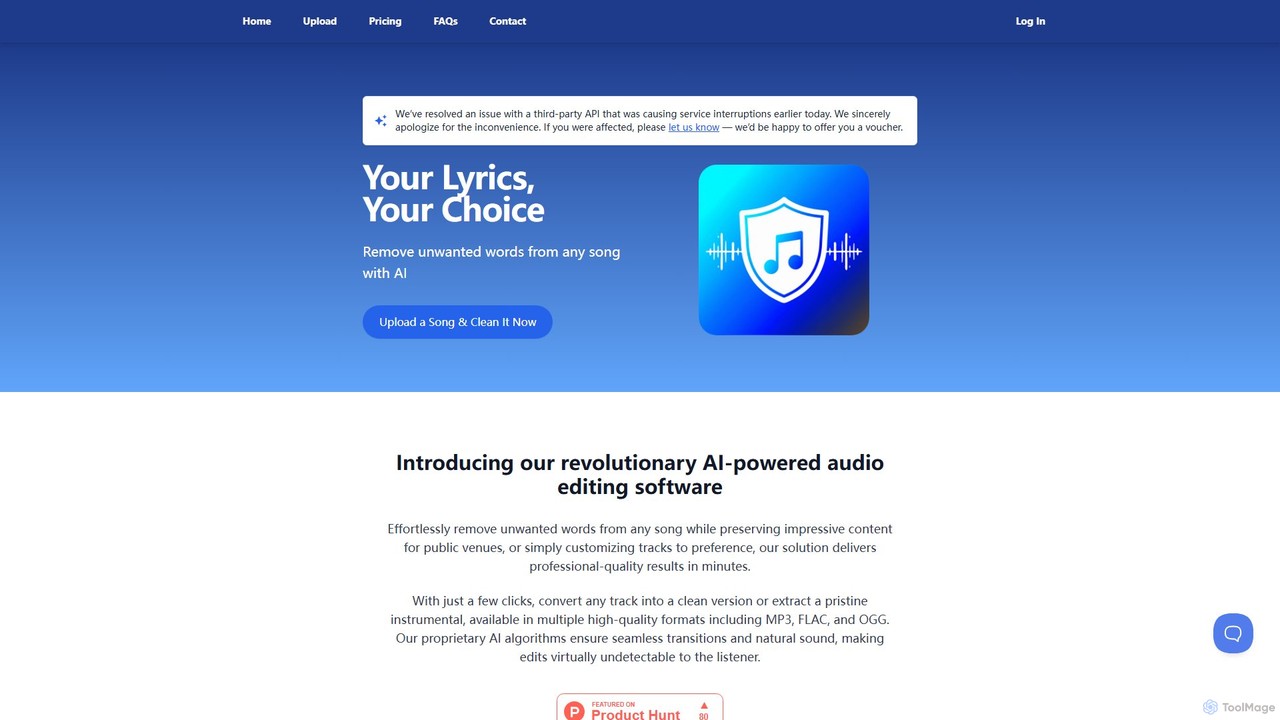
SongCleaner
An AI-powered audio tool that automatically removes explicit or unwanted words from any song to create clean, family-friendly versions. It can also extract high-quality instrumental tracks, making it perfect for parents, DJs, content creators, and public venues.
Audio Editing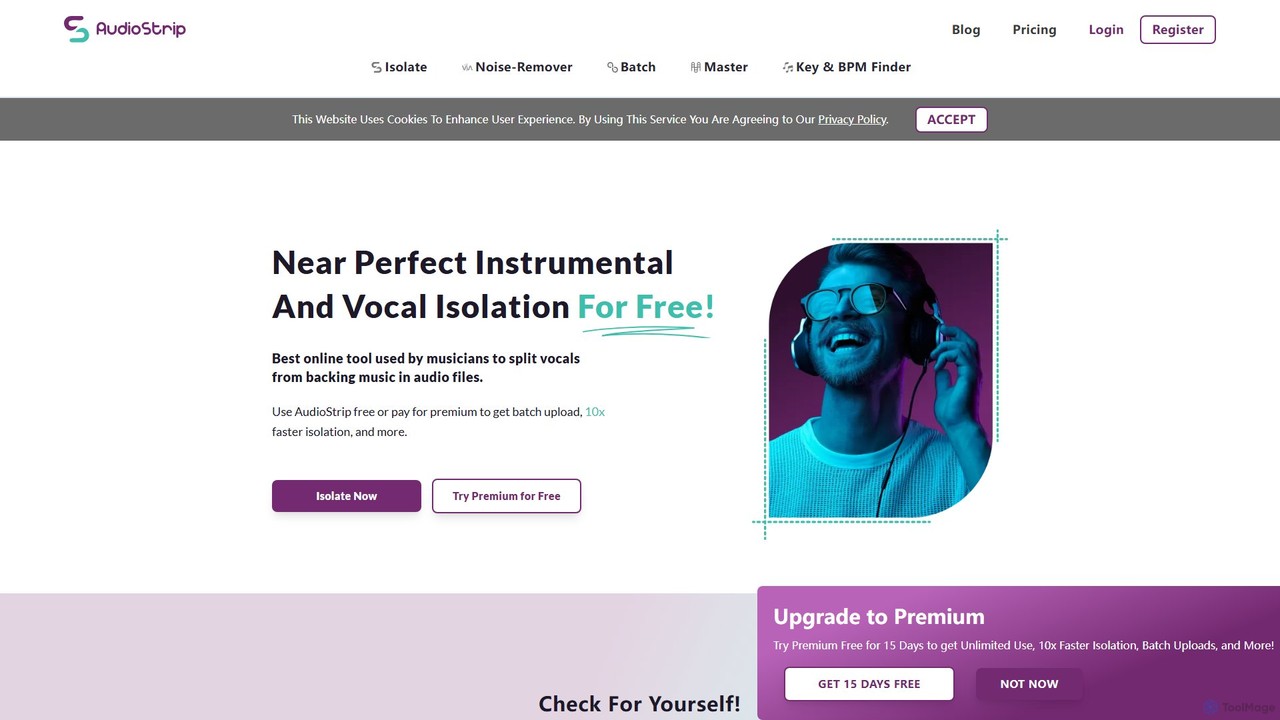
AudioStrip
AudioStrip is a powerful AI-powered online tool for musicians and producers, offering high-quality vocal and instrumental separation from any audio track. It also provides advanced features like AI mastering, noise reduction, and specific instrument isolation (drums, bass, piano, guitar) with both free and premium options.
Audio Editing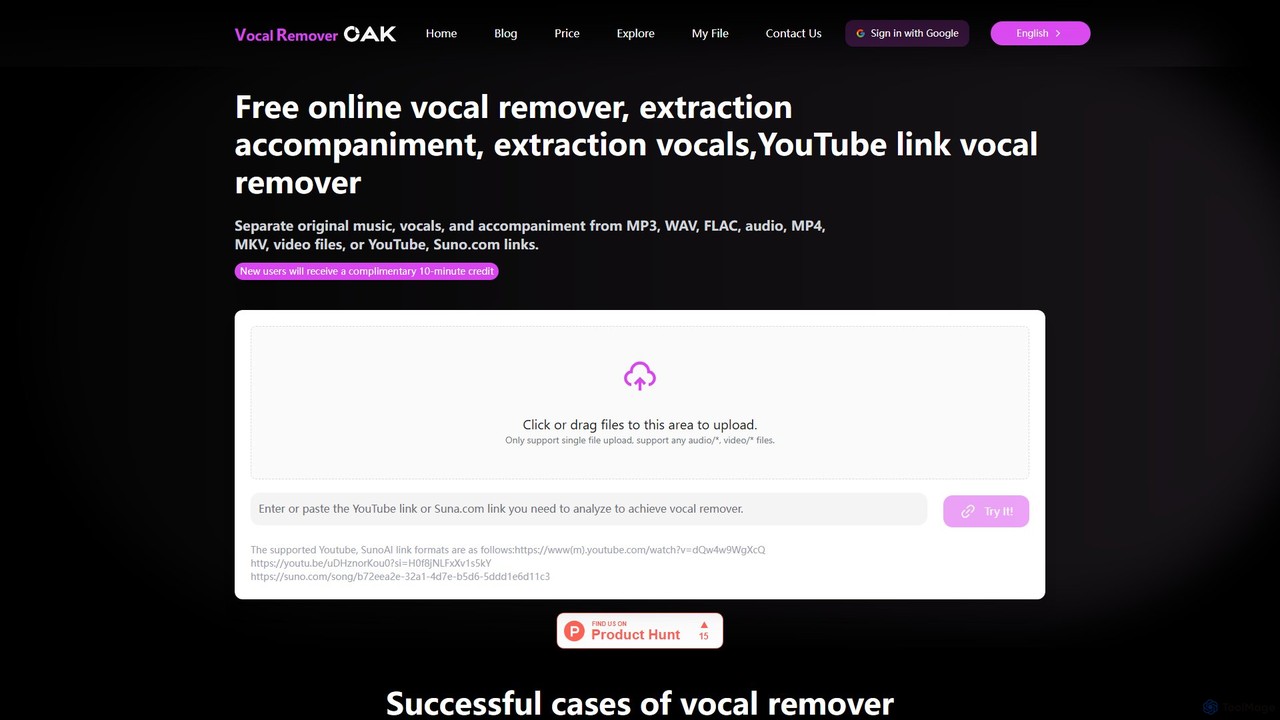
vocalremoveroak
vocalremoveroak is a free online AI tool that separates vocals and instrumentals from any audio or video file. Using advanced deep learning, it quickly processes files from your device, YouTube, or Suno.com links. Ideal for musicians, DJs, and content creators to produce high-quality karaoke tracks, remixes, or instrumental versions with lossless audio quality.
Audio Editing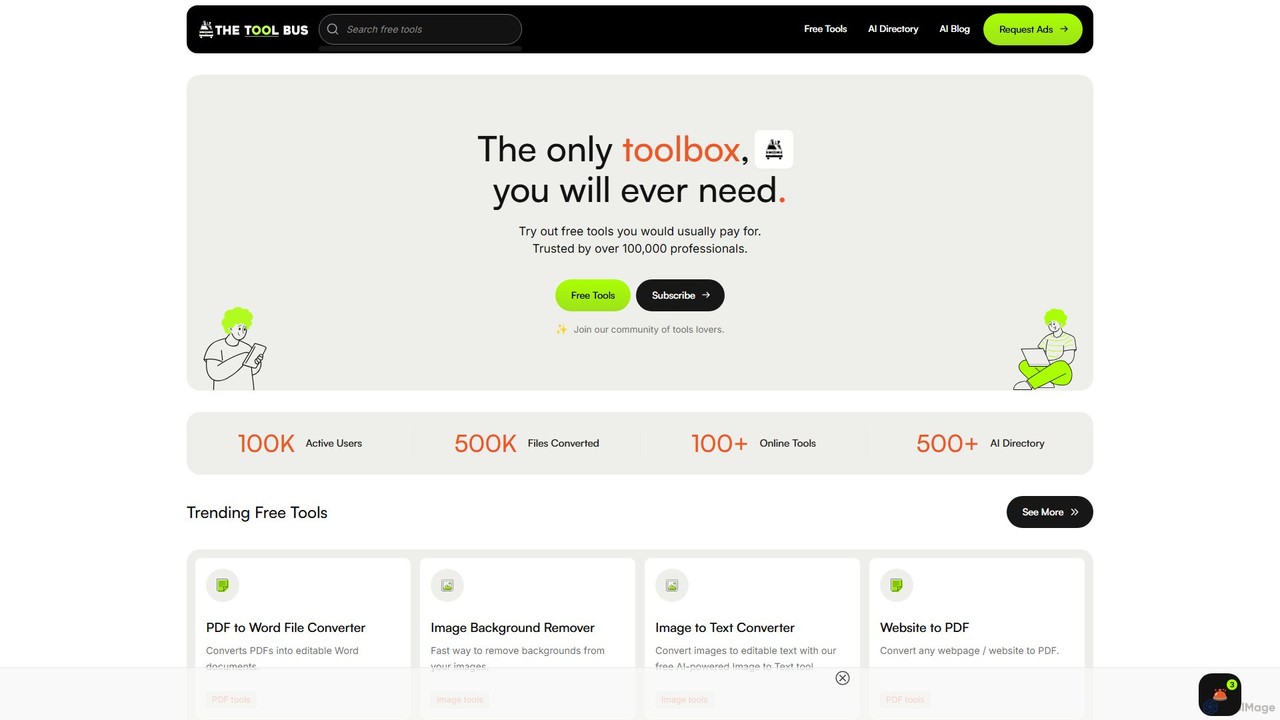
TheToolBus.ai
TheToolBus.ai is a comprehensive, free-to-use online platform offering a suite of AI-powered tools. It features PDF and image converters, an AI cover letter writer, a QR code generator, and more. It also serves as a resource hub with an extensive AI tool directory and an insightful blog on AI trends and tutorials.
Image Editing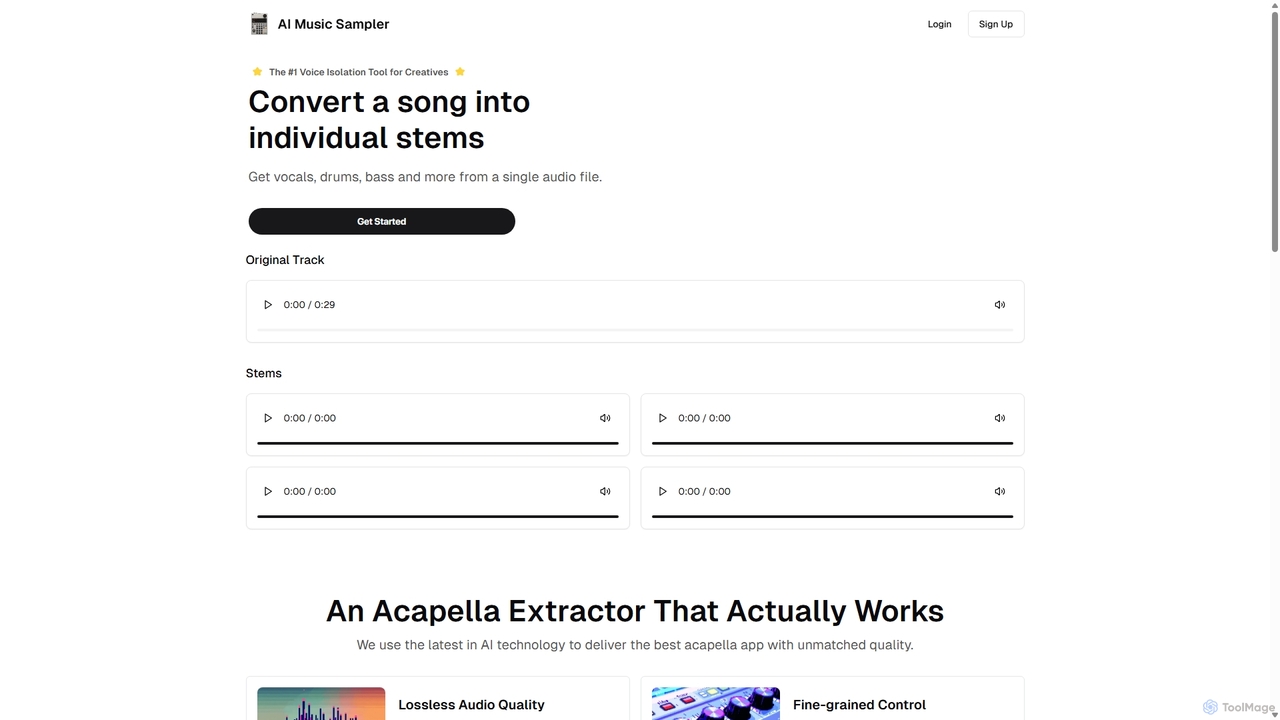
Aimusicsampler
Aimusicsampler is an AI-powered audio separation tool that allows creatives to extract individual stems like vocals, drums, bass, and other instruments from any song. It delivers high-quality, lossless audio files (WAV) with remarkable accuracy, operating on a flexible pay-per-use model without requiring a monthly subscription.
Audio Editing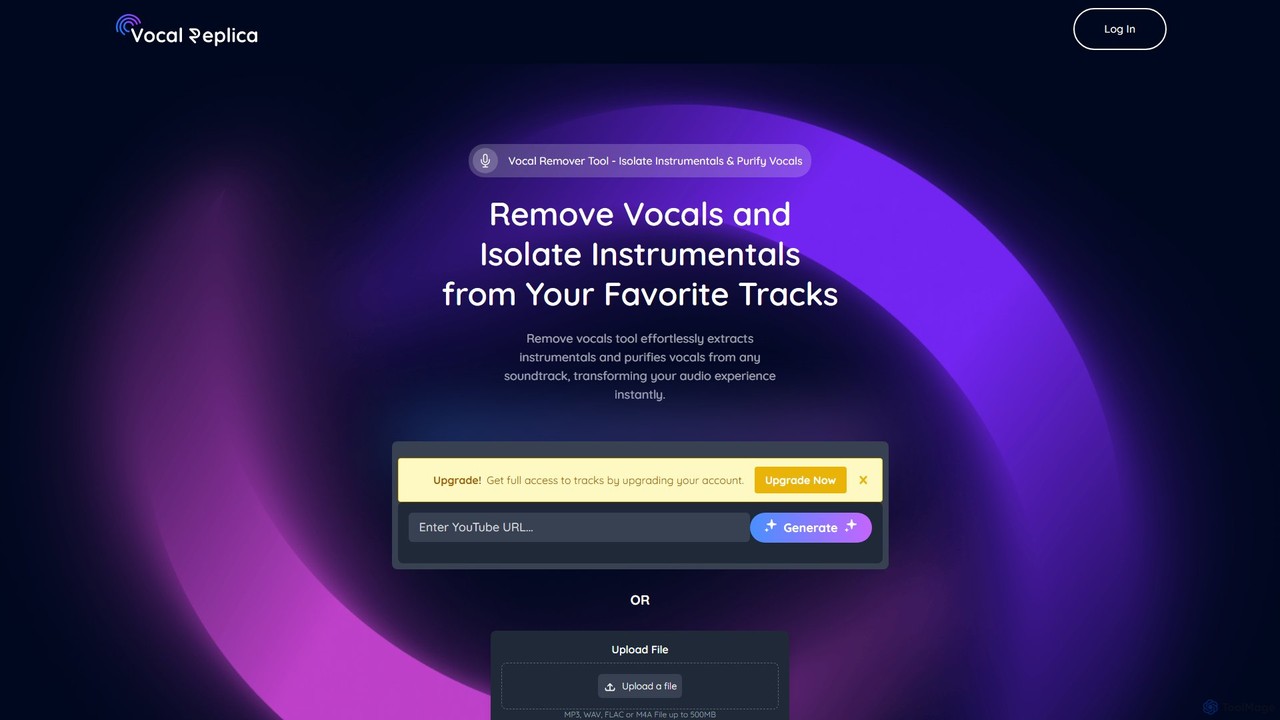
VocalReplica
VocalReplica is an advanced AI-powered tool for high-precision vocal and instrumental separation. It enables musicians, DJs, and producers to easily isolate clean vocal and instrumental tracks from any song by uploading an audio file or pasting a YouTube URL.
Audio Editing
SplitJoin
SplitJoin is an AI-powered audio processing tool designed for musicians, producers, and content creators. It allows users to easily separate any song into individual stems like vocals, drums, bass, and instruments. The platform also provides features to join and mix audio tracks, making it a versatile solution for creating remixes, backing tracks, or karaoke versions with high fidelity.
Audio Editing
editair
editair is an AI-powered audio editing platform designed to automatically clean, enhance, and perfect your audio recordings. It intelligently removes background noise, eliminates filler words, and applies studio-quality enhancements with a single click, making professional sound accessible to everyone.
Audio Editing
Kingshiper Comments (0)
Sign in to comment.
Sign inNo comments yet.