Utilities Best in category 3 results System AI Tool

Popular AI tools in the System field of Utilities include Kingshiper、Sortio、Knock, etc., helping you quickly improve efficiency.

Knock

Knock

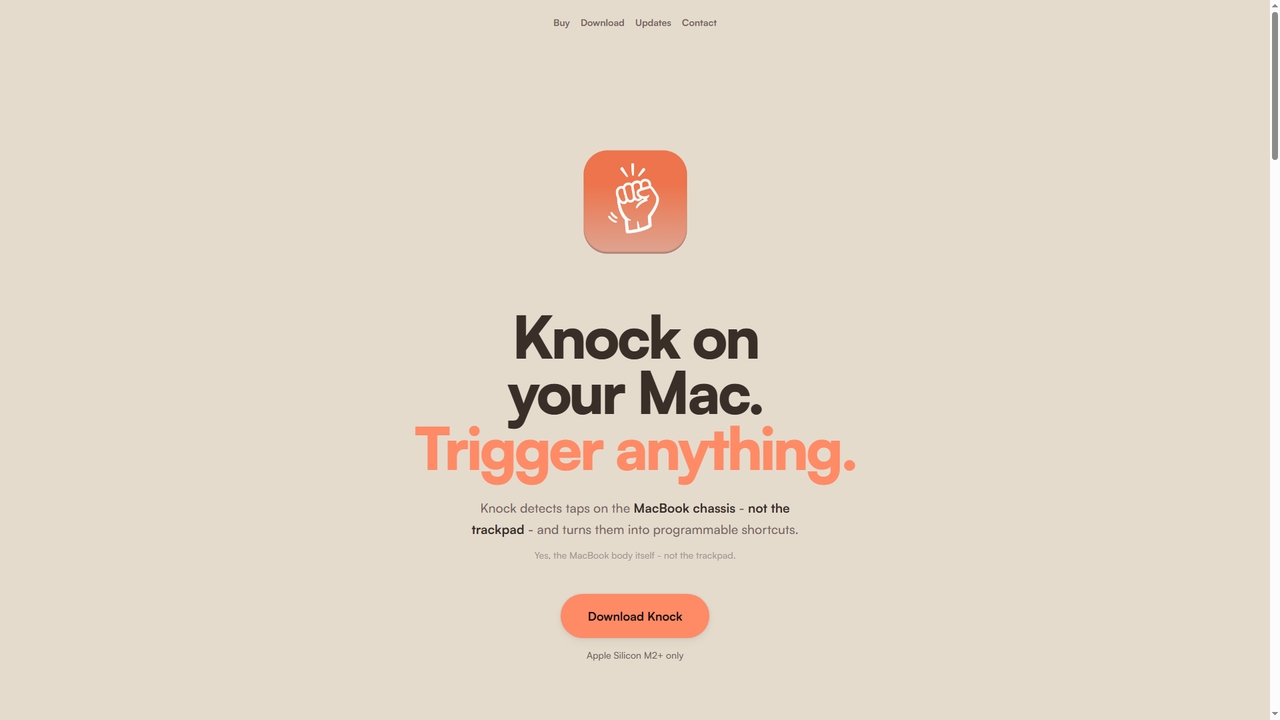
Knock is a macOS utility that transforms your MacBook into a gesture-sensitive interface. By detecting taps on the …

10.1K
Kingshiper

Kingshiper

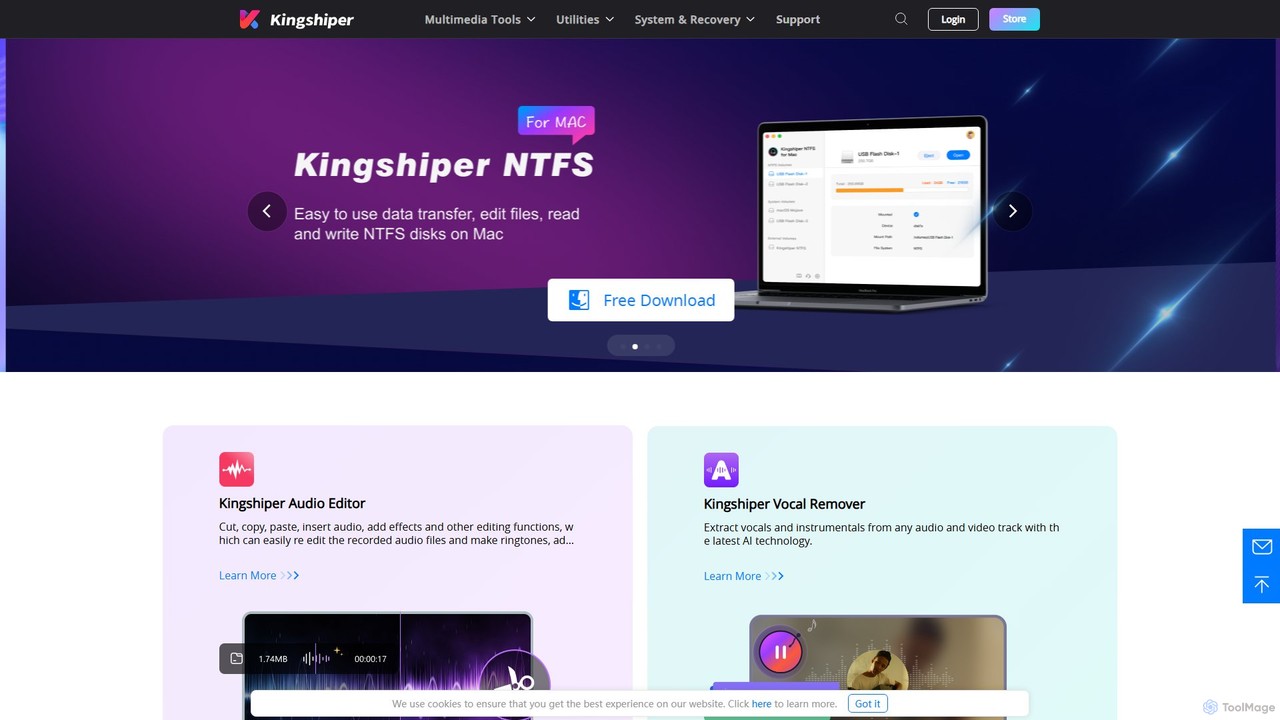
A versatile suite of desktop tools for audio editing, AI-powered vocal removal, file conversion (audio & PDF), and …

226.6K
Sortio

Sortio

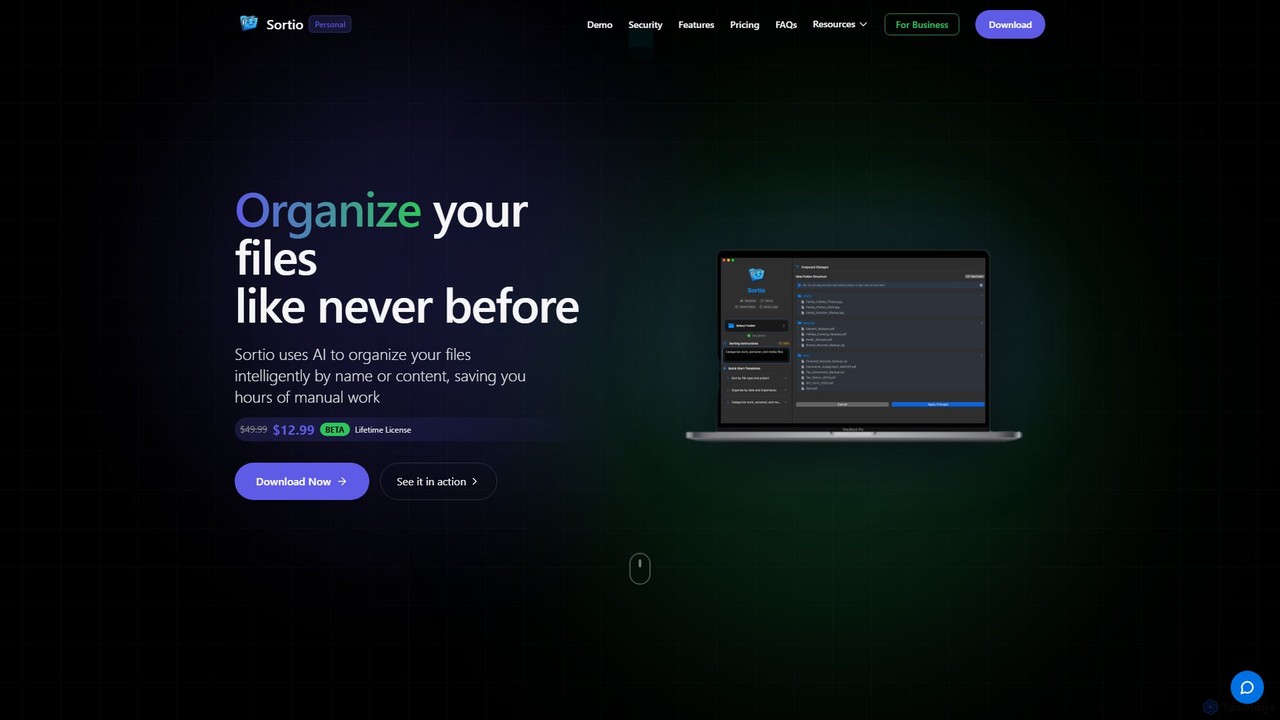
Sortio is an AI-powered desktop application for macOS and Windows that intelligently organizes your files. Using natural language …

17.0K

About System

AI System tools are specialized utilities designed to monitor, manage, and optimize the performance, health, and efficiency of artificial intelligence models and their underlying infrastructure. These tools provide critical visibility into the operational aspects of deployed AI, tracking key metrics and diagnosing issues that are unique to machine learning systems. By offering deep insights into model behavior, resource consumption, and data integrity, they ensure that AI applications run reliably, cost-effectively, and responsibly. This category is essential for maintaining the long-term value and trustworthiness of production-level AI.

Core Features

  • Performance Monitoring: Tracks real-time metrics like latency, throughput, and error rates for deployed AI models.
  • Model Drift Detection: Automatically identifies changes in data patterns that can degrade model accuracy over time.
  • Resource Optimization: Analyzes and manages CPU, GPU, and memory usage to improve efficiency and reduce operational costs.
  • Explainability & Auditing: Provides tools to interpret model predictions and audit for fairness and bias.
  • Lifecycle Management: Offers a centralized platform for deploying, versioning, and retiring AI models (MLOps).

Use Cases

These tools are primarily used by MLOps engineers, data scientists, and IT operations teams responsible for production AI systems. They are crucial in industries like finance for monitoring fraud detection models, in e-commerce for maintaining recommendation engines, and in healthcare for ensuring the reliability of diagnostic AI. Any organization deploying mission-critical AI will benefit from the stability and oversight these system tools provide.

How to Choose

When selecting an AI System tool, consider its integration capabilities with your existing machine learning frameworks (e.g., TensorFlow, PyTorch) and cloud platforms. Evaluate the scope of its monitoring features—does it cover performance, data drift, and bias? Also, assess its scalability to handle your data volume, the quality of its alerting and reporting functions, and whether it provides a user-friendly dashboard for diagnostics.

SystemUse Cases

1

Monitor a Live Fraud Detection Model

A financial technology company's data science team is responsible for a real-time transaction fraud detection model. They use an AI System tool to continuously monitor its performance. The tool's dashboard displays key metrics like prediction latency, accuracy, and false positive rates. It automatically alerts the team via Slack if latency exceeds a 200ms threshold or if the data distribution shifts significantly, indicating model drift. This allows them to proactively retrain the model before its performance degrades, ensuring high accuracy and protecting customers from fraud without disrupting service.

2

Optimize Cloud Costs for AI Training

A research institution frequently runs large-scale AI model training jobs on a public cloud, leading to high GPU costs. An MLOps engineer uses an AI System tool to analyze resource utilization across all training runs. The tool identifies that GPUs are underutilized by 40% during data preprocessing stages. Based on this insight, the engineer reconfigures the training scripts to use cheaper CPU instances for preprocessing and only allocates expensive GPU resources during the model training phase. This optimization, guided by the system tool's analysis, reduces their monthly cloud bill by over 30%.

3

Ensure Fairness in a Loan Approval AI

A bank uses an AI model to automate initial loan application screenings. To comply with regulations and ethical guidelines, the risk management team uses an AI System tool with auditing capabilities. The tool analyzes the model's predictions against demographic data (e.g., age, gender, zip code) provided in a controlled test environment. It generates a fairness report highlighting any statistical biases. For instance, it flagged that applicants from a certain zip code were being rejected at a disproportionately high rate. This allowed the data science team to investigate and mitigate the bias before deploying the model, preventing discriminatory outcomes.

4

Manage a Fleet of Edge AI Devices

A smart retail company deploys hundreds of AI-powered cameras across its stores to analyze customer traffic. An IT operations team uses a centralized AI System tool to manage this fleet. From a single web interface, they can deploy new object detection models to all cameras simultaneously, monitor the health and connectivity of each device, and roll back to a previous model version if an update causes issues. The tool provides a real-time map of device statuses, significantly simplifying the management of a large, distributed AI system and reducing the need for on-site technicians.

5

Automate AI System Diagnostics

An e-commerce platform experiences intermittent slowdowns in its AI-powered product recommendation API. Instead of manual troubleshooting, the SRE team relies on an AI System tool for diagnostics. The tool continuously analyzes logs, traces, and metrics from the entire application stack. When a slowdown occurs, it automatically correlates the increased API latency with a memory leak in a specific data preprocessing microservice. It pinpoints the exact service and provides contextual logs, allowing developers to fix the root cause in minutes instead of hours of searching, thereby improving system reliability.

6

A/B Testing New AI Model Versions

A content streaming service wants to deploy a new version of its recommendation algorithm. To mitigate risk, the MLOps team uses an AI System tool to perform a controlled A/B test. They configure the tool to route 10% of user traffic to the new model (version B) while the remaining 90% continues to use the current model (version A). The system tool monitors key business metrics for both versions in real-time, such as user engagement and click-through rates. After a week, the data clearly shows that version B increases engagement by 5%. Confident in the results, the team uses the tool to gradually roll out the new model to all users.

SystemFrequently Asked Questions