

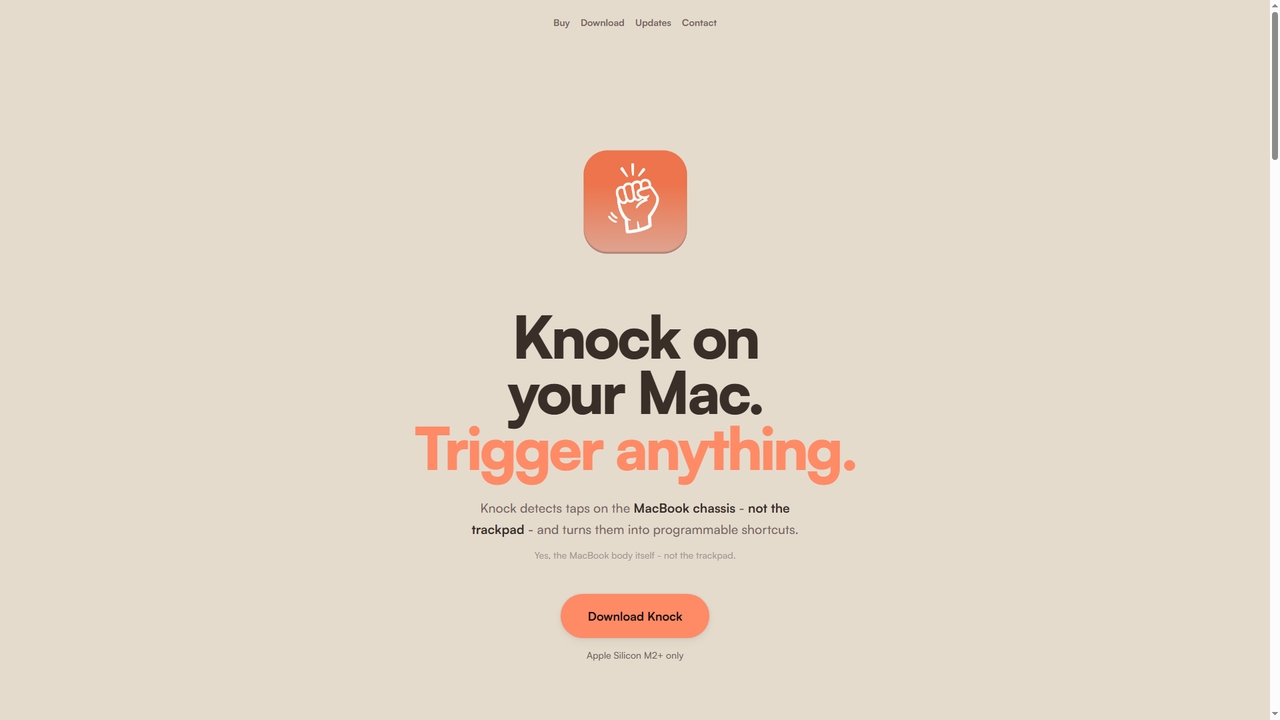
Knock Overview
Knock is a unique macOS utility application that leverages the built-in accelerometer of Apple Silicon MacBooks to create a novel input method. Instead of using the trackpad or keyboard shortcuts, users can physically tap on the MacBook's chassis (the body itself) to trigger programmable actions. This transforms your laptop into an interactive device that responds to physical gestures, enabling instant access to common tasks and complex workflows directly from a simple knock, double knock, or triple knock pattern. It runs as a background utility, integrating deeply with macOS to execute commands seamlessly.
How to use Knock
First, download the Knock application from the official website. It requires macOS Sequoia or later and an Apple Silicon M2 or newer MacBook. After installation, launch the app and configure your desired actions. You can assign specific commands, application launches, macOS Shortcuts, terminal scripts, or system toggles (like mute audio or lock screen) to single, double, or triple knock gestures. The app uses a "Knock Test" tool to help you verify tap detection sensitivity before finalizing your setup. Once configured, you can simply knock on your MacBook's body to trigger the assigned action instantly, even through a desk surface.
Core Features of Knock
- Accelerometer-Based Tap Detection: Utilizes the MacBook's internal motion sensor to detect distinct knock patterns (single, double, triple) on the laptop chassis, not the trackpad.
- Programmable Gesture Actions: Assign custom commands to each knock type. Built-in actions include muting audio, locking the screen, taking screenshots, and toggling Focus modes.
- Command and Script Execution: Trigger the launch of any application, run custom terminal commands or shell scripts, and execute macOS Shortcuts automation workflows.
- Adjustable Sensitivity: Fine-tune detection sensitivity for lighter or heavier taps and includes automatic gesture suppression while typing to prevent accidental triggers.
- System Integration: Seamlessly works with macOS system functions and native Shortcuts app for comprehensive automation.
Use Cases for Knock
Knock is ideal for users seeking faster, hands-free control over their Mac. Quickly mute or unmute audio during video meetings with a discreet tap. Launch your most-used apps or documents without reaching for the keyboard. Program a triple knock to run a complex automation sequence that prepares your workspace. Developers can trigger terminal scripts or build processes. It's also useful for controlling media playback, toggling Do Not Disturb, or locking the screen when stepping away, all while maintaining focus on your primary task.
Advantages of Knock
Knock offers a tangible productivity boost by creating a new, intuitive physical shortcut layer. It eliminates the need to memorize keyboard shortcuts or navigate menus, allowing for instantaneous action execution. Its deep integration with macOS ensures reliable performance. The technology is clever, using existing hardware (the accelerometer) in a novel way. Being a lightweight utility, it runs unobtrusively in the background. The ability to trigger complex automations with a simple physical gesture can significantly streamline repetitive workflows for power users and professionals.
Knock FAQ
Traffic
Latest traffic
Status
Monthly traffic trend
- 2026-1: 0
- 2026-2: 0
- 2026-3: 331
- 2026-4: 8.2K
- 2026-5: 4.9K
Geography
Top 5 countries / regions
- 🇮🇳India43.7%
- 🇺🇸United States29.4%
- 🇮🇹Italy26.8%
Traffic sources
| Source type | Percentage |
|---|---|
Direct | 69.5% |
Referral | 30.5% |
Top keywords
| Keyword | Cost per click |
|---|---|
| control mac with knock | $0.00 |
| knock application mac | $0.00 |
| knock for mac | $0.00 |
| knock mac app | $0.00 |
| tryknock app | $0.00 |
Knock Alternatives
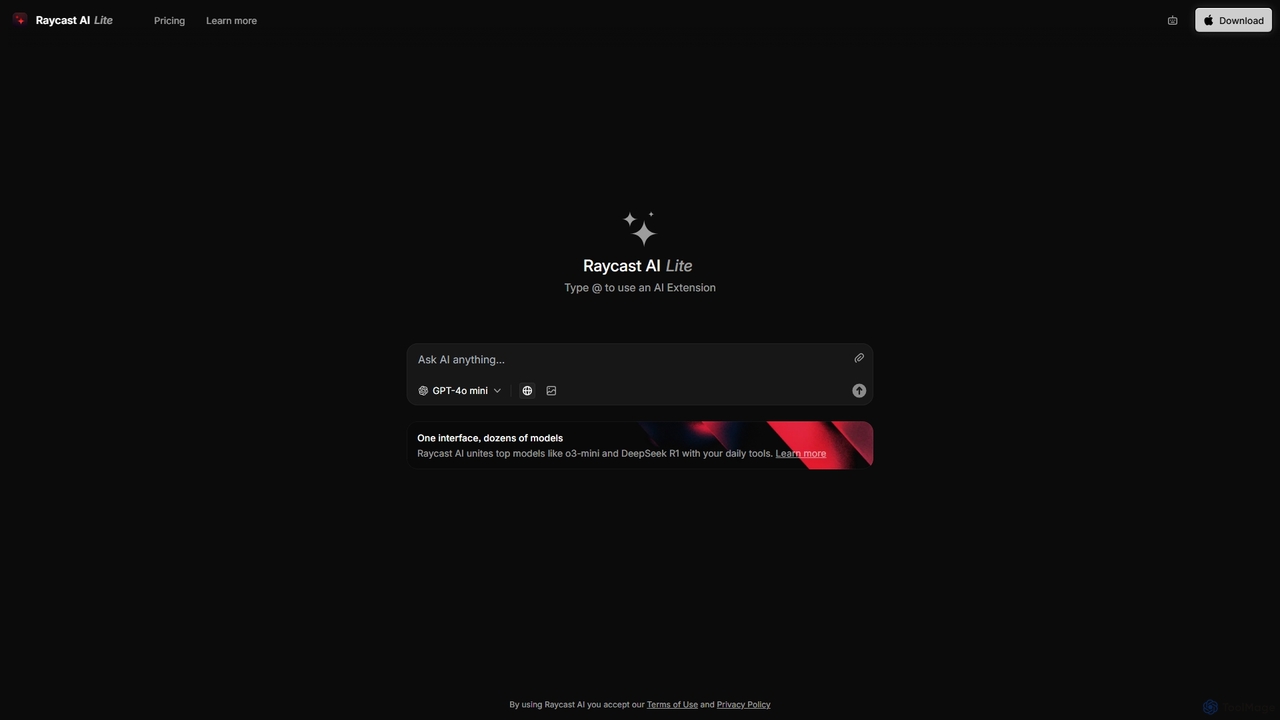
Raycast
Raycast is a blazingly fast, extensible launcher for macOS that supercharges your productivity. It acts as a central command bar to control your tools, with integrated AI, an extensive extension store, and powerful built-in features like window management and clipboard history. It's designed to reduce context switching and keep you in the flow.
Personal Assistant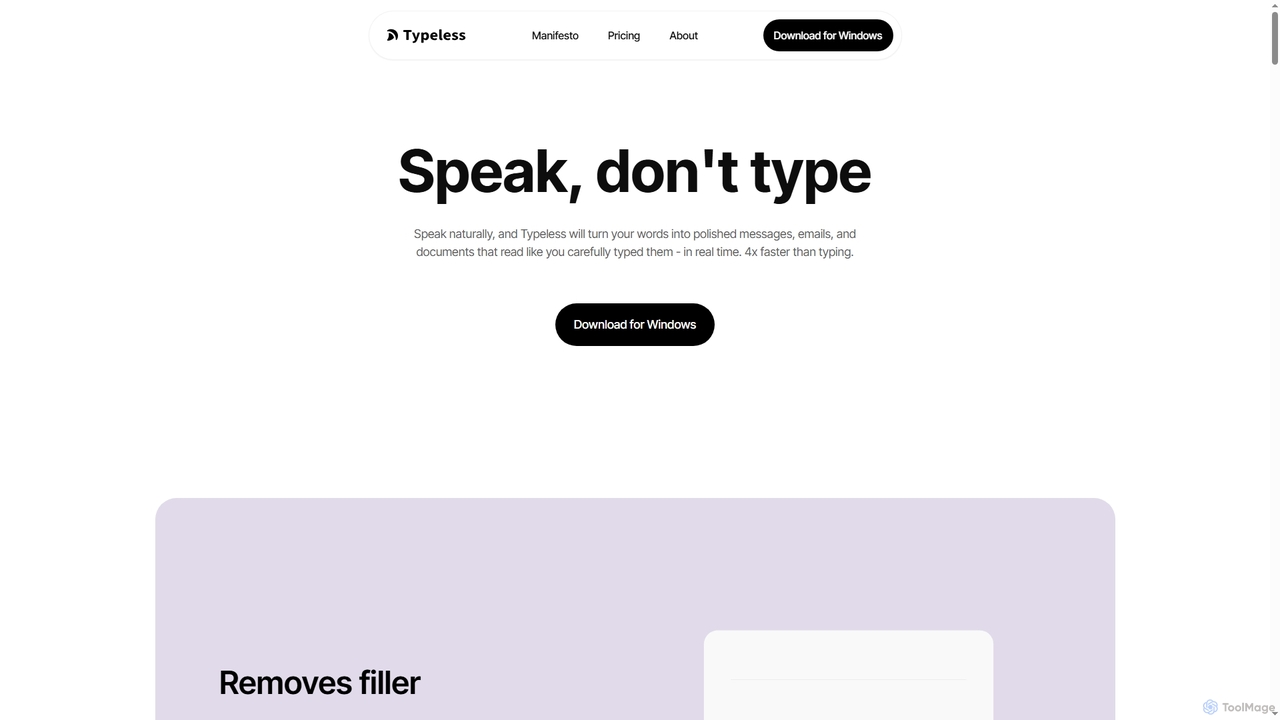
Typeless
Typeless is an intelligent AI voice dictation tool that transforms natural speech into polished, formatted text in real-time. It enhances productivity by automatically removing filler words, repetitions, and auto-correcting mid-sentence changes, making communication up to 4x faster than traditional typing.
Automation
Dangbei AI
A comprehensive AI platform integrating multiple large language models like DeepSeek. It offers a powerful AI chatbot, an extensive AI writing assistant with templates for various scenarios, and a library of specialized AI agents for tasks ranging from travel planning to coding assistance.
Ai Chat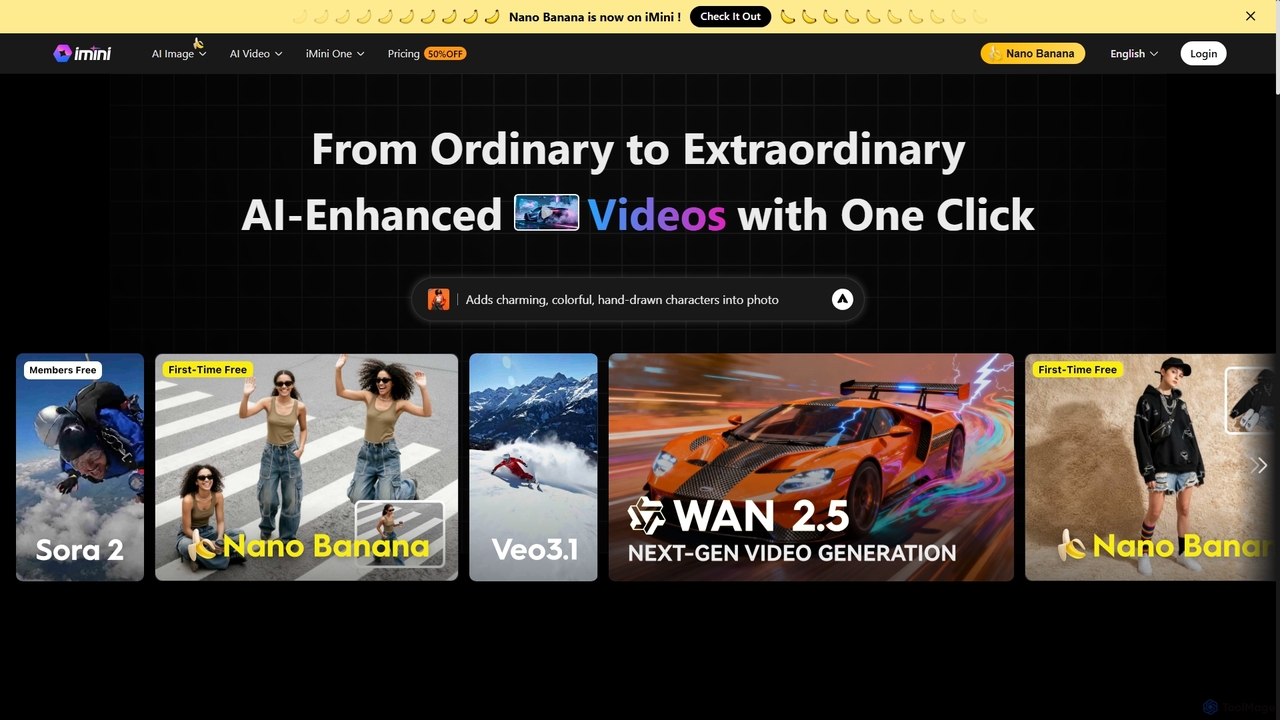
iMini
iMini is an all-in-one AI assistant and creation platform that integrates various AI agents for image generation, video creation, presentation slides, deep research, and document writing. It streamlines workflows, boosts productivity, and offers a unified chat interface for diverse creative and professional tasks.
Multifunctional Assistant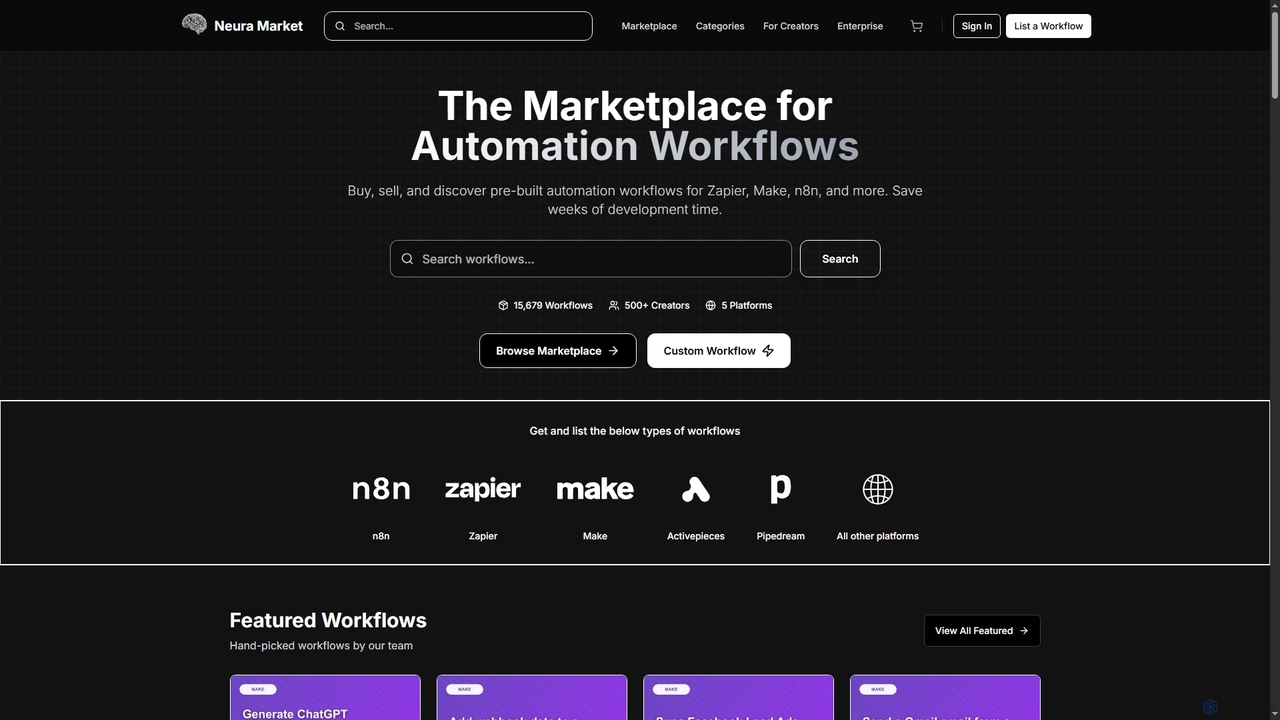
Neura
Neura is the leading marketplace for discovering, buying, and selling pre-built automation workflows. It empowers individuals and enterprises to streamline operations, integrate AI tools like ChatGPT, and save significant development time across platforms such as Zapier, Make, and n8n. With a vast library of workflows and a robust creator ecosystem, Neura simplifies complex automation tasks for various business needs.
Workflow AutomationKnock Categories
Knock Jobs
Knock Embed Widget
Copy this embed code to place the badge on your blog, article, or product site and send readers directly to this ToolMage detail page.

Related AI tools
Raycast
Raycast is a blazingly fast, extensible launcher for macOS that supercharges your productivity. It acts as a central command bar to control your tools, with integrated AI, an extensive extension store, and powerful built-in features like window management and clipboard history. It's designed to reduce context switching and keep you in the flow.
Personal AssistantiMini
iMini is an all-in-one AI assistant and creation platform that integrates various AI agents for image generation, video creation, presentation slides, deep research, and document writing. It streamlines workflows, boosts productivity, and offers a unified chat interface for diverse creative and professional tasks.
Multifunctional AssistantNeura
Neura is the leading marketplace for discovering, buying, and selling pre-built automation workflows. It empowers individuals and enterprises to streamline operations, integrate AI tools like ChatGPT, and save significant development time across platforms such as Zapier, Make, and n8n. With a vast library of workflows and a robust creator ecosystem, Neura simplifies complex automation tasks for various business needs.
Workflow AutomationTypeless
Typeless is an intelligent AI voice dictation tool that transforms natural speech into polished, formatted text in real-time. It enhances productivity by automatically removing filler words, repetitions, and auto-correcting mid-sentence changes, making communication up to 4x faster than traditional typing.
AutomationDangbei AI
A comprehensive AI platform integrating multiple large language models like DeepSeek. It offers a powerful AI chatbot, an extensive AI writing assistant with templates for various scenarios, and a library of specialized AI agents for tasks ranging from travel planning to coding assistance.
Ai Chat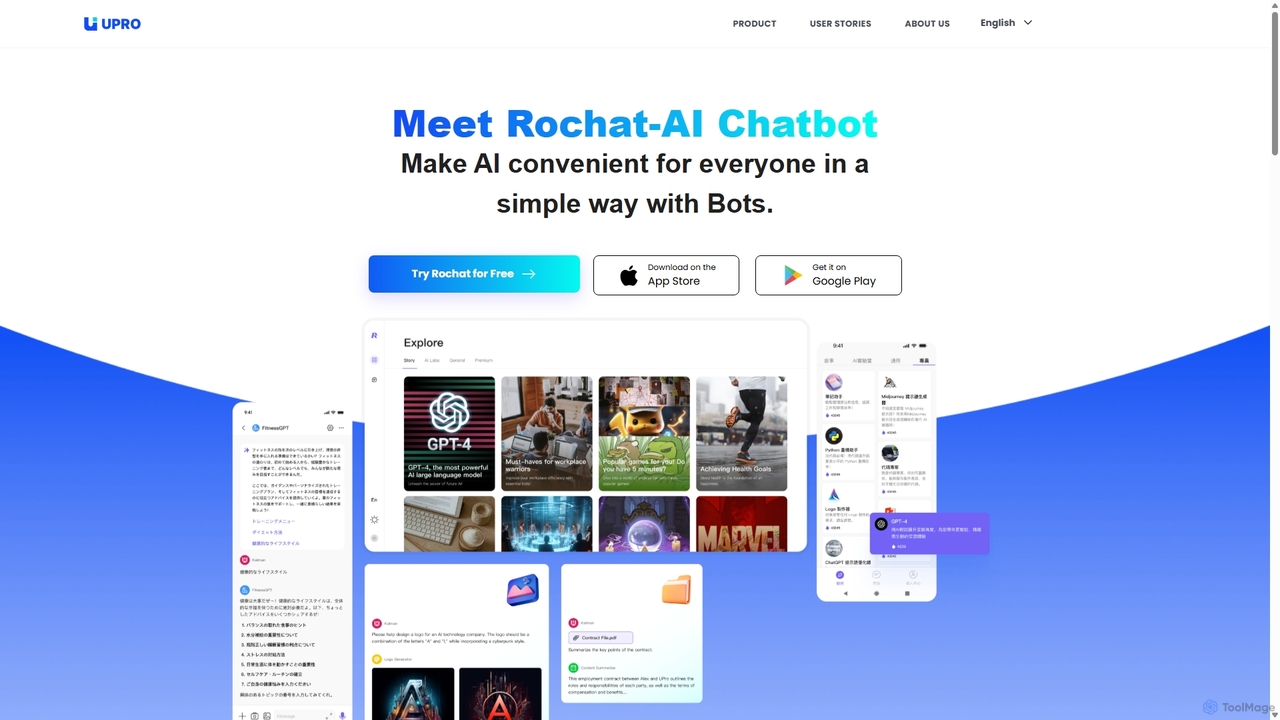
Upro
Upro is an AI platform featuring the Rochat chatbot, designed to make generative AI accessible. It integrates multiple models like GPT-4 and DALL-E for content creation, image generation, and task automation. Its standout feature is a no-code AI bot builder, enabling users to create custom bots for specific needs, enhancing productivity for professionals, students, and creators across web and mobile platforms.
Custom Chatbot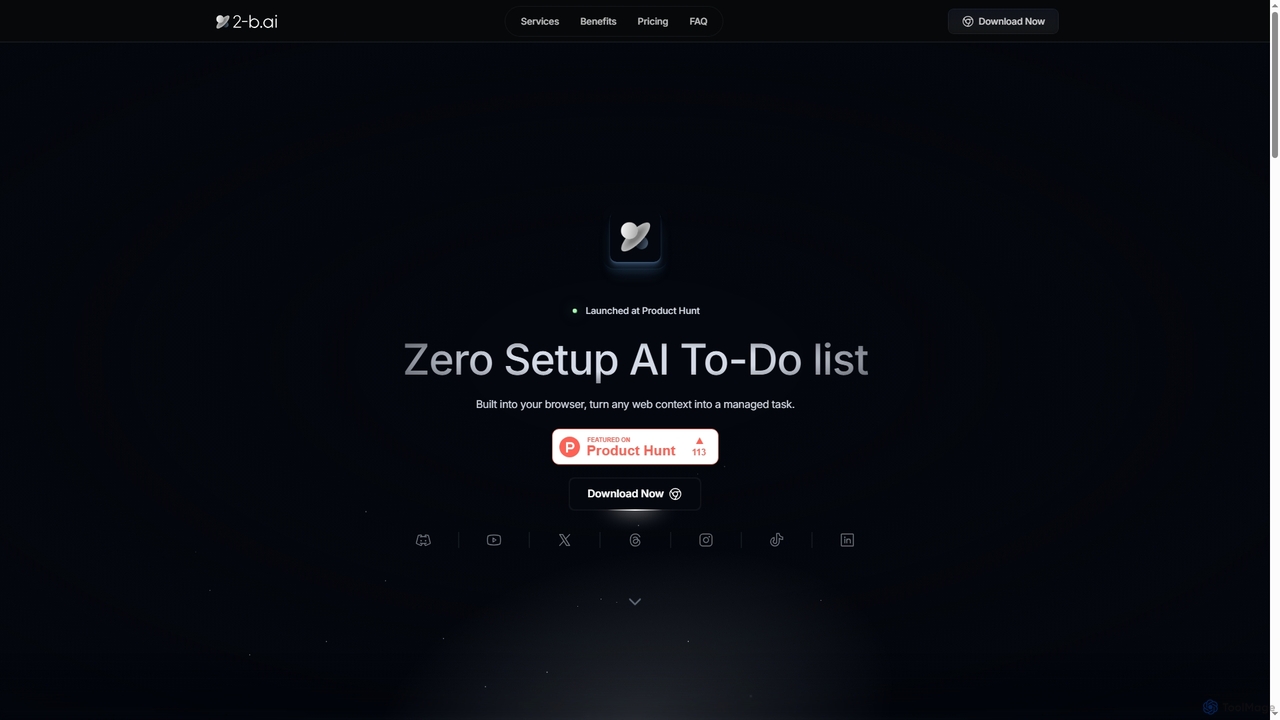
2-b.ai
2-b.ai is a browser-based AI To-Do list extension that seamlessly transforms any web context into manageable tasks. It offers AI-powered task creation, breakdown, and an AI chat for workflow organization, integrating with Google Calendar to enhance productivity directly within your browser.
Workflow Automation
NotesCmdr
NotesCmdr is a powerful macOS extension designed to supercharge the native Apple Notes app. It enhances your note-taking workflow by adding features like slash commands for rapid formatting, a dynamic template system, an inline calculator, and intuitive Markdown-style shortcuts. It's the perfect tool for students, professionals, and anyone looking to boost their productivity within the Apple ecosystem.
Note Taking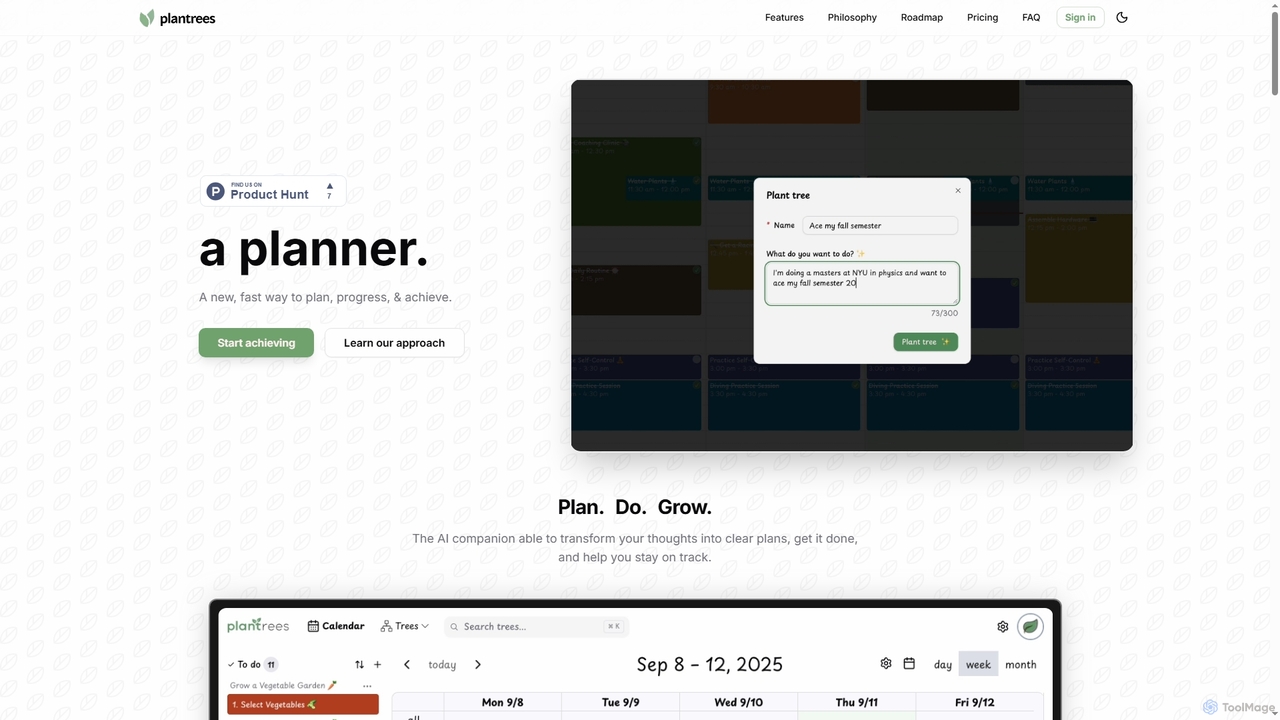
Plantrees
An AI-powered planner that transforms your thoughts and goals into actionable plans using a visual tree structure. It helps you strategize with natural language, manage tasks on a calendar, and track progress with analytics to ensure continuous growth and achievement.
Goal Setting
MultiLLM
MultiLLM is a web-based platform designed to provide users with a personal AI assistant experience. It offers a centralized hub to access and manage various AI models, potentially integrating plugins and knowledge bases for enhanced productivity and personalized interactions. Users can sign in via email or Google to leverage its capabilities.
Automation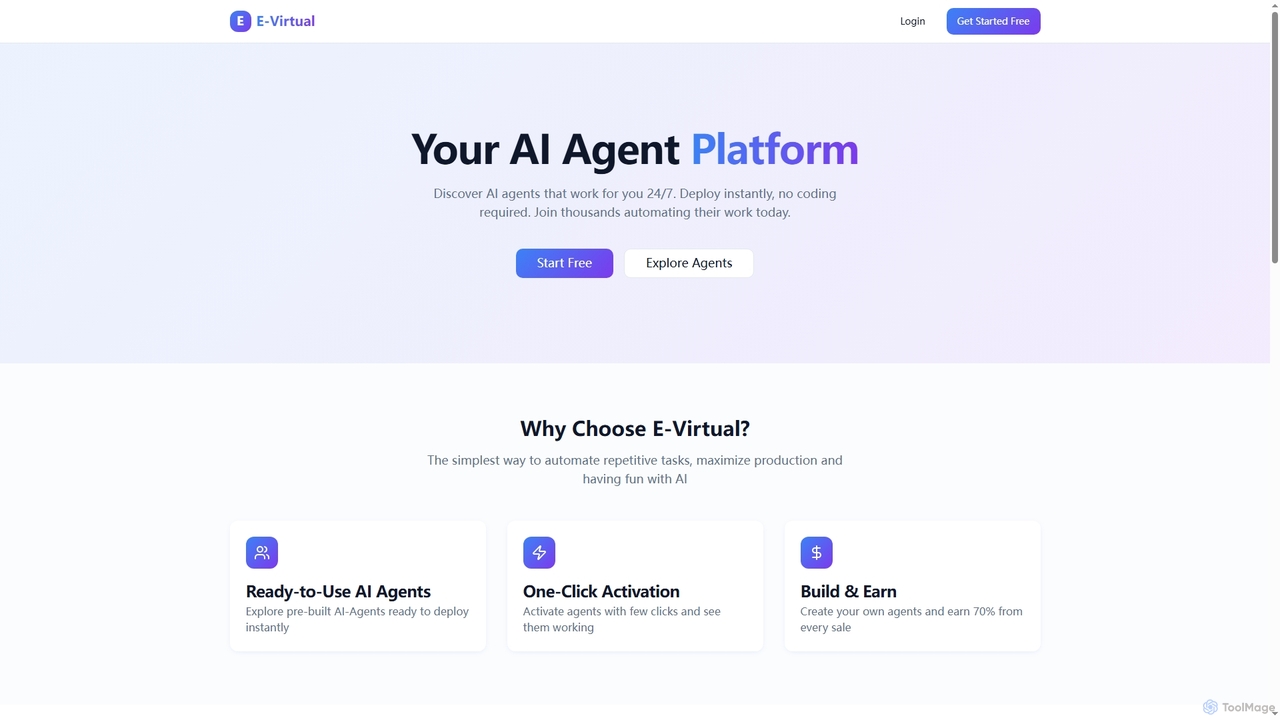
E-Virtual
E-Virtual is an AI agent platform that empowers users to instantly deploy pre-built AI agents without coding, automating repetitive tasks 24/7. It offers a marketplace for ready-to-use agents and allows creators to build and earn from their own AI solutions, simplifying workflow automation for individuals and power users alike.
Workflow Automation
Rayo
Rayo is an AI-powered work management platform designed to automate workflows, streamline project management, and enhance team collaboration. It intelligently organizes tasks, optimizes processes, and provides data-driven insights to help teams achieve their goals faster and more efficiently. Ideal for businesses of all sizes looking to boost productivity.
Collaboration
Microsoft Copilot
Microsoft Copilot is your everyday AI companion, enhancing productivity and creativity. It provides intelligent search, content generation, and image creation capabilities by leveraging the latest AI models like GPT-4 and DALL-E 3. Integrated across the Microsoft ecosystem, it assists with writing, coding, planning, and design tasks.
Image Generator
GPT Workspace
GPT Workspace integrates AI-powered features directly into Google Workspace applications like Docs, Sheets, Slides, and Gmail. It enhances productivity by automating content creation, data analysis, email drafting, and document editing, allowing users to leverage the power of models like GPT-4o seamlessly within their existing workflow.
Document Management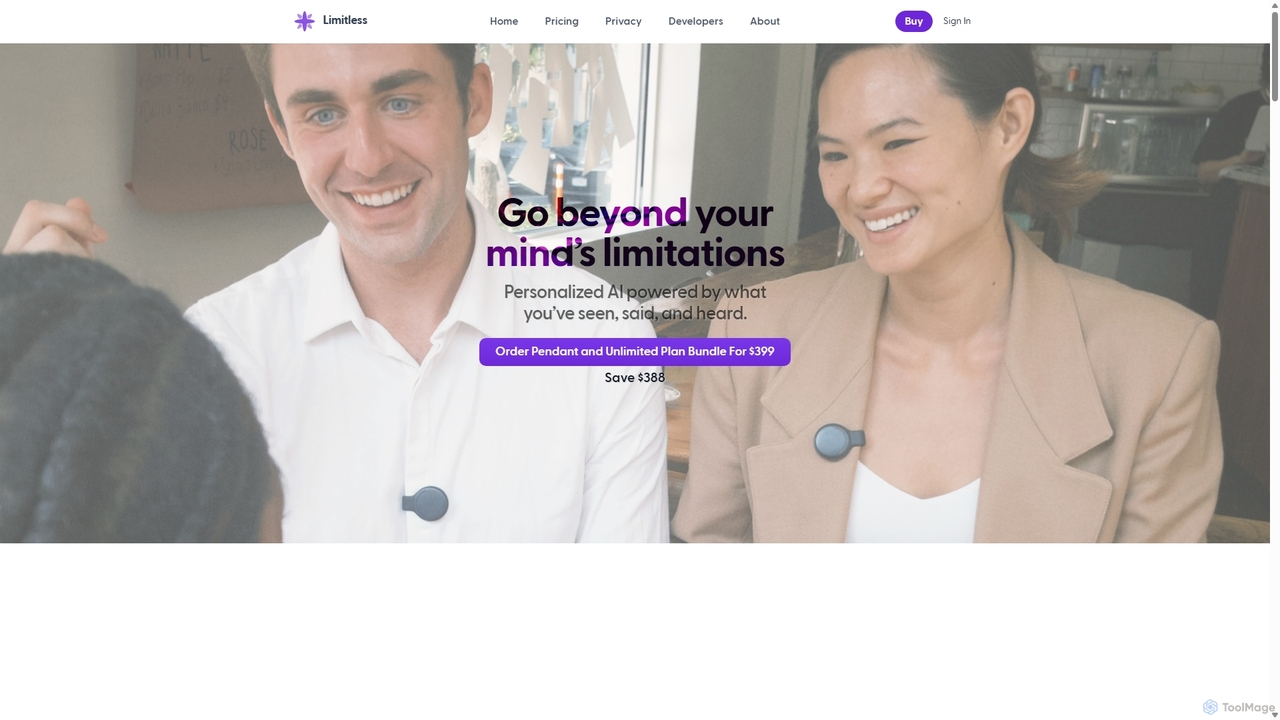
Limitless
Limitless is a personal AI system featuring a wearable Pendant that captures what you've seen, said, and heard. It acts as an external memory, transcribing conversations, generating summaries, and allowing you to query your past experiences with HIPAA-grade privacy.
Wearables
Knock Comments (0)
Sign in to comment.
Sign inNo comments yet.