

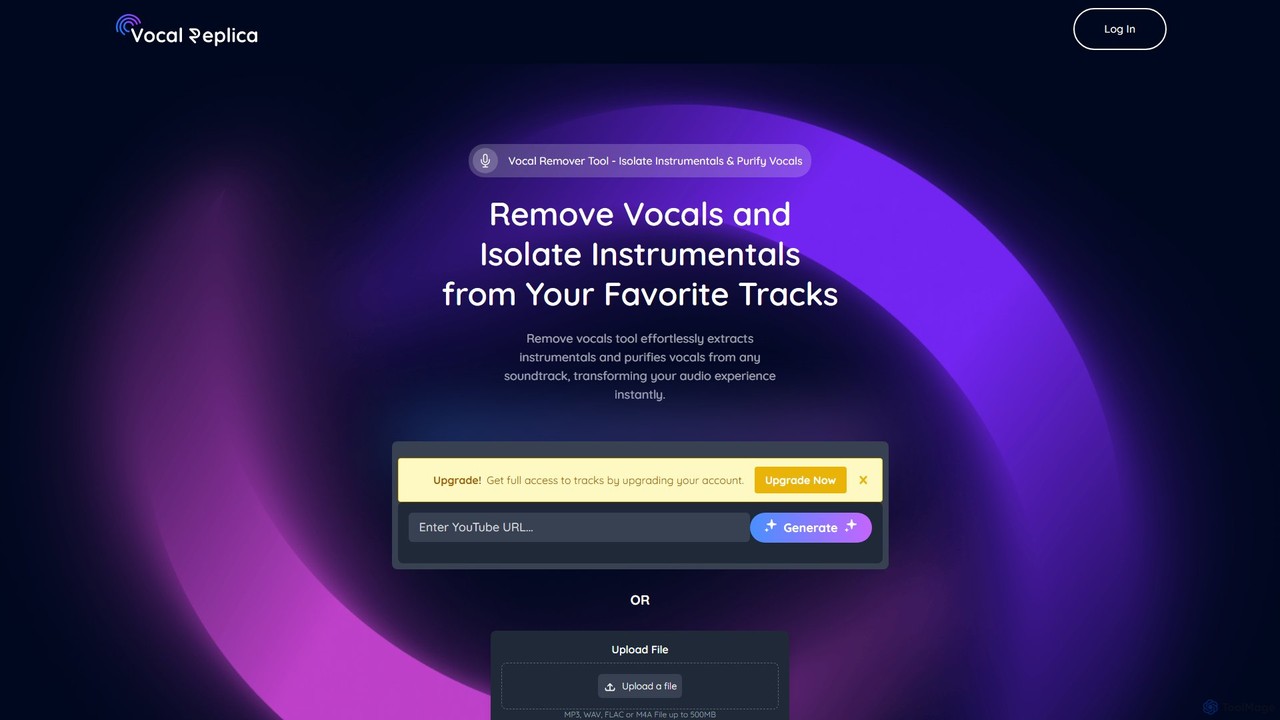
VocalReplica Overview
VocalReplica is a state-of-the-art AI audio processing tool designed for creators, DJs, and music producers. As a voice AI research and deployment company, VocalReplica specializes in the advanced separation of vocals and instrumentals from any audio track. By leveraging breakthrough AI algorithms, the platform delivers exceptionally clean, high-quality audio stems, transforming how users interact with and manipulate music. It provides a seamless solution for isolating vocals (acapellas) and instrumentals with unprecedented precision and clarity, free from common artifacts and distortions.
How to use VocalReplica
Using VocalReplica is a simple and intuitive process, requiring no technical expertise. Follow these steps to separate your audio tracks:
- Visit the VocalReplica website.
- Choose your input method: either click 'Upload File' to select an MP3, WAV, FLAC, or M4A file (up to 500MB) from your device, or paste a YouTube video URL into the designated field.
- Click the 'Generate' button to initiate the AI-powered separation process.
- The platform's advanced algorithms will process the audio, separating the vocal and instrumental components.
- Once complete, the separated tracks will be available for you to preview and download, ready for your creative projects.
Core Features of VocalReplica
- AI-Powered Audio Separation: Employs cutting-edge AI to accurately separate vocals and instrumentals from a mixed track.
- Pristine Audio Quality: Delivers crystal-clear audio components with minimal artifacts, thanks to sophisticated audio reconstruction technology.
- Precision Tuning: Advanced algorithms are fine-tuned to detect and isolate audio elements with exceptional accuracy, ensuring a natural sound.
- Multiple Input Options: Supports both direct file uploads (MP3, WAV, FLAC, M4A) and processing from YouTube URLs.
- Large File Support: Capable of processing audio files up to 500MB in size.
- User-Friendly Interface: A simple, web-based tool that is accessible to users of all skill levels without needing to install any software.
Use Cases for VocalReplica
VocalReplica is a versatile tool for a wide range of audio applications:
- Musicians and Producers: Create remixes and mashups by isolating acapellas or instrumental tracks. Study song arrangements and vocal techniques.
- DJs: Craft unique live sets by mixing with isolated acapellas and instrumentals.
- Karaoke Enthusiasts: Generate instrumental-only versions of any song to create custom karaoke tracks.
- Content Creators: Obtain clean, royalty-free background music for videos, podcasts, and other content by removing vocals from existing tracks.
- Music Students: Isolate specific parts of a song to better understand music theory, composition, and audio engineering.
Advantages of VocalReplica
VocalReplica stands out with its focus on quality and accessibility. The technology ensures unparalleled precision in separation, resulting in components that maintain the highest clarity. Its sophisticated reconstruction capabilities create near-perfect instrumental or vocal tracks from complex mixes. The platform is fast, easy to use, and offers a straightforward pricing model, making professional-grade audio separation available to everyone.
Pricing and Plans
VocalReplica offers simple, transparent one-time payment plans with no hidden charges:
- Starter: $4.99 for 100 minutes of vocal and instrumental isolation.
- Standard: $9.99 for 300 minutes of vocal and instrumental isolation.
- Premium: $14.99 for 500 minutes of vocal and instrumental isolation.
All plans include the ability to isolate vocals and instrumentals from both uploaded files (MP3, WAV, FLAC, M4A) and YouTube URLs.
VocalReplica Alternatives
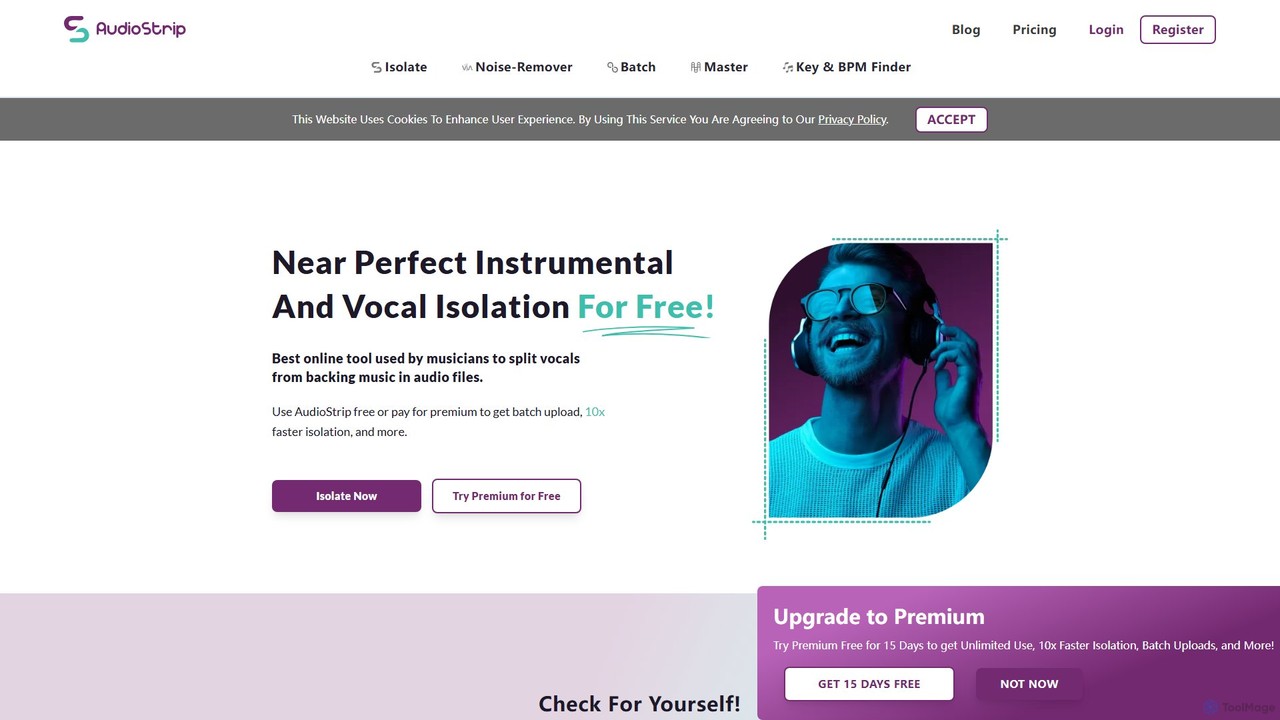
AudioStrip
AudioStrip is a powerful AI-powered online tool for musicians and producers, offering high-quality vocal and instrumental separation from any audio track. It also provides advanced features like AI mastering, noise reduction, and specific instrument isolation (drums, bass, piano, guitar) with both free and premium options.
Audio Editing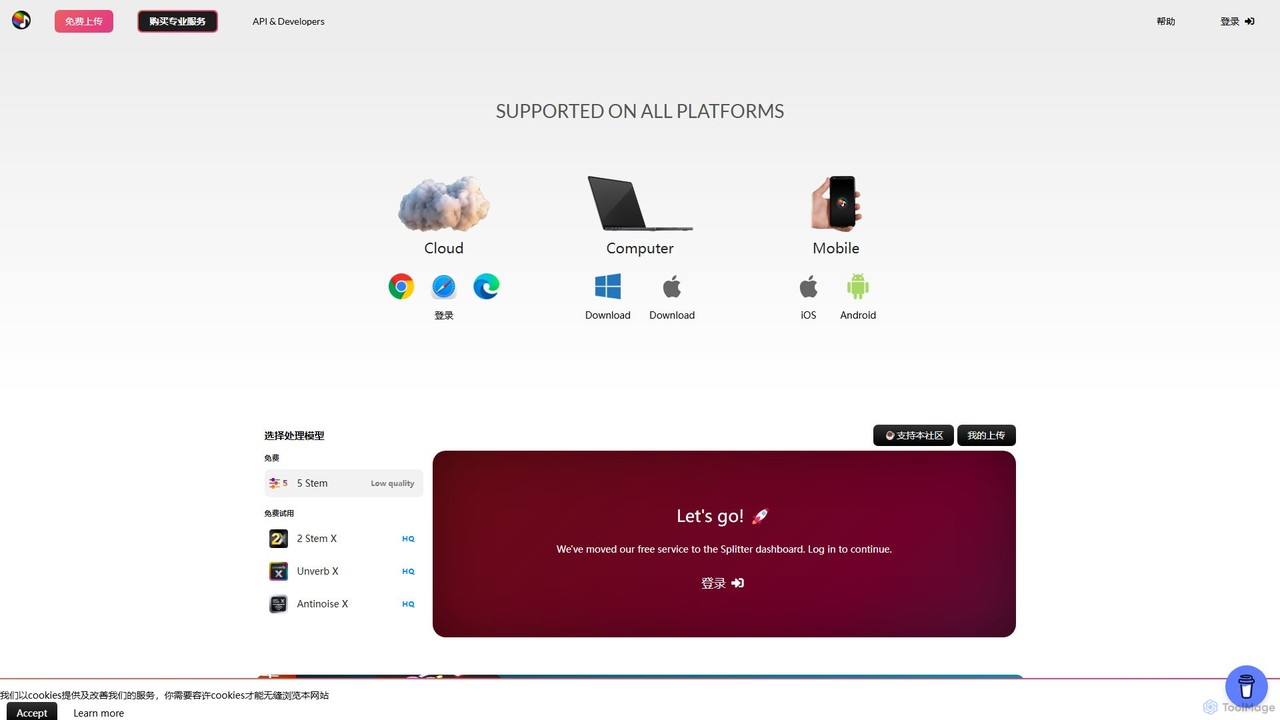
Splitter.ai
Splitter.ai is an advanced AI-powered audio processing platform for high-fidelity stem separation. It enables users to isolate vocals, drums, bass, piano, and other instruments from any song. With features like reverb removal, noise reduction, and direct YouTube processing, it's an essential tool for music producers, DJs, and musicians.
Audio Editing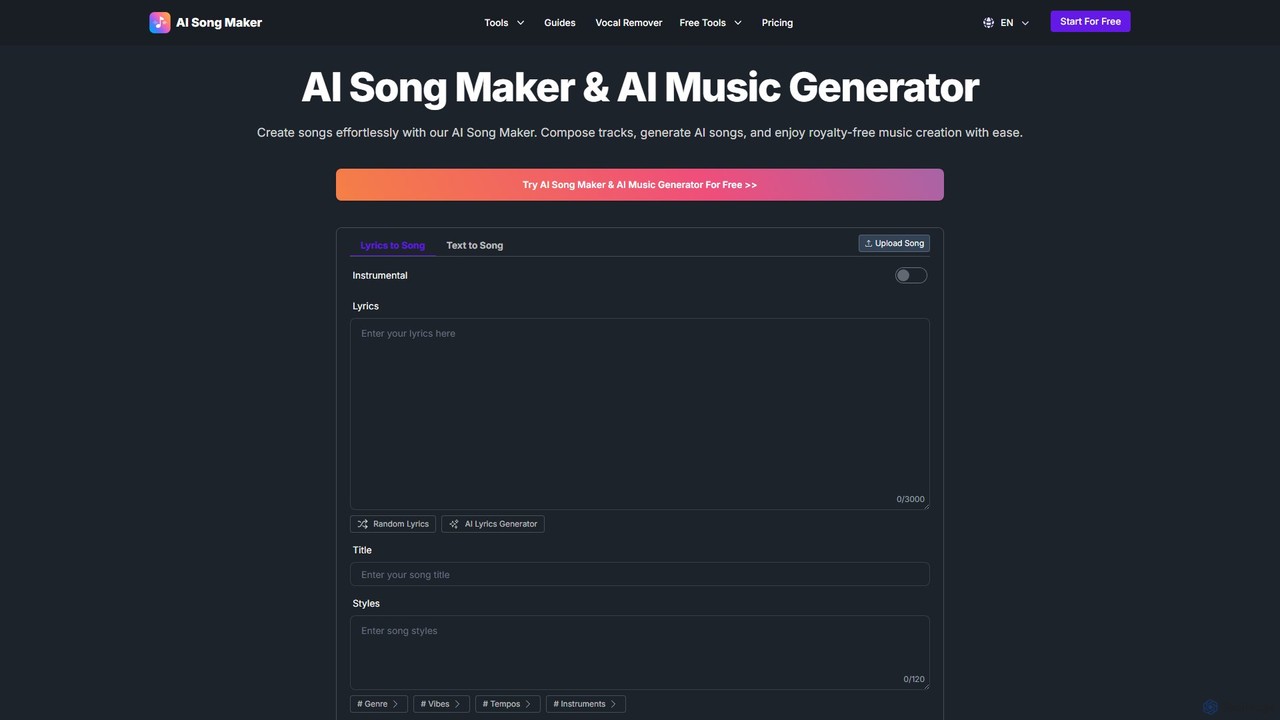
AI Song Maker
AI Song Maker is a powerful AI music generation platform that allows users to create unique, royalty-free songs from text or lyrics in seconds. It offers a comprehensive suite of tools, including an AI lyrics generator, a vocal remover for creating karaoke or acapella tracks, and music editing features like extending or replacing sections. It's designed for creators of all skill levels, from social media influencers and musicians to marketers and educators, providing a fast, easy, and cost-effective solution for high-quality music production.
Audio Editing
voiceisolator
An AI-powered online tool designed for high-quality voice isolation, background noise removal, and stem separation from audio/video files. It also features a versatile Text-to-Speech (TTS) generator to create natural-sounding voiceovers. Ideal for musicians, content creators, and video editors.
Audio Editing
SongCleaner
An AI-powered audio tool that automatically removes explicit or unwanted words from any song to create clean, family-friendly versions. It can also extract high-quality instrumental tracks, making it perfect for parents, DJs, content creators, and public venues.
Audio EditingVocalReplica Categories
VocalReplica Embed Widget
Copy this embed code to place the badge on your blog, article, or product site and send readers directly to this ToolMage detail page.

Related AI tools
AudioStrip
AudioStrip is a powerful AI-powered online tool for musicians and producers, offering high-quality vocal and instrumental separation from any audio track. It also provides advanced features like AI mastering, noise reduction, and specific instrument isolation (drums, bass, piano, guitar) with both free and premium options.
Audio Editing
Aimusicsampler
Aimusicsampler is an AI-powered audio separation tool that allows creatives to extract individual stems like vocals, drums, bass, and other instruments from any song. It delivers high-quality, lossless audio files (WAV) with remarkable accuracy, operating on a flexible pay-per-use model without requiring a monthly subscription.
Audio Editing
melody ml
Melody ML is an AI-powered music source separation tool that allows users to easily split any song into individual tracks like vocals, drums, bass, and other instruments. Based on the advanced Demucs model, it's perfect for DJs, producers, musicians, and karaoke fans who need high-quality stems for remixes, practice, or creating backing tracks.
Music Separation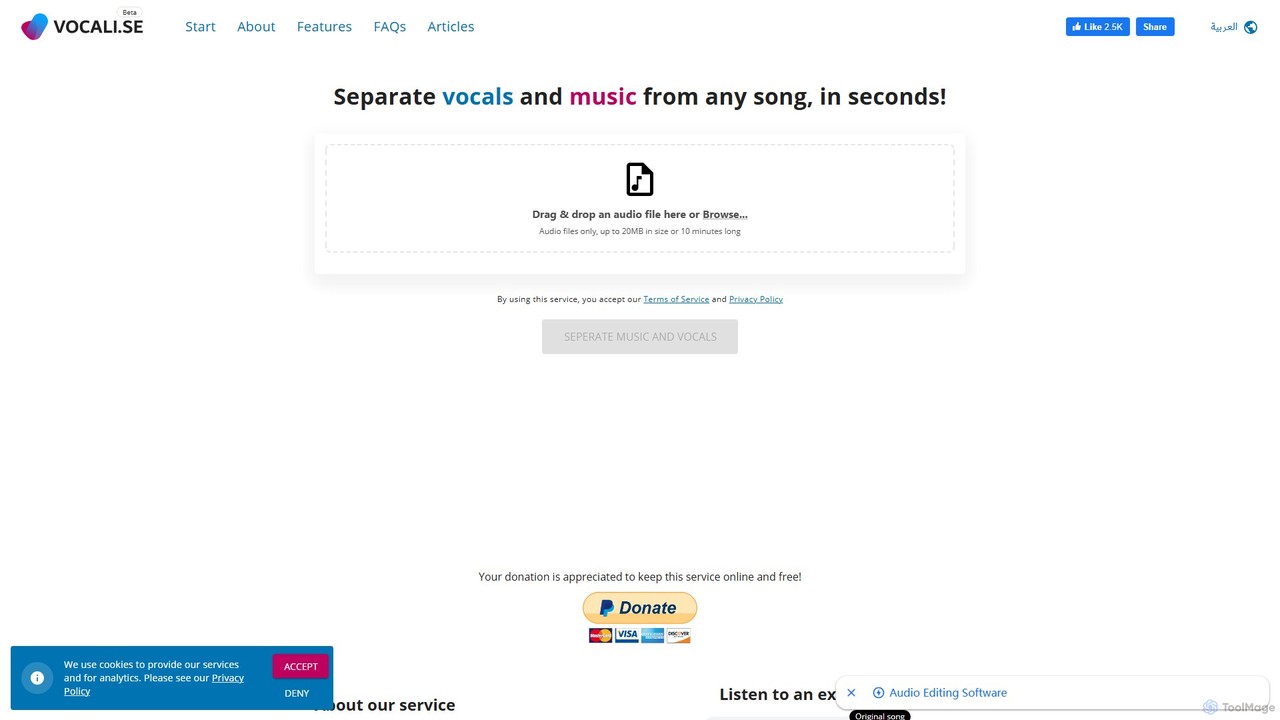
vocalremoveroak
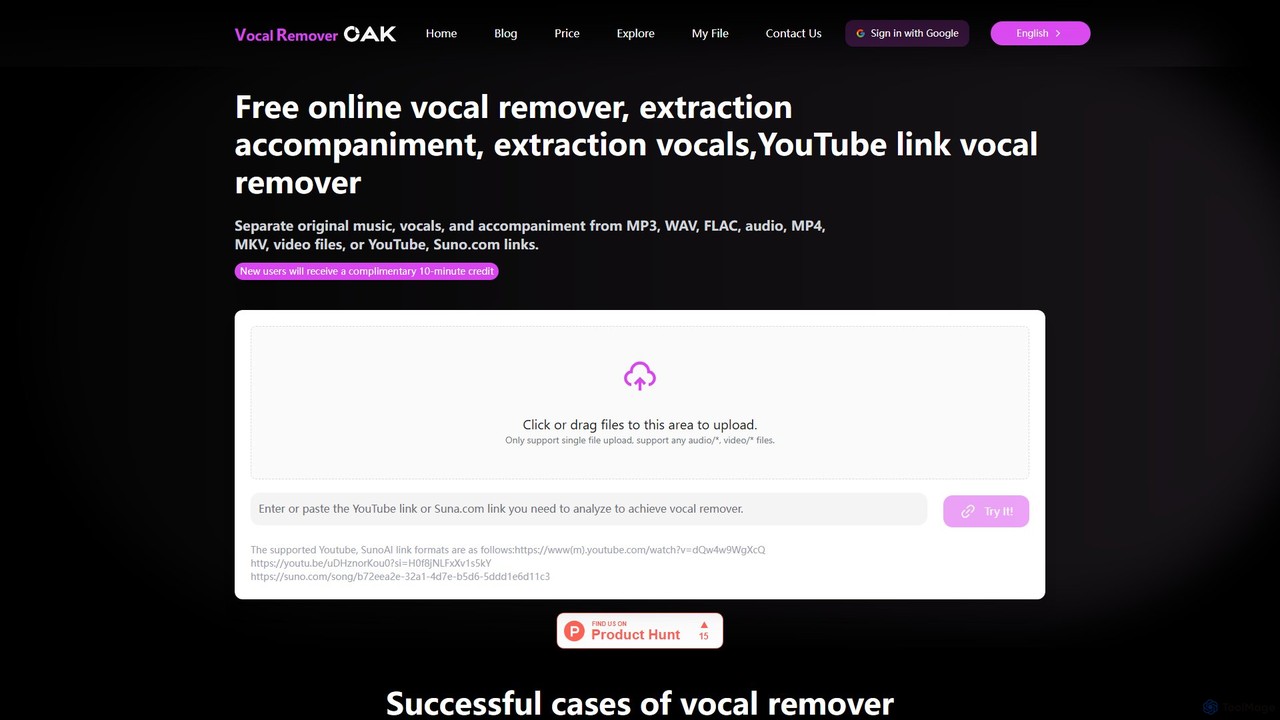
vocalremoveroak is a free online AI tool that separates vocals and instrumentals from any audio or video file. Using advanced deep learning, it quickly processes files from your device, YouTube, or Suno.com links. Ideal for musicians, DJs, and content creators to produce high-quality karaoke tracks, remixes, or instrumental versions with lossless audio quality.
Audio Editing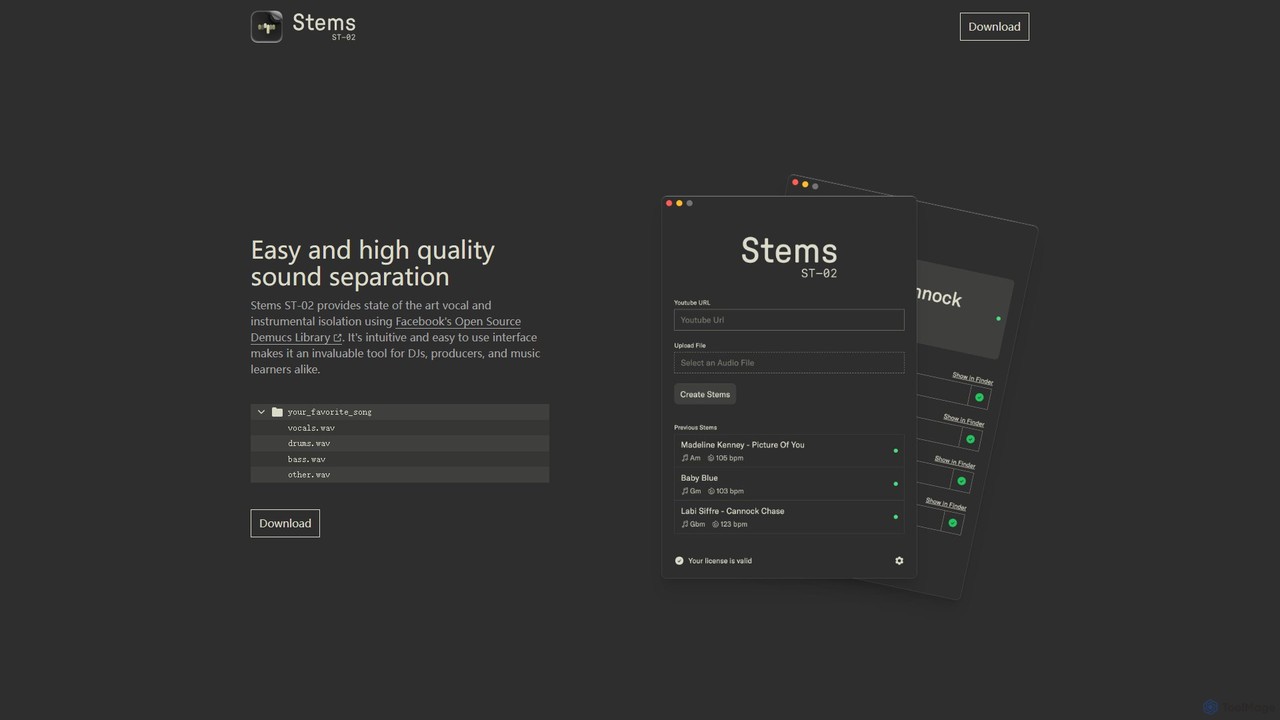
Stems
Stems is a high-quality, easy-to-use desktop application for audio source separation. Powered by Meta's advanced Demucs AI library, it allows DJs, producers, and musicians to effortlessly split any song into individual stems like vocals, drums, bass, and other instruments.
Stem Separation
SplitJoin
SplitJoin is an AI-powered audio processing tool designed for musicians, producers, and content creators. It allows users to easily separate any song into individual stems like vocals, drums, bass, and instruments. The platform also provides features to join and mix audio tracks, making it a versatile solution for creating remixes, backing tracks, or karaoke versions with high fidelity.
Audio Editing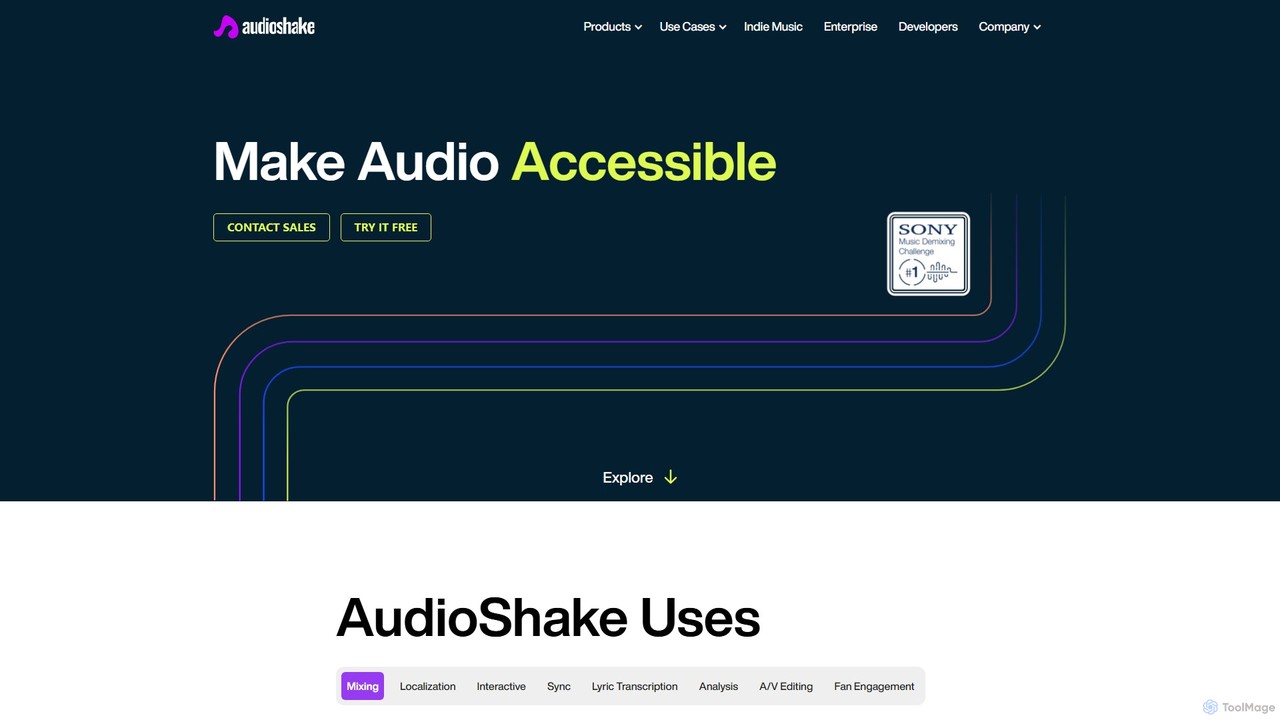
AudioShake
AudioShake is a cutting-edge AI platform that separates audio into its core components (stems). It can isolate vocals, instruments, dialogue, and effects from any audio source, enabling high-quality mixing, remastering, dubbing, and sync licensing. Trusted by industry leaders like Disney and Warner Music, it unlocks new creative and commercial possibilities for music, film, and broadcast professionals.
Music Editing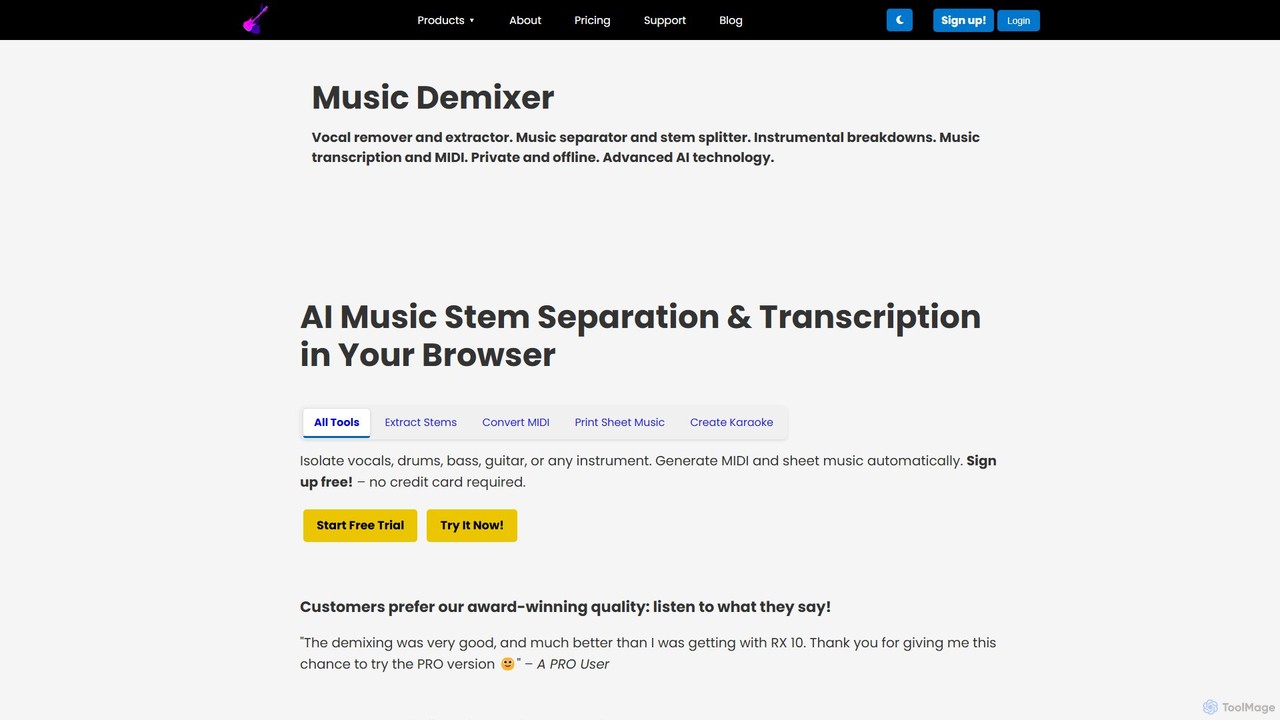
freemusicdemixer
freemusicdemixer is an advanced AI-powered web tool for musicians, DJs, and creators. It allows you to separate any song into individual stems like vocals, drums, bass, and guitar directly in your browser. The tool also provides automatic music transcription, generating precise MIDI files and sheet music. A key feature is its commitment to privacy, with all audio processing performed locally on your device, ensuring your files are never uploaded to the cloud. It offers both a free tier and a powerful PRO version with unlimited usage.
Music Editing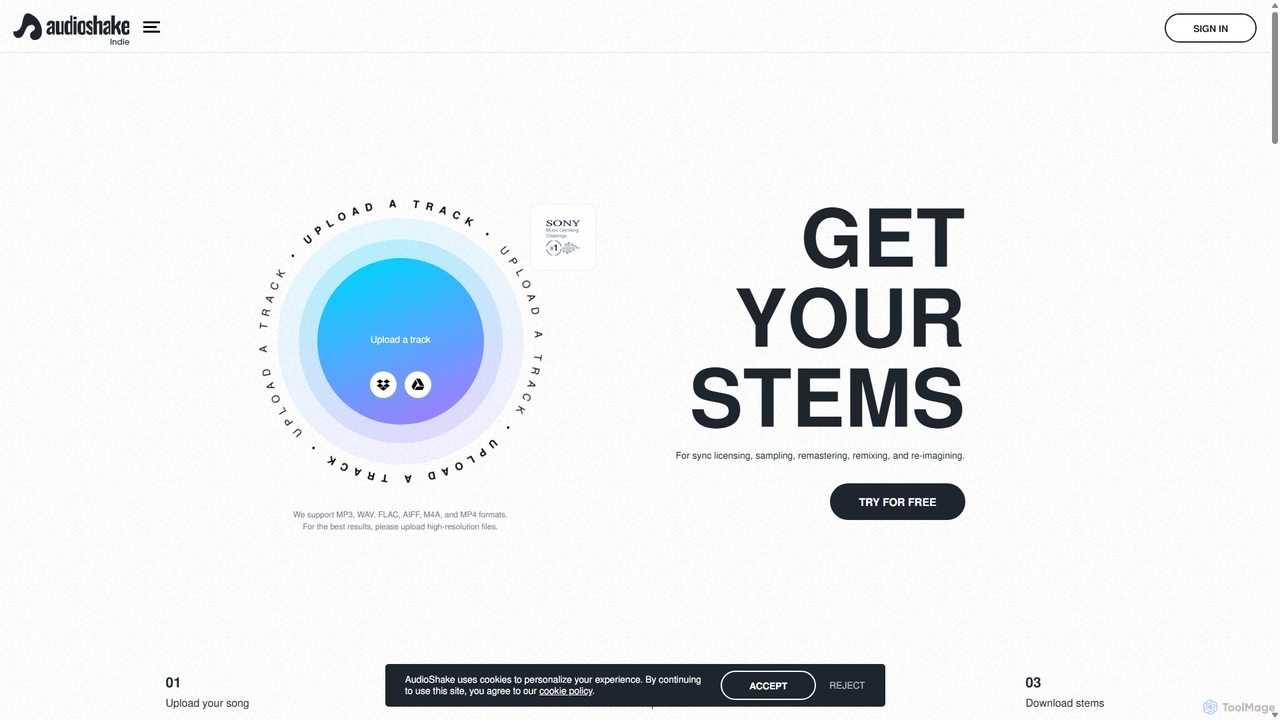
AudioShake Indie
AudioShake Indie is an advanced AI-powered tool designed for musicians, producers, and labels to deconstruct any audio track into its constituent parts, or stems. It cleanly separates vocals, drums, bass, and other instruments from a single audio file, opening up new possibilities for remixing, sampling, sync licensing, and remastering, even when original multi-track recordings are lost.
Music Editing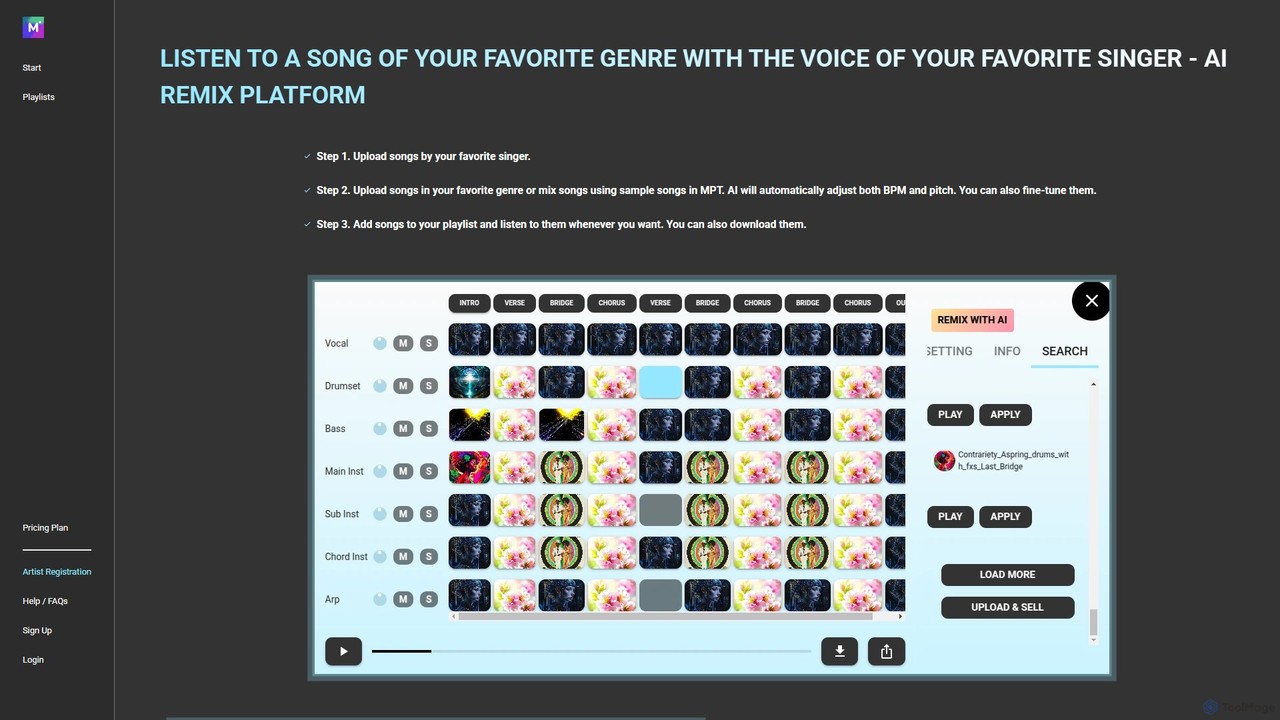
MPT
MPT is an AI-powered music platform that allows users to upload, create, and remix songs with ease. Separate songs into elements like vocals and instrumentals, then combine them to create unique mashups. The AI automatically adjusts BPM and pitch for seamless integration.
Music GenerationSplitter.ai
Splitter.ai is an advanced AI-powered audio processing platform for high-fidelity stem separation. It enables users to isolate vocals, drums, bass, piano, and other instruments from any song. With features like reverb removal, noise reduction, and direct YouTube processing, it's an essential tool for music producers, DJs, and musicians.
Audio Editing
Wondera.ai
Wondera.ai is a conversational AI music co-creator that transforms your ideas into complete songs. Using text prompts, hummed melodies, or reference tracks, you can generate, iterate, and produce music. It features advanced voice cloning, high-quality stem separation, and customizable AI agents, making music creation accessible to everyone from beginners to professionals.
Music Generation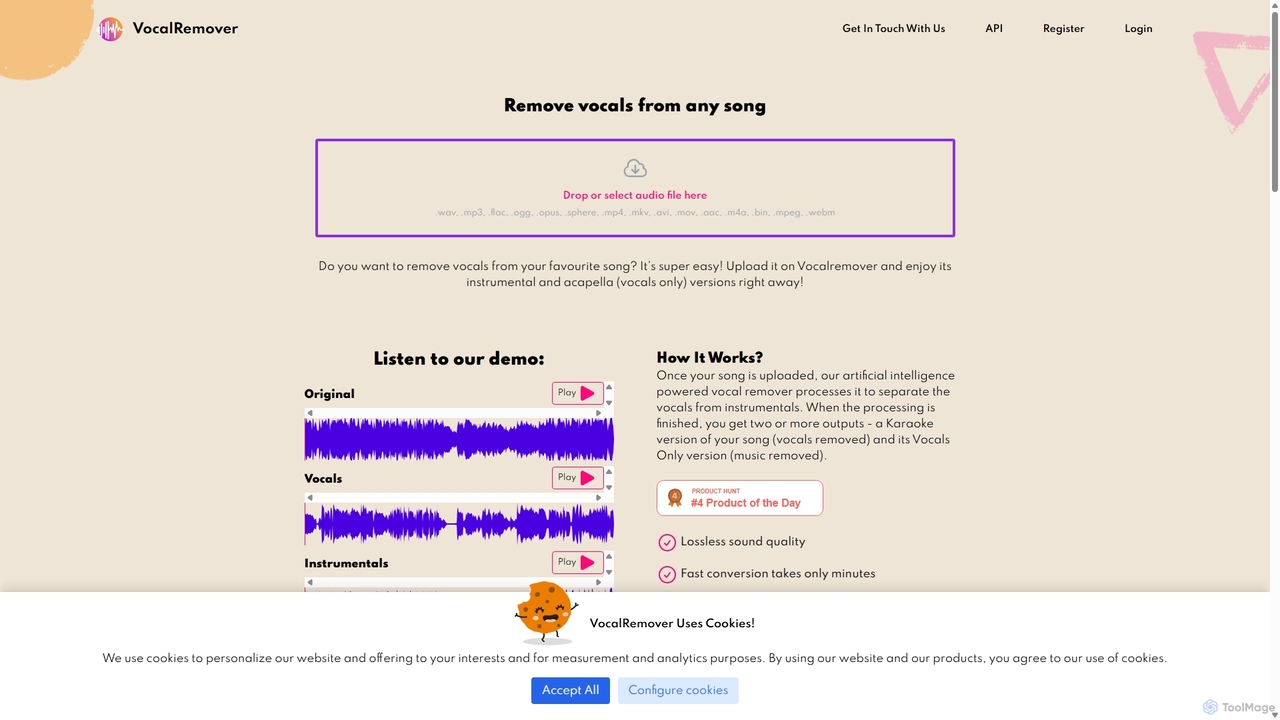
VocalRemover
An AI-powered online tool that precisely separates vocals from music in any audio or video file. It generates high-quality instrumental (karaoke) and acapella tracks. Beyond vocals, it can also isolate specific instruments like drums, bass, and piano, making it an essential tool for DJs, music producers, and karaoke lovers.
Music Editing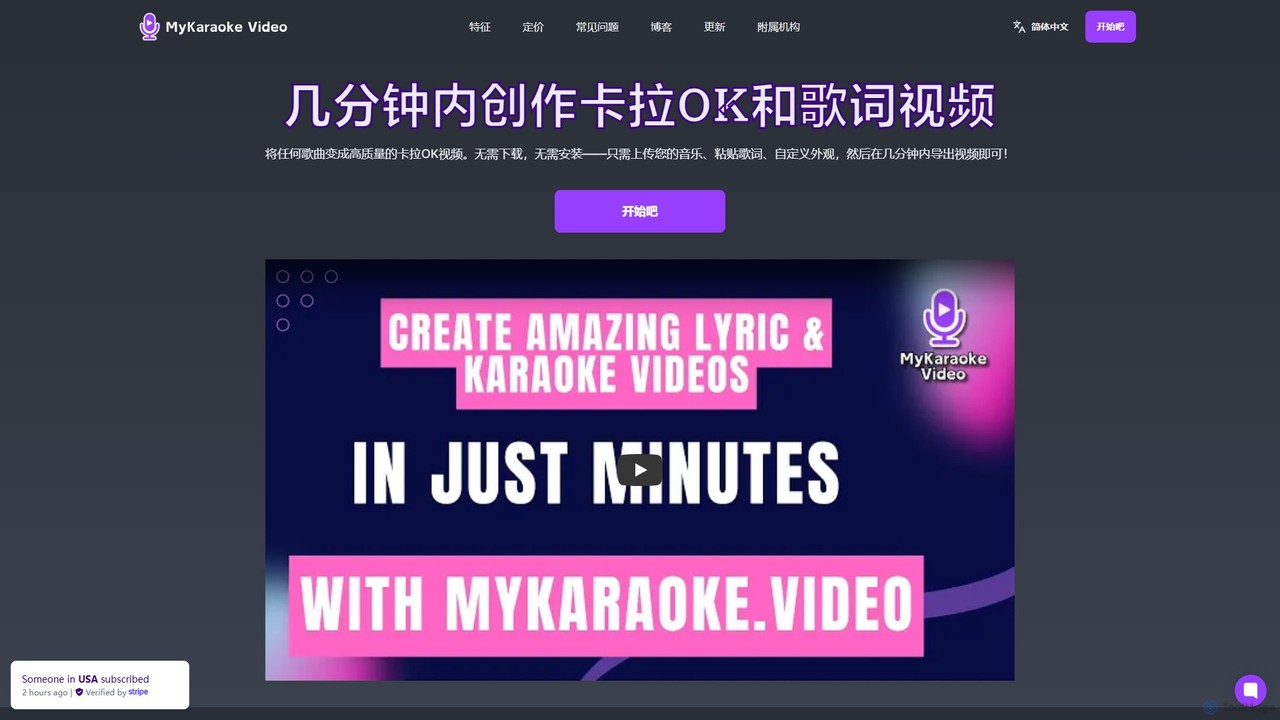
MyKaraoke Video
MyKaraoke Video is an AI-powered, browser-based tool that transforms any song into a professional karaoke or lyric video in minutes. It automatically removes vocals, syncs lyrics, and offers extensive customization options, eliminating the need for complex software.
Audio Editing
VocalReplica Comments (0)
Sign in to comment.
Sign inNo comments yet.