ToolMage
Sign in

Best 7 Production AI tools for Music

Popular Production AI tools in Music include Songmastr, Stems, VocalReplica, Eapy, Soniq, Aisong, and rapname, helping you work more efficiently.

Soniq
Freemium

Soniq

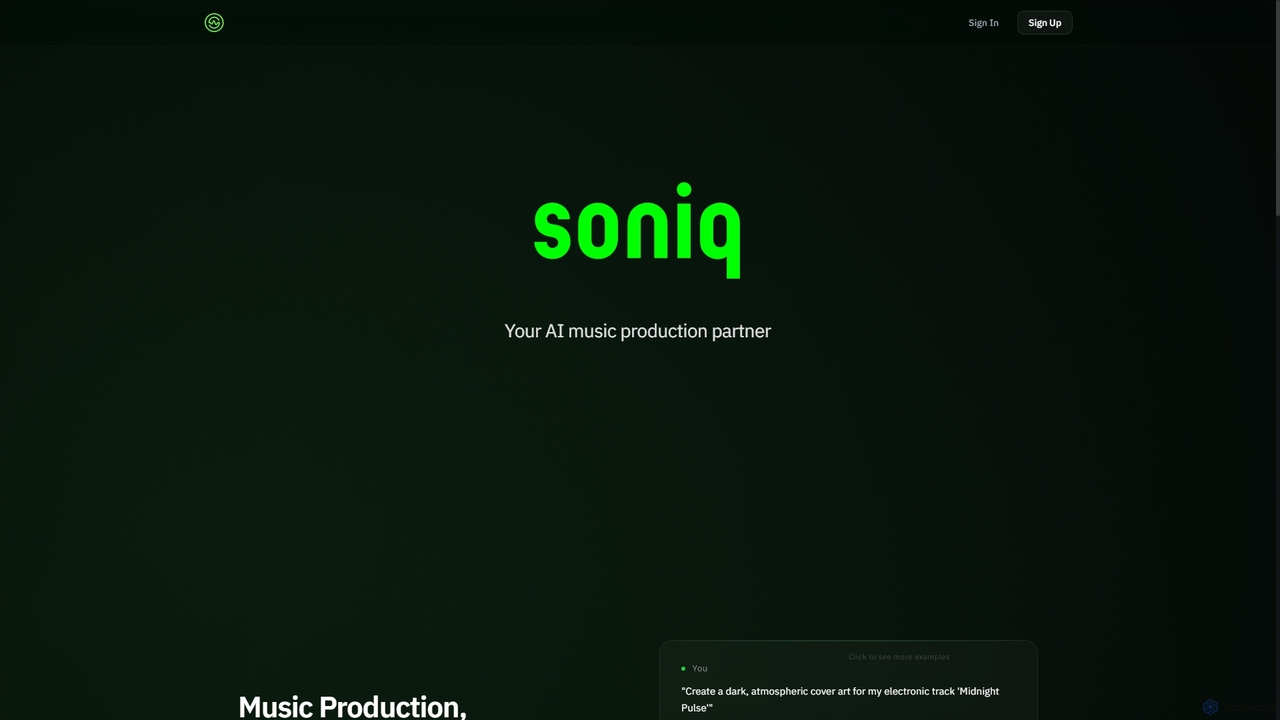
Soniq is an AI-powered music production suite that acts as a collaborative co-producer, enabling artists and teams to create and release complete songs. It integrates songwriting, AI vocals, arrangement, cover art generation, and mix review into a single, seamless workflow, transforming musical ideas into polished tracks efficiently.

Audio Generation
Visits 5.7KFavorites 135Likes 168
Aisong
Freemium

Aisong

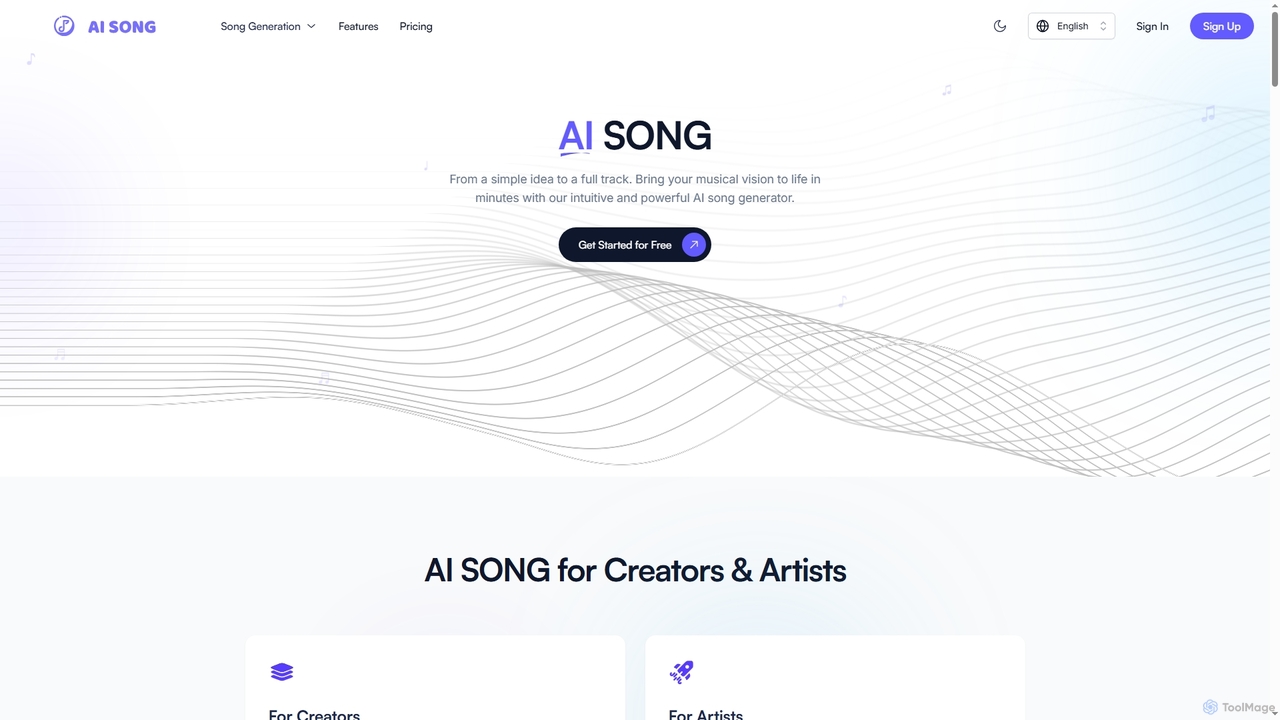
Aisong is an intuitive AI song generator and music production toolkit designed for creators and artists. It enables users to transform simple ideas into full tracks, generate lyrics, remove vocals, and even create music videos, all with the power of artificial intelligence.

Vocal Removal
Visits 5.6KFavorites 107Likes 101
Eapy
Freemium

Eapy

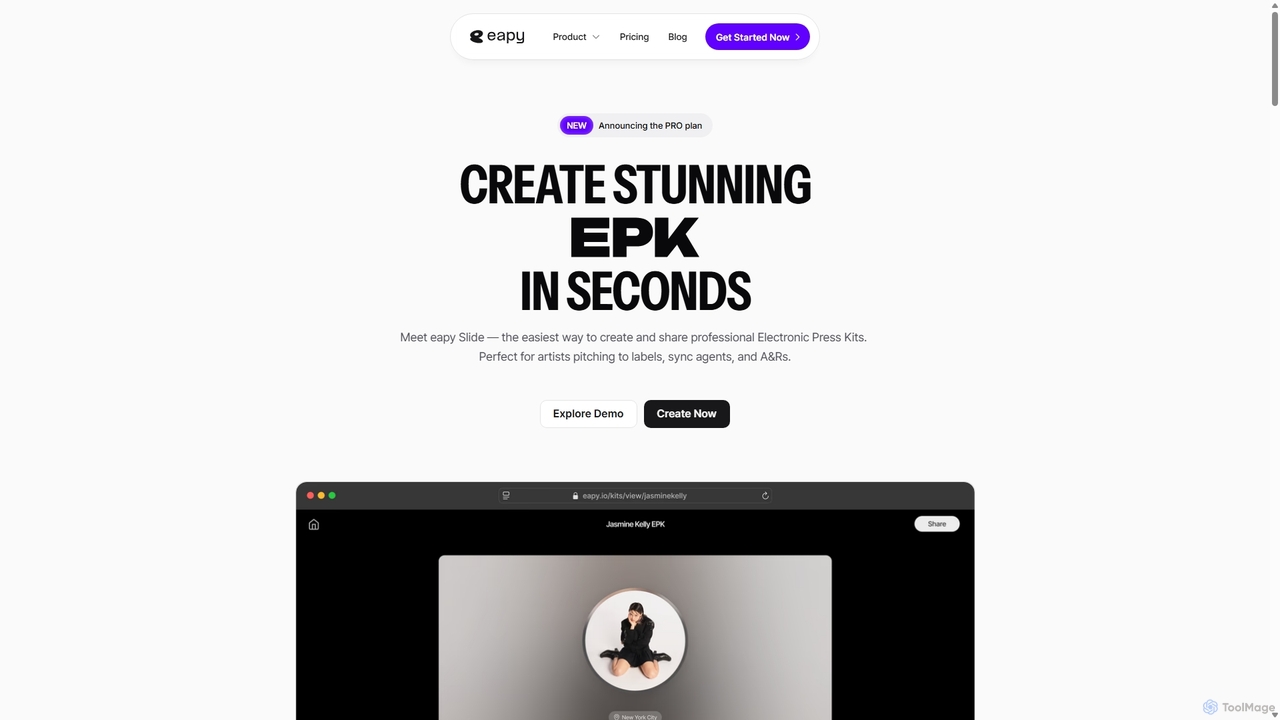
Eapy is an AI-powered platform for musicians, offering an infinite creative canvas for ideation and a streamlined tool to build professional Electronic Press Kits (EPKs) in seconds. It's designed to support artists from initial inspiration to industry pitching.

Promotion
Visits 5.9KFavorites 112Likes 124
Songmastr
Freemium

Songmastr

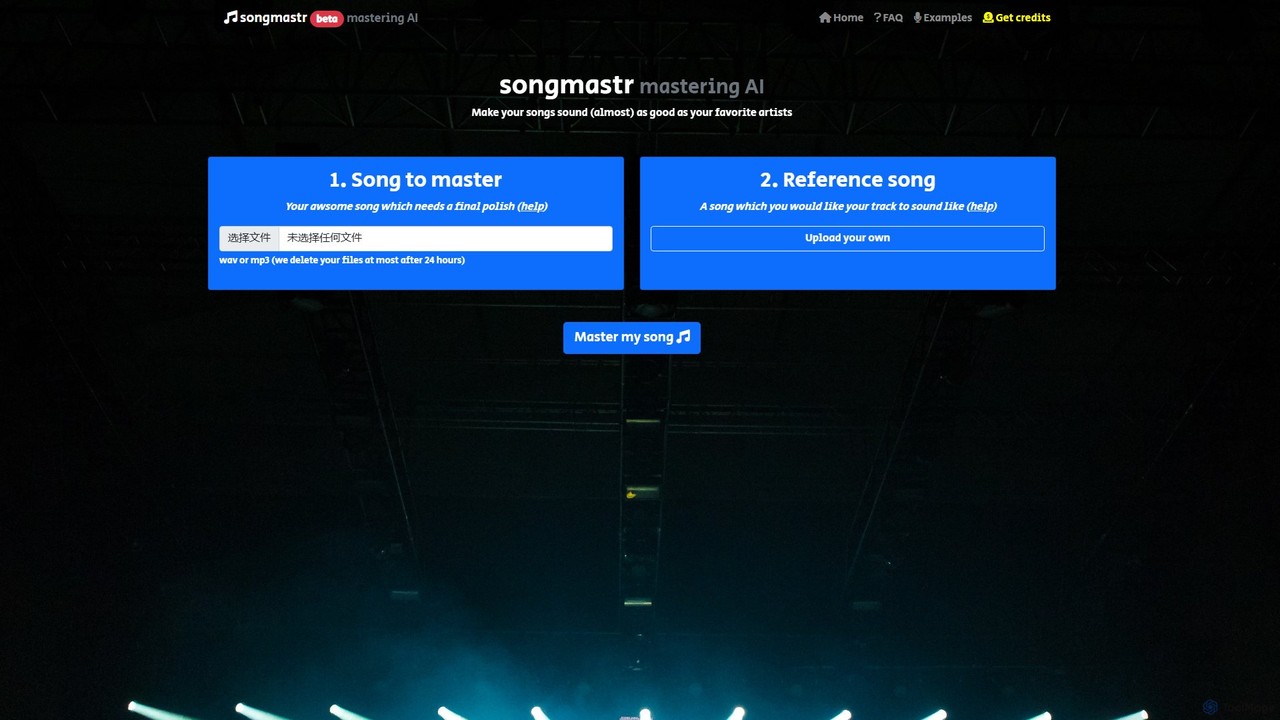
Songmastr is an AI-powered online audio mastering tool that automatically masters your songs to match a reference track. Simply upload your song and a reference, and the AI will adjust the RMS, frequency response, peak amplitude, and stereo width to create a professional, polished sound. It's perfect for musicians, producers, and content creators. The service is free for up to 7 songs per week, with no registration required.

Mastering
Visits 20.2KFavorites 148Likes 156
rapname
Free

rapname

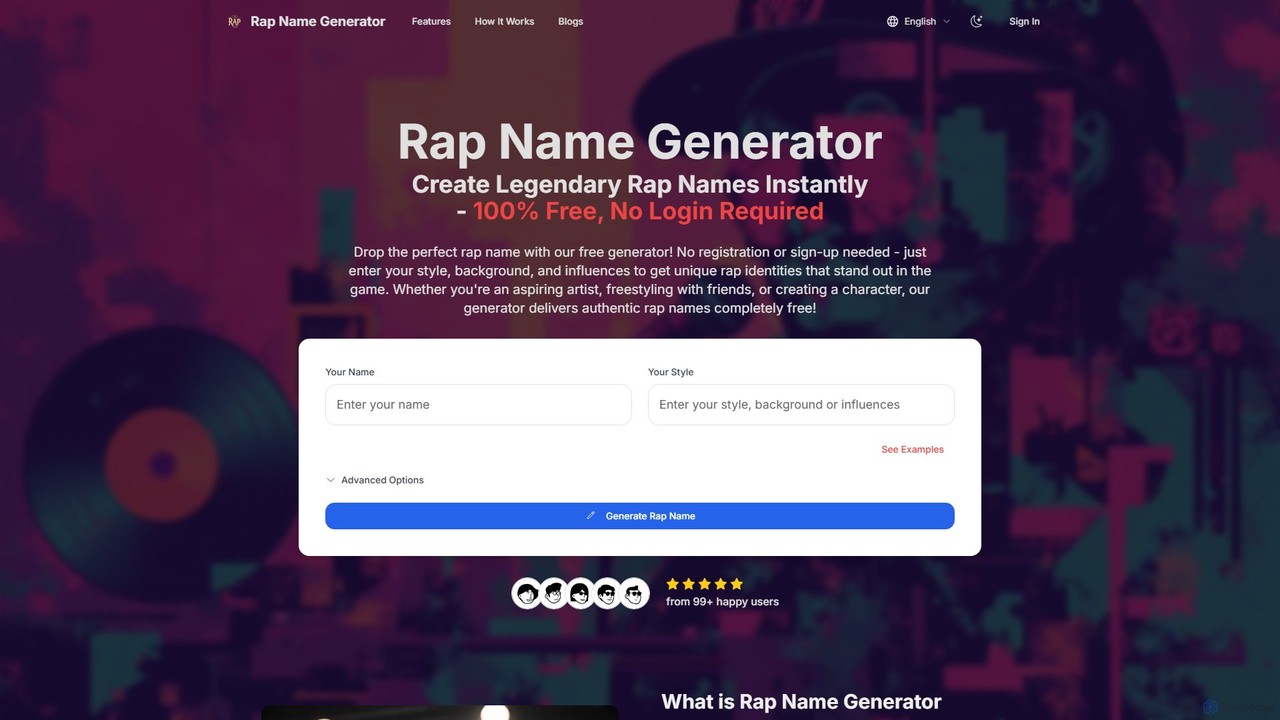
rapname is a free, AI-powered rap name generator that instantly creates authentic hip-hop identities. Users can input their style, background, and influences to receive multiple unique name suggestions, each complete with a brief backstory. No registration is required, offering unlimited creativity for artists and fans.

Generators
Visits 5.5KFavorites 146Likes 150
Stems
Free

Stems

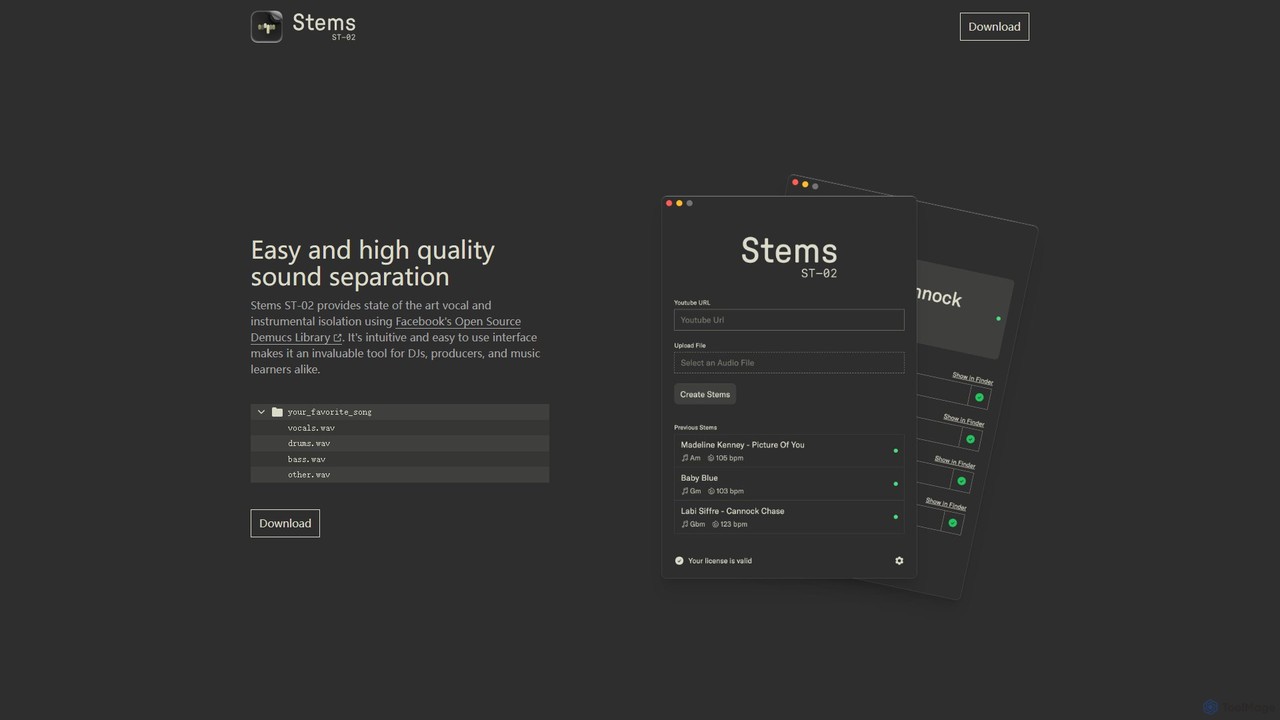
Stems is a high-quality, easy-to-use desktop application for audio source separation. Powered by Meta's advanced Demucs AI library, it allows DJs, producers, and musicians to effortlessly split any song into individual stems like vocals, drums, bass, and other instruments.

Stem Separation
Visits 8KFavorites 126Likes 142
VocalReplica
Freemium

VocalReplica

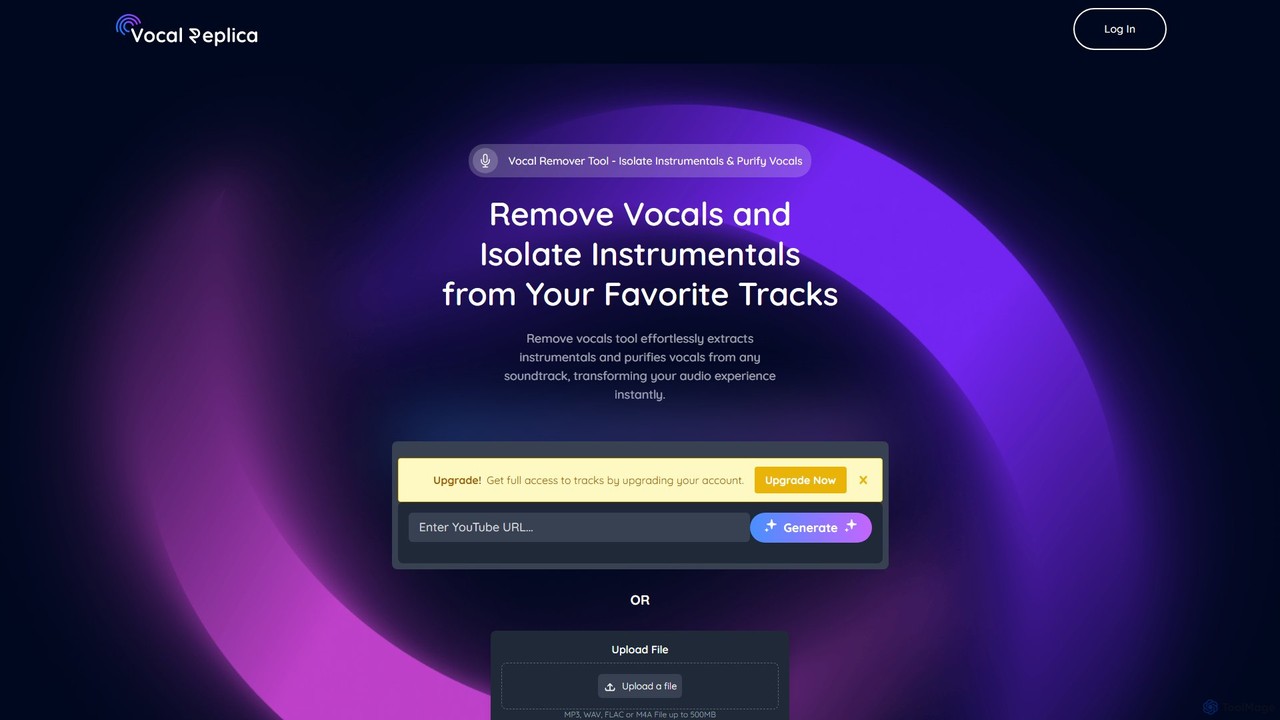
VocalReplica is an advanced AI-powered tool for high-precision vocal and instrumental separation. It enables musicians, DJs, and producers to easily isolate clean vocal and instrumental tracks from any song by uploading an audio file or pasting a YouTube URL.

Audio Editing
Visits 6KFavorites 142Likes 150

About Production

AI Production tools are a specialized category of music software that use artificial intelligence to automate and enhance the technical stages of creating a finished song. These tools leverage machine learning models trained on vast audio datasets to perform complex tasks like mixing, mastering, and sound design. They empower artists and producers to achieve professional-quality results faster, refine creative ideas with intelligent suggestions, and overcome technical hurdles in the music creation process.

Core Features

  • AI Mixing & Mastering: Automatically balances track levels, EQ, and dynamics for a polished final sound.
  • Stem Separation: Isolates individual elements like vocals, drums, or bass from a single mixed audio file.
  • Intelligent Sound Design: Generates unique instrument sounds and effects from text prompts or audio samples.
  • Automated Arrangement: Suggests complementary chord progressions, drum patterns, and song structures.
  • Vocal Processing: Provides automatic pitch correction, harmony generation, and voice synthesis.

Use Cases

These tools are widely used by music producers, audio engineers, DJs, and film composers. For example, a bedroom producer can use an AI mastering tool to prepare their track for streaming platforms, while a DJ can use stem separation to create an acapella version of a track for a live remix set.

How to Choose

When selecting an AI Production tool, consider its specific function (e.g., mastering vs. stem separation), its integration with your Digital Audio Workstation (DAW), the quality of the AI model's output, and the pricing structure, such as a subscription versus a one-time purchase.

Production use cases

1

Automated Mastering for Indie Artists

An independent musician completes their song's mix but lacks the budget for professional mastering. Using an AI mastering tool, they upload their stereo mix file. The AI analyzes the audio, compares it to genre-specific reference tracks, and applies precise equalization, compression, and limiting to optimize loudness and clarity for platforms like Spotify. The result is a commercially competitive master delivered in minutes, allowing the artist to release their music quickly and confidently.

2

Creating Remixes with Stem Separation

A DJ wants to remix a track but doesn't have the original multitrack recordings. They use an AI stem separation tool to upload the full song. The software intelligently isolates the vocals, drums, bass, and other instruments into separate high-quality audio files. This allows them to use the acapella in a new production or create a drum loop from the original beat, completely reimagining the song's arrangement for a live set or official remix.

3

Rapid Sound Design for Game Audio

A sound designer for an indie game needs to create hundreds of unique sound effects on a tight deadline. Instead of manually recording or searching libraries, they use an AI sound generation tool. By typing descriptive prompts like 'heavy metallic impact with electrical crackle' or 'magical healing spell,' the AI synthesizes novel sound effects. This process dramatically accelerates the workflow, enabling the creation of a rich, immersive audio environment for the game.

4

Generating Vocal Harmonies for Songwriters

A solo songwriter has recorded a lead vocal melody but wants to add rich backing harmonies. They upload their dry vocal track to an AI harmony generation tool. The AI analyzes the pitch and timing of the lead vocal and automatically creates musically correct two, three, or four-part harmonies. The user can often adjust the style and voicing of the generated harmonies, providing a full vocal arrangement without needing to hire session singers.

5

Intelligent Drum Pattern Creation

A music producer is experiencing writer's block while trying to create a compelling drum track. They input their bassline or chord progression into an AI drum machine. The tool analyzes the rhythm and harmony of the input and generates multiple drum pattern options that fit the musical context, complete with variations for verses and choruses. This serves as a powerful starting point, helping the producer overcome creative hurdles and quickly build the song's rhythmic foundation.

6

Dialogue Cleanup for Podcasters

A podcast editor is working with an interview recording that has significant background noise. They use an AI audio repair tool. The software automatically identifies and reduces unwanted noise, removes mouth clicks, and balances the volume levels of different speakers. It can also apply intelligent EQ and compression to enhance vocal clarity, resulting in a professional, easy-to-listen-to podcast episode with minimal manual editing.

Production FAQ

What are AI Music Production tools?

AI Music Production tools are software applications that use artificial intelligence to assist in the technical and creative processes of finishing a piece of music. Unlike tools that generate entire songs from scratch, these focus on specific production tasks like mixing, mastering, separating audio stems, and sound design. They act as intelligent assistants for producers, helping to achieve professional results more efficiently.

How do I choose the right AI Music Production tool?

To choose the right tool, first identify your primary need: are you looking for mastering, mixing assistance, stem separation, or sound creation? Then, consider these factors:

  • DAW Compatibility: Ensure it works as a plugin (VST, AU, AAX) with your preferred software.
  • Output Quality: Listen to demos and read reviews to judge the sonic quality of the AI's results.
  • Control & Customization: Check if you can tweak the AI's suggestions or if it's a one-click process.
  • Pricing Model: Decide between a monthly subscription or a perpetual license.

What's the difference between AI Music Production and AI Music Generation tools?

The key difference is their purpose. AI Music Generation tools create new musical ideas from scratch, such as melodies, chord progressions, or even complete songs. In contrast, AI Music Production tools work with existing audio to refine, enhance, and finalize it. Production tools focus on 'how it sounds' (mixing, mastering), while generation tools focus on 'what it is' (composition).

Can AI tools replace human music producers?

AI Music Production tools are generally viewed as powerful assistants rather than replacements for human producers. They excel at automating repetitive, technical tasks and providing creative starting points. However, the final artistic decisions, emotional context, and unique creative vision still rely on the expertise and taste of a human producer. These tools augment human creativity, they do not replace it.

What are the key features of AI Music Production software?

Most AI Music Production tools offer a range of specialized features. Common ones include:

  • Automated Mastering: Analyzes a mix and applies EQ, compression, and limiting for commercial release.
  • Stem Separation: Splits a finished song into individual tracks like vocals, drums, and bass.
  • Intelligent EQ: Suggests equalization settings to fix frequency clashes between instruments.
  • Sound Synthesis: Creates new sounds based on text descriptions or by analyzing other audio files.