

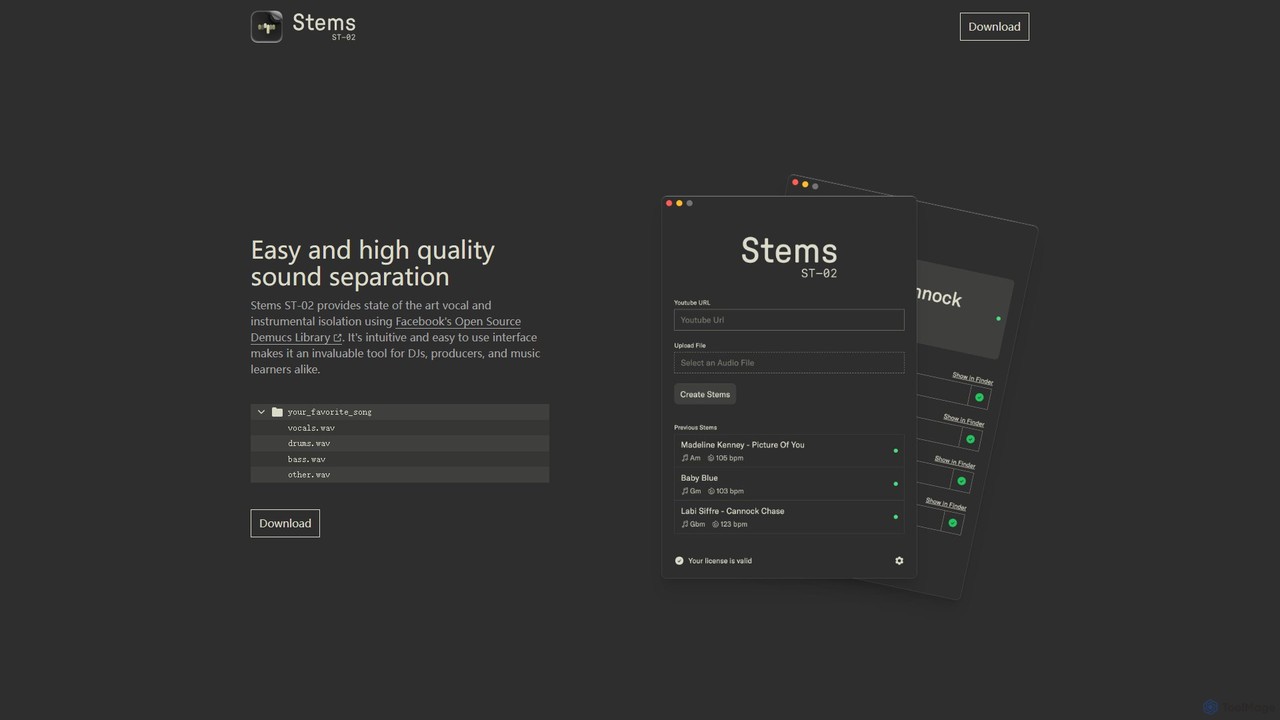
Stems Overview
Stems is a state-of-the-art desktop application designed for high-quality sound separation. It provides an incredibly simple and intuitive solution for isolating vocals and instrumental tracks from any audio file. By leveraging the power of Facebook's (now Meta's) open-source Demucs library, Stems delivers professional-grade results that were once only achievable in high-end studios. This makes it an invaluable tool for a wide range of users, including DJs, music producers, remix artists, and even music students who want to study the individual components of a song.
The application focuses on a streamlined workflow, removing technical barriers and allowing creators to focus on their art. With just a few clicks, a complete song can be deconstructed into its core elements: a clean acapella (vocals), a punchy drum track, a solid bassline, and a track containing all other melodic and harmonic content. This level of separation opens up a world of creative possibilities.
How to use Stems
The process of using Stems is designed to be as straightforward as possible, requiring no prior technical expertise in audio engineering.
- Download and Install: First, visit the official Stems website and download the application (ST-02) for your operating system. Install it like any other desktop software.
- Launch the Application: Open Stems. You will be greeted with a clean and minimalist user interface.
- Import Your Audio File: Drag and drop your desired song file (e.g., in MP3, WAV, or FLAC format) into the application window, or use the file browser to select it.
- Start Processing: The application will automatically begin the separation process. It uses the locally run Demucs model to analyze and split the audio. The processing time will depend on the length of the song and the power of your computer.
- Export the Stems: Once the process is complete, Stems will provide you with separate downloadable files for each stem, typically named 'vocals.wav', 'drums.wav', 'bass.wav', and 'other.wav'. You can then save these files to your computer for use in your projects.
Core Features of Stems
- AI-Powered Separation: Utilizes the advanced Demucs AI model from Meta AI for precise and clean separation of audio sources.
- Four-Stem Output: Splits any track into four distinct stems: vocals, drums, bass, and other instruments (guitars, synths, pianos, etc.).
- High-Quality Audio: Retains the quality of the original track, producing stems with minimal artifacts and bleed.
- Intuitive Interface: A simple, drag-and-drop interface makes it accessible to everyone, from beginners to professionals.
- Offline Processing: All processing is done locally on your computer, ensuring user privacy and eliminating the need for an internet connection during processing.
- Free to Use: Offered as a free download, making professional-grade stem separation accessible to all.
Use Cases for Stems
Stems is a versatile tool that caters to various creative and educational needs:
- DJs and Remix Artists: Easily create acapellas for live mashups or bootlegs. Isolate instrumentals to create unique remixes and edits.
- Music Producers: Extract specific elements like a drum loop or bassline for sampling. Create backing tracks by removing the original vocals for a new recording.
- Musicians and Students: Isolate an instrument track to learn and practice playing along with a song. Singers can use the instrumental version to practice their vocals.
- Karaoke Creators: Produce high-quality, instrumental-only versions of popular songs for karaoke sessions.
- Audio Engineers: Analyze the individual components of a mix for educational purposes or to understand production techniques.
Advantages of Stems
The primary advantage of Stems is its ability to combine cutting-edge AI technology with extreme simplicity. While other tools may offer similar functionality, Stems stands out by being a free, downloadable application that runs offline. This ensures user privacy, as no files are uploaded to a server. The reliance on the Demucs library guarantees a high standard of quality, often surpassing web-based free alternatives. Its accessibility makes it a perfect starting point for aspiring artists and a quick, reliable tool for seasoned professionals.
Pricing and Plans
Based on the information available on the official website, Stems (ST-02) is a completely free tool. It is available for download without any cost or subscription. Users are encouraged to visit the official website to download the application directly and check for any updates or changes to its availability.
Traffic
Latest traffic
Status
Monthly traffic trend
- 2025-9: 1.5K
- 2026-1: 154
- 2026-2: 74
- 2026-3: 163
- 2026-4: 360
- 2026-5: 2.5K
Geography
Top 5 countries / regions
- 🇧🇪Belgium49.2%
- 🇲🇽Mexico30.2%
- 🇮🇱Israel20.6%
Top keywords
| Keyword | Cost per click |
|---|---|
| stems | $2.03 |
| stems download | $0.00 |
| stems music | $0.00 |
Stems Alternatives
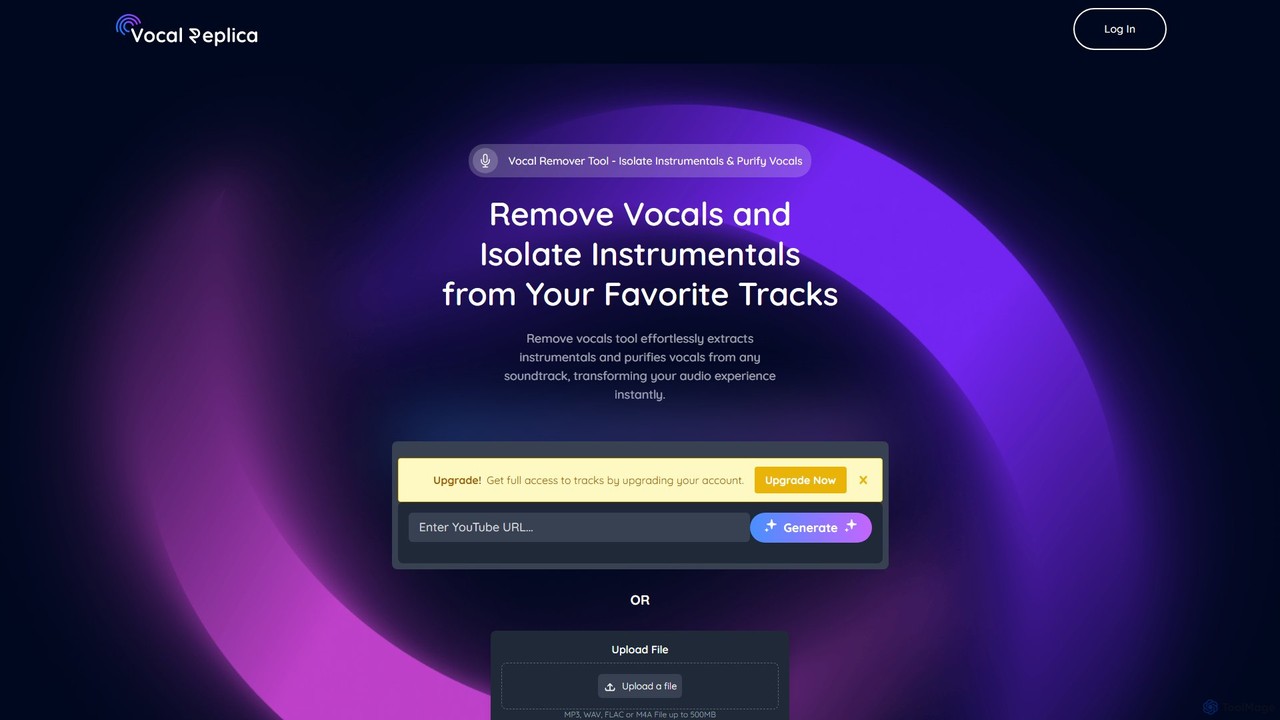
VocalReplica
VocalReplica is an advanced AI-powered tool for high-precision vocal and instrumental separation. It enables musicians, DJs, and producers to easily isolate clean vocal and instrumental tracks from any song by uploading an audio file or pasting a YouTube URL.
Audio Editing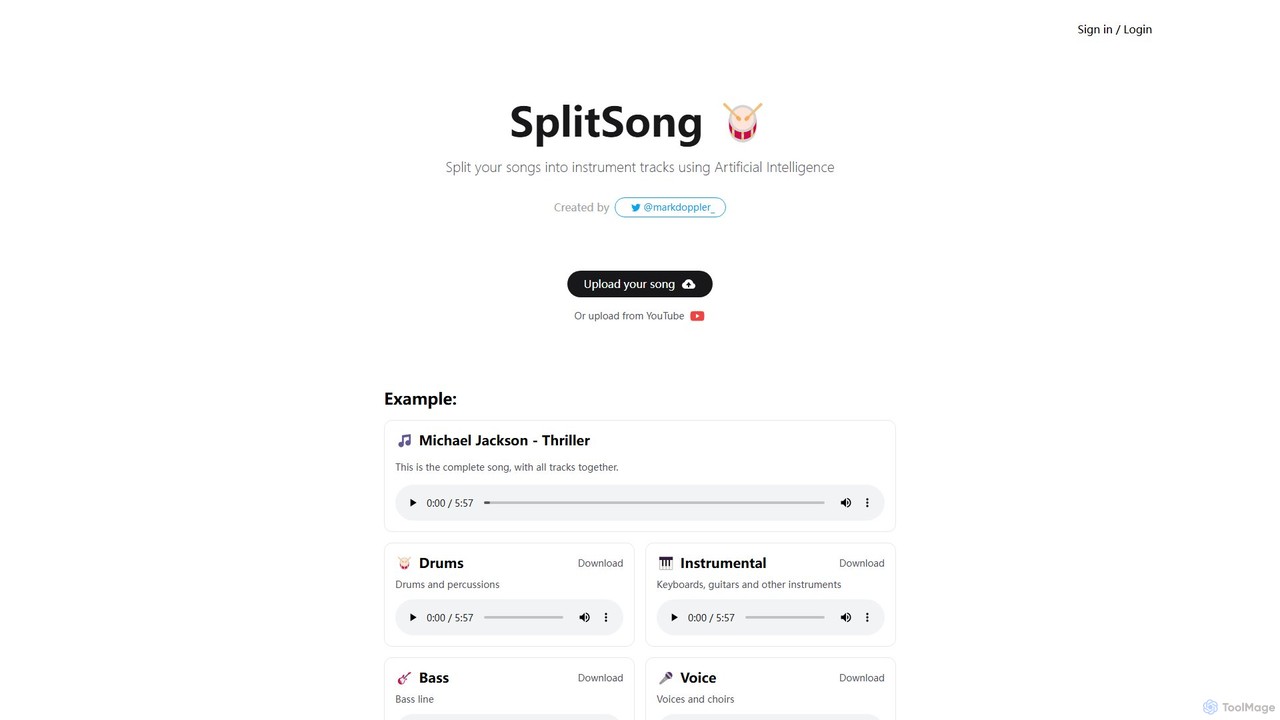
SplitSong
SplitSong is an AI-powered online tool that separates any song into individual tracks like vocals, drums, bass, and instruments. Easily create karaoke tracks, remixes, or practice material by uploading a file or pasting a YouTube link.
Music Editing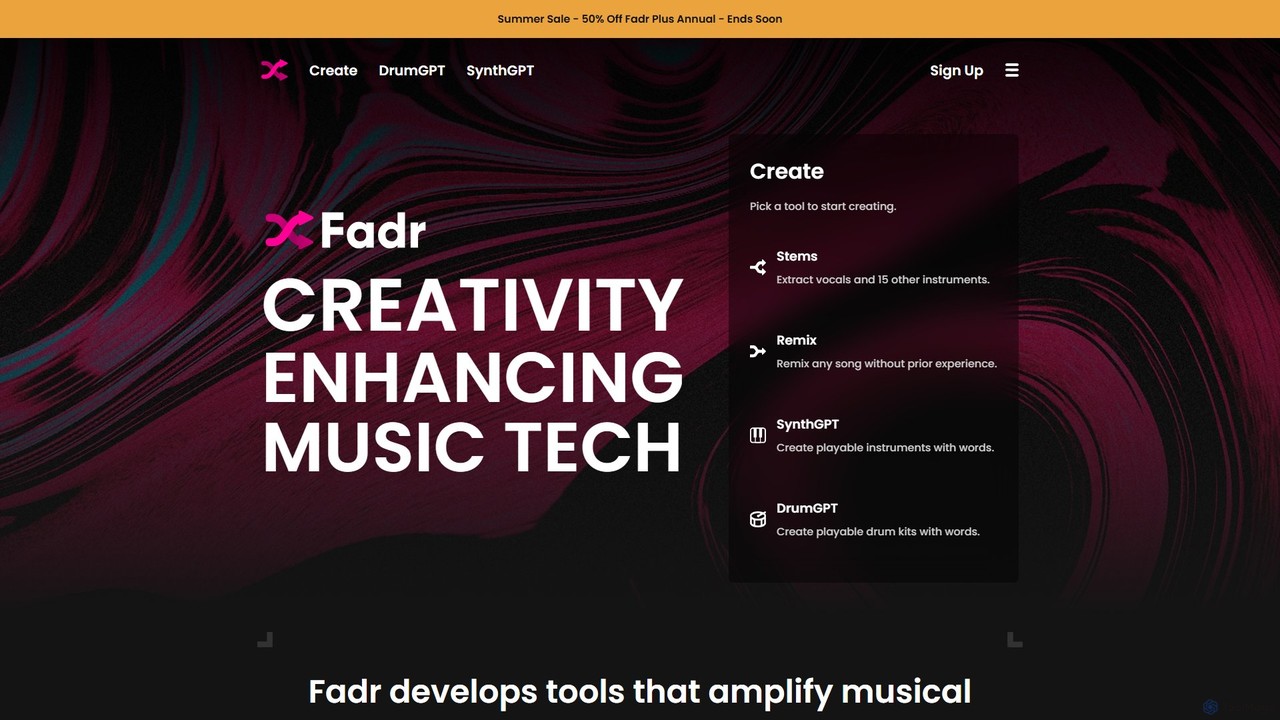
Fadr
Fadr is a powerful AI music platform that enables users to create remixes, mashups, and separate songs into high-quality stems. It features tools for stem separation (vocals, instruments), AI-powered remixing, and innovative text-to-instrument generators like SynthGPT and DrumGPT. It's designed for producers, DJs, and musicians of all skill levels.
Music Production
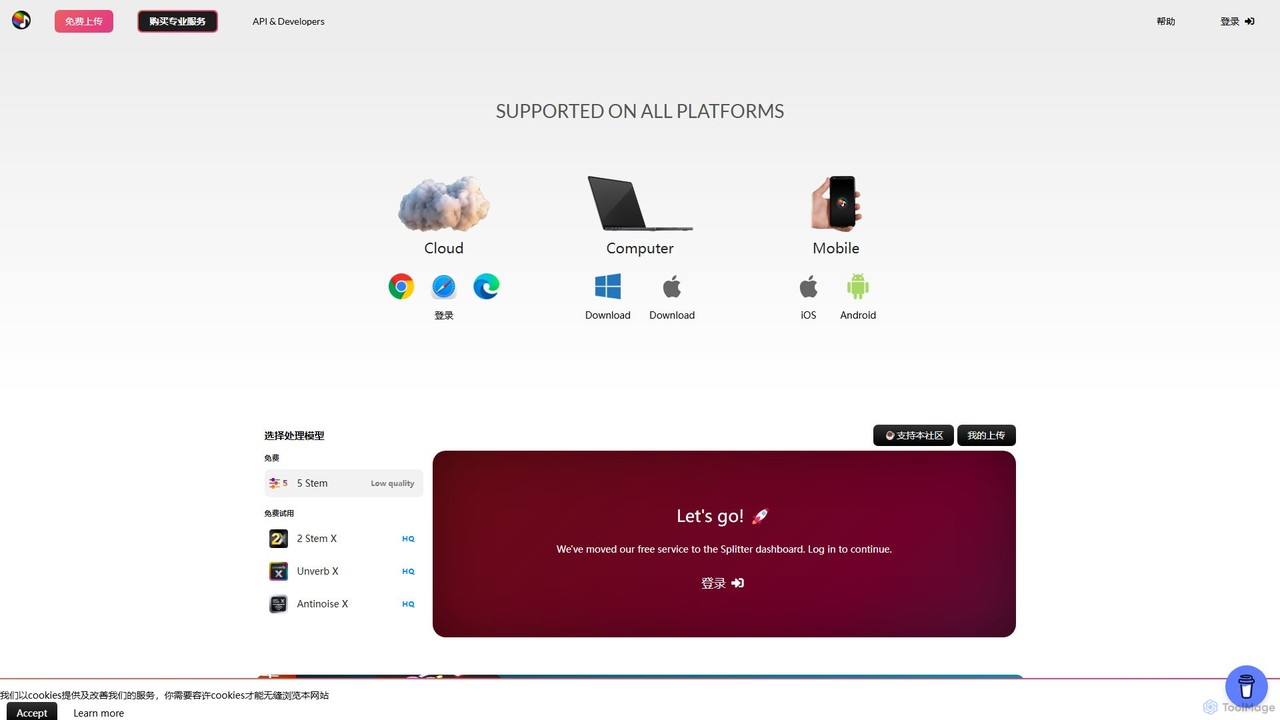
Splitter.ai
Splitter.ai is an advanced AI-powered audio processing platform for high-fidelity stem separation. It enables users to isolate vocals, drums, bass, piano, and other instruments from any song. With features like reverb removal, noise reduction, and direct YouTube processing, it's an essential tool for music producers, DJs, and musicians.
Audio EditingStems Categories
Stems Embed Widget
Copy this embed code to place the badge on your blog, article, or product site and send readers directly to this ToolMage detail page.

Related AI tools
VocalReplica
VocalReplica is an advanced AI-powered tool for high-precision vocal and instrumental separation. It enables musicians, DJs, and producers to easily isolate clean vocal and instrumental tracks from any song by uploading an audio file or pasting a YouTube URL.
Audio EditingSplitSong
SplitSong is an AI-powered online tool that separates any song into individual tracks like vocals, drums, bass, and instruments. Easily create karaoke tracks, remixes, or practice material by uploading a file or pasting a YouTube link.
Music EditingSplitter.ai
Splitter.ai is an advanced AI-powered audio processing platform for high-fidelity stem separation. It enables users to isolate vocals, drums, bass, piano, and other instruments from any song. With features like reverb removal, noise reduction, and direct YouTube processing, it's an essential tool for music producers, DJs, and musicians.
Audio Editing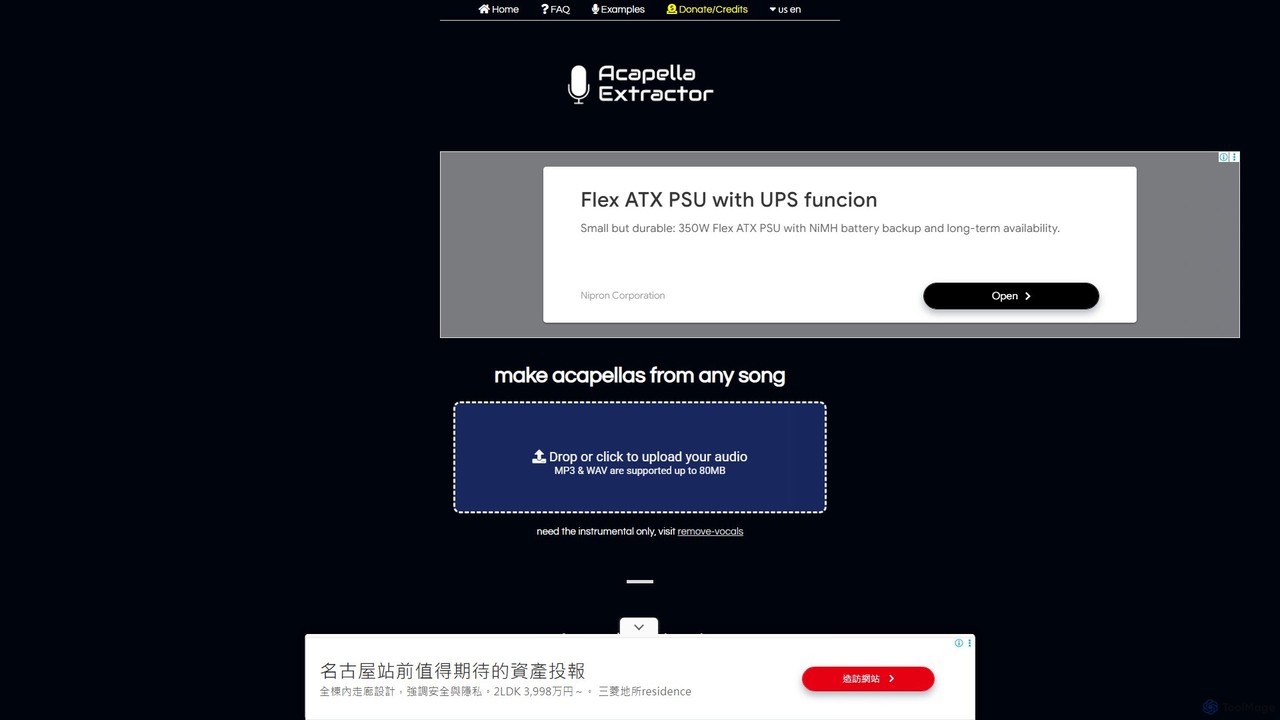
acapella_extractor
A free, AI-powered online tool that isolates vocals from any song. Simply upload an audio file (MP3 or WAV) to create a high-quality acapella track, perfect for DJs, producers, and karaoke fans. No registration or software installation required.
Source Separation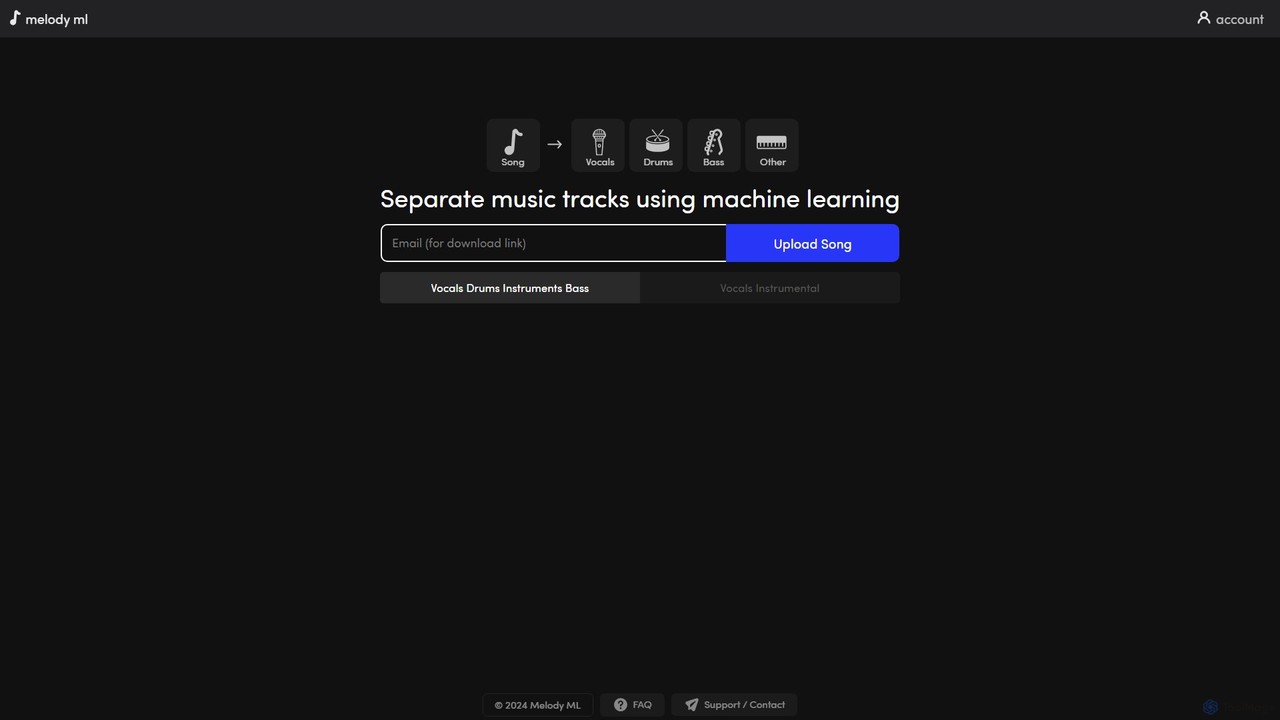
melody ml
Melody ML is an AI-powered music source separation tool that allows users to easily split any song into individual tracks like vocals, drums, bass, and other instruments. Based on the advanced Demucs model, it's perfect for DJs, producers, musicians, and karaoke fans who need high-quality stems for remixes, practice, or creating backing tracks.
Music Separation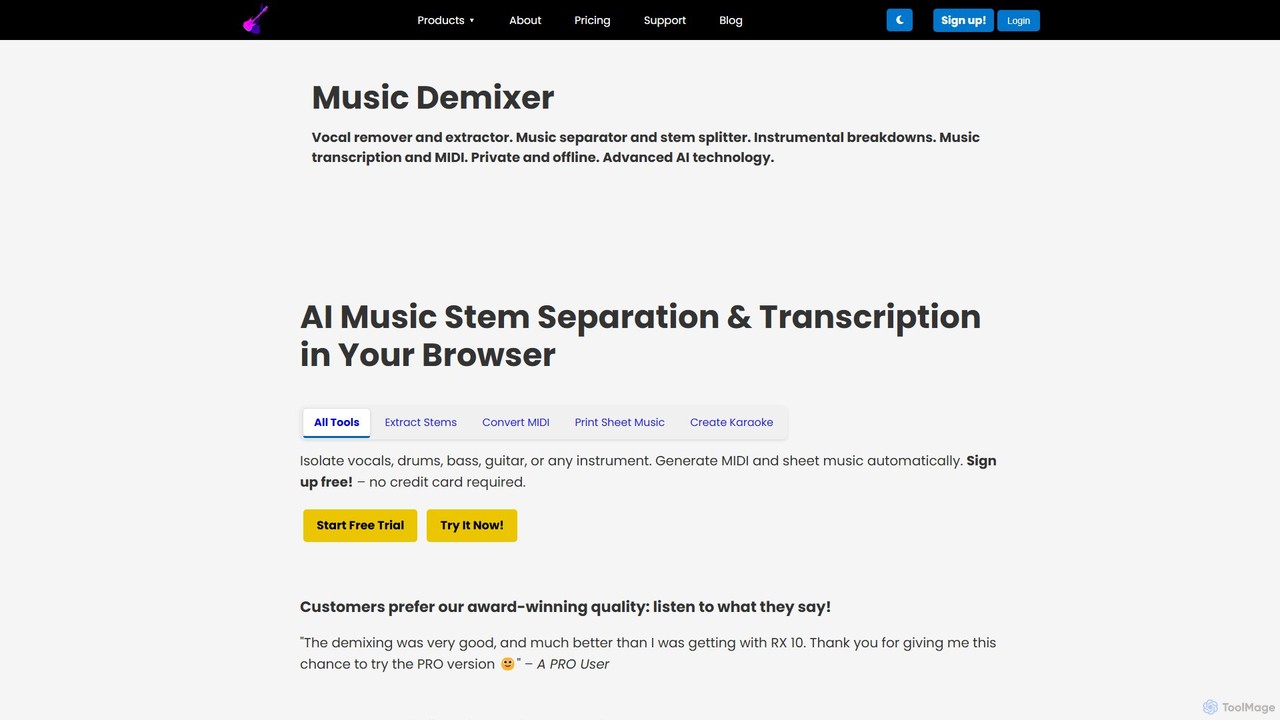
freemusicdemixer
freemusicdemixer is an advanced AI-powered web tool for musicians, DJs, and creators. It allows you to separate any song into individual stems like vocals, drums, bass, and guitar directly in your browser. The tool also provides automatic music transcription, generating precise MIDI files and sheet music. A key feature is its commitment to privacy, with all audio processing performed locally on your device, ensuring your files are never uploaded to the cloud. It offers both a free tier and a powerful PRO version with unlimited usage.
Music Editing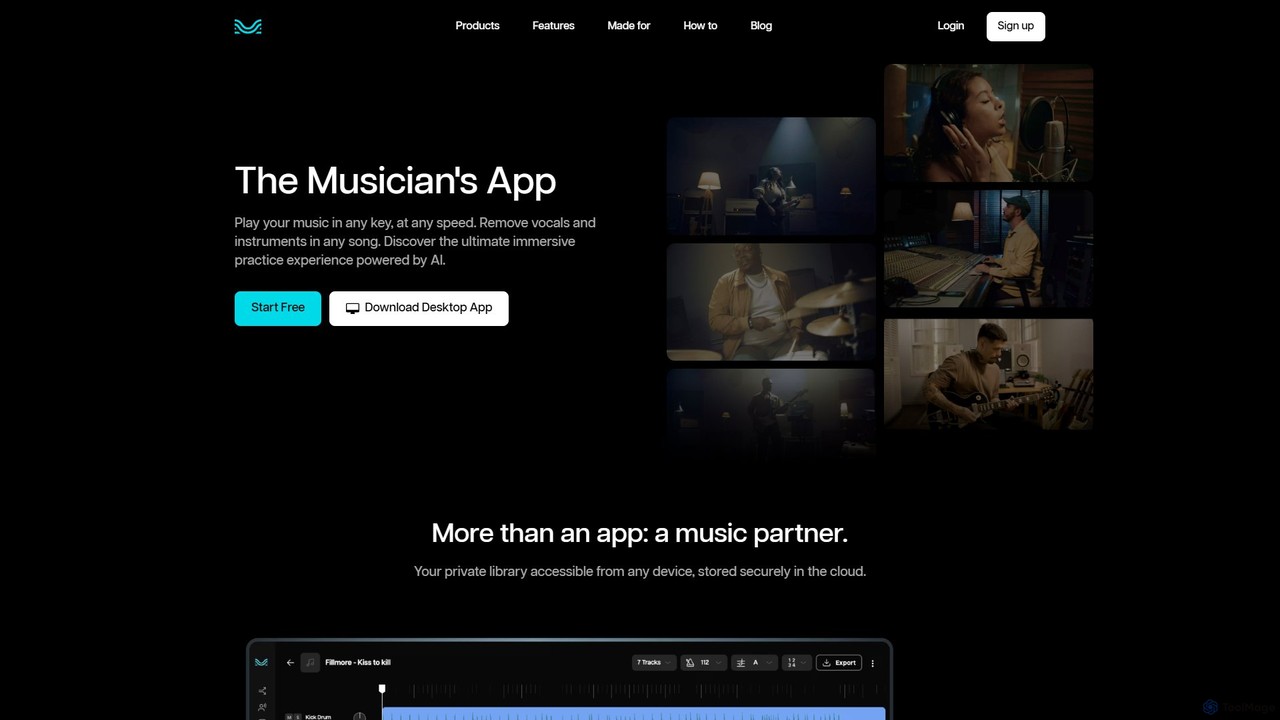
Moises
Moises is an AI-powered music application designed for musicians, producers, and students. It allows users to easily separate vocals and instruments from any song, creating high-quality instrumental or acapella tracks. Key features include an AI-powered vocal remover, pitch and speed changer, smart metronome, and real-time chord detection, making it the ultimate tool for practice, creation, and learning.
Music
AudioStrip
AudioStrip is a powerful AI-powered online tool for musicians and producers, offering high-quality vocal and instrumental separation from any audio track. It also provides advanced features like AI mastering, noise reduction, and specific instrument isolation (drums, bass, piano, guitar) with both free and premium options.
Audio Editing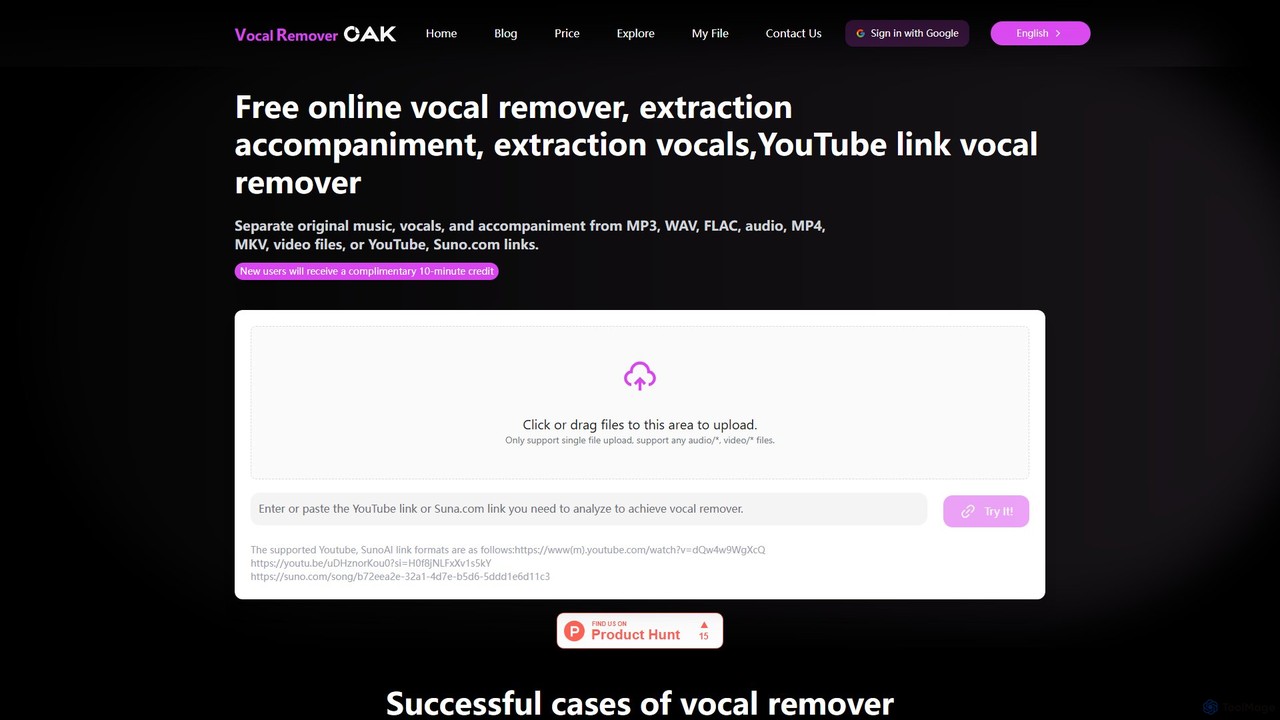
vocalremoveroak
vocalremoveroak is a free online AI tool that separates vocals and instrumentals from any audio or video file. Using advanced deep learning, it quickly processes files from your device, YouTube, or Suno.com links. Ideal for musicians, DJs, and content creators to produce high-quality karaoke tracks, remixes, or instrumental versions with lossless audio quality.
Audio Editing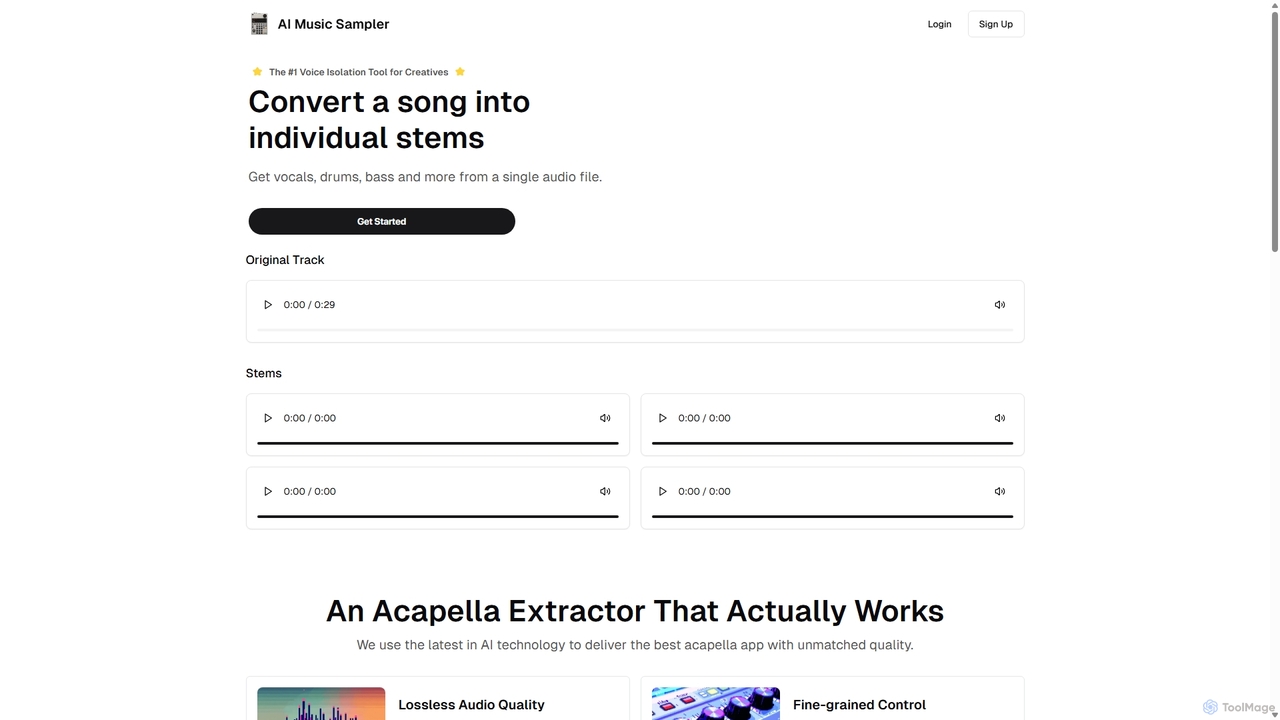
Aimusicsampler
Aimusicsampler is an AI-powered audio separation tool that allows creatives to extract individual stems like vocals, drums, bass, and other instruments from any song. It delivers high-quality, lossless audio files (WAV) with remarkable accuracy, operating on a flexible pay-per-use model without requiring a monthly subscription.
Audio Editing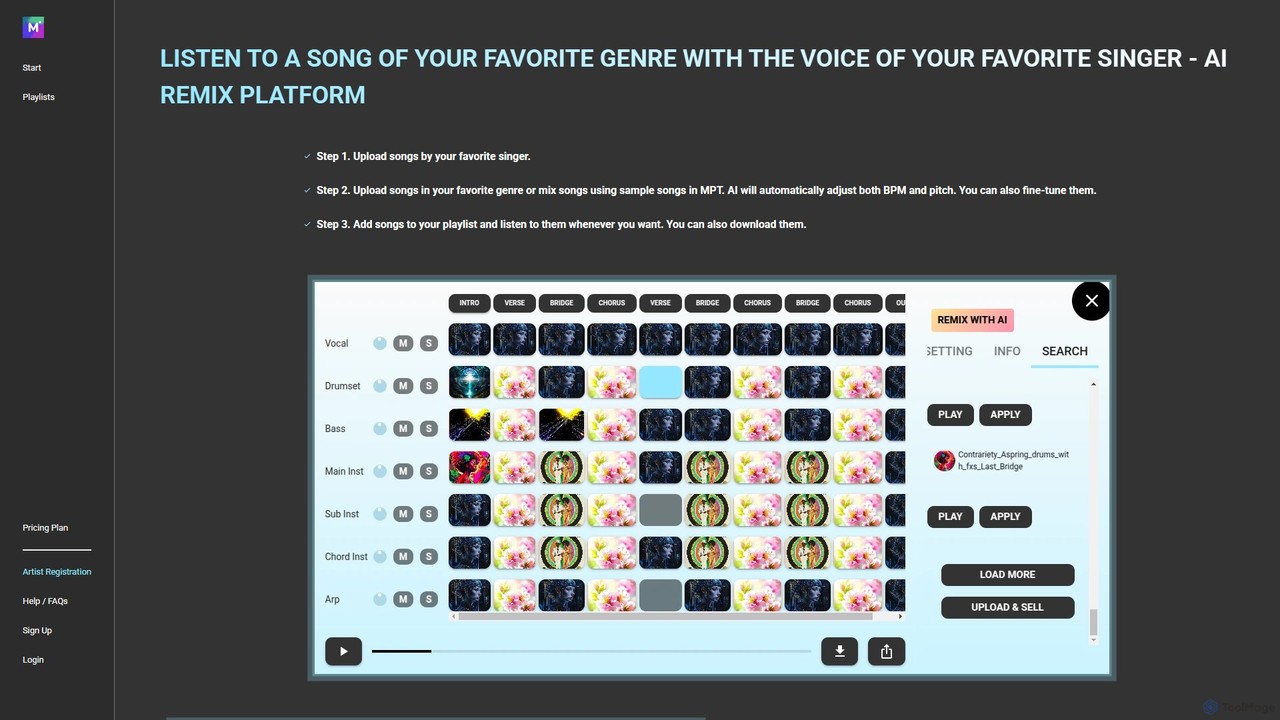
MPT
MPT is an AI-powered music platform that allows users to upload, create, and remix songs with ease. Separate songs into elements like vocals and instrumentals, then combine them to create unique mashups. The AI automatically adjusts BPM and pitch for seamless integration.
Music GenerationFadr
Fadr is a powerful AI music platform that enables users to create remixes, mashups, and separate songs into high-quality stems. It features tools for stem separation (vocals, instruments), AI-powered remixing, and innovative text-to-instrument generators like SynthGPT and DrumGPT. It's designed for producers, DJs, and musicians of all skill levels.
Music Production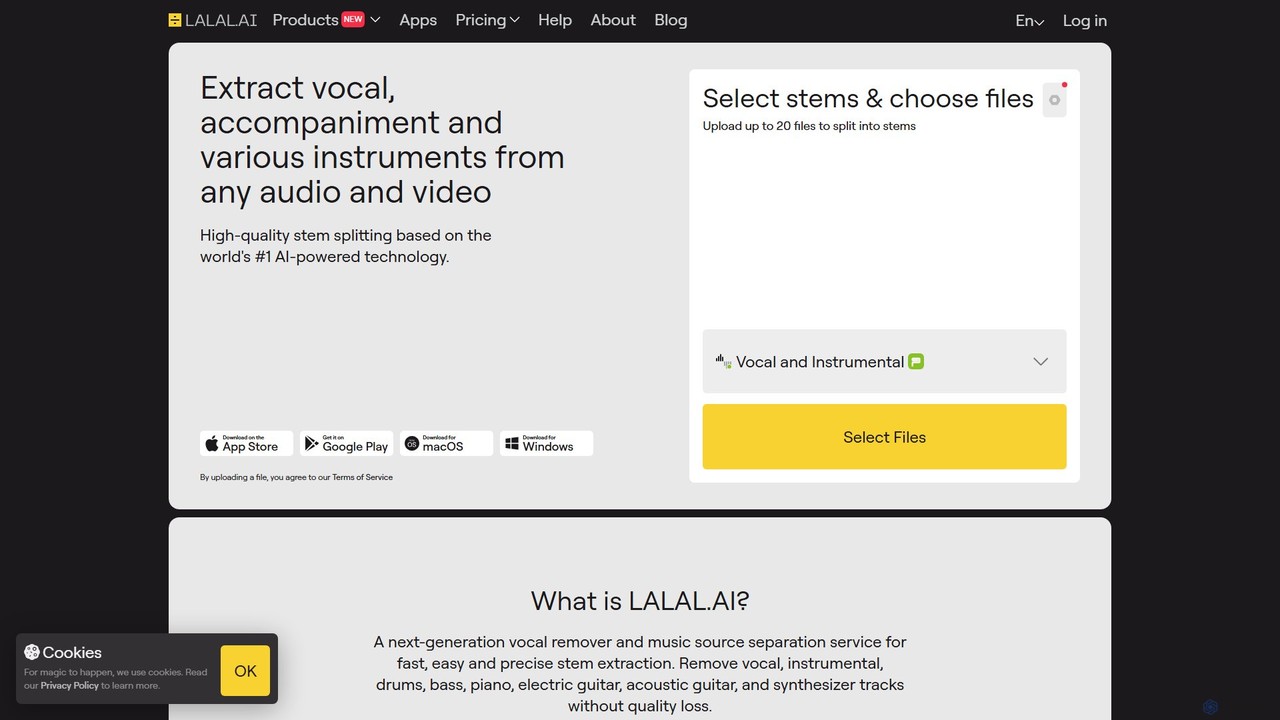
LALAL.AI
LALAL.AI is a next-generation AI-powered service for high-quality vocal and instrumental stem separation. It allows users to quickly and accurately extract up to 10 different stems—including vocals, drums, bass, piano, and more—from any audio or video file. The platform also features a Voice Cleaner for noise reduction, an Echo Remover, and a Voice Cloner, making it a comprehensive toolkit for musicians, producers, and content creators.
Music Editing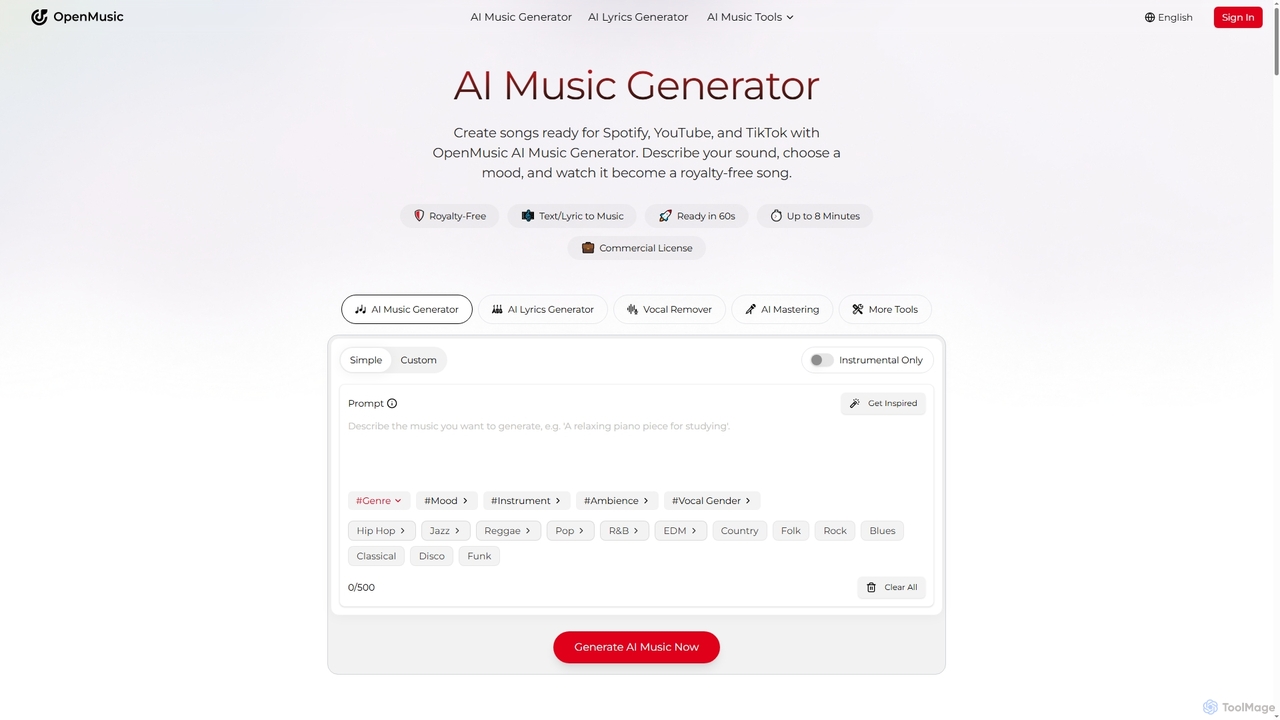
OpenMusic
OpenMusic is an advanced AI music generator and comprehensive toolkit designed for creators of all levels. It enables users to effortlessly create royalty-free, studio-quality music, lyrics, and instrumental tracks for commercial use. From generating full songs from text prompts to splitting stems and mastering audio, OpenMusic streamlines the entire music production workflow, making creativity accessible and monetizable.
Stem Separation
Stems Comments (0)
Sign in to comment.
Sign inNo comments yet.