ToolMage
Sign in

Best 9 Music Editing AI tools for Audio

Popular Music Editing AI tools in Audio include Vocal Remover, LALAL.AI, VocalRemover, AudioShake, Vocal Remover & Audio Splitter AI, freemusicdemixer, AudioShake Indie, Drumless, and SplitSong, helping you work more efficiently.

VocalRemover
Freemium

VocalRemover

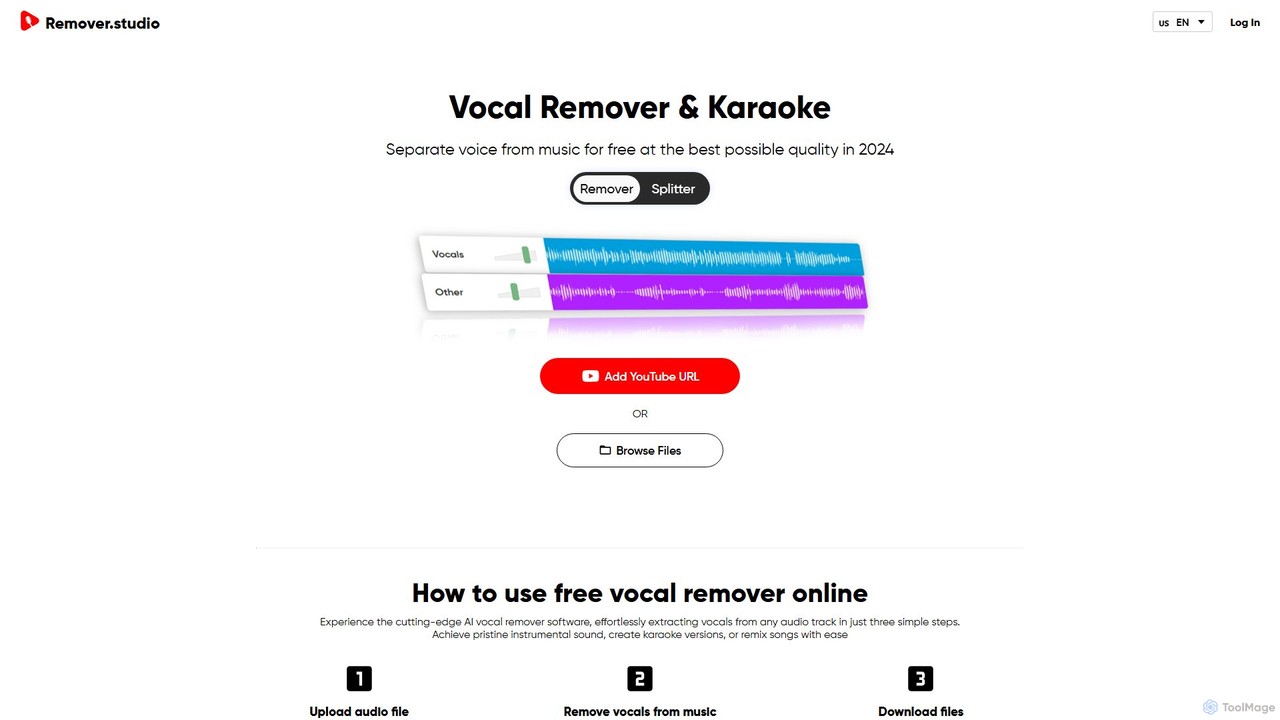
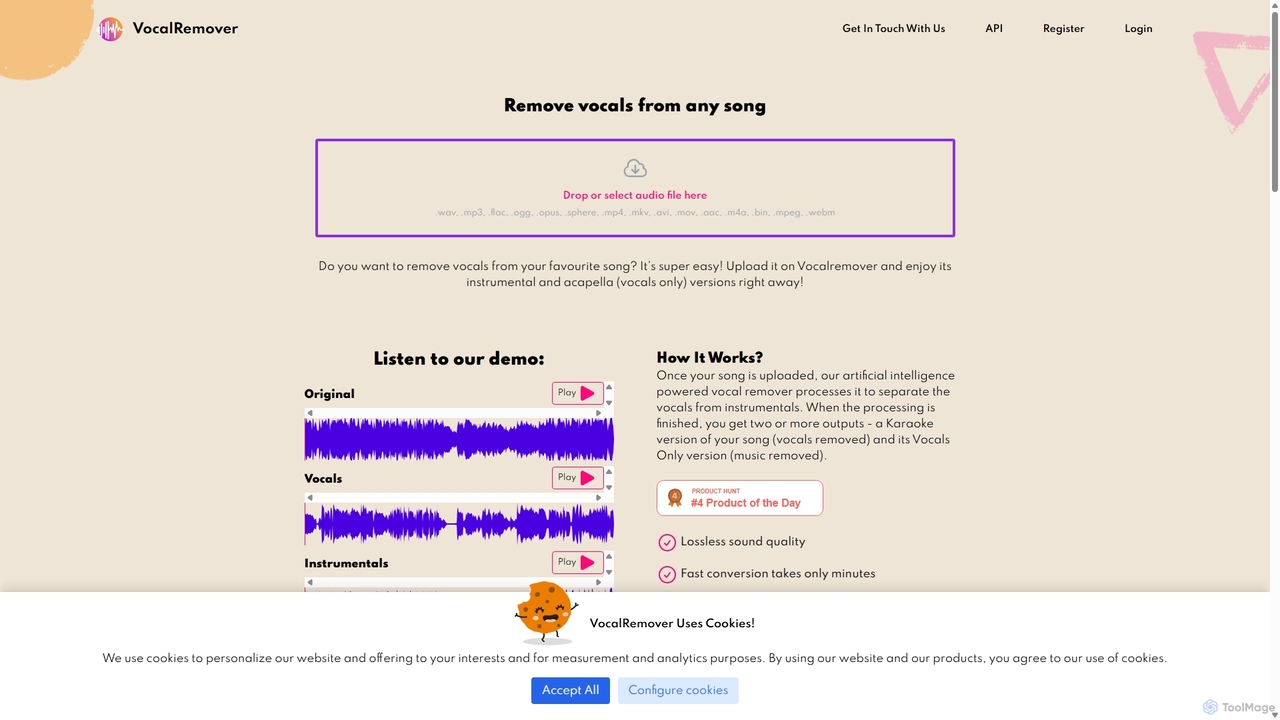
An AI-powered online tool that precisely separates vocals from music in any audio or video file. It generates high-quality instrumental (karaoke) and acapella tracks. Beyond vocals, it can also isolate specific instruments like drums, bass, and piano, making it an essential tool for DJs, music producers, and karaoke lovers.

Music Editing
Visits 253.7KFavorites 126Likes 132
Vocal Remover
Freemium

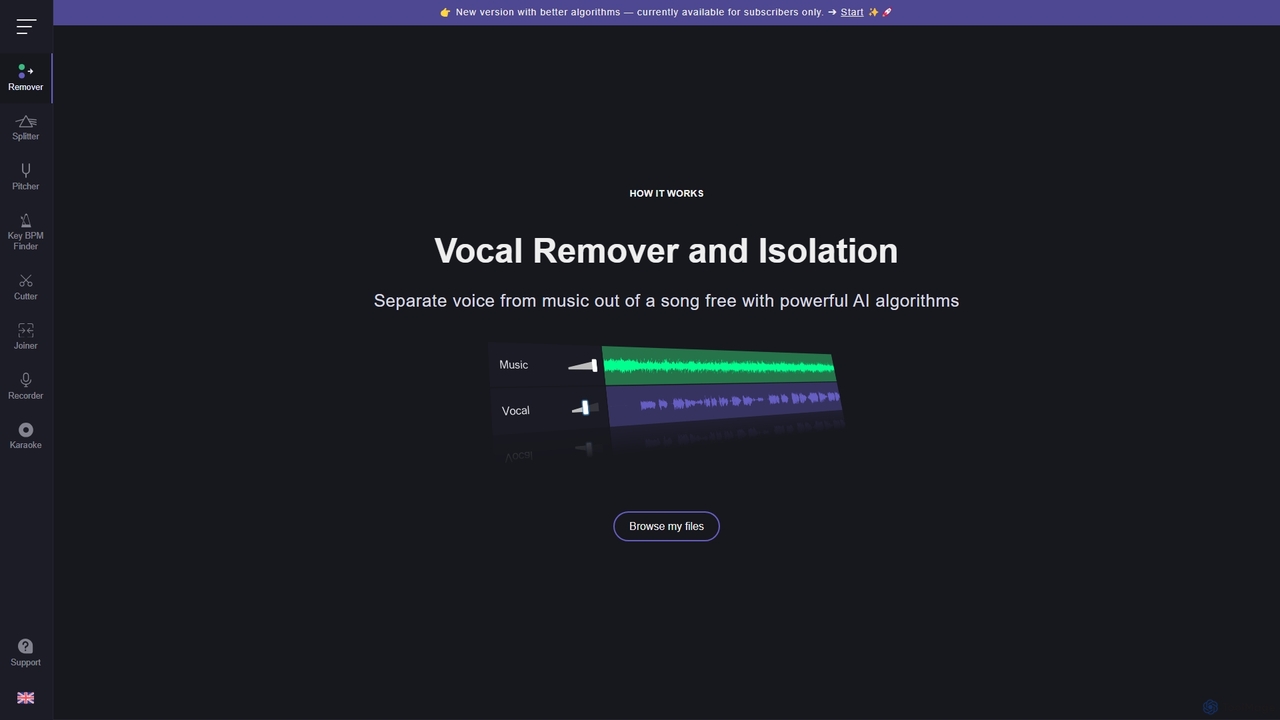
Vocal Remover

An AI-powered suite of audio tools that allows users to separate vocals from music, isolate instruments, change pitch and tempo, and analyze song keys and BPM. Ideal for musicians, DJs, producers, and karaoke enthusiasts to create karaoke tracks, acapellas, and remixes.

Generative Audio
Visits 10.1MFavorites 153Likes 160
AudioShake Indie
Freemium

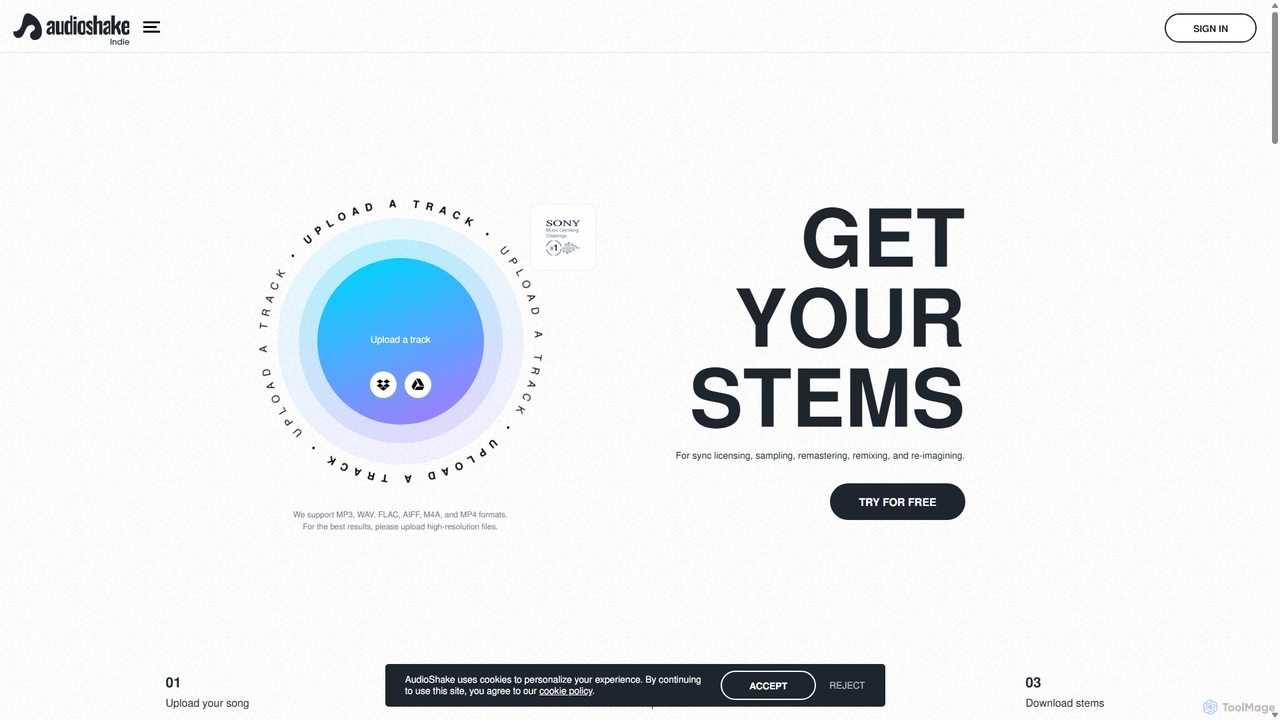
AudioShake Indie

AudioShake Indie is an advanced AI-powered tool designed for musicians, producers, and labels to deconstruct any audio track into its constituent parts, or stems. It cleanly separates vocals, drums, bass, and other instruments from a single audio file, opening up new possibilities for remixing, sampling, sync licensing, and remastering, even when original multi-track recordings are lost.

Music Editing
Visits 23.3KFavorites 118Likes 144
SplitSong
Freemium

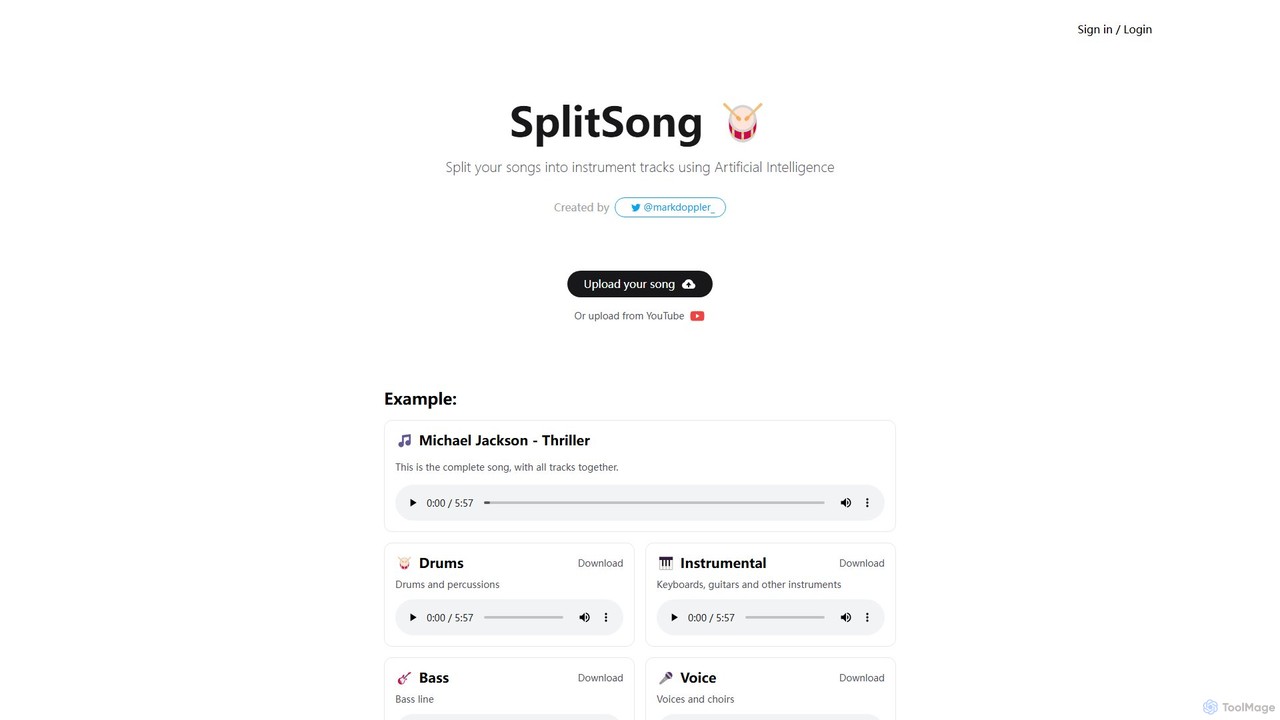
SplitSong

SplitSong is an AI-powered online tool that separates any song into individual tracks like vocals, drums, bass, and instruments. Easily create karaoke tracks, remixes, or practice material by uploading a file or pasting a YouTube link.

Music Editing
Visits 5.3KFavorites 151Likes 157
LALAL.AI
Freemium

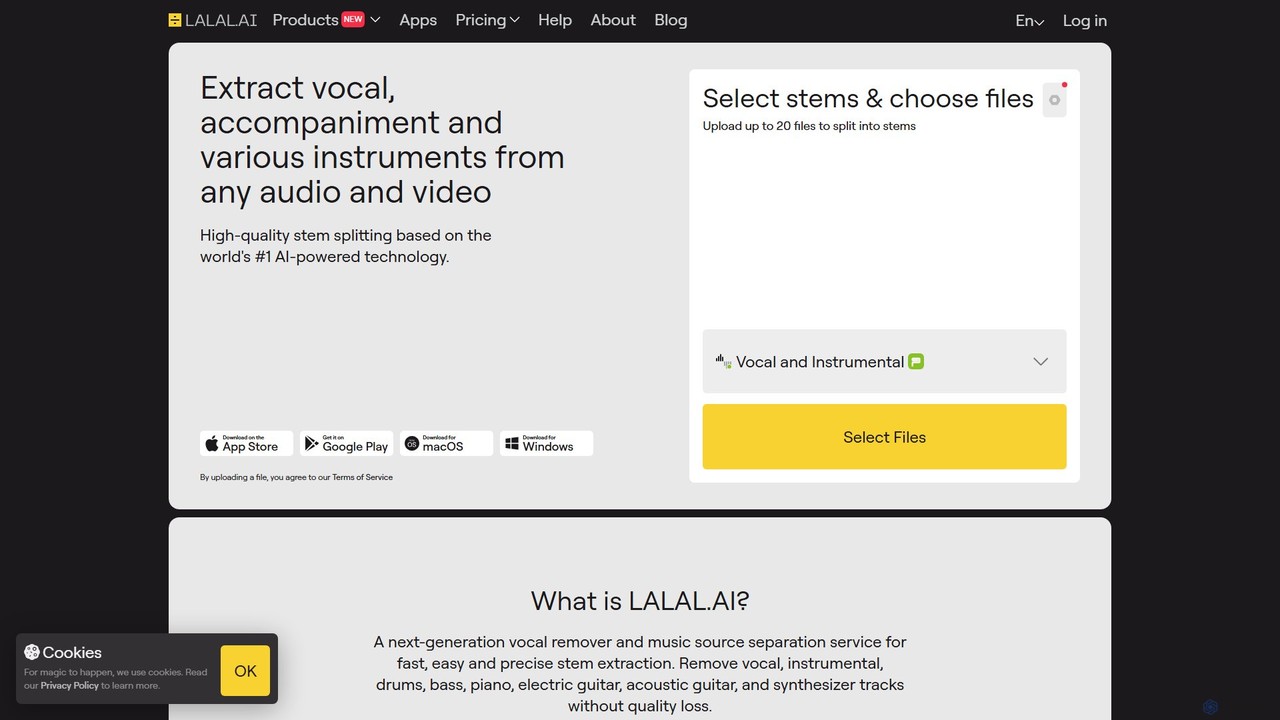
LALAL.AI

LALAL.AI is a next-generation AI-powered service for high-quality vocal and instrumental stem separation. It allows users to quickly and accurately extract up to 10 different stems—including vocals, drums, bass, piano, and more—from any audio or video file. The platform also features a Voice Cleaner for noise reduction, an Echo Remover, and a Voice Cloner, making it a comprehensive toolkit for musicians, producers, and content creators.

Music Editing
Visits 2.7MFavorites 97Likes 126
Vocal Remover & Audio Splitter AI
Freemium

Vocal Remover & Audio Splitter AI

An AI-powered online tool that accurately separates vocals from music and splits audio into individual stems like vocals, bass, drums, and guitar. Ideal for creating karaoke tracks, acapellas, instrumentals, and remixes from any song by uploading a file or pasting a YouTube URL.

Music Editing
Visits 58.2KFavorites 109Likes 111
freemusicdemixer
Freemium

freemusicdemixer

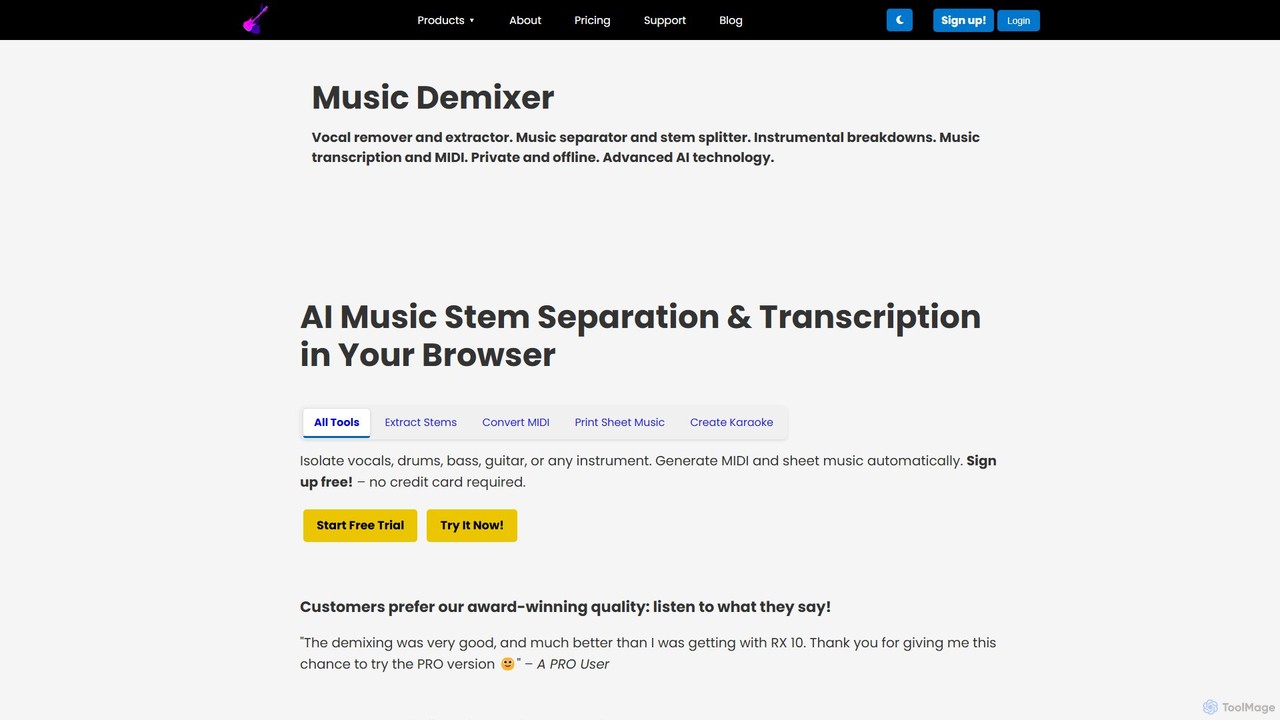
freemusicdemixer is an advanced AI-powered web tool for musicians, DJs, and creators. It allows you to separate any song into individual stems like vocals, drums, bass, and guitar directly in your browser. The tool also provides automatic music transcription, generating precise MIDI files and sheet music. A key feature is its commitment to privacy, with all audio processing performed locally on your device, ensuring your files are never uploaded to the cloud. It offers both a free tier and a powerful PRO version with unlimited usage.

Music Editing
Visits 24.2KFavorites 139Likes 142
Drumless
Freemium

Drumless

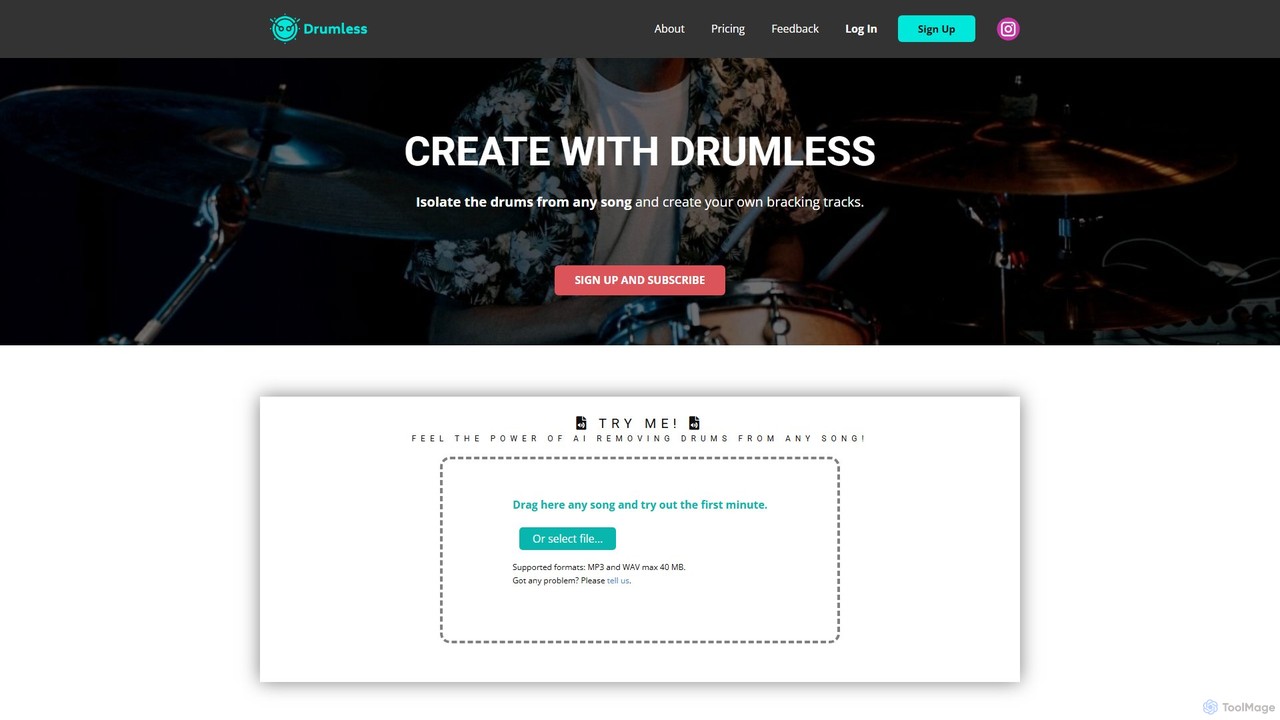
Drumless is an AI-powered tool designed for drummers and musicians to remove drums from any song. It instantly creates high-quality, drum-free backing tracks, perfect for practice, performance, and content creation. Simply upload an audio file, and the AI will isolate the drum track, allowing you to play along with your favorite artists.

Music Editing
Visits 13KFavorites 145Likes 137
AudioShake
Paid

AudioShake

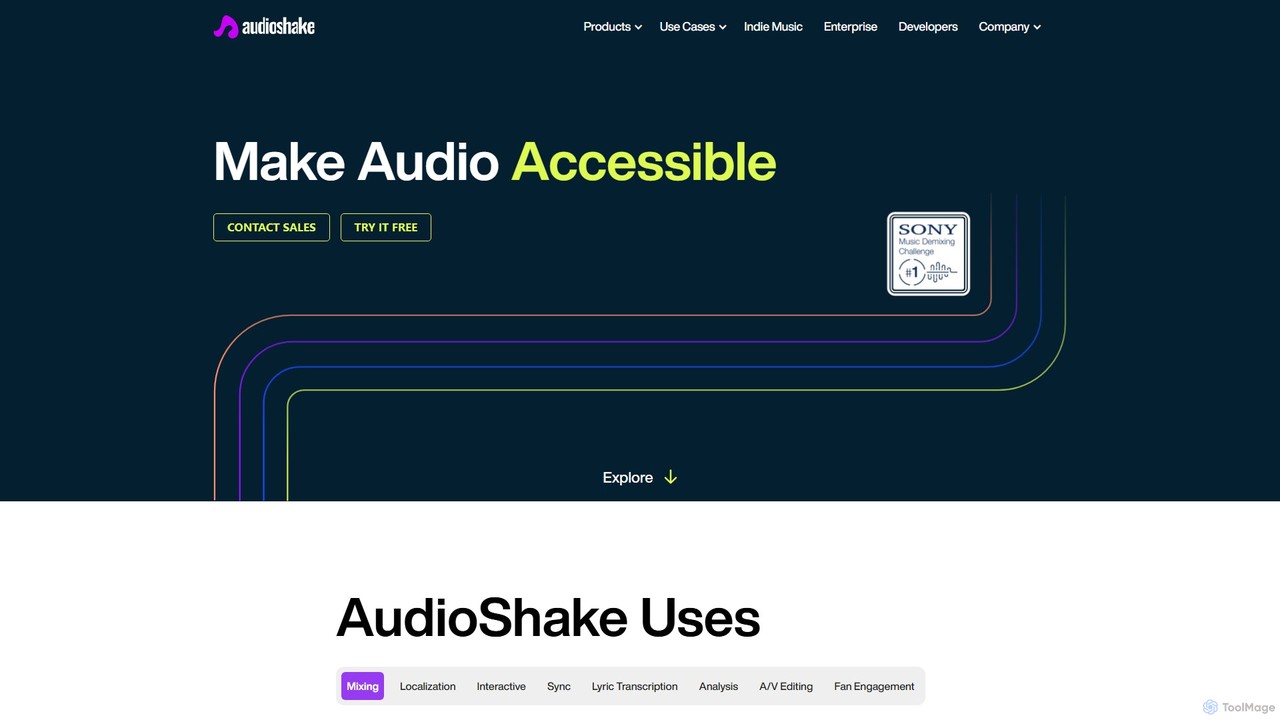
AudioShake is a cutting-edge AI platform that separates audio into its core components (stems). It can isolate vocals, instruments, dialogue, and effects from any audio source, enabling high-quality mixing, remastering, dubbing, and sync licensing. Trusted by industry leaders like Disney and Warner Music, it unlocks new creative and commercial possibilities for music, film, and broadcast professionals.

Music Editing
Visits 70.9KFavorites 138Likes 160

About Music Editing

AI Music Editing tools are specialized software applications that leverage artificial intelligence to enhance, modify, and refine audio tracks. These tools utilize advanced algorithms for tasks such as stem separation, noise reduction, AI-assisted mastering, and vocal processing. They significantly streamline the music production and post-production workflow, enabling artists, producers, and sound engineers to achieve professional-grade results more efficiently. By automating complex and time-consuming audio manipulation, AI music editing empowers creators to focus more on their artistic vision and less on technical intricacies.

Core Features

  • Stem Separation: Intelligently isolate individual instruments like vocals, drums, bass, and guitar from a complete mixed track.
  • Noise Reduction & Restoration: Automatically identify and remove unwanted background noise, hums, clicks, and other audio imperfections.
  • AI Mastering Assistance: Provide intelligent suggestions or automated adjustments for optimal loudness, equalization, and dynamics across a track.
  • Vocal Tuning & Harmonization: Correct pitch and timing inaccuracies in vocal performances and generate natural-sounding harmonies.
  • Beat & Tempo Synchronization: Automatically align audio elements to a specific tempo, grid, or synchronize with video footage.

Applicable Scenarios

Independent musicians use these tools to polish home recordings, podcasters clean up interview audio for clarity, and film/video editors separate dialogue from background music. DJs also leverage them to isolate instrumentals or vocals for creating unique remixes and mashups, significantly speeding up their creative process.

How to Choose

When selecting an AI music editing tool, consider its specific editing capabilities (e.g., stem separation, noise reduction, mastering), compatibility with your existing digital audio workstation (DAW), and the overall quality of its audio output. Evaluate the user interface for ease of use and ensure the pricing model aligns with your budget and usage frequency.

Music Editing use cases

1

Isolating Vocals for Remix Production

DJs and music producers utilize AI stem separation to extract clean, isolated vocal tracks from commercially released songs, enabling them to create unique remixes, mashups, or instrumental versions without access to original multitracks. This significantly expands creative possibilities and accelerates the production workflow.

2

Cleaning Up Imperfect Audio Recordings

Podcasters, journalists, or videographers employ AI noise reduction tools to automatically remove unwanted background noise, hums, or echoes from recorded interviews, voiceovers, or field recordings. This ensures crystal-clear audio quality, enhancing listener engagement and professionalism.

3

Automated Mastering for Independent Artists

Independent musicians and bands use AI mastering assistance to achieve a professionally polished sound for their tracks, optimizing loudness, dynamics, and tonal balance. This allows them to prepare their music for distribution platforms without the high cost or time commitment of a human mastering engineer.

4

Pitch Correction and Vocal Enhancement

Singers and producers apply AI vocal editing tools to subtly correct pitch inaccuracies, smooth out vocal performances, and even generate natural-sounding harmonies. This ensures a flawless and professional vocal delivery, saving hours of manual editing time.

5

Synchronizing Music to Video Content

Video editors leverage AI beat and tempo synchronization to automatically align background music or sound effects with visual cues in their video projects. This creates a seamless audio-visual experience, eliminating tedious manual adjustments and improving production efficiency.

6

Generating Instrumental Tracks for Covers or Karaoke

Content creators or aspiring singers use AI stem separation to remove vocals from popular songs, creating high-quality instrumental backing tracks. This facilitates recording cover songs, practicing vocals, or providing background music for various online content.

Music Editing FAQ

What are AI Music Editing tools?

AI Music Editing tools are software applications that use artificial intelligence to assist in or automate the process of modifying and enhancing audio. They can perform tasks like separating instruments (stem separation), reducing noise, assisting with mastering, and fine-tuning vocals. These tools aim to streamline complex audio post-production tasks, making professional-grade editing more accessible and efficient for musicians, producers, and content creators.

How do AI Music Editing tools differ from traditional audio editors?

Traditional audio editors rely on manual manipulation of waveforms, EQs, compressors, and other effects by a human operator. AI music editing tools, however, automate many of these complex processes using machine learning algorithms. For example, AI can intelligently "understand" different instruments in a mix for separation or suggest optimal mastering settings based on genre, significantly reducing the need for extensive manual intervention and specialized technical knowledge.

What are the main benefits of using AI for music editing?

The main benefits include enhanced efficiency by automating time-consuming tasks like noise reduction or stem separation, and increased accessibility by lowering the technical barrier for complex processes such as mastering or vocal tuning. AI tools also offer greater creative freedom for artists to experiment with remixes and sound design, while improving overall audio quality through intelligent processing and balance.

Can AI Music Editing tools replace human audio engineers?

No, AI Music Editing tools are powerful assistants but cannot entirely replace human audio engineers. While AI automates specific tasks and provides intelligent suggestions, human engineers bring artistic judgment, nuanced decision-making, and a deep understanding of musicality and client vision that AI currently cannot replicate. They augment human capabilities, handling repetitive or technically challenging aspects, allowing engineers to focus on creative direction and critical listening.

What features should I look for when choosing an AI Music Editing tool?

When choosing an AI Music Editing tool, prioritize its core functionality to ensure it meets your specific needs, such as advanced stem separation, effective noise reduction, or comprehensive mastering assistance. Evaluate the output audio quality for naturalness and clarity, and check for seamless integration with your existing digital audio workstation (DAW). A user-friendly interface is also crucial for efficient workflow, alongside a transparent pricing model that fits your budget.