

VocalRemover Overview
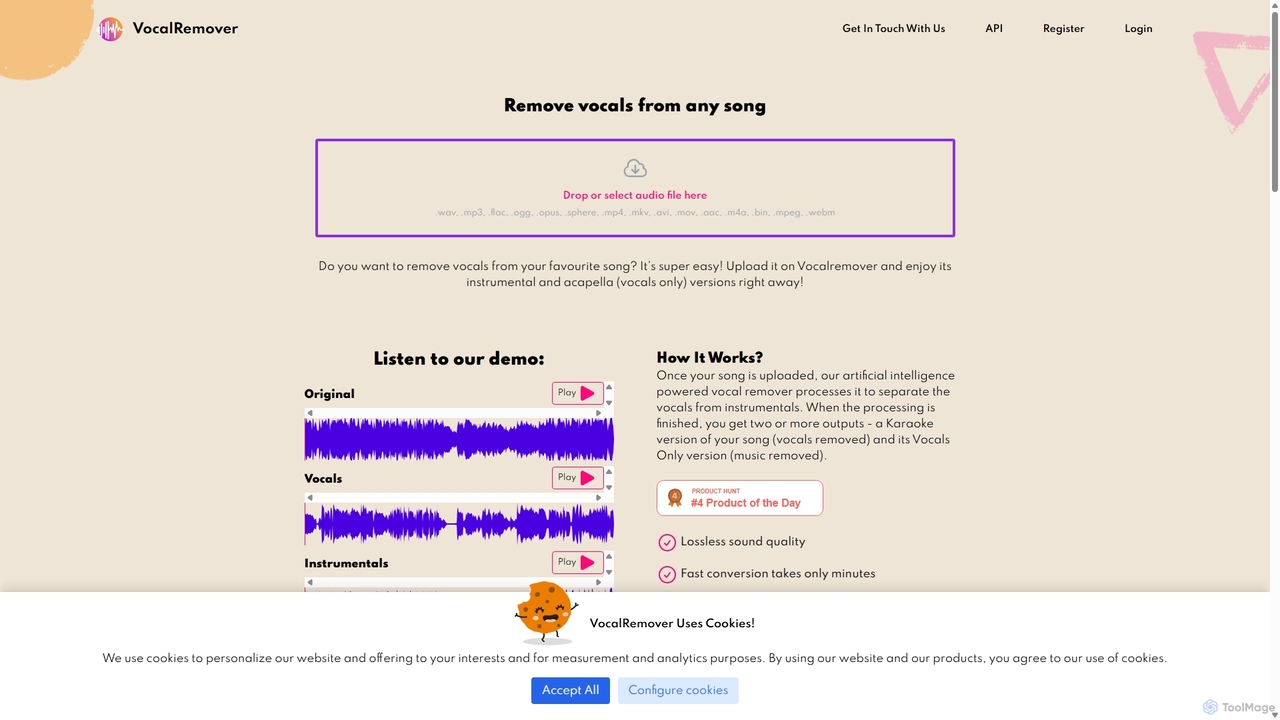
VocalRemover is a sophisticated online service that utilizes advanced artificial intelligence to deconstruct music tracks. Its primary function is to separate vocal tracks from instrumental parts, providing users with clean acapella (vocals only) and karaoke (instrumentals only) versions of any song. The technology is not limited to just vocals; it can also isolate other key elements of a track, such as the bassline, drum patterns, and piano melodies, offering a comprehensive stem separation solution.
The platform is designed for ease of use, featuring a simple drag-and-drop interface that requires no technical expertise. Users can upload a wide variety of audio and video file formats, and the AI processes the file in minutes, delivering high-quality, separated tracks ready for download. This makes it an invaluable resource for a wide range of creative and professional applications.
How to use VocalRemover
Using VocalRemover is a straightforward process designed for efficiency and simplicity:
- Upload Your File: Navigate to the VocalRemover website. You can either drag and drop your audio or video file directly onto the page or click to select a file from your device. The service supports numerous formats, including MP3, WAV, FLAC, MP4, MOV, and AVI.
- AI Processing: Once the file is uploaded, the AI algorithm automatically begins to analyze and process the track. It intelligently identifies and separates the different audio components—vocals, bass, drums, and other instruments.
- Preview and Download: After a few moments, the processing is complete. You will be presented with the separated tracks. You can listen to a preview of the instrumental version and the acapella version to ensure the quality meets your expectations. From there, you can download the resulting files to use in your projects. For files longer than 30 seconds, a paid plan is required for full-length downloads.
Core Features of VocalRemover
- AI-Powered Stem Separation: The core of the tool is its advanced AI that can accurately separate vocals, drums, bass, and piano from a mixed audio track.
- Vocal & Instrumental Tracks: Instantly creates two main outputs: a clean karaoke version (no vocals) and an isolated acapella version (vocals only).
- Wide Format Support: Accepts a vast range of audio (.wav, .mp3, .flac) and video (.mp4, .mkv, .avi) file formats, handling files up to 10GB.
- High-Quality Output: Processes files in their original format to maintain the highest possible audio quality in the final separated stems.
- Fast Conversion Speed: The efficient algorithm processes most tracks within minutes, allowing for a quick workflow.
- User-Friendly Interface: A simple drag-and-drop mechanism makes the tool accessible to everyone, regardless of their technical skill level.
- Priority Processing Queue: Paid users get access to a priority queue, ensuring their files are processed even faster during peak times.
Use Cases for VocalRemover
VocalRemover is a versatile tool with applications across various fields:
- DJs and Music Producers: Create unique remixes, mashups, and bootlegs by isolating vocals and instrumentals. Use acapellas over different beats or sample instrumental loops for new productions.
- Karaoke Enthusiasts: Turn any song into a karaoke track to sing along to. Perfect for parties, events, or personal practice.
- Musicians and Singers: Practice singing or playing an instrument by using the instrumental backing track. Analyze isolated vocal performances to study technique.
- Content Creators and Filmmakers: Remove vocals from a song to create royalty-free-like background music for videos, podcasts, or presentations.
- Audio Engineers: Use separated stems for audio restoration, mixing, and mastering tasks.
Advantages of VocalRemover
The tool offers several key benefits:
- Accessibility: As a web-based tool, it requires no software installation and can be accessed from any device with an internet connection.
- Efficiency: The AI-driven process saves countless hours of manual work that would traditionally be required to isolate audio elements.
- Versatility: It's more than just a vocal remover; the ability to separate multiple instruments makes it a comprehensive stem splitter.
- Flexible Pricing: With a free trial, monthly subscriptions, and one-time top-up packages, it offers plans suitable for both casual users and professionals with high-volume needs.
- Dedicated Support: Provides 24/7 customer support to assist users with any questions or issues.
Pricing and Plans
VocalRemover operates on a freemium model, allowing users to test the service for free.
- Free Sample: Process a 30-second sample of any song to check the separation quality before committing to a purchase.
Monthly Subscription Plans:
- Small: 30 minutes of processing per month for HK$42.09. Includes 100GB storage and priority queue.
- Premium: 90 minutes of processing per month for HK$84.27. Includes 300GB storage and priority queue.
- Professional: 600 minutes of processing per month for HK$506.02. Includes 1TB storage and priority queue.
One-Time Top-Up Packages:
- Standard: 70 minutes of processing for HK$88.00. Credits are valid for one year.
- Large: 450 minutes of processing for HK$407.79. Credits are valid for one year.
Enterprise Plan: Custom-tailored solutions are available for businesses with large volume requirements. Contact sales for details.
Traffic
Latest traffic
Status
Monthly traffic trend
- 2025-9: 326.3K
- 2026-1: 332.3K
- 2026-2: 234.3K
- 2026-3: 310.0K
- 2026-4: 254.4K
- 2026-5: 248.3K
Geography
Top 5 countries / regions
- 🇺🇸United States41.6%
- 🇮🇩Indonesia21.2%
- 🇮🇳India16.4%
- 🇲🇳Mongolia10.6%
- 🇷🇺Russia10.2%
Traffic sources
| Source type | Percentage |
|---|---|
Direct | 89.7% |
Referral | 8.9% |
Email | 1.4% |
Top keywords
| Keyword | Cost per click |
|---|---|
| music remover | $0.23 |
| vocal remover | $0.28 |
| vocalremover | $0.33 |
| vocalremover org | $0.21 |
| voice remover | $0.30 |
VocalRemover Videos on YouTube
Daniel | Tech & Data
Edimakor for Creators

AI Future Trends
AI Future Trends


VocalRemover Alternatives
LALAL.AI
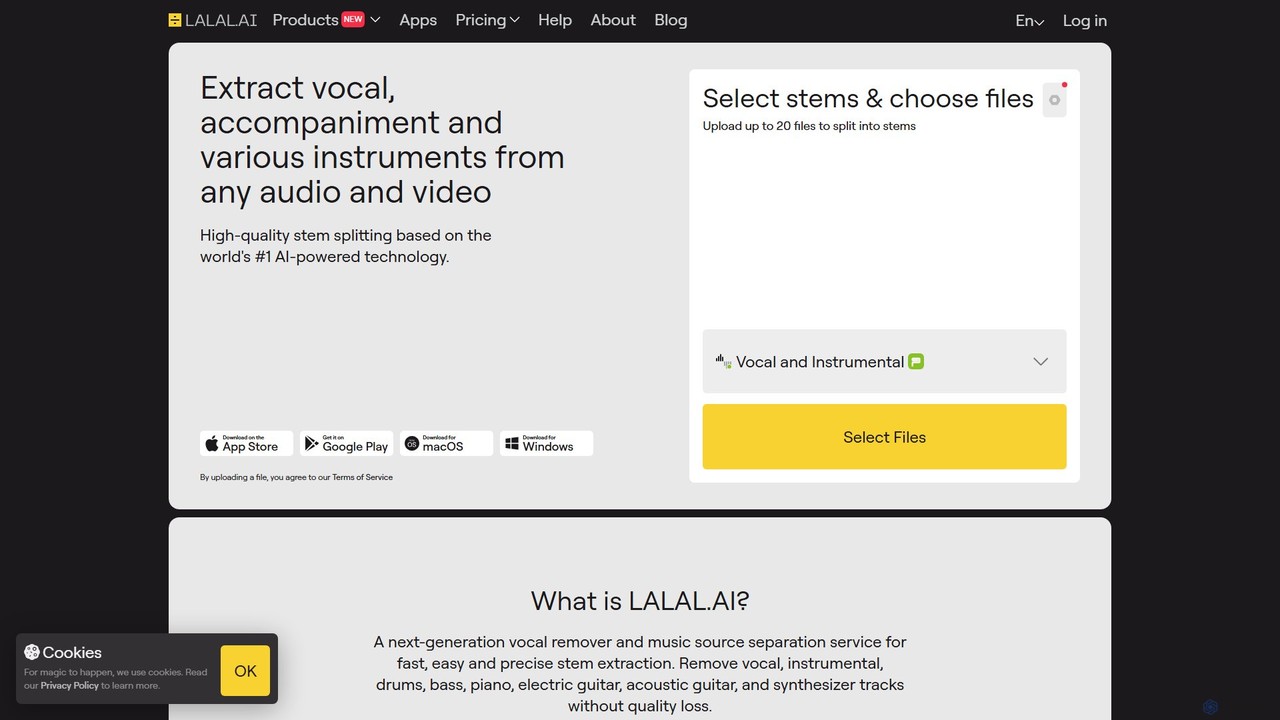
LALAL.AI is a next-generation AI-powered service for high-quality vocal and instrumental stem separation. It allows users to quickly and accurately extract up to 10 different stems—including vocals, drums, bass, piano, and more—from any audio or video file. The platform also features a Voice Cleaner for noise reduction, an Echo Remover, and a Voice Cloner, making it a comprehensive toolkit for musicians, producers, and content creators.
Music Editing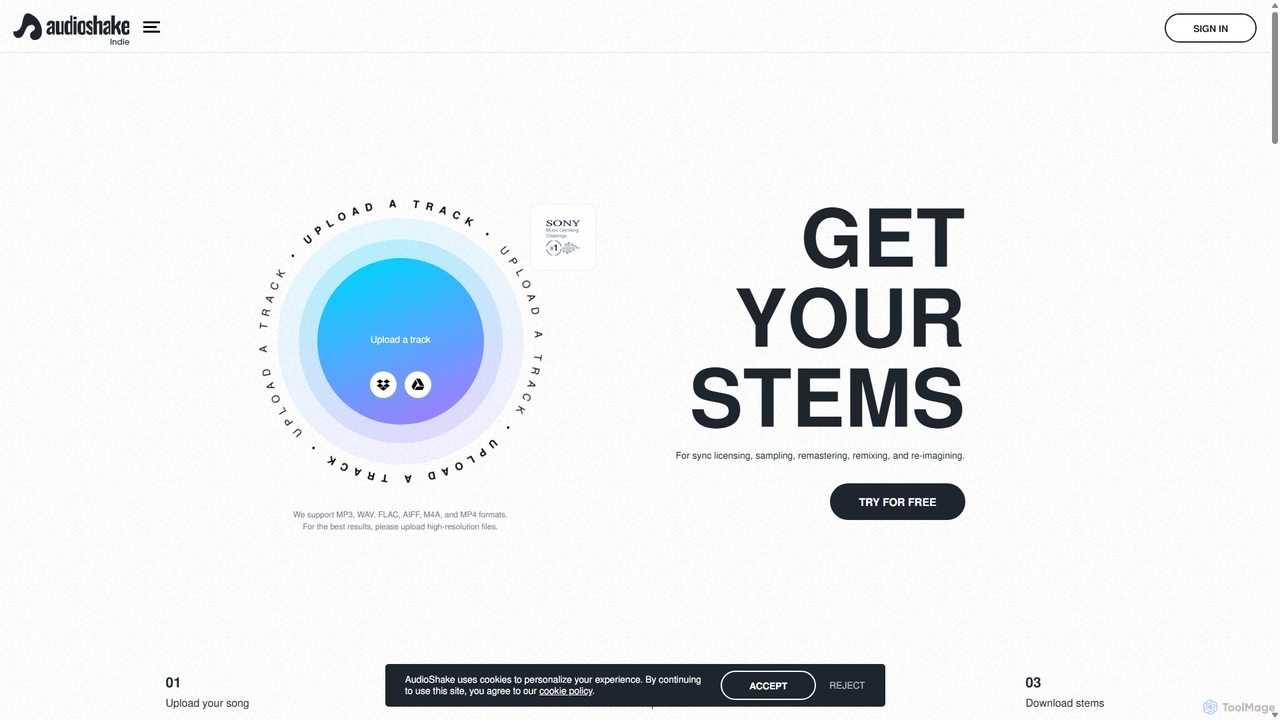
AudioShake Indie
AudioShake Indie is an advanced AI-powered tool designed for musicians, producers, and labels to deconstruct any audio track into its constituent parts, or stems. It cleanly separates vocals, drums, bass, and other instruments from a single audio file, opening up new possibilities for remixing, sampling, sync licensing, and remastering, even when original multi-track recordings are lost.
Music Editing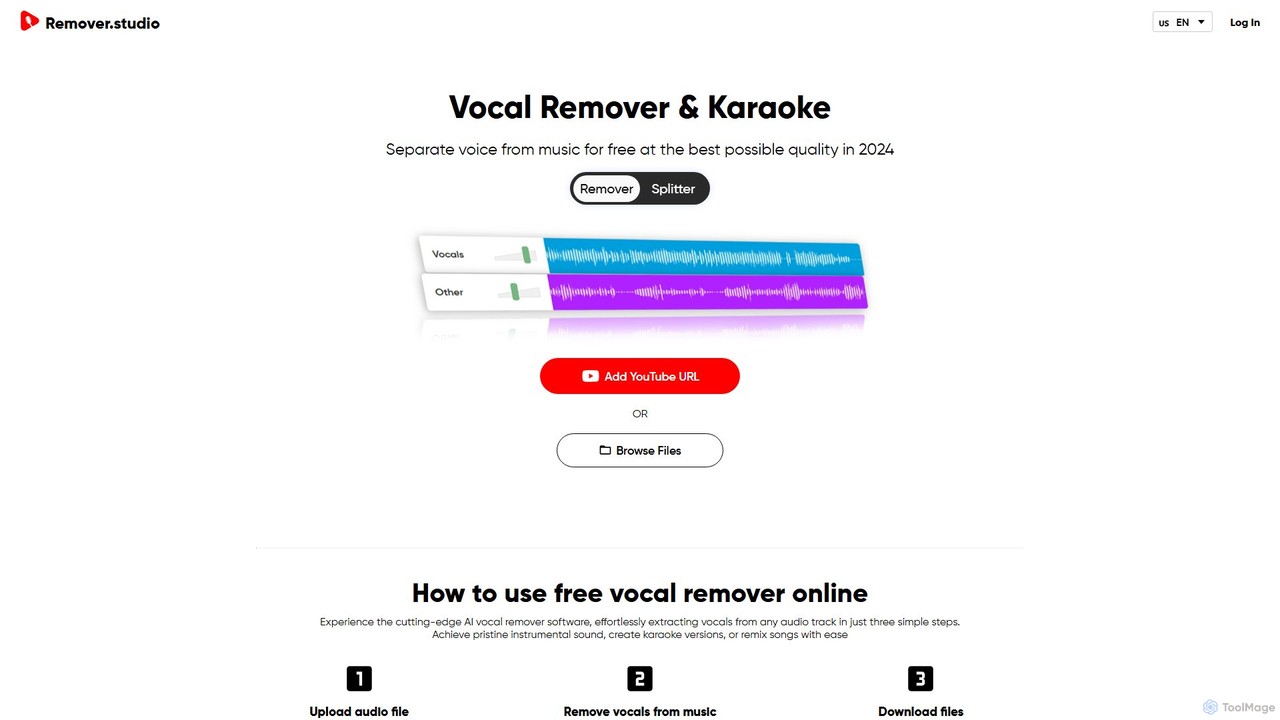
Vocal Remover & Audio Splitter AI
An AI-powered online tool that accurately separates vocals from music and splits audio into individual stems like vocals, bass, drums, and guitar. Ideal for creating karaoke tracks, acapellas, instrumentals, and remixes from any song by uploading a file or pasting a YouTube URL.
Music Editing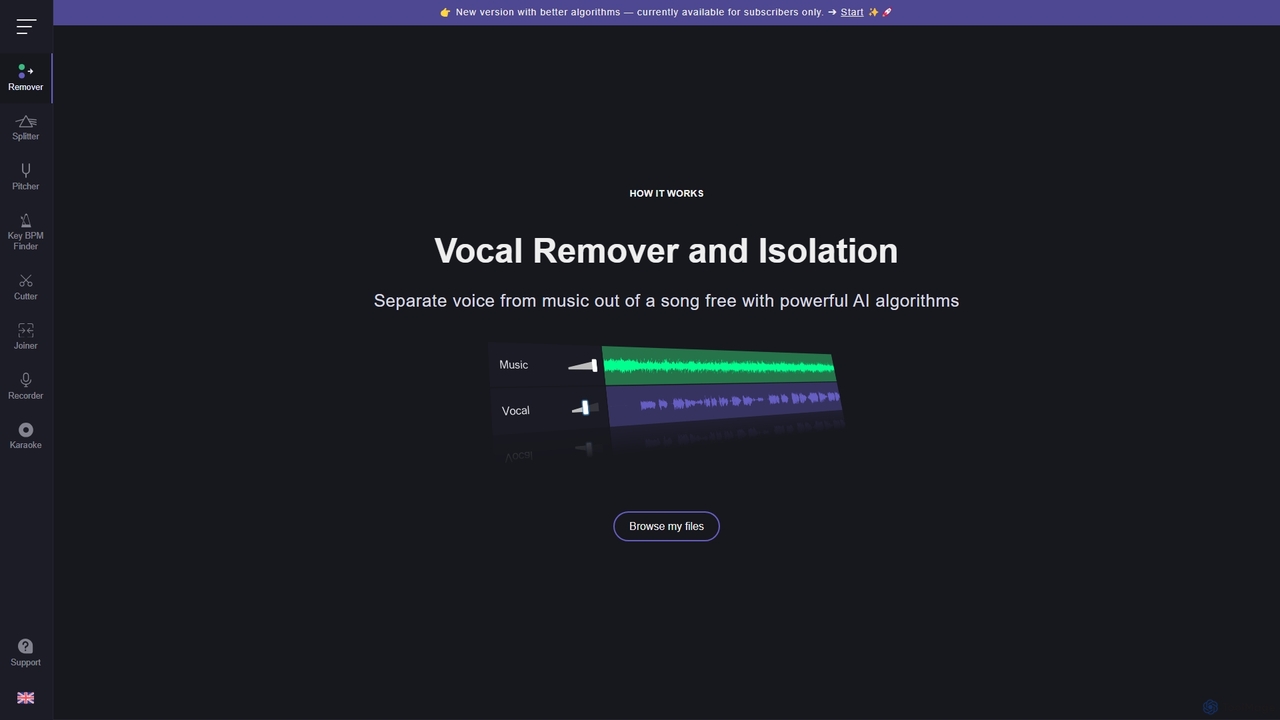
Vocal Remover
An AI-powered suite of audio tools that allows users to separate vocals from music, isolate instruments, change pitch and tempo, and analyze song keys and BPM. Ideal for musicians, DJs, producers, and karaoke enthusiasts to create karaoke tracks, acapellas, and remixes.
Generative Audio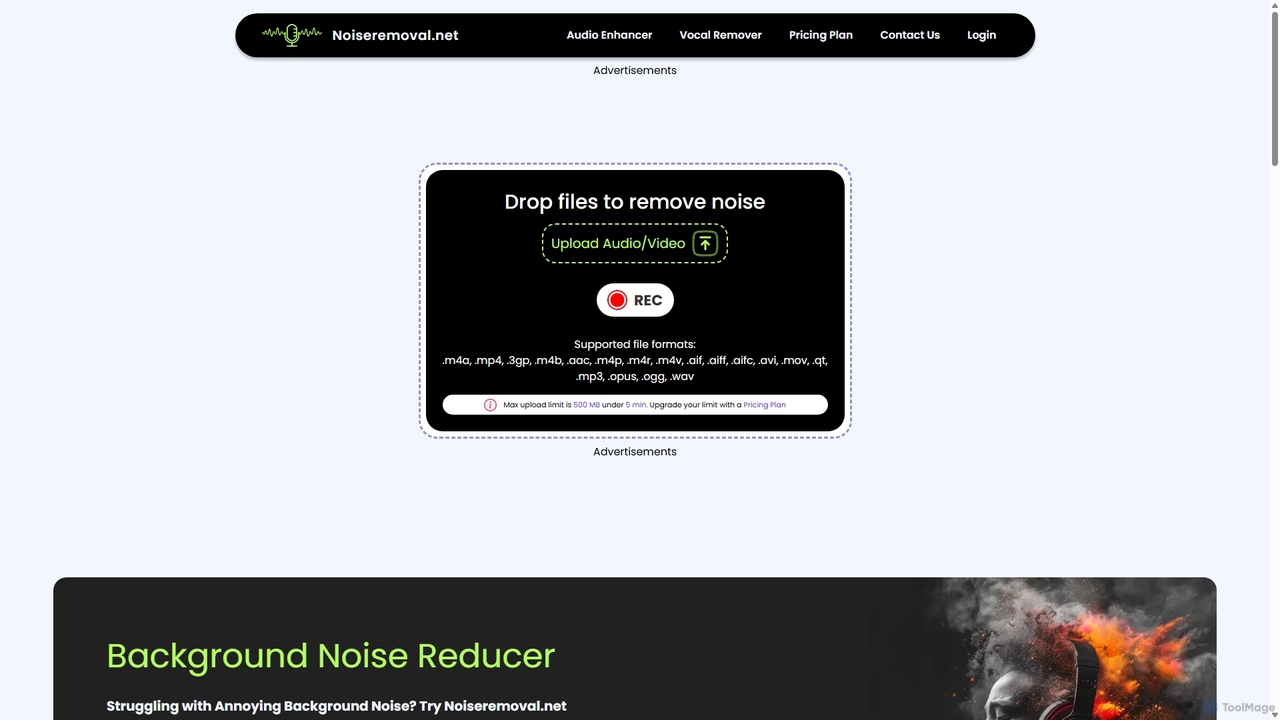
Noiseremoval.net
Noiseremoval.net is an AI-powered online tool designed to enhance audio quality effortlessly. It offers a suite of features including background noise removal from audio and video, a comprehensive audio enhancer to clarify speech and fix levels, and a vocal remover to isolate instrumentals. Ideal for content creators, podcasters, and musicians seeking professional-grade sound with a simple, one-click interface.
3DVocalRemover Categories
VocalRemover Jobs
VocalRemover Embed Widget
Copy this embed code to place the badge on your blog, article, or product site and send readers directly to this ToolMage detail page.

Related AI tools
AudioShake Indie
AudioShake Indie is an advanced AI-powered tool designed for musicians, producers, and labels to deconstruct any audio track into its constituent parts, or stems. It cleanly separates vocals, drums, bass, and other instruments from a single audio file, opening up new possibilities for remixing, sampling, sync licensing, and remastering, even when original multi-track recordings are lost.
Music Editing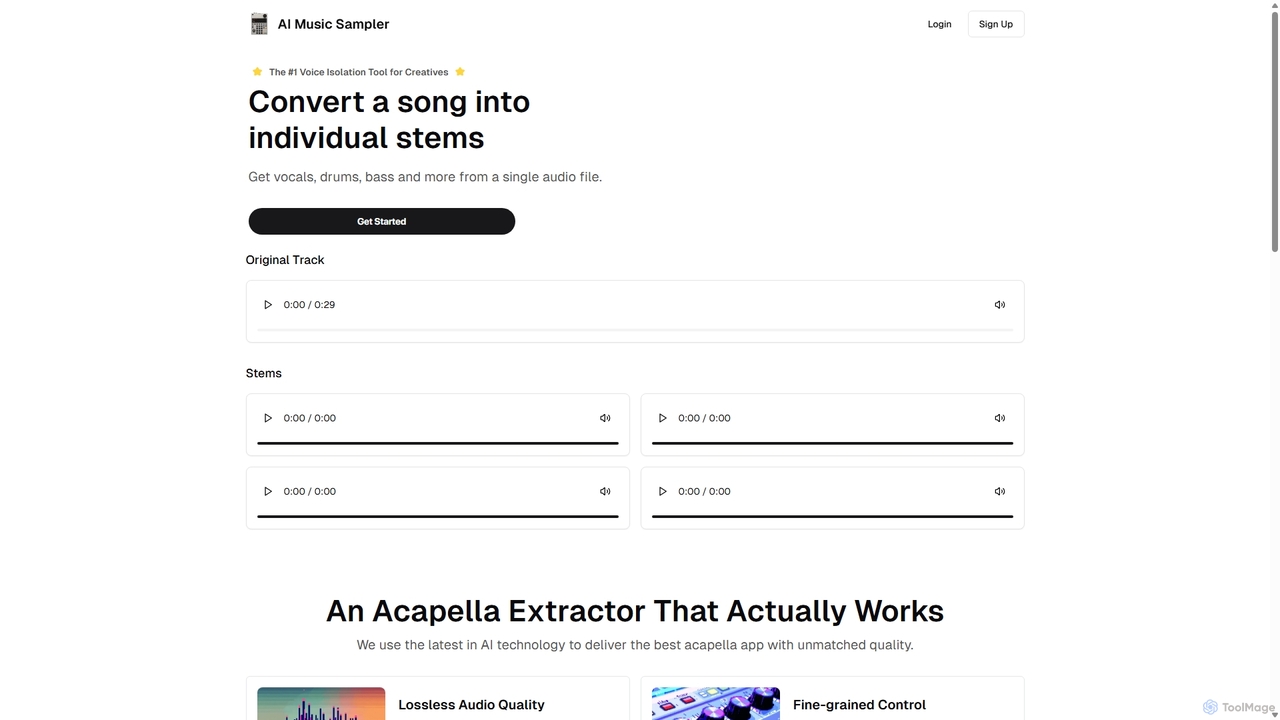
Aimusicsampler
Aimusicsampler is an AI-powered audio separation tool that allows creatives to extract individual stems like vocals, drums, bass, and other instruments from any song. It delivers high-quality, lossless audio files (WAV) with remarkable accuracy, operating on a flexible pay-per-use model without requiring a monthly subscription.
Audio EditingLALAL.AI
LALAL.AI is a next-generation AI-powered service for high-quality vocal and instrumental stem separation. It allows users to quickly and accurately extract up to 10 different stems—including vocals, drums, bass, piano, and more—from any audio or video file. The platform also features a Voice Cleaner for noise reduction, an Echo Remover, and a Voice Cloner, making it a comprehensive toolkit for musicians, producers, and content creators.
Music Editing
Voice Isolator
Voice Isolator is a comprehensive AI-powered audio suite designed for pristine sound quality. It excels at removing background noise, isolating vocals and instruments from any track, cleaning up voice recordings for clarity, and generating natural-sounding speech from text. Ideal for podcasters, musicians, and content creators seeking professional-grade audio processing with a simple, fast, and intuitive web-based interface.
3D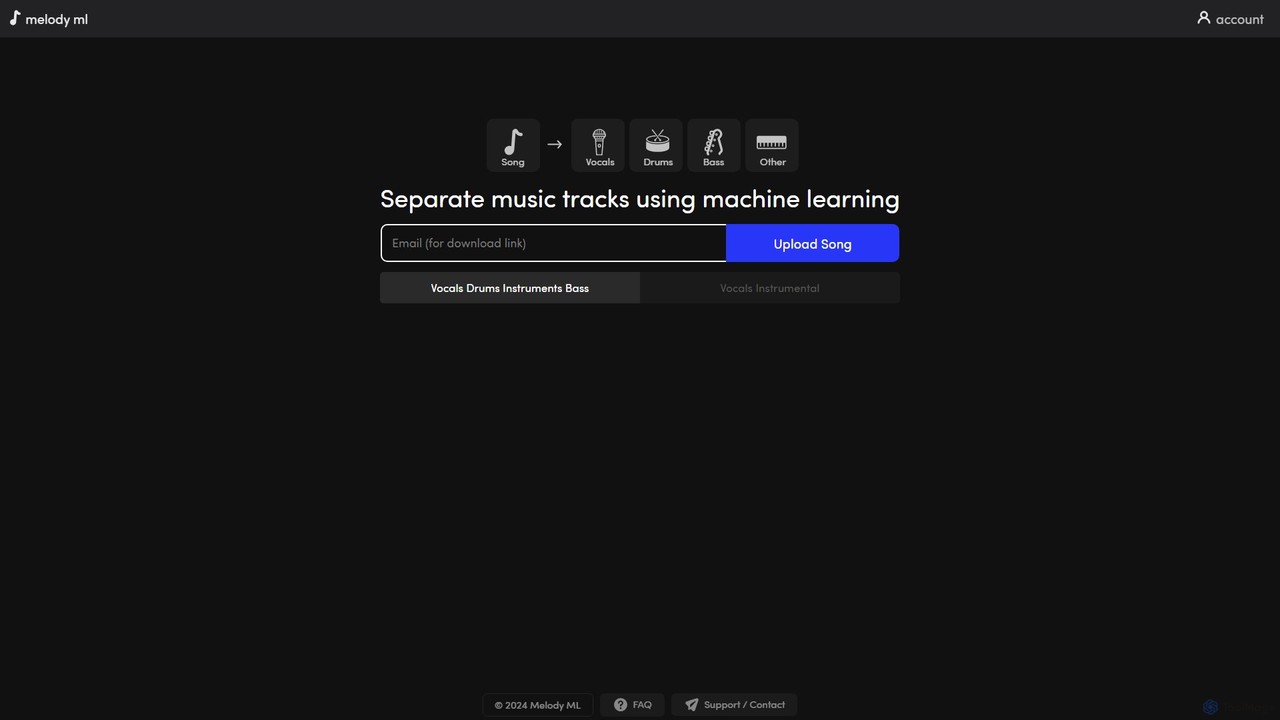
melody ml
Melody ML is an AI-powered music source separation tool that allows users to easily split any song into individual tracks like vocals, drums, bass, and other instruments. Based on the advanced Demucs model, it's perfect for DJs, producers, musicians, and karaoke fans who need high-quality stems for remixes, practice, or creating backing tracks.
Music SeparationVocal Remover
An AI-powered suite of audio tools that allows users to separate vocals from music, isolate instruments, change pitch and tempo, and analyze song keys and BPM. Ideal for musicians, DJs, producers, and karaoke enthusiasts to create karaoke tracks, acapellas, and remixes.
Generative AudioVocal Remover & Audio Splitter AI
An AI-powered online tool that accurately separates vocals from music and splits audio into individual stems like vocals, bass, drums, and guitar. Ideal for creating karaoke tracks, acapellas, instrumentals, and remixes from any song by uploading a file or pasting a YouTube URL.
Music Editing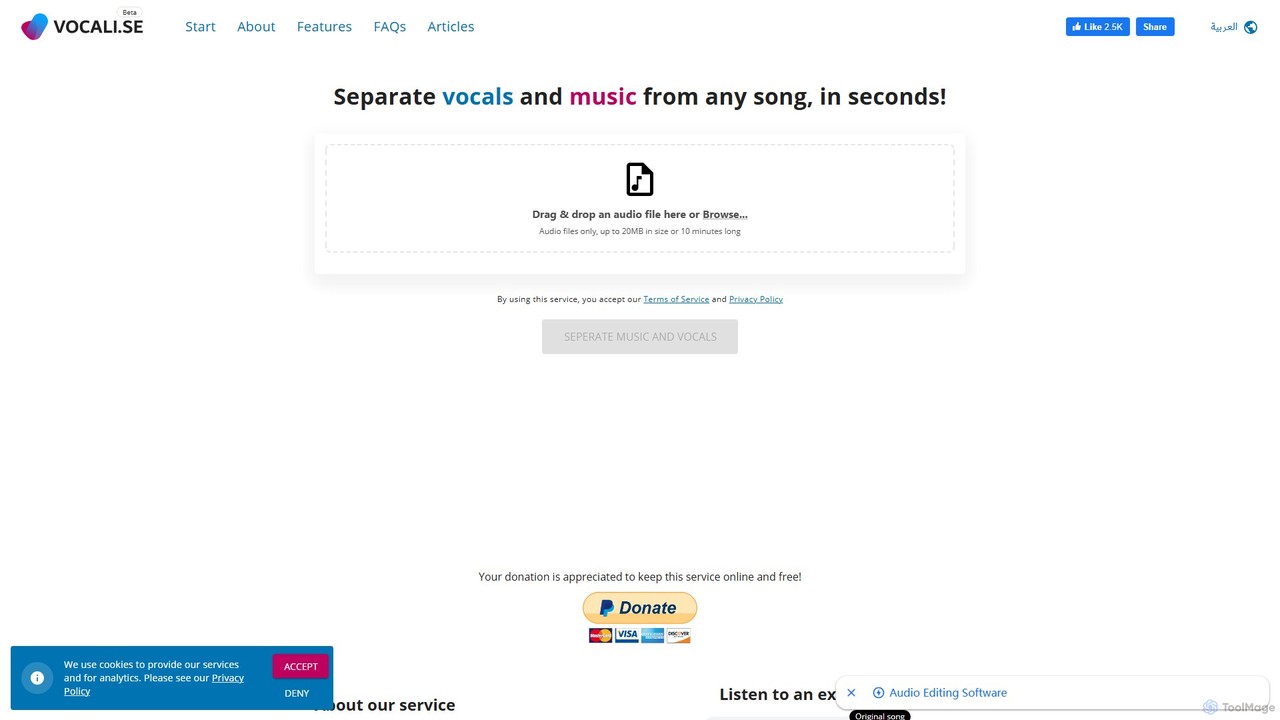
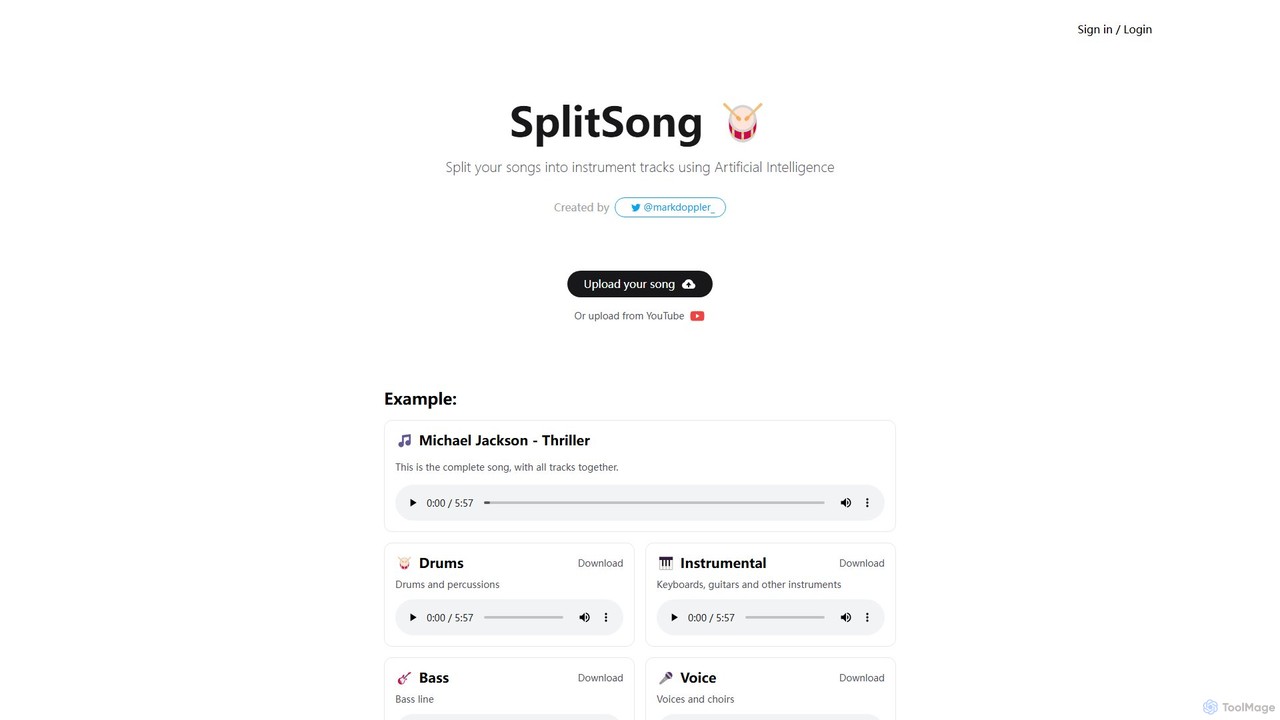
SplitSong
SplitSong is an AI-powered online tool that separates any song into individual tracks like vocals, drums, bass, and instruments. Easily create karaoke tracks, remixes, or practice material by uploading a file or pasting a YouTube link.
Music Editing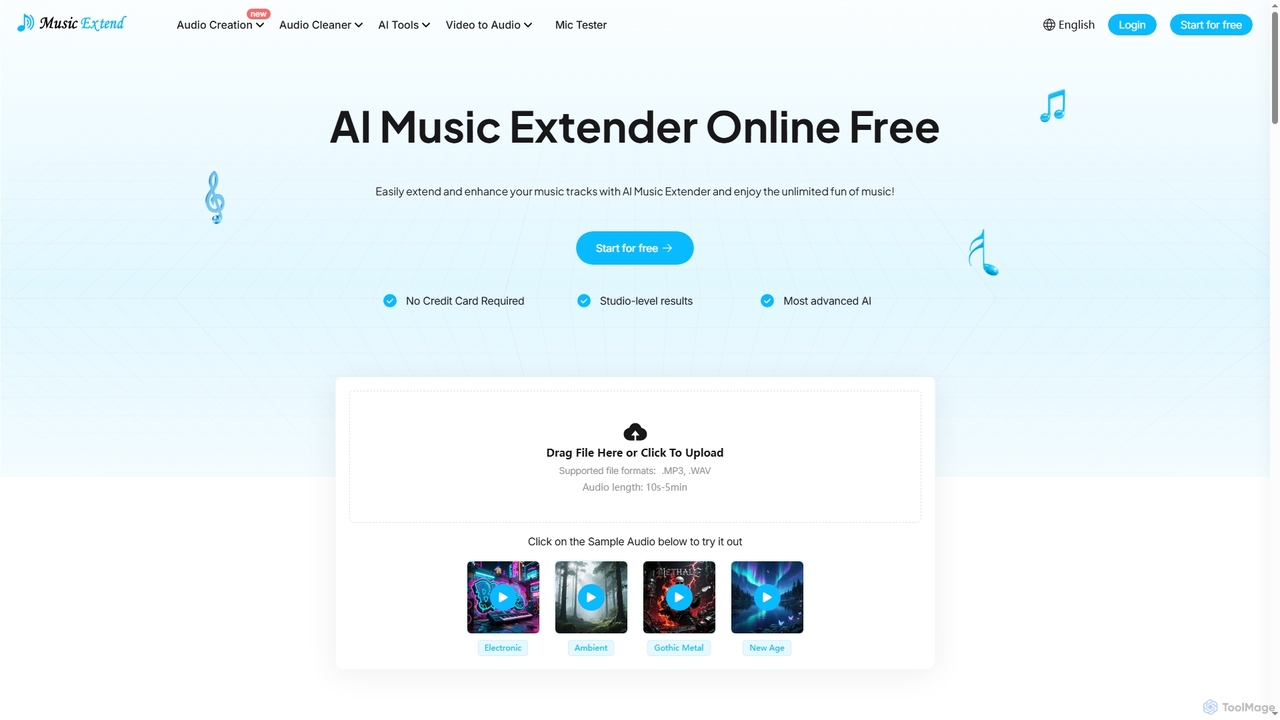
MusicExtend
MusicExtend is an advanced AI-powered online platform offering a suite of audio tools, including music extension, sound effect generation, voice cloning, music mashup creation, BPM detection, and comprehensive audio cleaning. It allows users to enhance, create, and refine audio content with studio-level results, all accessible for free without signup or credit card.
Audio EnhancementNoiseremoval.net
Noiseremoval.net is an AI-powered online tool designed to enhance audio quality effortlessly. It offers a suite of features including background noise removal from audio and video, a comprehensive audio enhancer to clarify speech and fix levels, and a vocal remover to isolate instrumentals. Ideal for content creators, podcasters, and musicians seeking professional-grade sound with a simple, one-click interface.
3D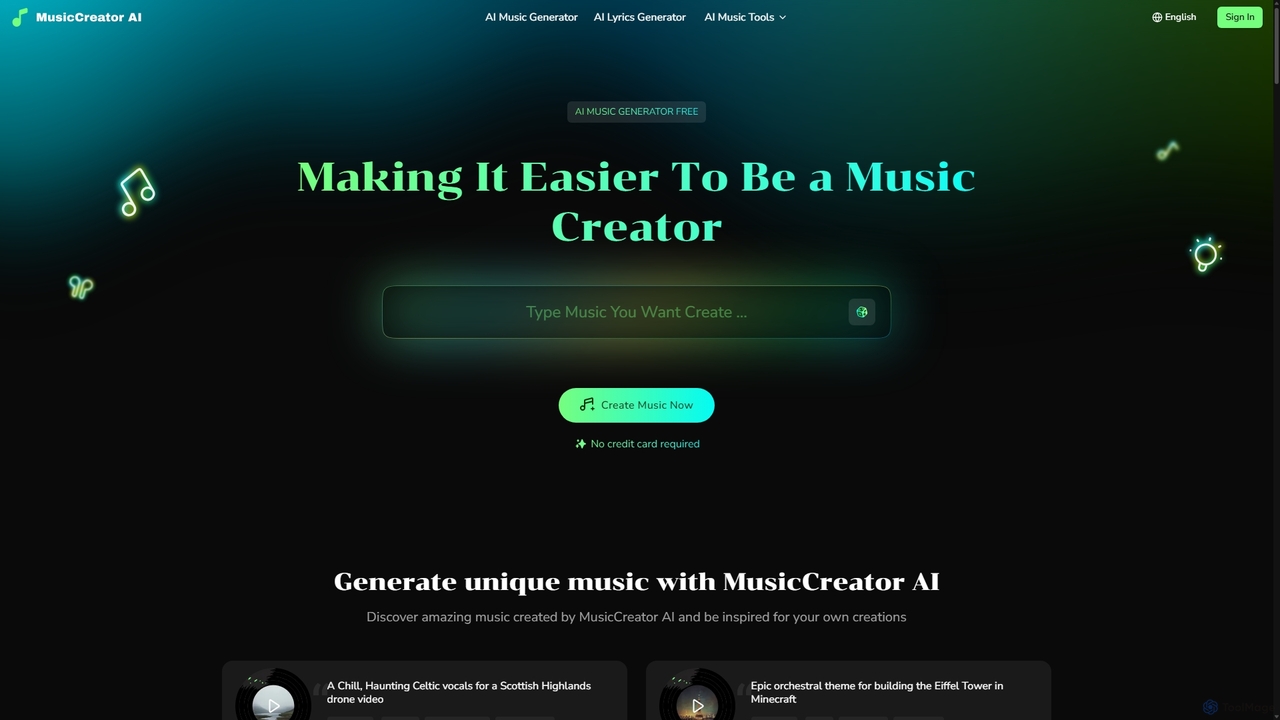
MusicCreator
MusicCreator is a comprehensive AI-powered music creation suite that allows users to generate unique, royalty-free music from text or lyrics. It also includes tools for lyric generation, vocal removal, and stem splitting, making it an all-in-one solution for content creators, musicians, and marketers.
Audio Editing
SplitJoin
SplitJoin is an AI-powered audio processing tool designed for musicians, producers, and content creators. It allows users to easily separate any song into individual stems like vocals, drums, bass, and instruments. The platform also provides features to join and mix audio tracks, making it a versatile solution for creating remixes, backing tracks, or karaoke versions with high fidelity.
Audio Editing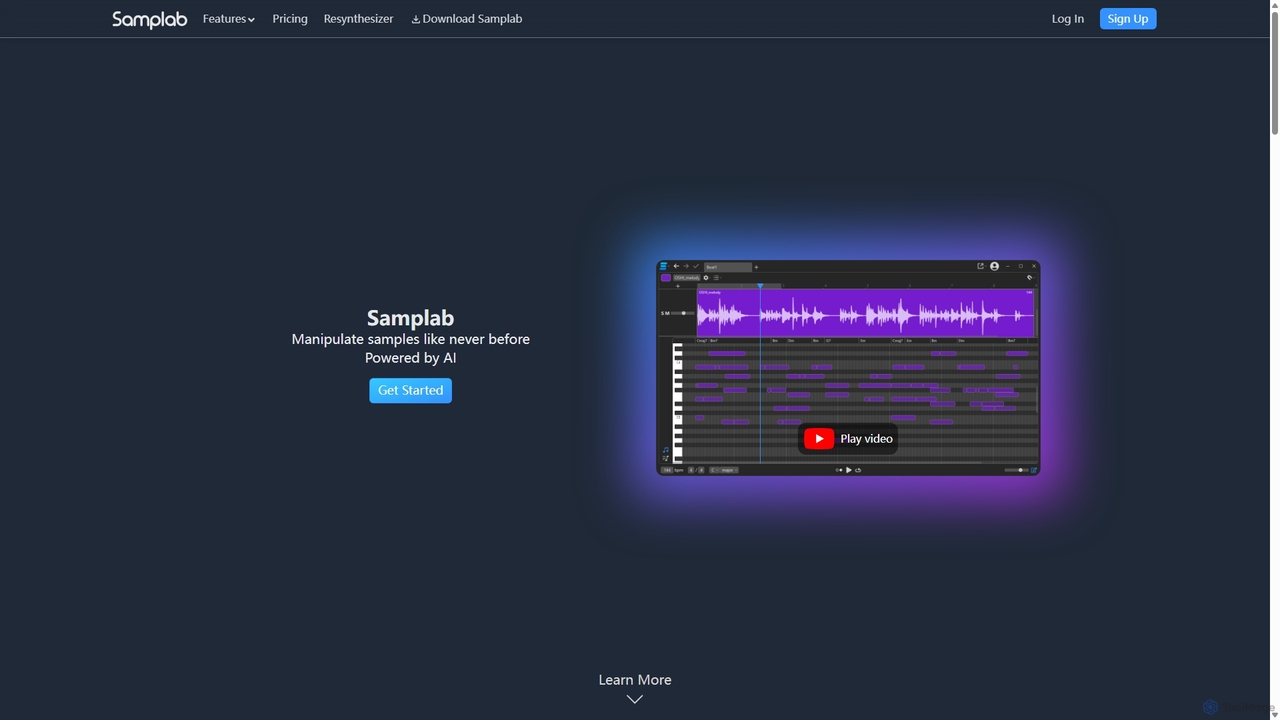
Samplab
Samplab is an AI-powered audio tool for music producers that allows for unprecedented manipulation of samples. Edit individual notes in polyphonic audio, detect and change chords, split music into stems, and seamlessly match the tempo and key of different samples. It integrates directly into your DAW as a VST3/AU plugin.
Audio Editing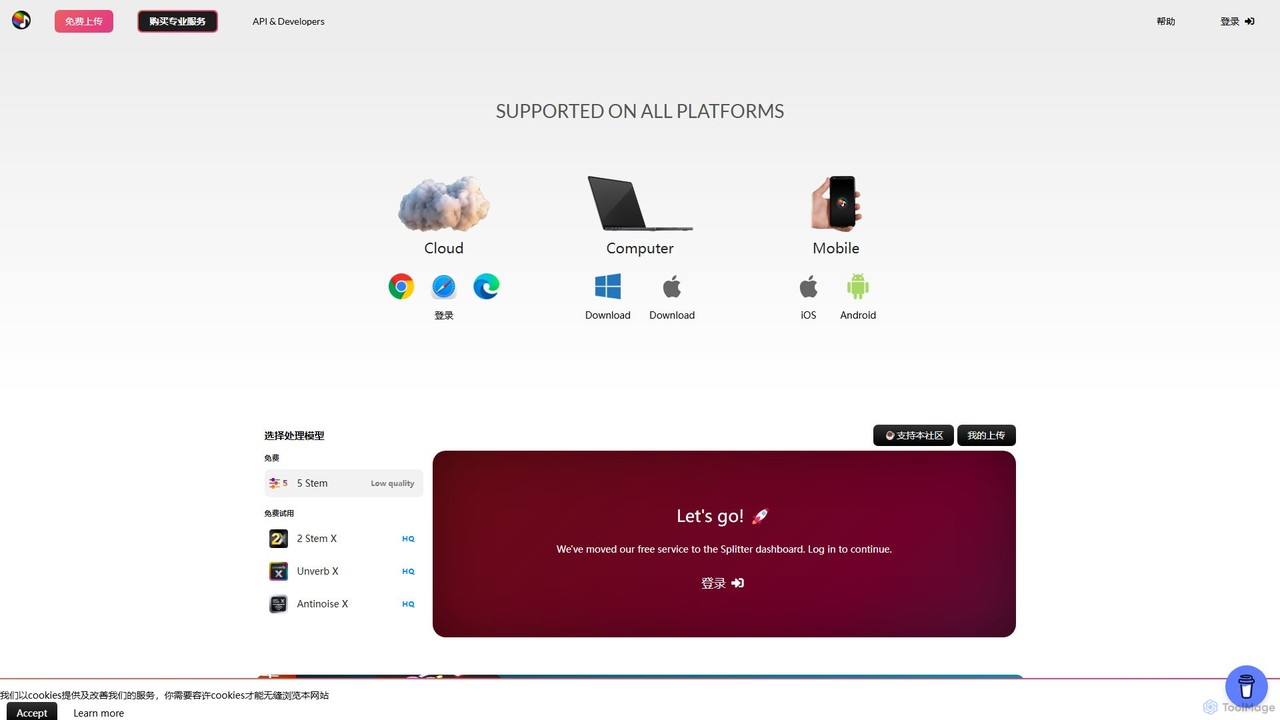
Splitter.ai
Splitter.ai is an advanced AI-powered audio processing platform for high-fidelity stem separation. It enables users to isolate vocals, drums, bass, piano, and other instruments from any song. With features like reverb removal, noise reduction, and direct YouTube processing, it's an essential tool for music producers, DJs, and musicians.
Audio Editing
VocalRemover Comments (0)
Sign in to comment.
Sign inNo comments yet.