

Splitter.ai Overview
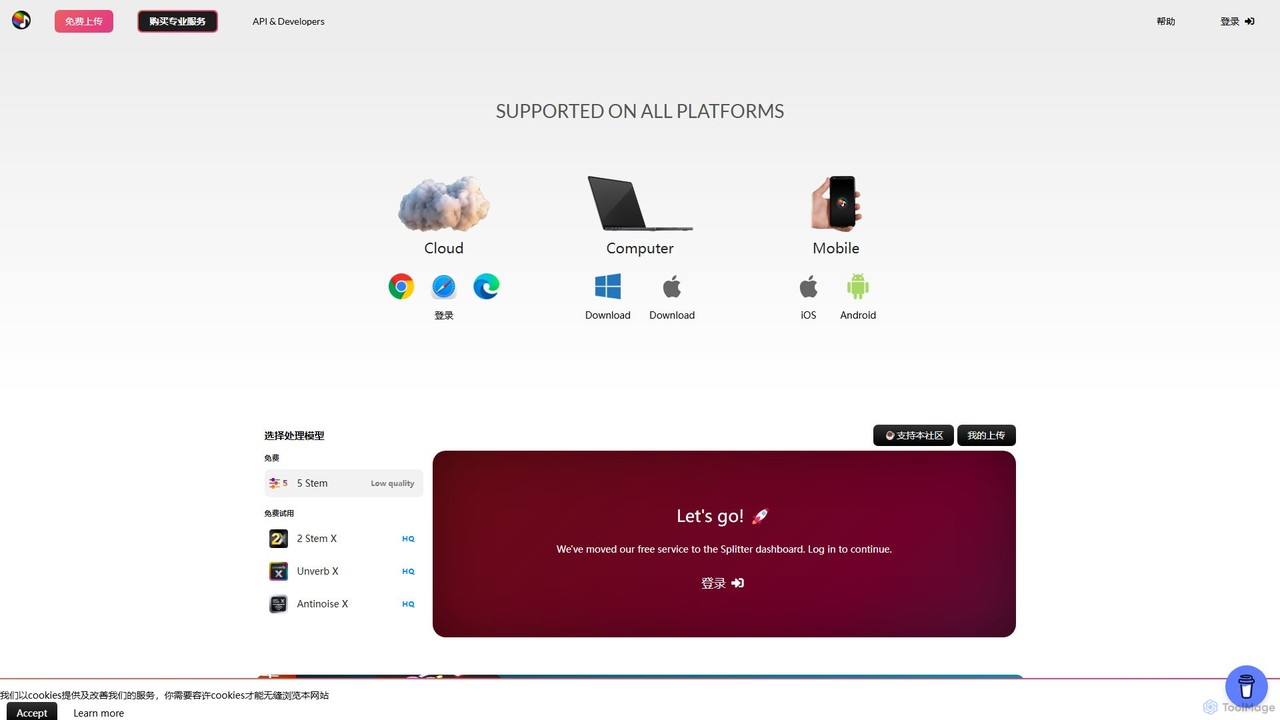
Splitter.ai is a sophisticated audio processing tool developed by a Swedish research company, leveraging state-of-the-art artificial intelligence and machine learning. It is designed to deconstruct mixed audio tracks into their constituent parts, a process known as stem separation. This platform is the brainchild of a world-class music producer and audio engineer, ensuring that the technology meets the high standards of audio professionals. It serves a diverse audience, from music producers and DJs to forensic engineers and scientists, providing powerful tools for audio manipulation and analysis.
The platform's core offering is its ability to isolate instruments from a song with remarkable clarity. Whether you need an acapella for a remix, an instrumental for a karaoke night, or a specific drum loop for practice, Splitter.ai provides the necessary models to achieve this. The service is accessible through a user-friendly web dashboard, eliminating the need for complex software installations.
How to use Splitter.ai
Using Splitter.ai is a straightforward process designed for efficiency and ease of use:
- Access the Dashboard: Navigate to the Splitter.ai website and sign in to your dashboard. New users can sign up for a free account to get started.
- Select a Model: Choose the audio processing model that best suits your needs. Options include the 2-Stem model (vocals + instrumental), the 5-Stem model (vocals, drums, bass, piano, other), the Unverb model for reverb removal, or the Antinoise model for noise reduction.
- Upload Your Audio: You can either upload an audio file directly from your computer (e.g., MP3, WAV, FLAC) or simply paste a URL from YouTube. This direct integration streamlines the process of working with online content.
- Start Processing: Click the 'LETS GO!' button to initiate the AI processing. The platform's powerful servers will analyze the track and perform the separation.
- Download Your Stems: Once the processing is complete, you will be presented with the separated audio tracks. You can preview each stem and download them individually to use in your projects.
Core Features of Splitter.ai
- Advanced AI Stem Separation: Utilizes cutting-edge machine learning algorithms to accurately separate audio sources.
- Multiple Separation Models: Offers a 2-Stem model for clean vocal and instrumental tracks, and a comprehensive 5-Stem model that isolates vocals, drums, bass, piano, and other instruments like guitars and synths.
- High-Quality PRO Models: For professional users, Splitter PRO offers near-perfect instrument separation with superior clarity and fewer artifacts.
- Direct YouTube Processing: Save time by pasting a YouTube link directly into the platform to extract and separate audio without downloading the video first.
- Specialized Audio Tools: Includes dedicated models like 'Unverb' to remove reverb from recordings and 'Antinoise' to clean up background noise, enhancing audio quality for various applications.
- Web-Based Platform: Fully accessible through any modern web browser, requiring no software installation and allowing you to work from anywhere.
Use Cases for Splitter.ai
Splitter.ai is a versatile tool with a wide range of applications:
- Music Producers & Remixers: Easily extract acapellas to create remixes and bootlegs, or isolate instrument loops for sampling and creative production.
- DJs: Craft unique mashups, custom edits, and DJ sets by separating tracks into vocals and instrumentals.
- Musicians & Music Students: Create custom backing tracks for practice by removing their instrument from a song. Isolate complex solos or chord progressions to learn them by ear.
- Karaoke Enthusiasts: Turn any song into a karaoke version by removing the main vocals.
- Audio & Forensic Engineers: Use the tool for audio restoration, cleaning up field recordings, or isolating voices and sounds from noisy evidence for analysis.
- Content Creators: Generate clean instrumental background music for videos or podcasts from commercial tracks (while respecting copyright).
Advantages of Splitter.ai
The primary advantage of Splitter.ai lies in its professional-grade technology and user-centric design. Developed by experts in the audio field, the platform delivers high-quality results that were once only possible in high-end studios. Its versatility, offering everything from basic stem splitting to specialized noise and reverb reduction, makes it a comprehensive 'toolbox' for anyone working with audio. The convenience of the web-based interface and direct YouTube integration makes it highly accessible and efficient for all user levels.
Pricing and Plans
Splitter.ai operates on a freemium model, providing both free and paid options to cater to different user needs.
- Free Plan: Users can access basic models, such as the 5-Stem free model, to test the platform's capabilities. This plan is ideal for casual users or those wanting to try the service before committing. It may have limitations on the number of uploads or processing speed.
- Splitter PRO: Aimed at professionals and serious hobbyists, the PRO plan unlocks access to the highest-quality separation models (X HQ), specialized tools like Unverb HQ and Antinoise HQ, faster processing queues, and potentially higher upload limits or batch processing features. The PRO plan is typically offered as a subscription or through a credit-based system where users purchase credits for processing audio.
Traffic
Latest traffic
Status
Monthly traffic trend
- 2025-9: 146.1K
- 2026-1: 163.8K
- 2026-2: 131.7K
- 2026-3: 112.4K
- 2026-4: 96.0K
- 2026-5: 114.0K
Geography
Top 5 countries / regions
- 🇺🇸United States41.0%
- 🇮🇩Indonesia17.1%
- 🇬🇧United Kingdom14.8%
- 🇧🇷Brazil14.0%
- 🇦🇷Argentina13.2%
Traffic sources
| Source type | Percentage |
|---|---|
Direct | 94.9% |
Referral | 4.8% |
Email | 0.3% |
Top keywords
| Keyword | Cost per click |
|---|---|
| audio splitter | $0.41 |
| splitter | $0.29 |
| splitter ai | $0.63 |
| splitter ai free | $0.19 |
| splitter ia | $0.00 |
Splitter.ai Videos on YouTube

BeatsToRapOn For Artists
AI Future Trends
AI Future Trends
Splitter.ai Alternatives
AudioStrip
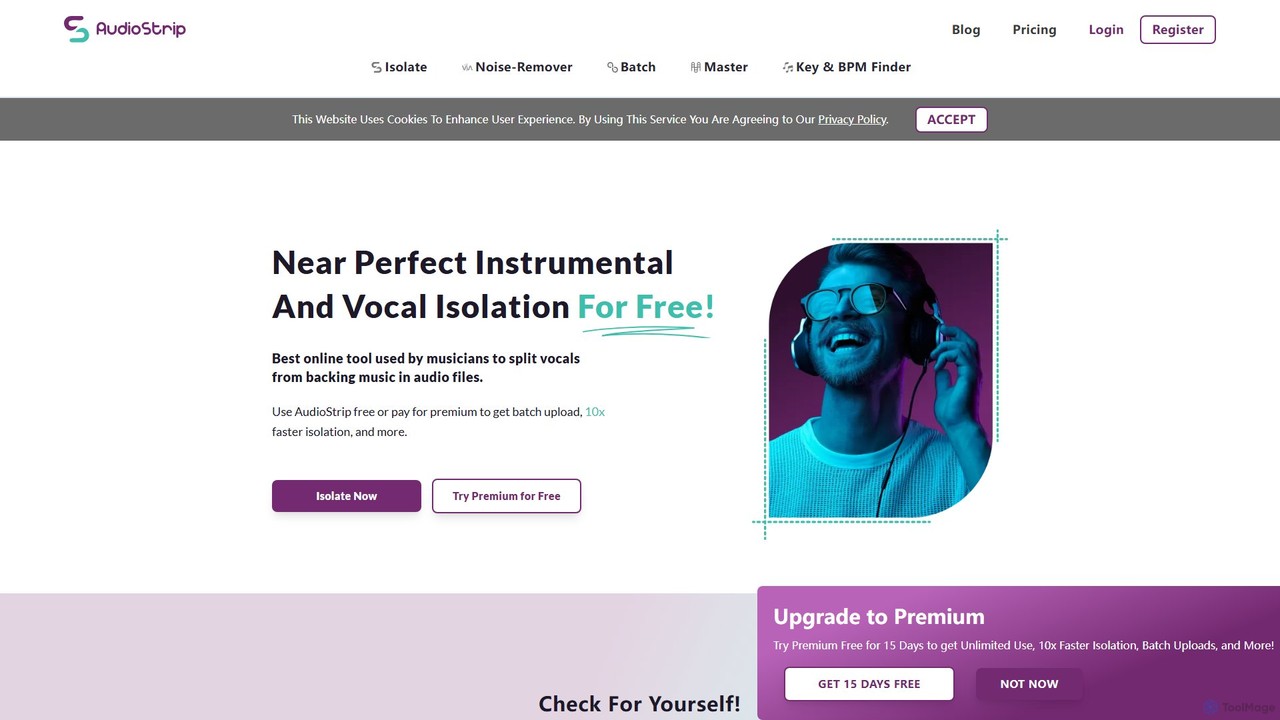
AudioStrip is a powerful AI-powered online tool for musicians and producers, offering high-quality vocal and instrumental separation from any audio track. It also provides advanced features like AI mastering, noise reduction, and specific instrument isolation (drums, bass, piano, guitar) with both free and premium options.
Audio Editing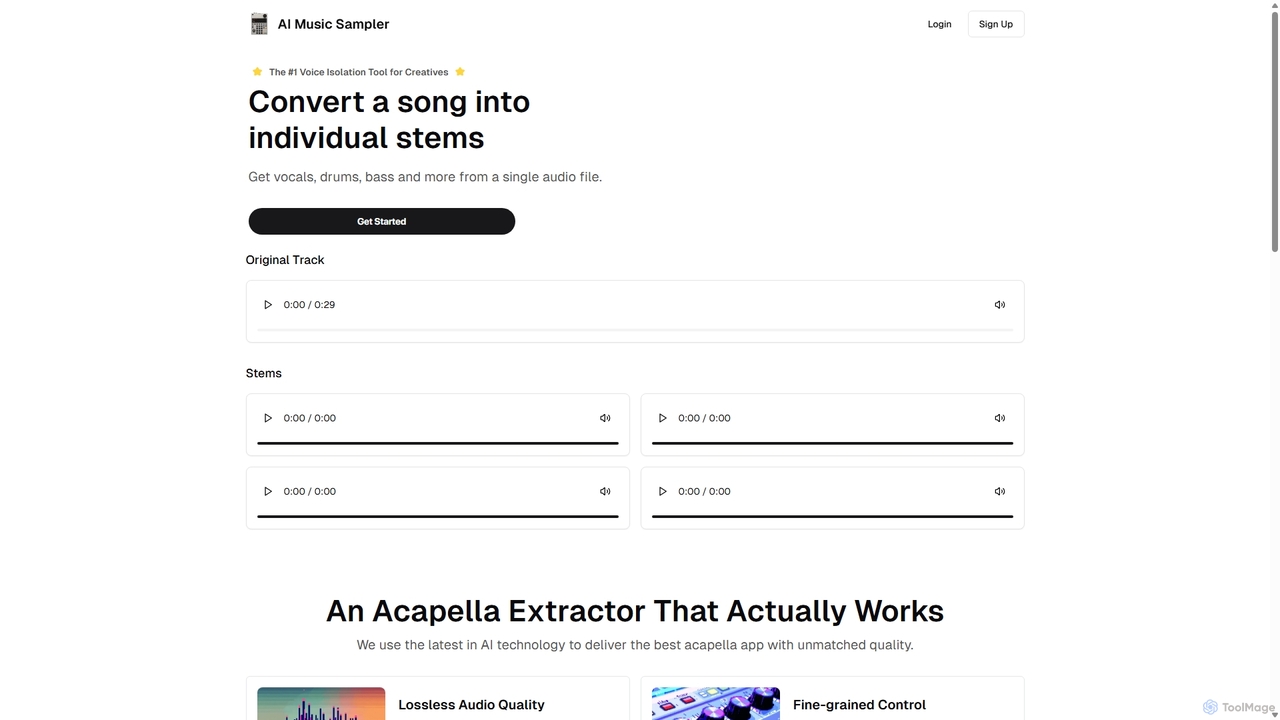
Aimusicsampler
Aimusicsampler is an AI-powered audio separation tool that allows creatives to extract individual stems like vocals, drums, bass, and other instruments from any song. It delivers high-quality, lossless audio files (WAV) with remarkable accuracy, operating on a flexible pay-per-use model without requiring a monthly subscription.
Audio Editing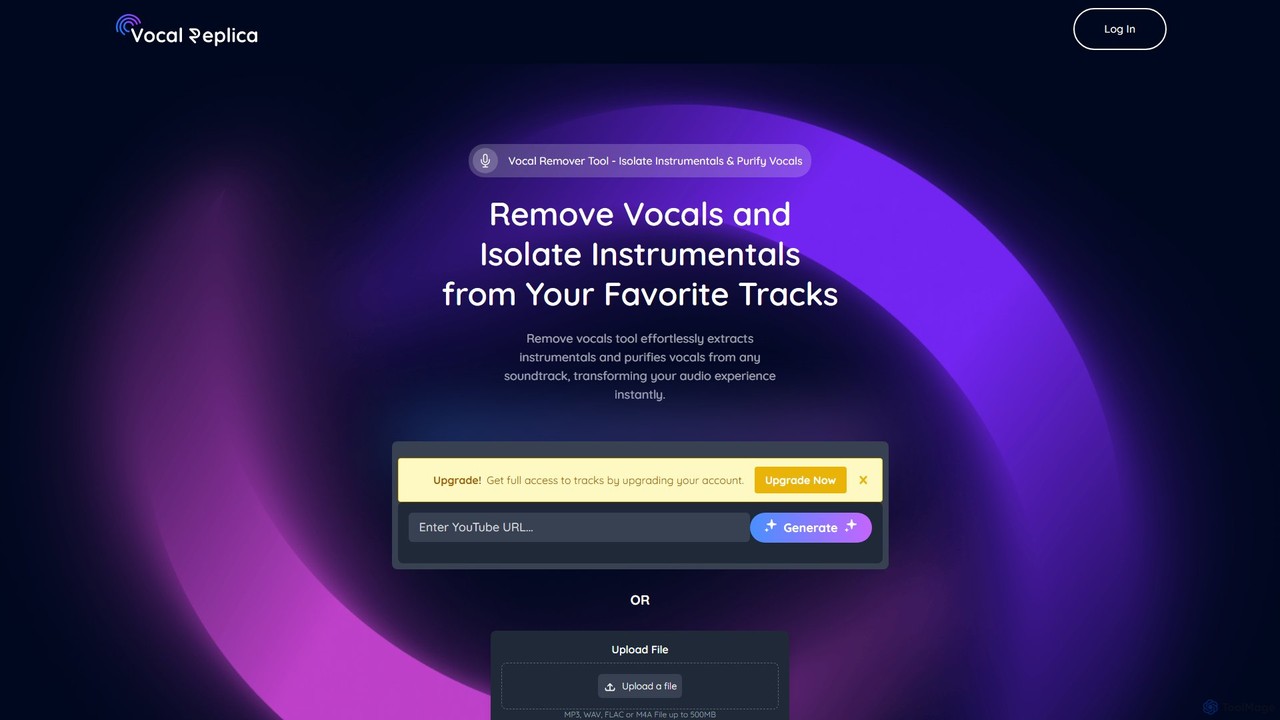
VocalReplica
VocalReplica is an advanced AI-powered tool for high-precision vocal and instrumental separation. It enables musicians, DJs, and producers to easily isolate clean vocal and instrumental tracks from any song by uploading an audio file or pasting a YouTube URL.
Audio Editing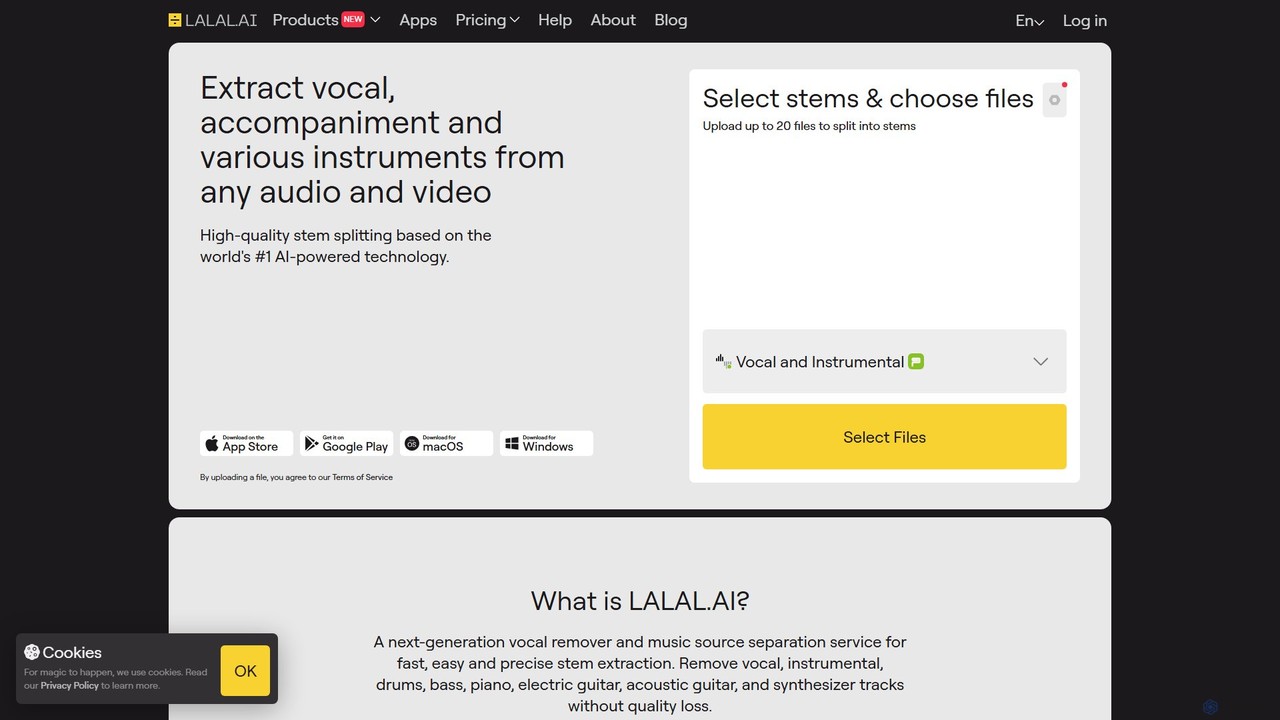
LALAL.AI
LALAL.AI is a next-generation AI-powered service for high-quality vocal and instrumental stem separation. It allows users to quickly and accurately extract up to 10 different stems—including vocals, drums, bass, piano, and more—from any audio or video file. The platform also features a Voice Cleaner for noise reduction, an Echo Remover, and a Voice Cloner, making it a comprehensive toolkit for musicians, producers, and content creators.
Music Editing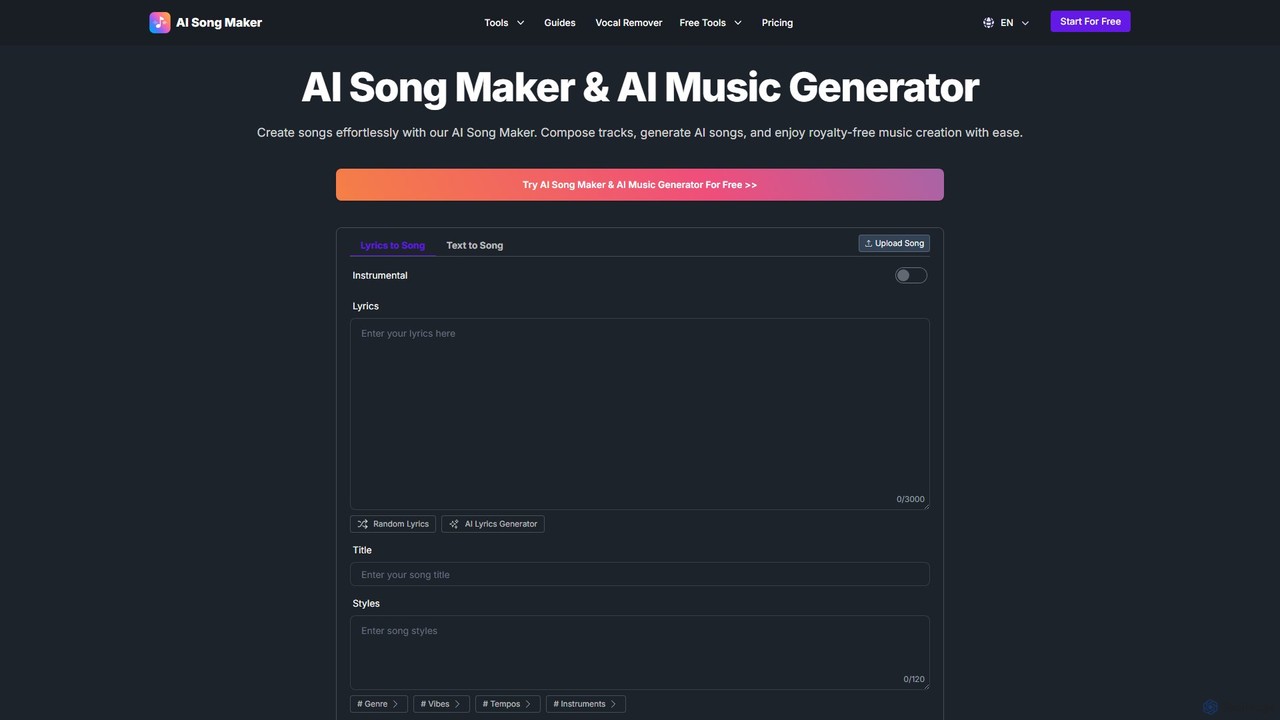
AI Song Maker
AI Song Maker is a powerful AI music generation platform that allows users to create unique, royalty-free songs from text or lyrics in seconds. It offers a comprehensive suite of tools, including an AI lyrics generator, a vocal remover for creating karaoke or acapella tracks, and music editing features like extending or replacing sections. It's designed for creators of all skill levels, from social media influencers and musicians to marketers and educators, providing a fast, easy, and cost-effective solution for high-quality music production.
Audio EditingSplitter.ai Categories
Splitter.ai Embed Widget
Copy this embed code to place the badge on your blog, article, or product site and send readers directly to this ToolMage detail page.

Related AI tools
LALAL.AI
LALAL.AI is a next-generation AI-powered service for high-quality vocal and instrumental stem separation. It allows users to quickly and accurately extract up to 10 different stems—including vocals, drums, bass, piano, and more—from any audio or video file. The platform also features a Voice Cleaner for noise reduction, an Echo Remover, and a Voice Cloner, making it a comprehensive toolkit for musicians, producers, and content creators.
Music Editing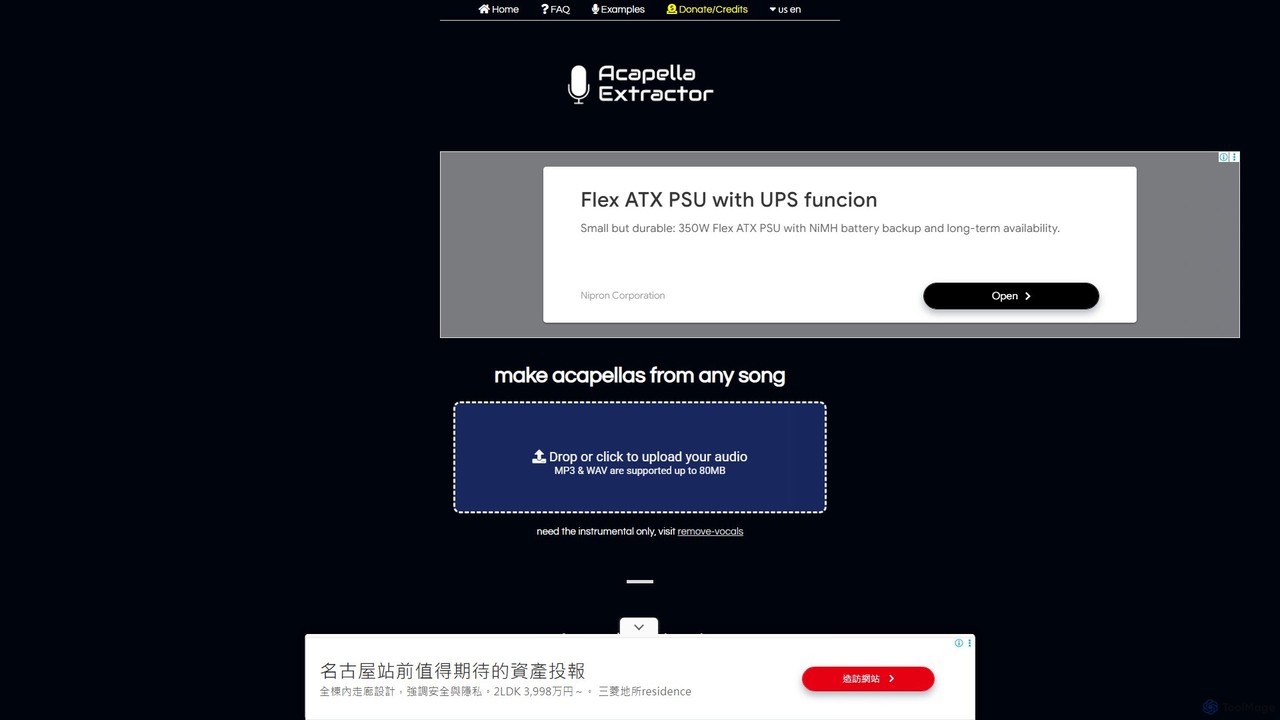
acapella_extractor
A free, AI-powered online tool that isolates vocals from any song. Simply upload an audio file (MP3 or WAV) to create a high-quality acapella track, perfect for DJs, producers, and karaoke fans. No registration or software installation required.
Source Separation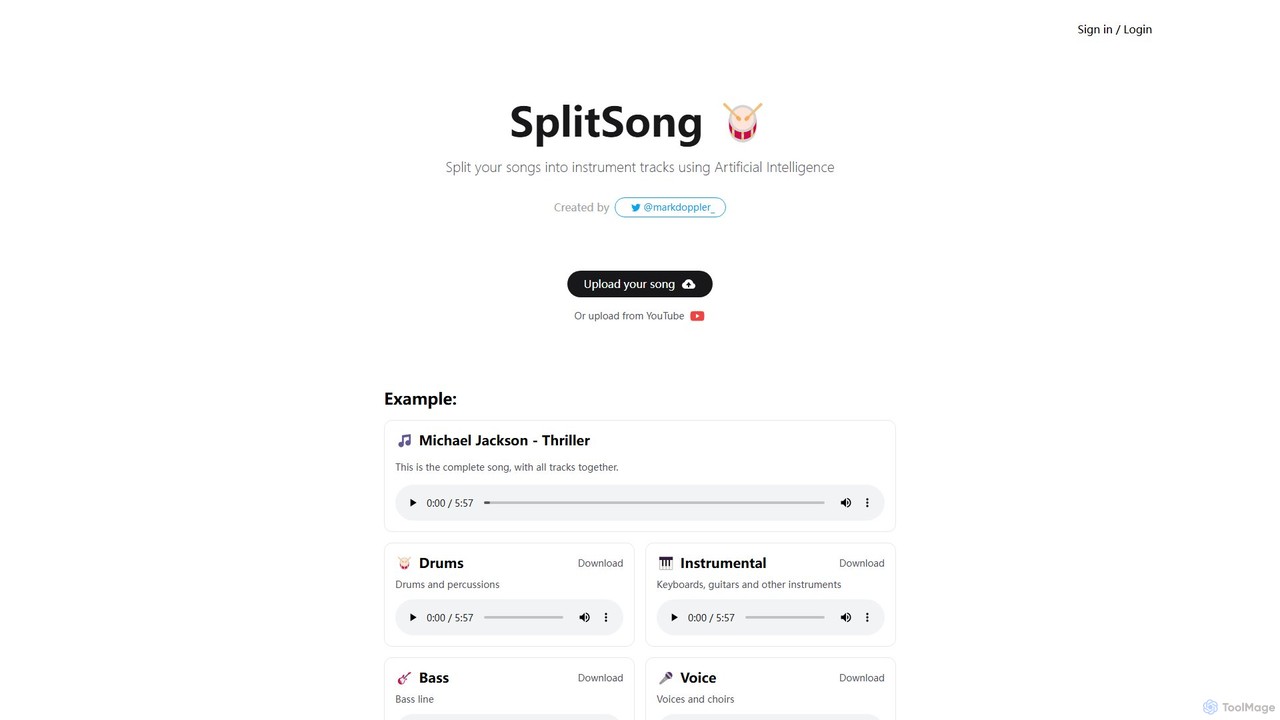
SplitSong
SplitSong is an AI-powered online tool that separates any song into individual tracks like vocals, drums, bass, and instruments. Easily create karaoke tracks, remixes, or practice material by uploading a file or pasting a YouTube link.
Music Editing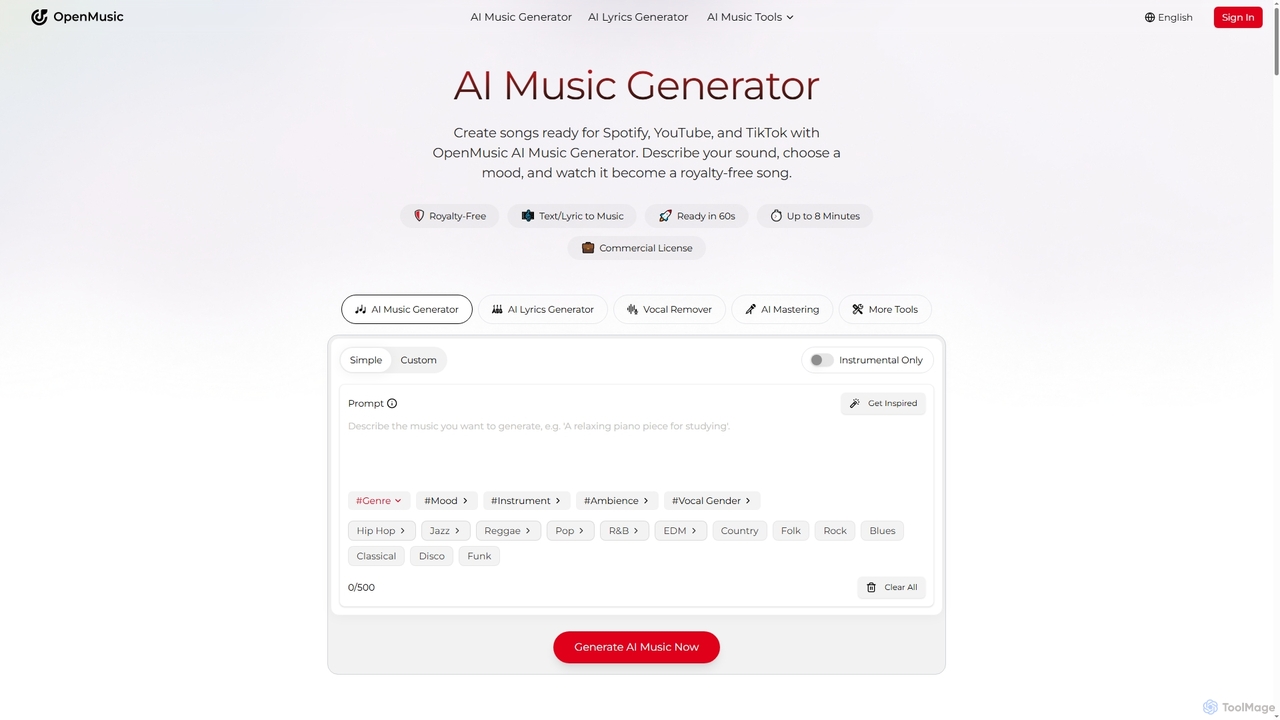
OpenMusic
OpenMusic is an advanced AI music generator and comprehensive toolkit designed for creators of all levels. It enables users to effortlessly create royalty-free, studio-quality music, lyrics, and instrumental tracks for commercial use. From generating full songs from text prompts to splitting stems and mastering audio, OpenMusic streamlines the entire music production workflow, making creativity accessible and monetizable.
Stem Separation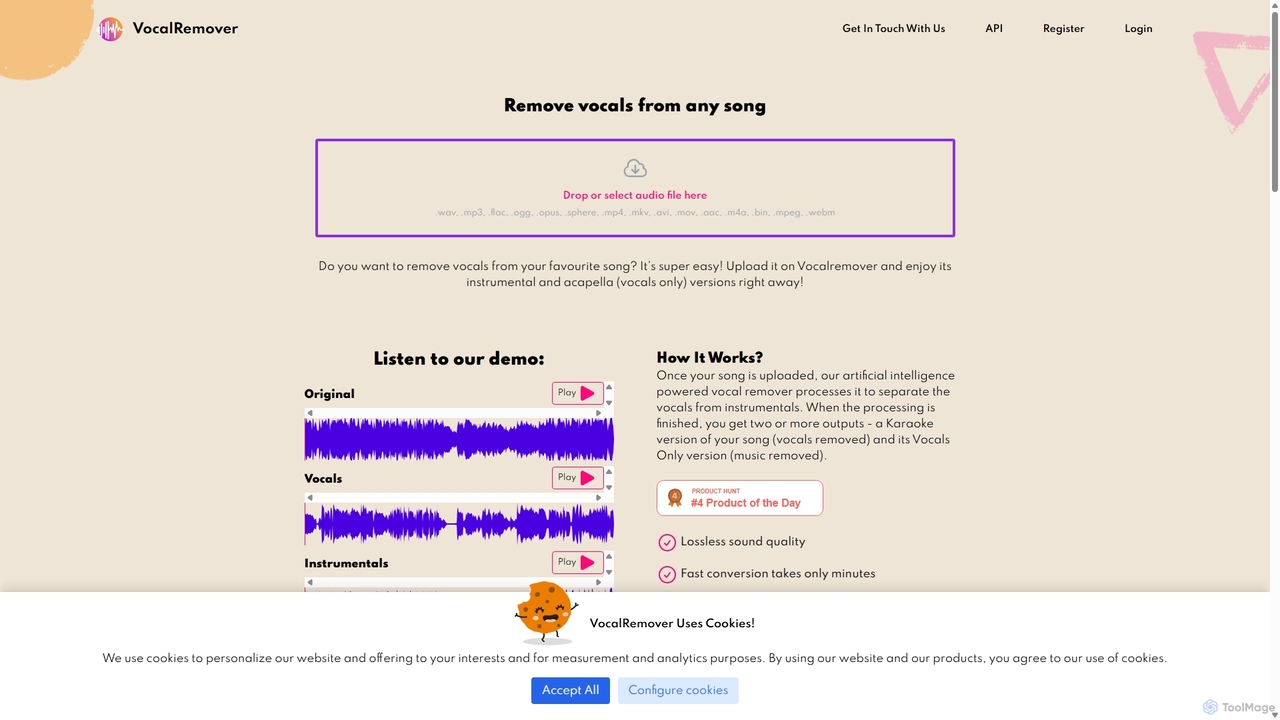
VocalRemover
An AI-powered online tool that precisely separates vocals from music in any audio or video file. It generates high-quality instrumental (karaoke) and acapella tracks. Beyond vocals, it can also isolate specific instruments like drums, bass, and piano, making it an essential tool for DJs, music producers, and karaoke lovers.
Music Editing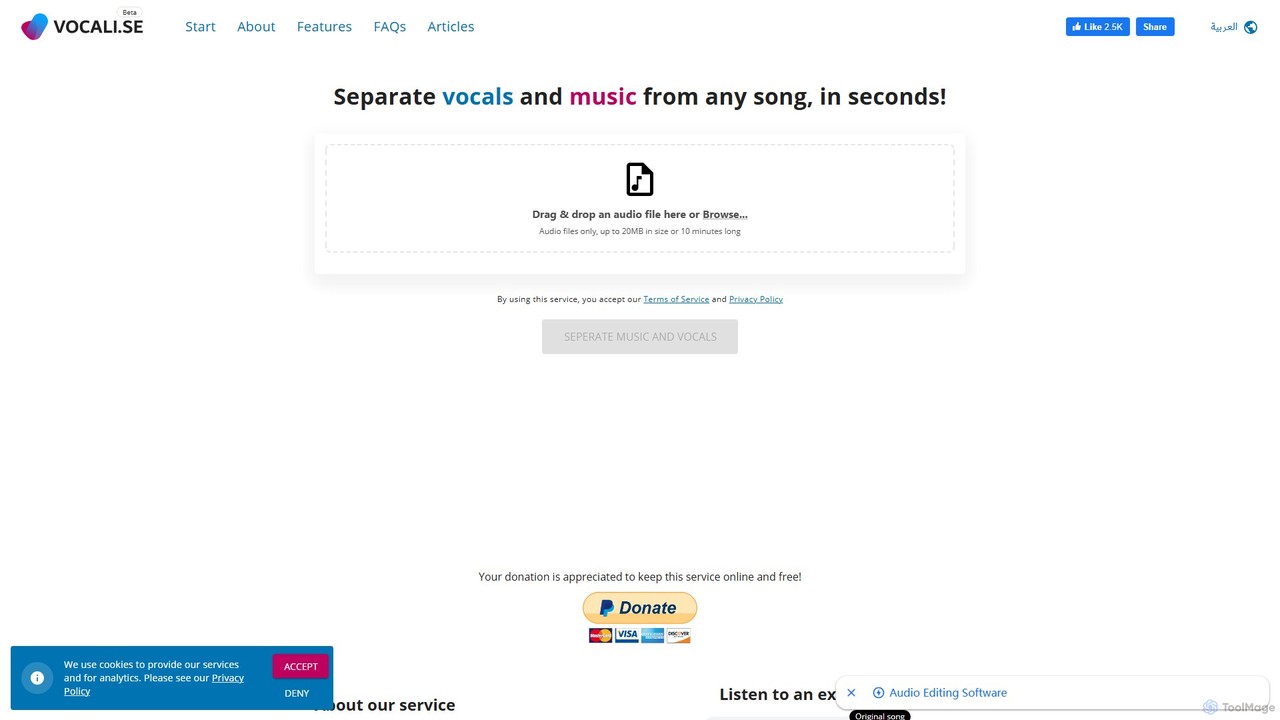
SplitJoin
SplitJoin is an AI-powered audio processing tool designed for musicians, producers, and content creators. It allows users to easily separate any song into individual stems like vocals, drums, bass, and instruments. The platform also provides features to join and mix audio tracks, making it a versatile solution for creating remixes, backing tracks, or karaoke versions with high fidelity.
Audio Editing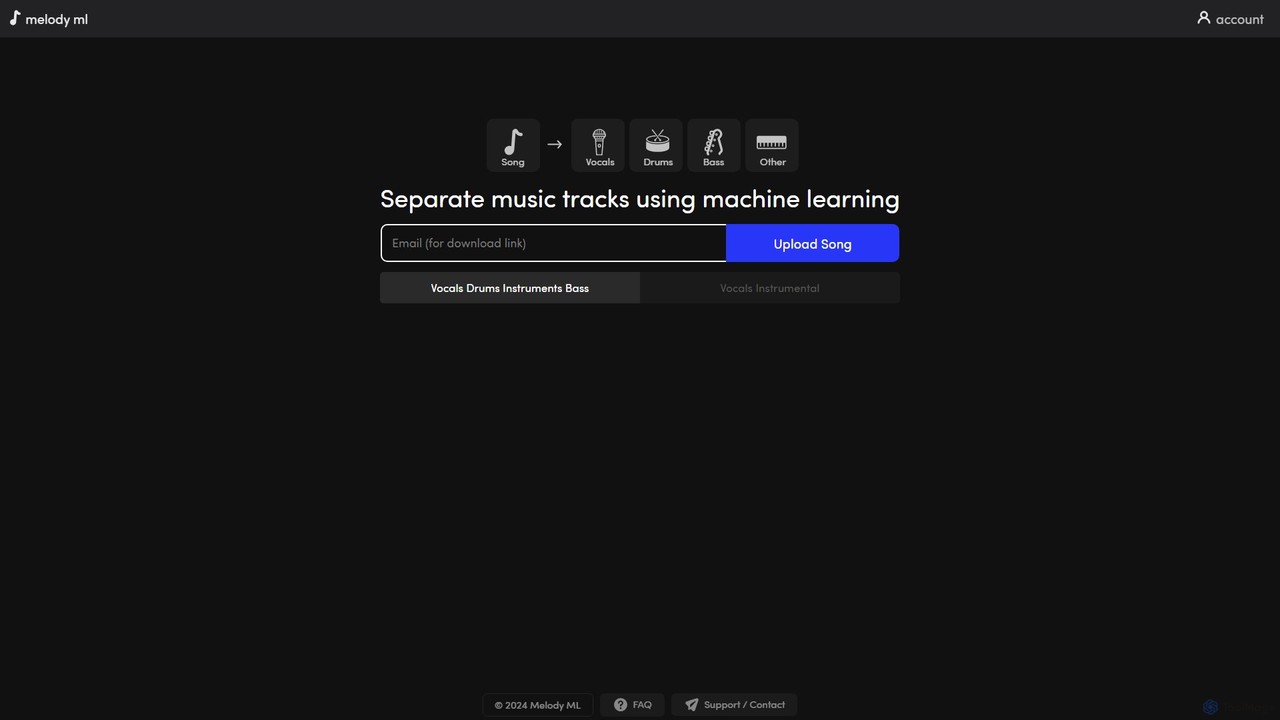
melody ml
Melody ML is an AI-powered music source separation tool that allows users to easily split any song into individual tracks like vocals, drums, bass, and other instruments. Based on the advanced Demucs model, it's perfect for DJs, producers, musicians, and karaoke fans who need high-quality stems for remixes, practice, or creating backing tracks.
Music Separation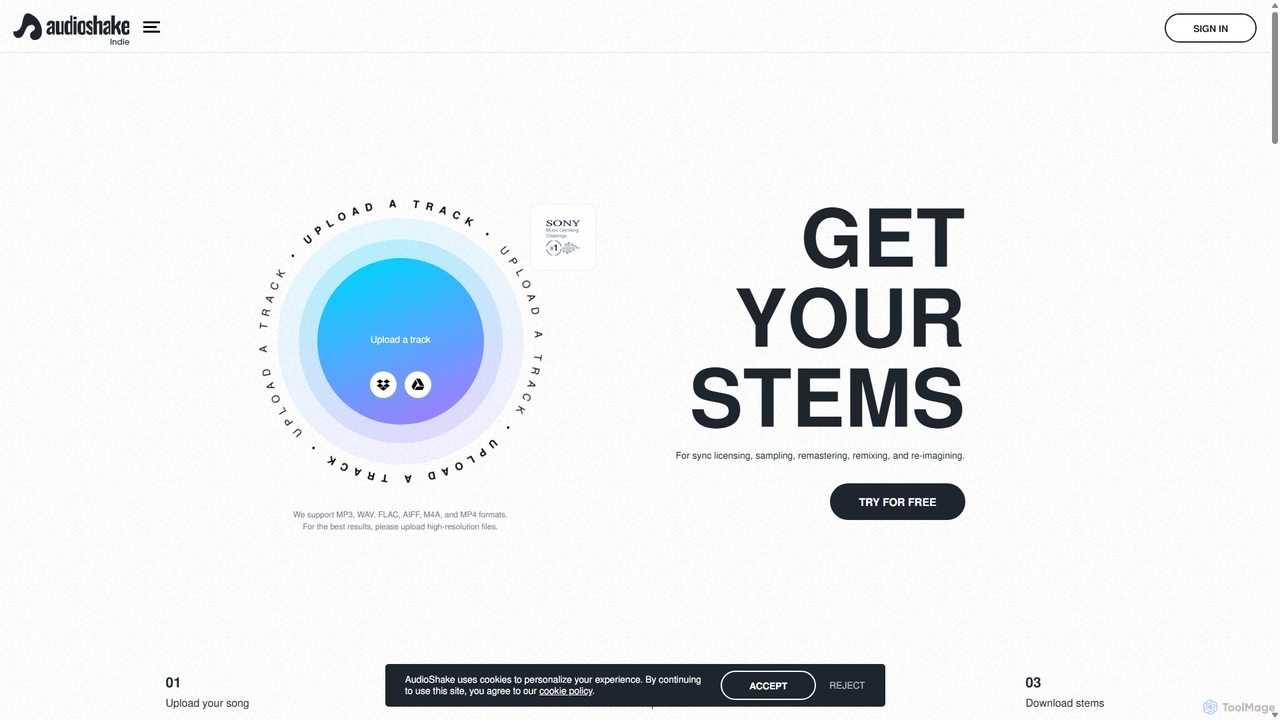
AudioShake Indie
AudioShake Indie is an advanced AI-powered tool designed for musicians, producers, and labels to deconstruct any audio track into its constituent parts, or stems. It cleanly separates vocals, drums, bass, and other instruments from a single audio file, opening up new possibilities for remixing, sampling, sync licensing, and remastering, even when original multi-track recordings are lost.
Music Editing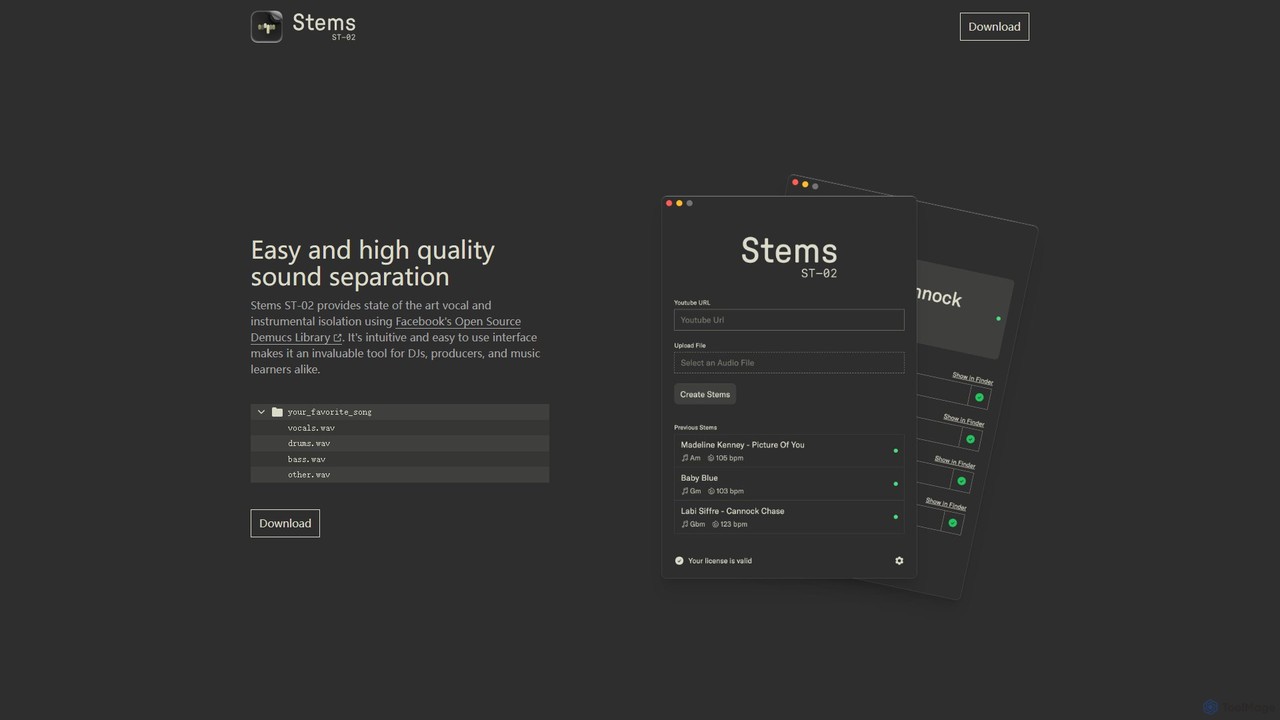
Stems
Stems is a high-quality, easy-to-use desktop application for audio source separation. Powered by Meta's advanced Demucs AI library, it allows DJs, producers, and musicians to effortlessly split any song into individual stems like vocals, drums, bass, and other instruments.
Stem SeparationAimusicsampler
Aimusicsampler is an AI-powered audio separation tool that allows creatives to extract individual stems like vocals, drums, bass, and other instruments from any song. It delivers high-quality, lossless audio files (WAV) with remarkable accuracy, operating on a flexible pay-per-use model without requiring a monthly subscription.
Audio EditingVocalReplica
VocalReplica is an advanced AI-powered tool for high-precision vocal and instrumental separation. It enables musicians, DJs, and producers to easily isolate clean vocal and instrumental tracks from any song by uploading an audio file or pasting a YouTube URL.
Audio Editing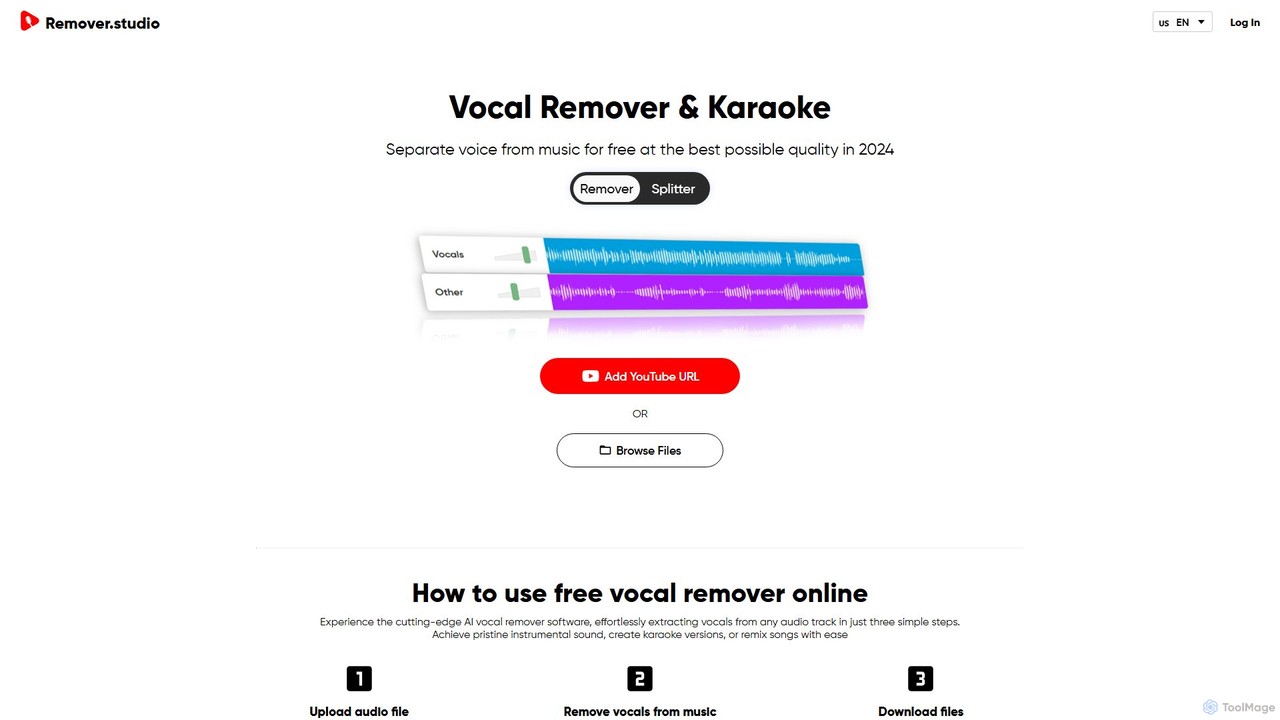
Vocal Remover & Audio Splitter AI
An AI-powered online tool that accurately separates vocals from music and splits audio into individual stems like vocals, bass, drums, and guitar. Ideal for creating karaoke tracks, acapellas, instrumentals, and remixes from any song by uploading a file or pasting a YouTube URL.
Music Editing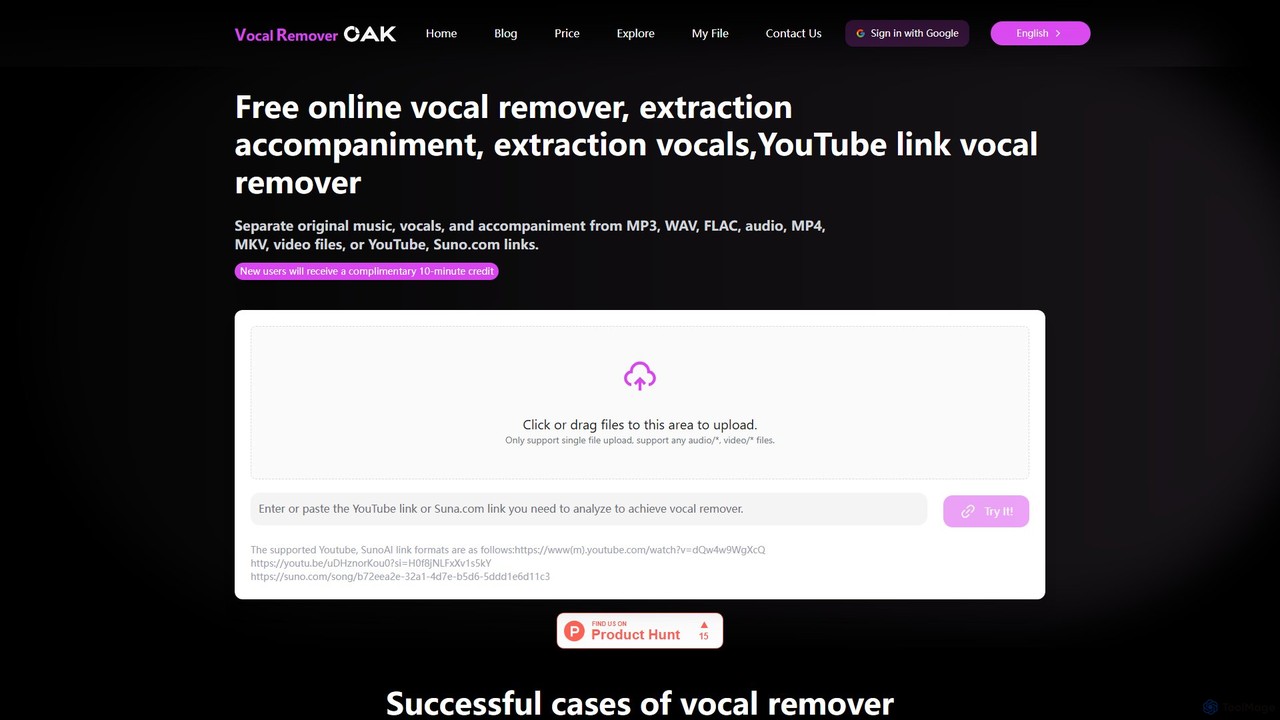
vocalremoveroak
vocalremoveroak is a free online AI tool that separates vocals and instrumentals from any audio or video file. Using advanced deep learning, it quickly processes files from your device, YouTube, or Suno.com links. Ideal for musicians, DJs, and content creators to produce high-quality karaoke tracks, remixes, or instrumental versions with lossless audio quality.
Audio EditingAudioStrip
AudioStrip is a powerful AI-powered online tool for musicians and producers, offering high-quality vocal and instrumental separation from any audio track. It also provides advanced features like AI mastering, noise reduction, and specific instrument isolation (drums, bass, piano, guitar) with both free and premium options.
Audio Editing
Splitter.ai Comments (0)
Sign in to comment.
Sign inNo comments yet.