

SplitJoin Overview
SplitJoin is an advanced online platform that leverages state-of-the-art artificial intelligence to deconstruct and reconstruct audio files. At its core, SplitJoin offers a powerful audio source separation service, commonly known as stem splitting. This enables users to upload a mixed audio track and receive separate files for each core component: vocals, drums, bass, piano, guitar, and other instruments. The AI models are trained on vast datasets of music, ensuring a clean and high-quality separation with minimal artifacts, making it an indispensable tool for modern audio professionals and enthusiasts.
Beyond just splitting, the platform lives up to its name by providing intuitive tools to join and merge audio clips. Whether you're creating a mashup of two songs, adding a new vocal track to an instrumental, or simply editing a podcast, SplitJoin's interface simplifies the process. It aims to be a one-stop-shop for common audio manipulation tasks that previously required complex and expensive Digital Audio Workstation (DAW) software.
How to use SplitJoin
Using SplitJoin is designed to be a straightforward, three-step process:
- Upload Your Audio: Begin by dragging and dropping your audio file (e.g., MP3, WAV, FLAC) onto the SplitJoin web interface. You can also browse your local files to select a track.
- Select Separation Model: Choose how you want to split the track. You can select a simple vocal/instrumental split or opt for a multi-stem separation (e.g., Vocals, Drums, Bass, Other). The AI will then process the file, which typically takes a few moments depending on the file's length.
- Download or Edit: Once processed, you can preview each individual stem. You can download the stems you need as separate audio files. Alternatively, you can use the built-in editor to mute certain stems, adjust their volume, or join them with other audio clips before exporting the final mix.
Core Features of SplitJoin
- AI-Powered Stem Separation: Utilizes advanced neural networks to accurately isolate vocals, drums, bass, guitar, piano, and other instruments from any song.
- High-Quality Audio Output: Delivers clean, professional-grade stems with minimal bleeding or artifacts, suitable for production and performance.
- Multi-Format Support: Accepts a wide range of audio formats, including MP3, WAV, FLAC, and M4A.
- Intuitive Audio Joiner: Easily merge multiple audio tracks or stems into a single file with a simple drag-and-drop editor.
- Cloud-Based Processing: All heavy processing is done on powerful servers, meaning you don't need a high-end computer to use the tool.
- Fast and Efficient: The platform is optimized for speed, delivering results in minutes, not hours.
Use Cases for SplitJoin
SplitJoin is a versatile tool for various creative and technical applications:
- Musicians and Students: Isolate an instrument to learn its part by ear or create a backing track for practice by removing their instrument or the vocals.
- DJs and Producers: Extract acapellas and instrumentals for creating unique remixes, bootlegs, and mashups.
- Karaoke Enthusiasts: Create karaoke versions of any song by simply removing the main vocal track.
- Content Creators: Clean up audio for videos or podcasts by isolating dialogue and reducing background music or noise.
- Audio Engineers: Use it as a quick tool for re-balancing a mix when the original multi-tracks are unavailable.
Advantages of SplitJoin
The primary advantage of SplitJoin is its accessibility and quality. It democratizes audio source separation, a process that was once exclusive to those with expensive software and technical expertise. Its user-friendly interface makes it approachable for beginners, while the quality of the output is sufficient for professional use cases. Furthermore, being a web-based tool, it is accessible from any device with an internet connection, offering unparalleled convenience.
Pricing and Plans
SplitJoin operates on a freemium model to cater to a wide range of users:
- Free Plan: Allows users to process a limited number of tracks per month (e.g., 3 tracks) with standard quality separation. This plan is ideal for casual users or those wanting to test the service.
- Pro Plan ($9.99/month): Offers unlimited track processing, highest-quality AI models, faster priority processing, support for larger file sizes, and batch uploading capabilities. This plan is designed for serious musicians, producers, and frequent users.
SplitJoin Alternatives
Aimusicsampler
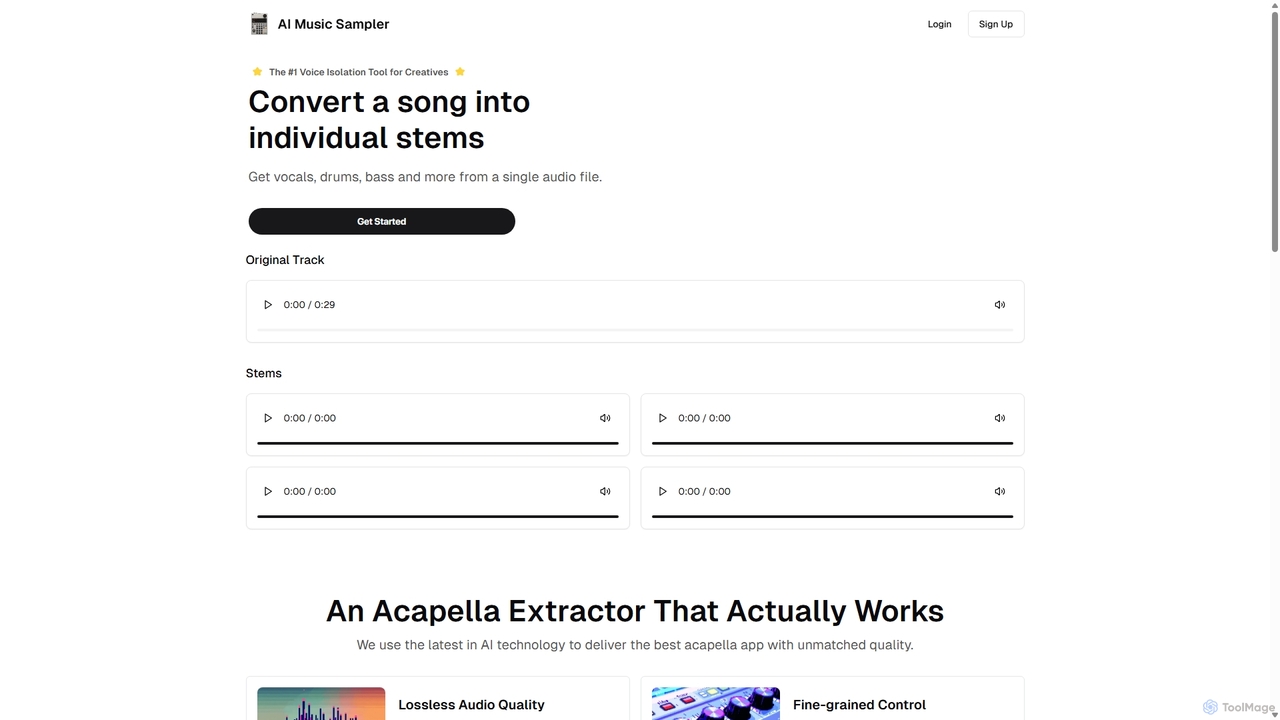
Aimusicsampler is an AI-powered audio separation tool that allows creatives to extract individual stems like vocals, drums, bass, and other instruments from any song. It delivers high-quality, lossless audio files (WAV) with remarkable accuracy, operating on a flexible pay-per-use model without requiring a monthly subscription.
Audio Editing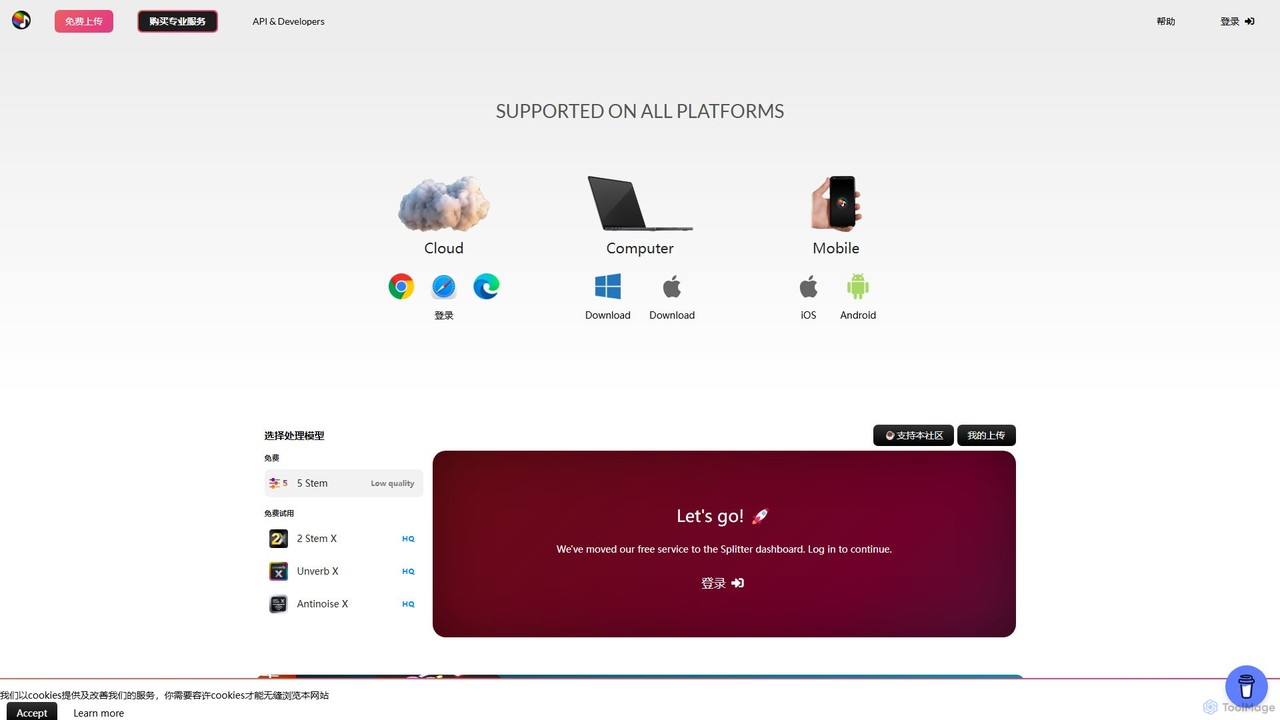
Splitter.ai
Splitter.ai is an advanced AI-powered audio processing platform for high-fidelity stem separation. It enables users to isolate vocals, drums, bass, piano, and other instruments from any song. With features like reverb removal, noise reduction, and direct YouTube processing, it's an essential tool for music producers, DJs, and musicians.
Audio Editing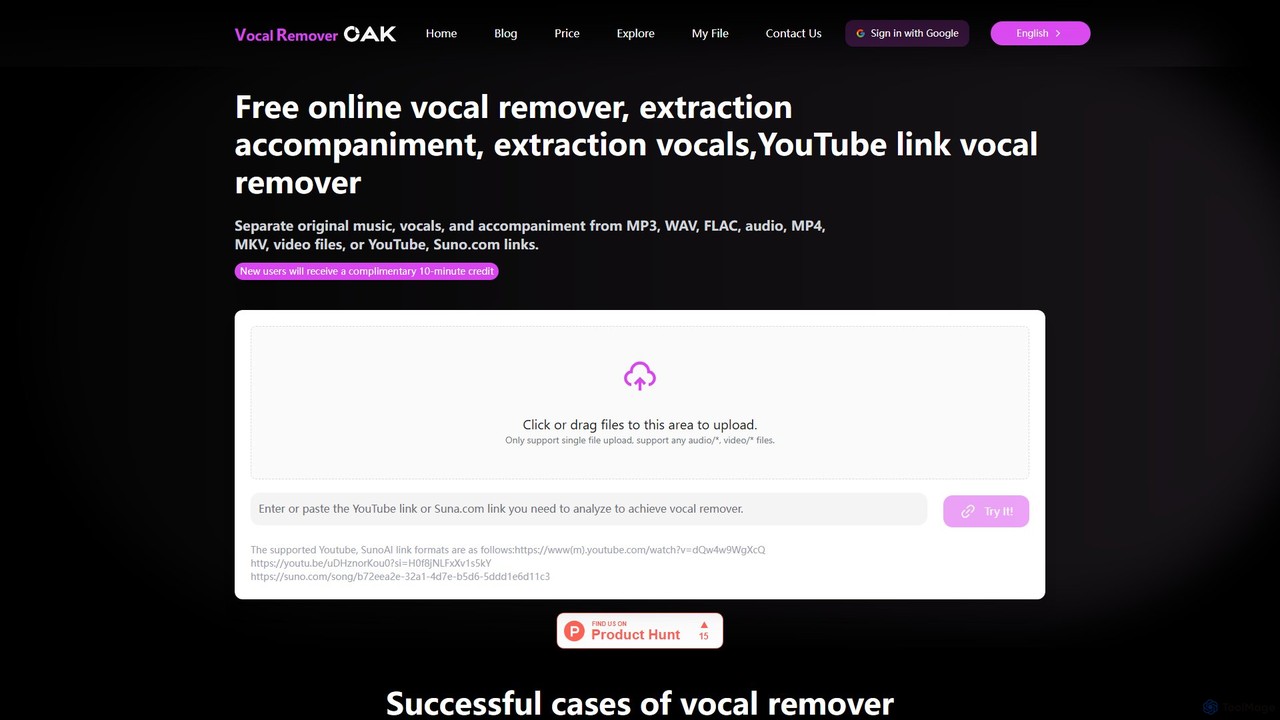
vocalremoveroak
vocalremoveroak is a free online AI tool that separates vocals and instrumentals from any audio or video file. Using advanced deep learning, it quickly processes files from your device, YouTube, or Suno.com links. Ideal for musicians, DJs, and content creators to produce high-quality karaoke tracks, remixes, or instrumental versions with lossless audio quality.
Audio Editing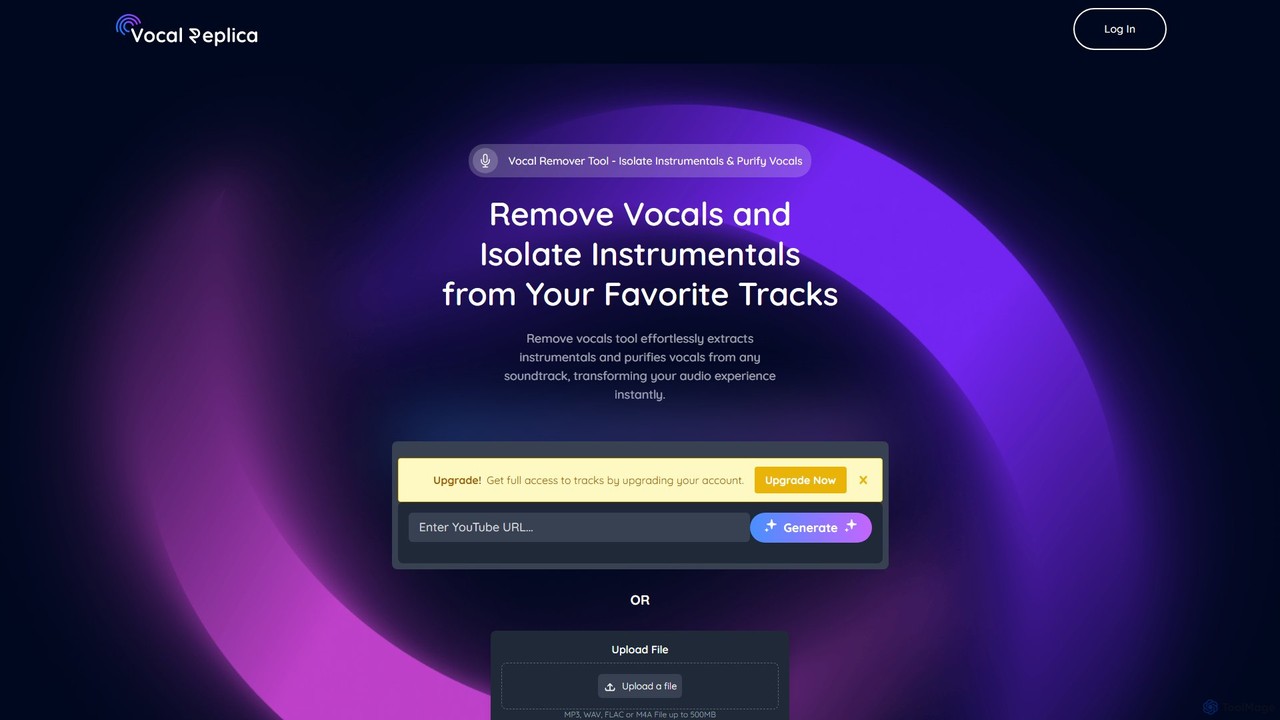
VocalReplica
VocalReplica is an advanced AI-powered tool for high-precision vocal and instrumental separation. It enables musicians, DJs, and producers to easily isolate clean vocal and instrumental tracks from any song by uploading an audio file or pasting a YouTube URL.
Audio Editing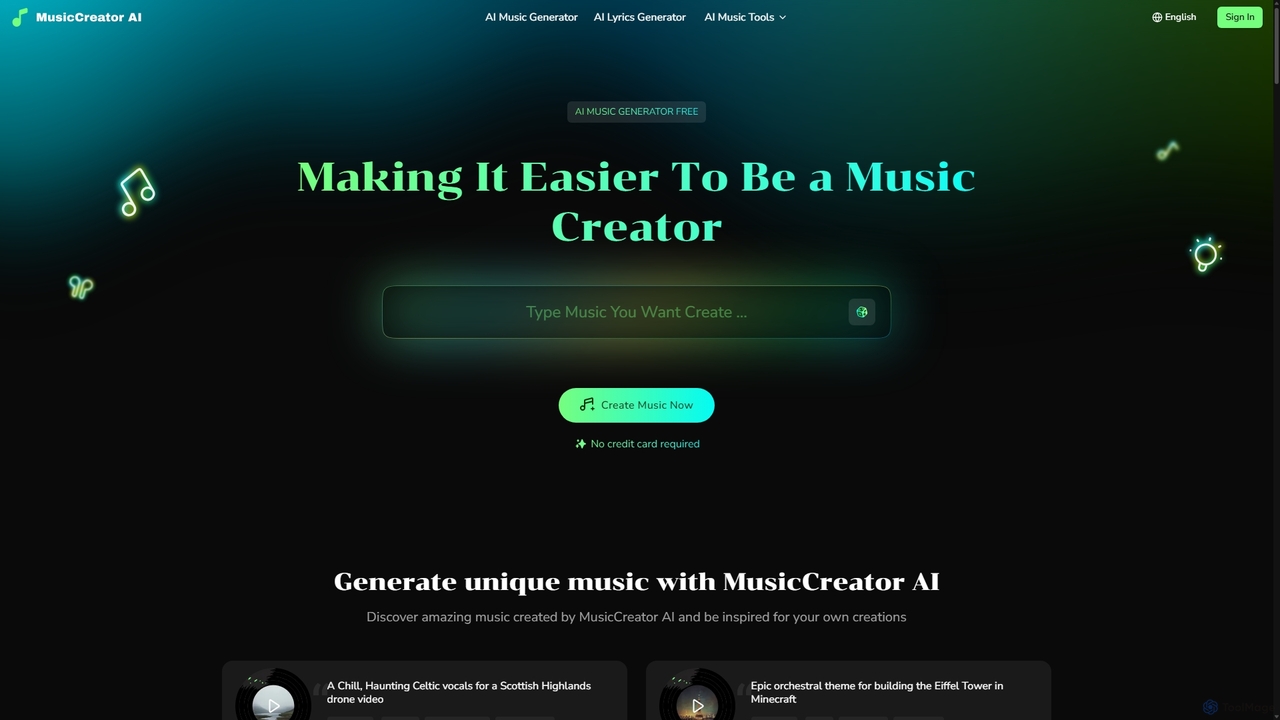
MusicCreator
MusicCreator is a comprehensive AI-powered music creation suite that allows users to generate unique, royalty-free music from text or lyrics. It also includes tools for lyric generation, vocal removal, and stem splitting, making it an all-in-one solution for content creators, musicians, and marketers.
Audio EditingSplitJoin Categories
SplitJoin Embed Widget
Copy this embed code to place the badge on your blog, article, or product site and send readers directly to this ToolMage detail page.

Related AI tools
Aimusicsampler
Aimusicsampler is an AI-powered audio separation tool that allows creatives to extract individual stems like vocals, drums, bass, and other instruments from any song. It delivers high-quality, lossless audio files (WAV) with remarkable accuracy, operating on a flexible pay-per-use model without requiring a monthly subscription.
Audio Editing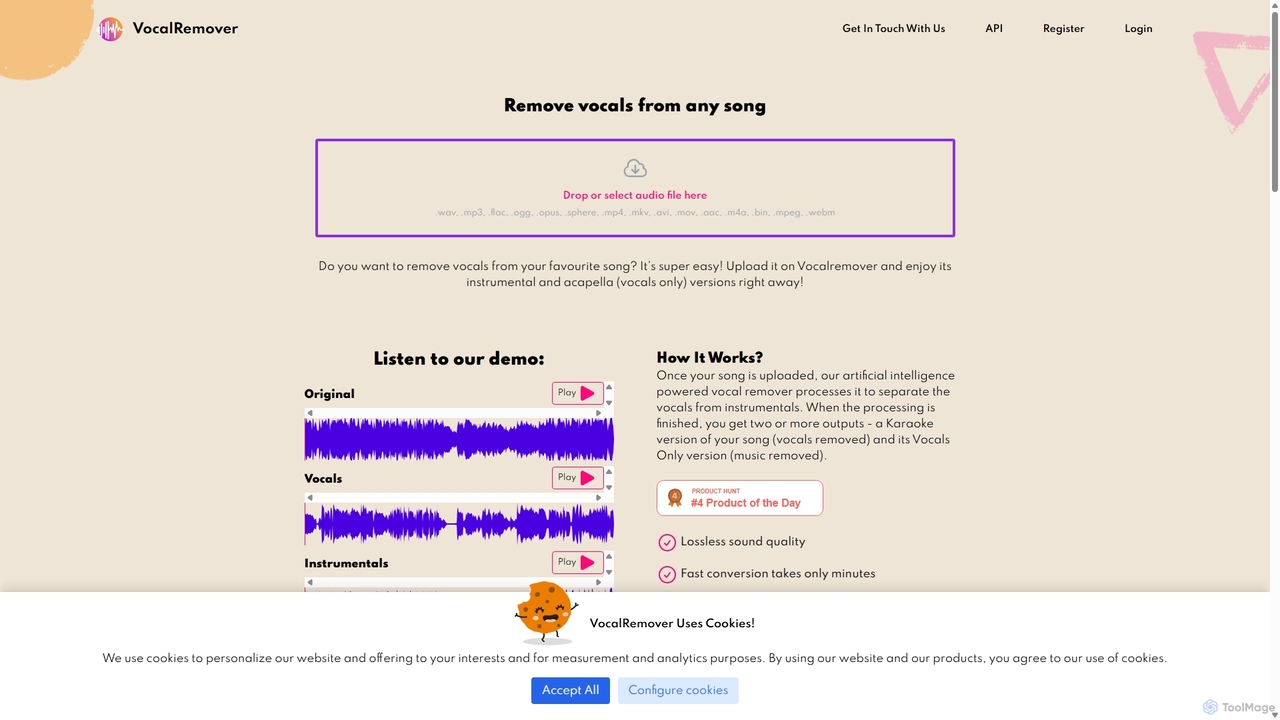
VocalRemover
An AI-powered online tool that precisely separates vocals from music in any audio or video file. It generates high-quality instrumental (karaoke) and acapella tracks. Beyond vocals, it can also isolate specific instruments like drums, bass, and piano, making it an essential tool for DJs, music producers, and karaoke lovers.
Music Editing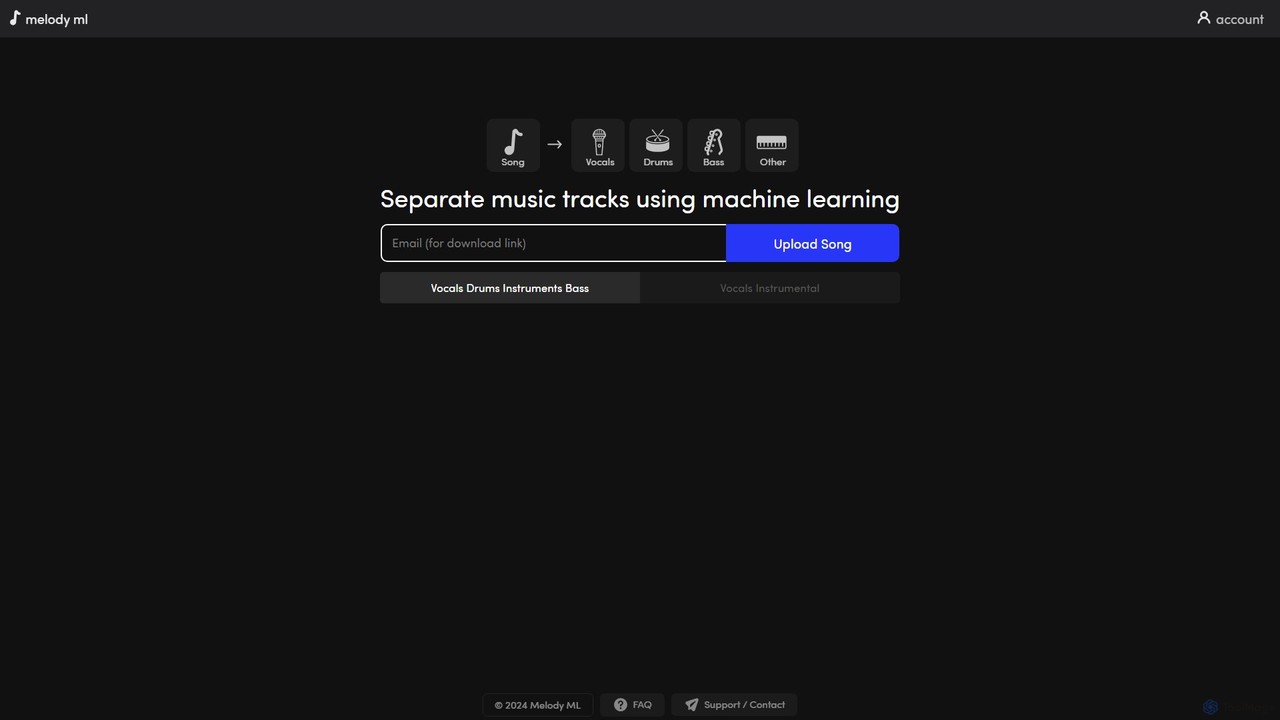
melody ml
Melody ML is an AI-powered music source separation tool that allows users to easily split any song into individual tracks like vocals, drums, bass, and other instruments. Based on the advanced Demucs model, it's perfect for DJs, producers, musicians, and karaoke fans who need high-quality stems for remixes, practice, or creating backing tracks.
Music SeparationSplitter.ai
Splitter.ai is an advanced AI-powered audio processing platform for high-fidelity stem separation. It enables users to isolate vocals, drums, bass, piano, and other instruments from any song. With features like reverb removal, noise reduction, and direct YouTube processing, it's an essential tool for music producers, DJs, and musicians.
Audio Editingvocalremoveroak
vocalremoveroak is a free online AI tool that separates vocals and instrumentals from any audio or video file. Using advanced deep learning, it quickly processes files from your device, YouTube, or Suno.com links. Ideal for musicians, DJs, and content creators to produce high-quality karaoke tracks, remixes, or instrumental versions with lossless audio quality.
Audio EditingVocalReplica
VocalReplica is an advanced AI-powered tool for high-precision vocal and instrumental separation. It enables musicians, DJs, and producers to easily isolate clean vocal and instrumental tracks from any song by uploading an audio file or pasting a YouTube URL.
Audio Editing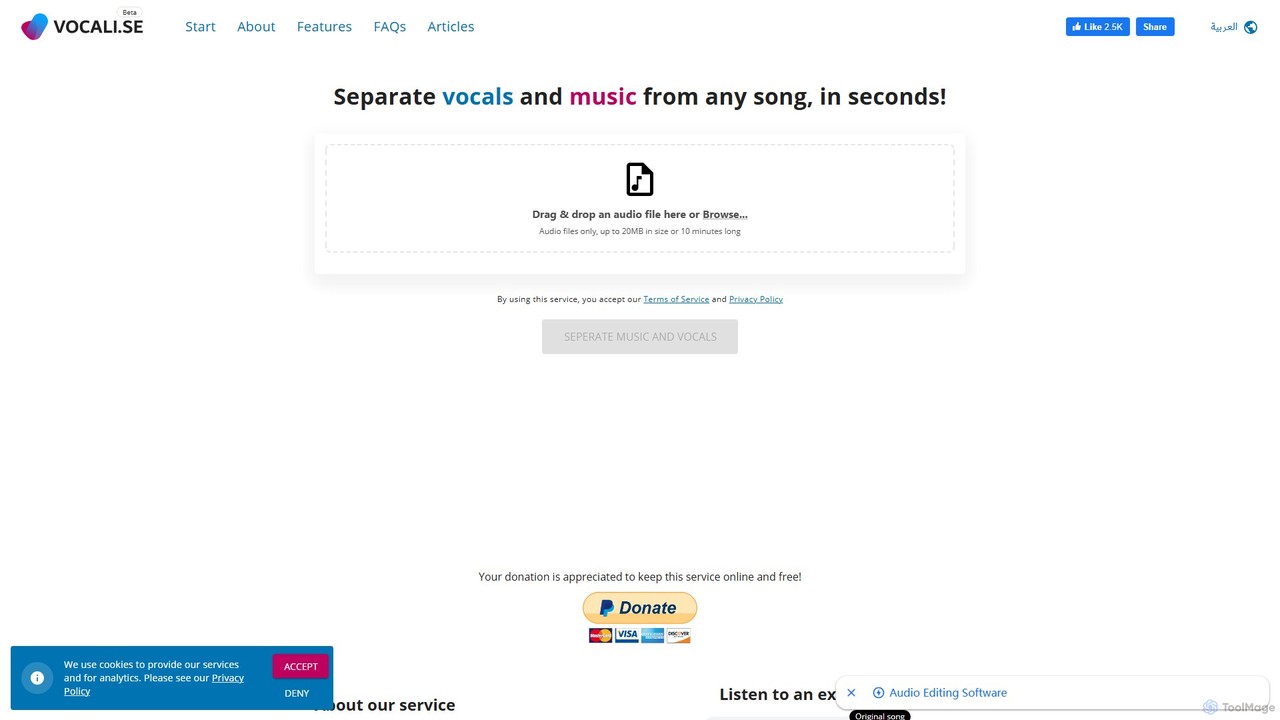
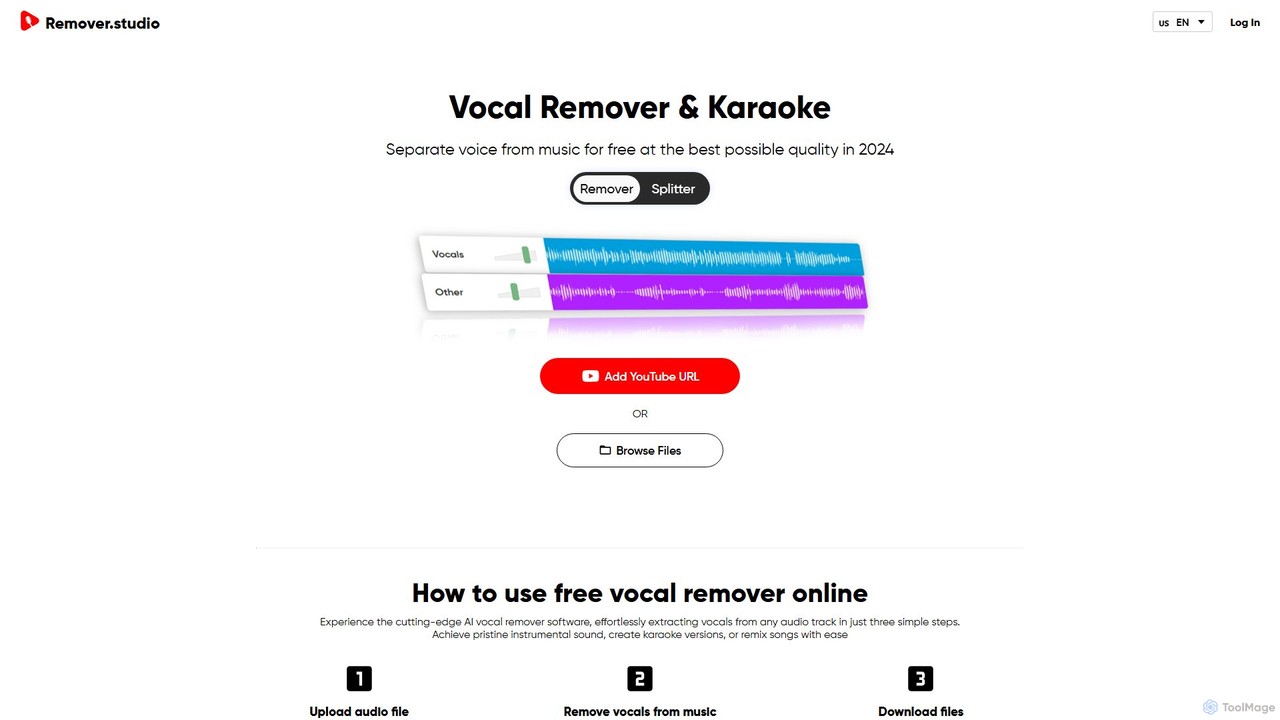
Vocal Remover & Audio Splitter AI
An AI-powered online tool that accurately separates vocals from music and splits audio into individual stems like vocals, bass, drums, and guitar. Ideal for creating karaoke tracks, acapellas, instrumentals, and remixes from any song by uploading a file or pasting a YouTube URL.
Music Editing
Voice Isolator
Voice Isolator is a comprehensive AI-powered audio suite designed for pristine sound quality. It excels at removing background noise, isolating vocals and instruments from any track, cleaning up voice recordings for clarity, and generating natural-sounding speech from text. Ideal for podcasters, musicians, and content creators seeking professional-grade audio processing with a simple, fast, and intuitive web-based interface.
3DMusicCreator
MusicCreator is a comprehensive AI-powered music creation suite that allows users to generate unique, royalty-free music from text or lyrics. It also includes tools for lyric generation, vocal removal, and stem splitting, making it an all-in-one solution for content creators, musicians, and marketers.
Audio Editing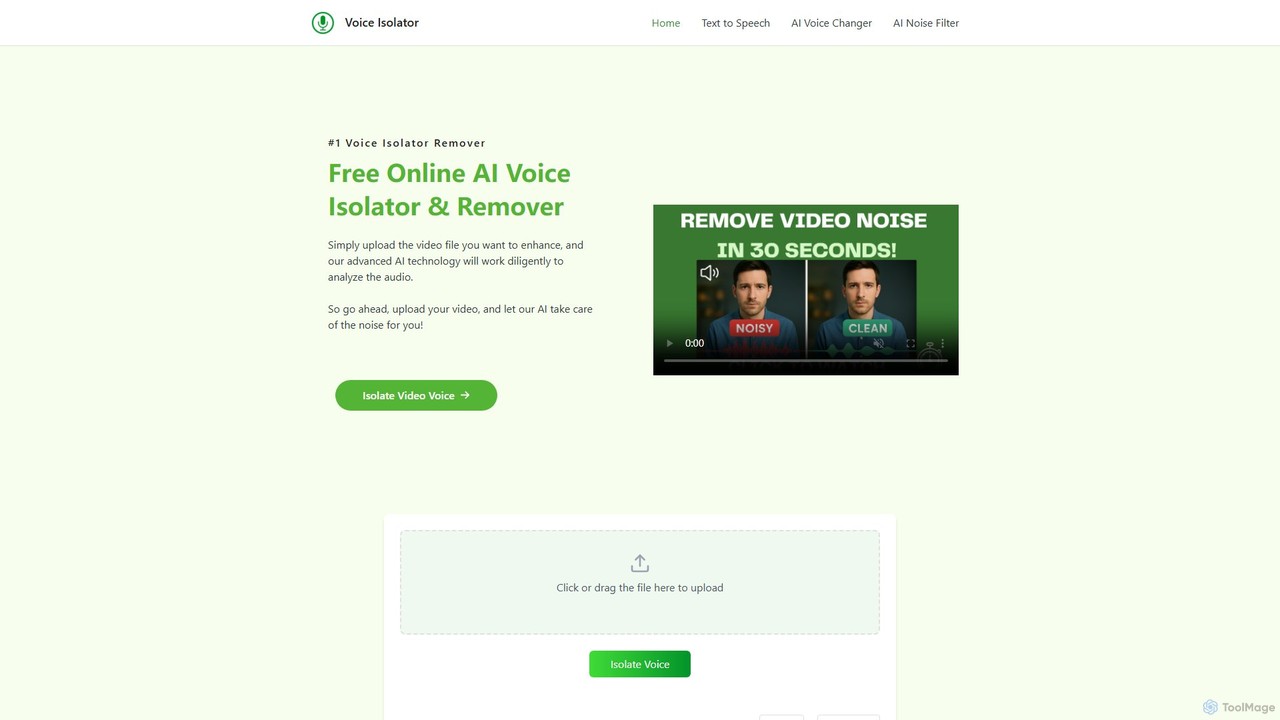
voiceisolator
An AI-powered online tool designed for high-quality voice isolation, background noise removal, and stem separation from audio/video files. It also features a versatile Text-to-Speech (TTS) generator to create natural-sounding voiceovers. Ideal for musicians, content creators, and video editors.
Audio Editing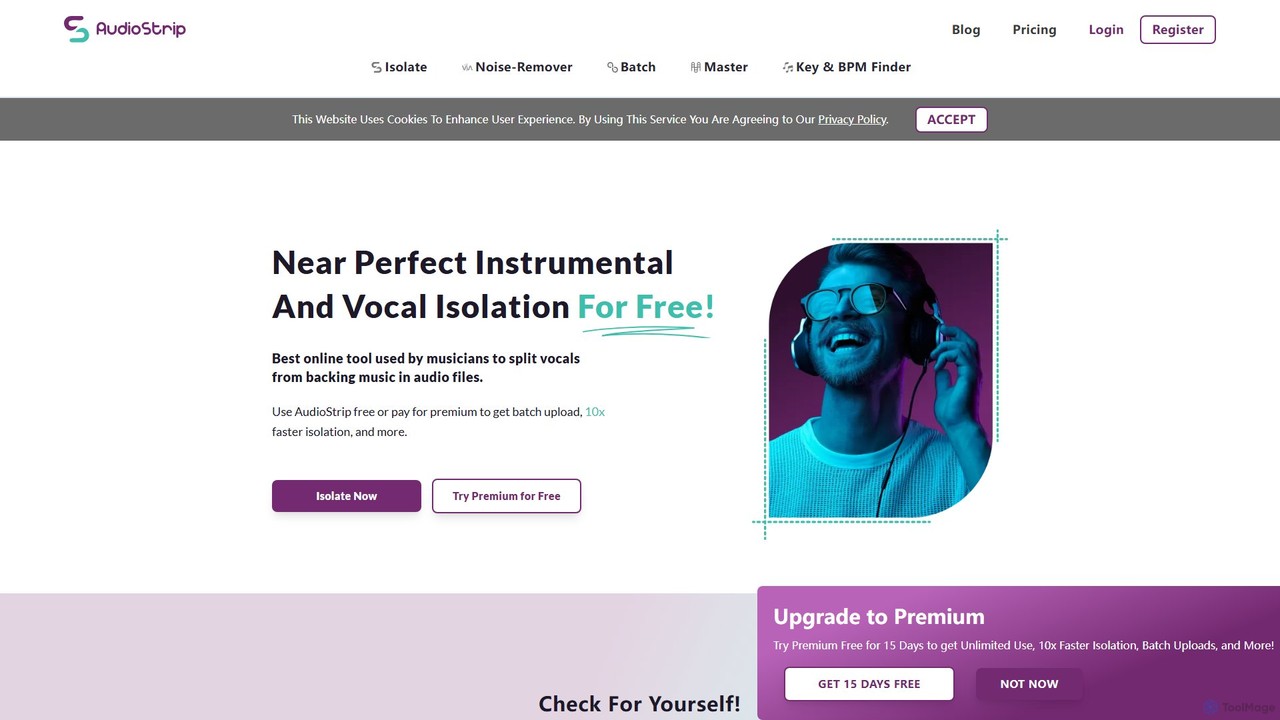
AudioStrip
AudioStrip is a powerful AI-powered online tool for musicians and producers, offering high-quality vocal and instrumental separation from any audio track. It also provides advanced features like AI mastering, noise reduction, and specific instrument isolation (drums, bass, piano, guitar) with both free and premium options.
Audio Editing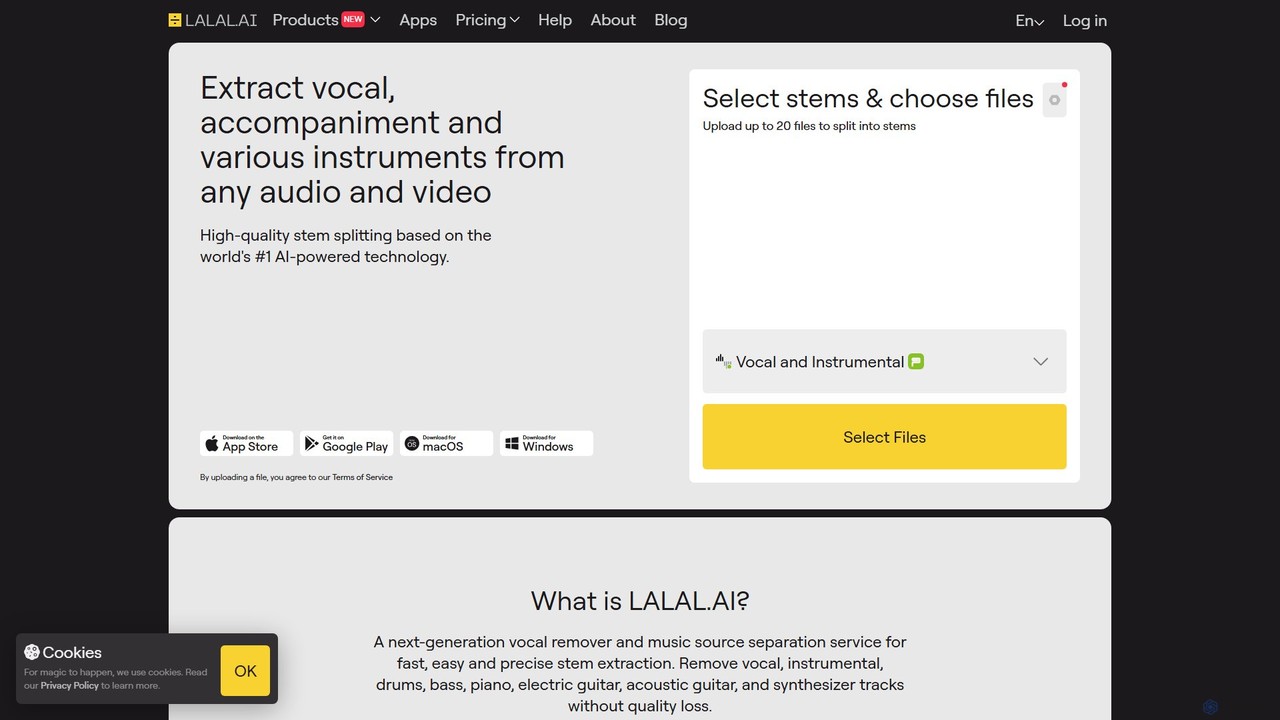
LALAL.AI
LALAL.AI is a next-generation AI-powered service for high-quality vocal and instrumental stem separation. It allows users to quickly and accurately extract up to 10 different stems—including vocals, drums, bass, piano, and more—from any audio or video file. The platform also features a Voice Cleaner for noise reduction, an Echo Remover, and a Voice Cloner, making it a comprehensive toolkit for musicians, producers, and content creators.
Music Editing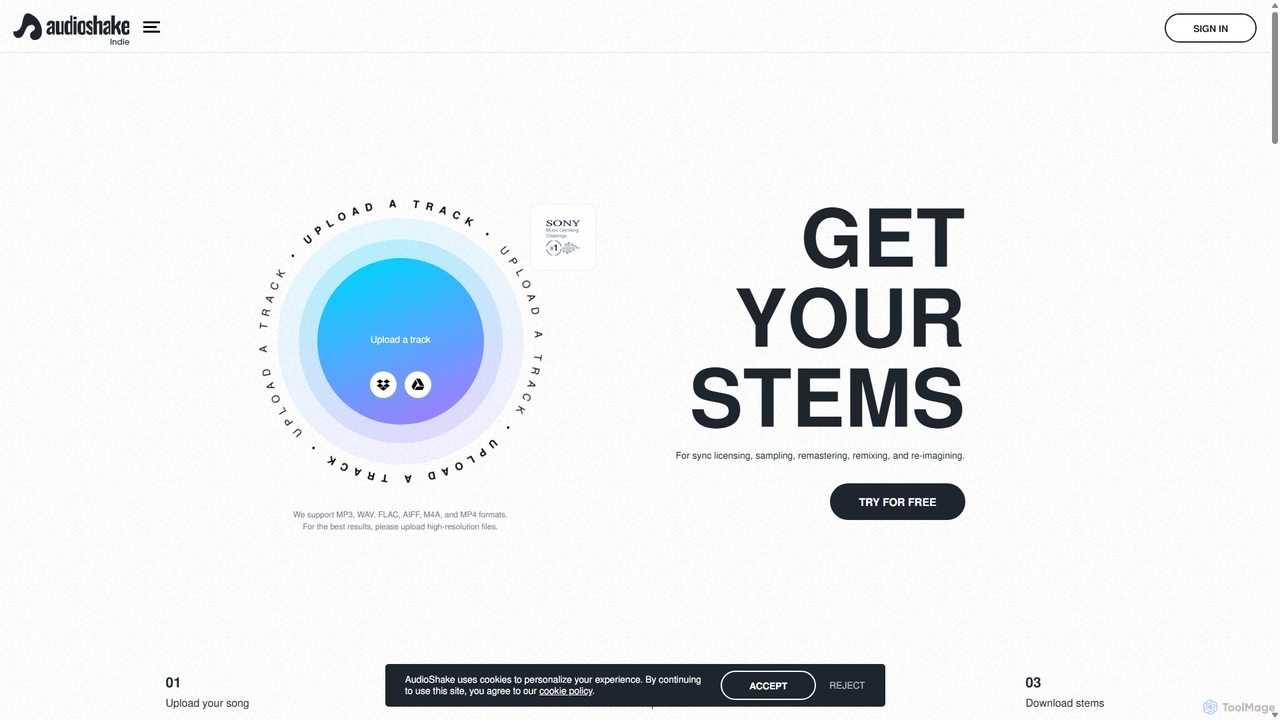
AudioShake Indie
AudioShake Indie is an advanced AI-powered tool designed for musicians, producers, and labels to deconstruct any audio track into its constituent parts, or stems. It cleanly separates vocals, drums, bass, and other instruments from a single audio file, opening up new possibilities for remixing, sampling, sync licensing, and remastering, even when original multi-track recordings are lost.
Music Editing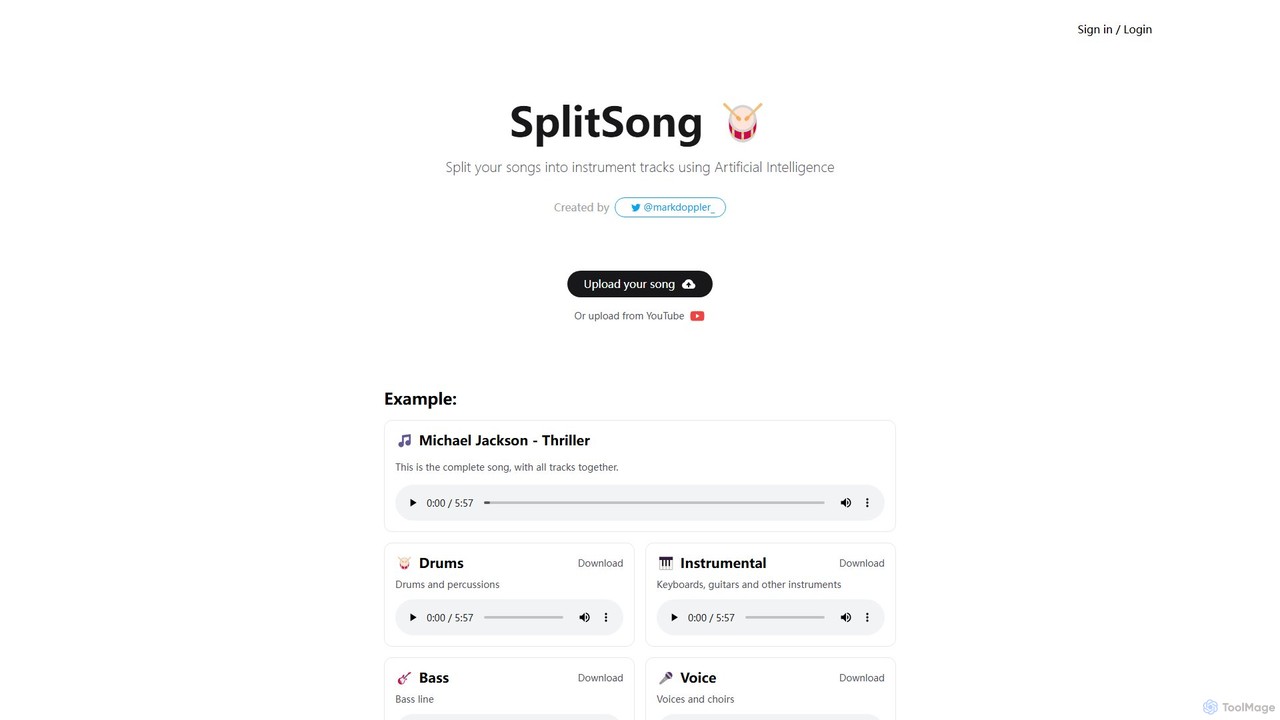
SplitSong
SplitSong is an AI-powered online tool that separates any song into individual tracks like vocals, drums, bass, and instruments. Easily create karaoke tracks, remixes, or practice material by uploading a file or pasting a YouTube link.
Music Editing
SplitJoin Comments (0)
Sign in to comment.
Sign inNo comments yet.